What we found
Photoroom relight
Photoroom's "relight" API isn't actually a relight. We tested it across 6 chained variants on 3 SKUs and confirmed: it segments the subject and applies a tone curve to the cutout. It strips cast shadows and replaces backgrounds.
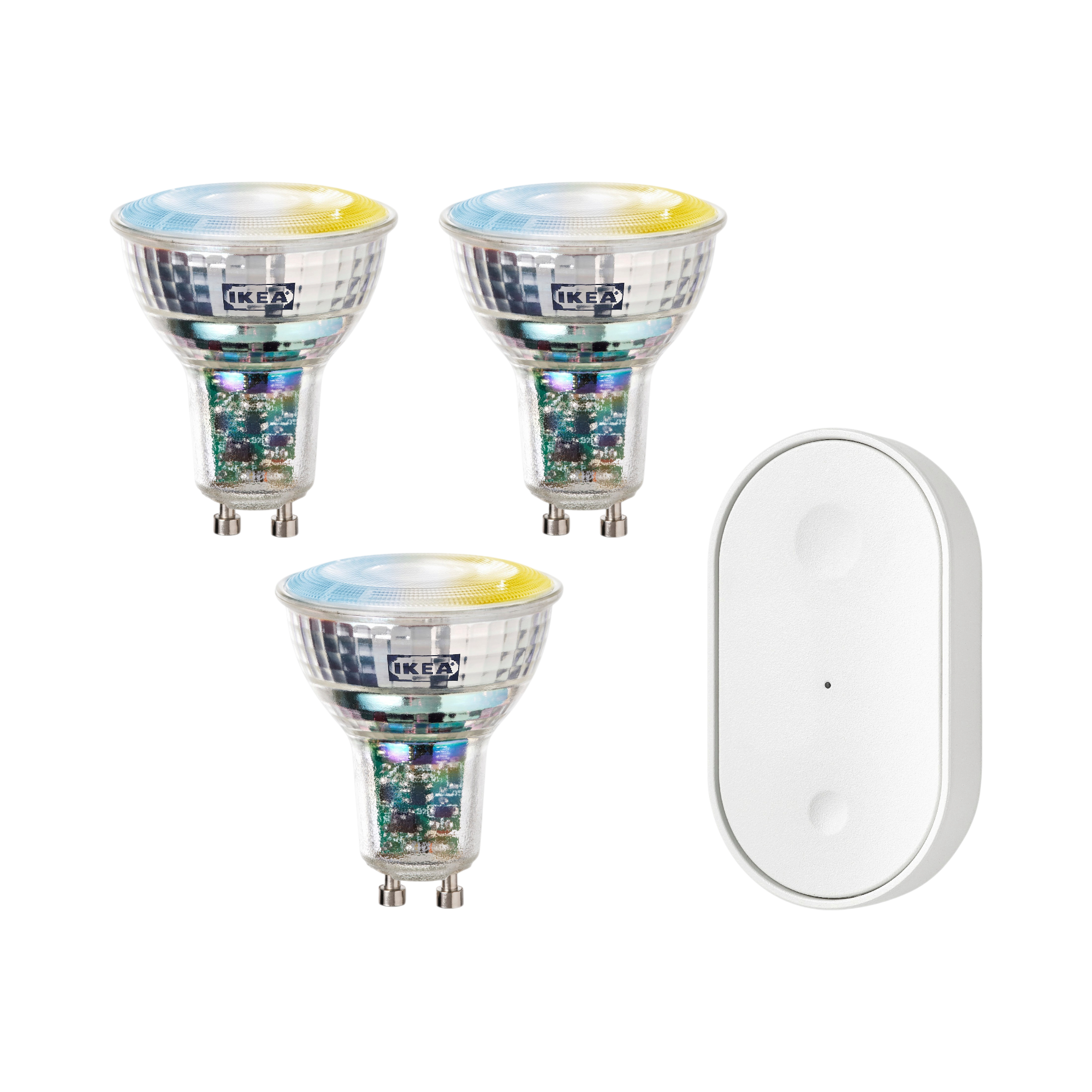
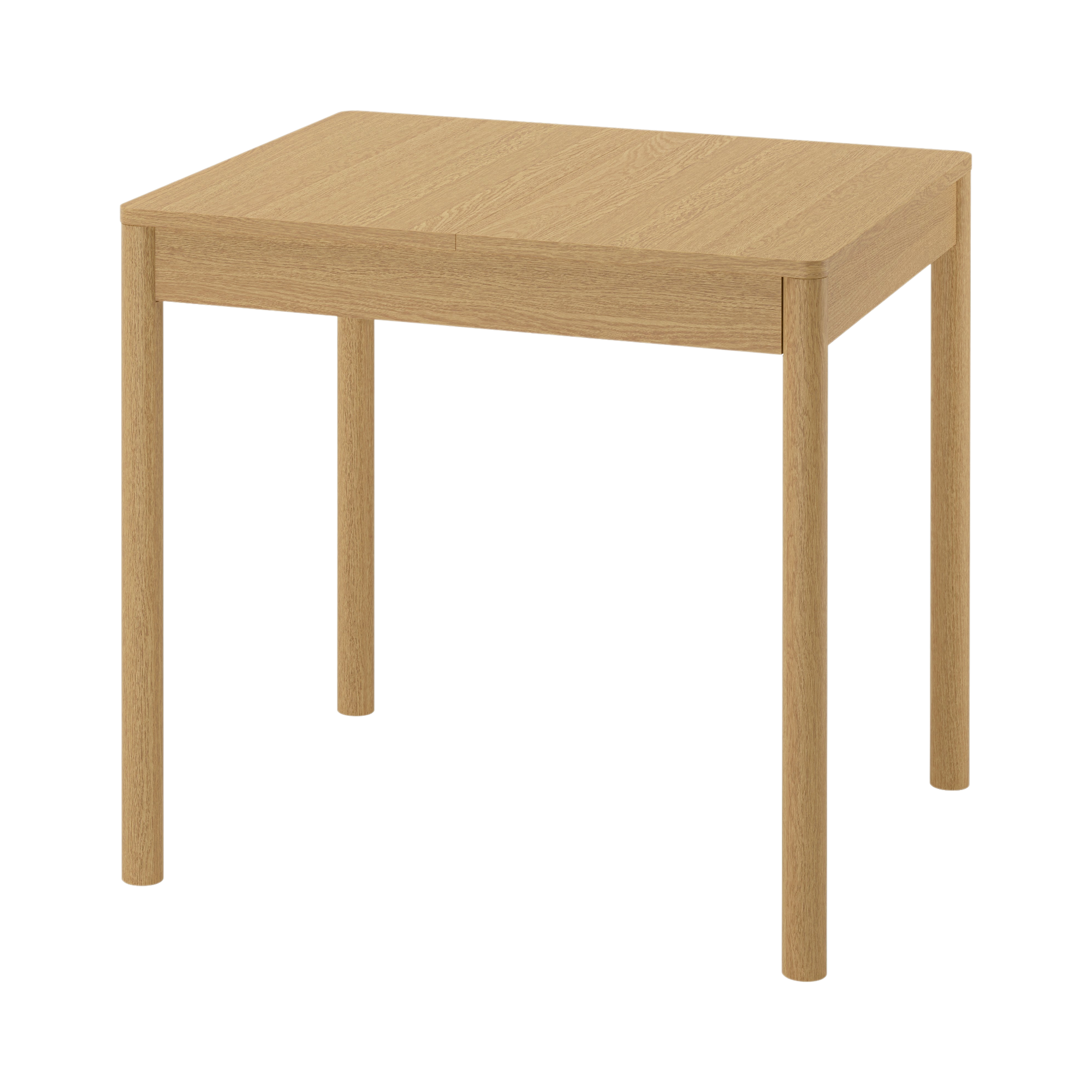
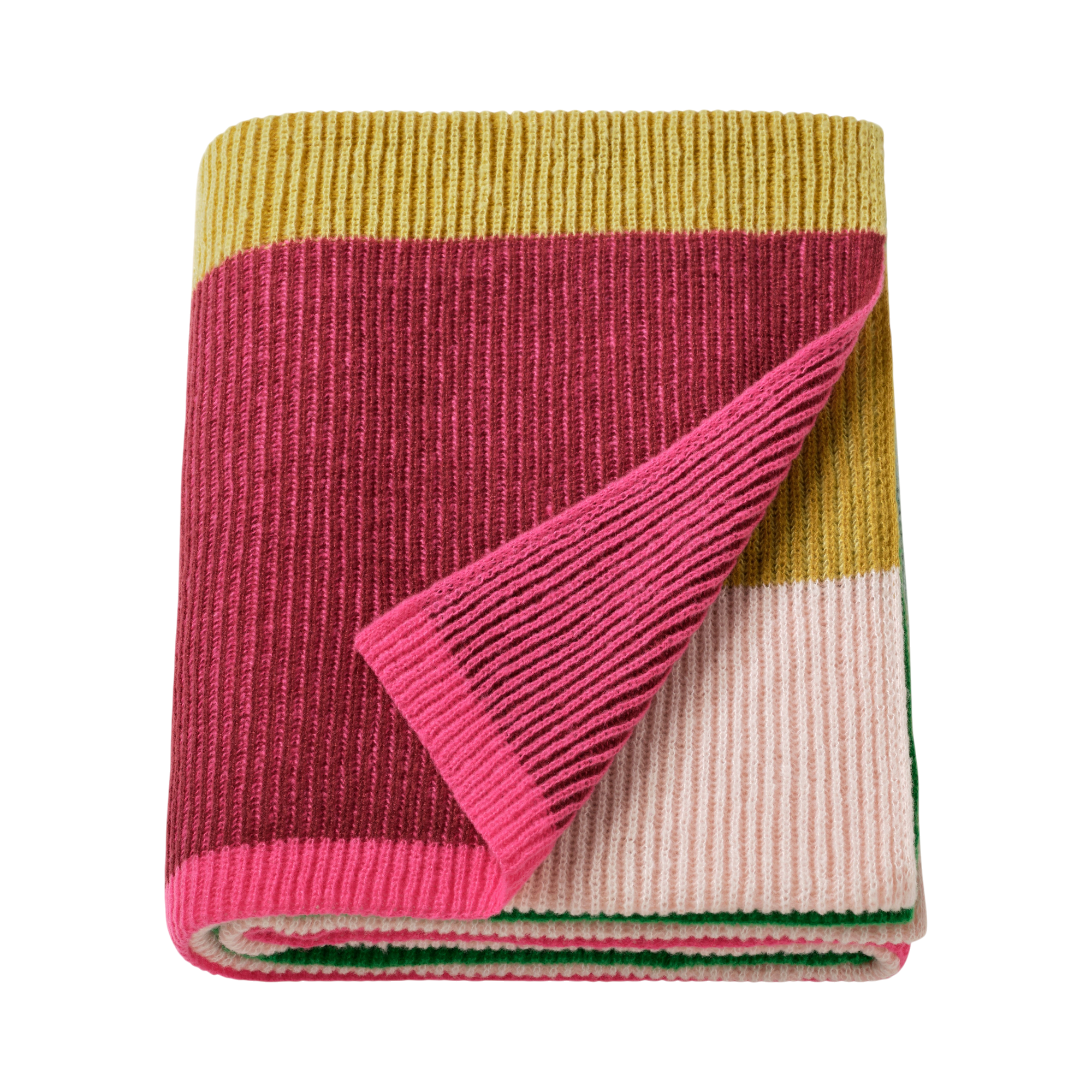
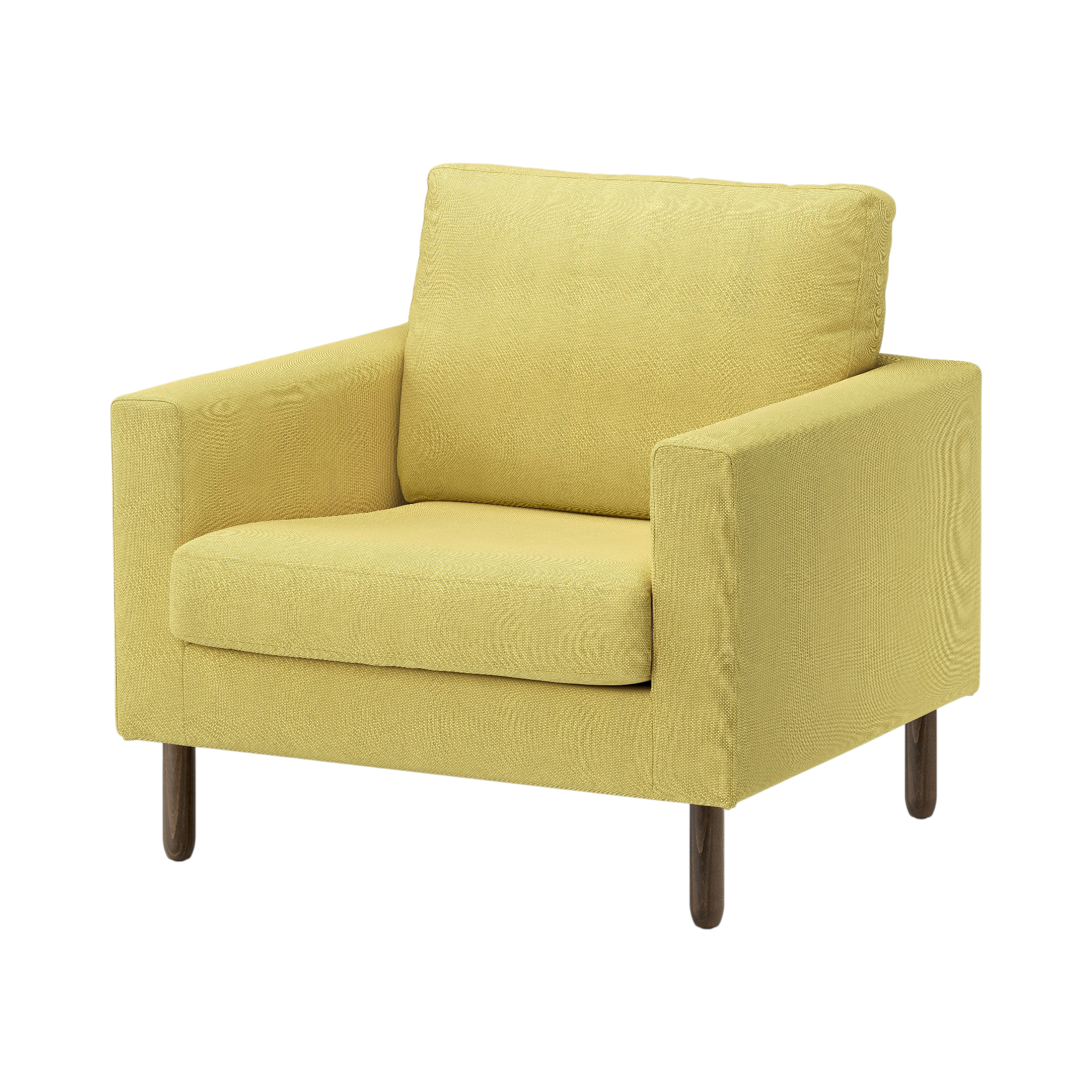
This is the input we sent it (Photoroom shadow output):
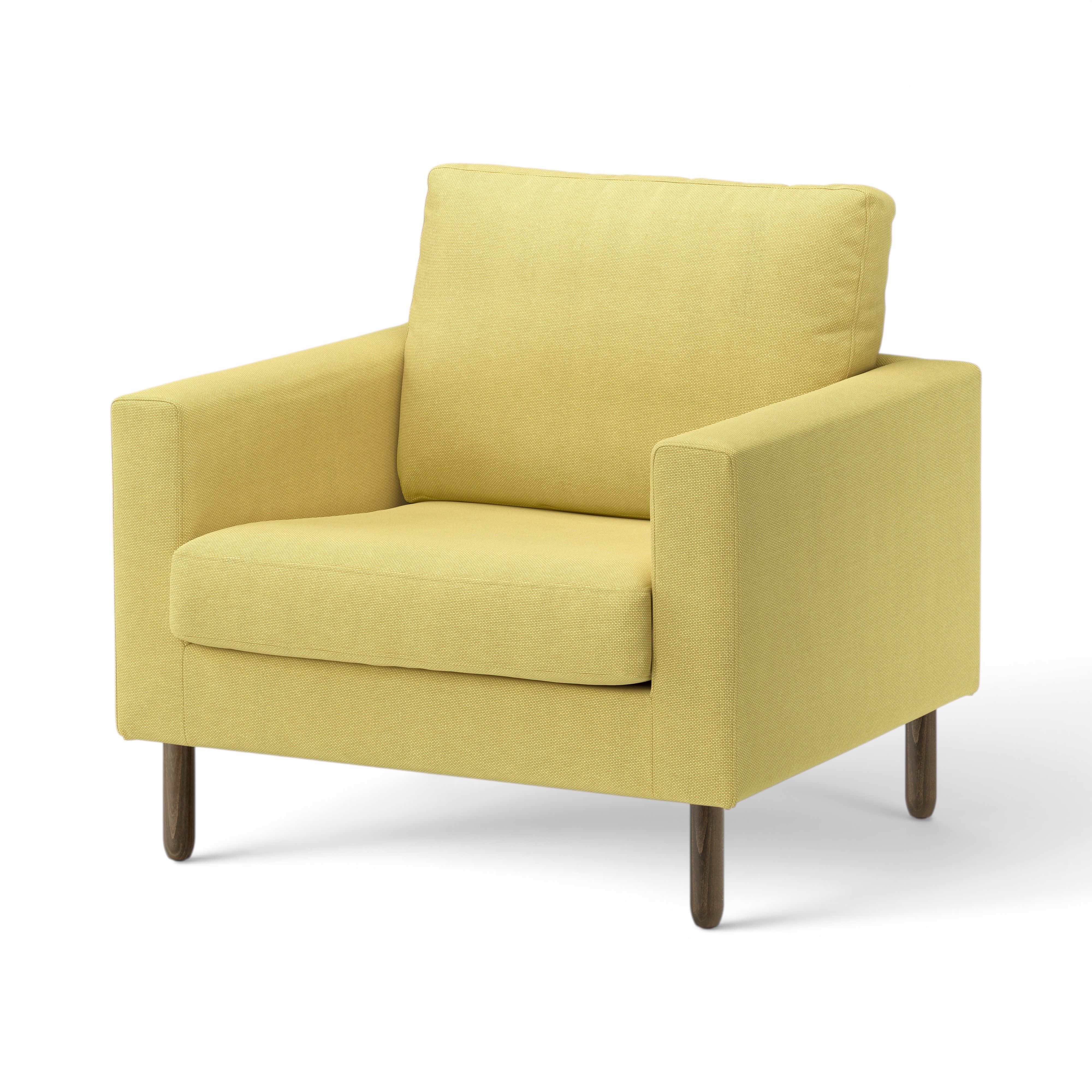
This is what came back:
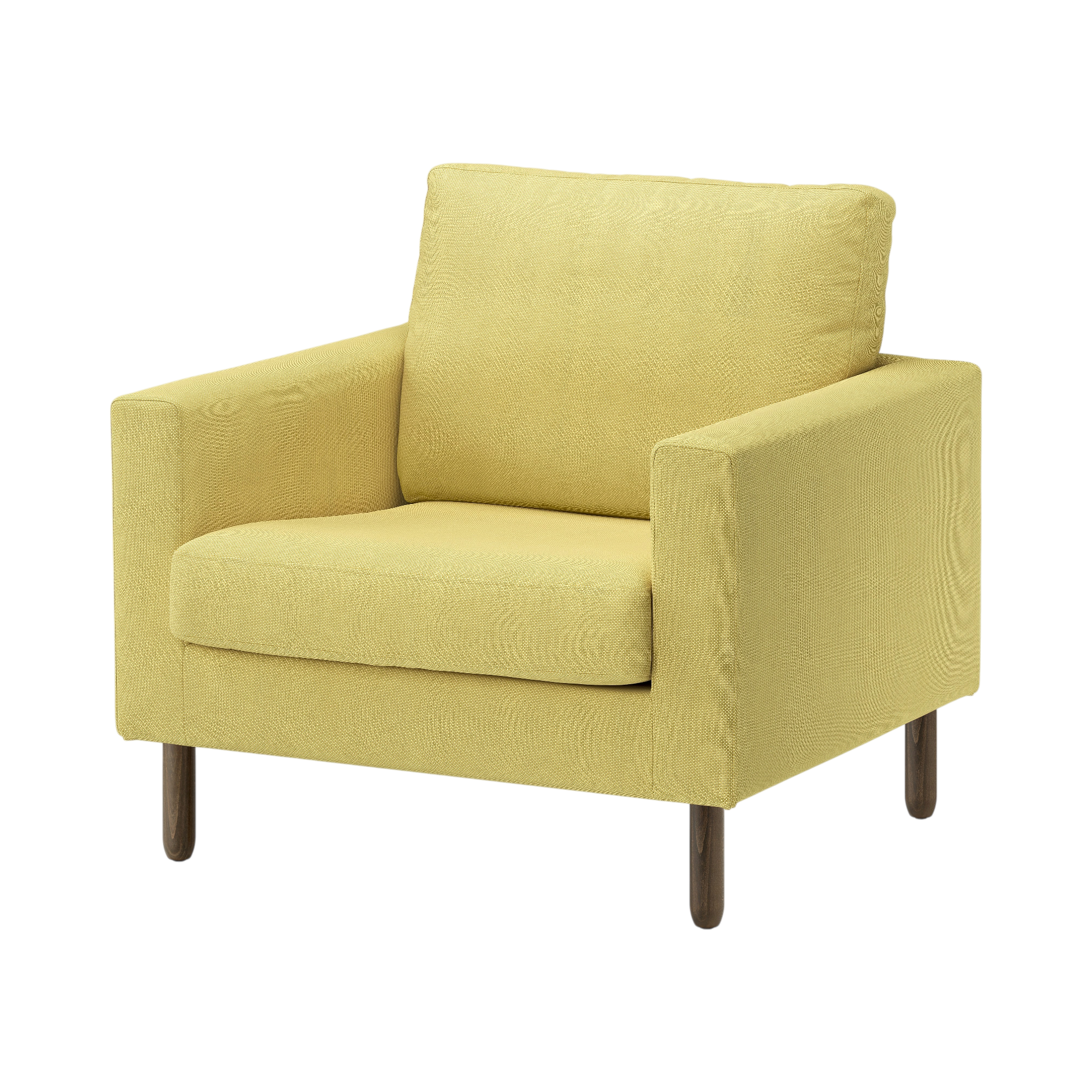
The shadow is gone. So is the original background. That's not a relight — it's a cutout with mild tone normalization.
Useful for: brief deliverable #2 (clean PNG on white, no shadow). One API call. Not useful for: any actual photographic relighting. We need a different model for that.
Browse outputs:
- outputs/photoroom/relight/preserve/ — all 22 SKUs, ai.preserve-hue-and-saturation
- outputs/photoroom/relight/auto/ — all 22 SKUs, ai.auto
- outputs/photoroom/pipeline_matrix/ — the full 6-variant exploration that proved the finding
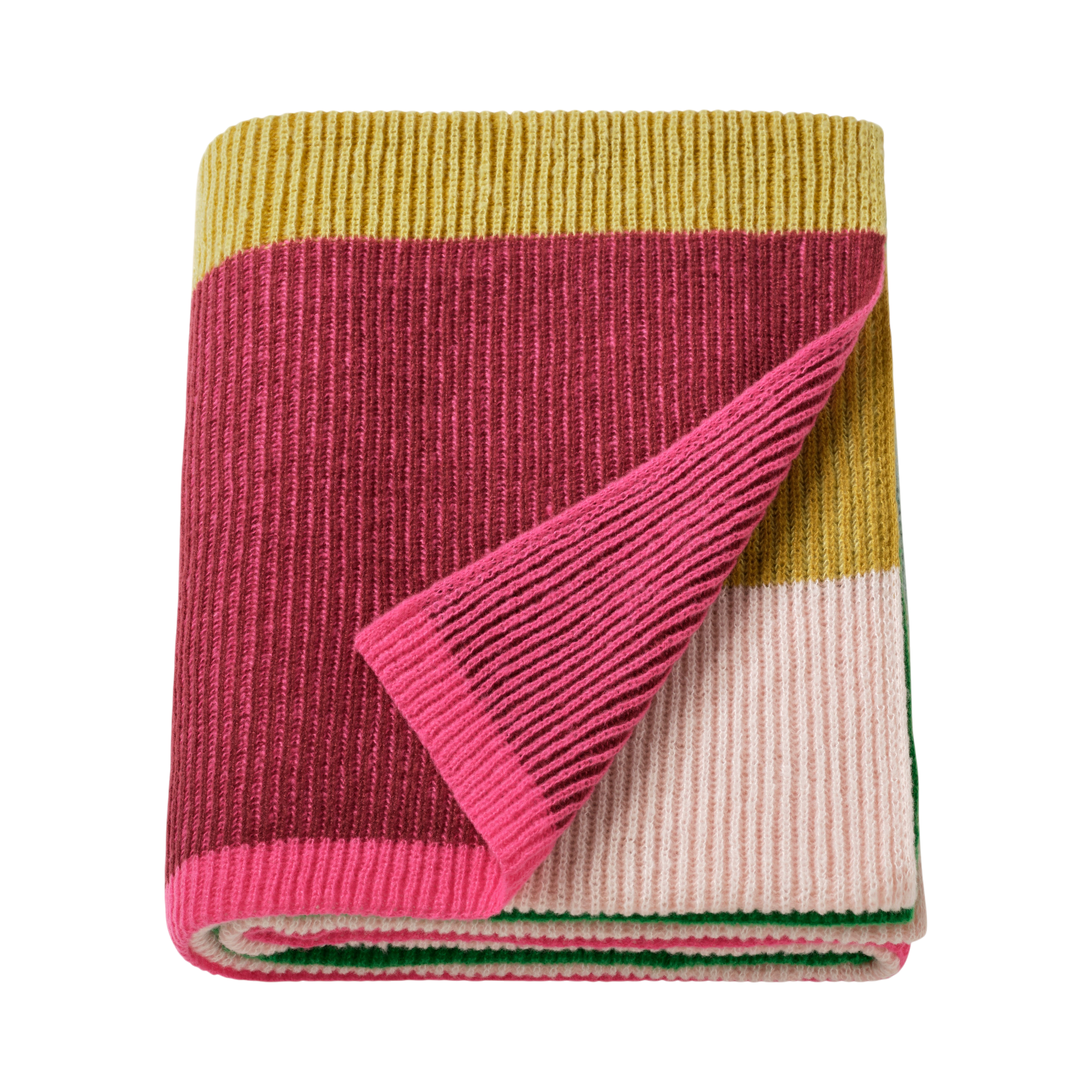
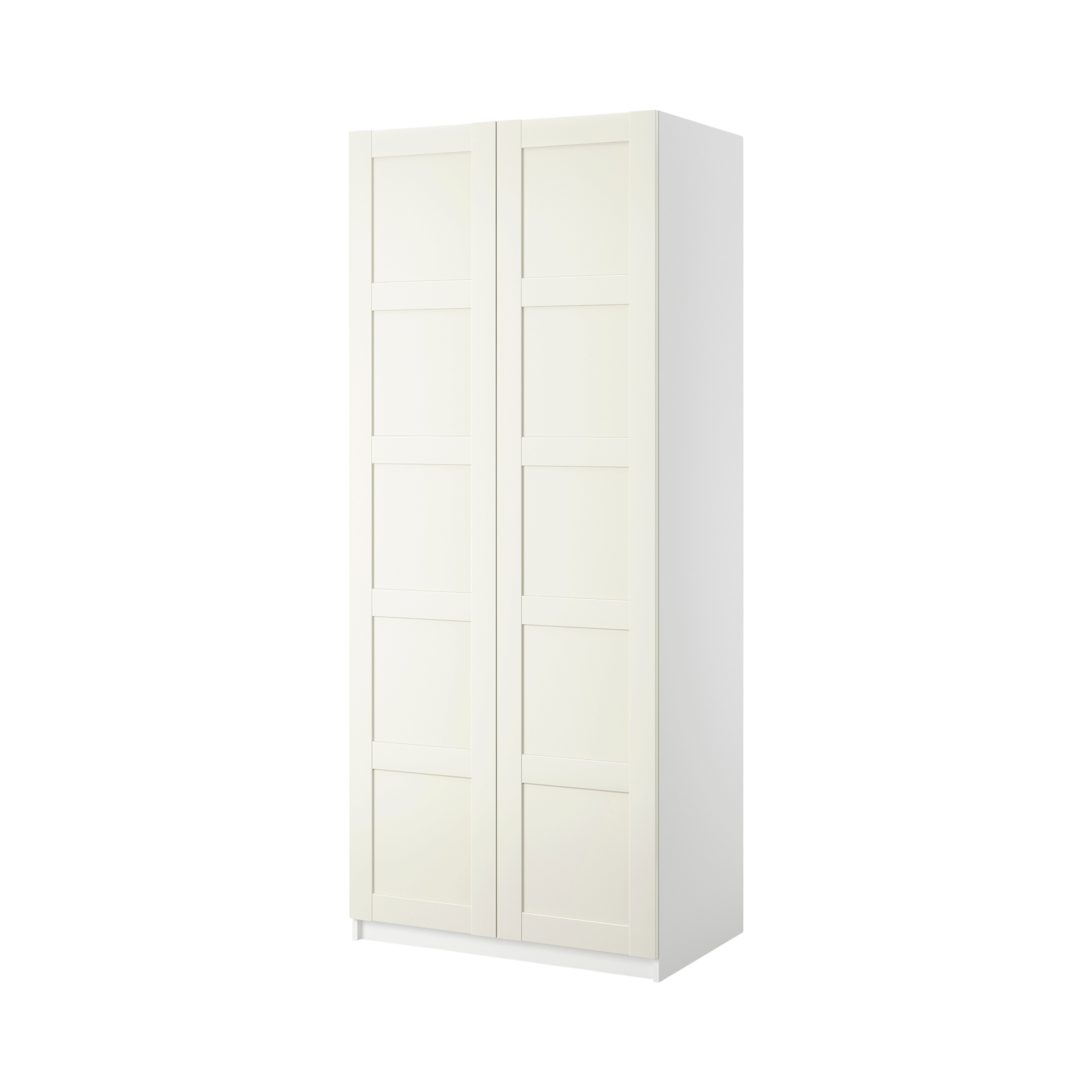

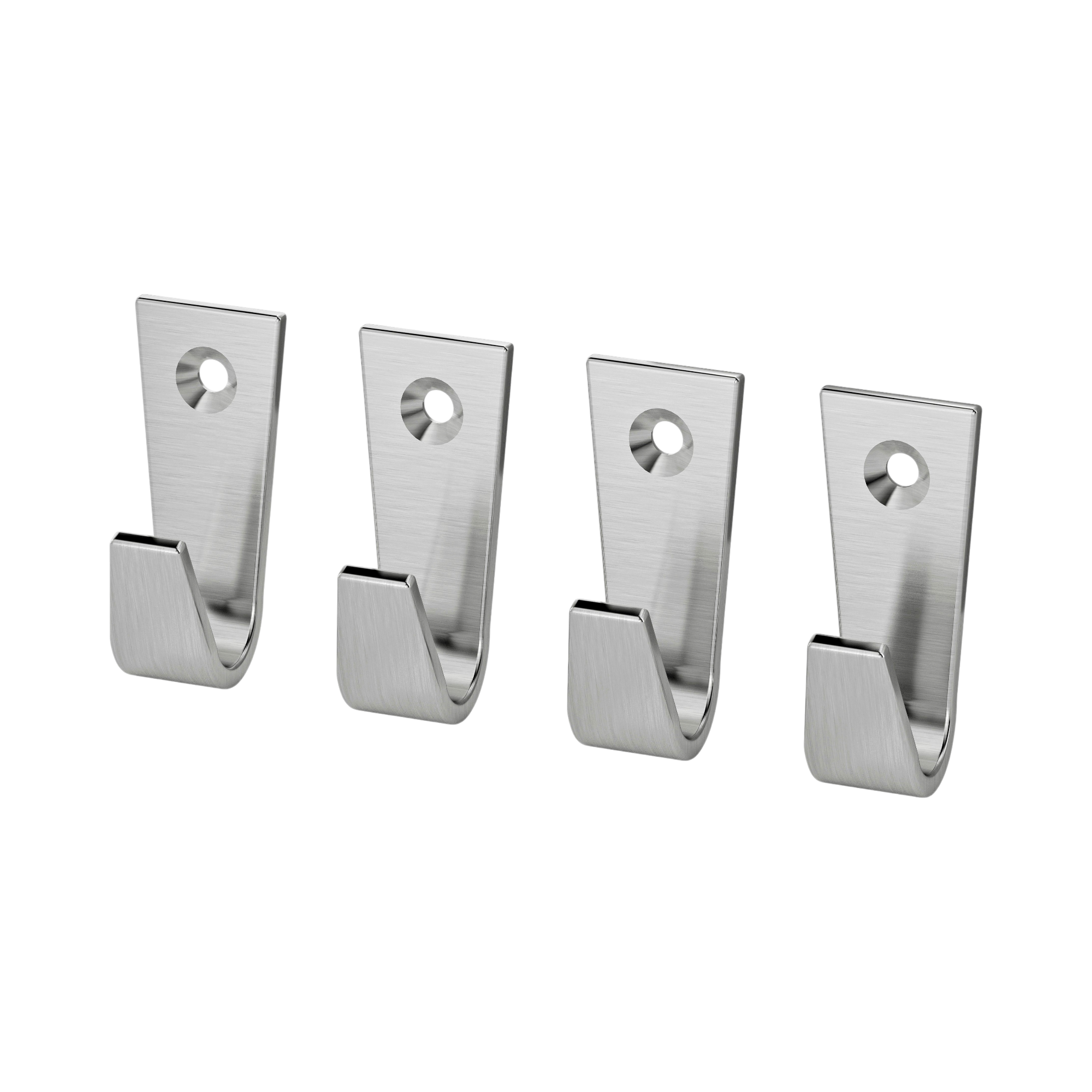
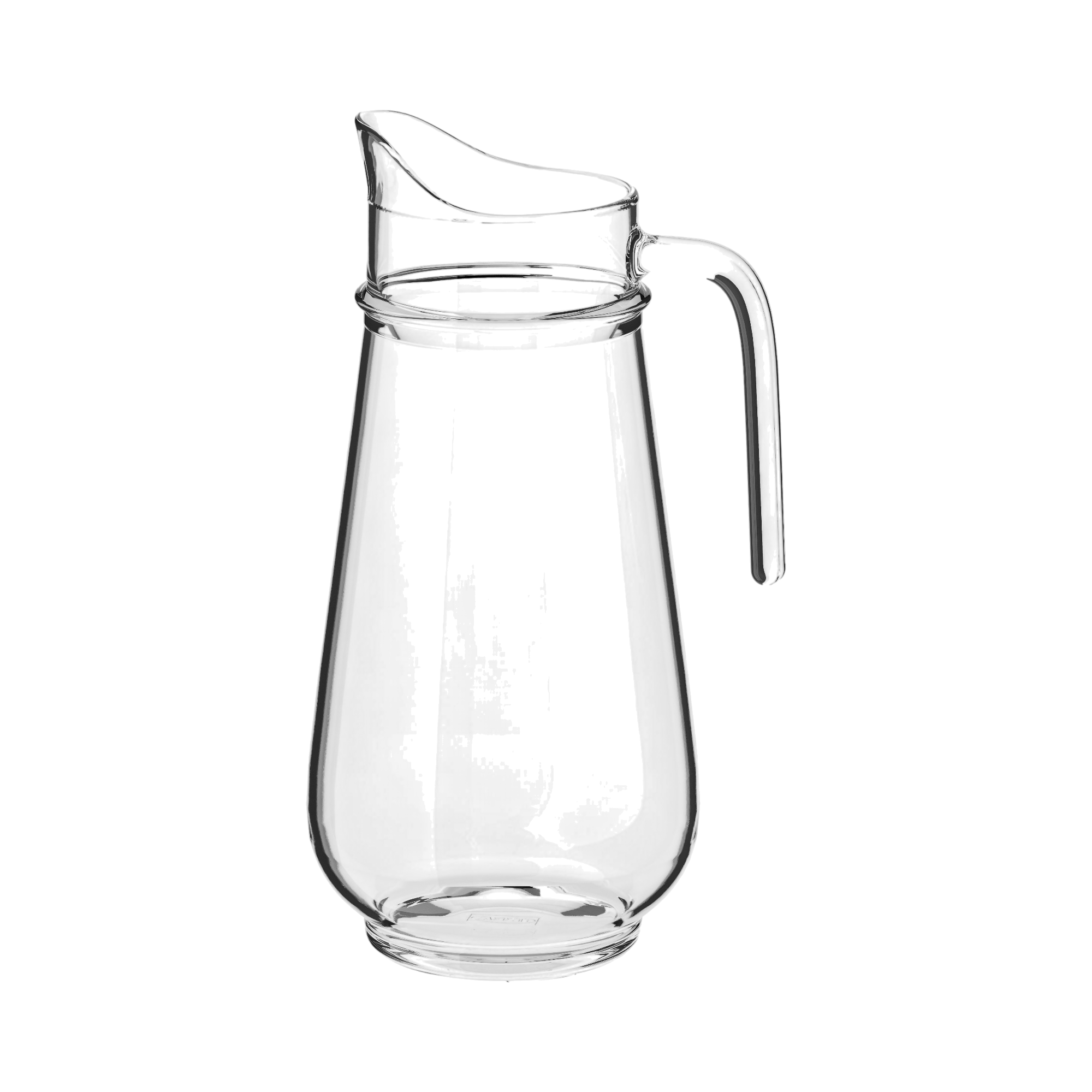
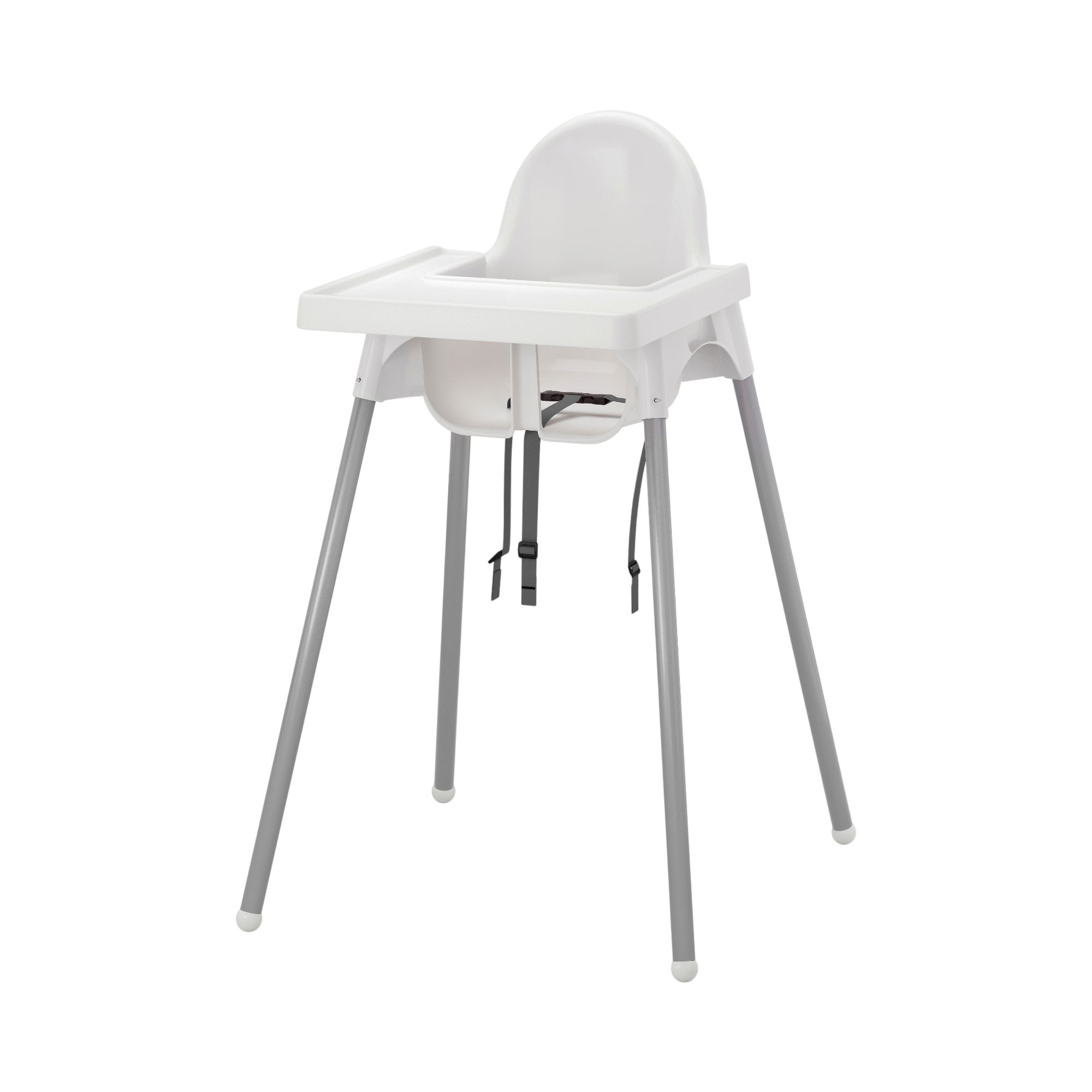
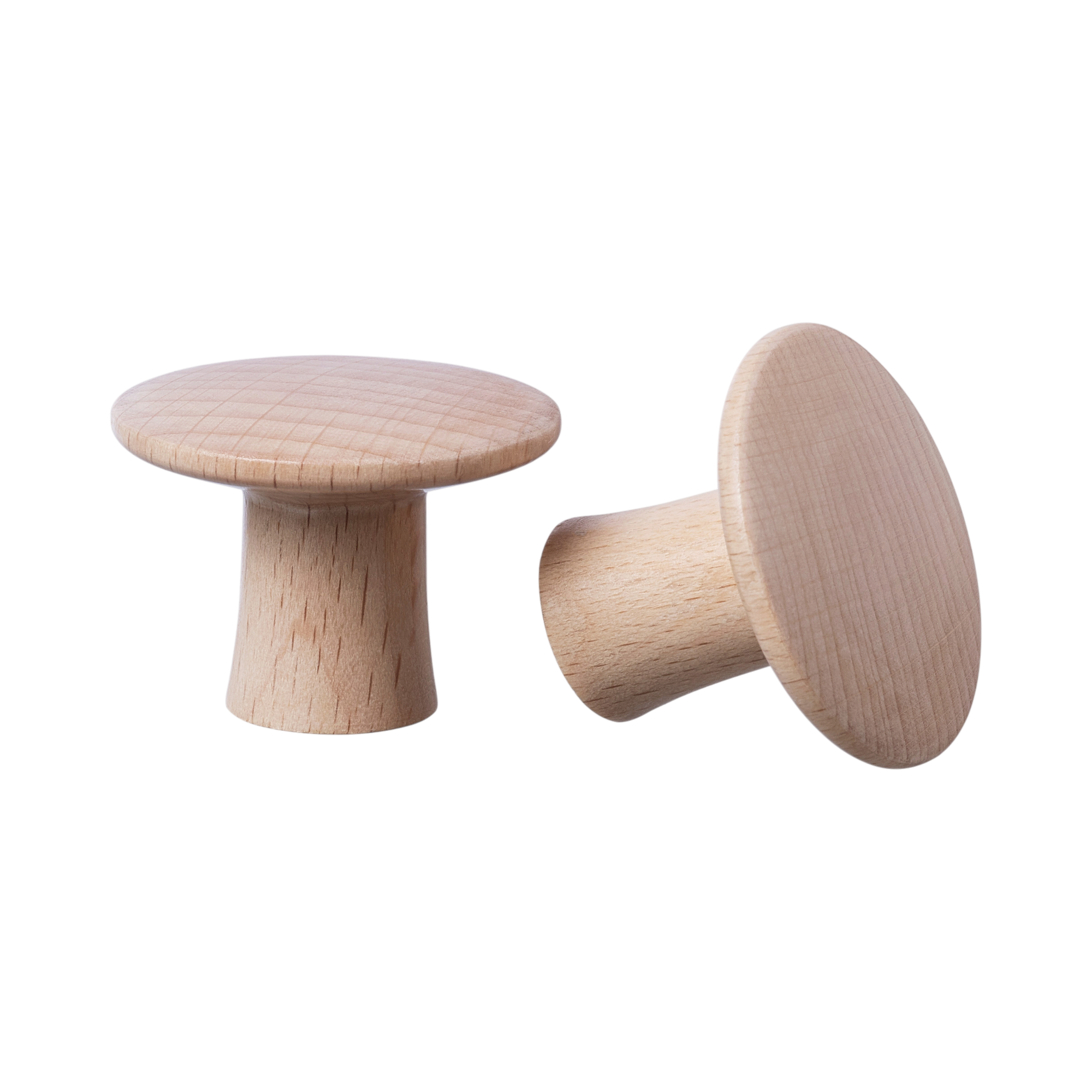
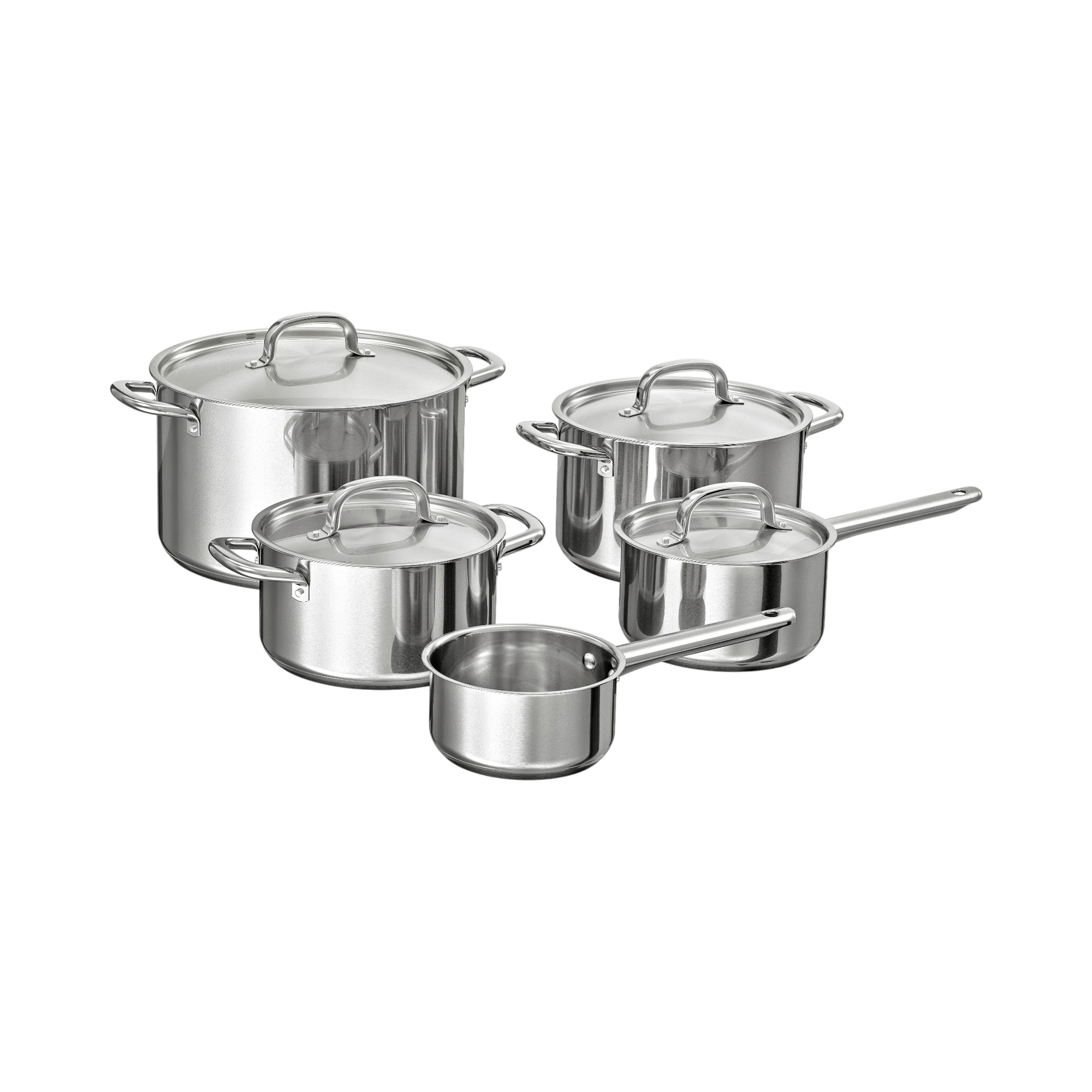
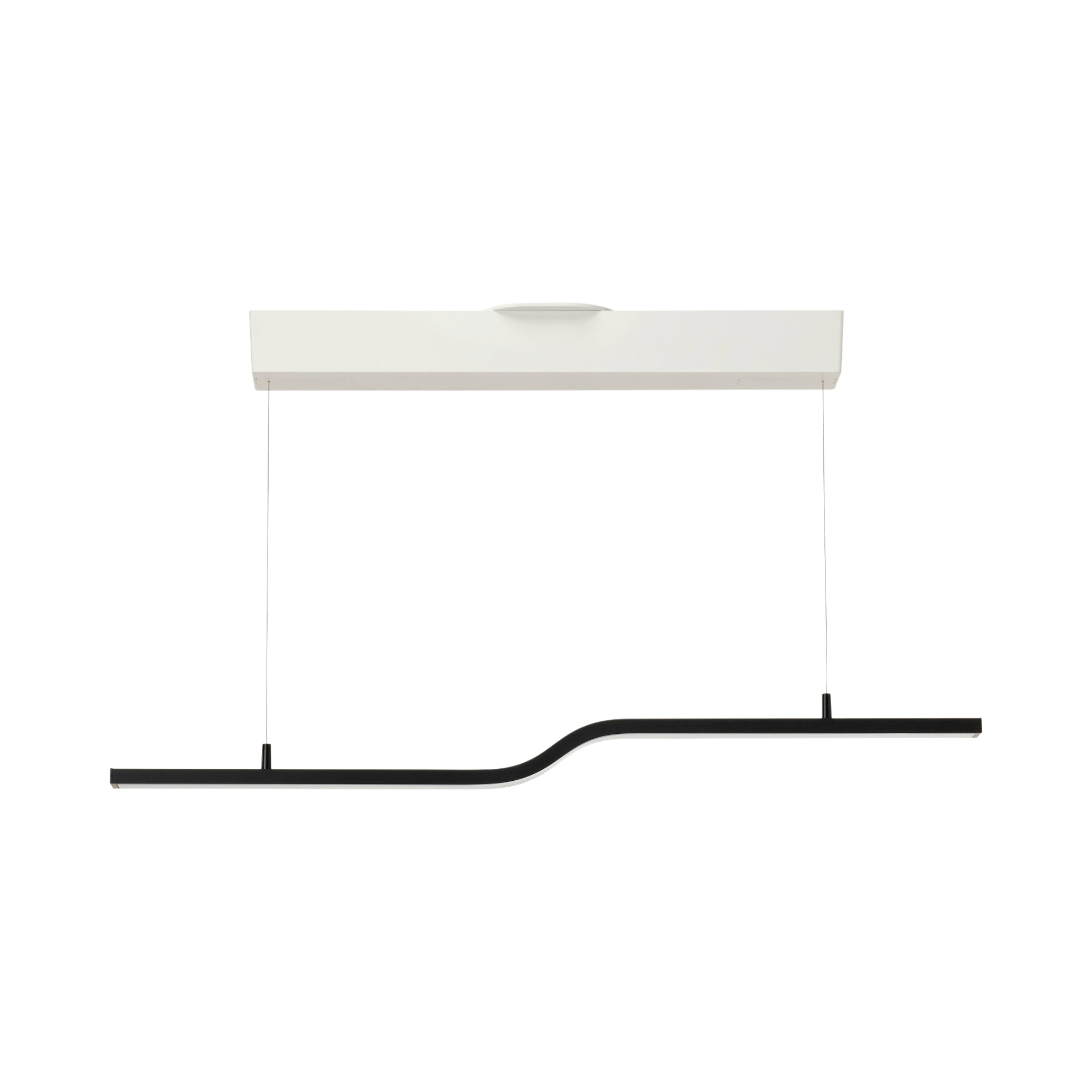
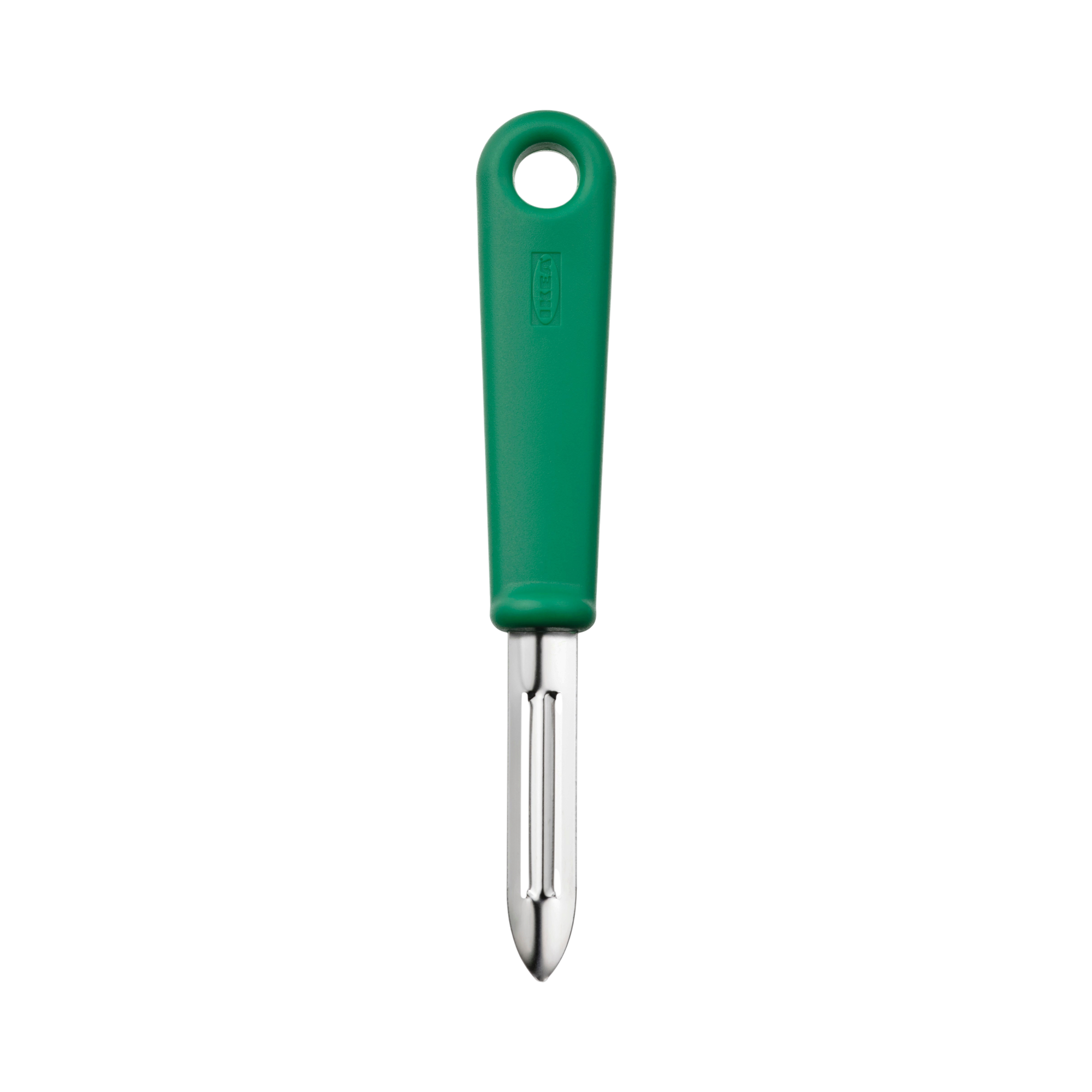
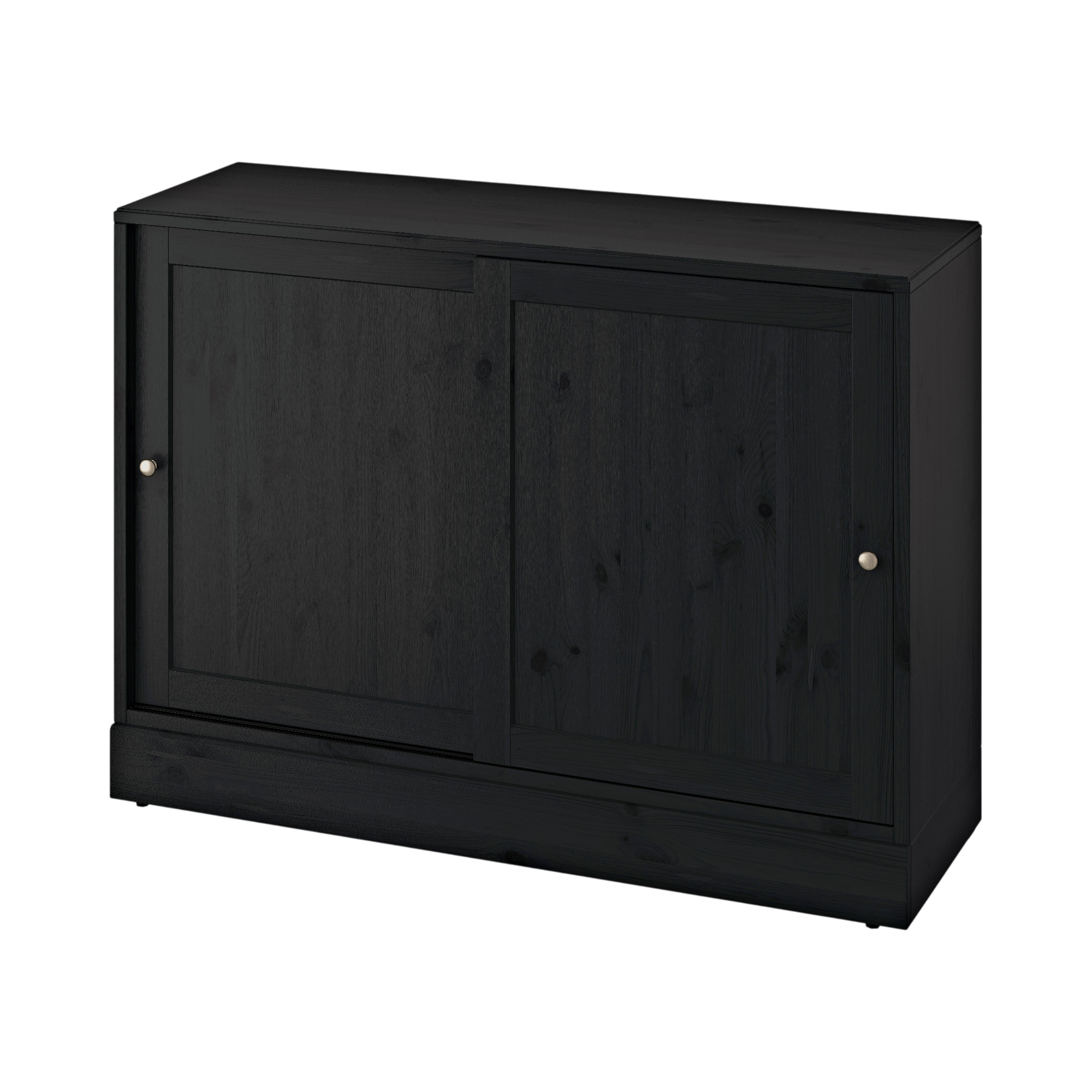
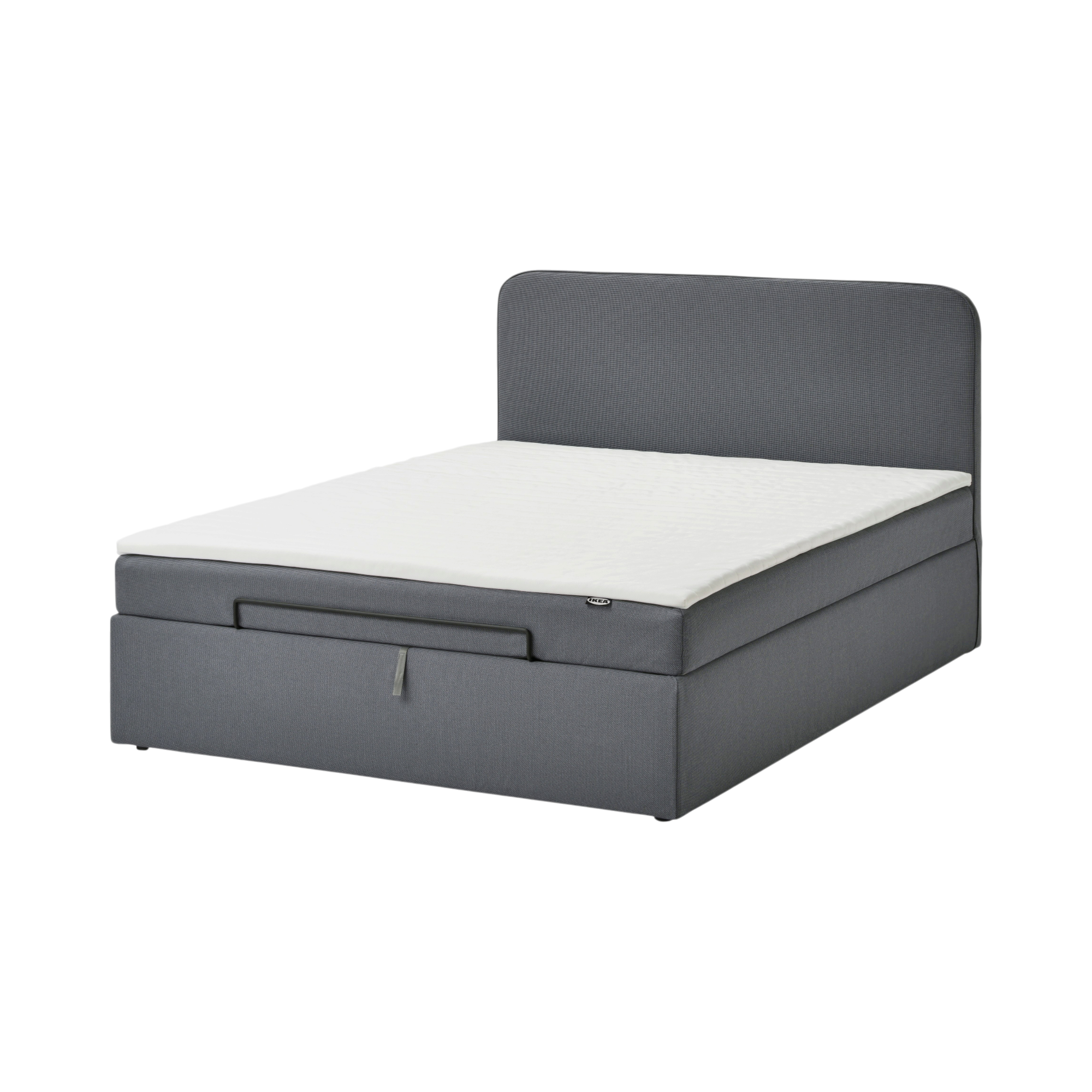
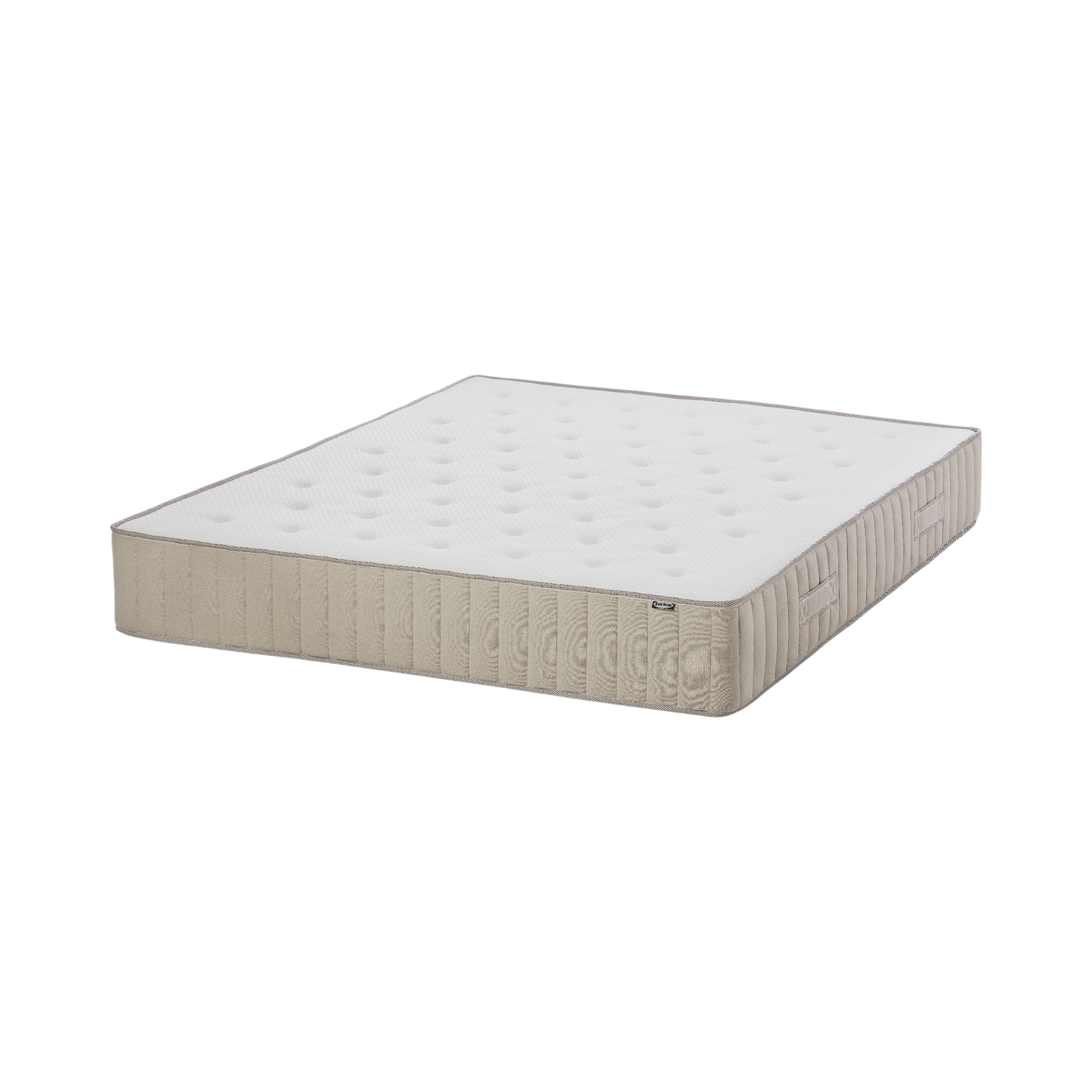
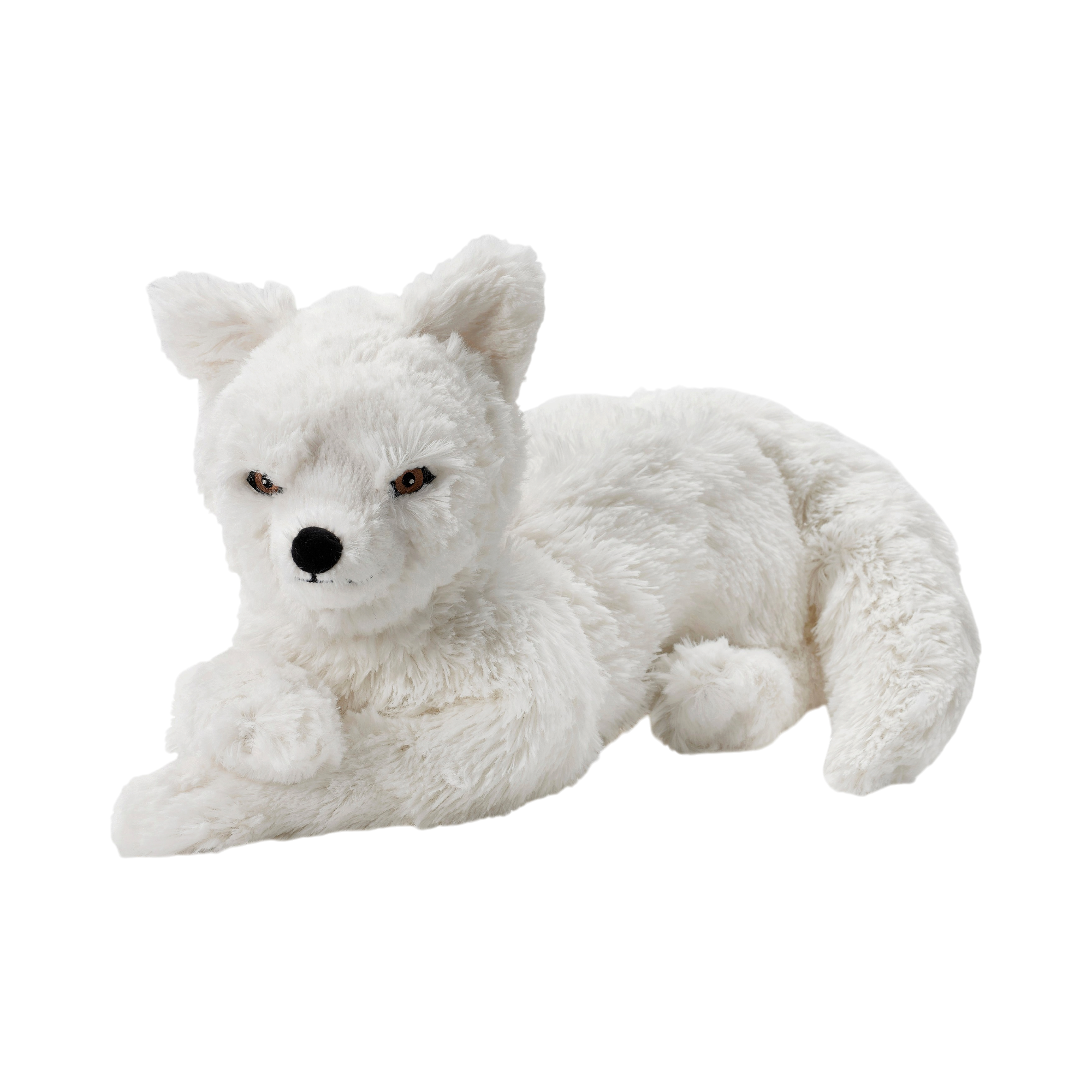
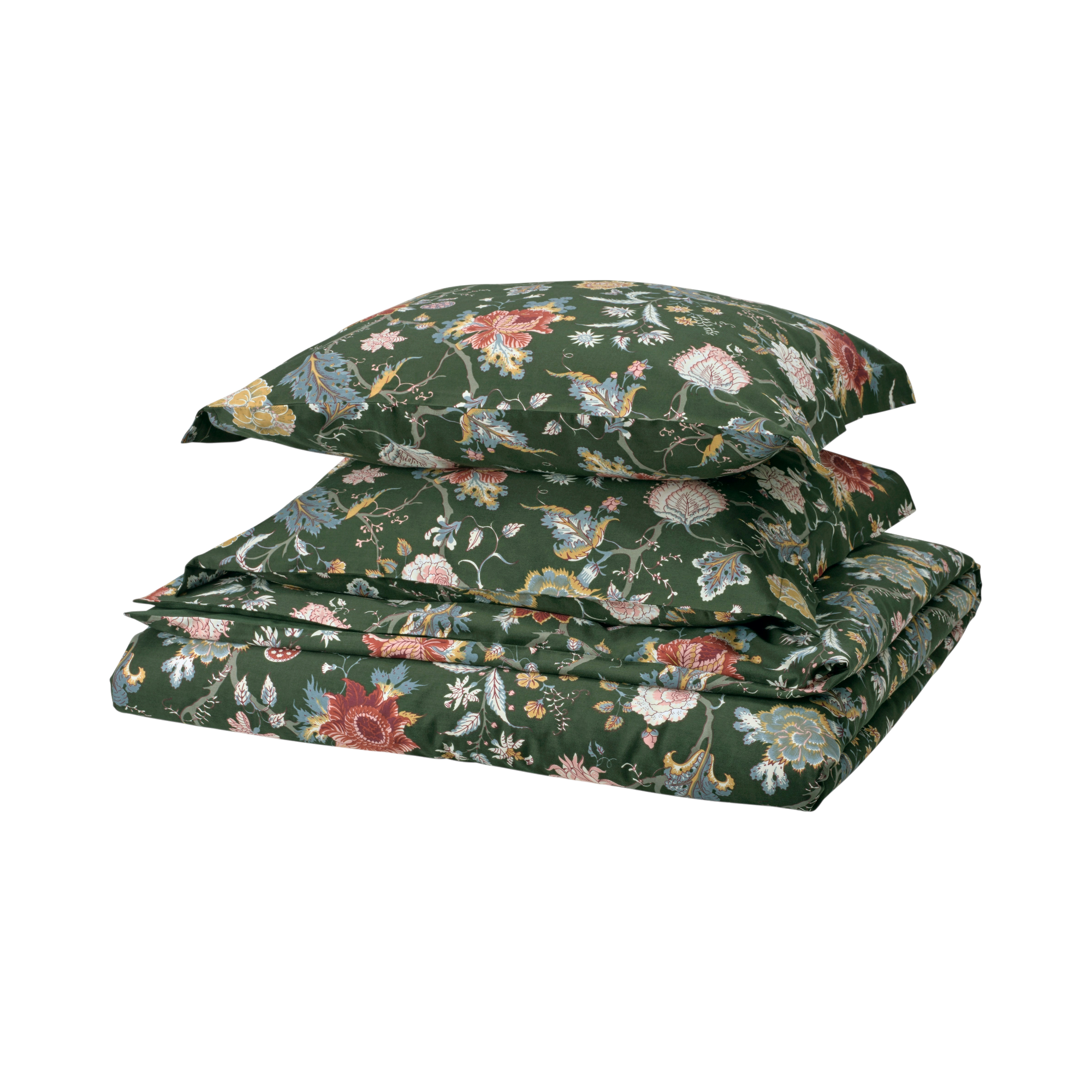
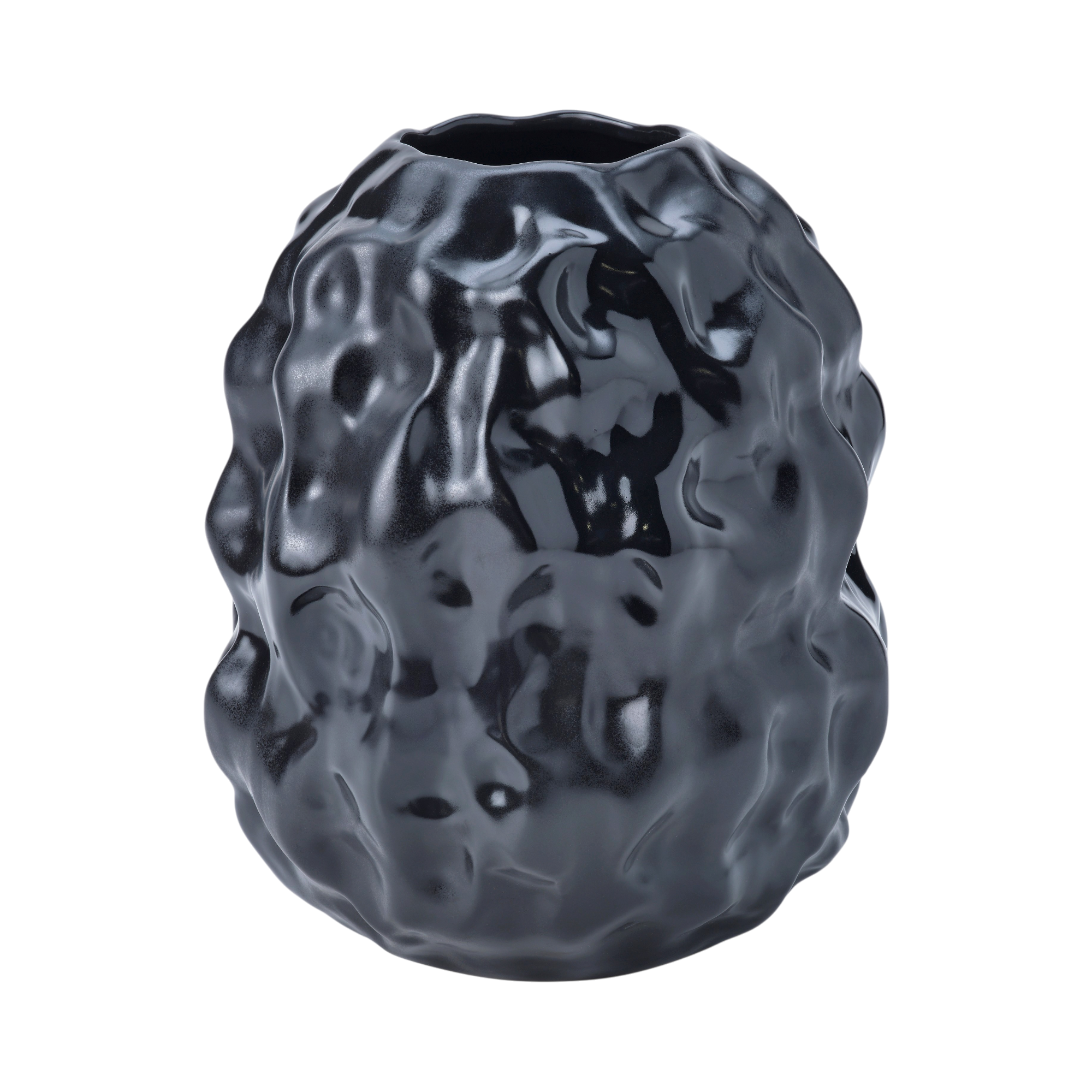
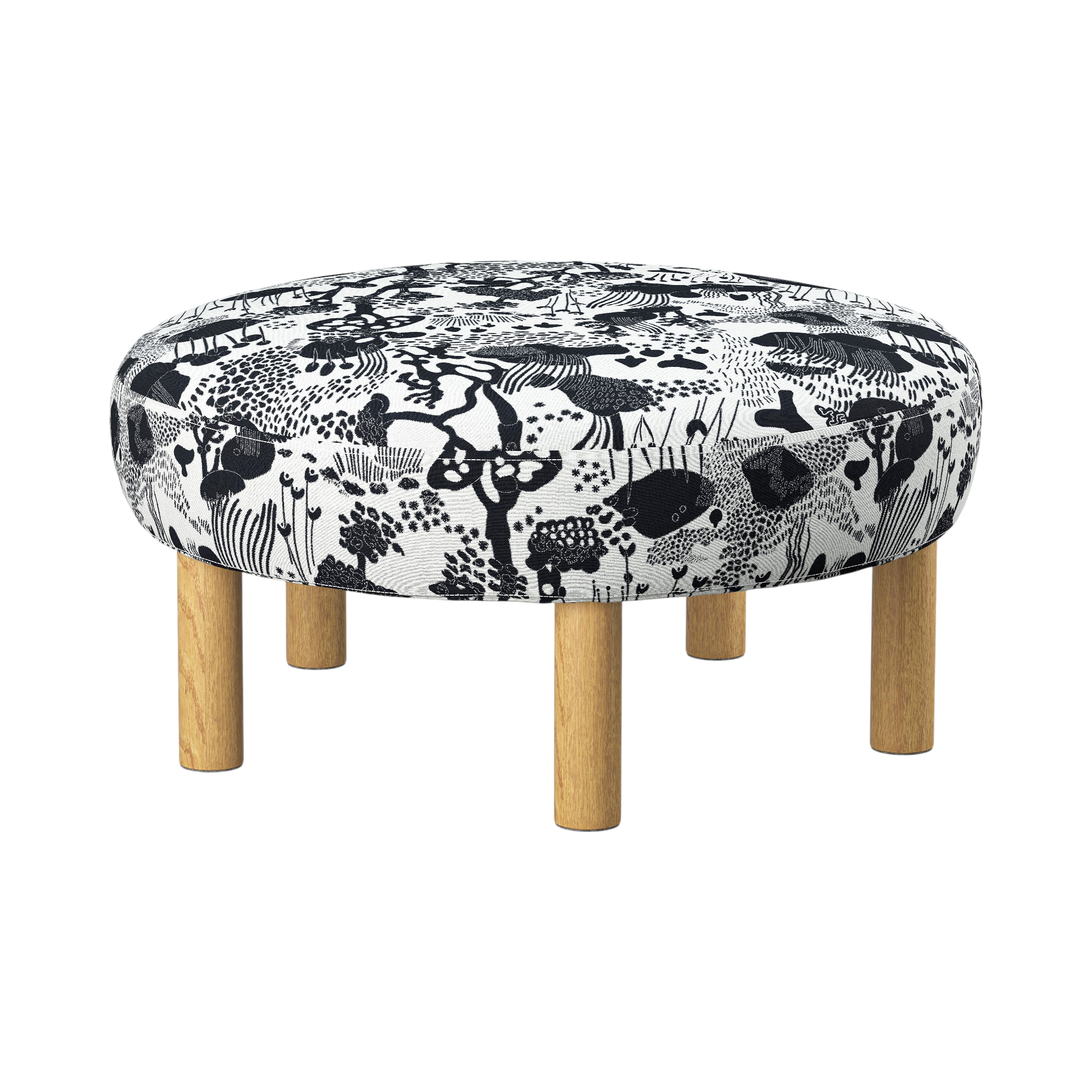
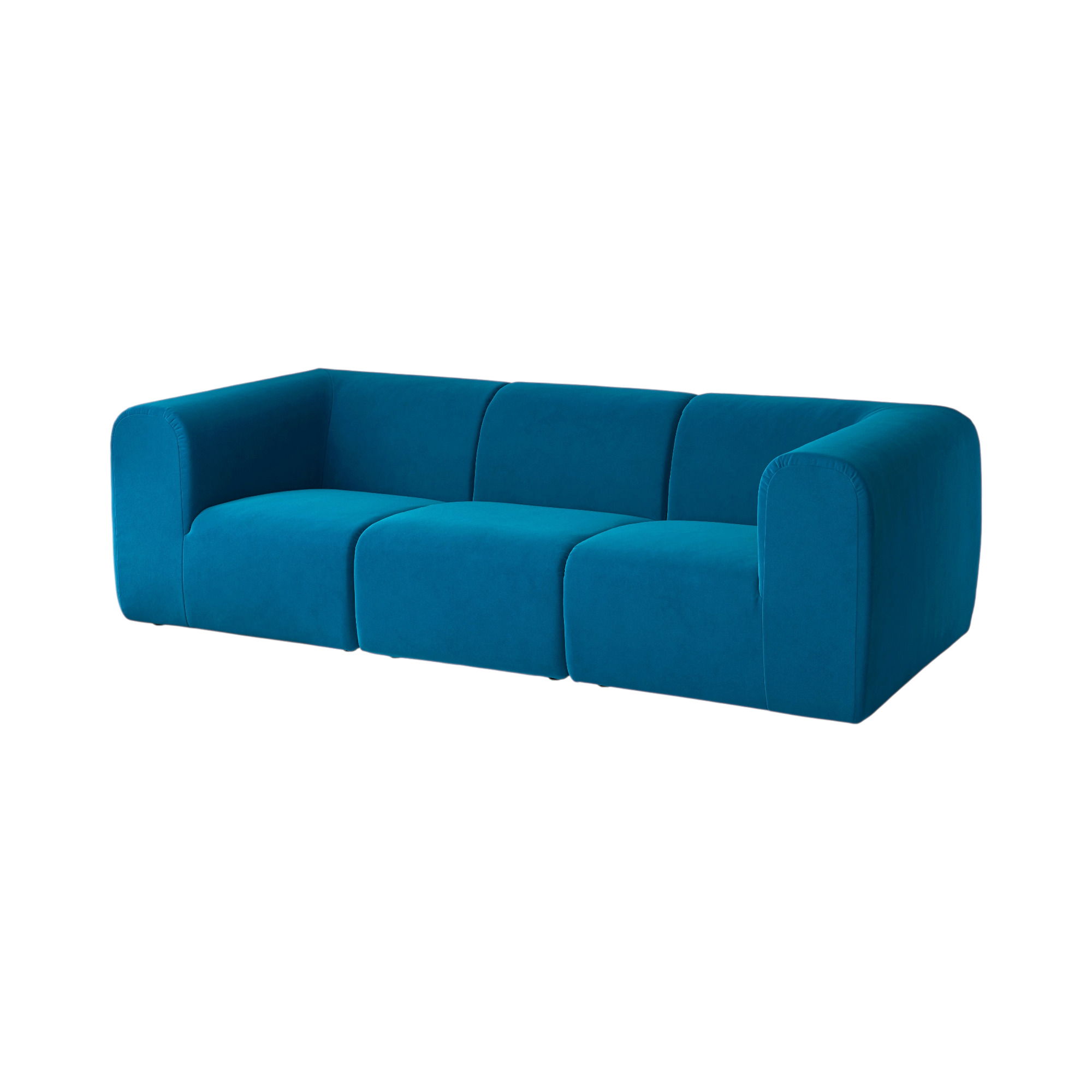
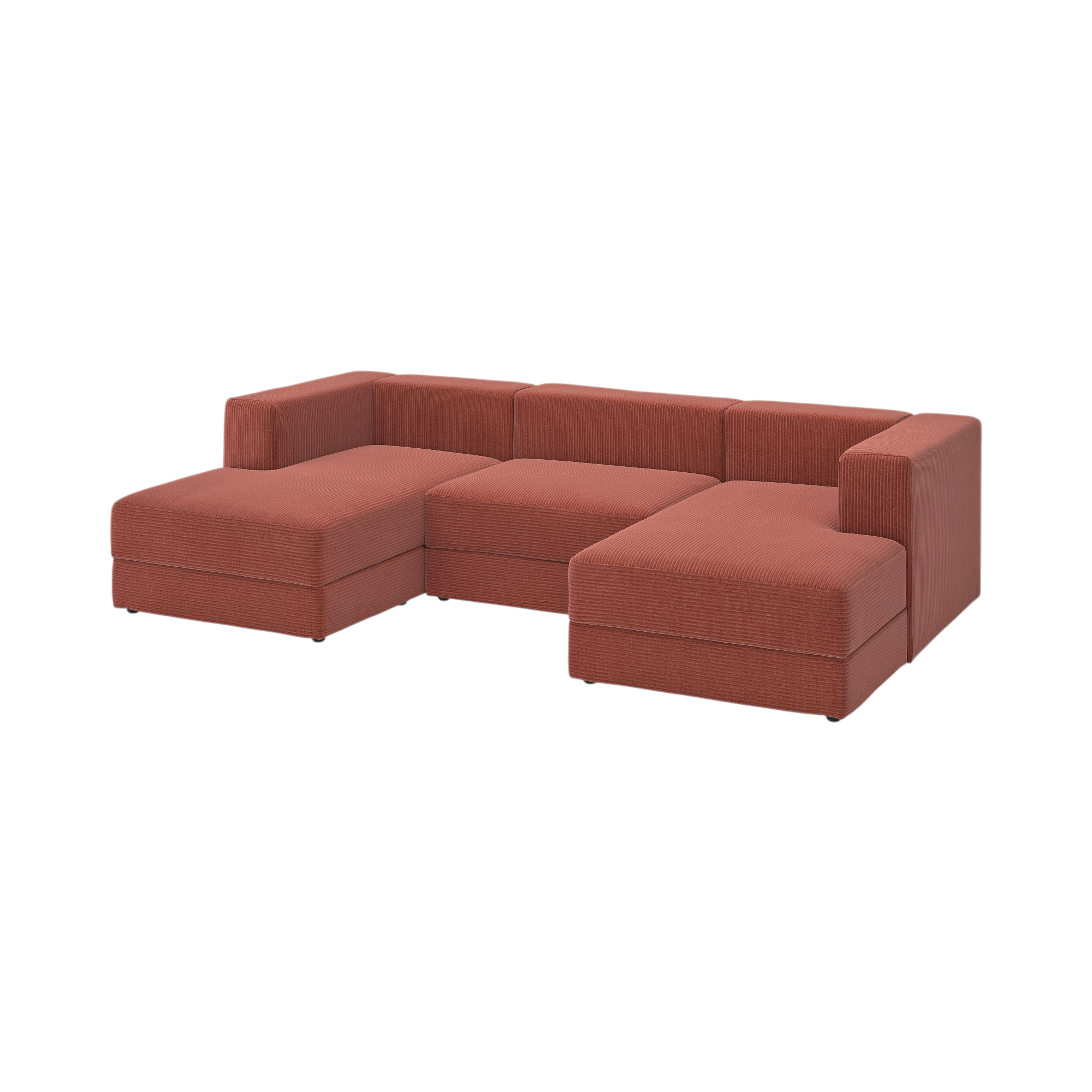
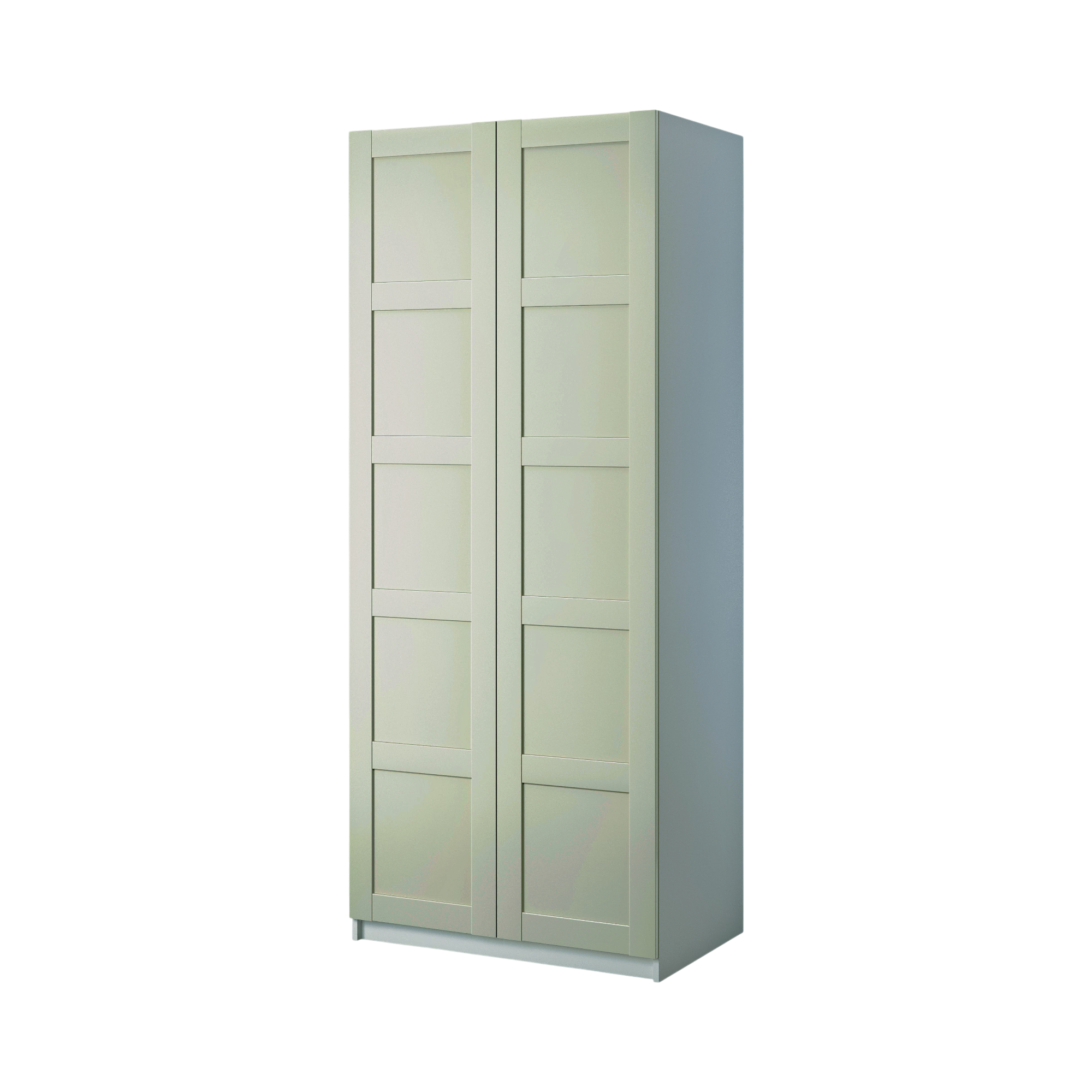
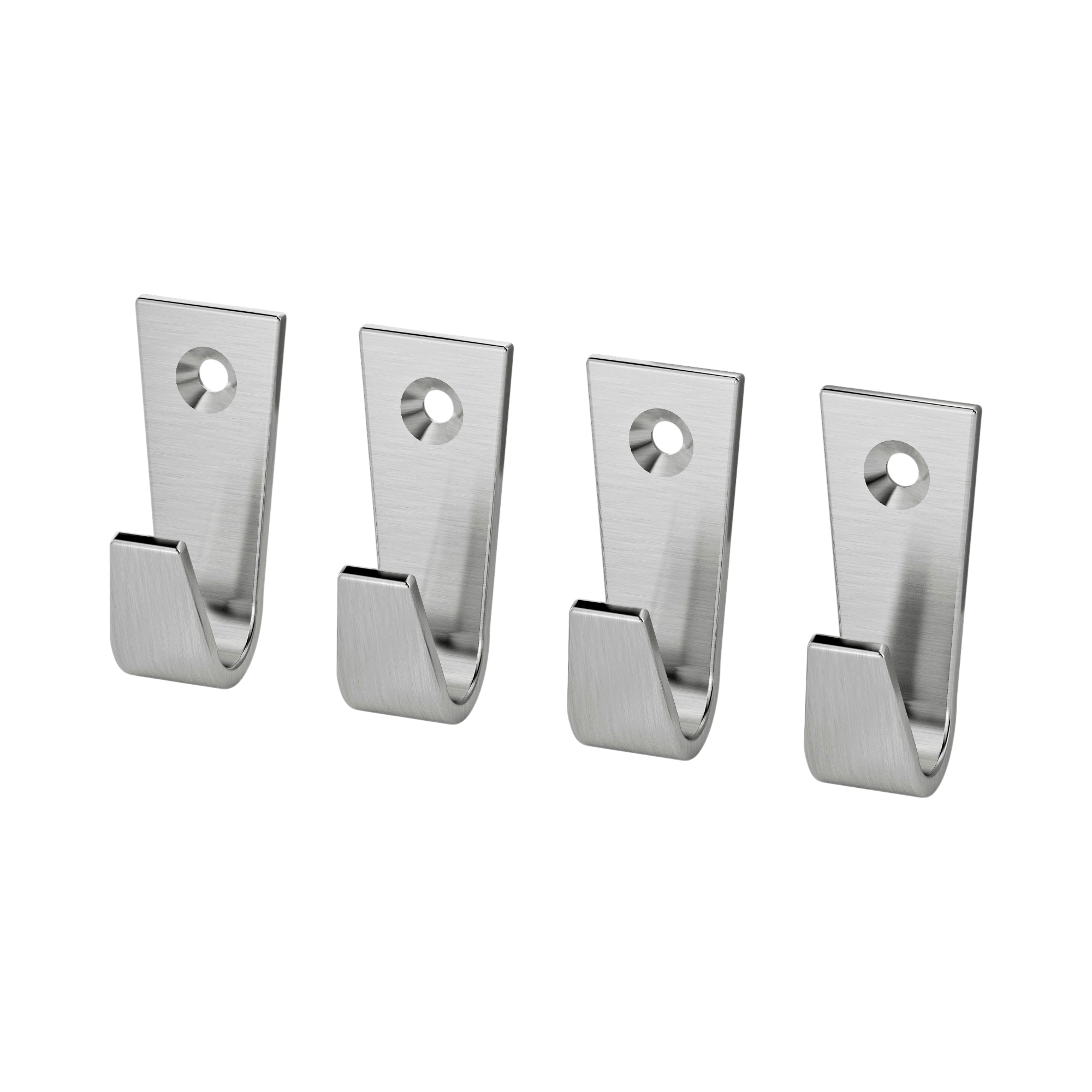
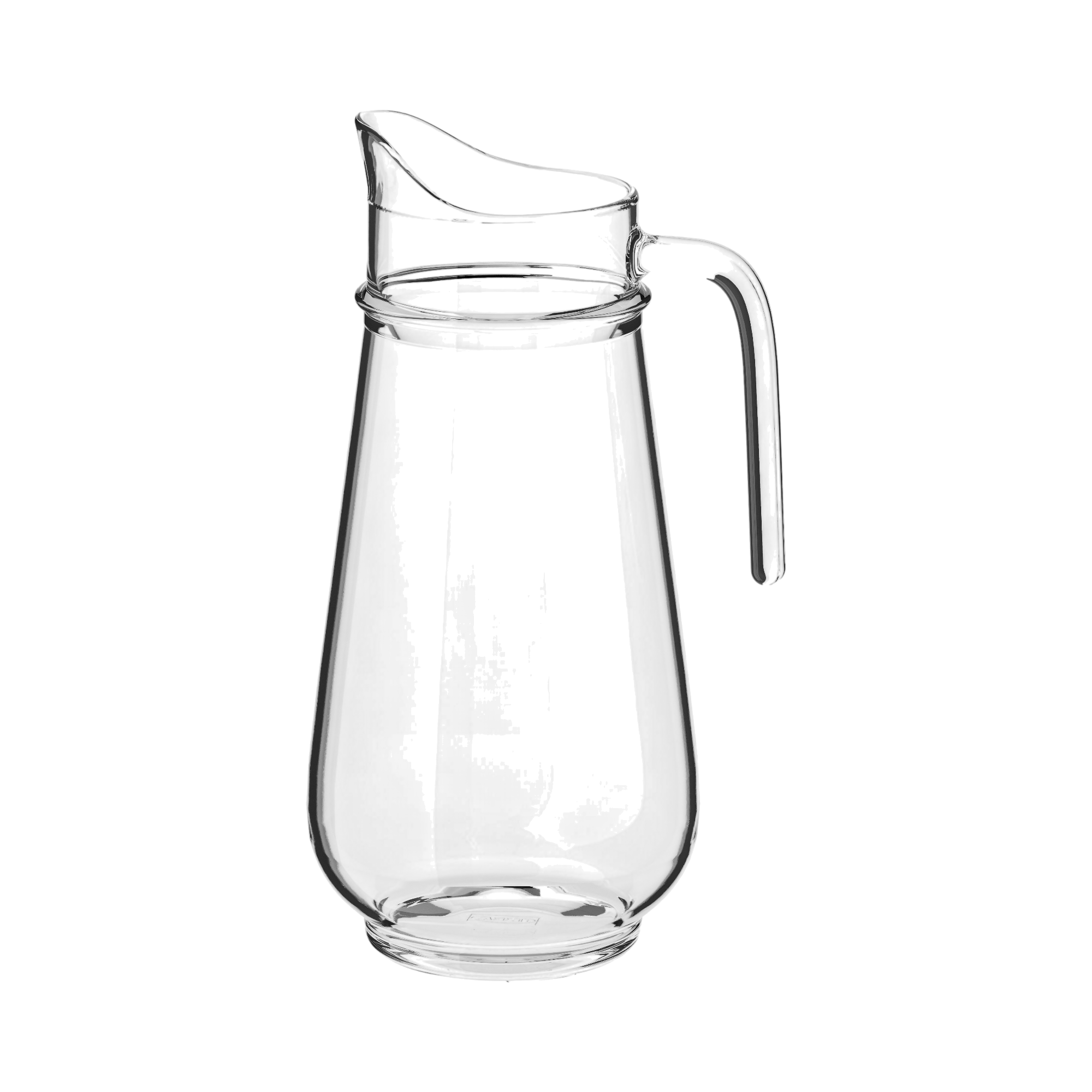
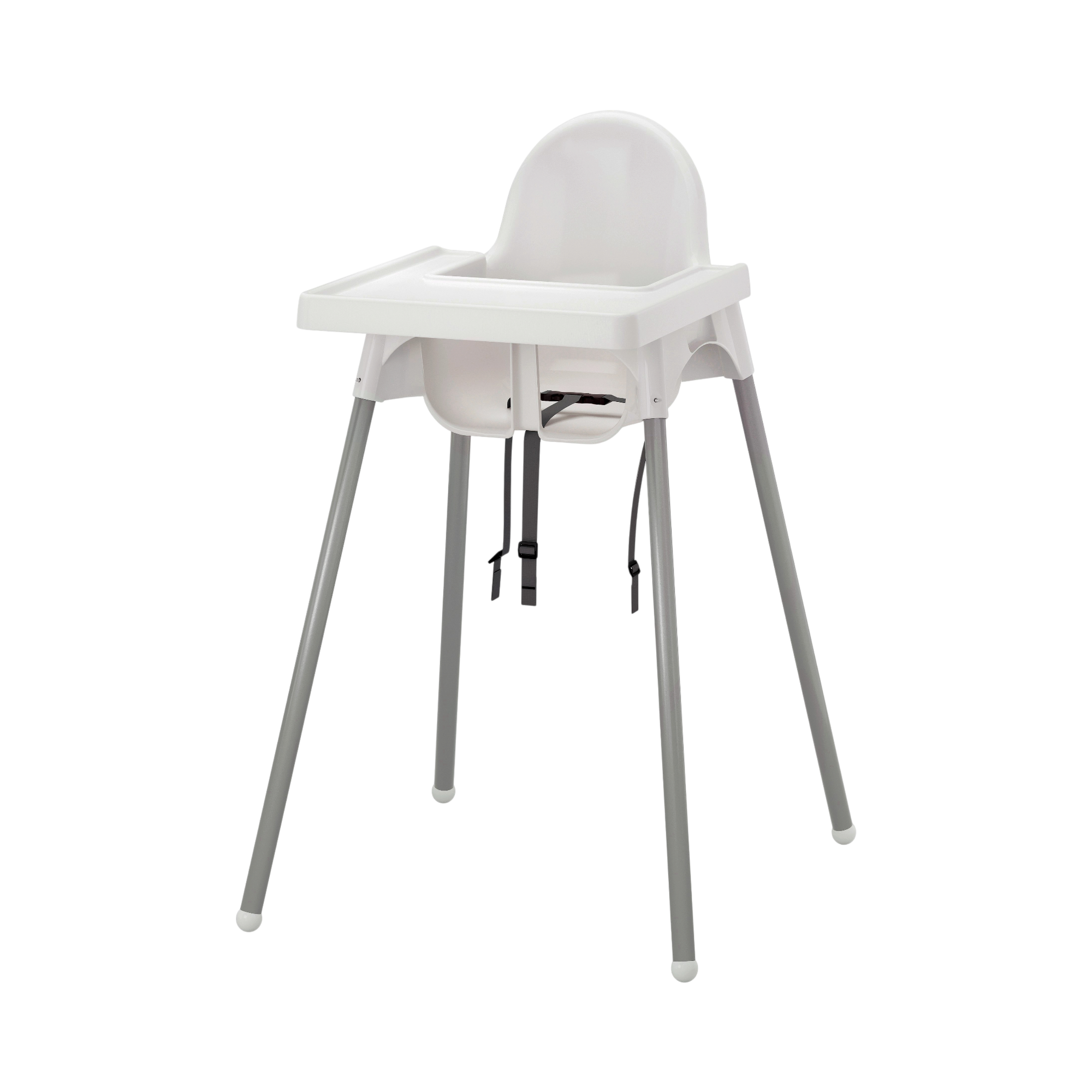
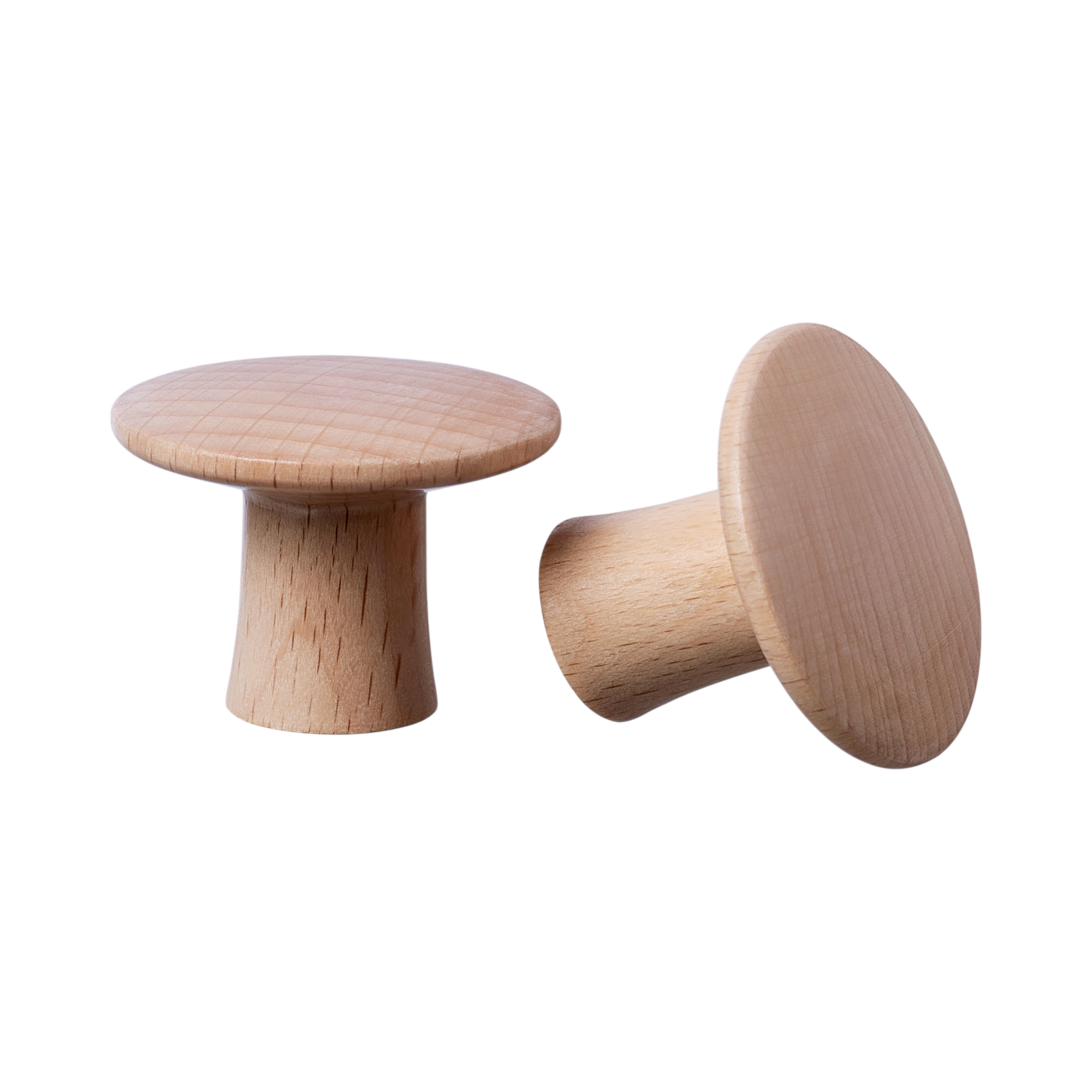
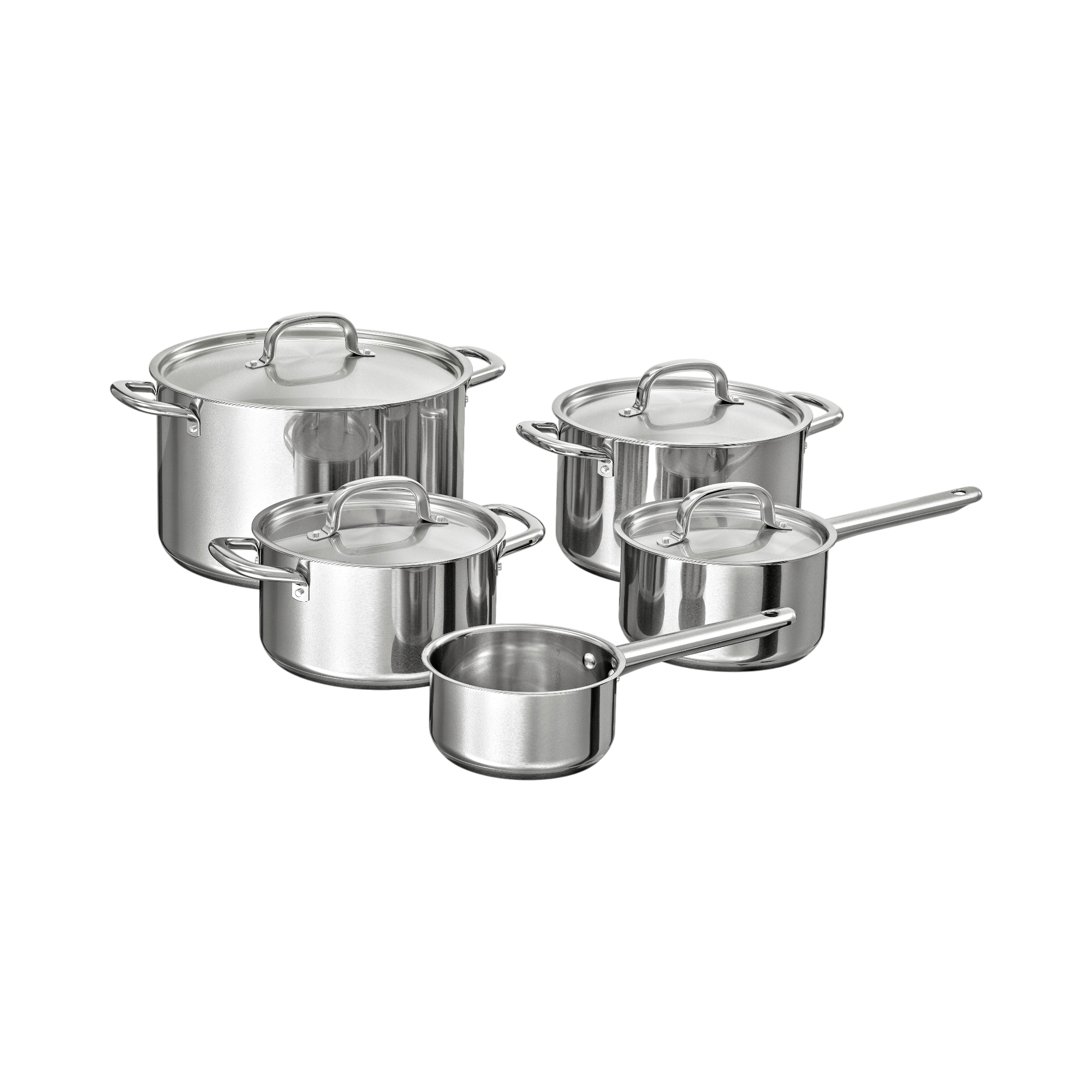
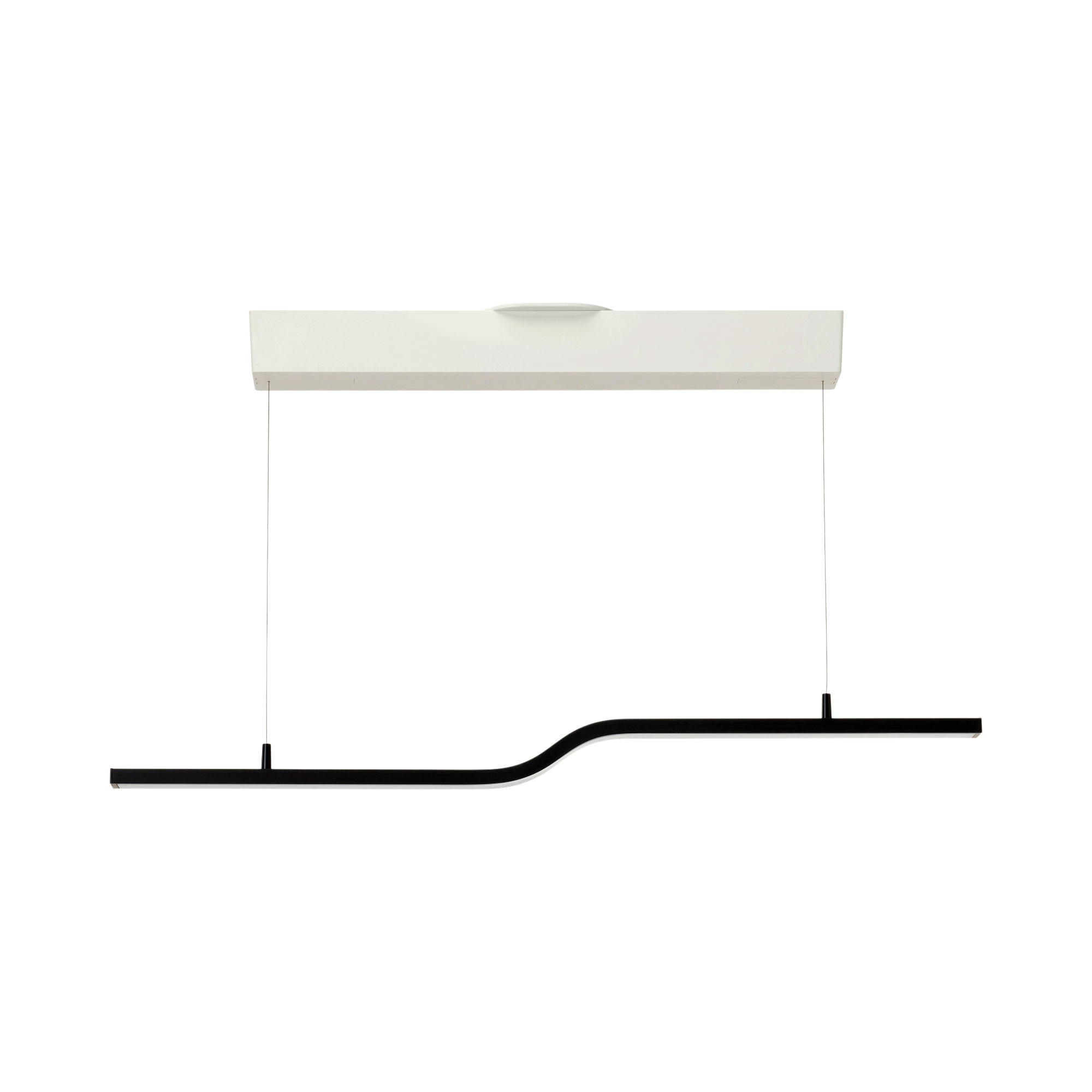
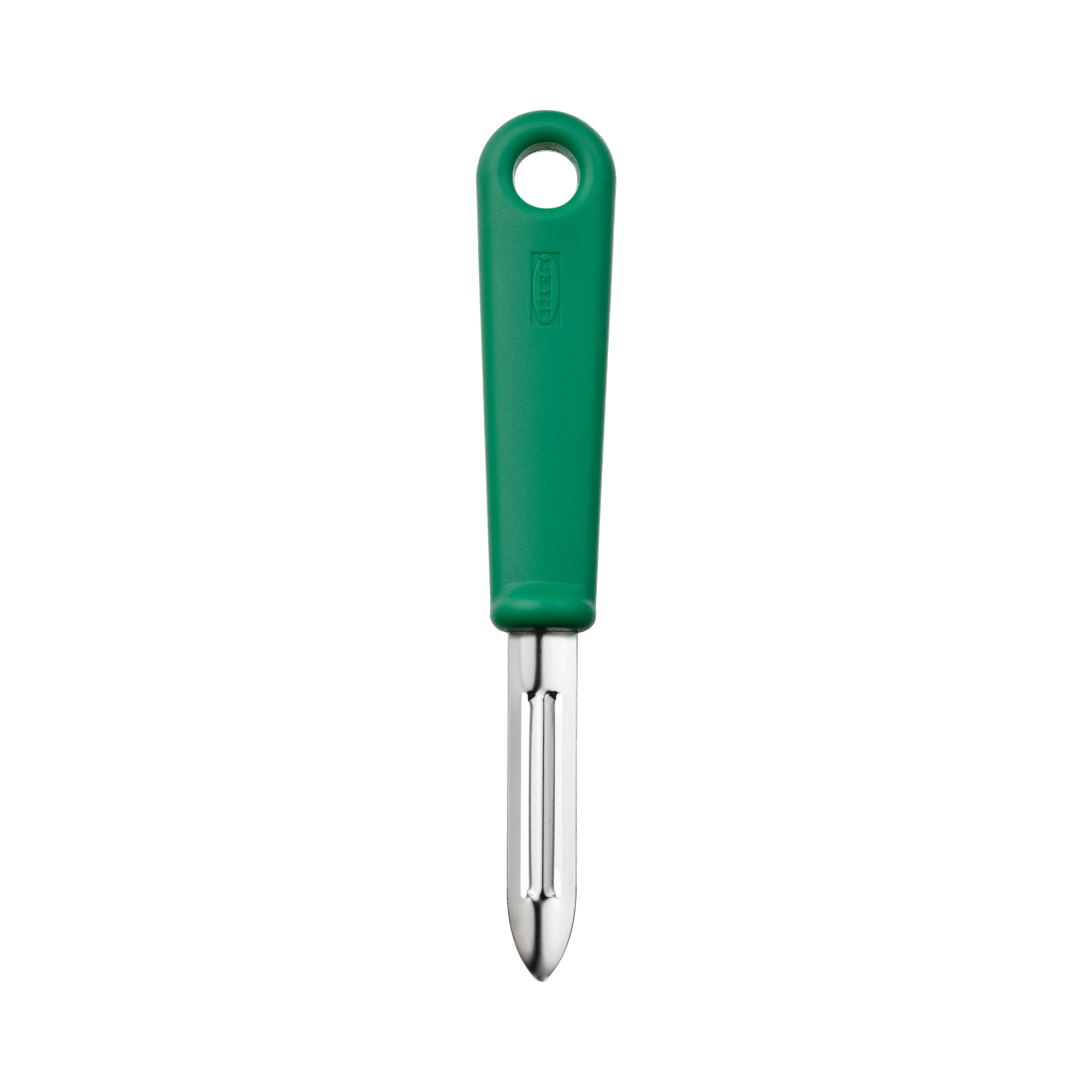
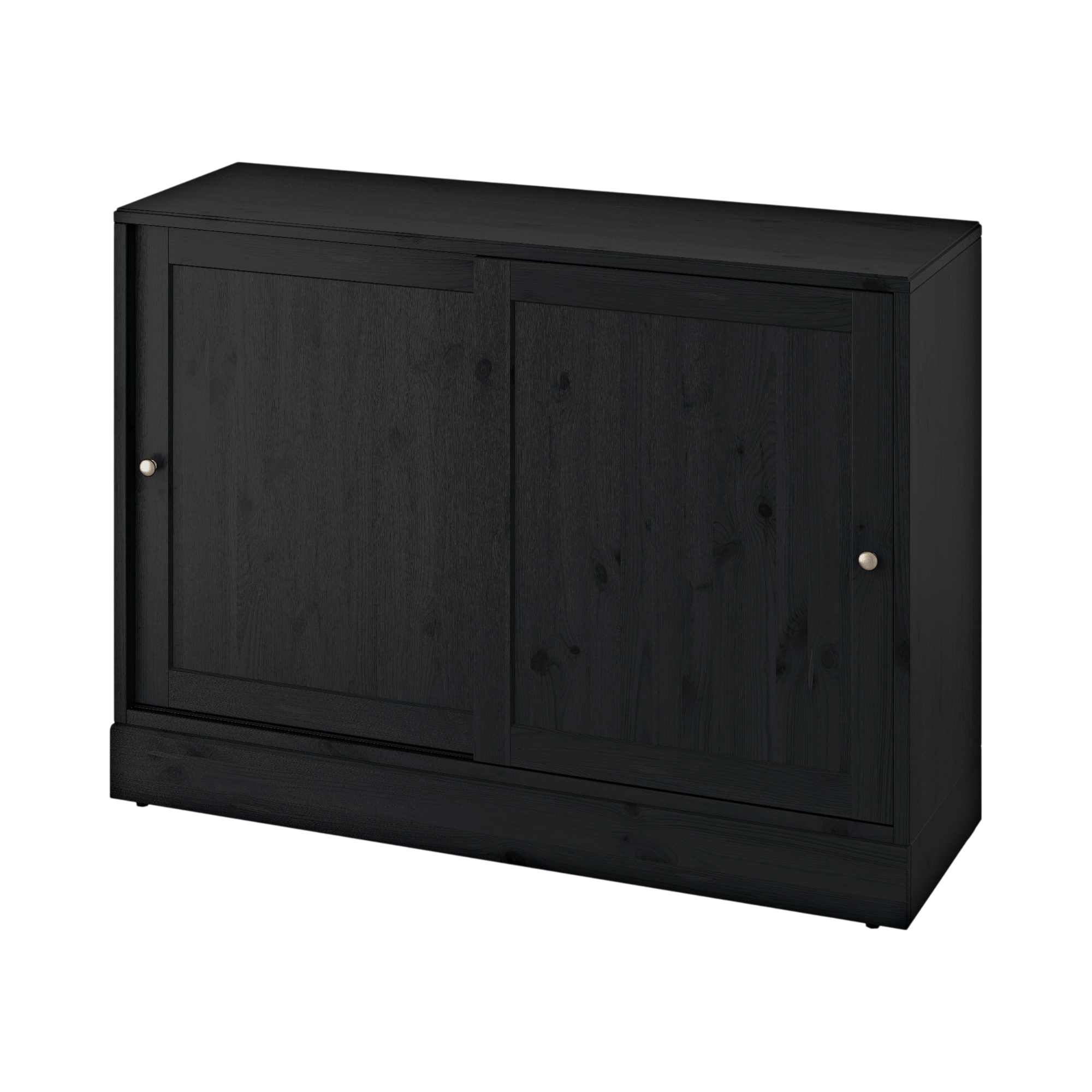
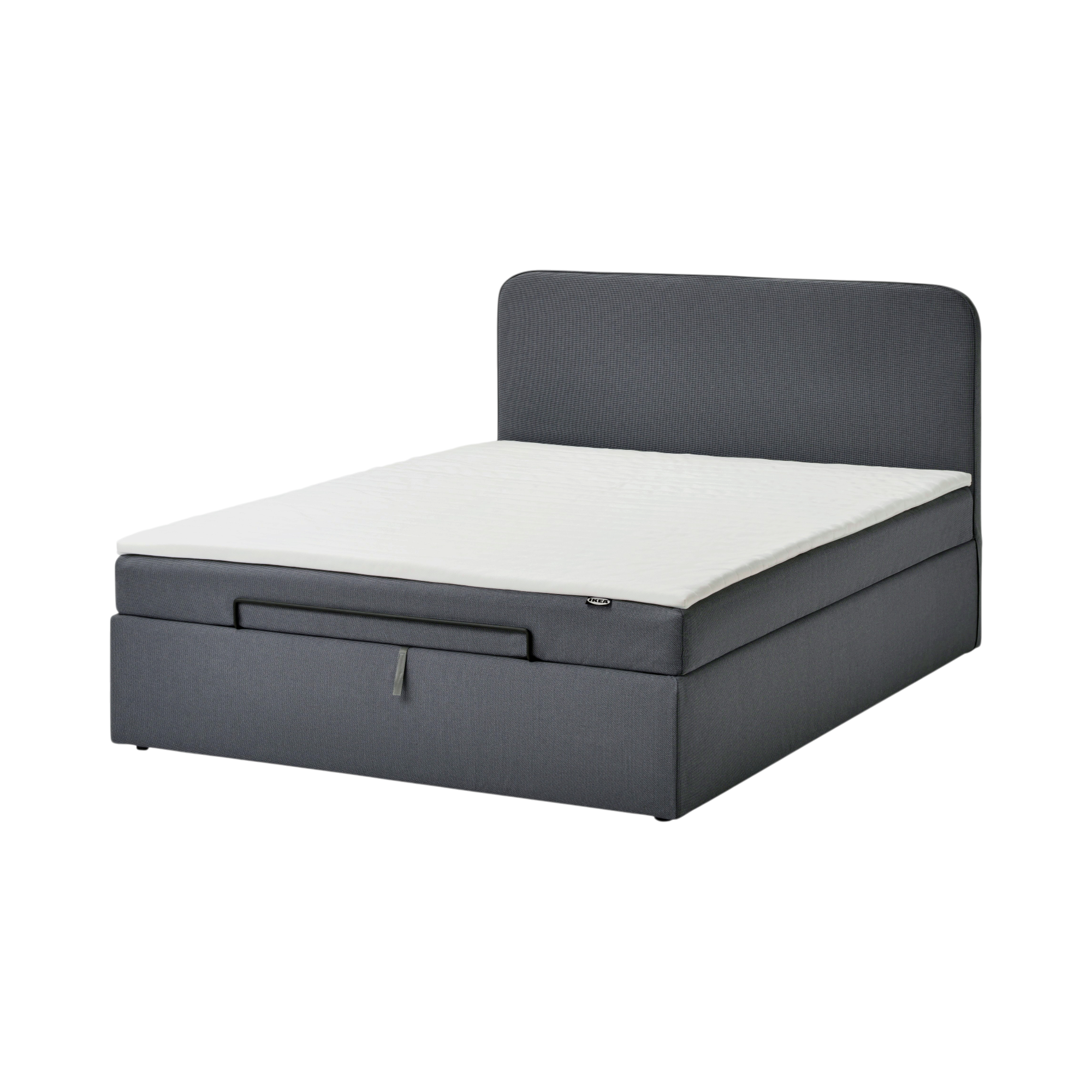
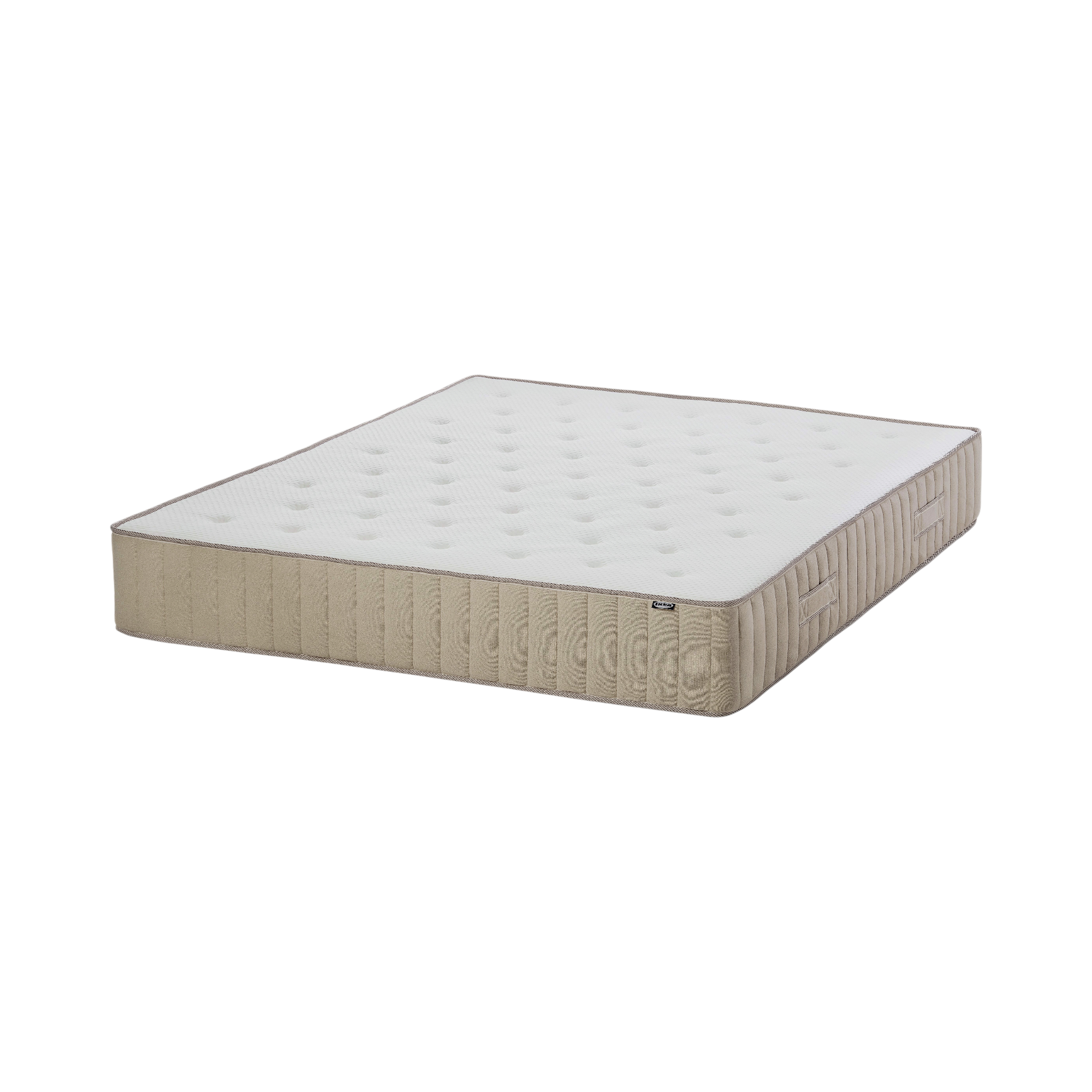
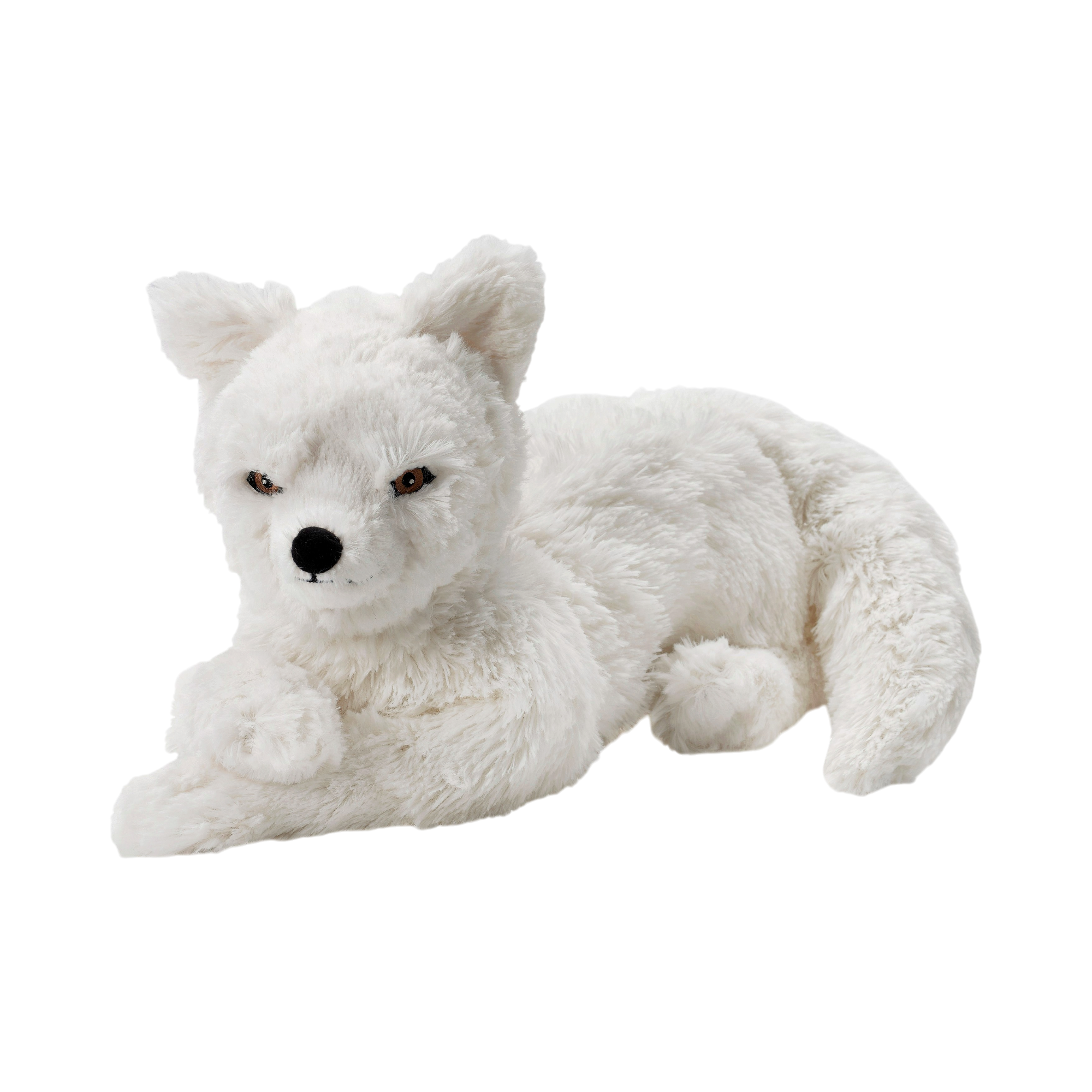
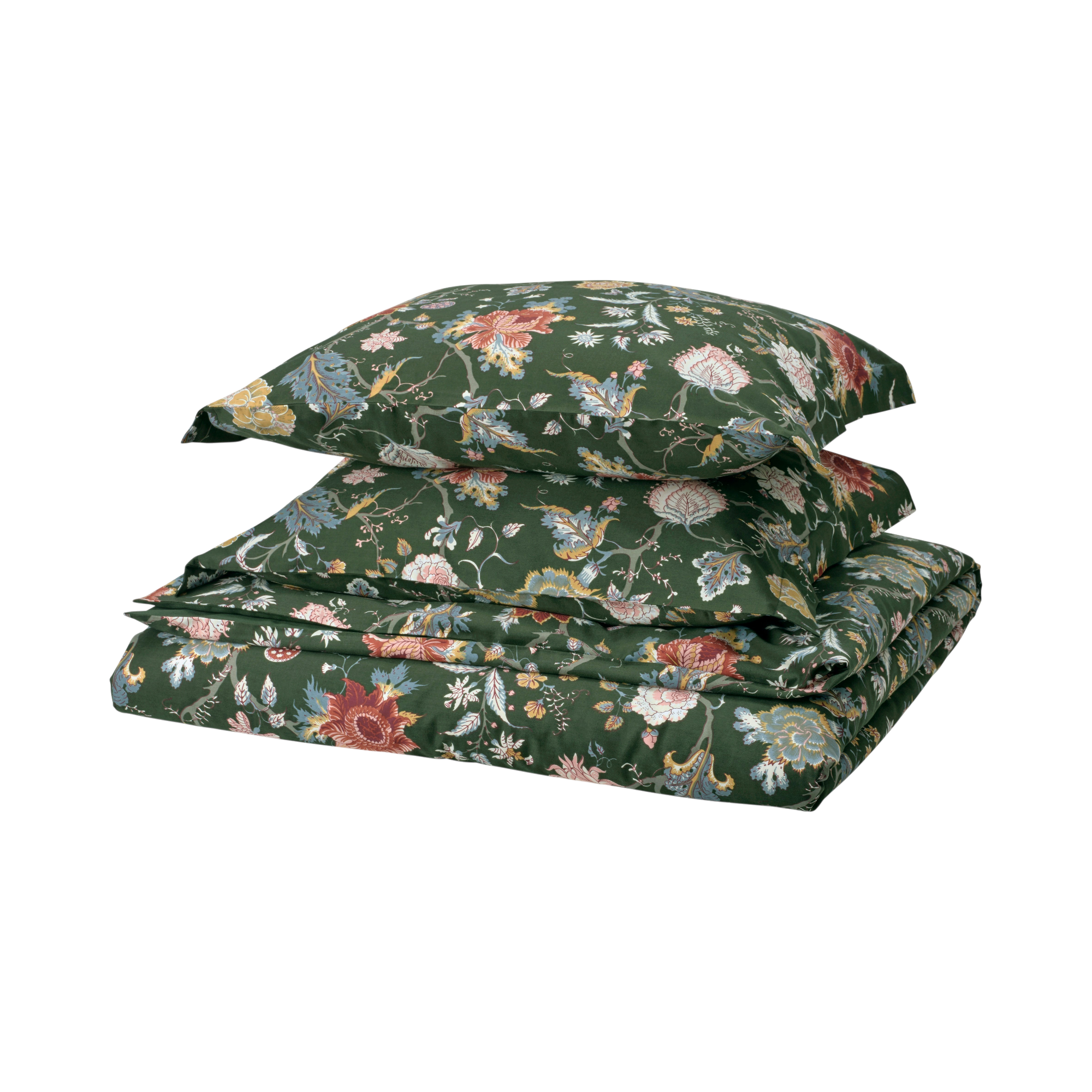
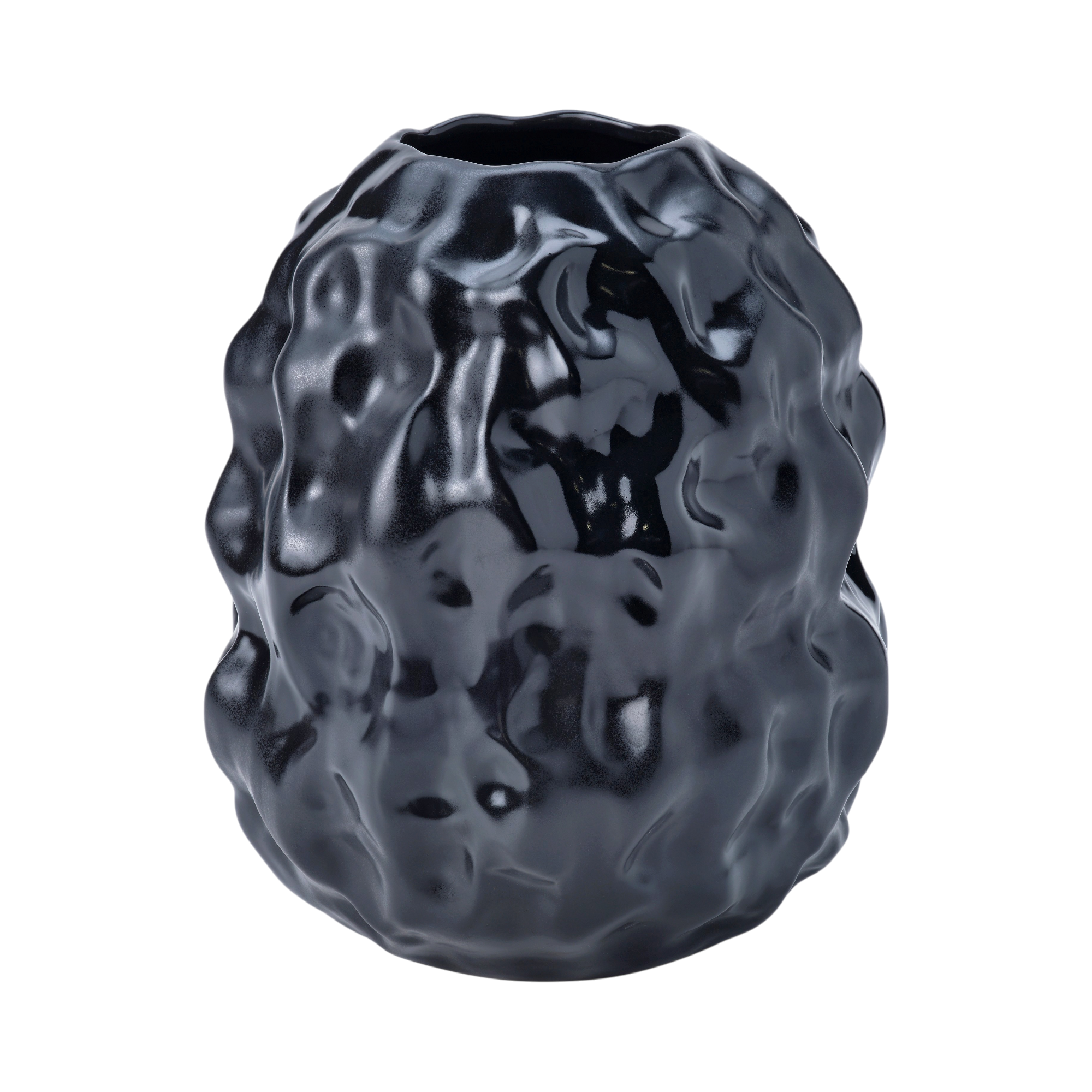
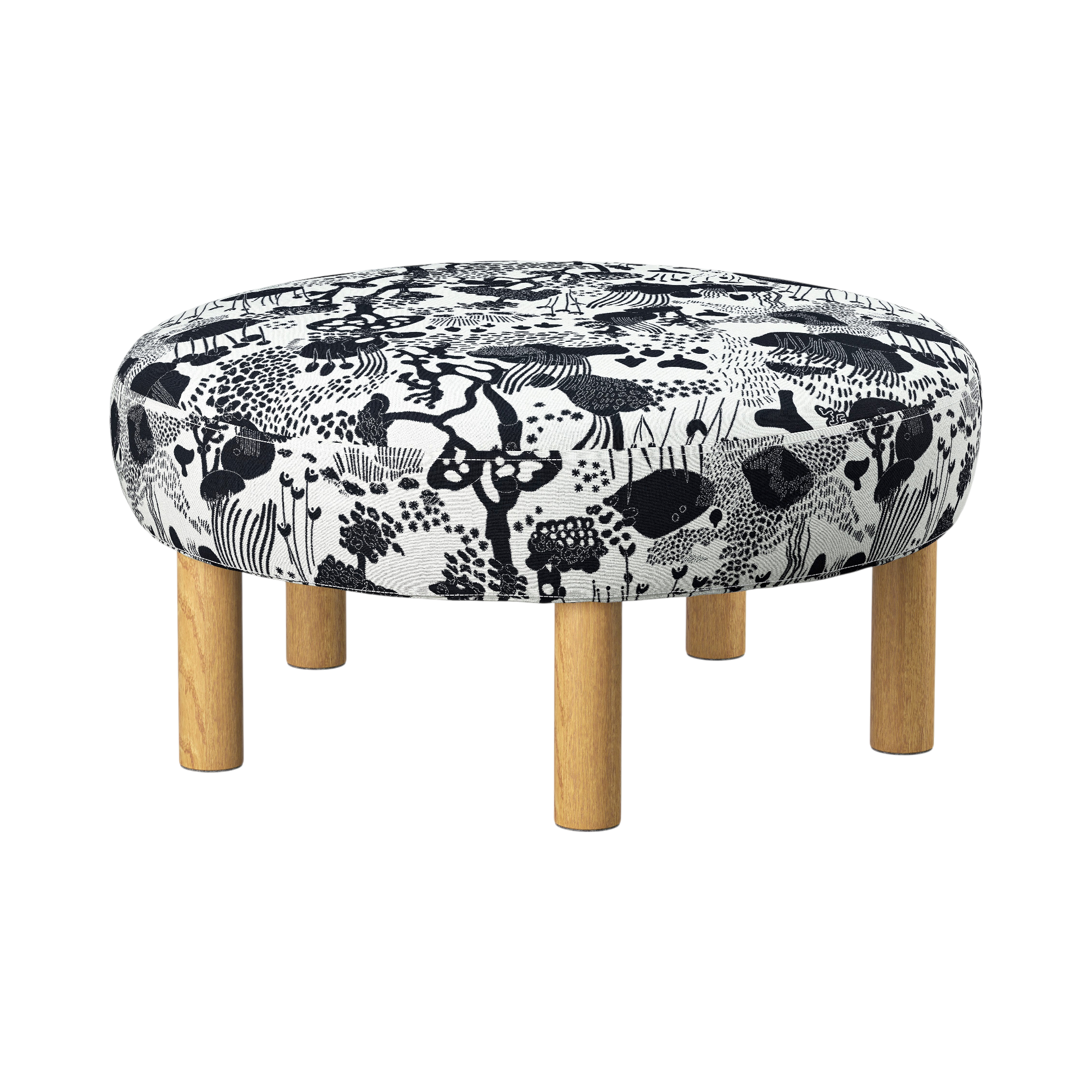
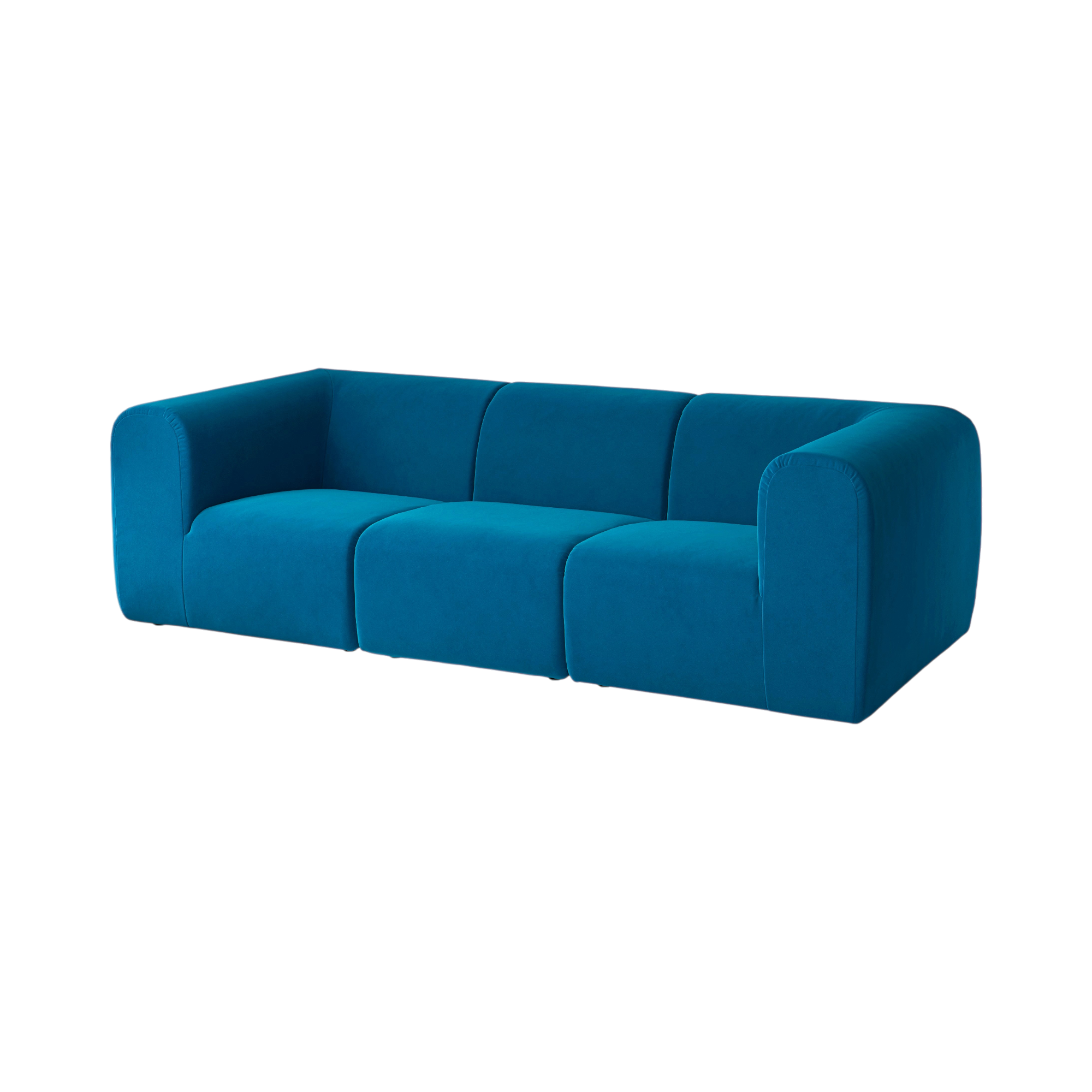
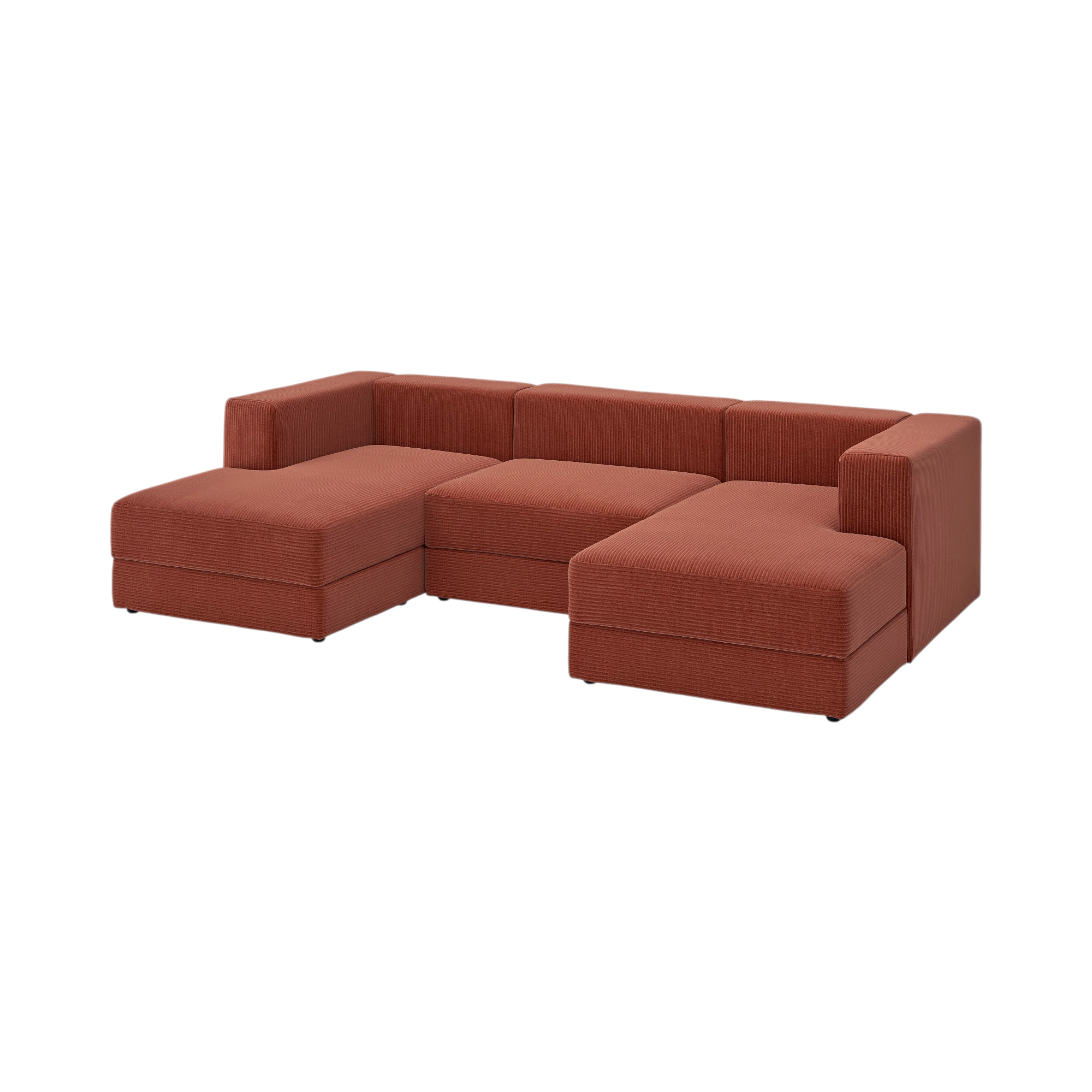
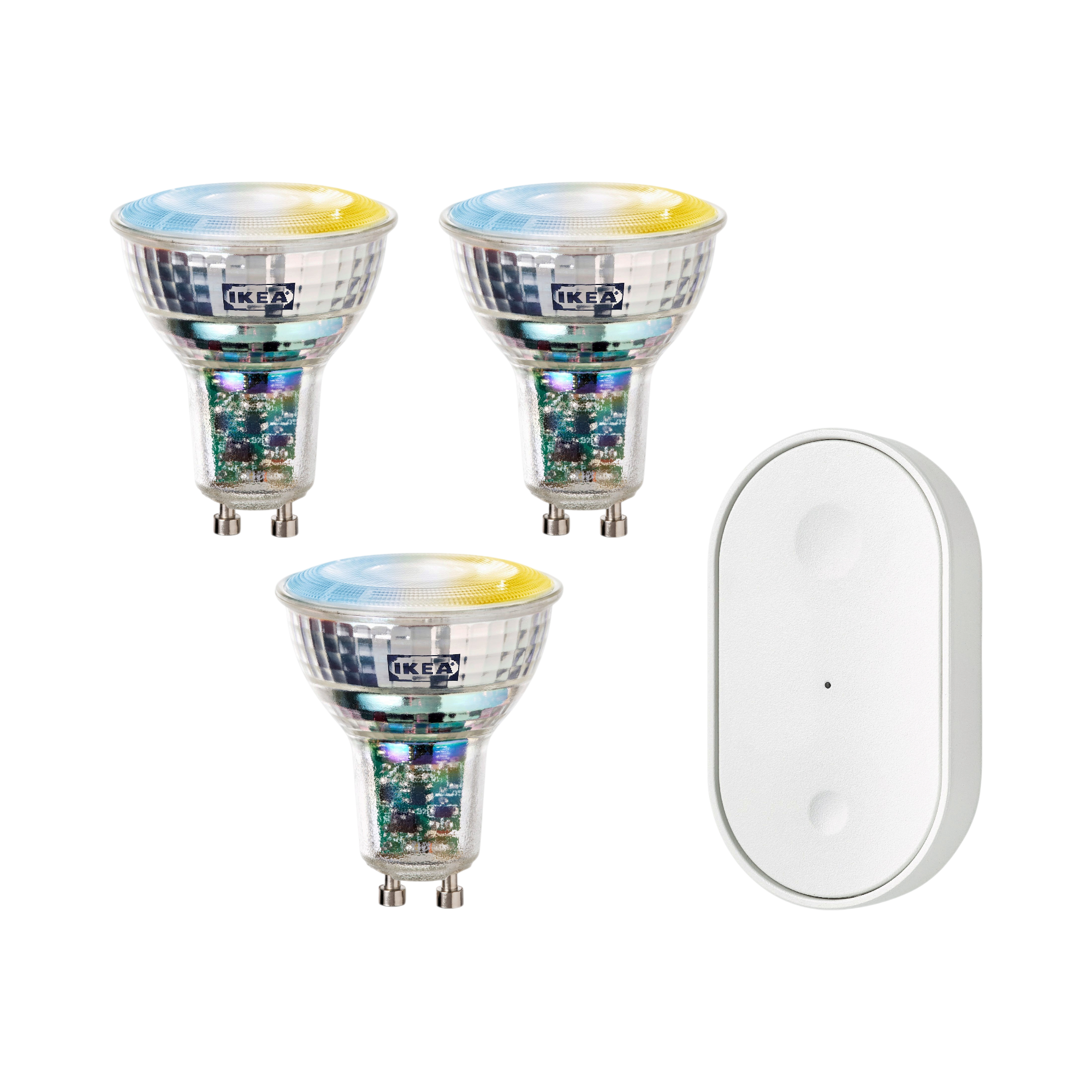
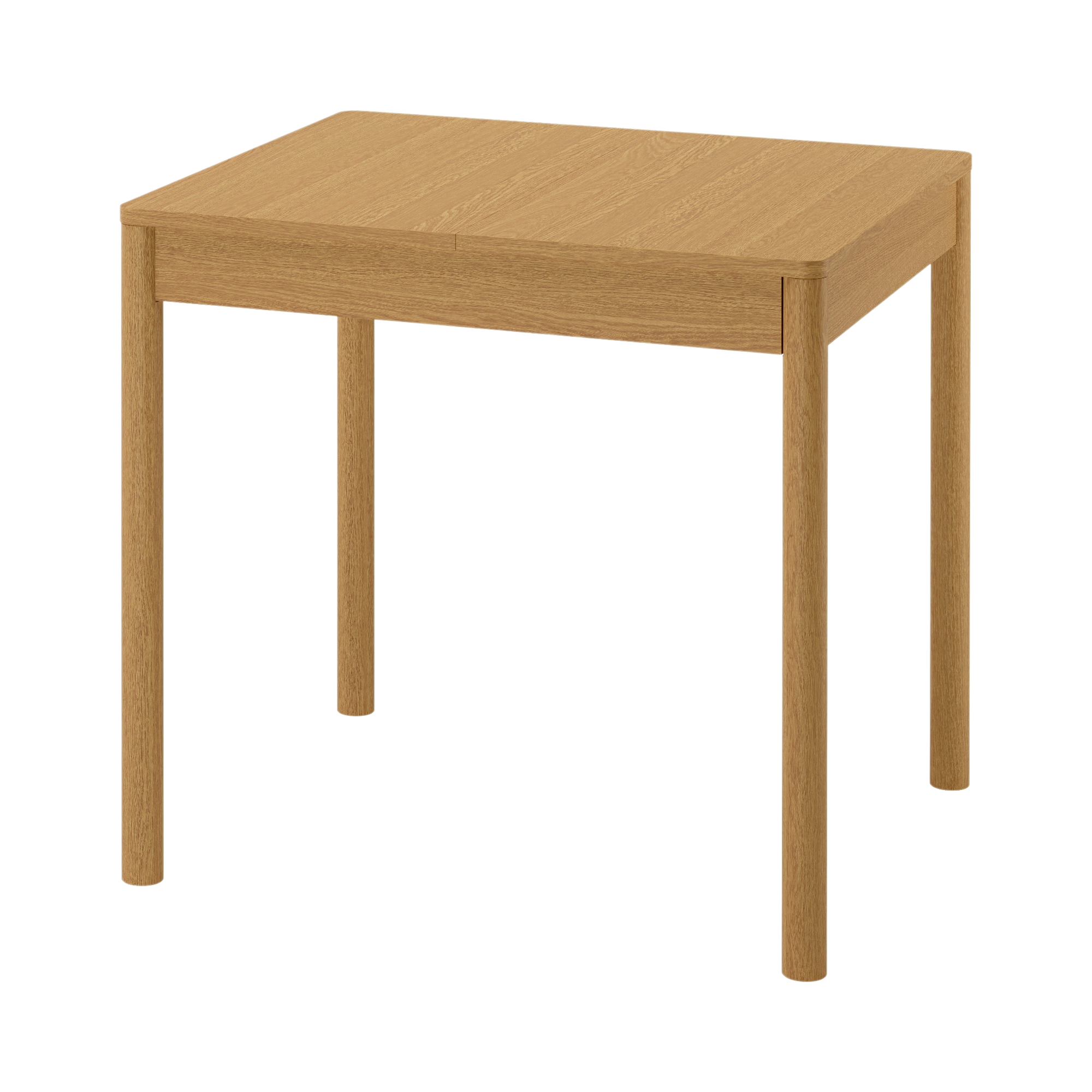
Photoroom shadow
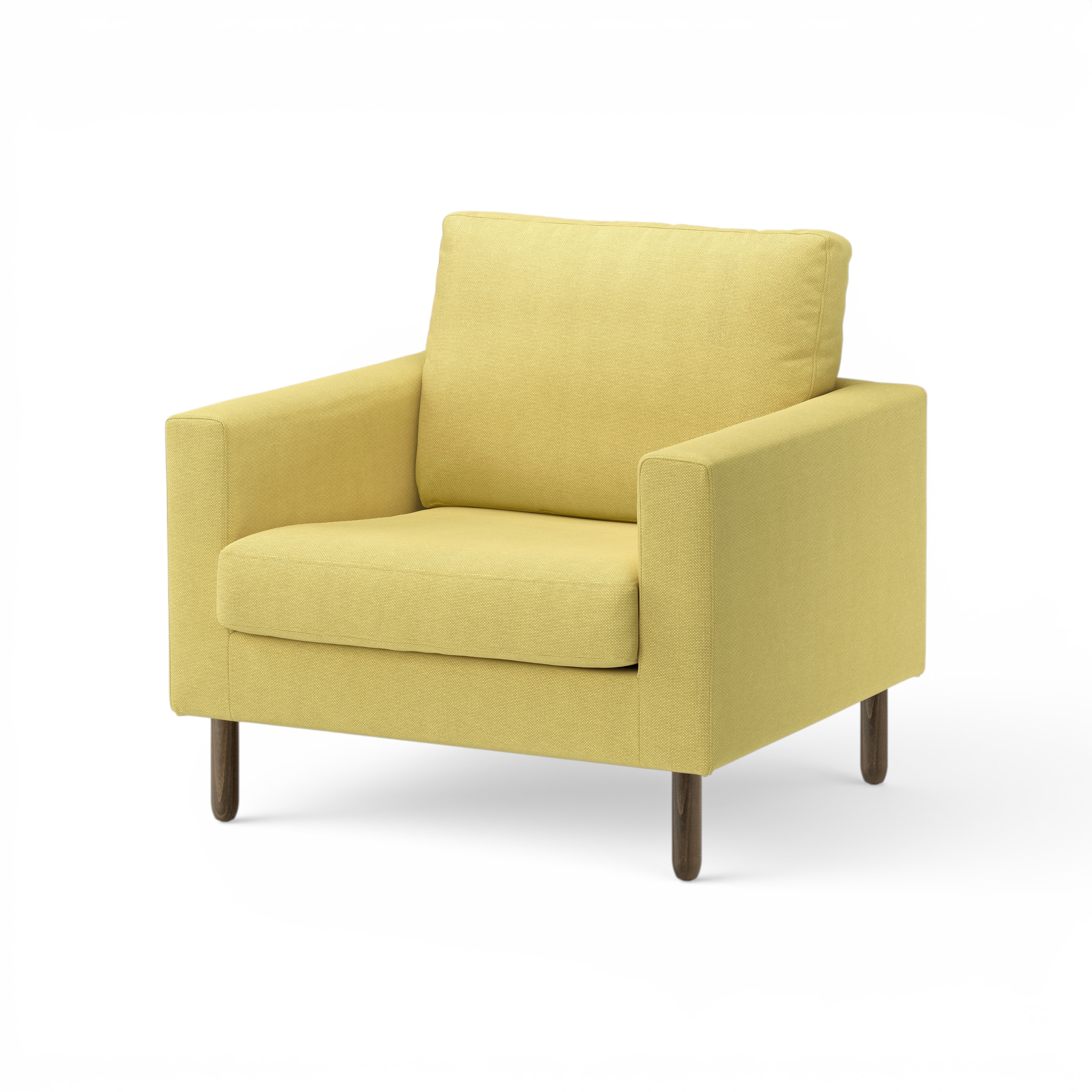
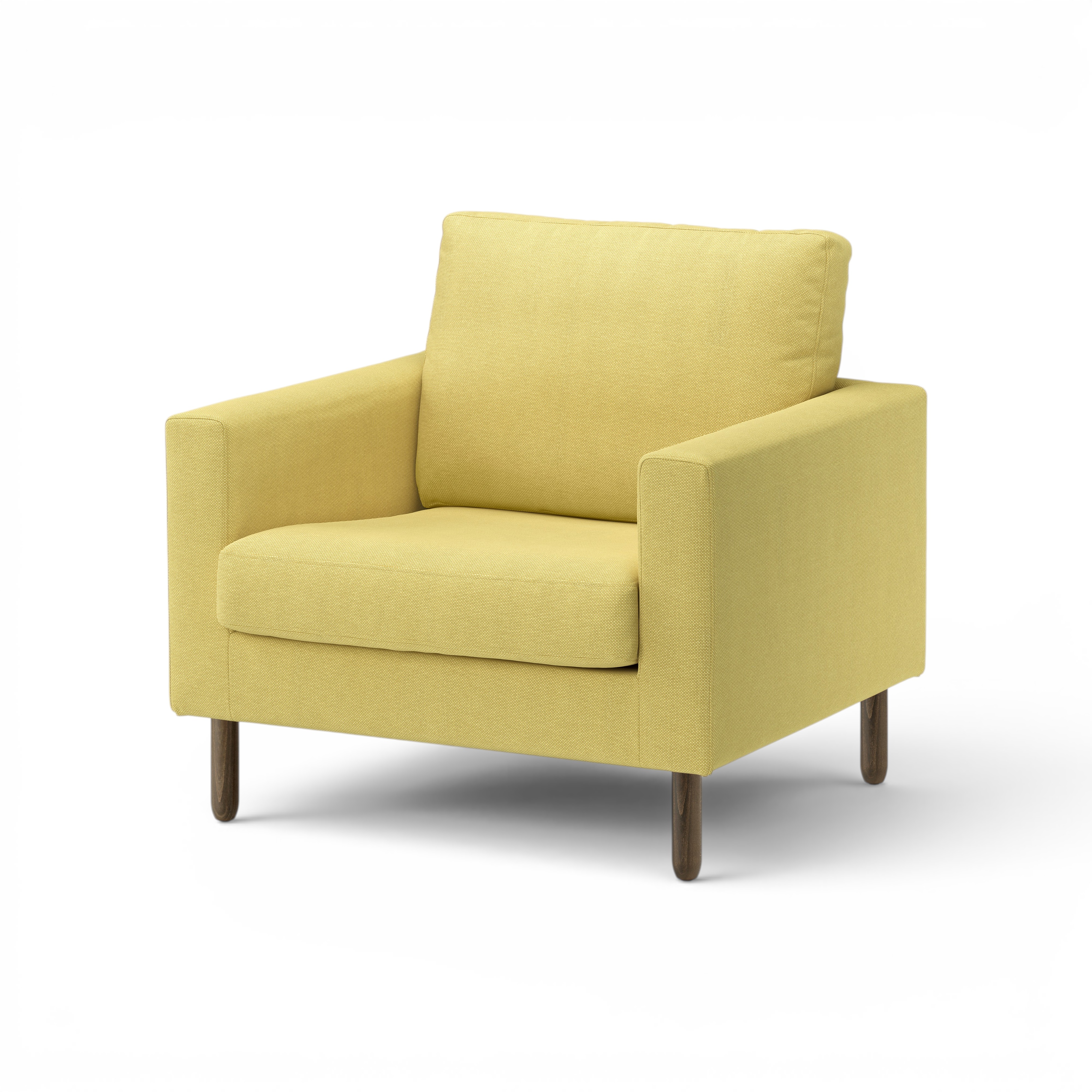
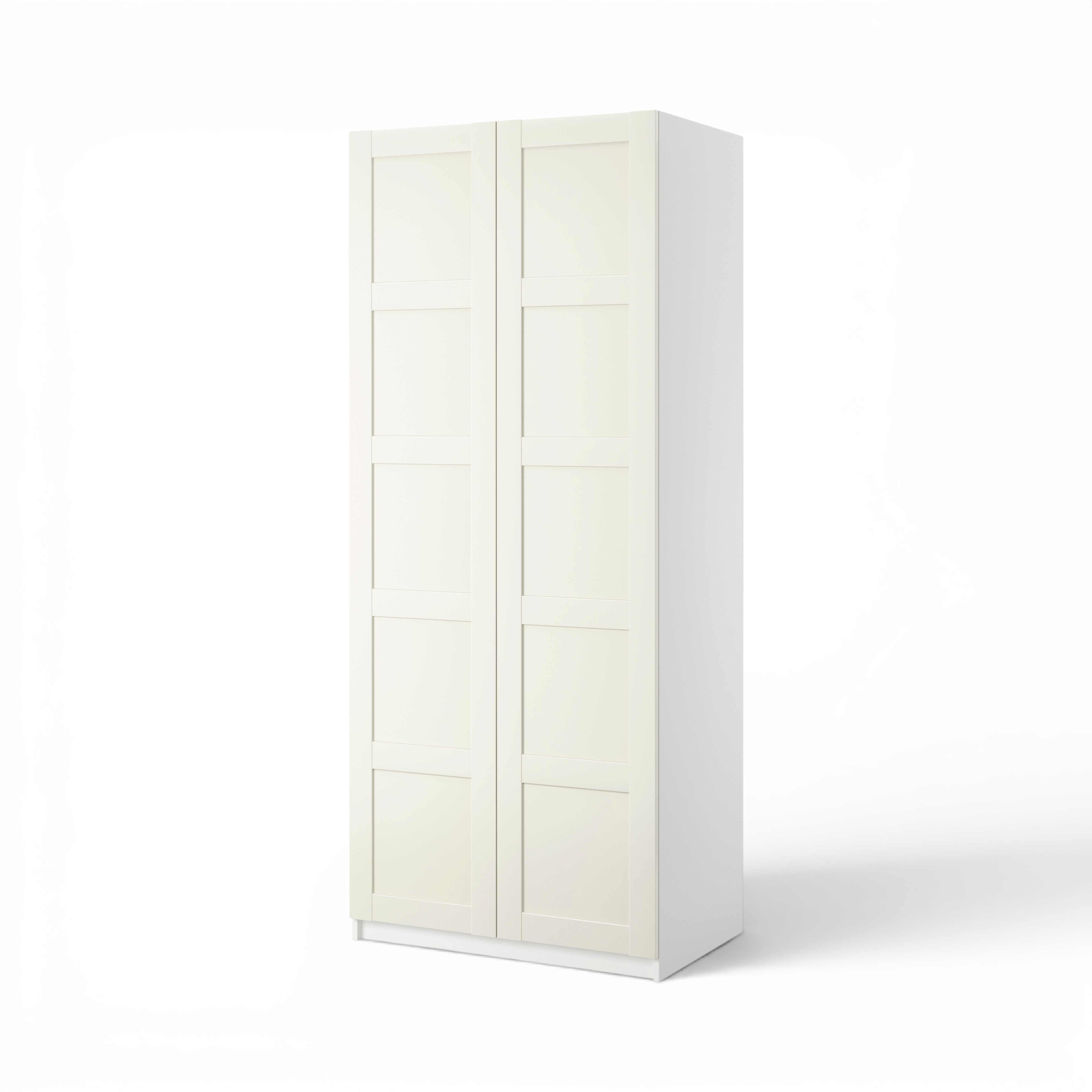
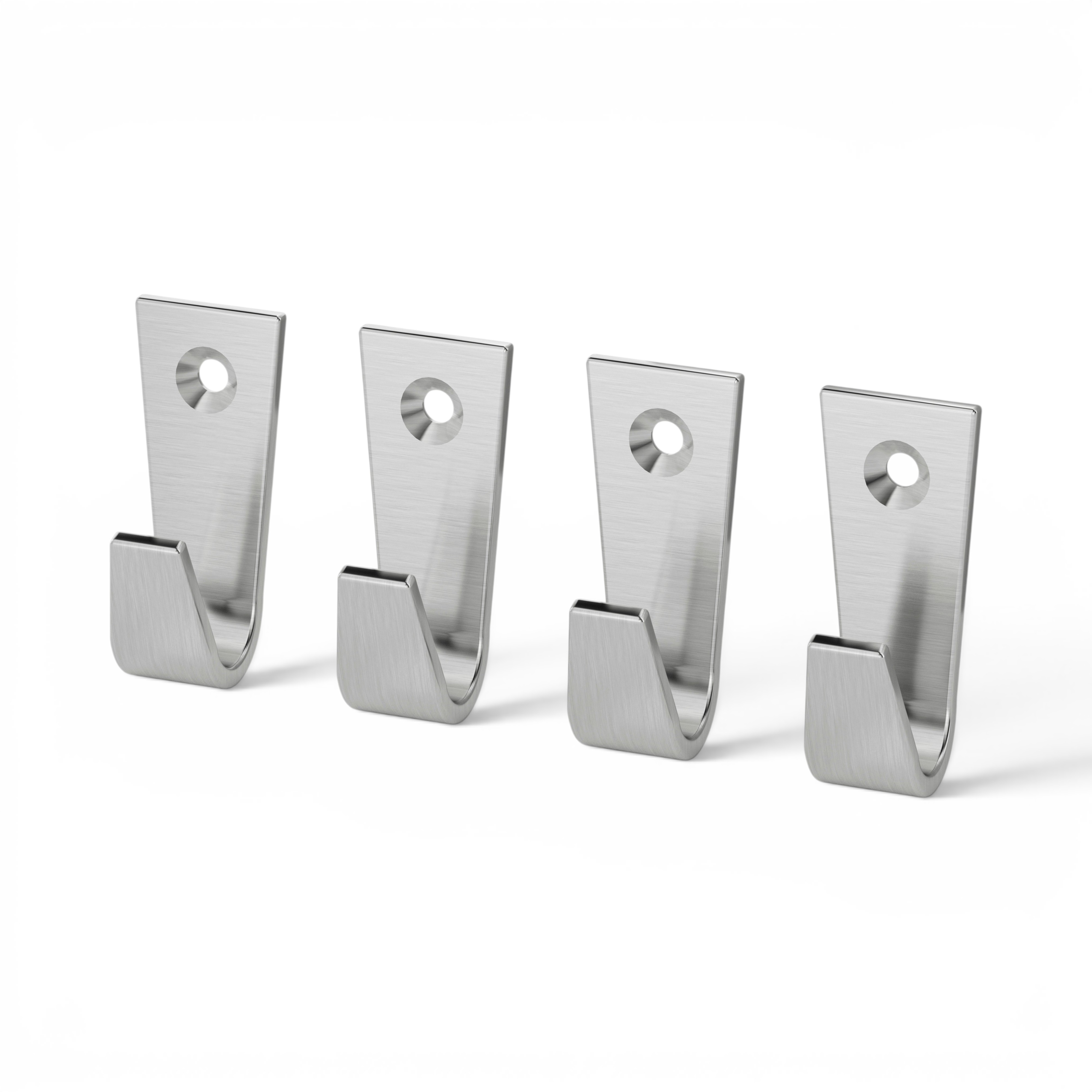
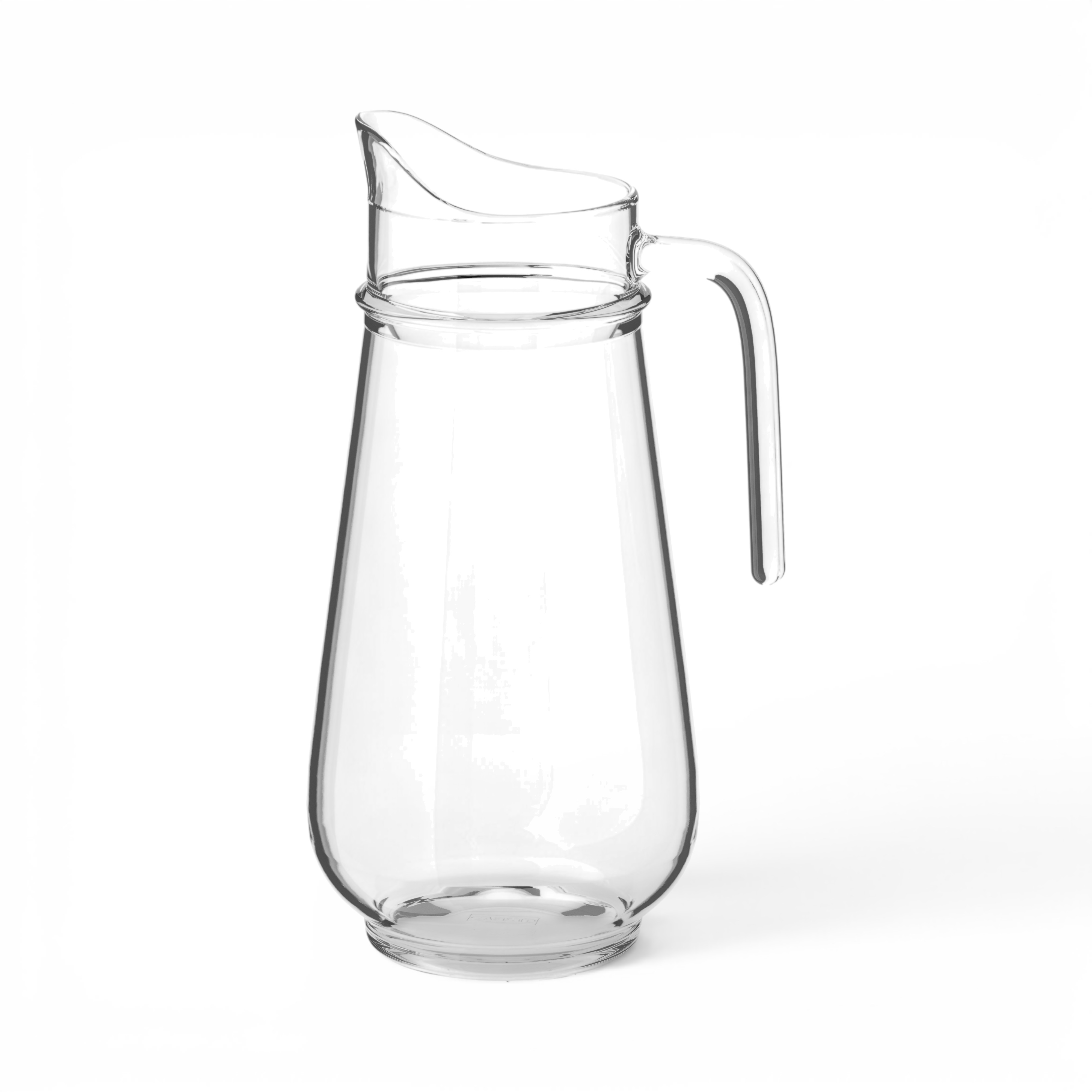
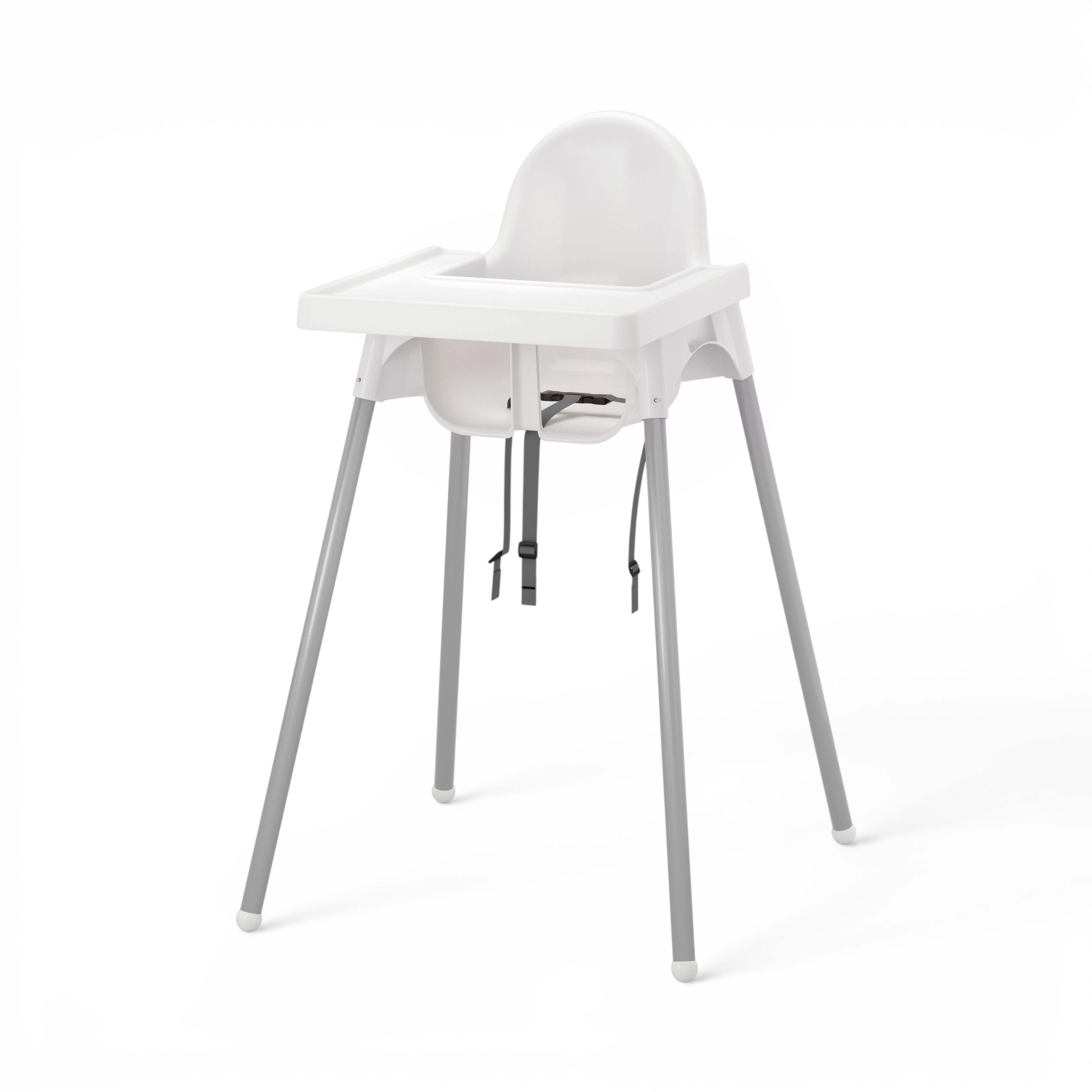
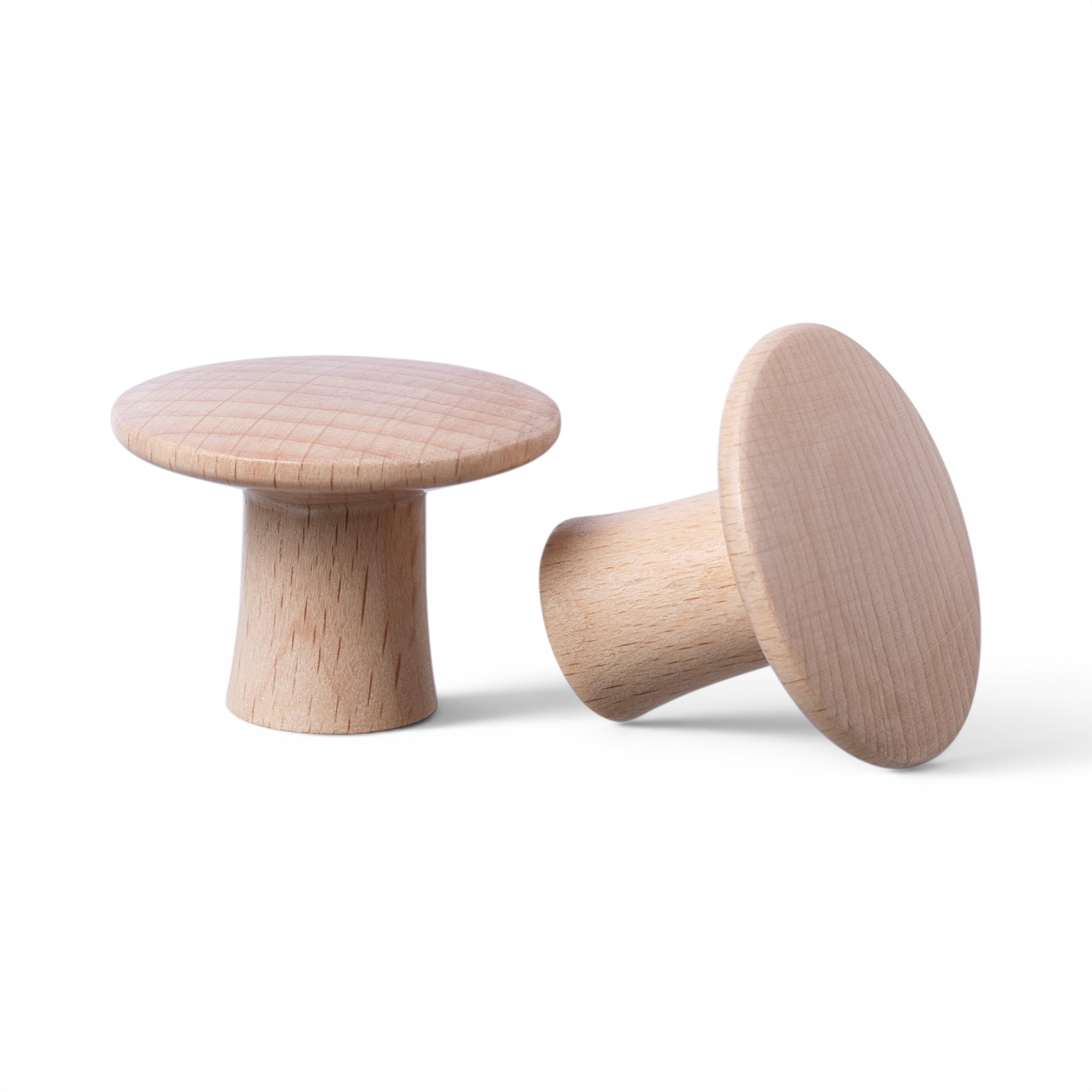
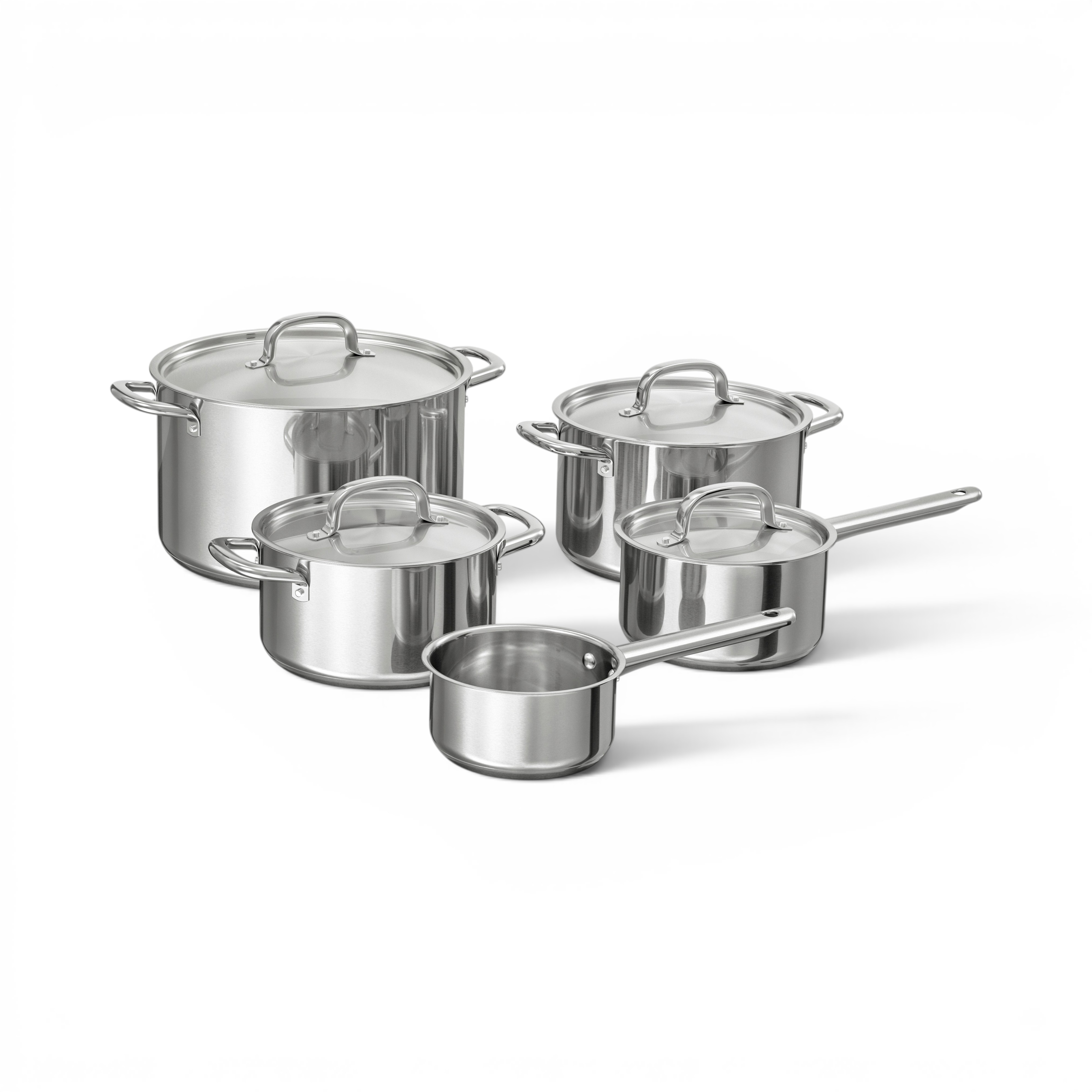
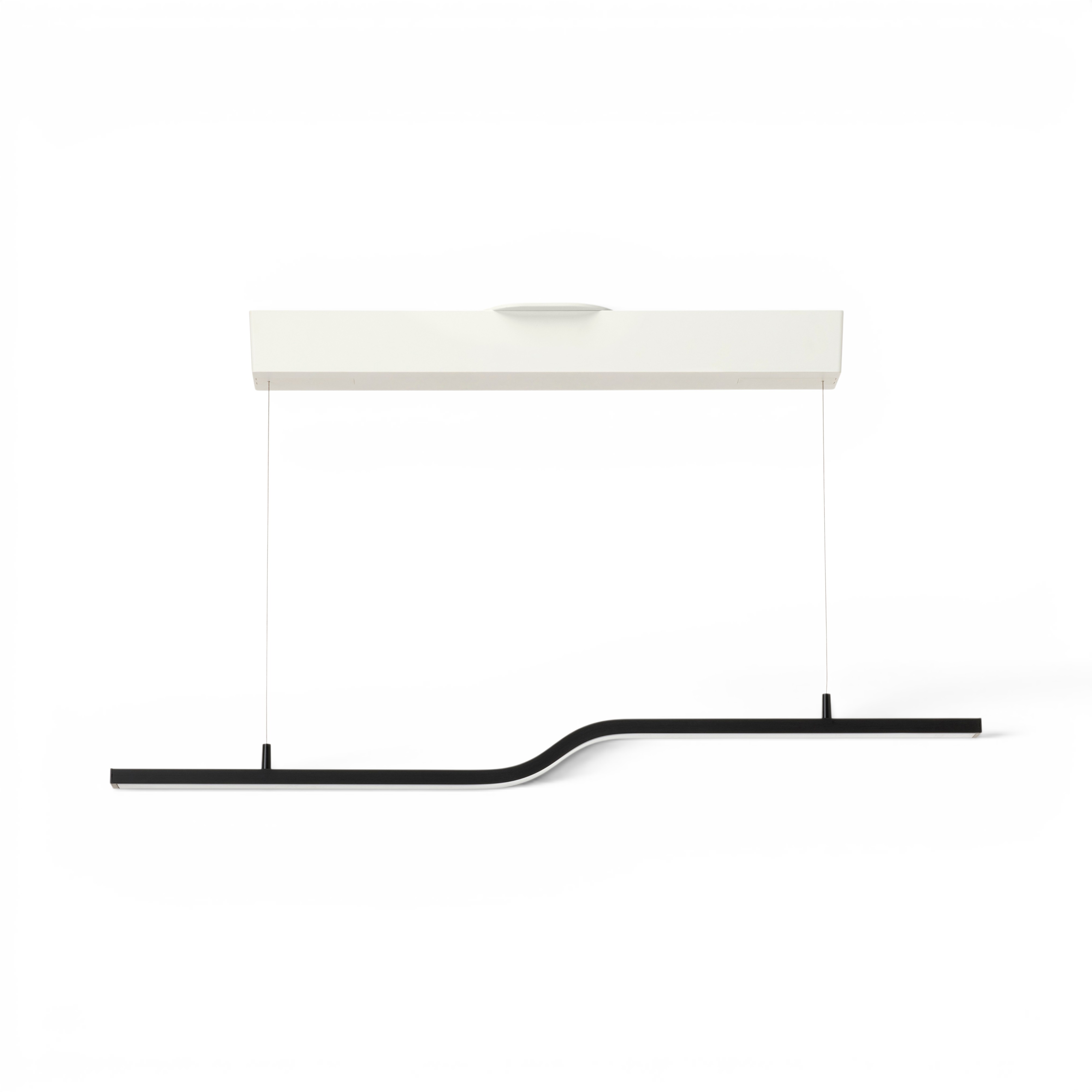
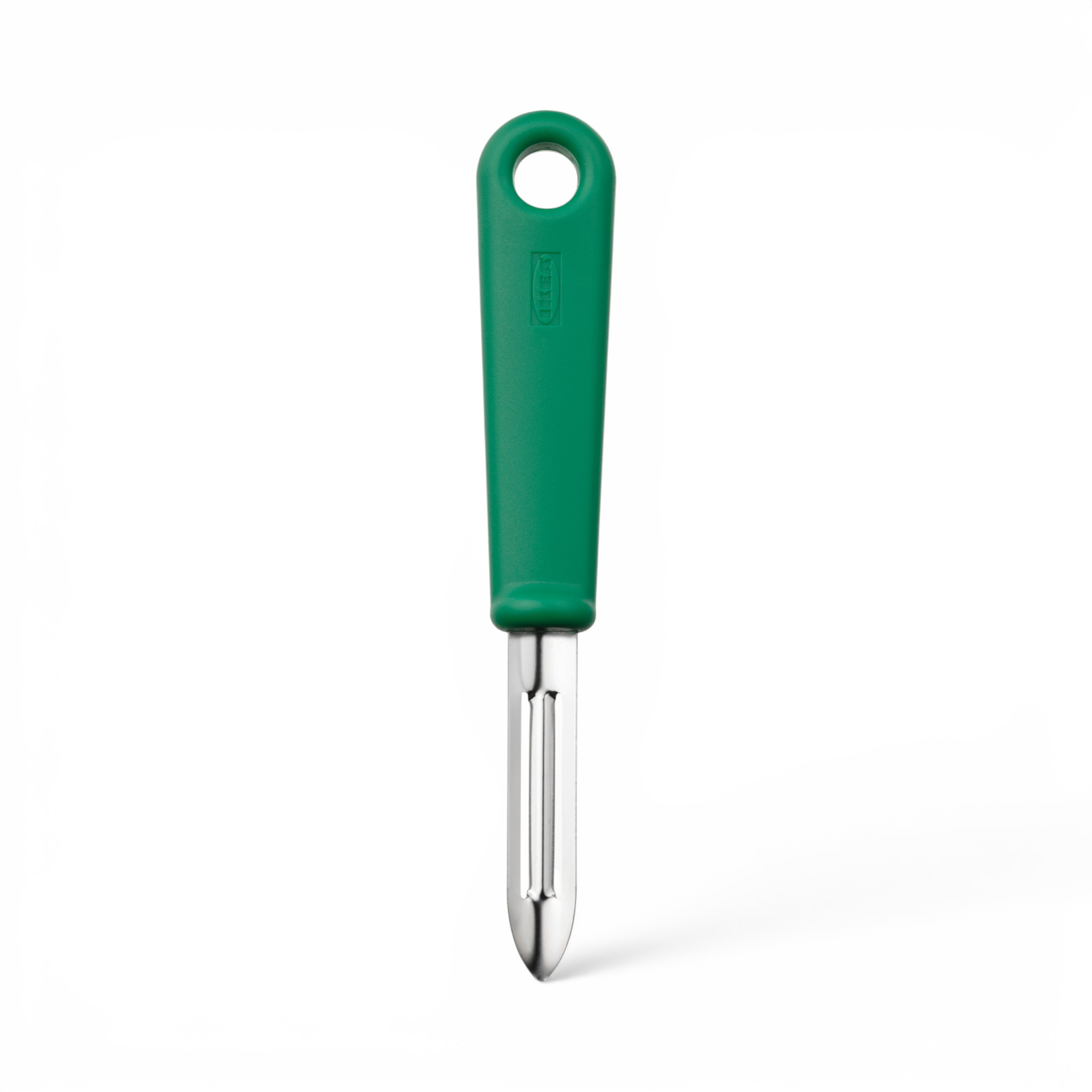
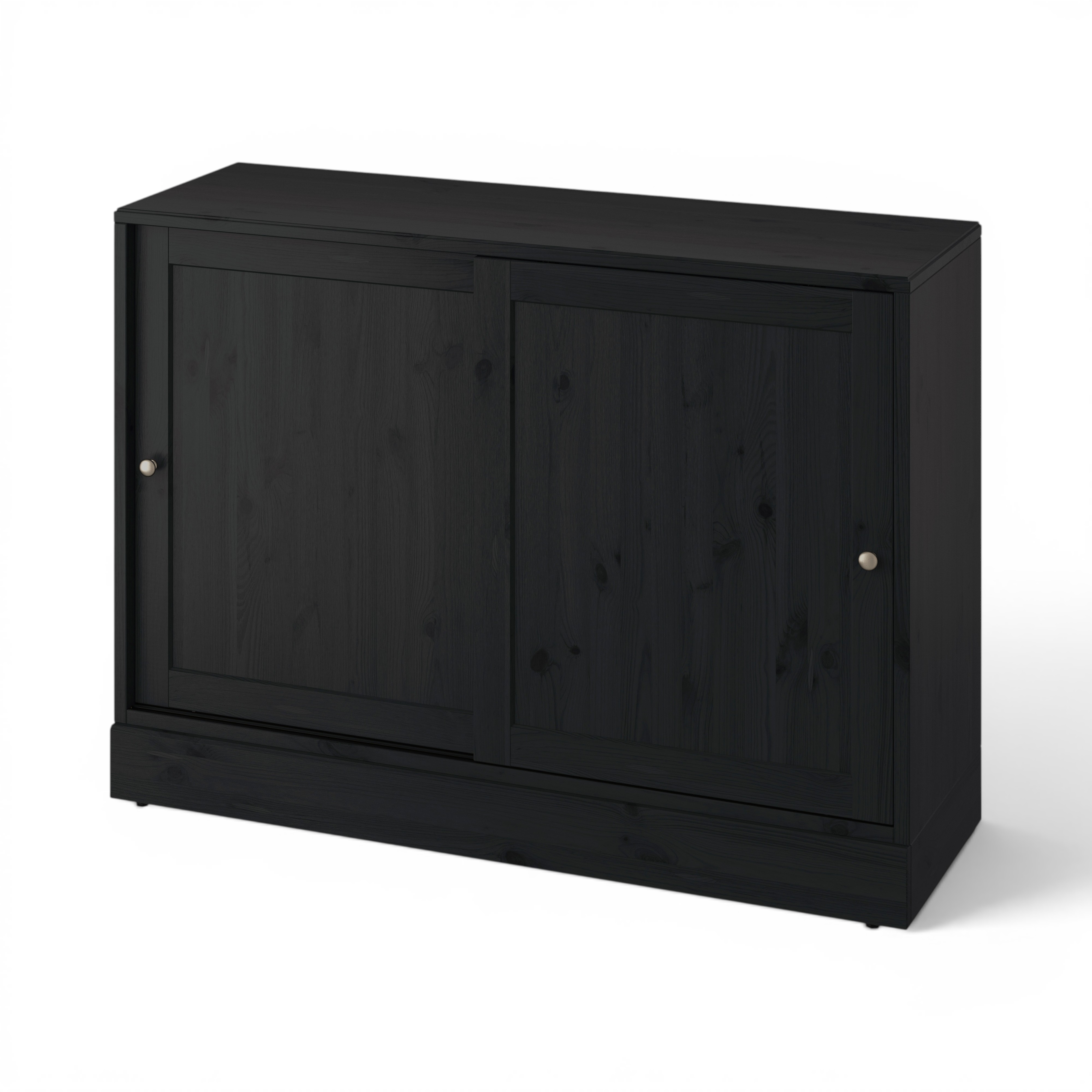
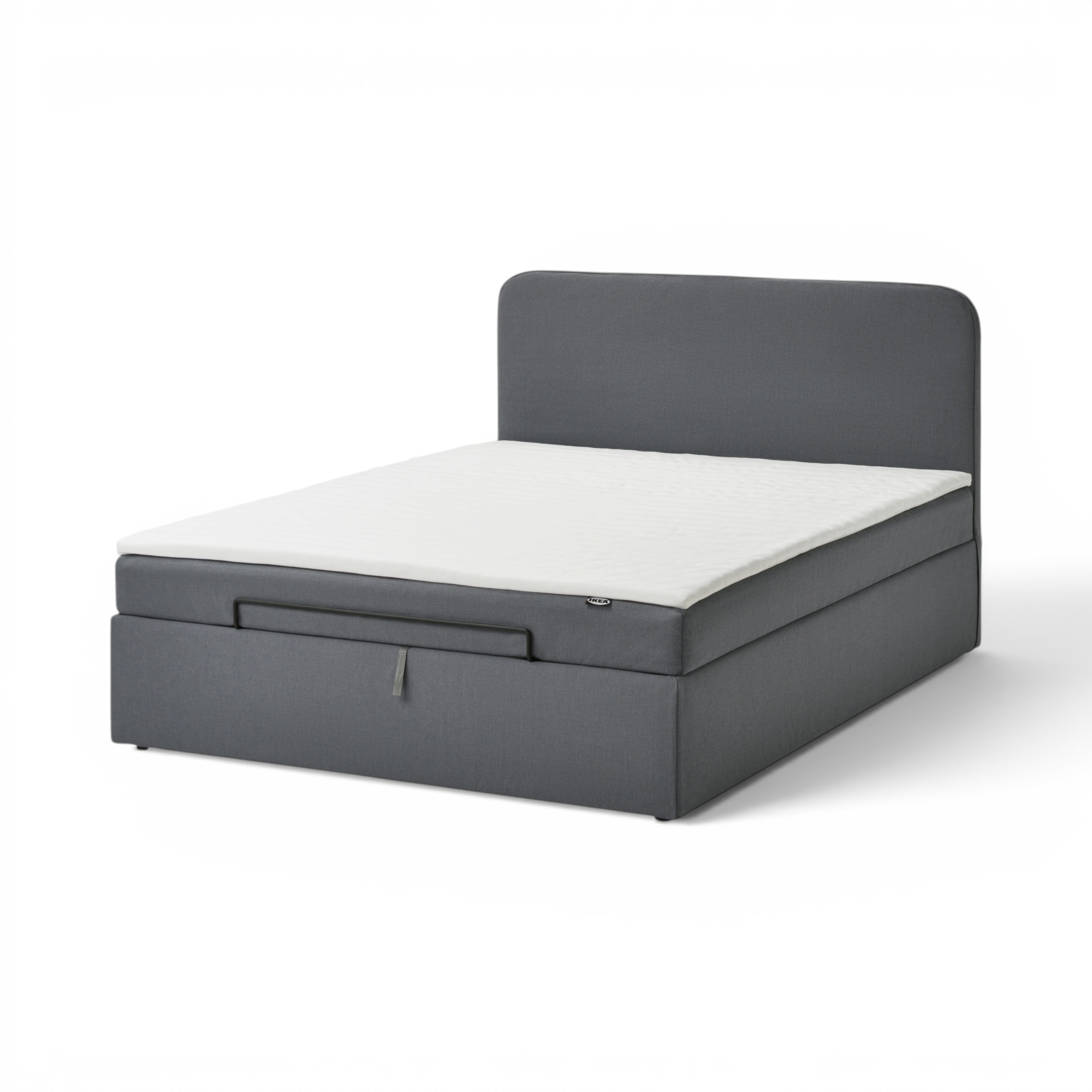
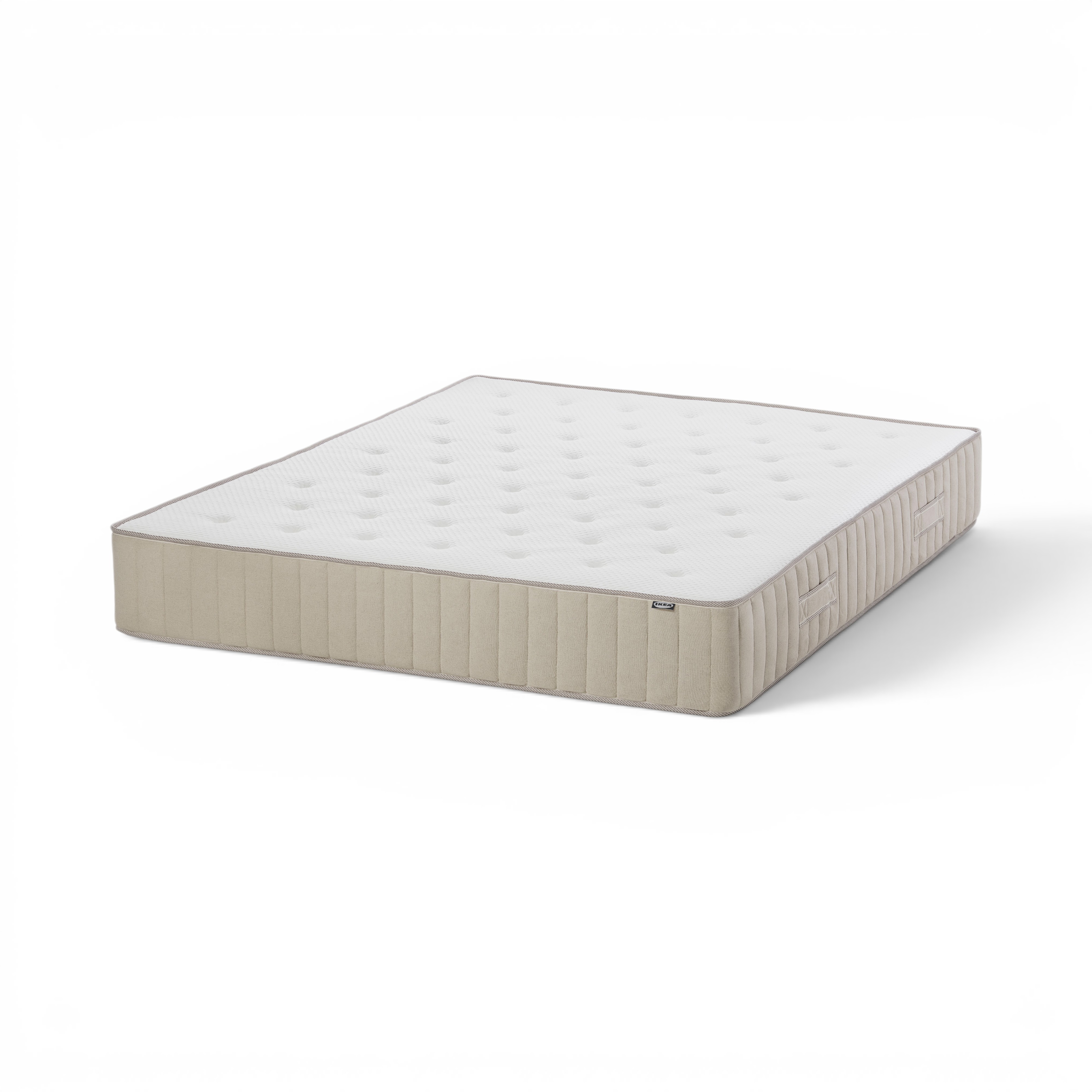
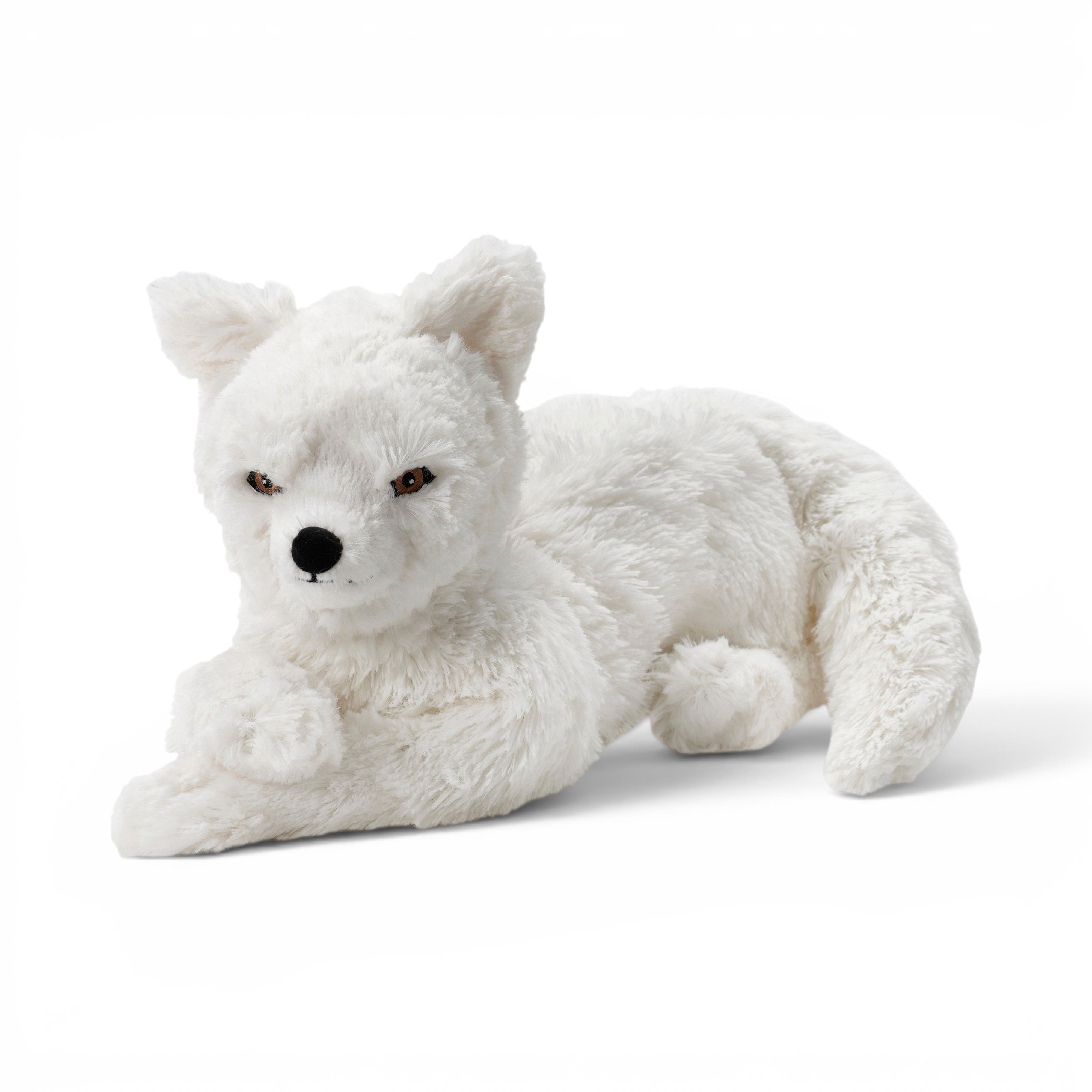
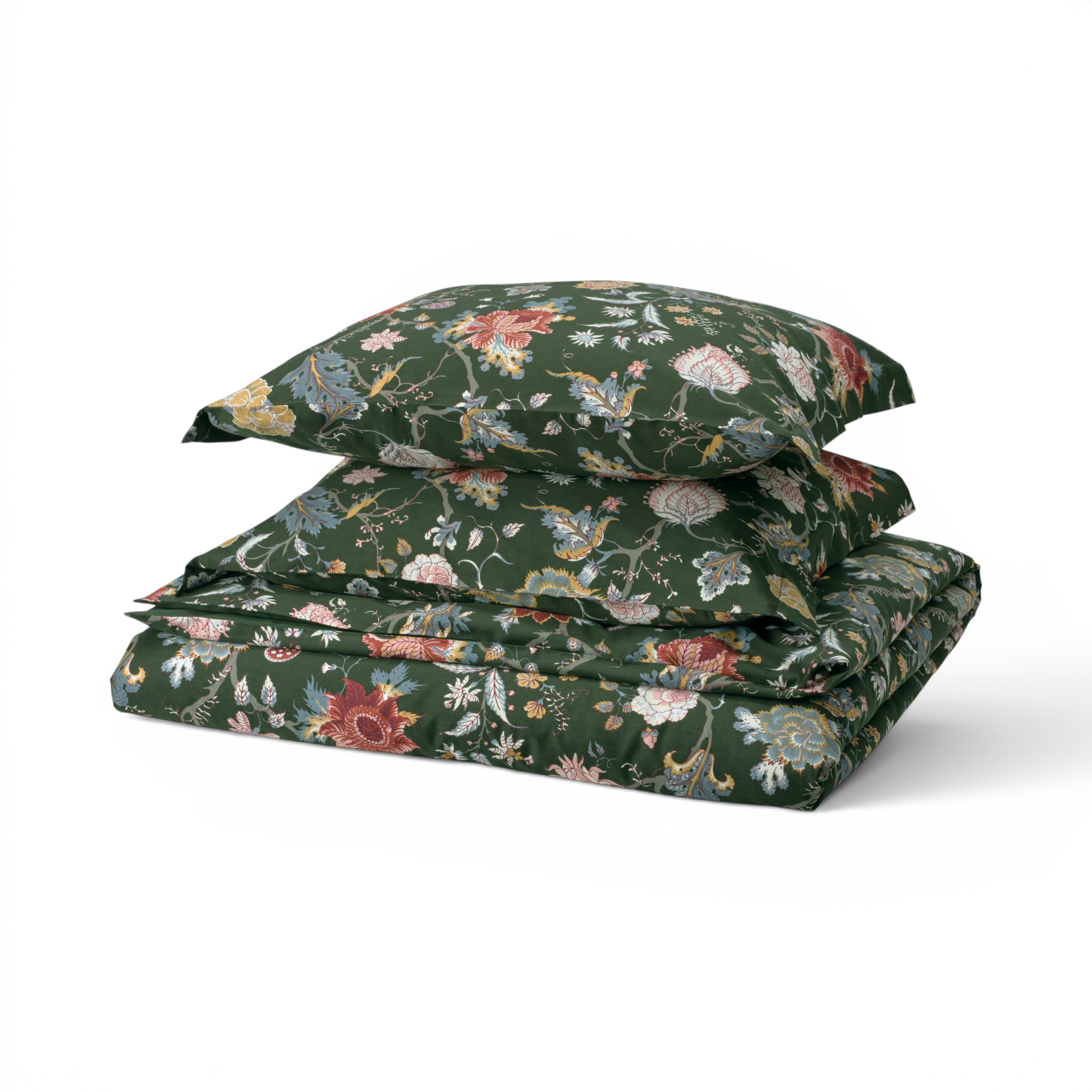
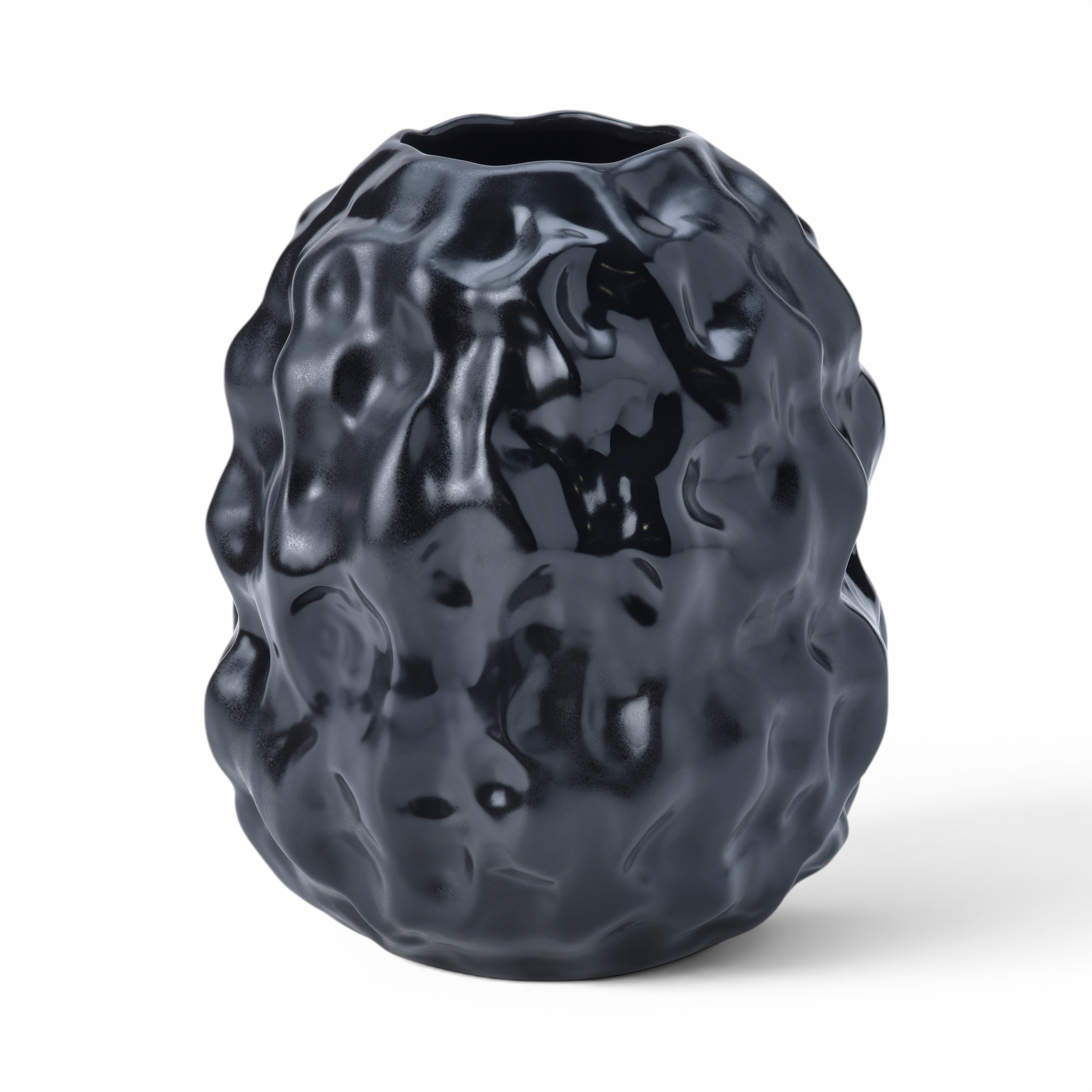
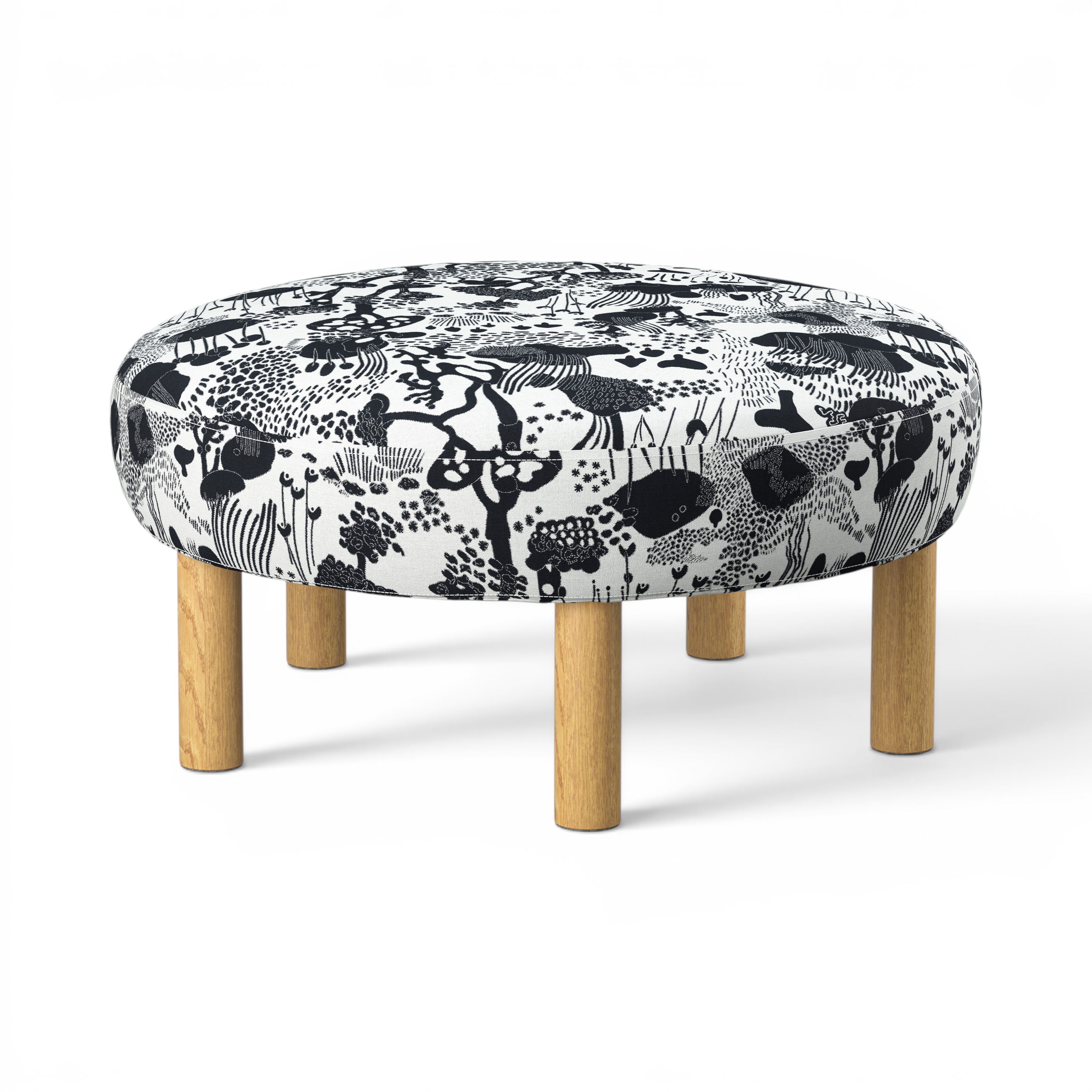
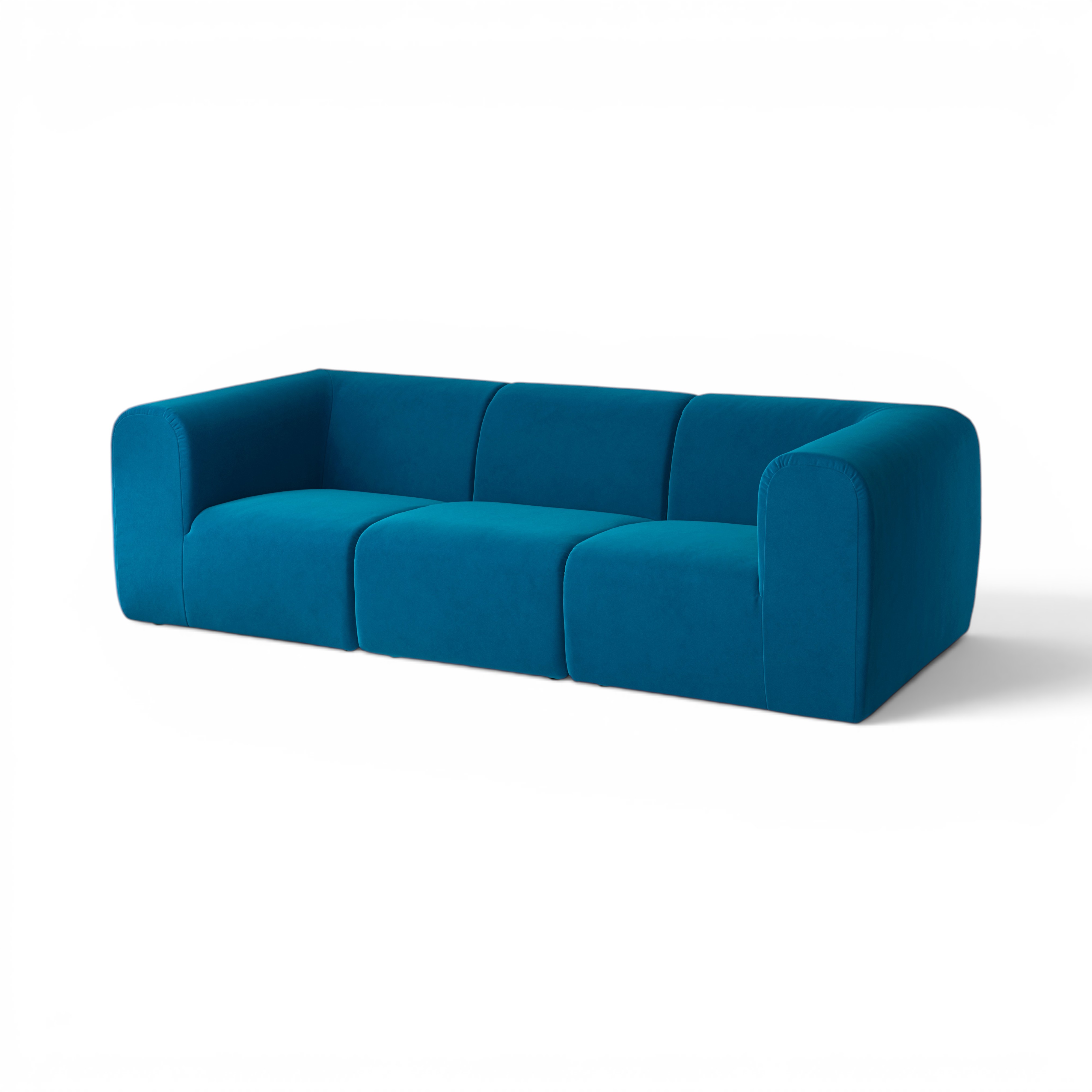
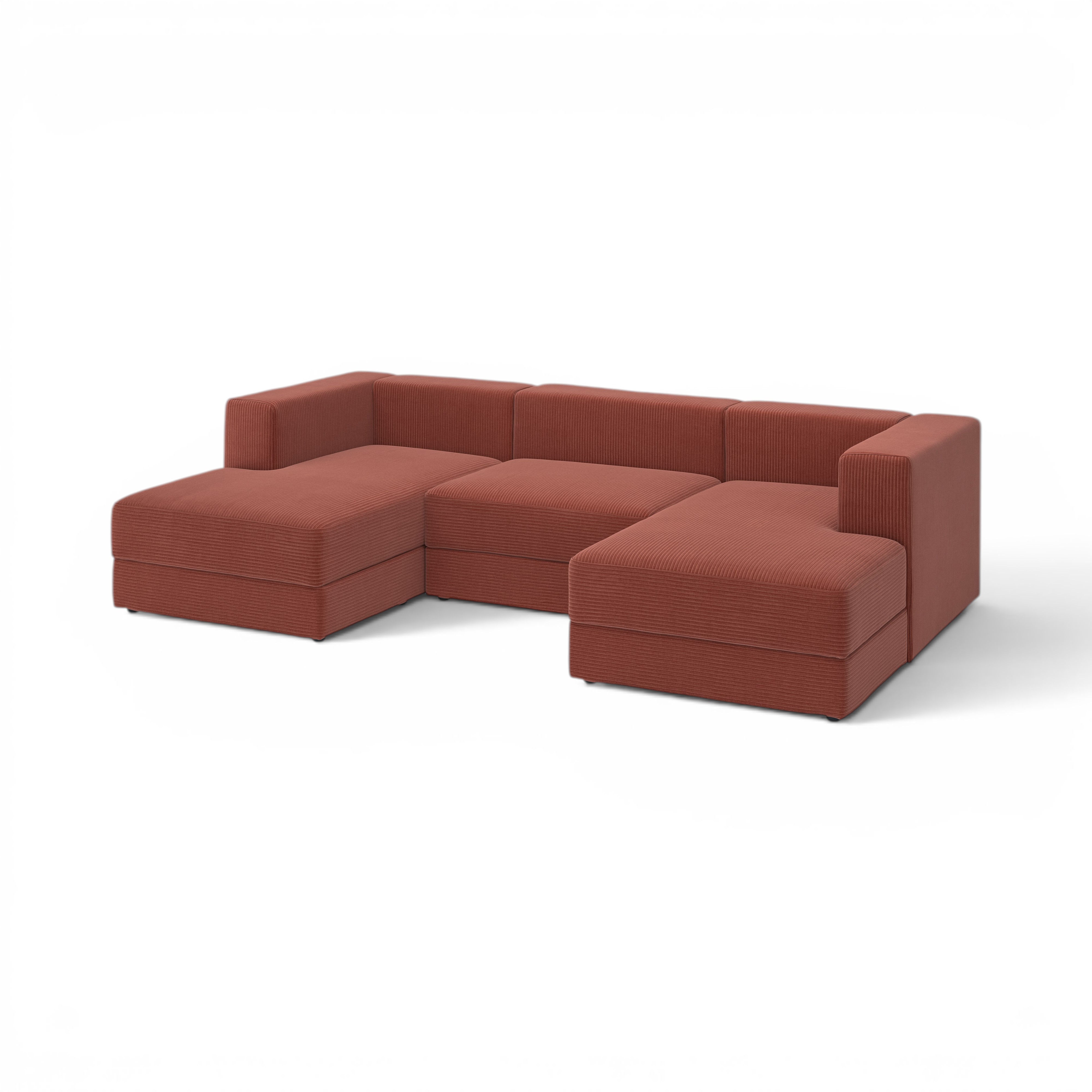
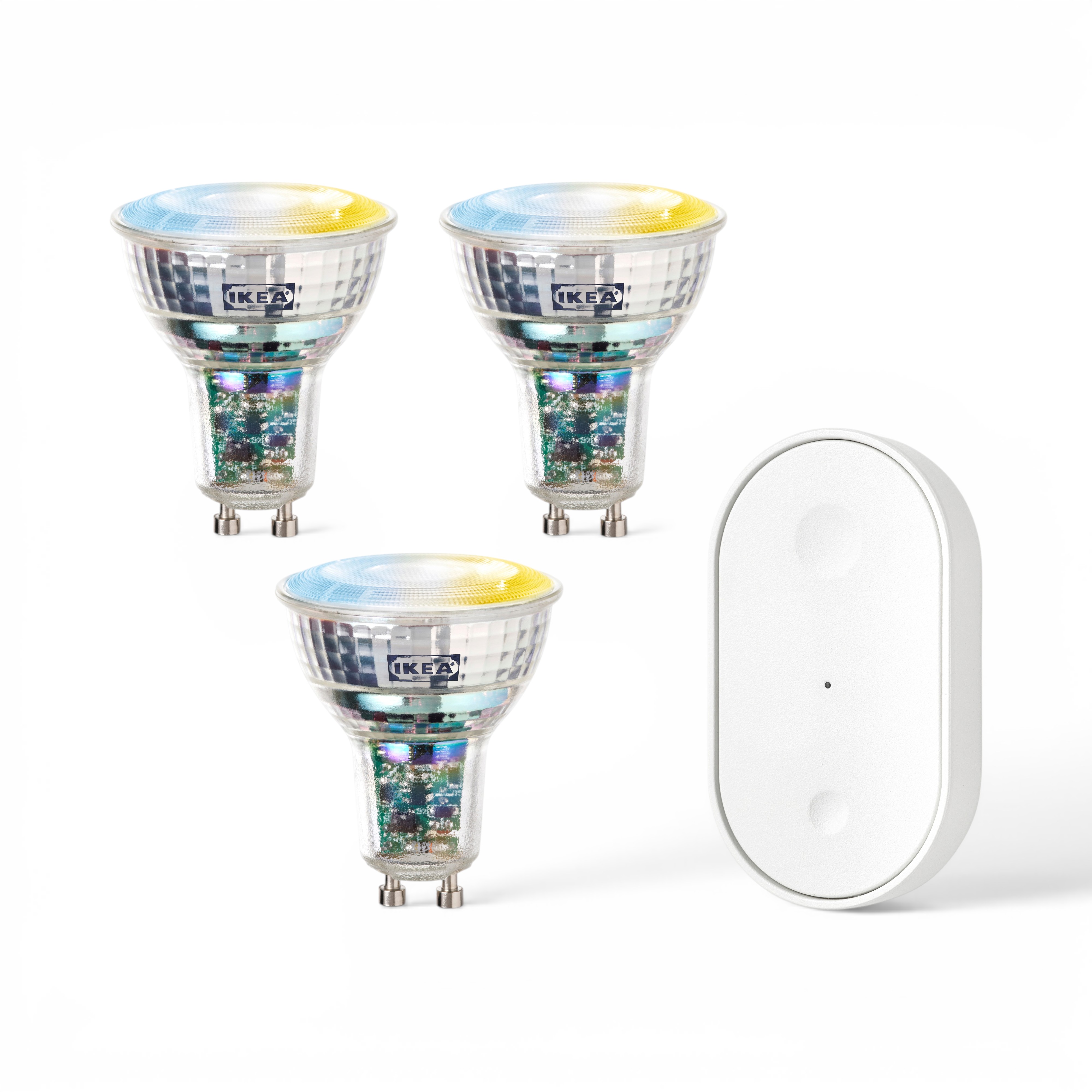
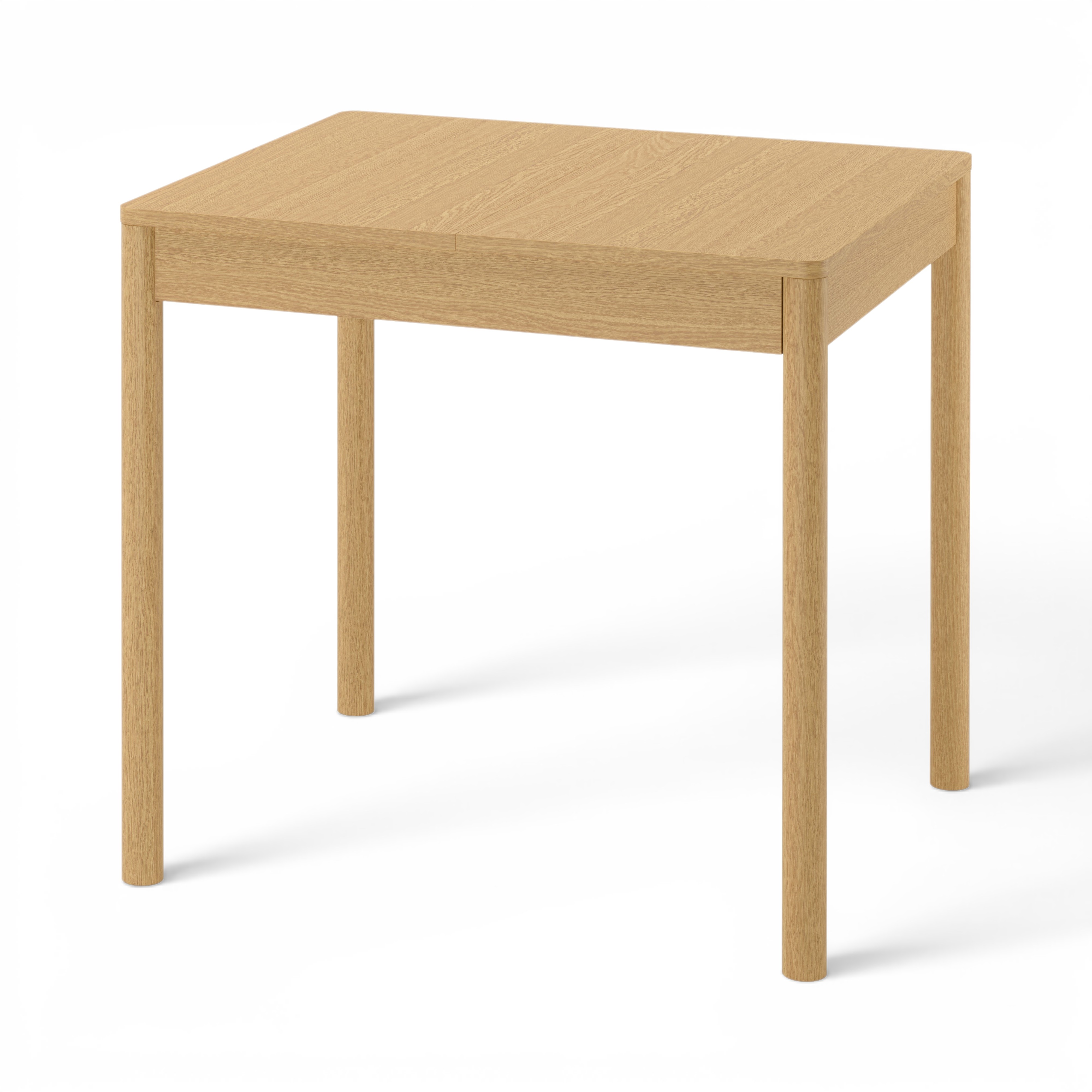
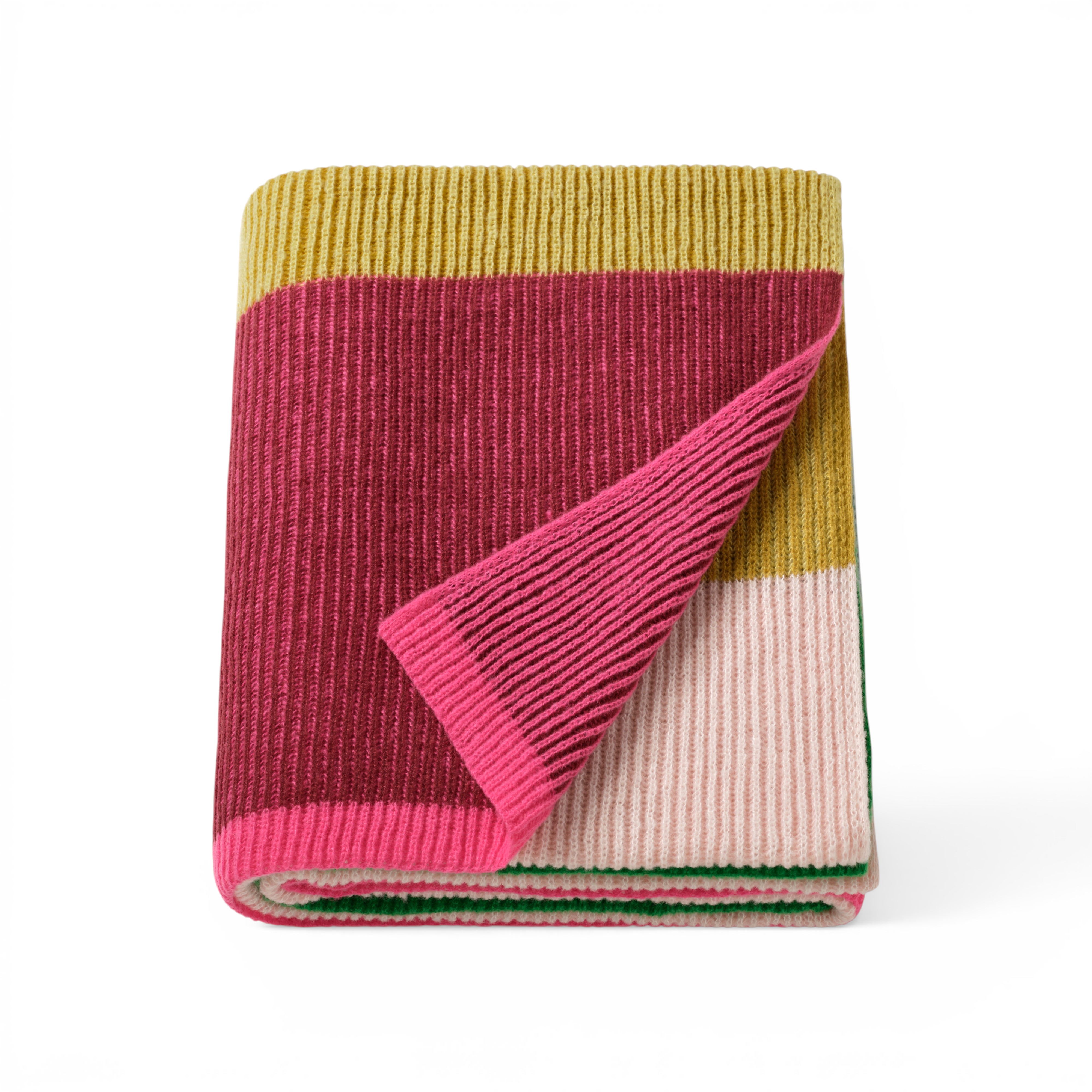
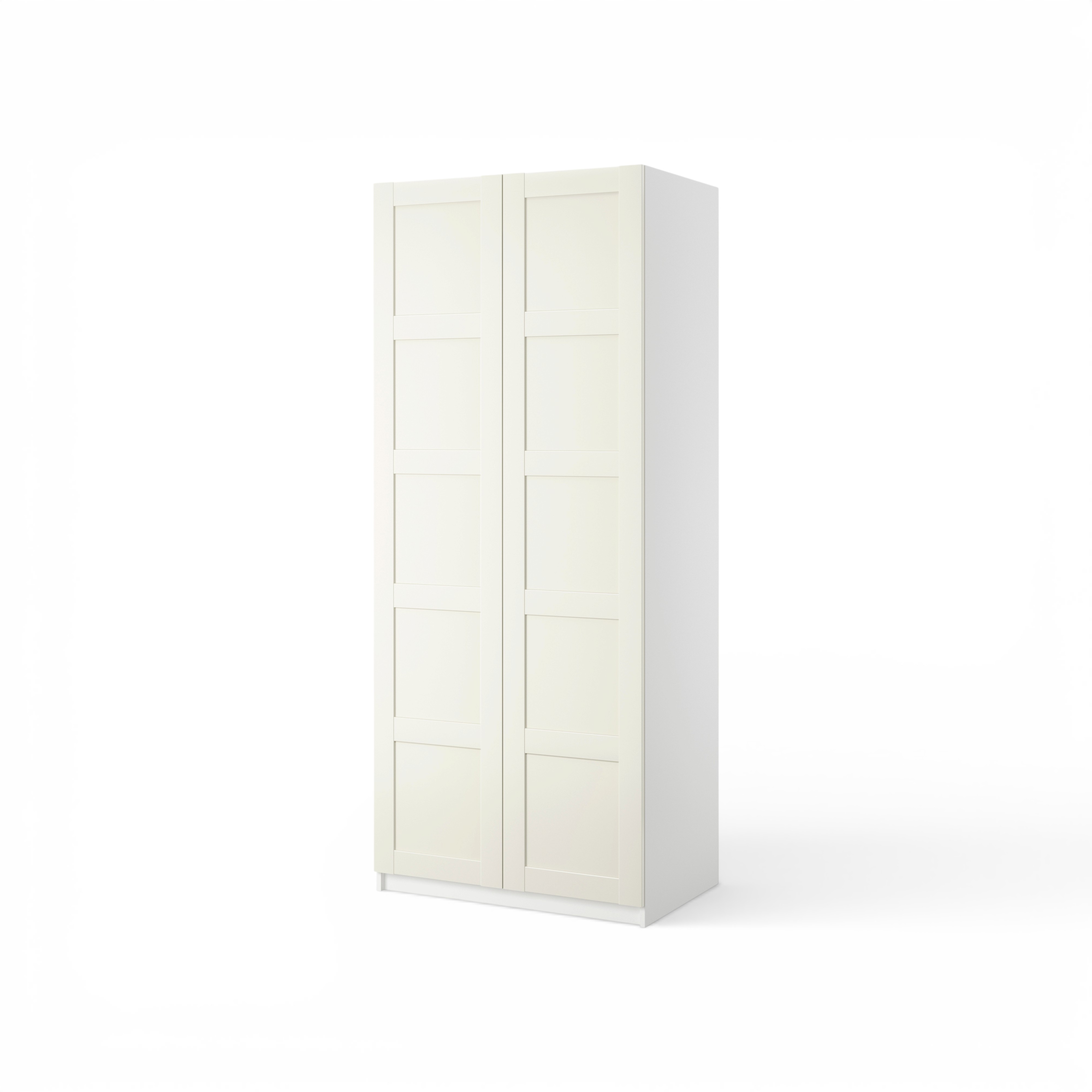
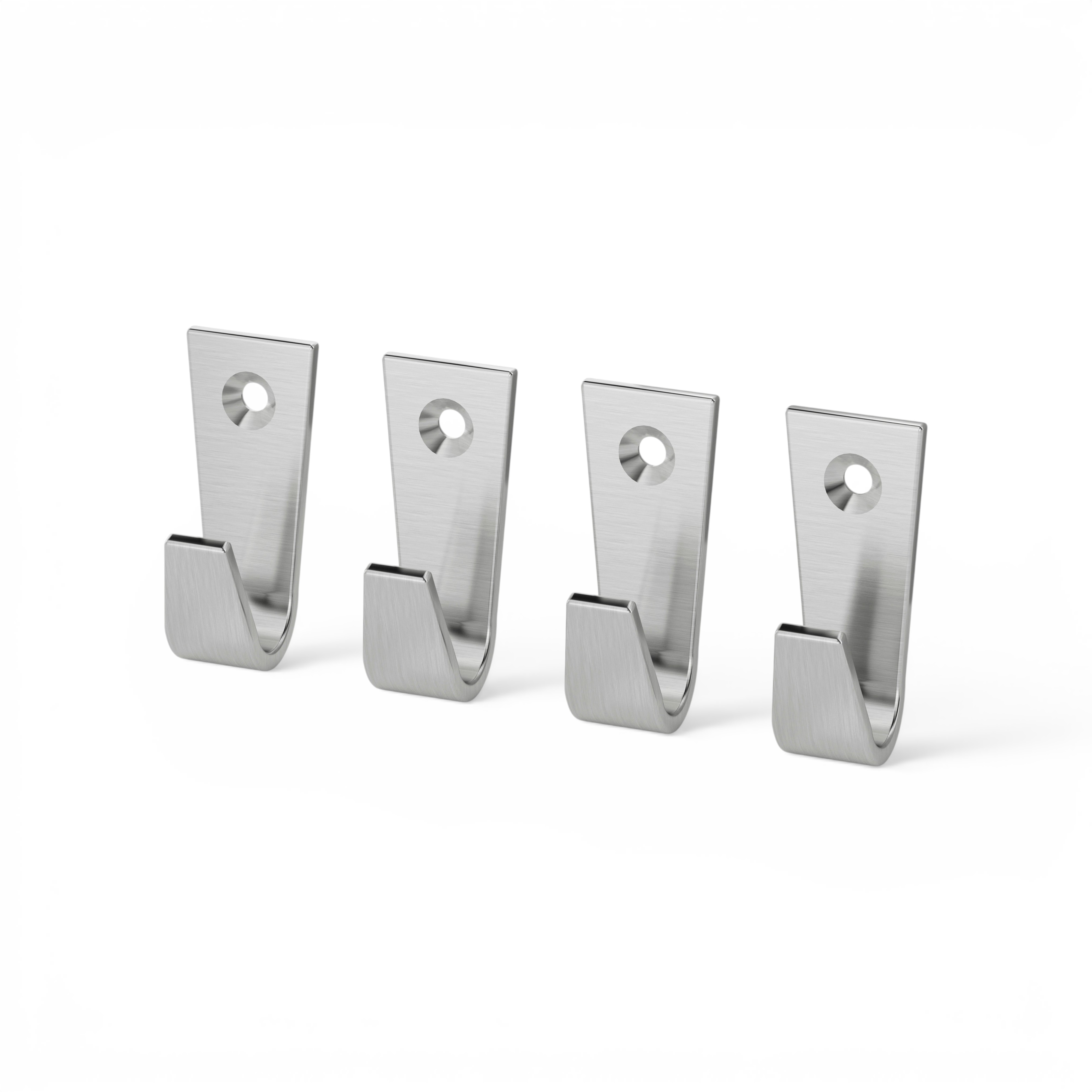
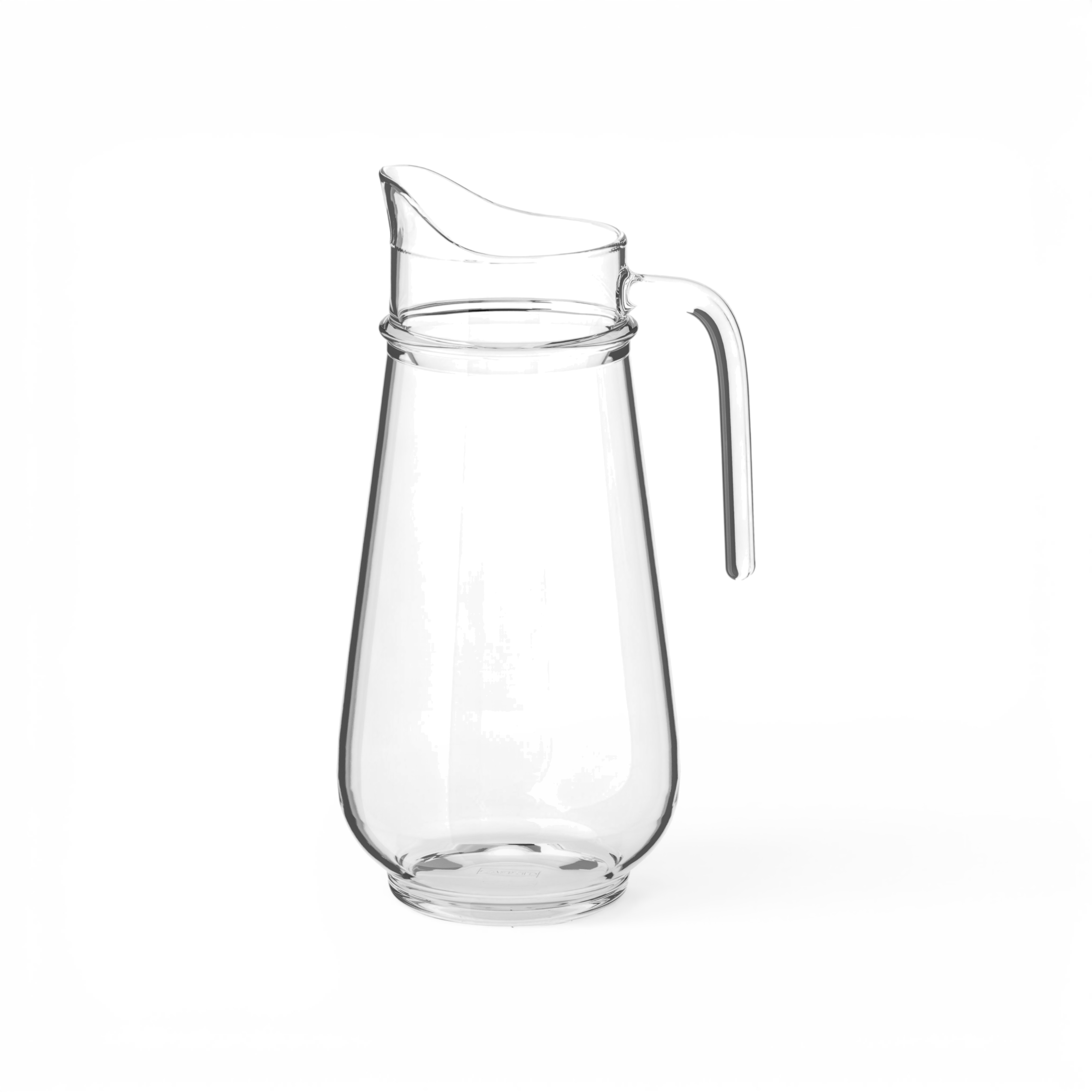
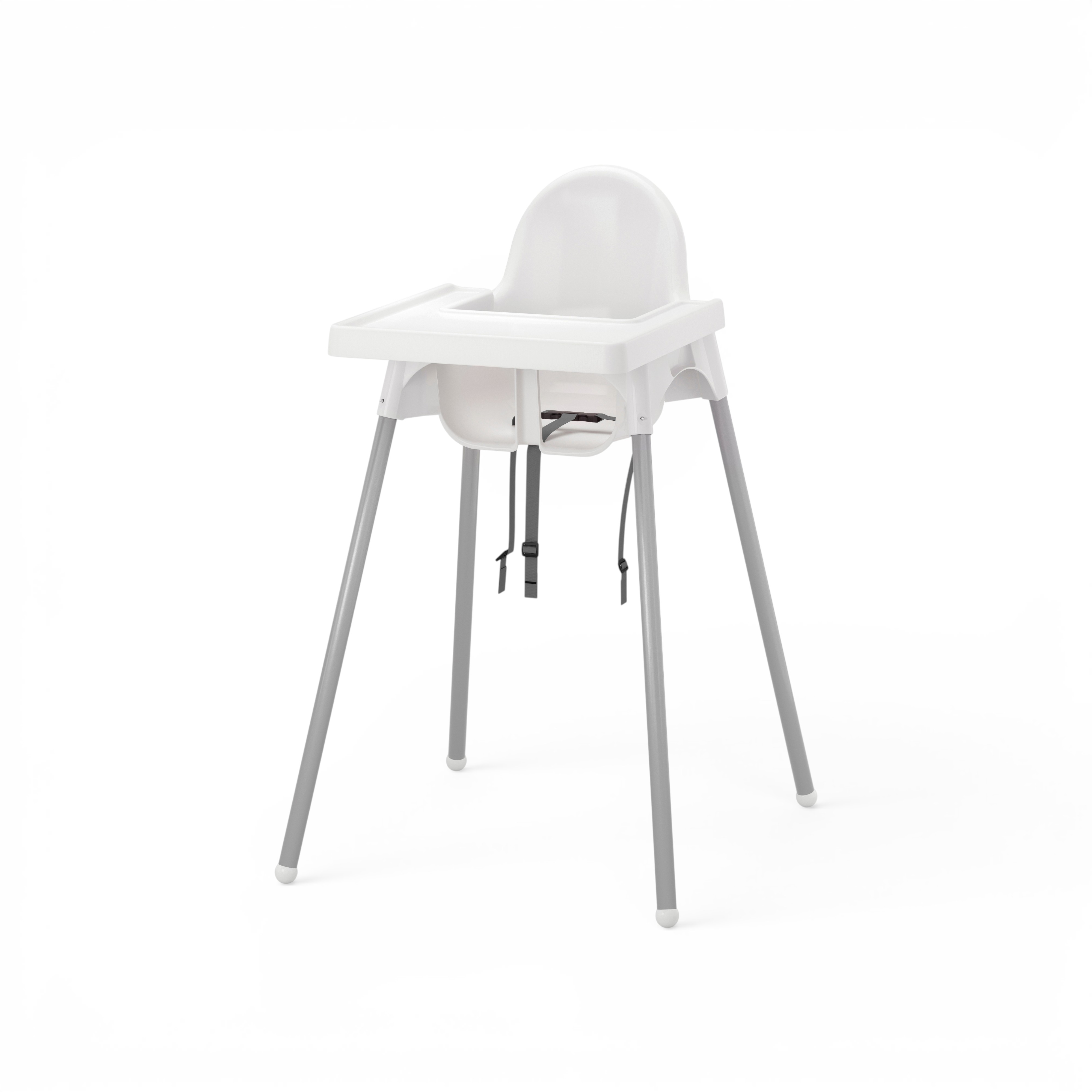
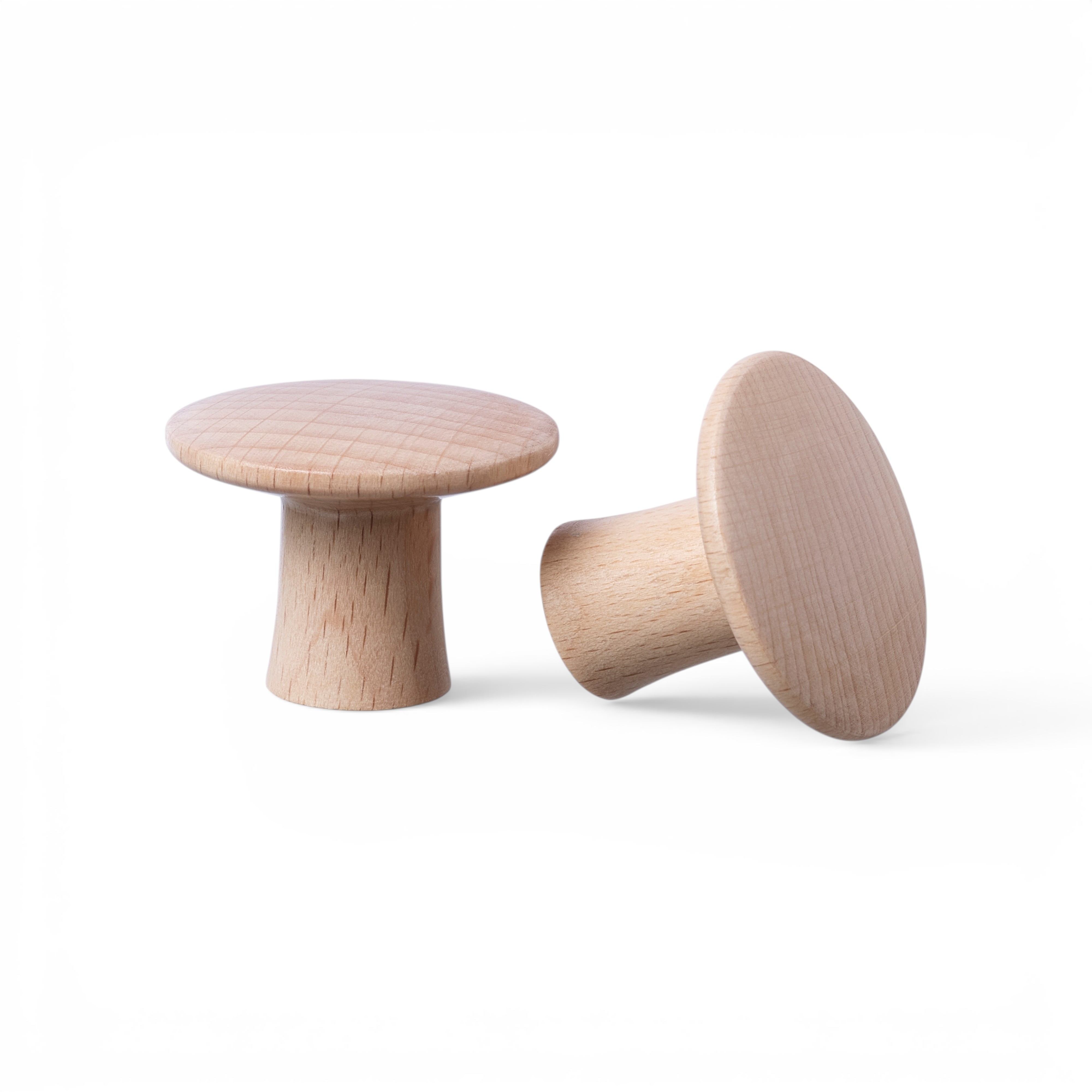
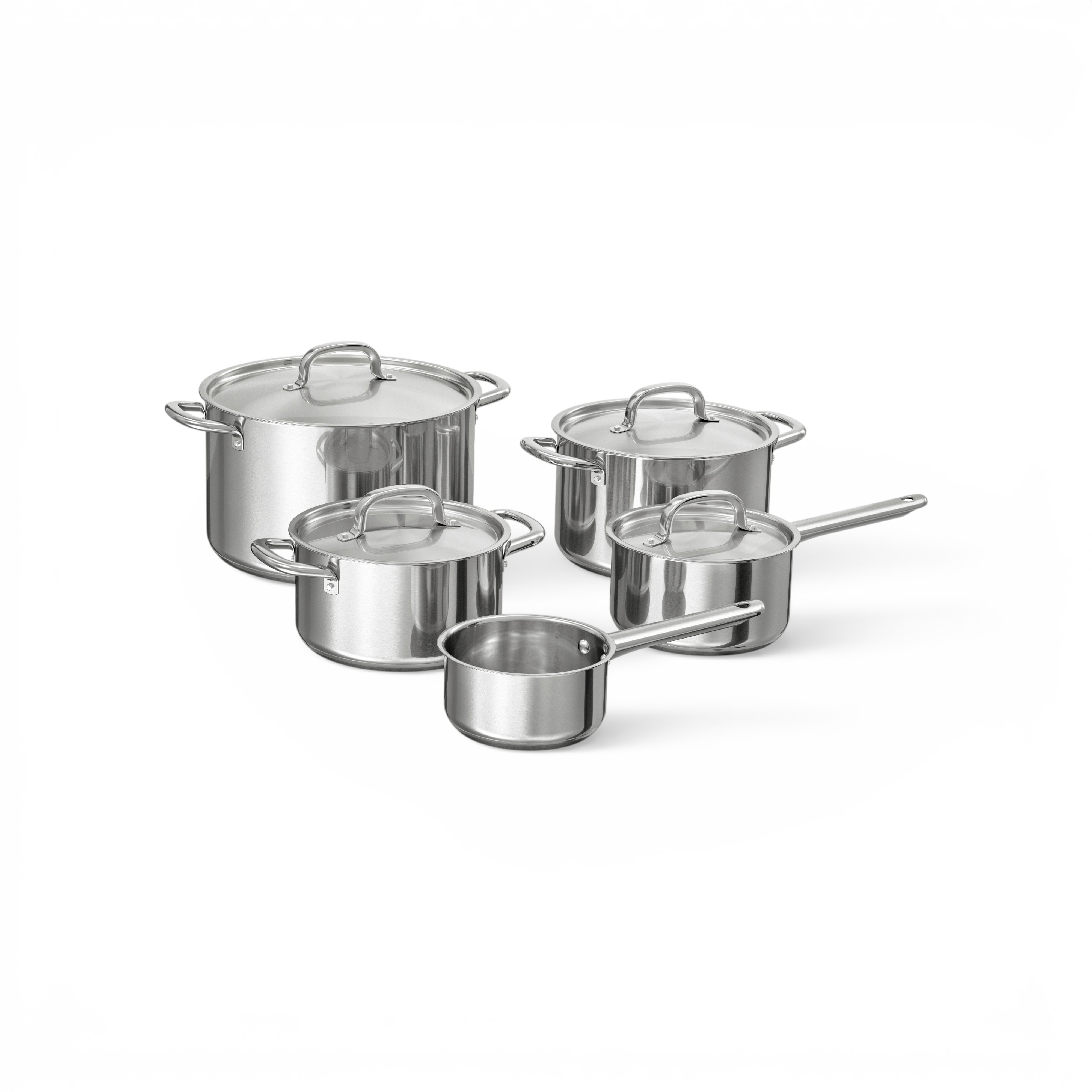
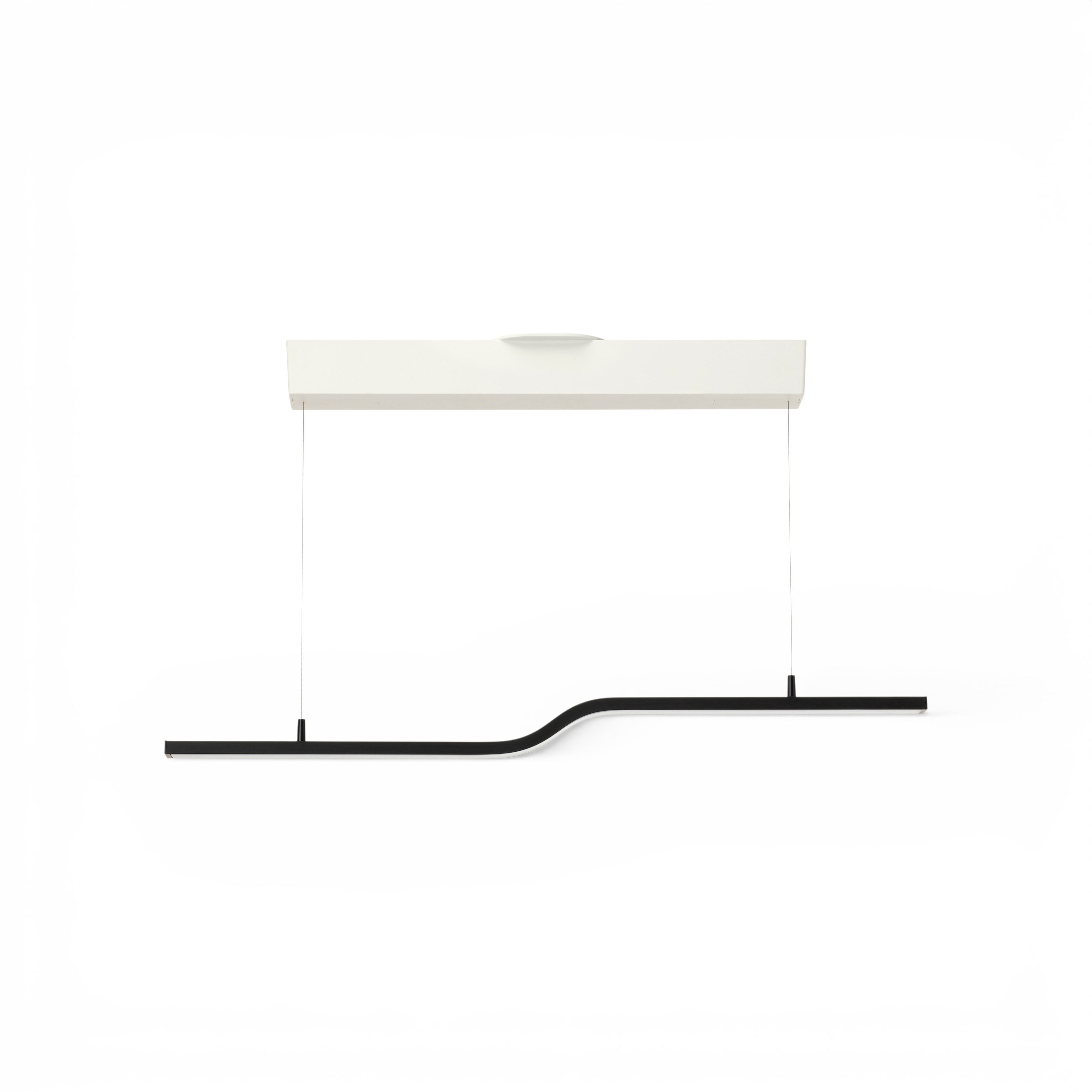
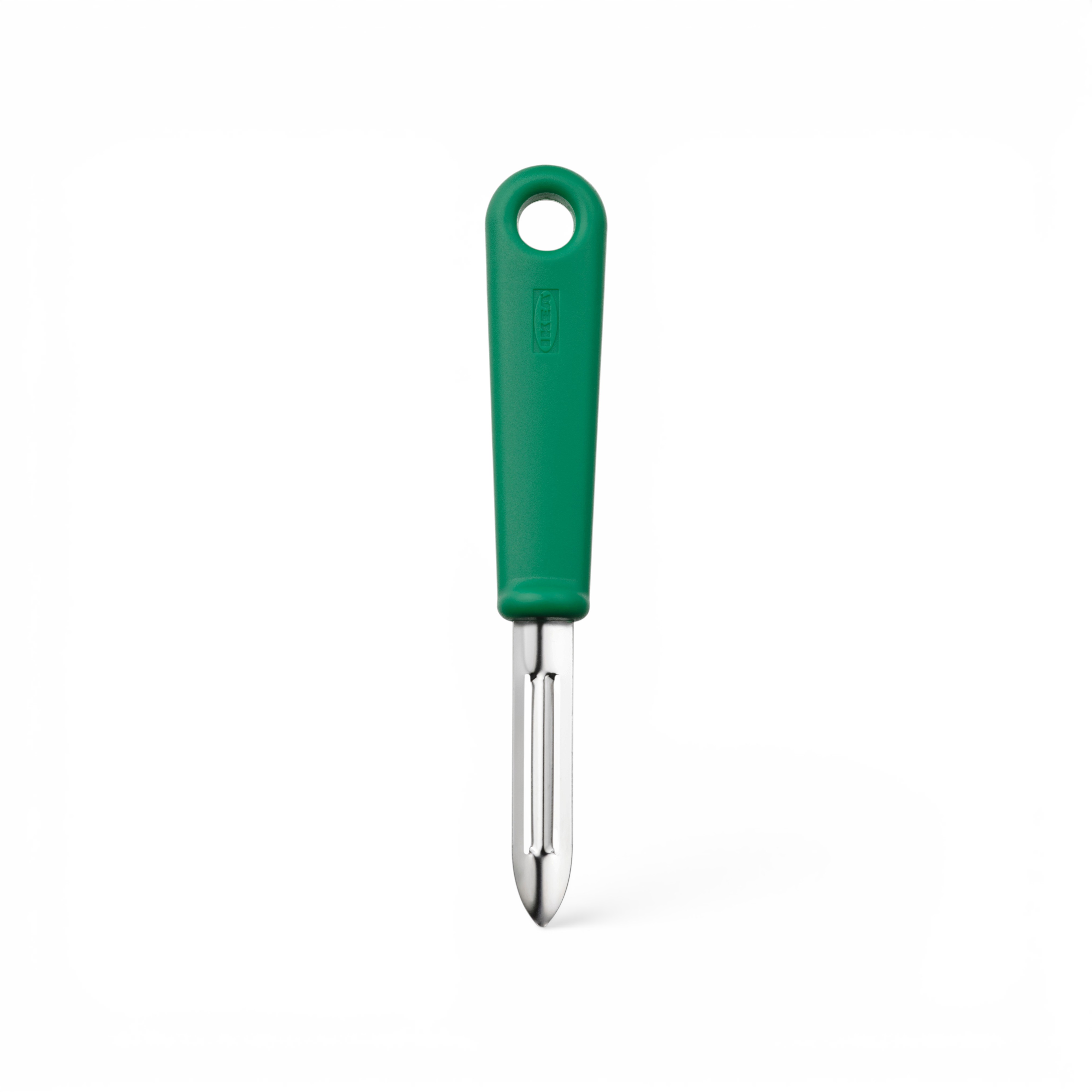
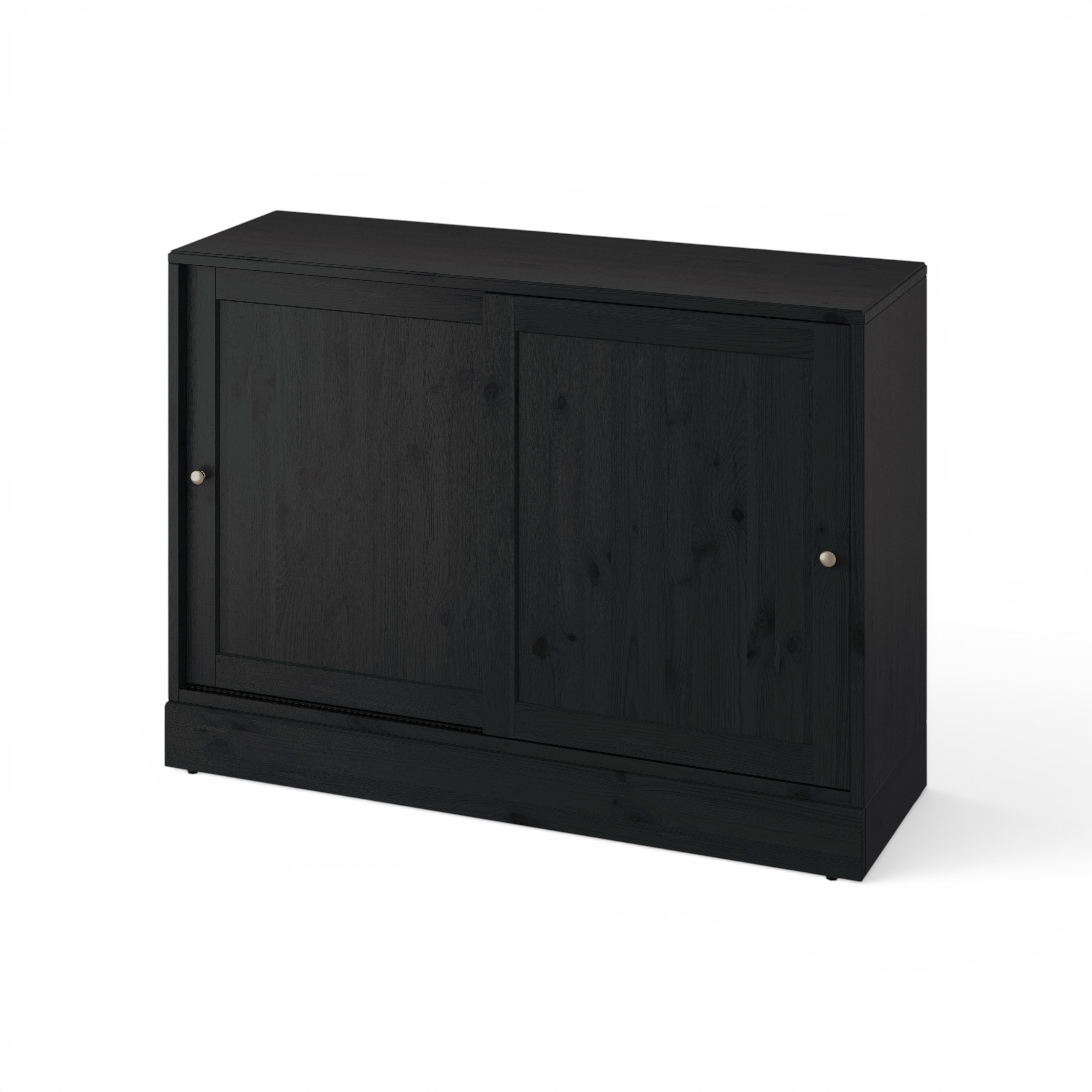
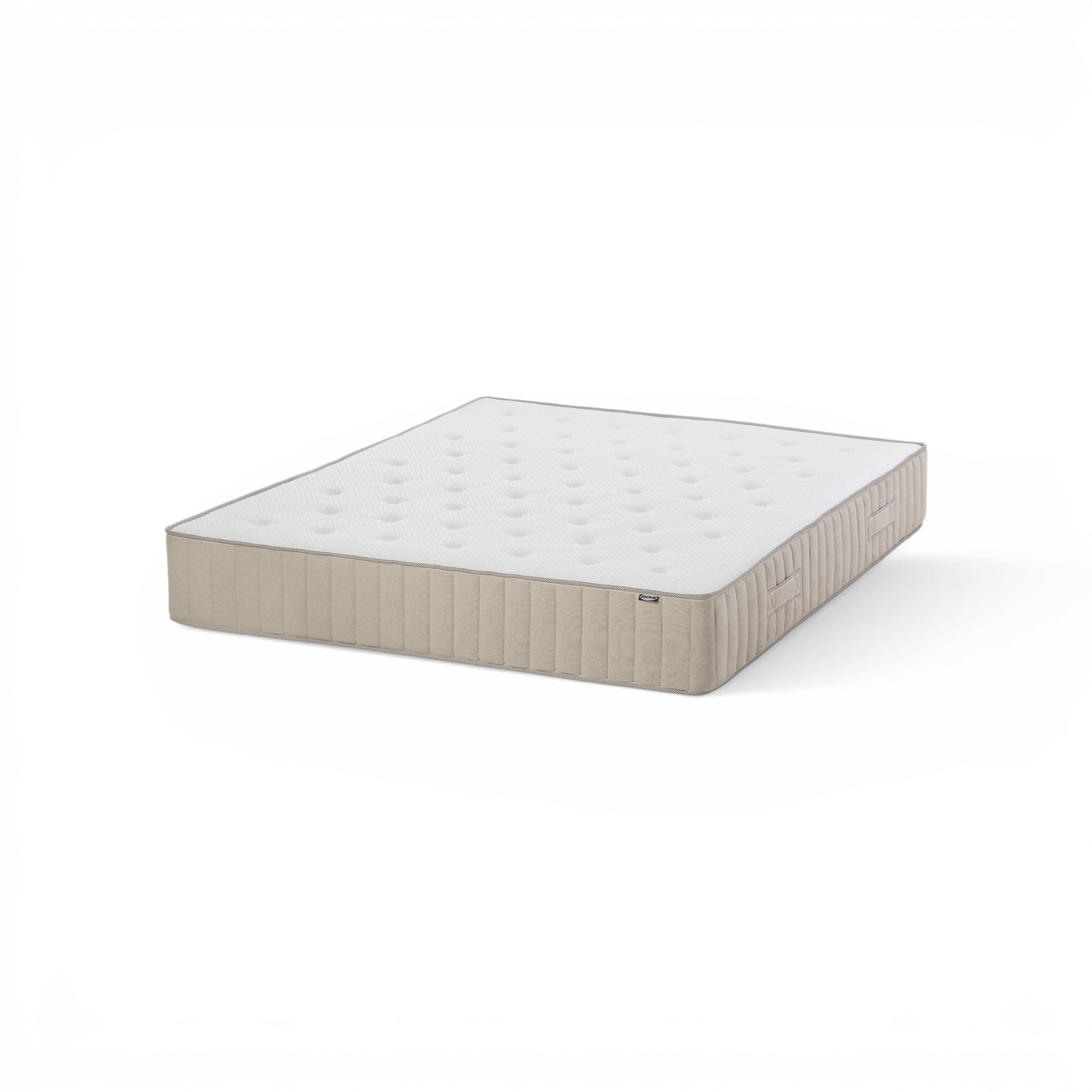
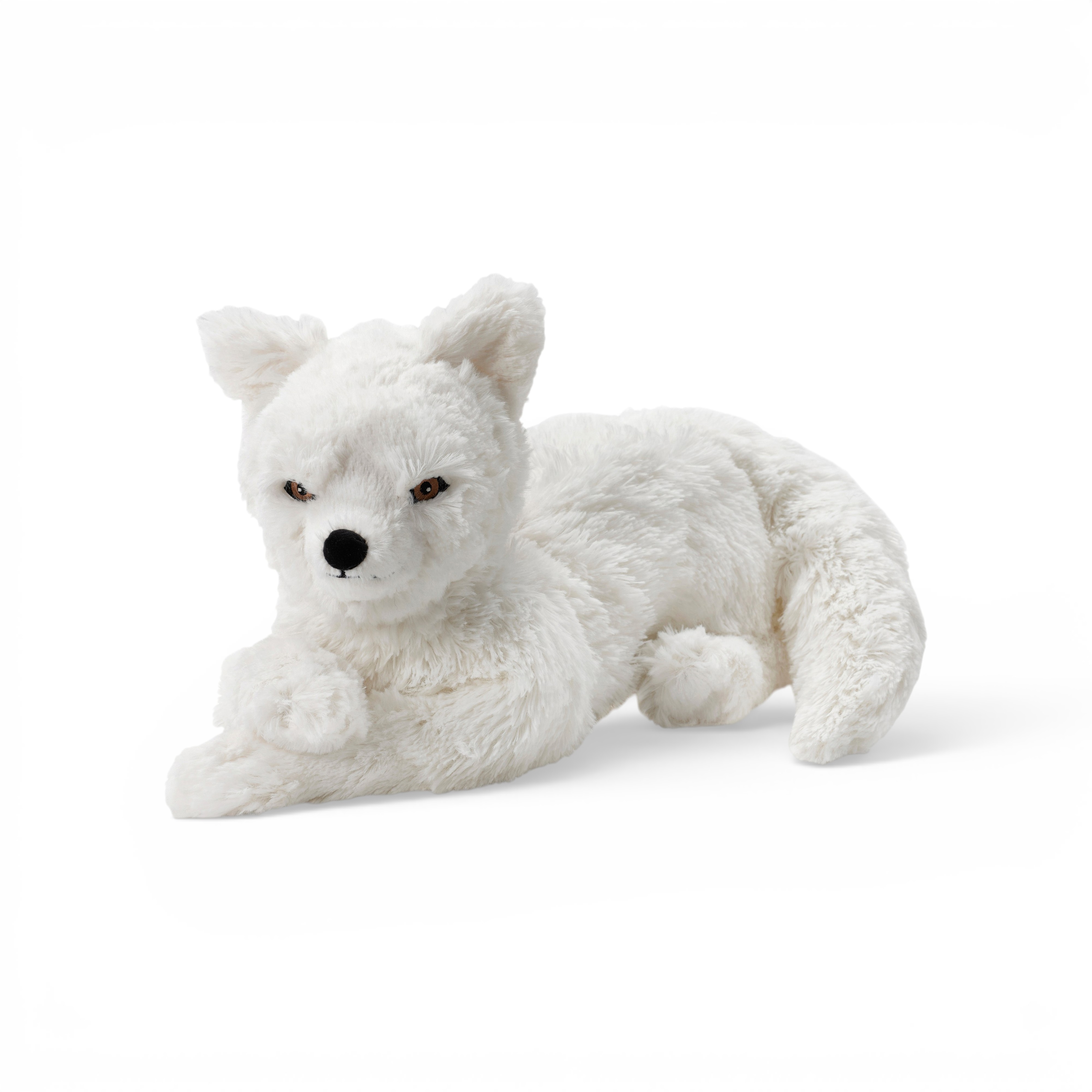
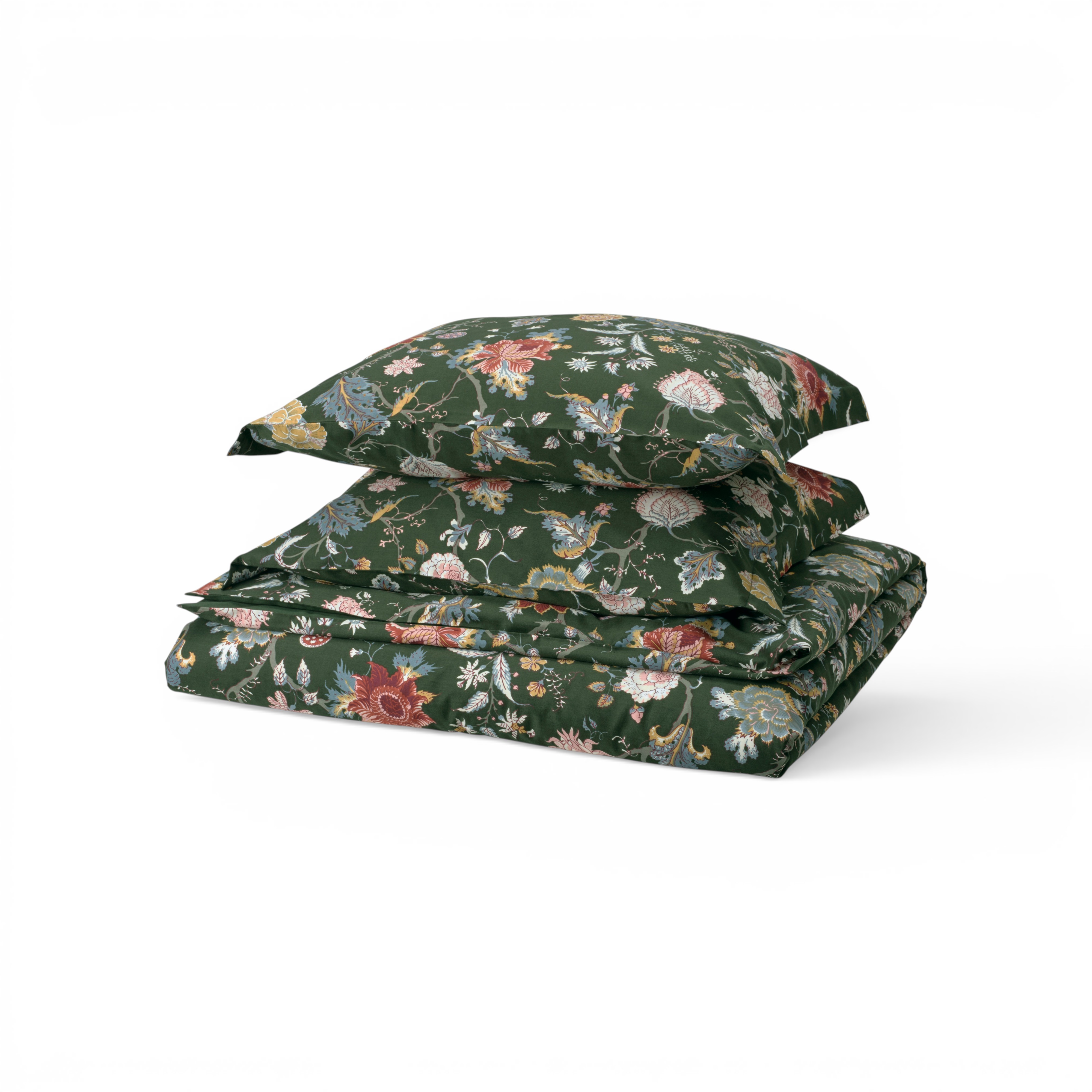
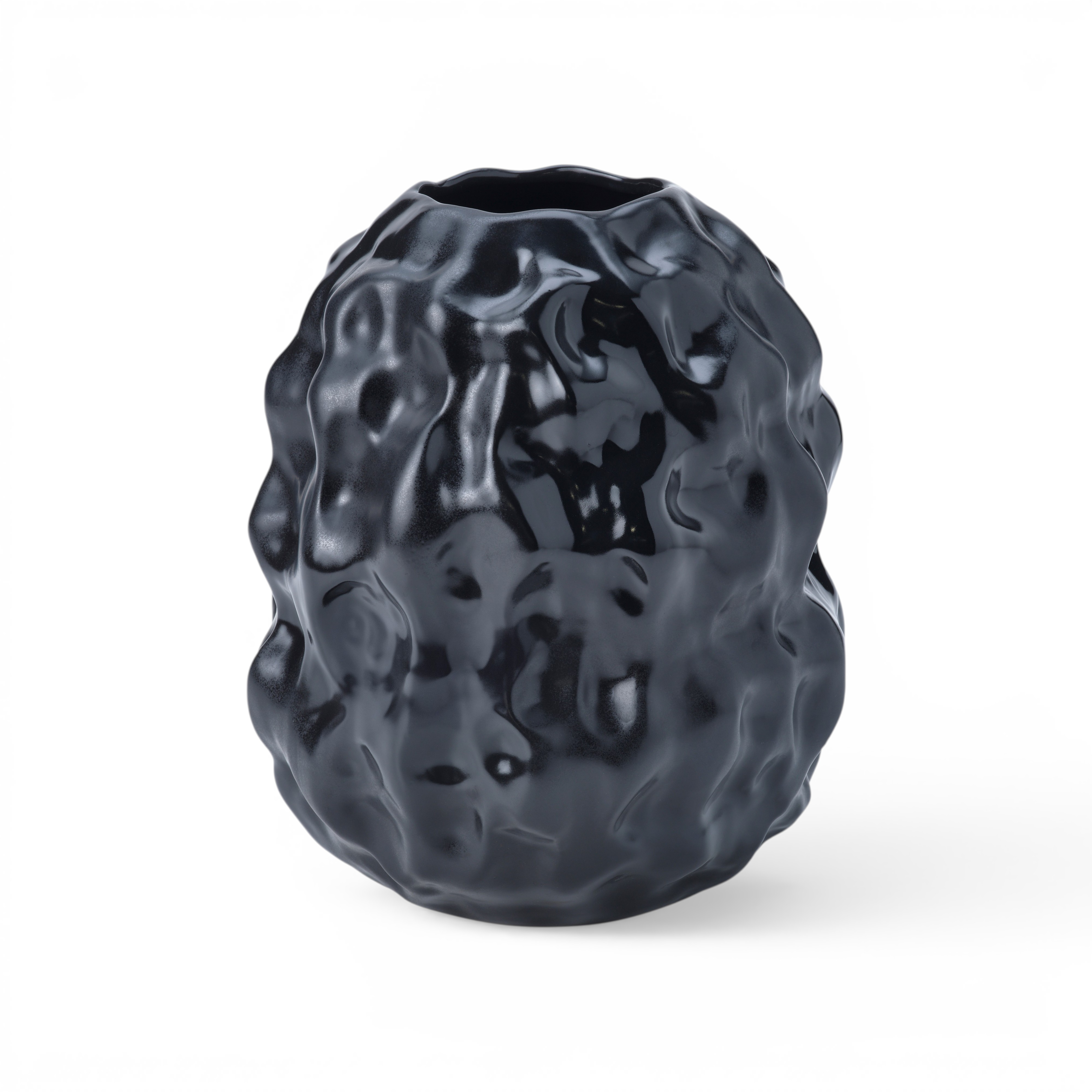
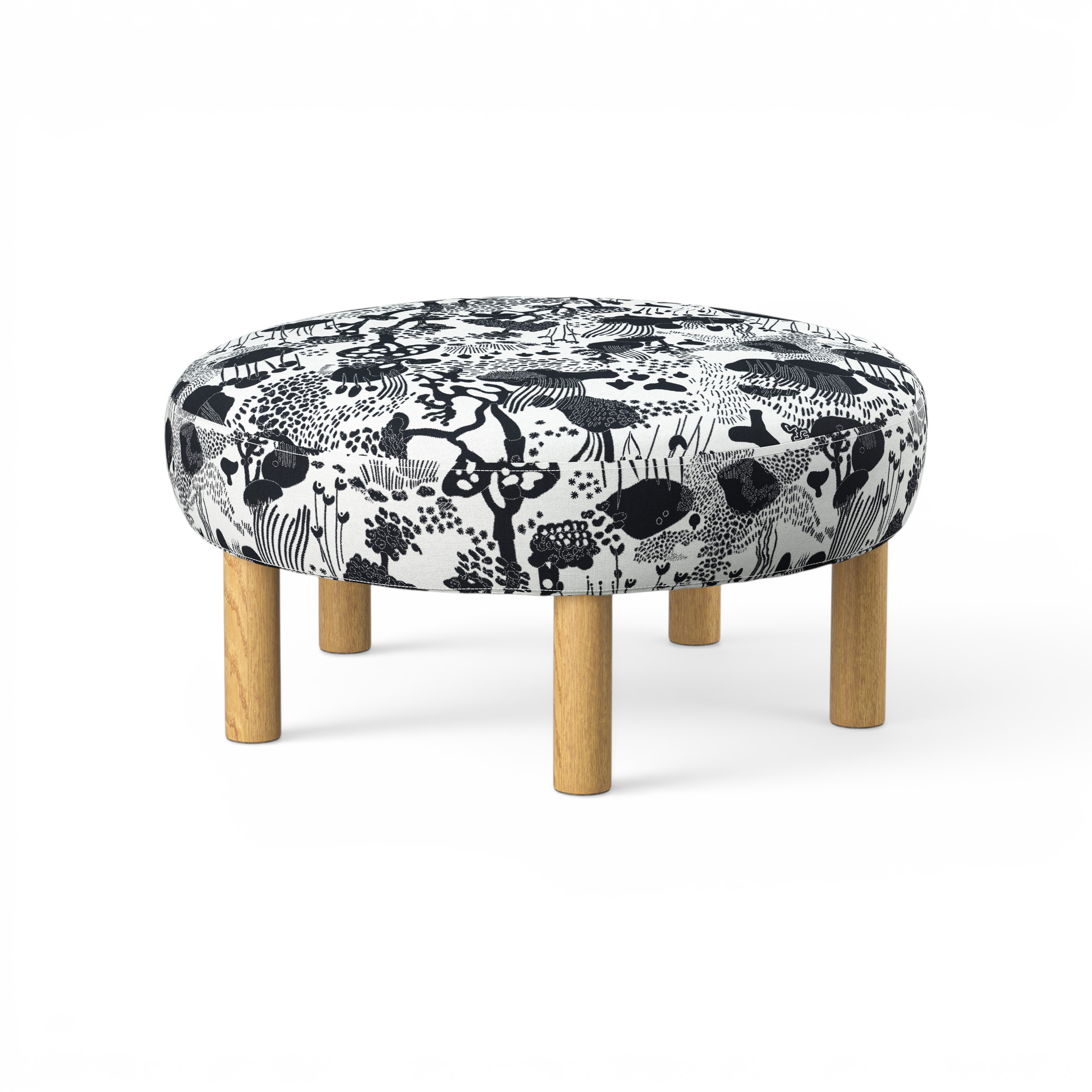
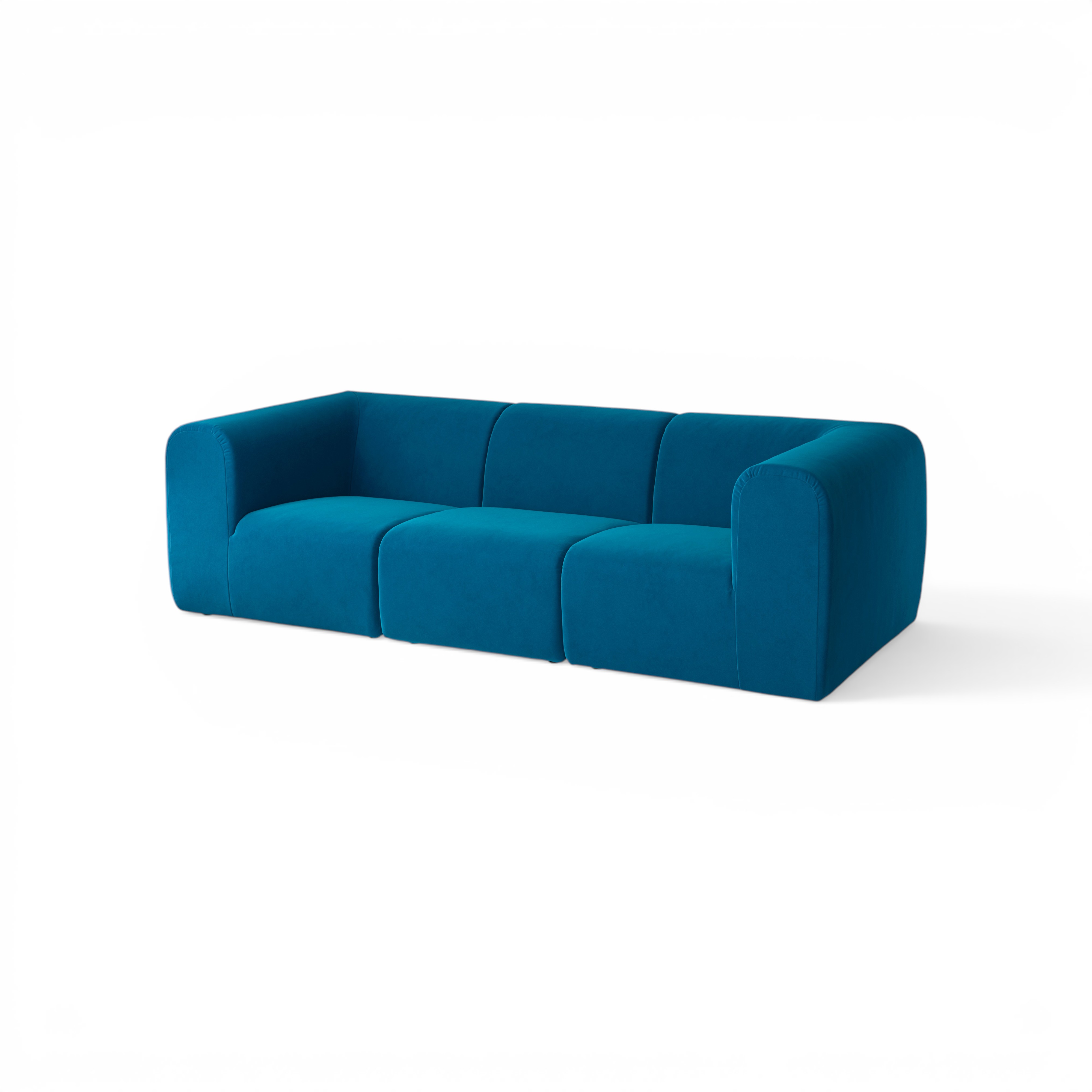
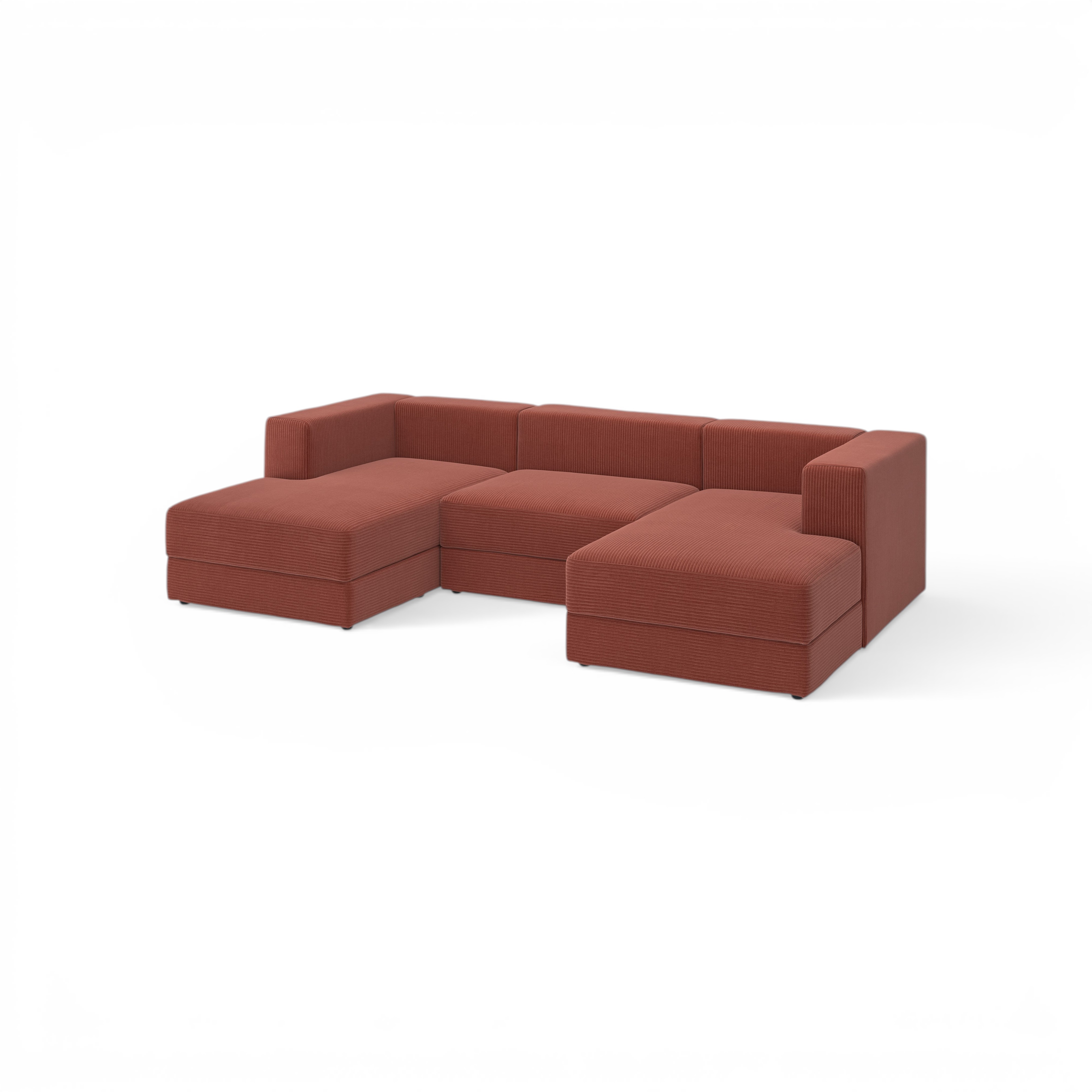
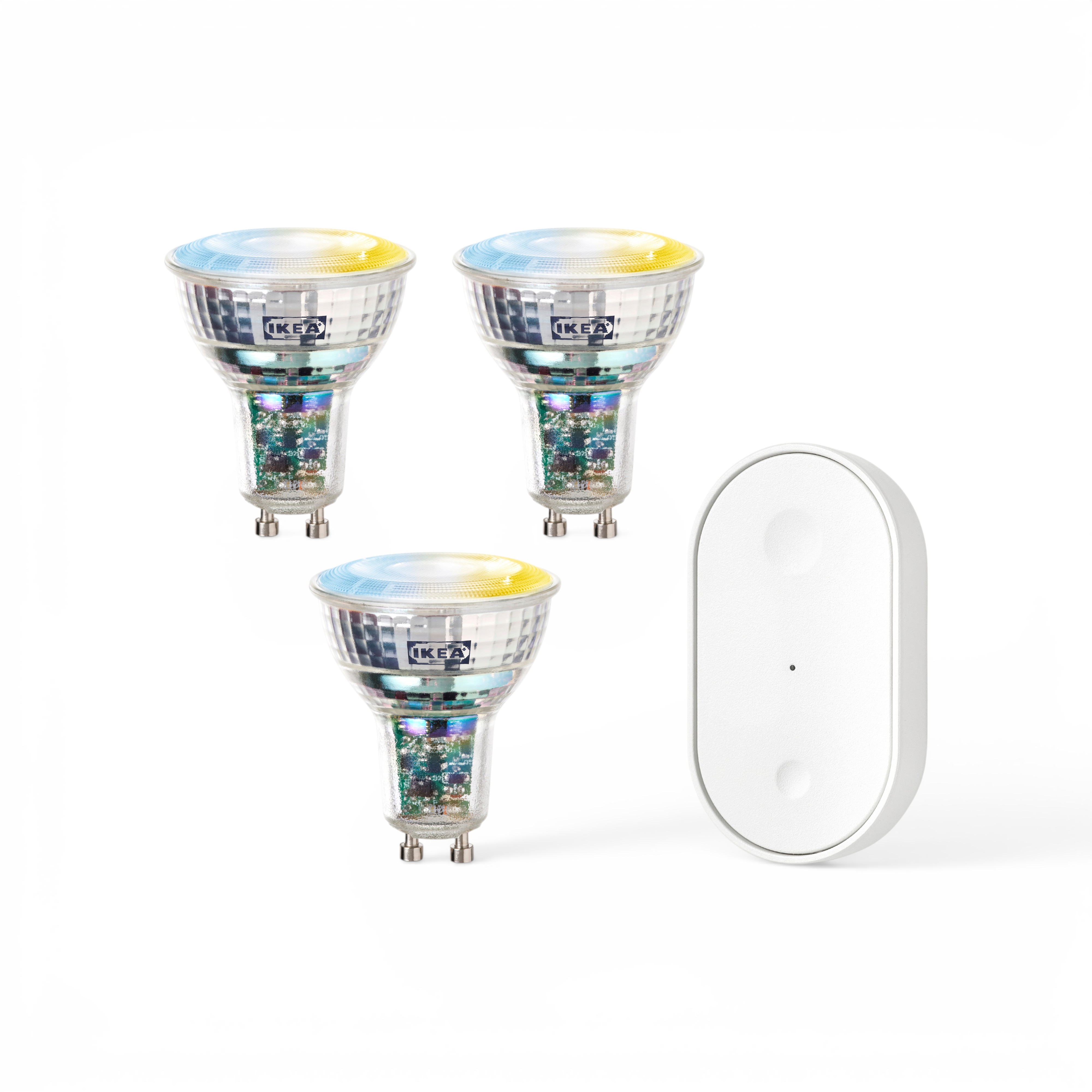
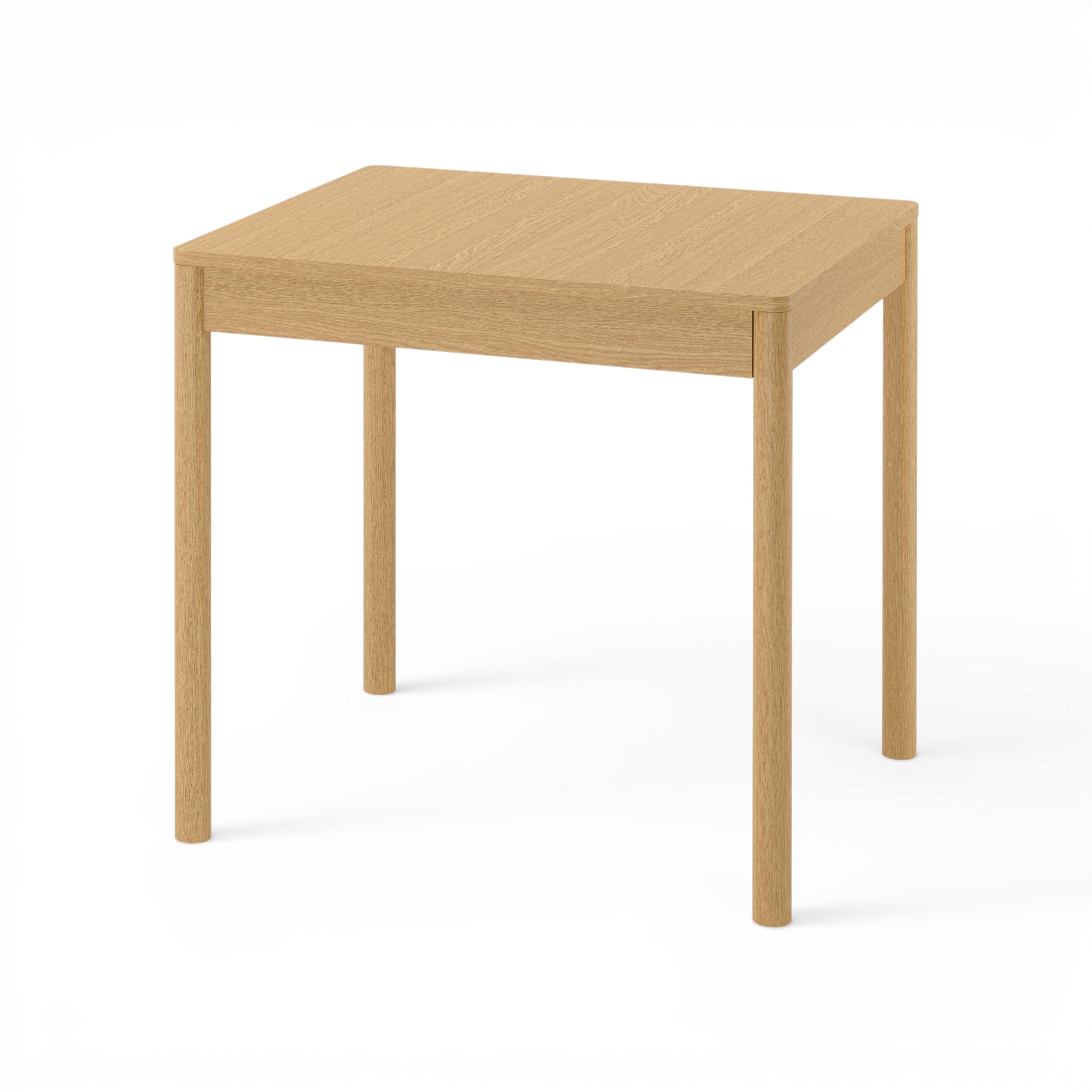
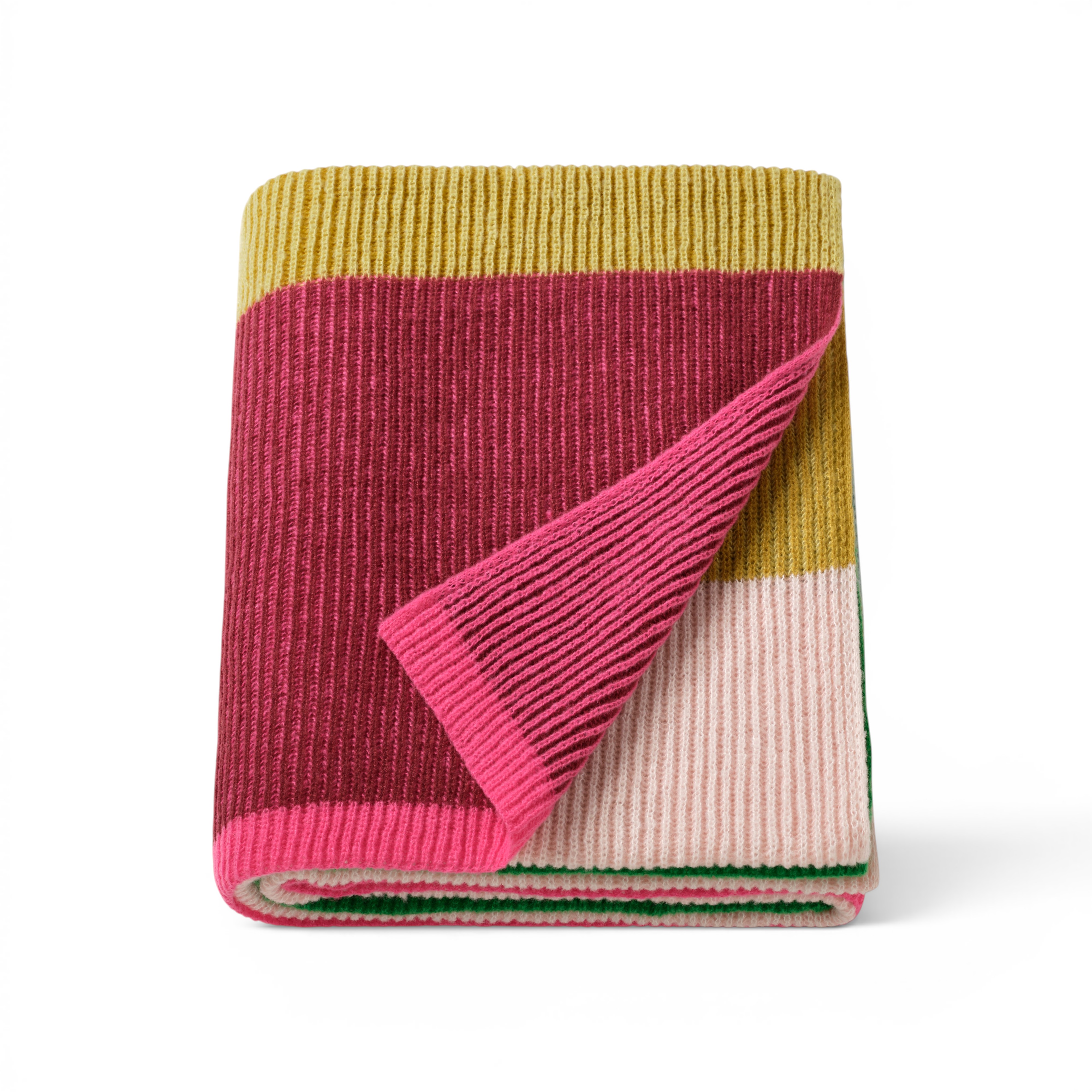
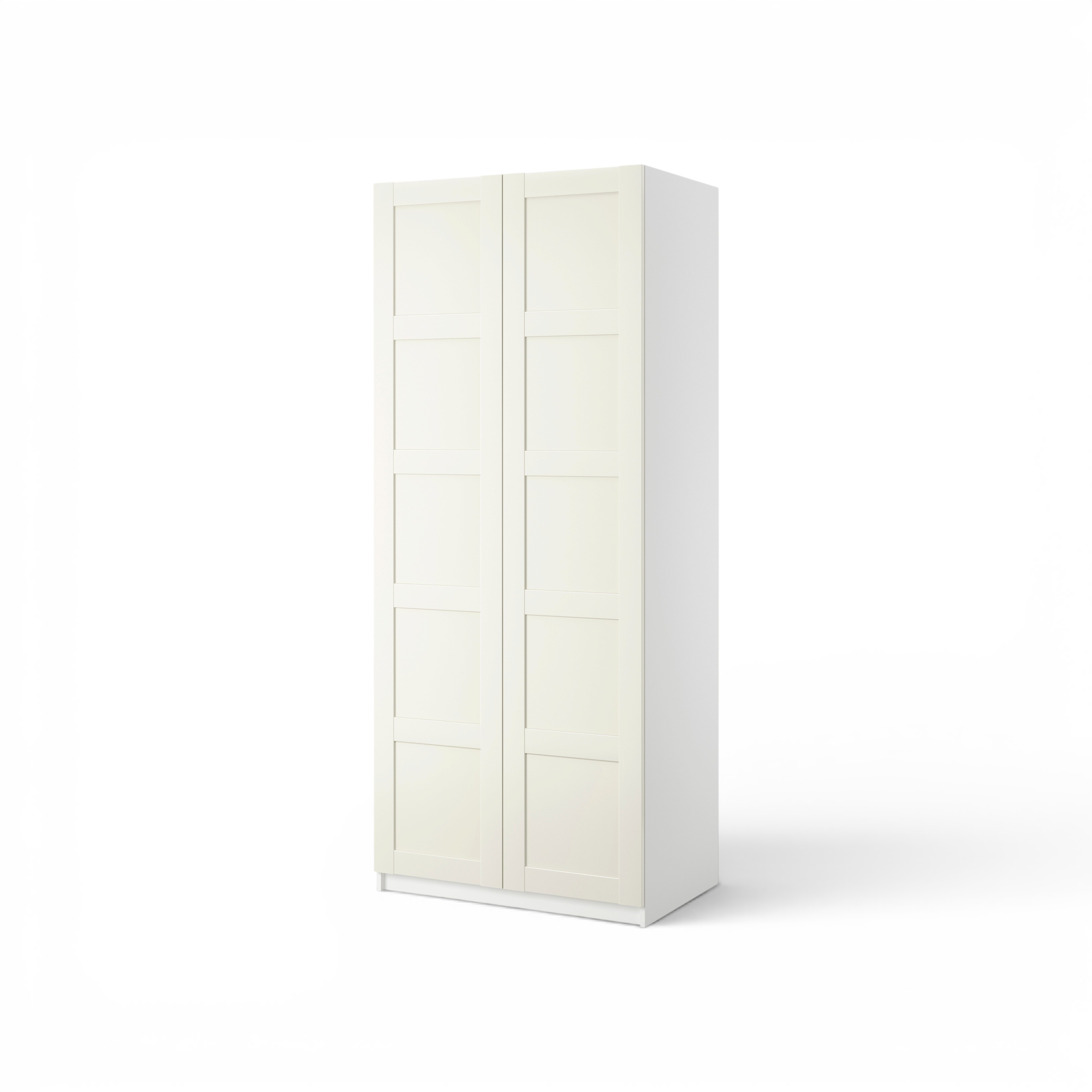
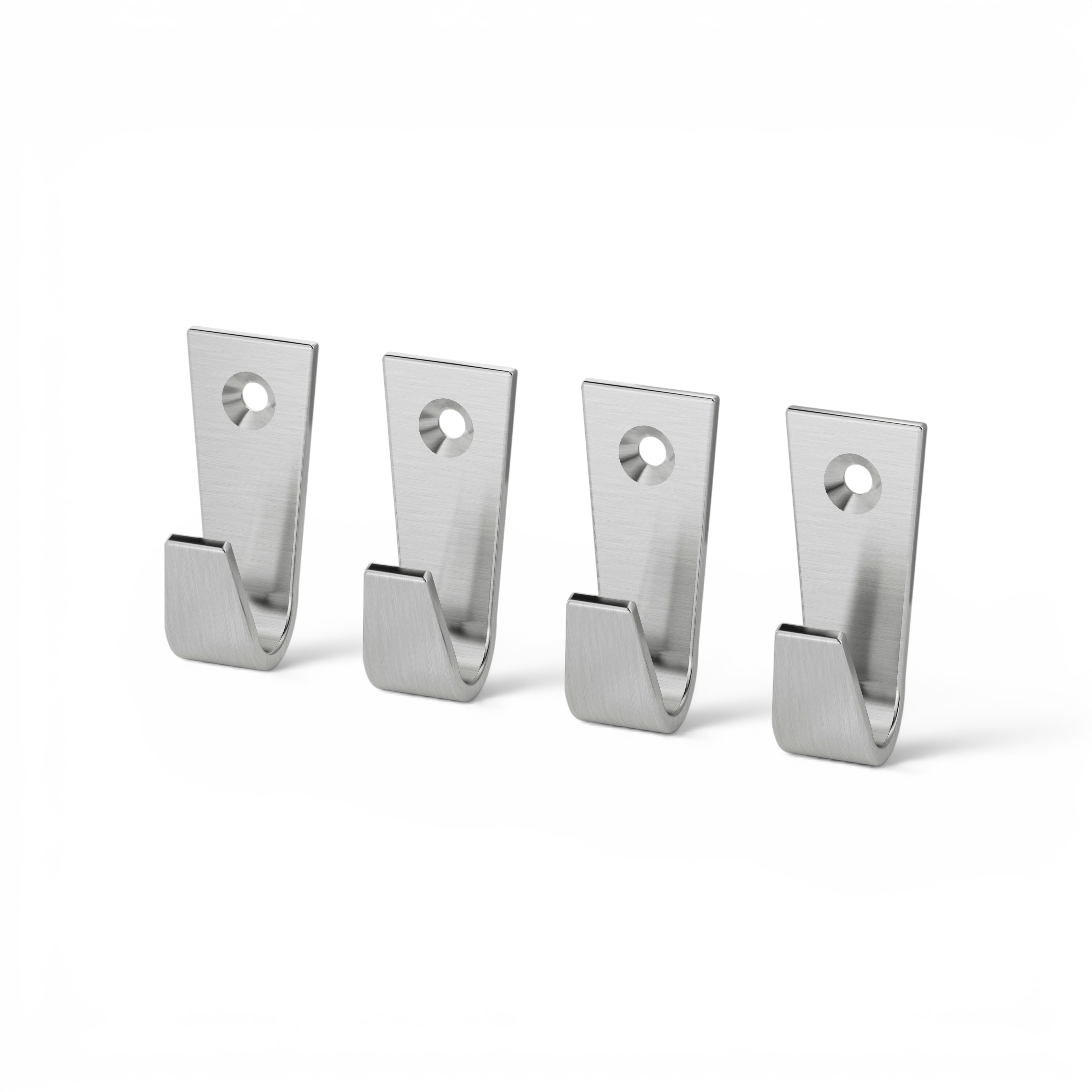
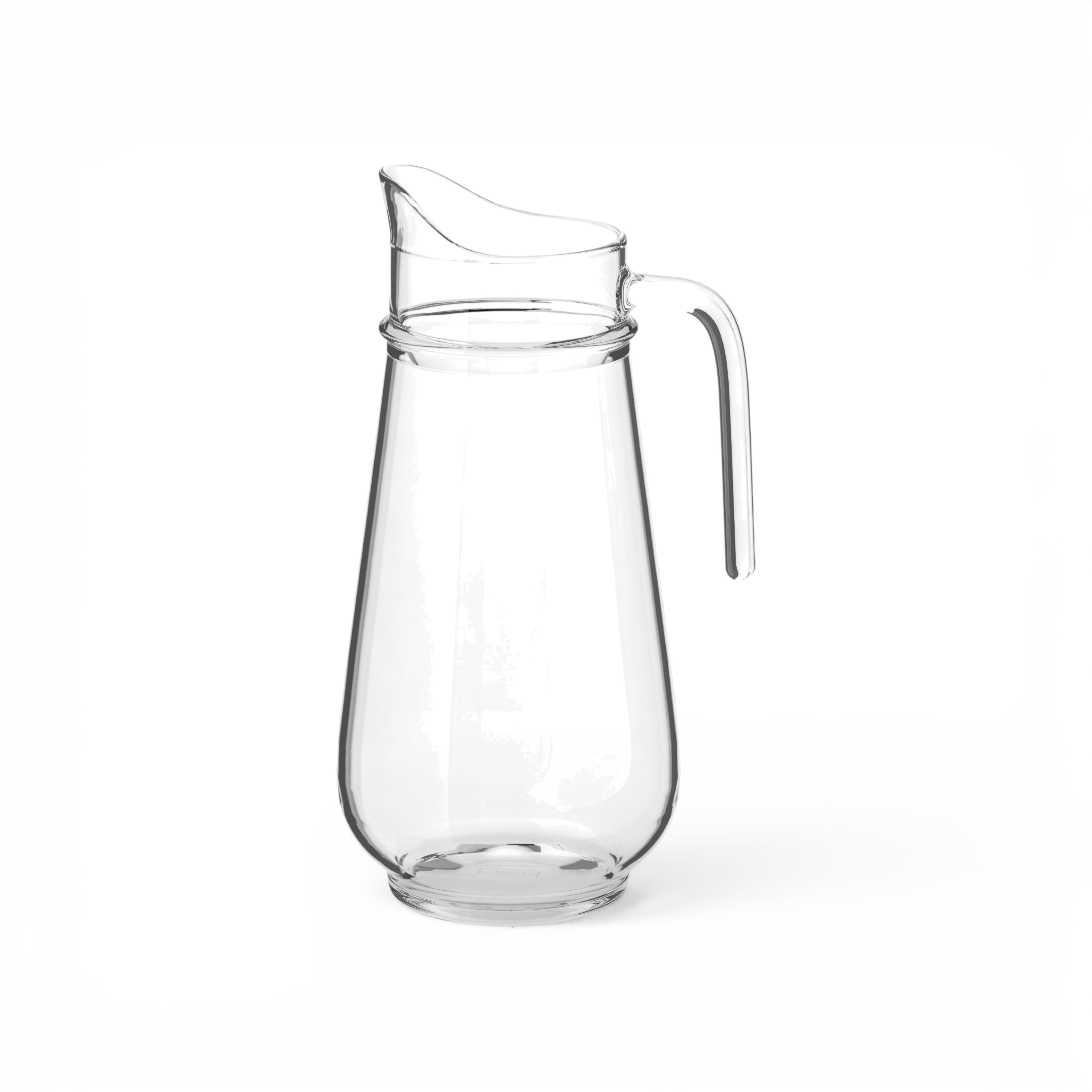
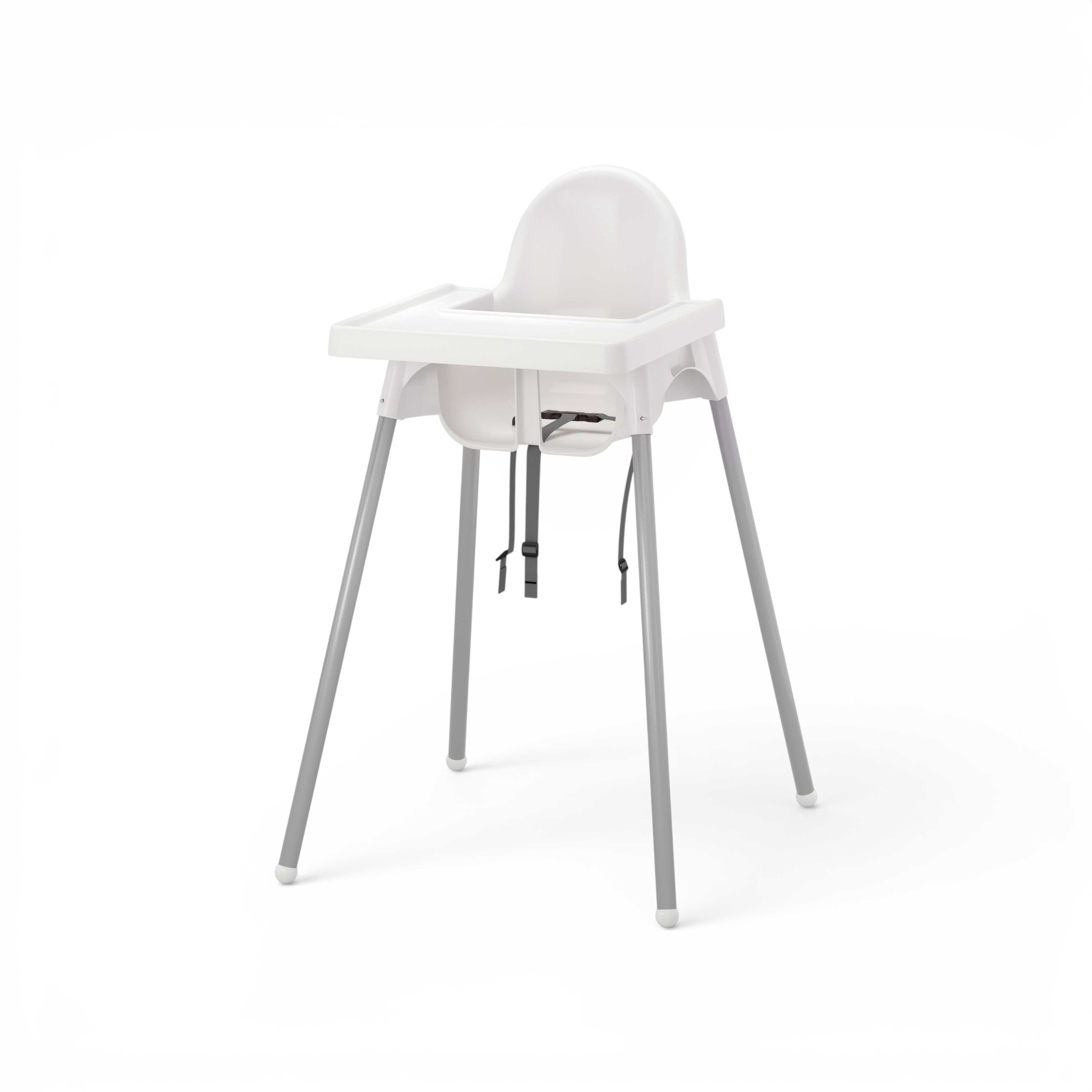
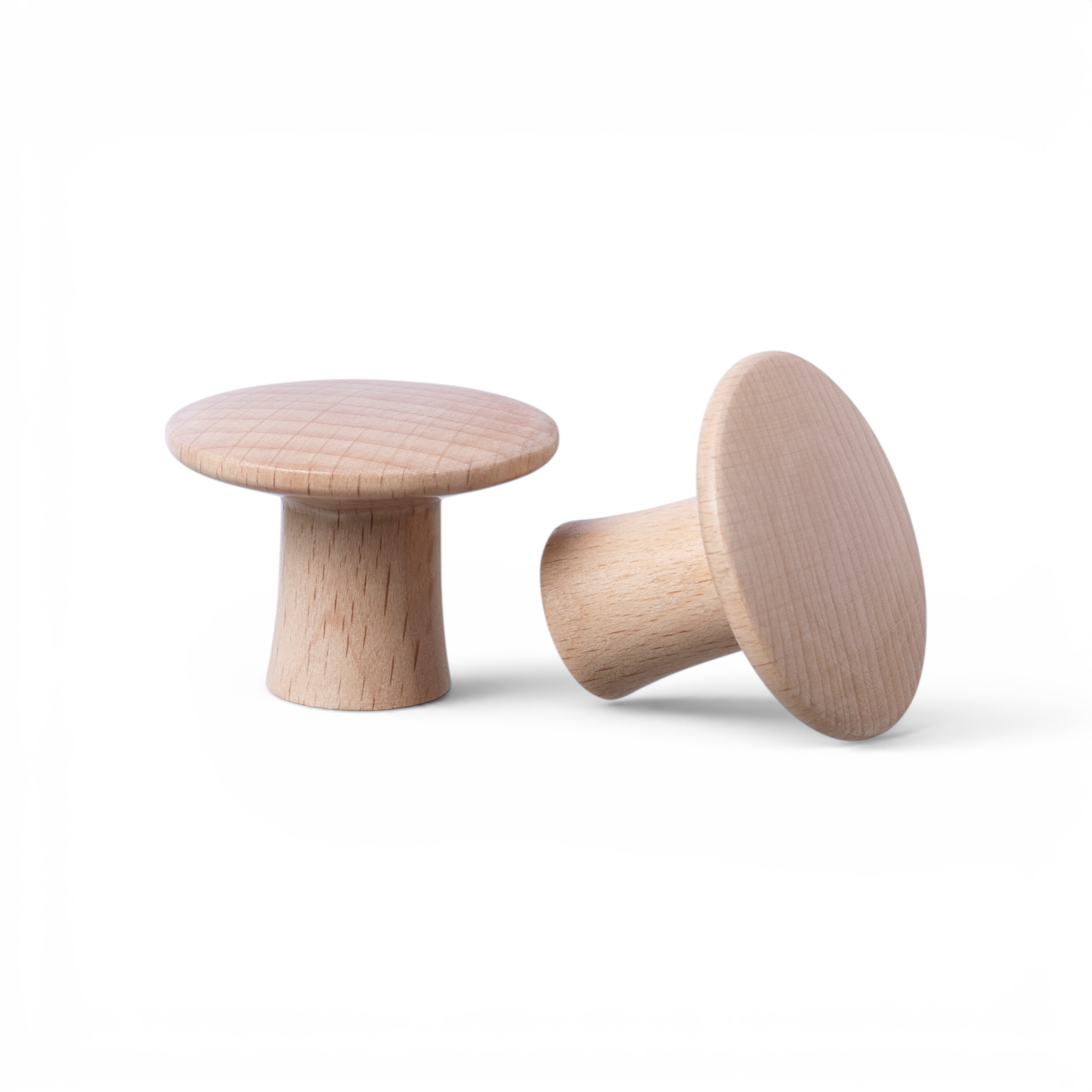
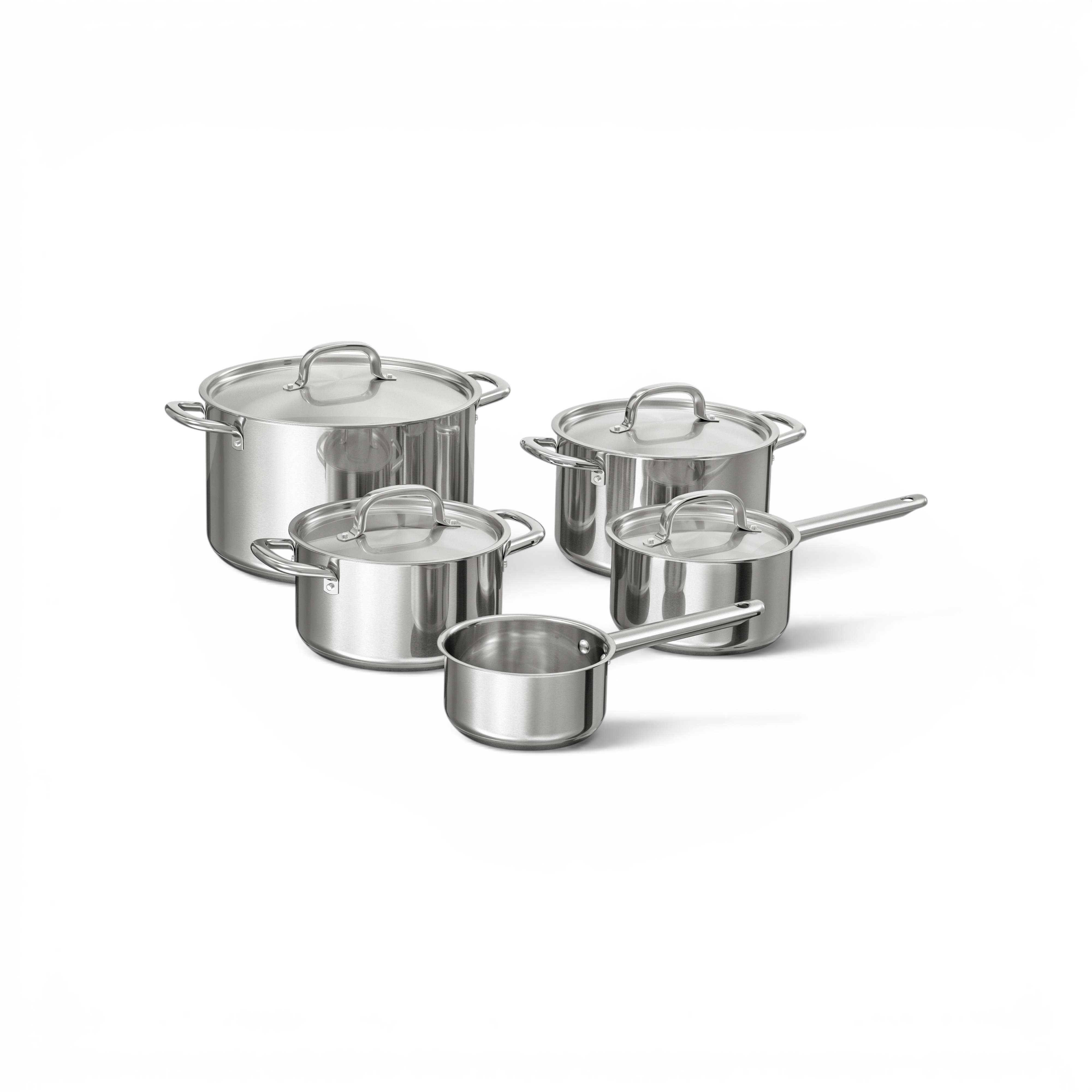
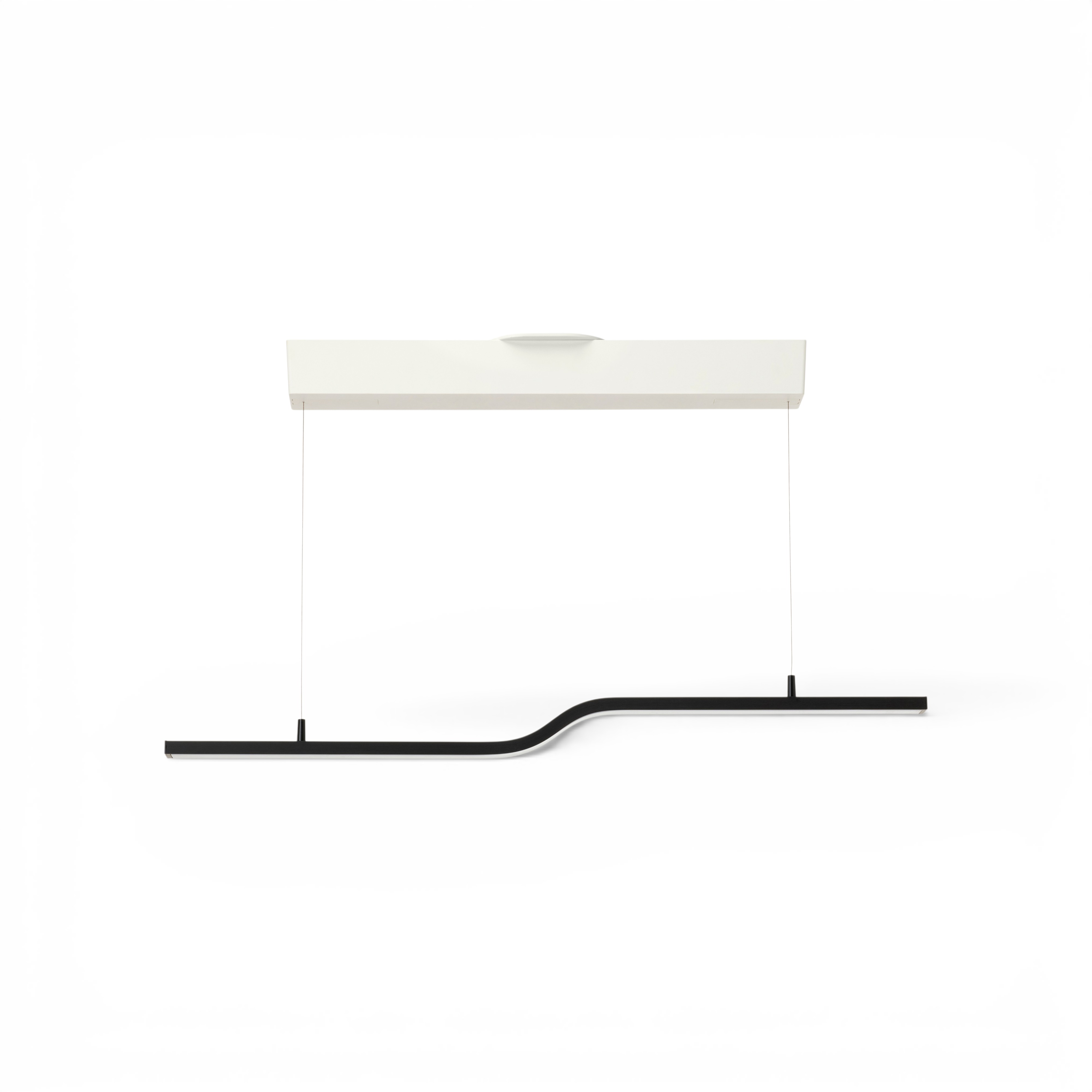
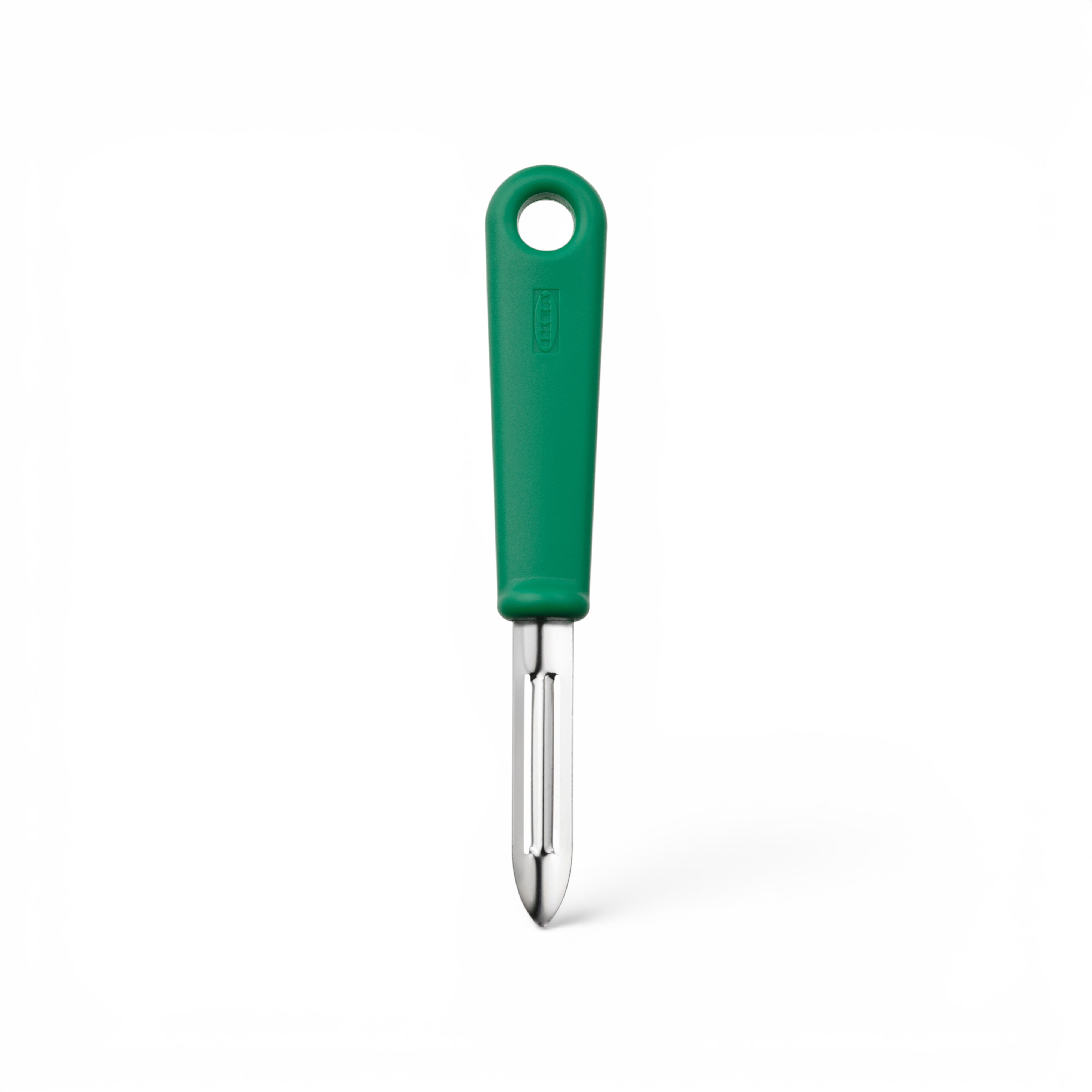
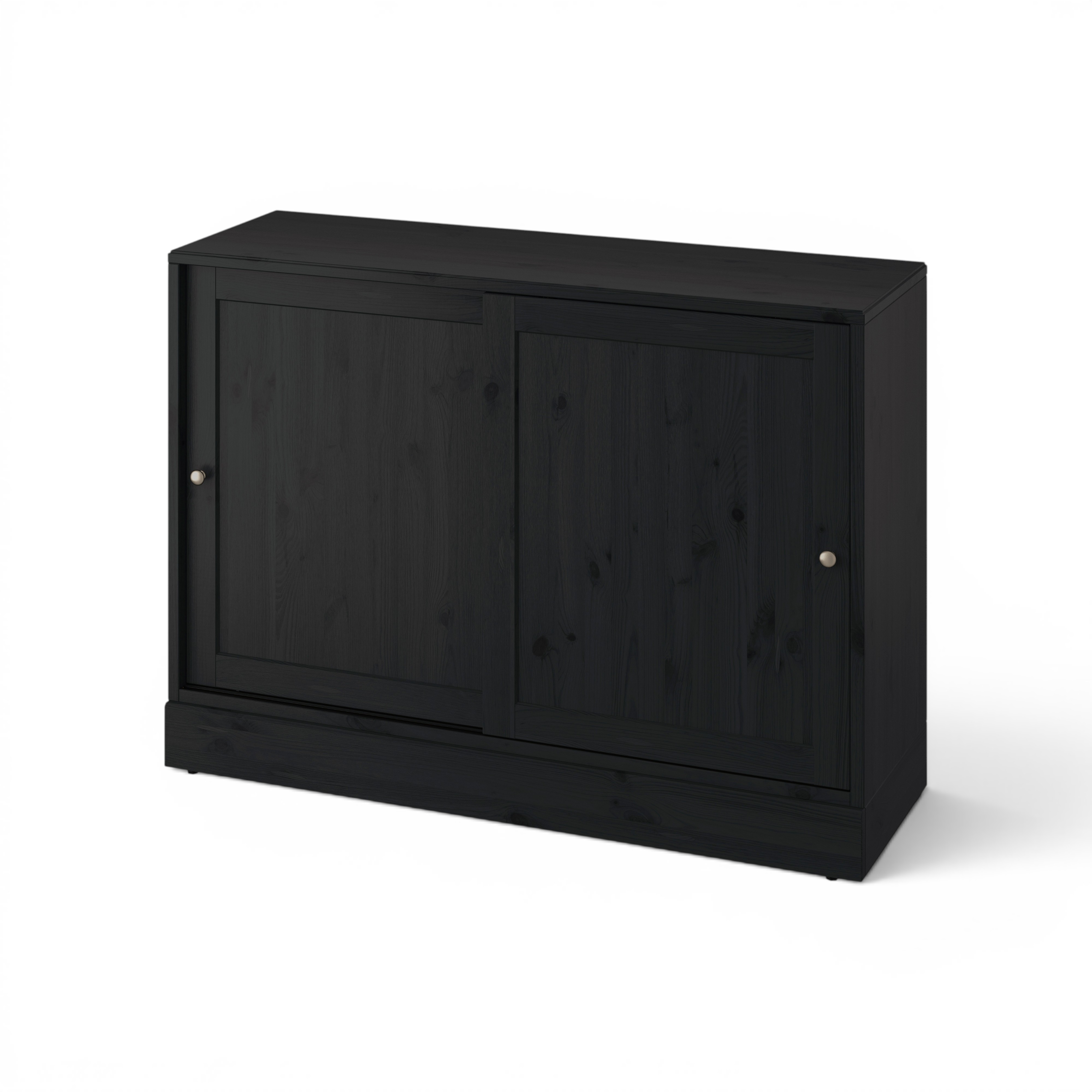
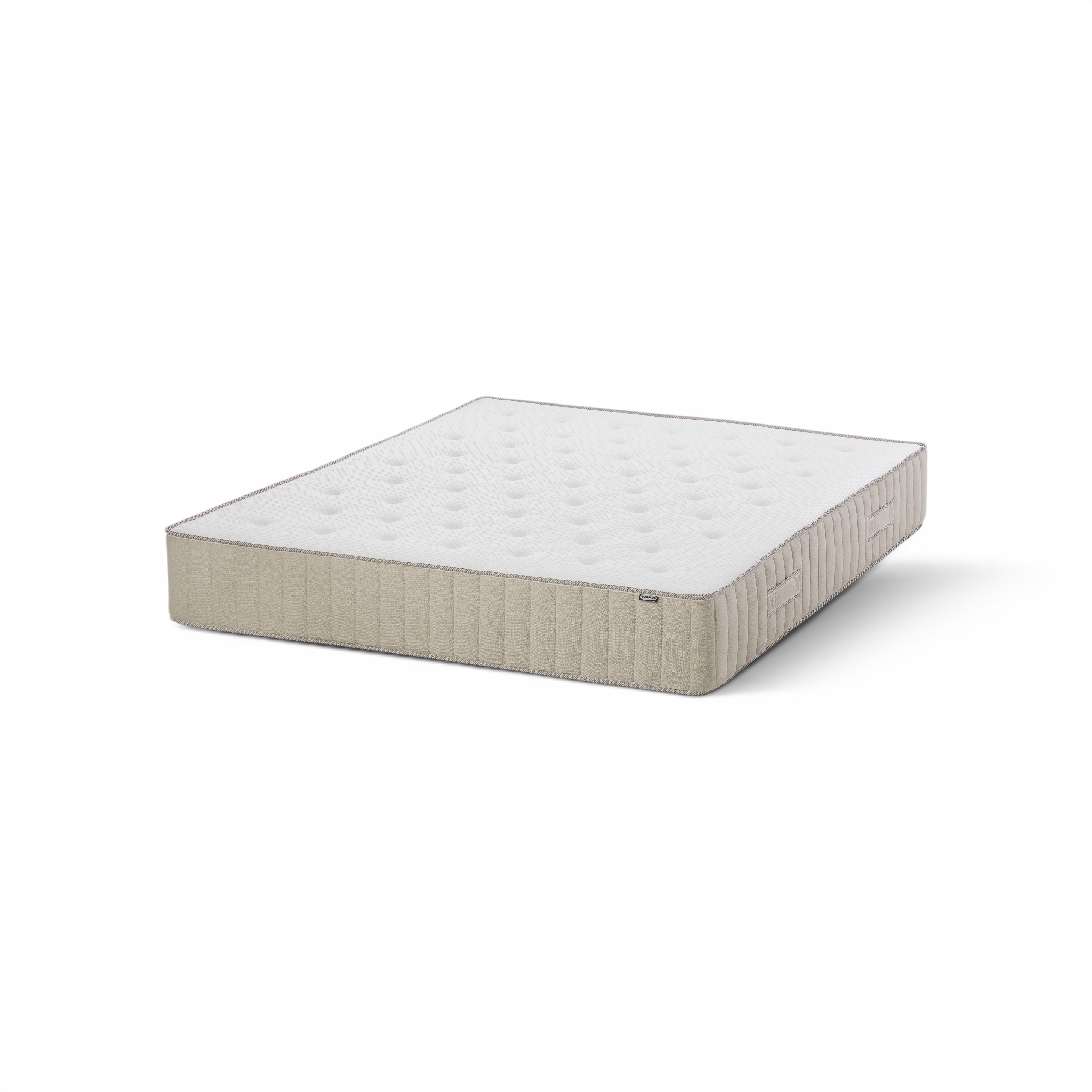
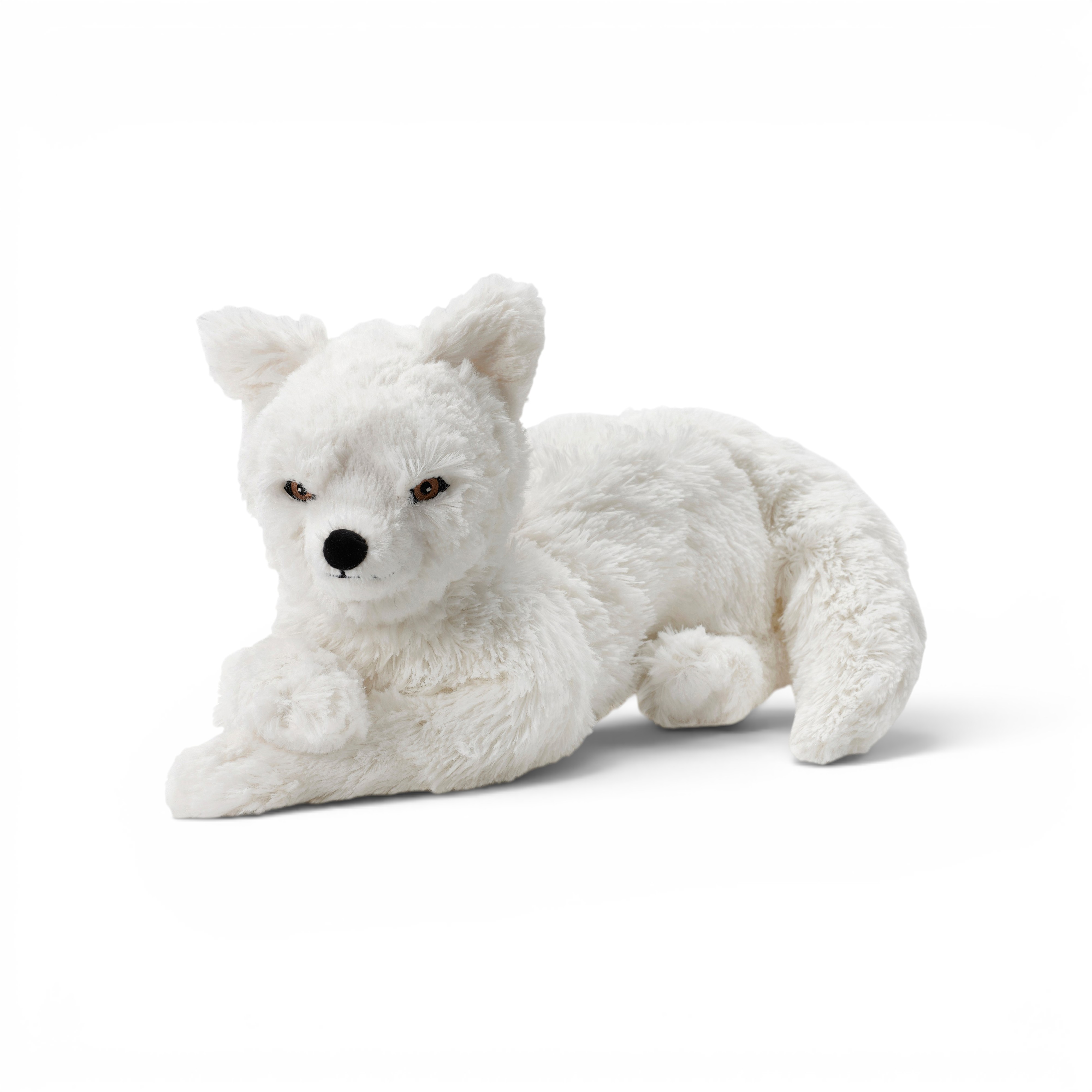
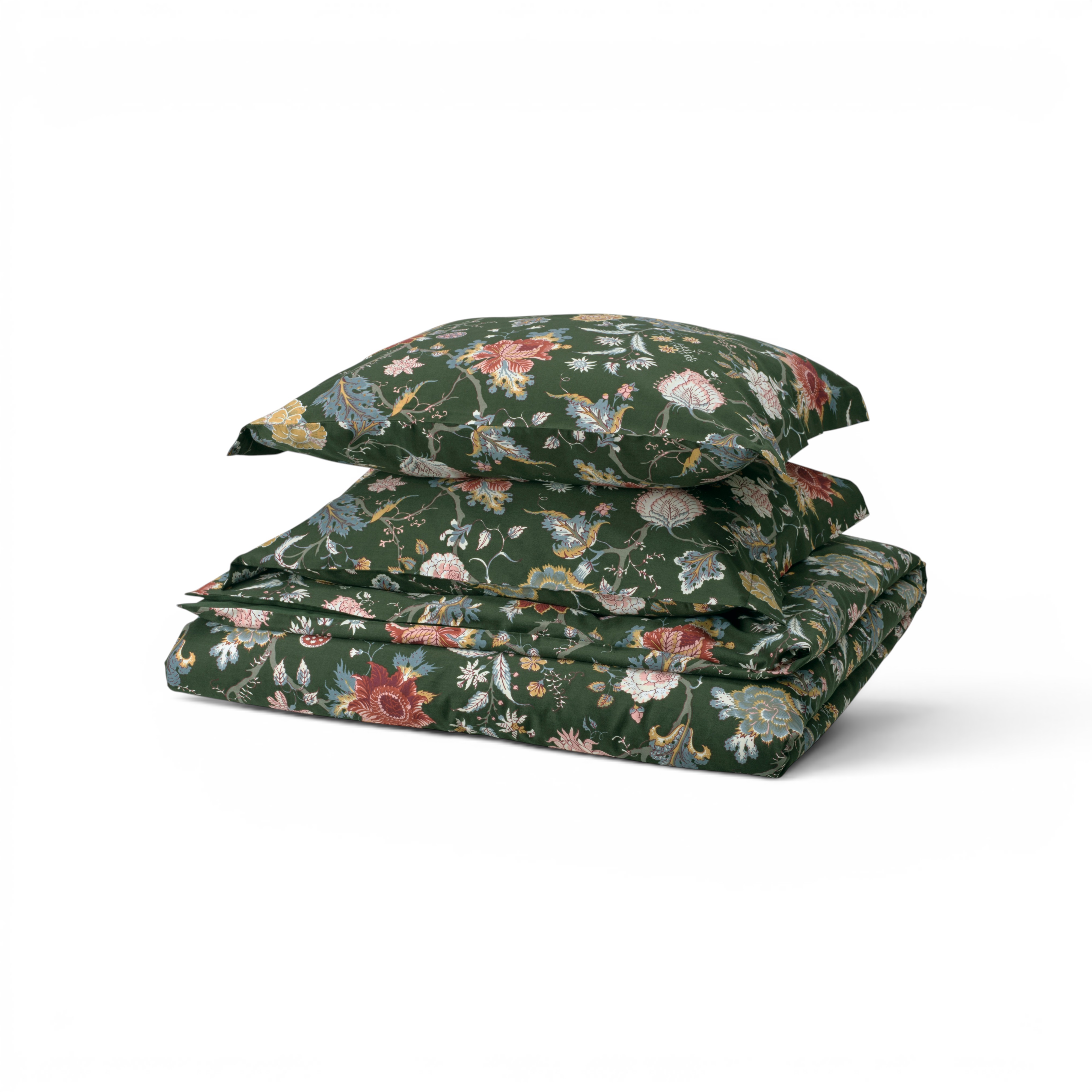
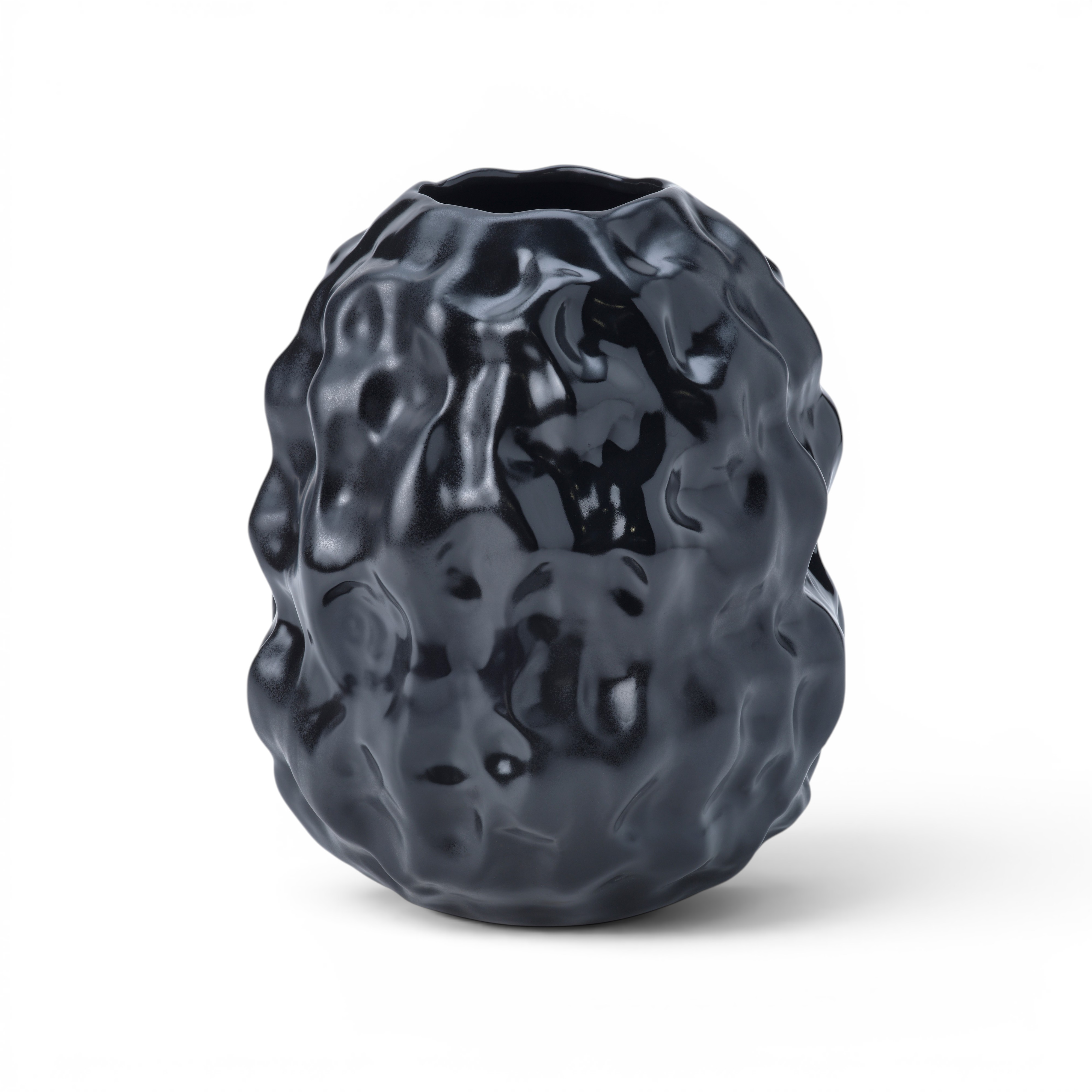
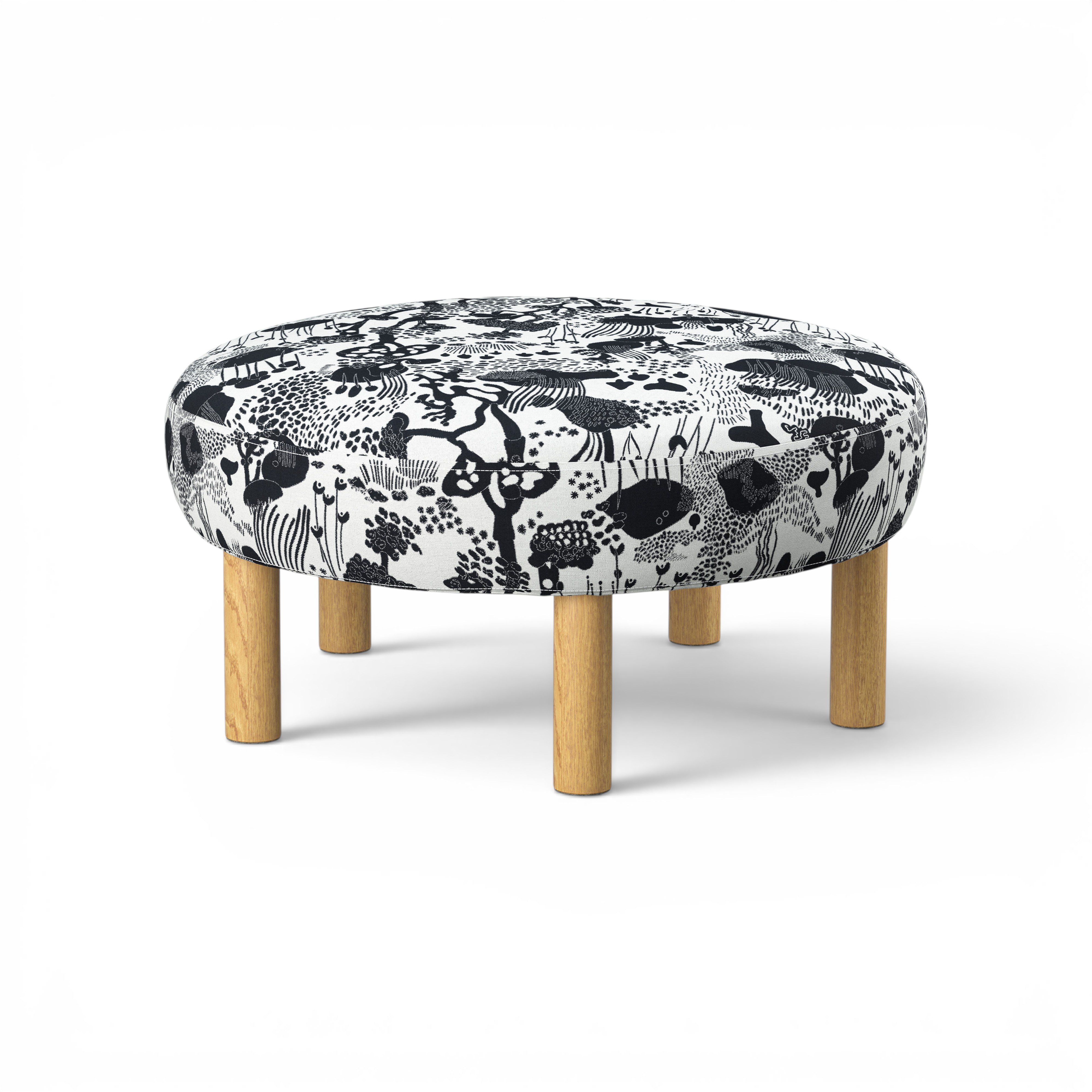
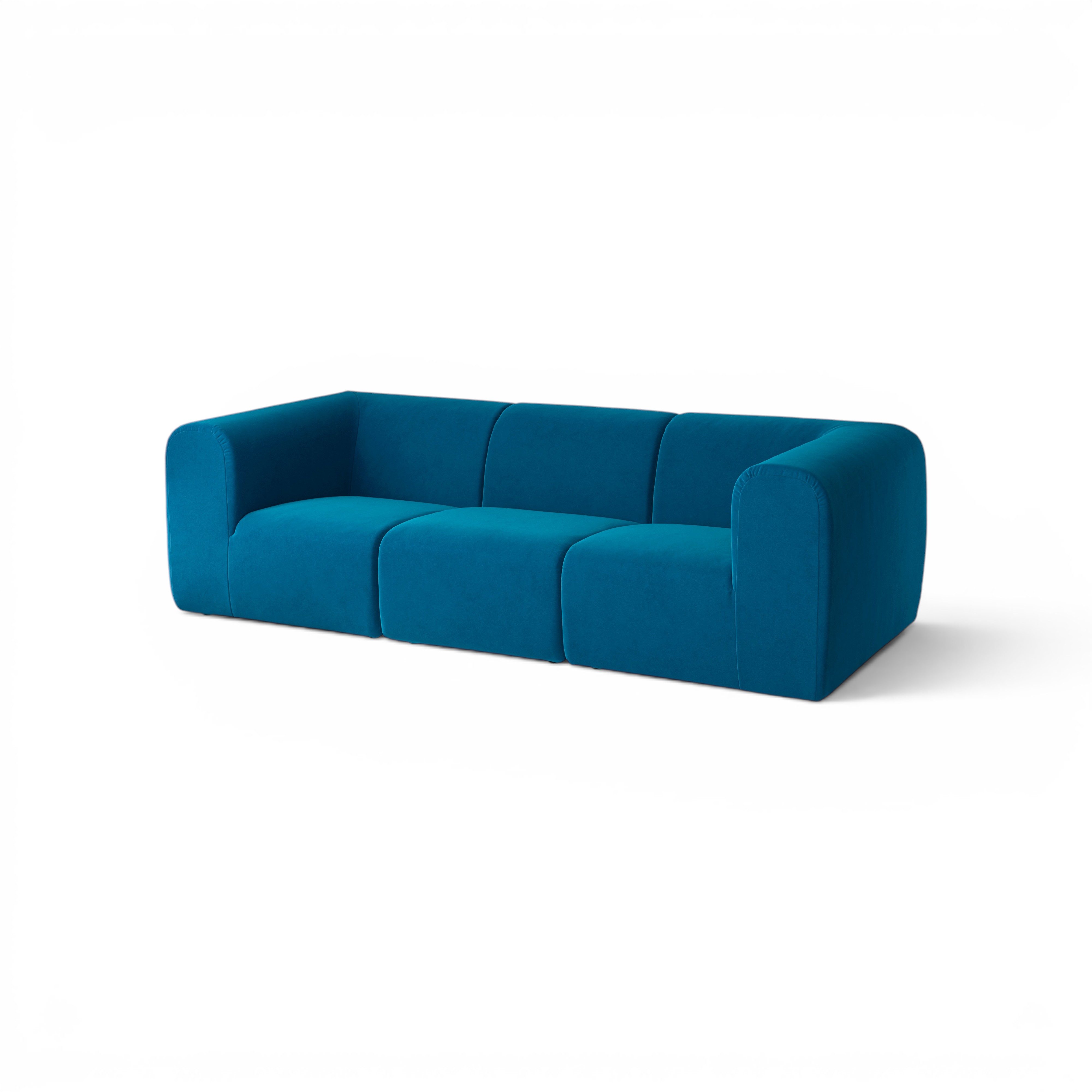
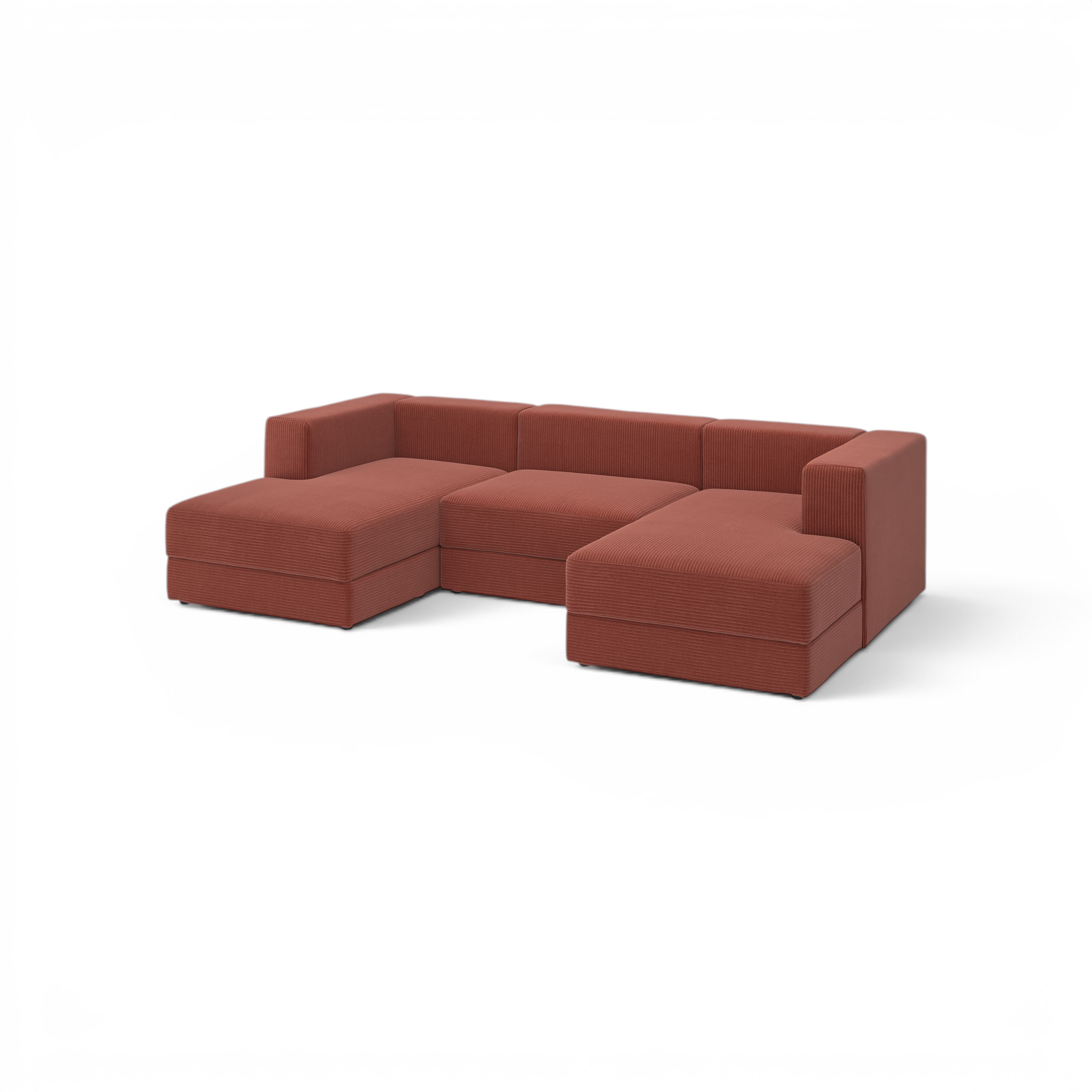
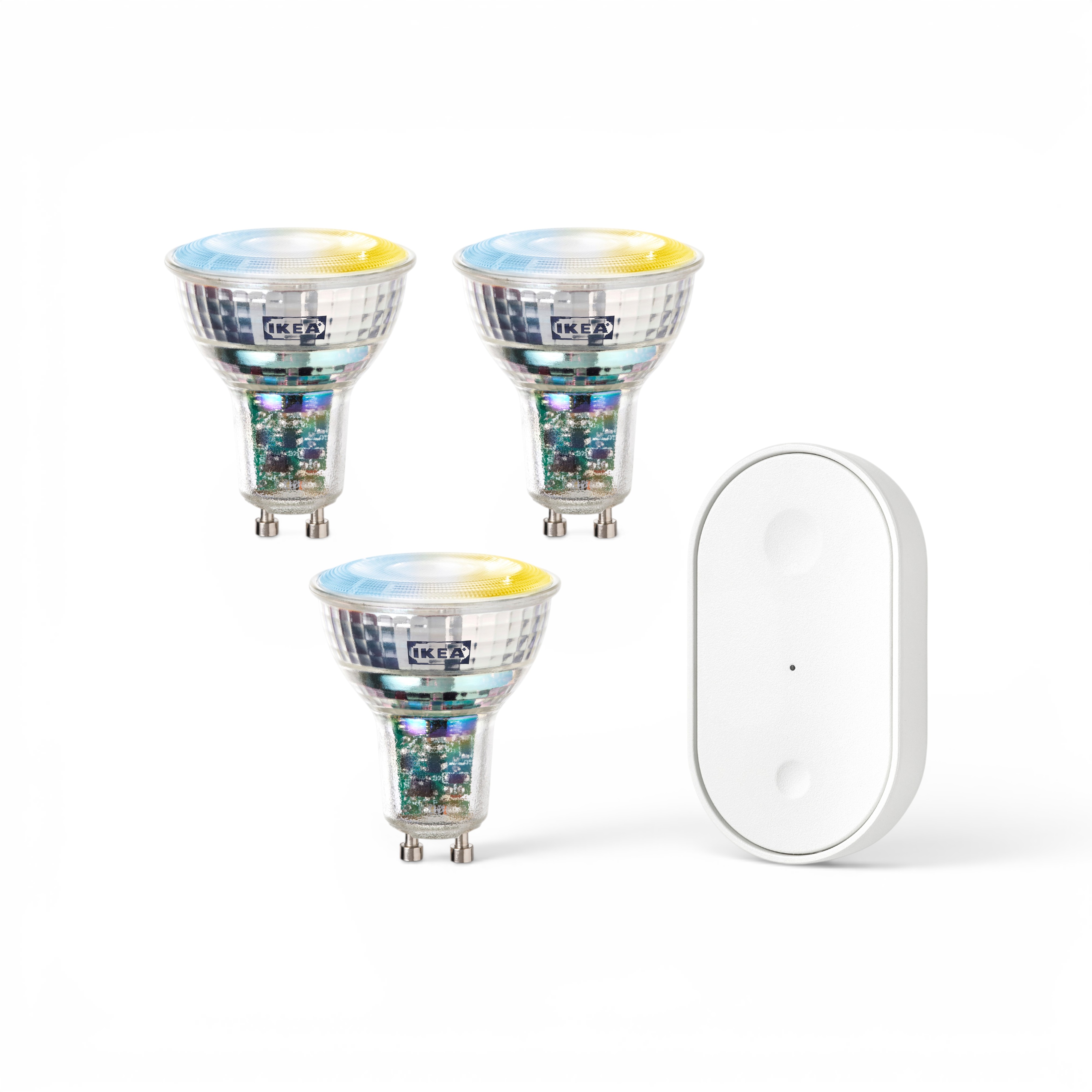
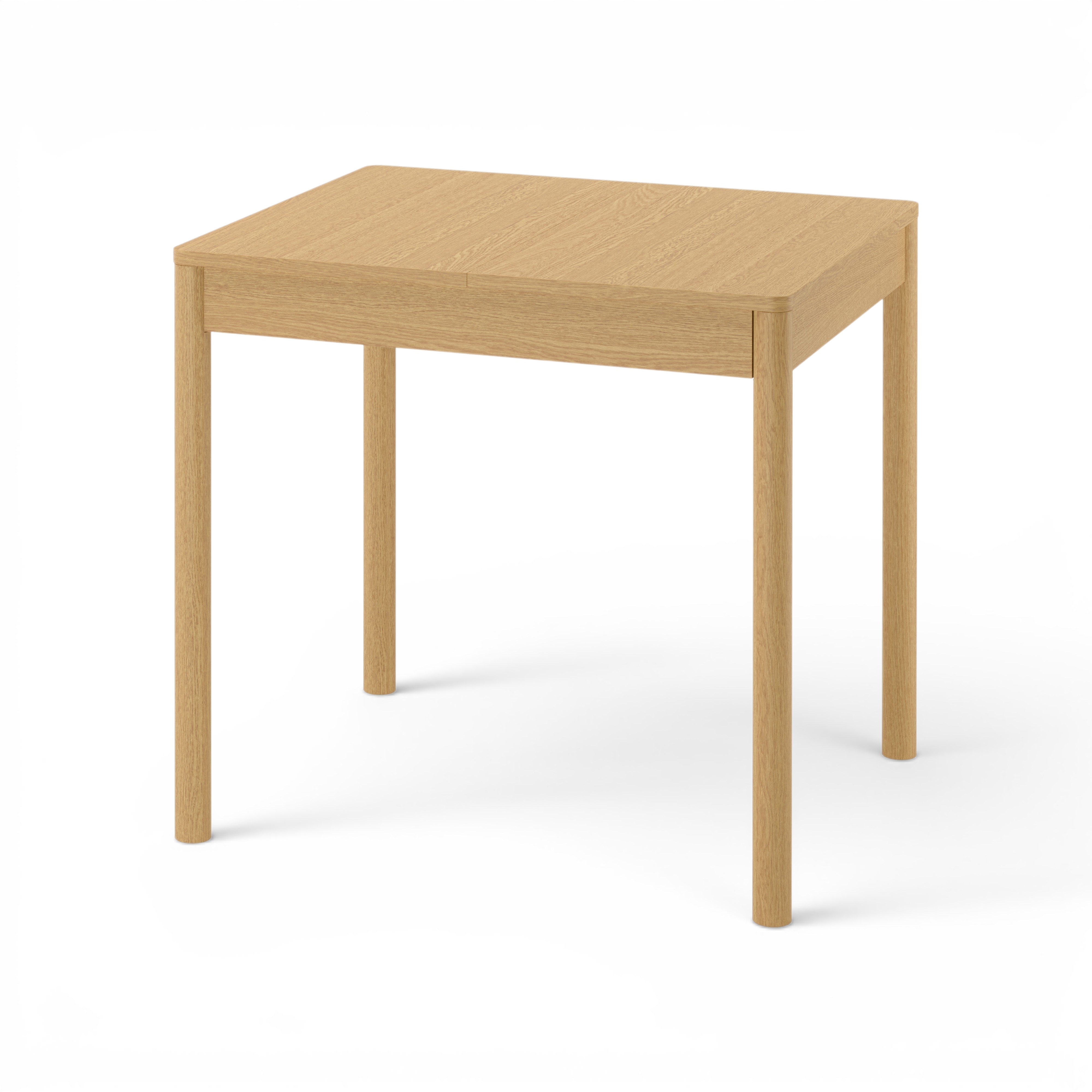
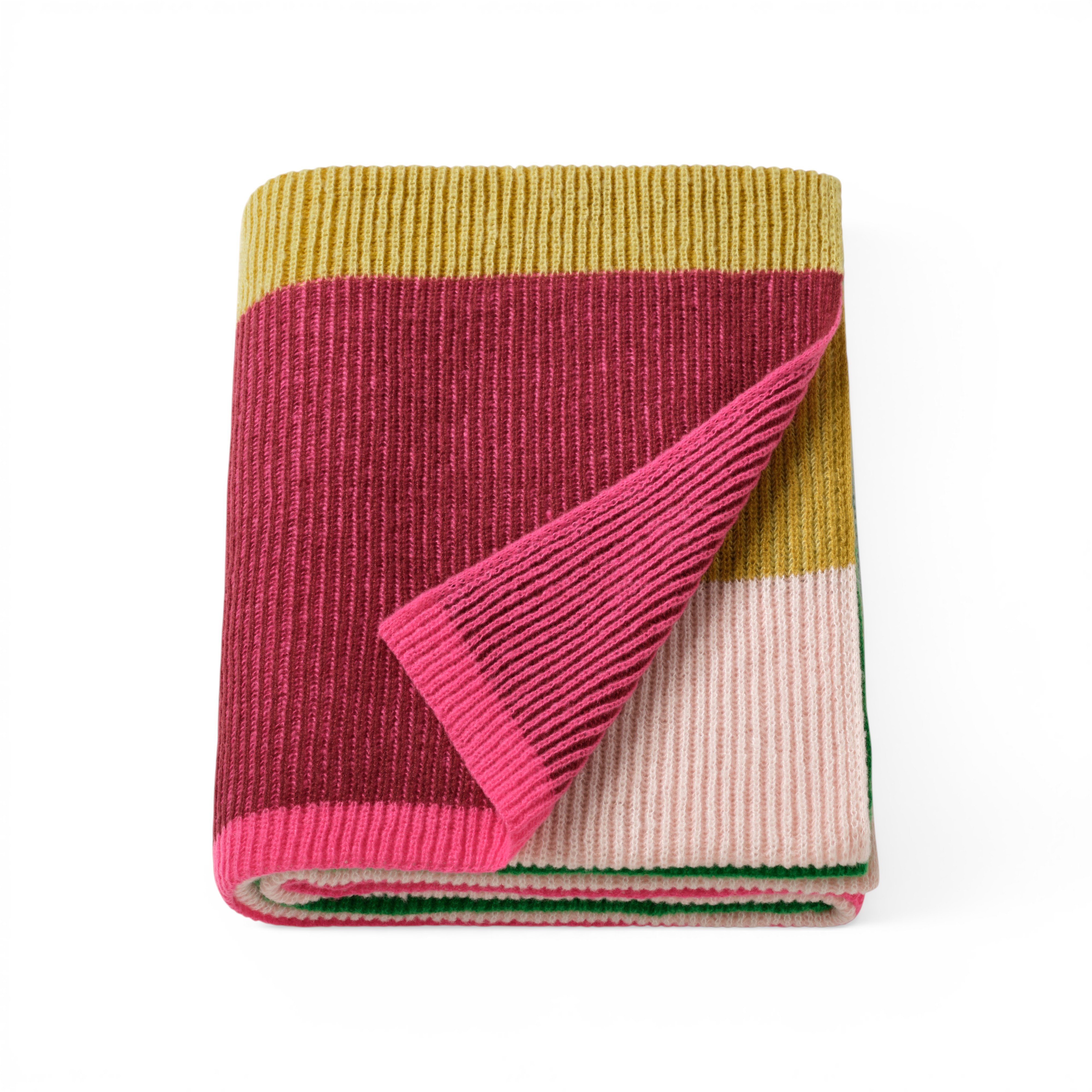
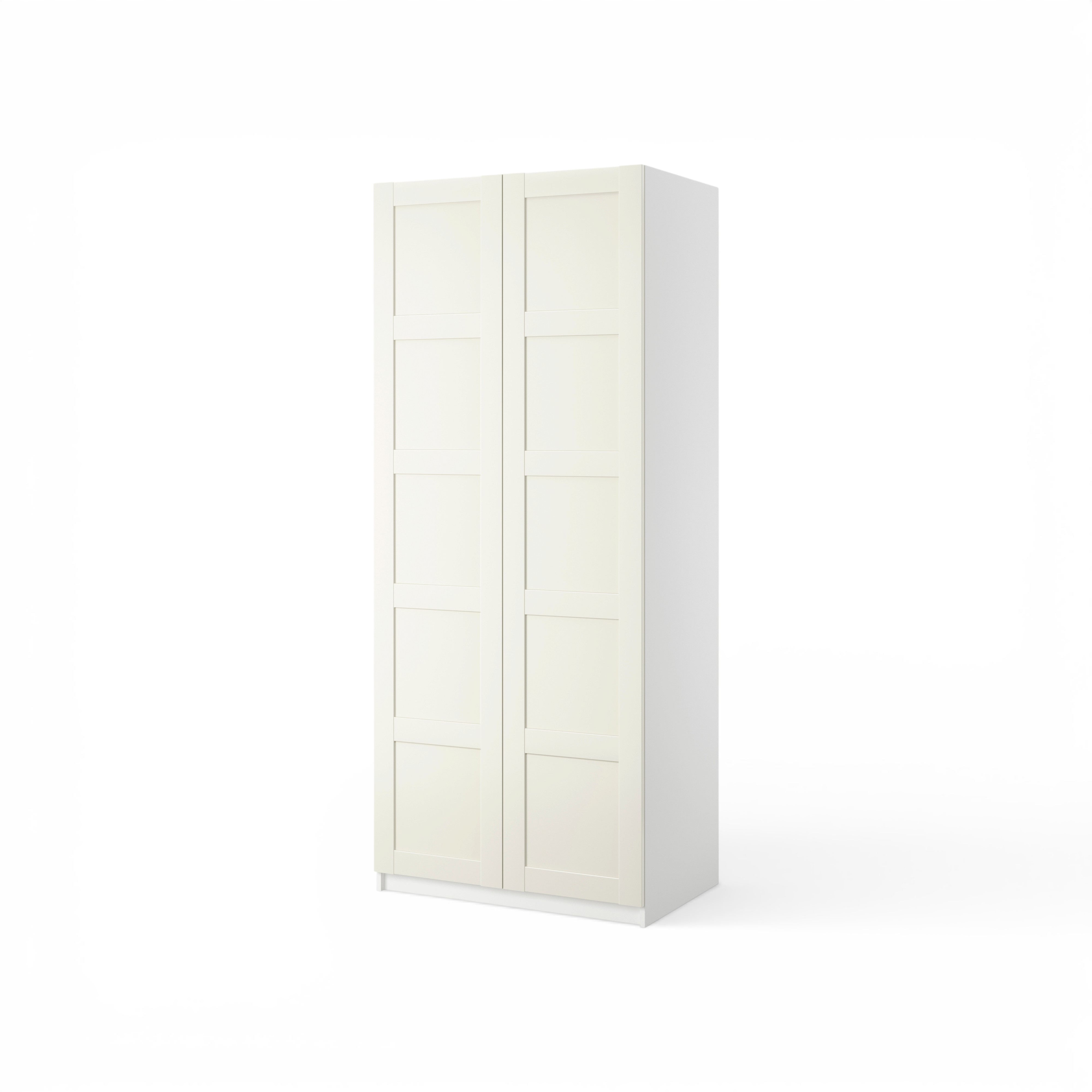
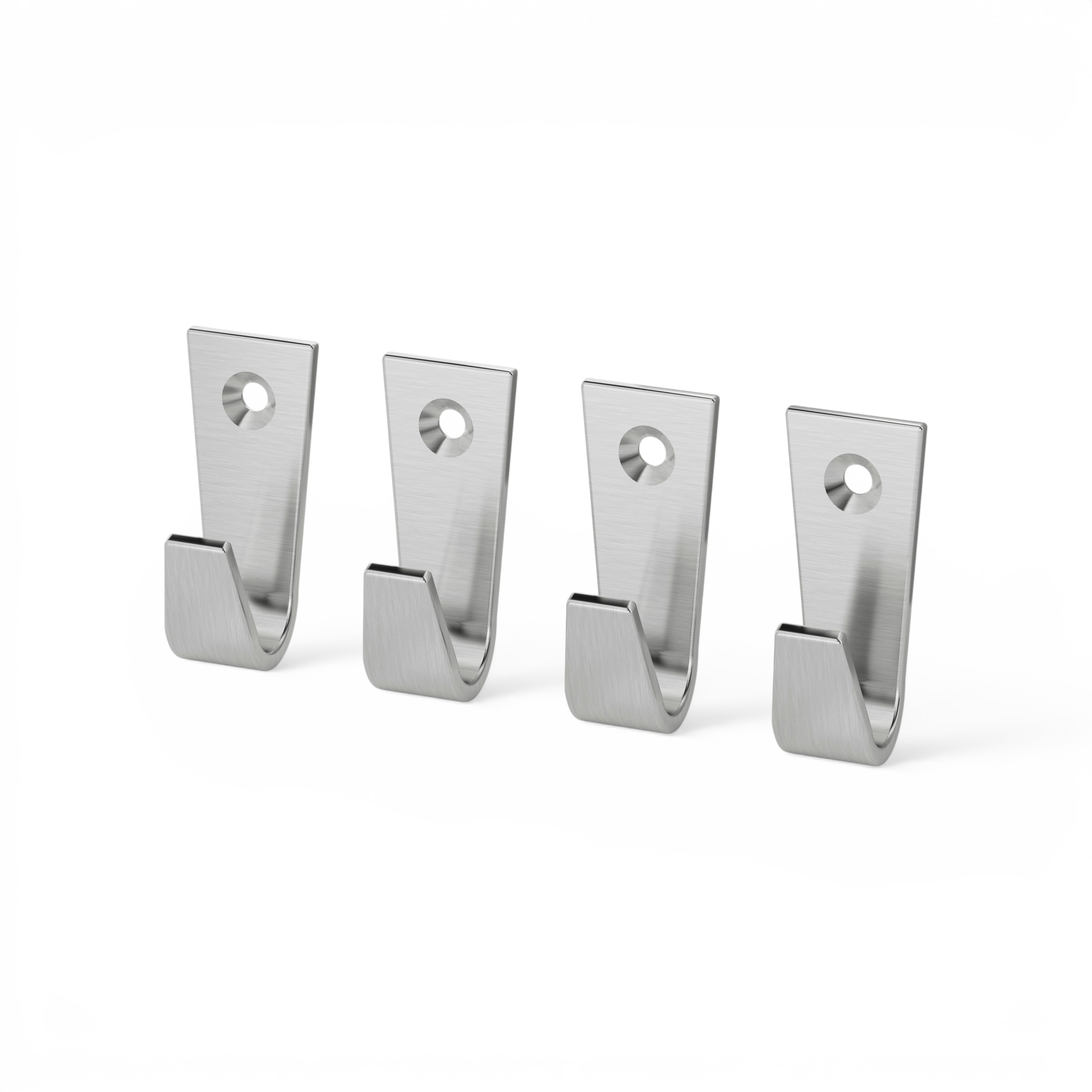
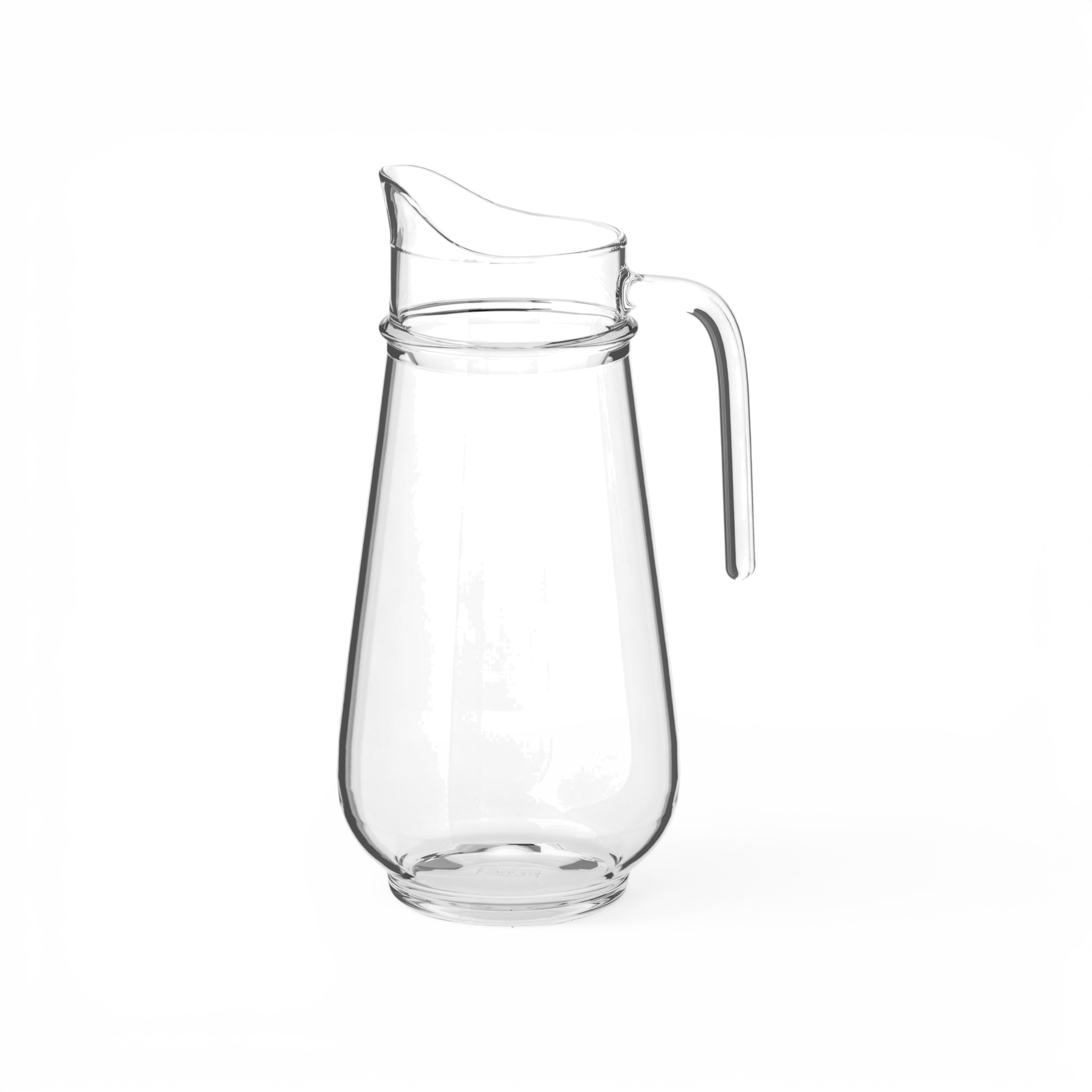
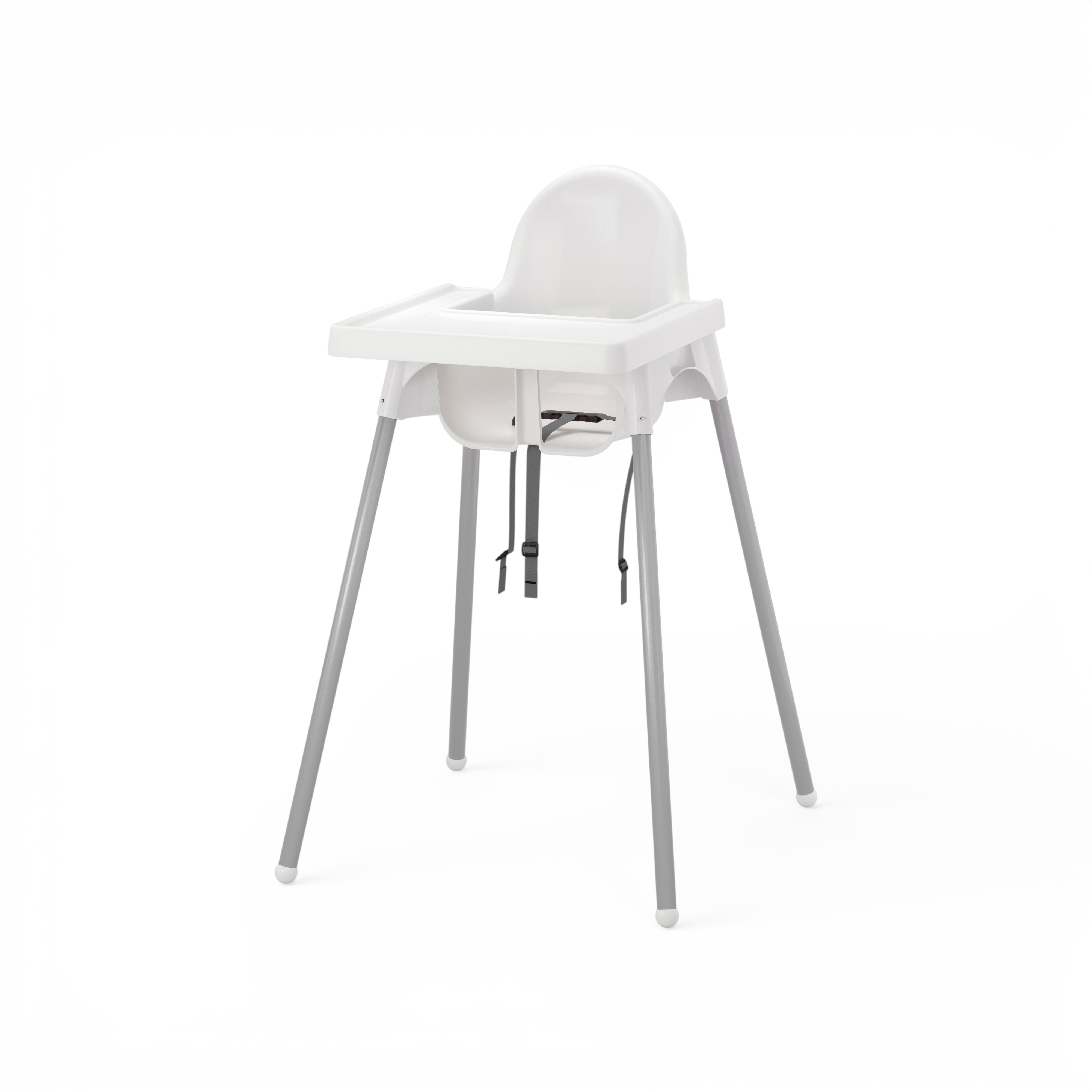
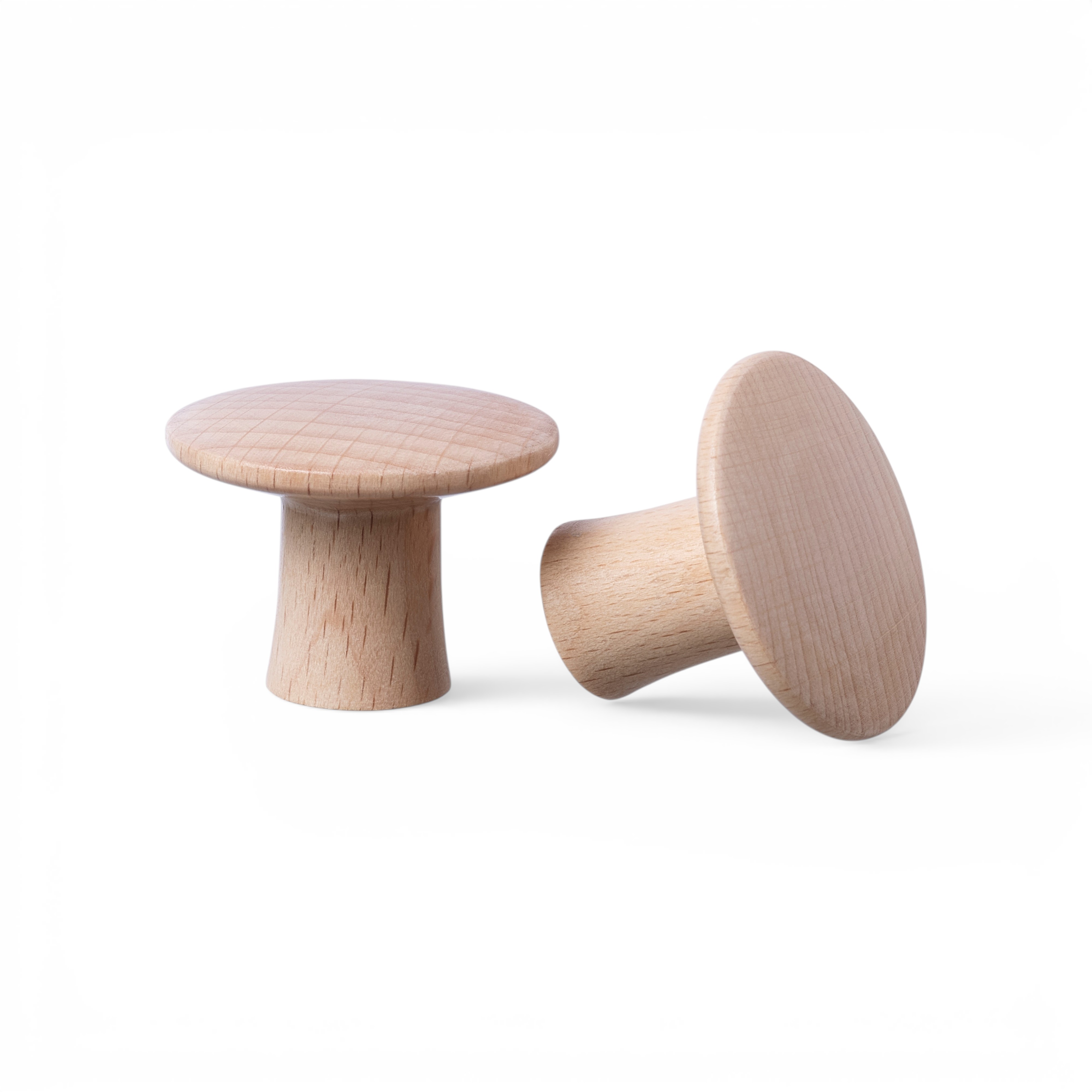
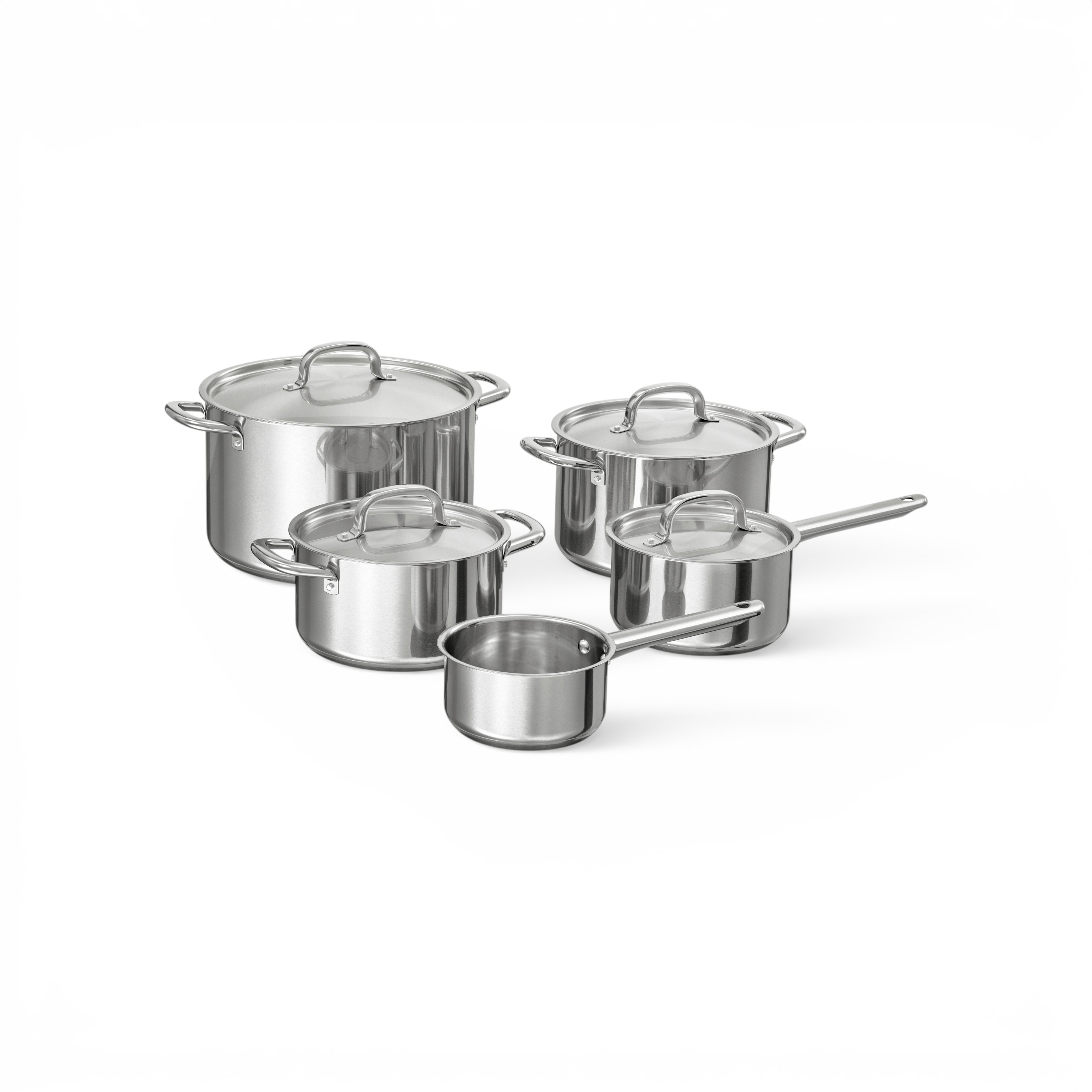
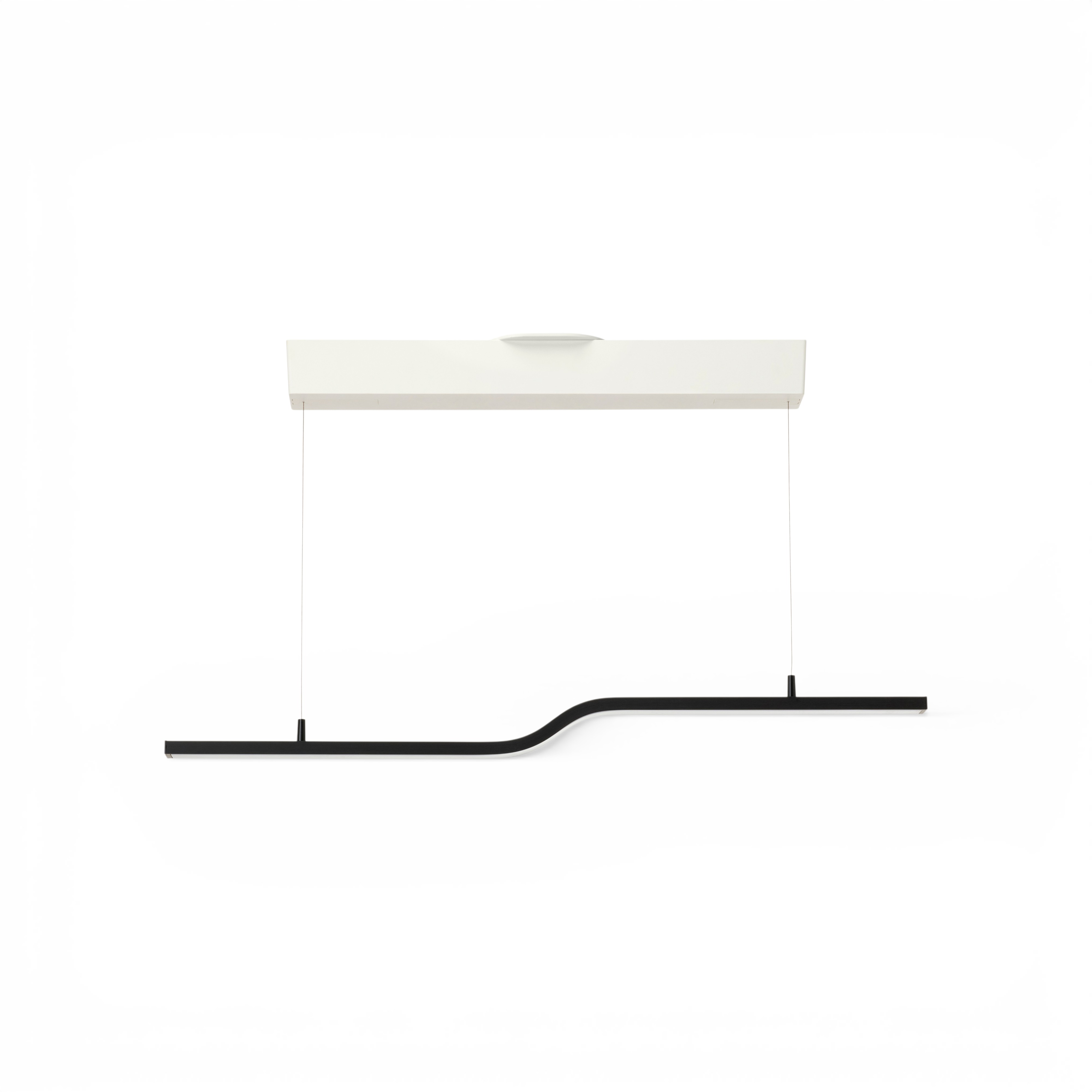
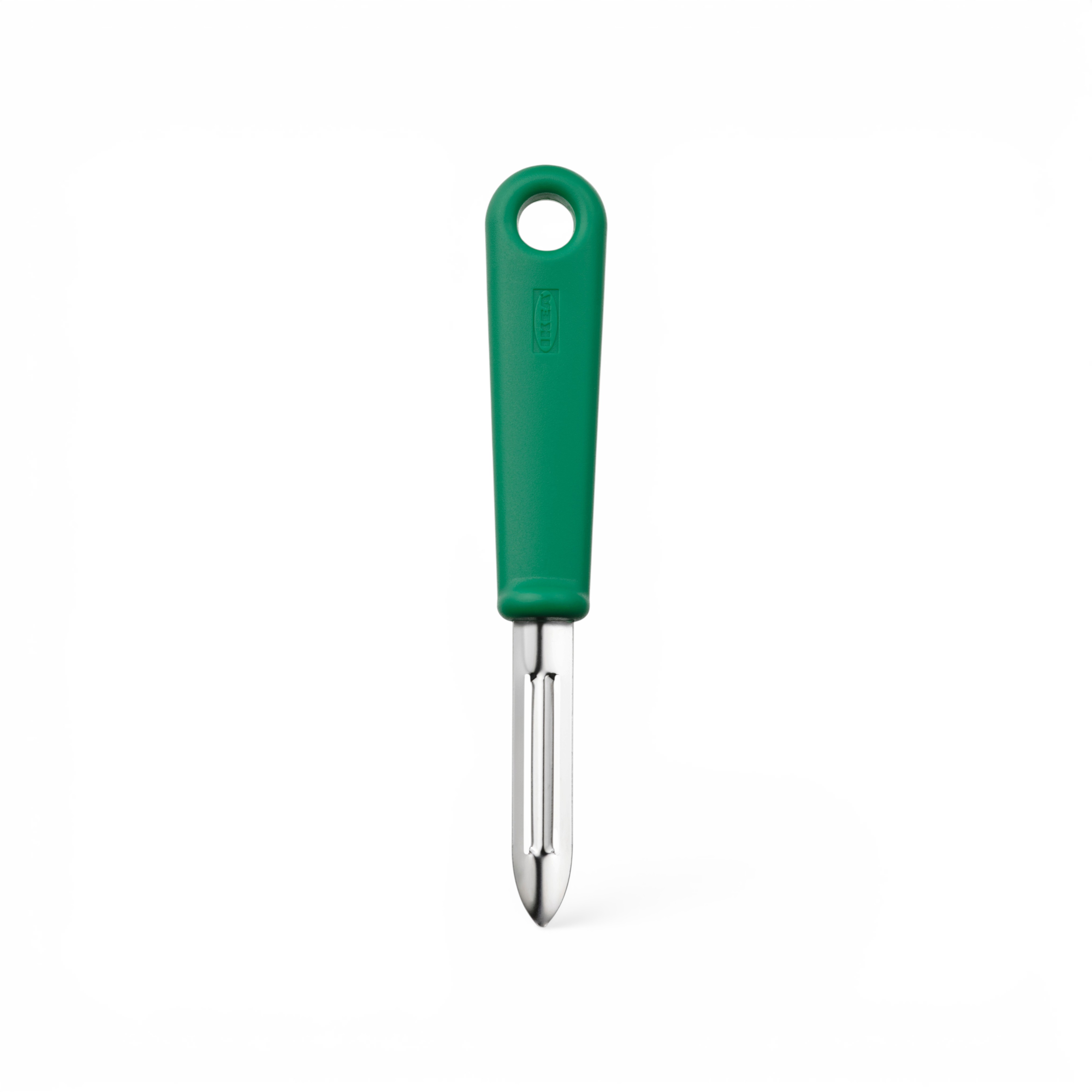
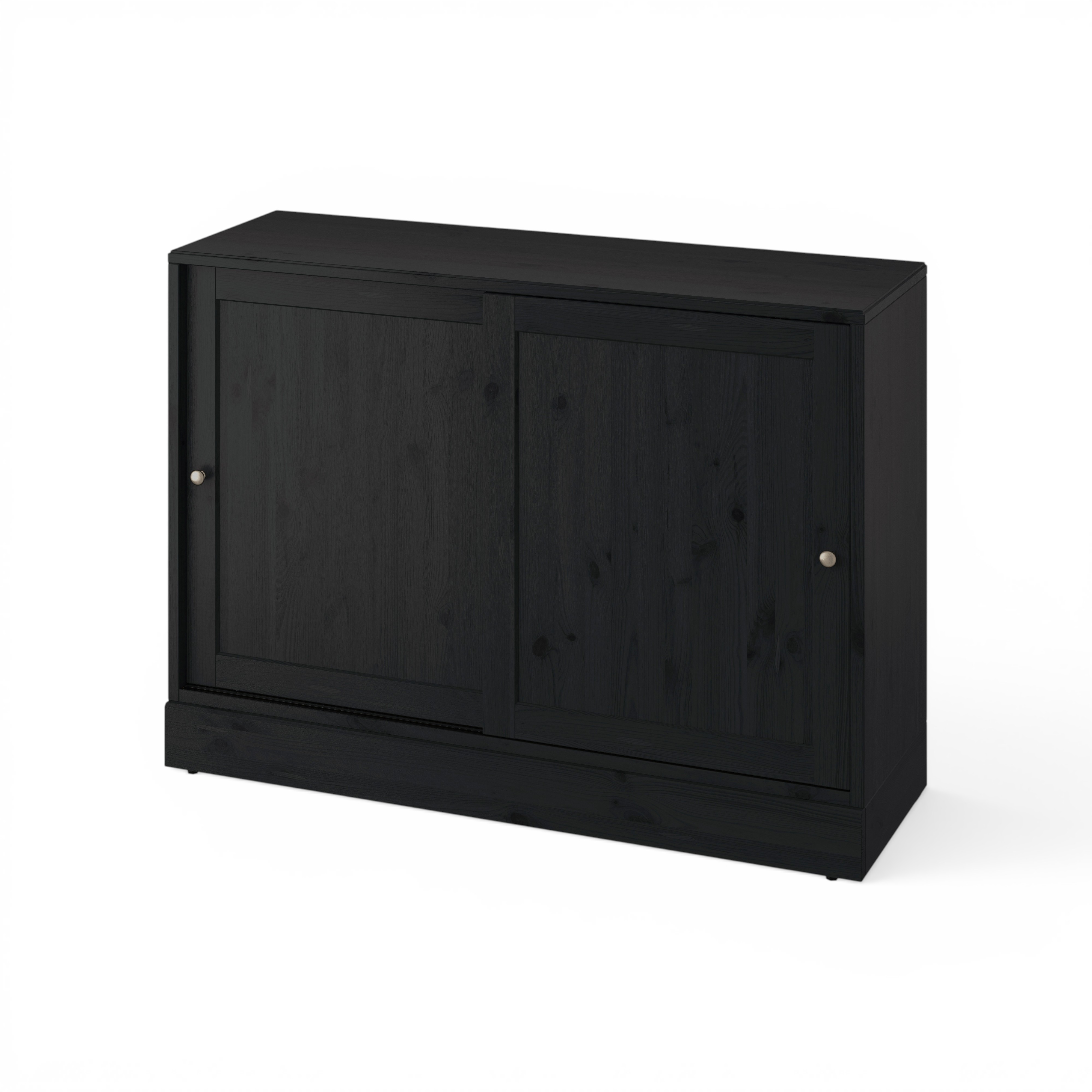
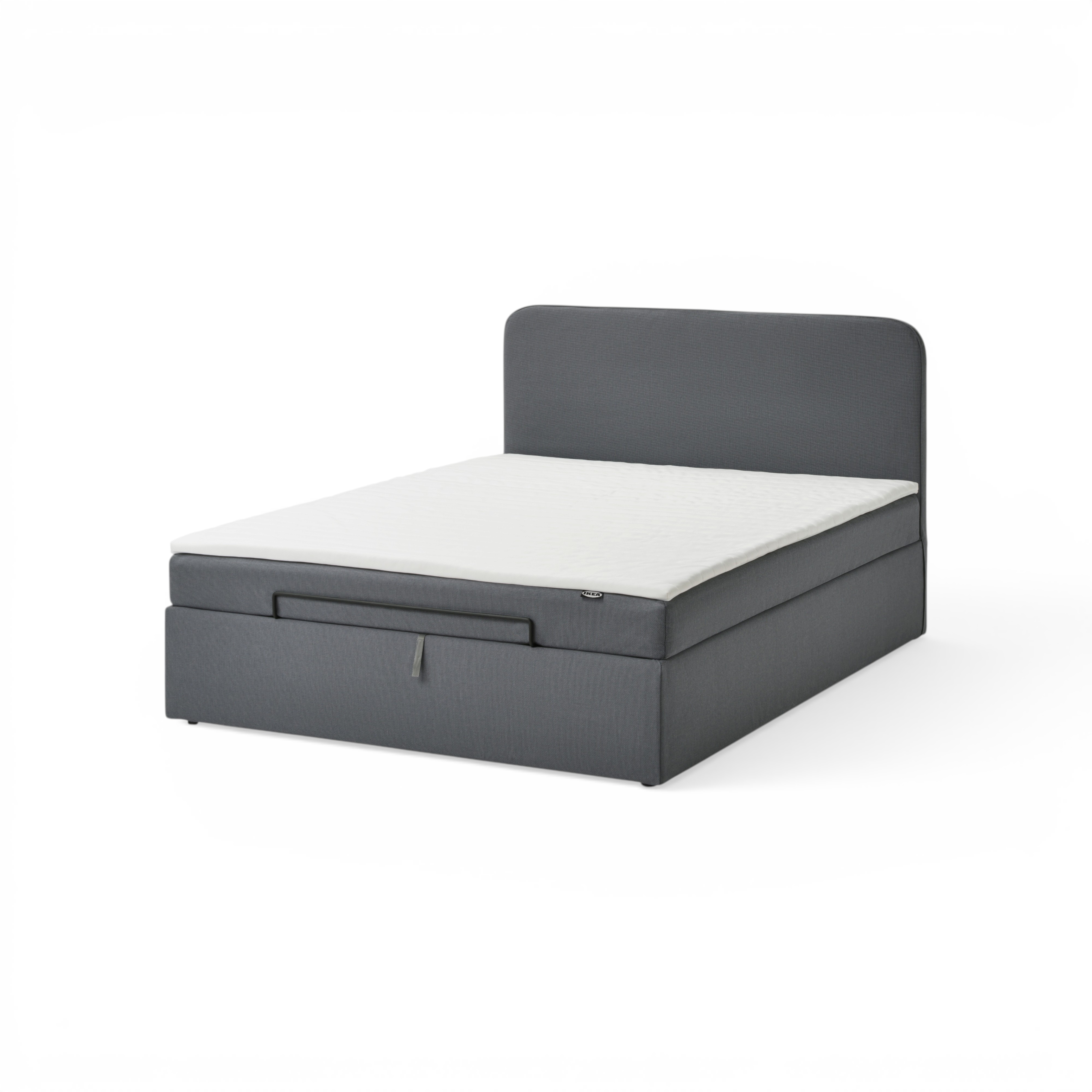
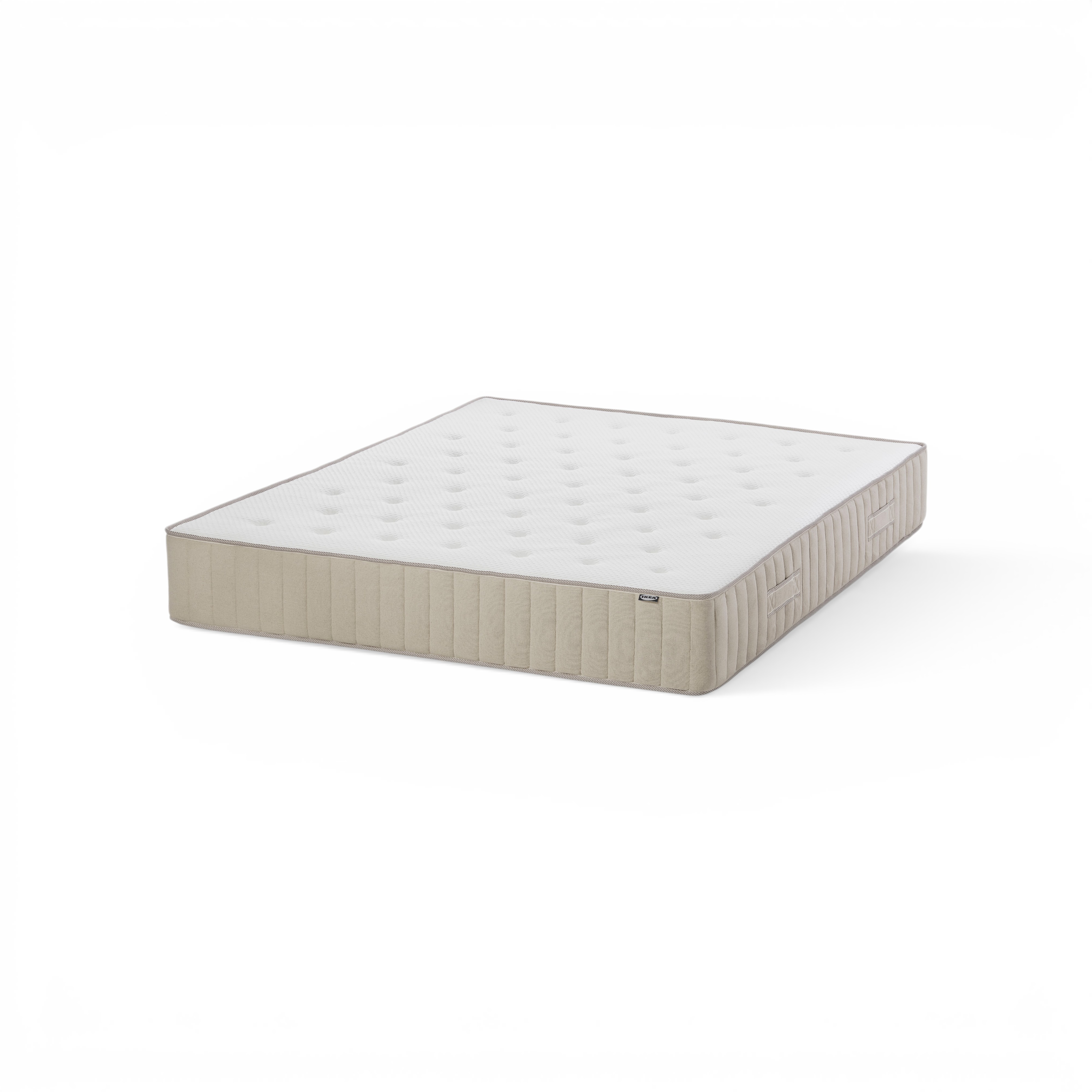
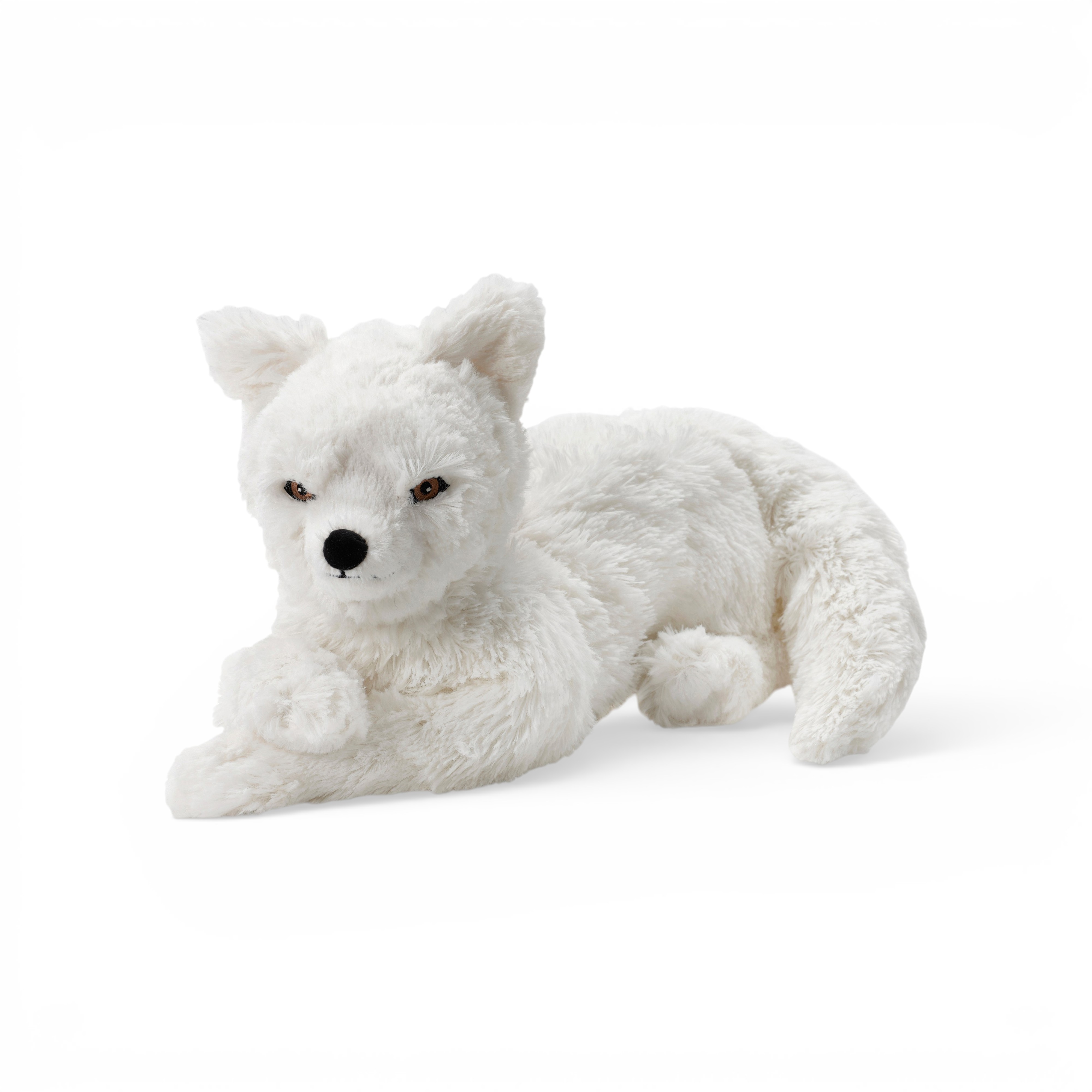
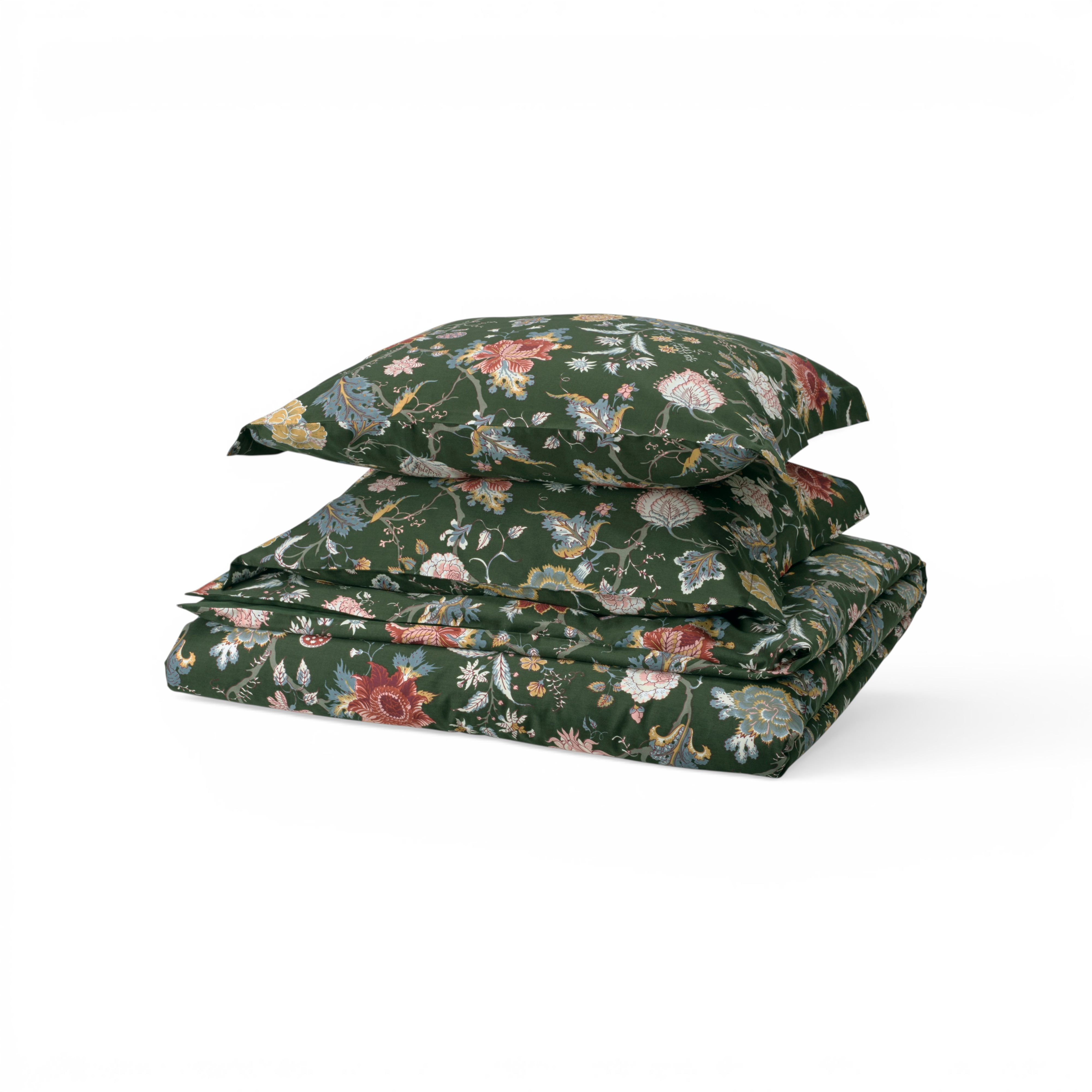
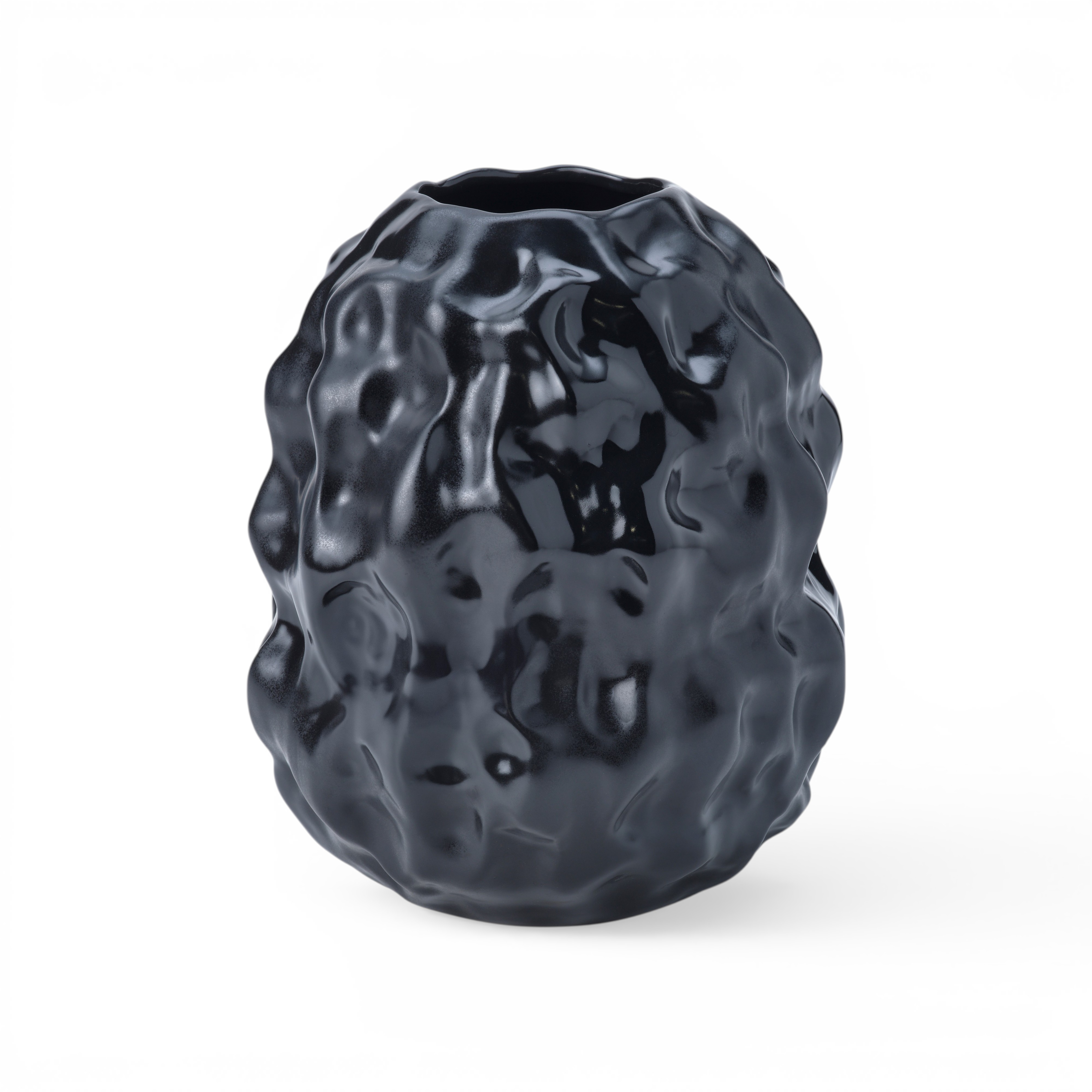
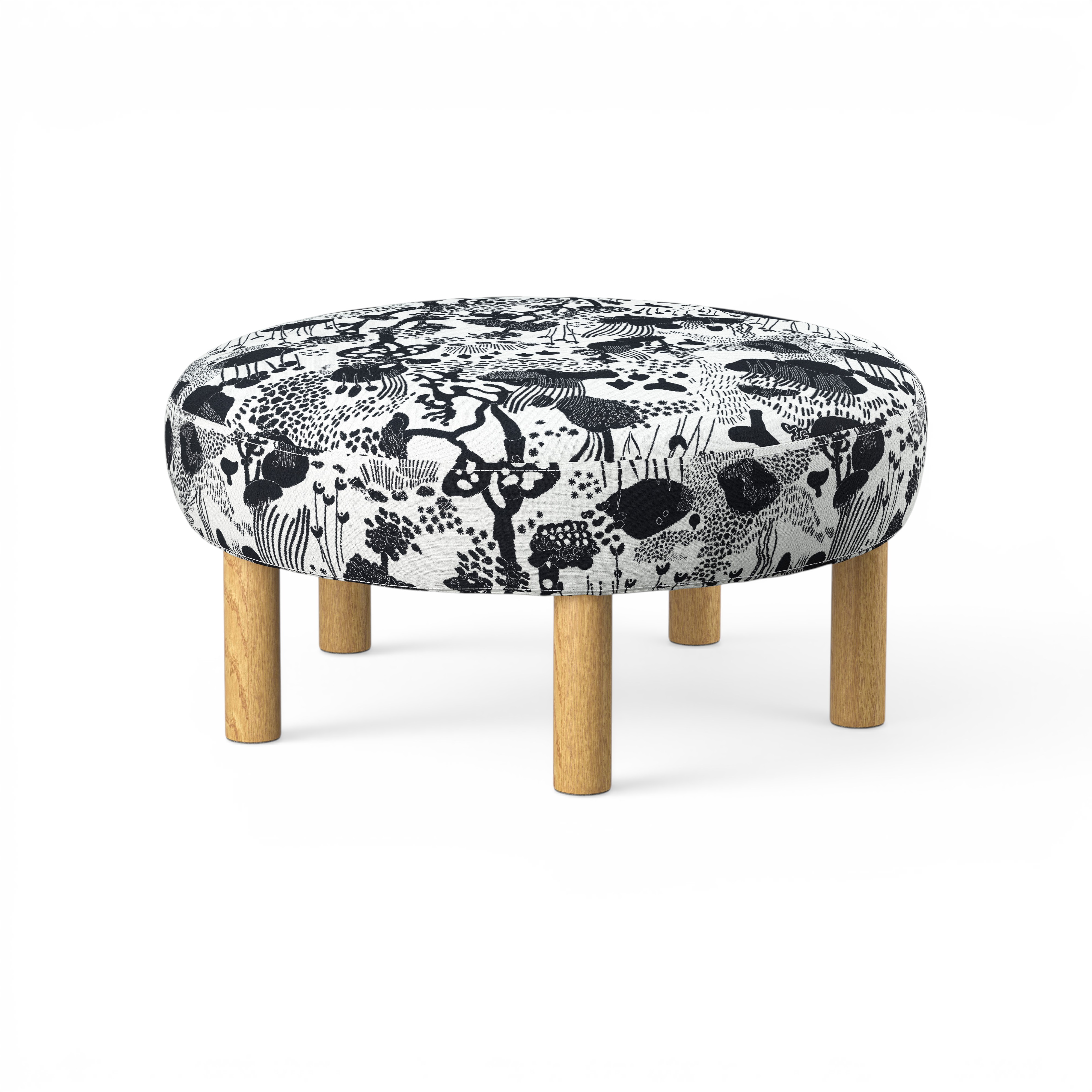
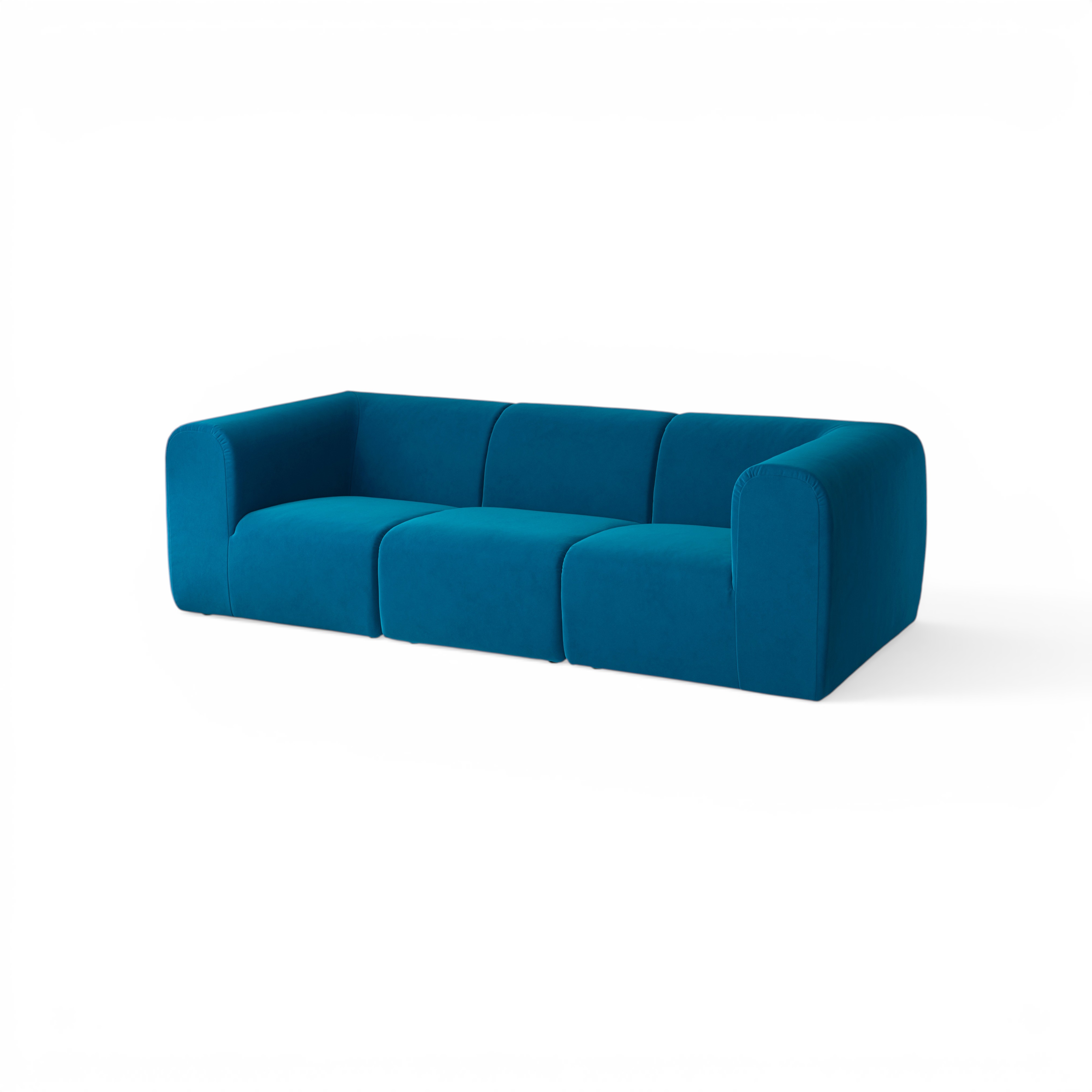
Photoroom's shadow API works well. We swept softness, intensity, and spread to land on a base config, locked direction to behindRight (matches the brief's front-left light), then ran four variants across all 22 SKUs to give us per-product flexibility.
default (s=0.6, i=0.55, long) |
subtle (s=0.85, i=0.40, long) |
|---|---|
|
 |
shorter (s=0.6, i=0.55, medium) |
softest (s=0.95, i=0.35, long) |
|---|---|
 |
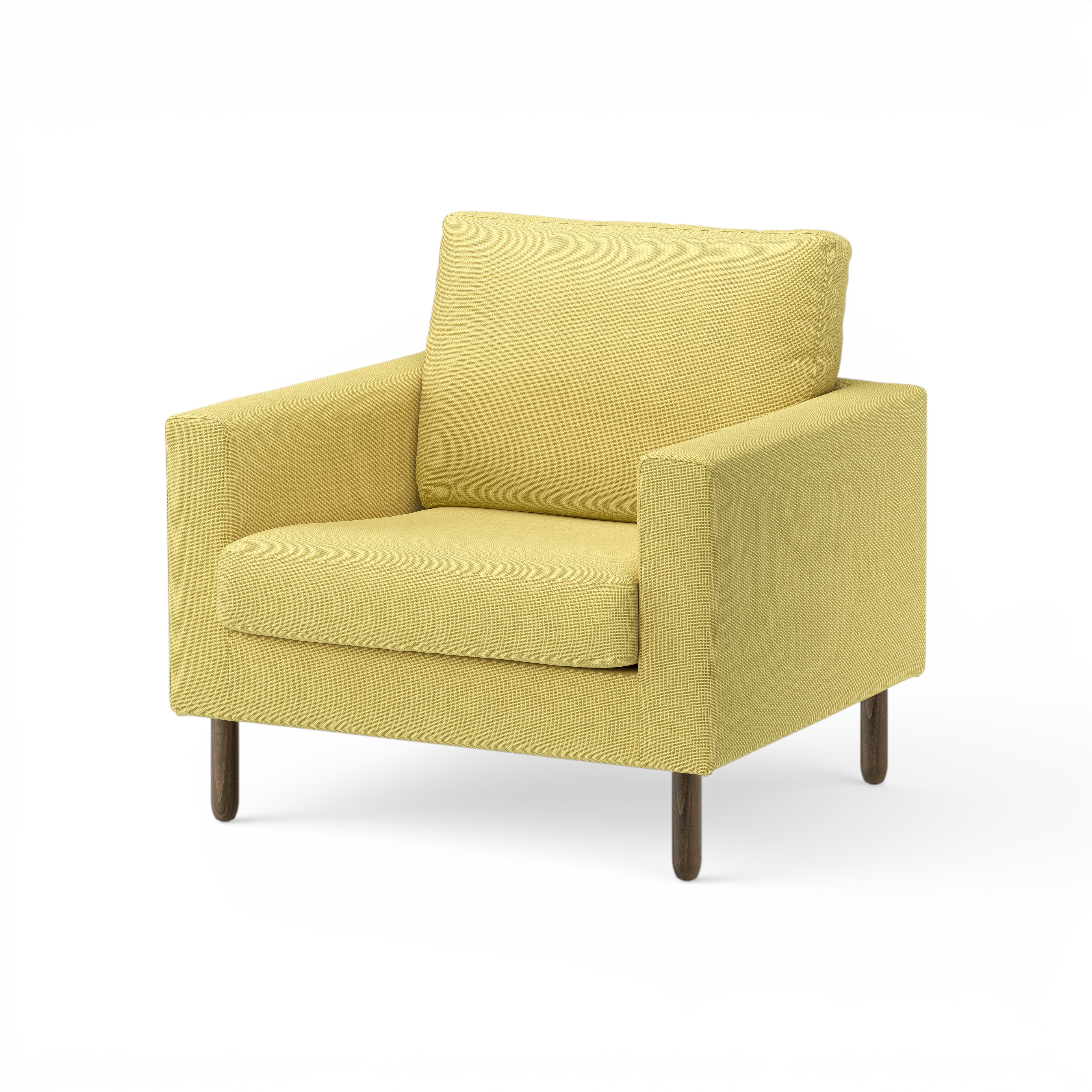 |
All 22 × 4 = 88 outputs are 4000×4000 with brief-compliant margins (≥400 px on every side). default is the production pick; the others are escape hatches for product-specific tuning.
Browse outputs:
- outputs/photoroom/shadows/default/ — production batch
- outputs/photoroom/shadows/{subtle,shorter,softest}/ — three variant batches
- outputs/photoroom/sweeps/ — initial parameter exploration (3×3×3 sweeps on a couple of SKUs)


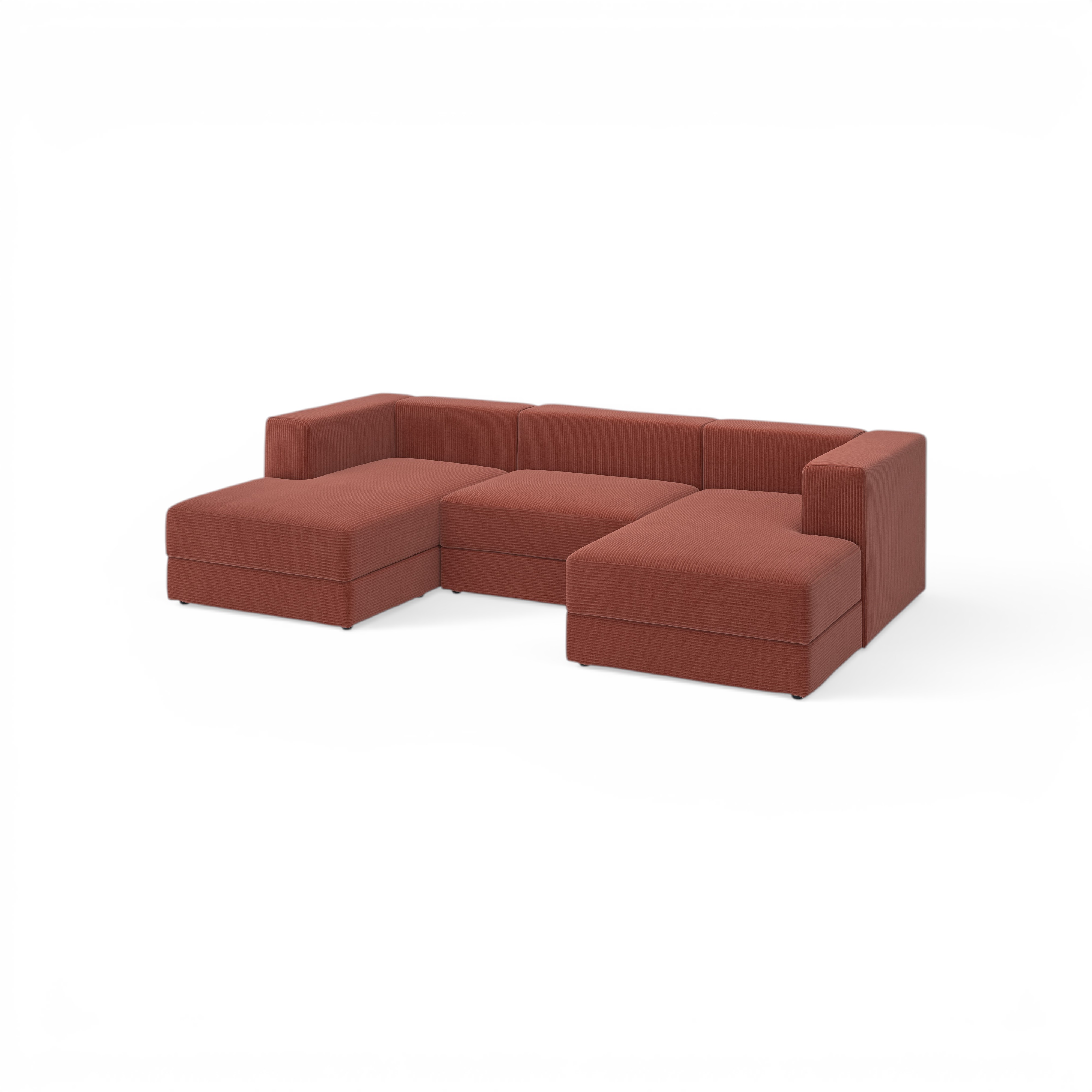
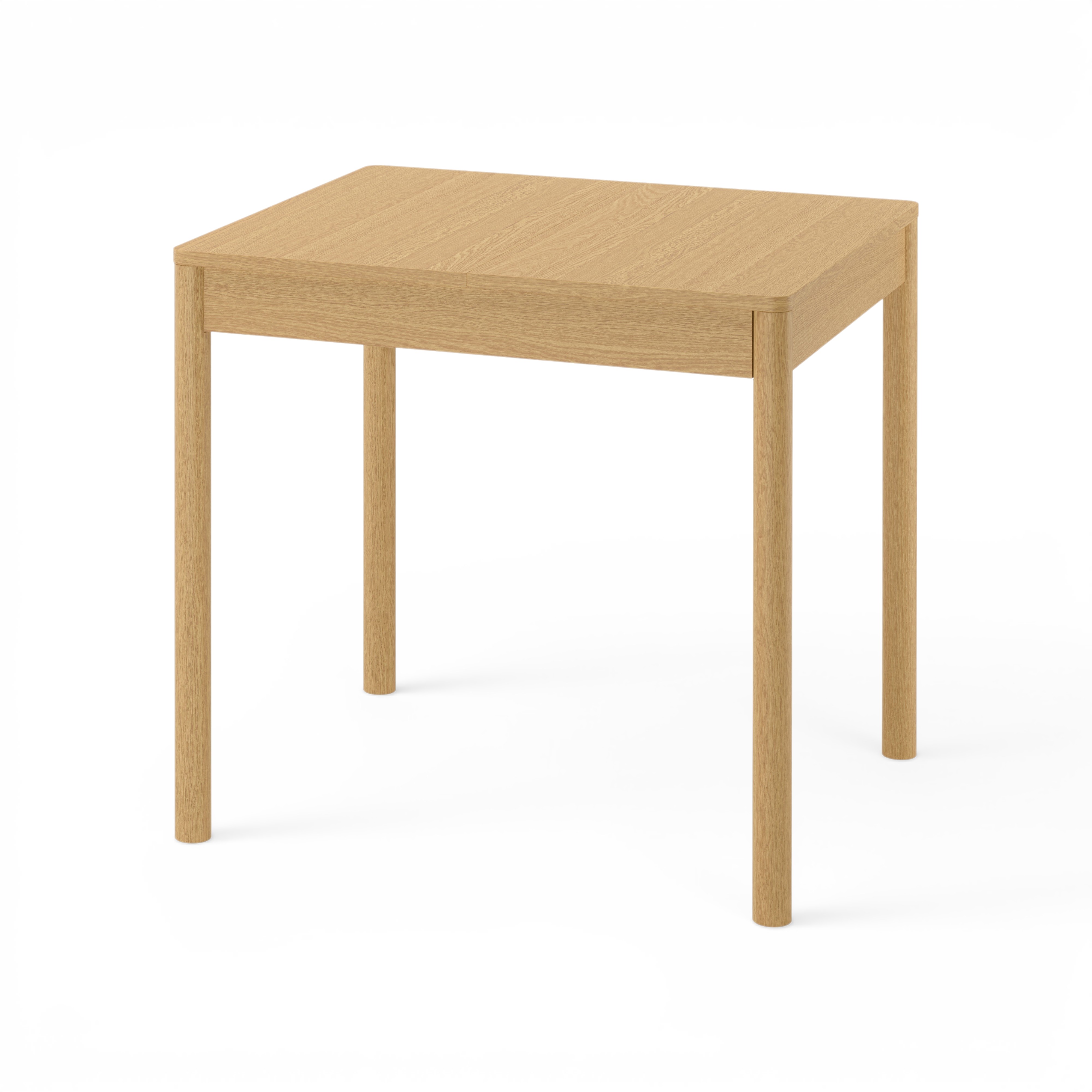
Cutouts — BiRefNet vs Photoroom
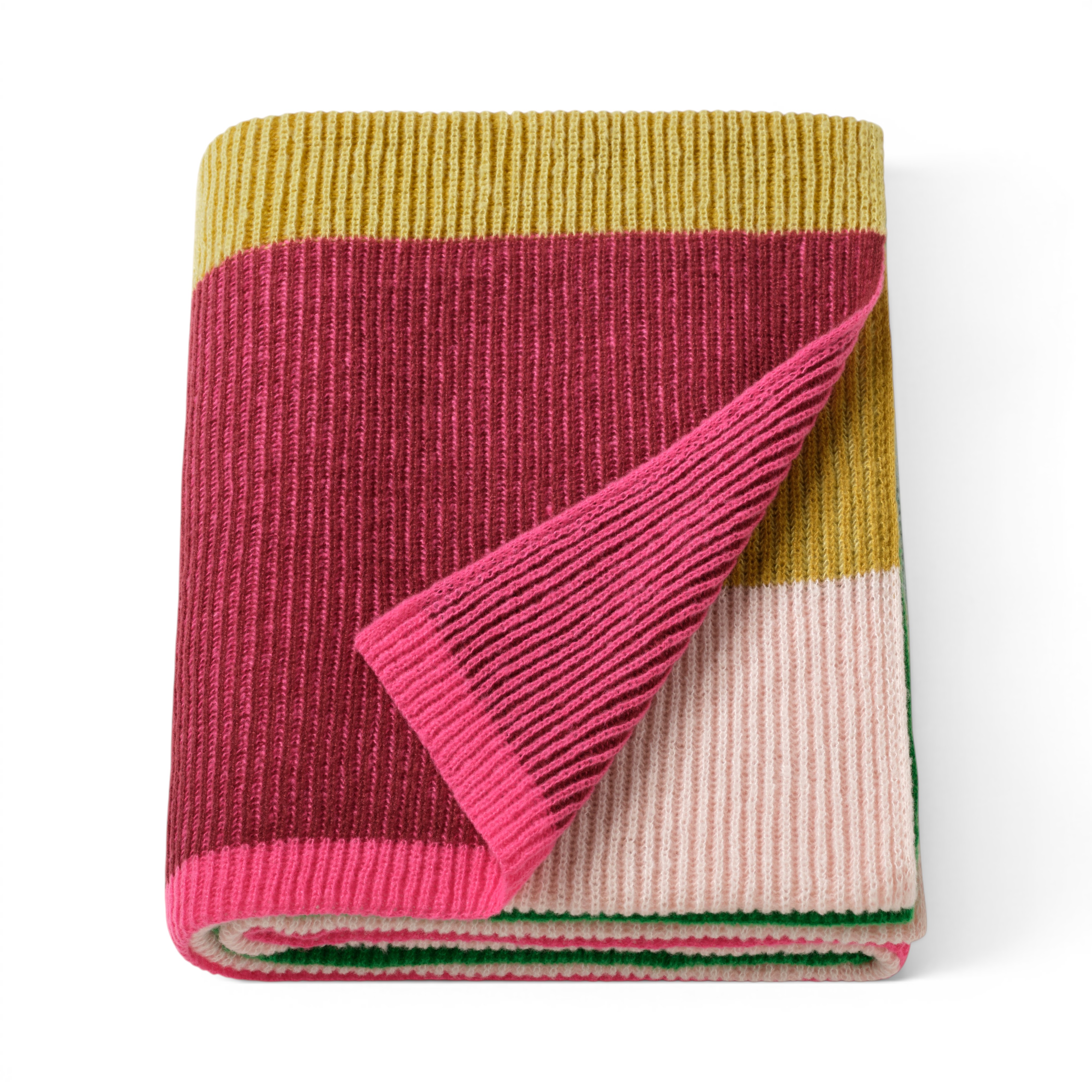
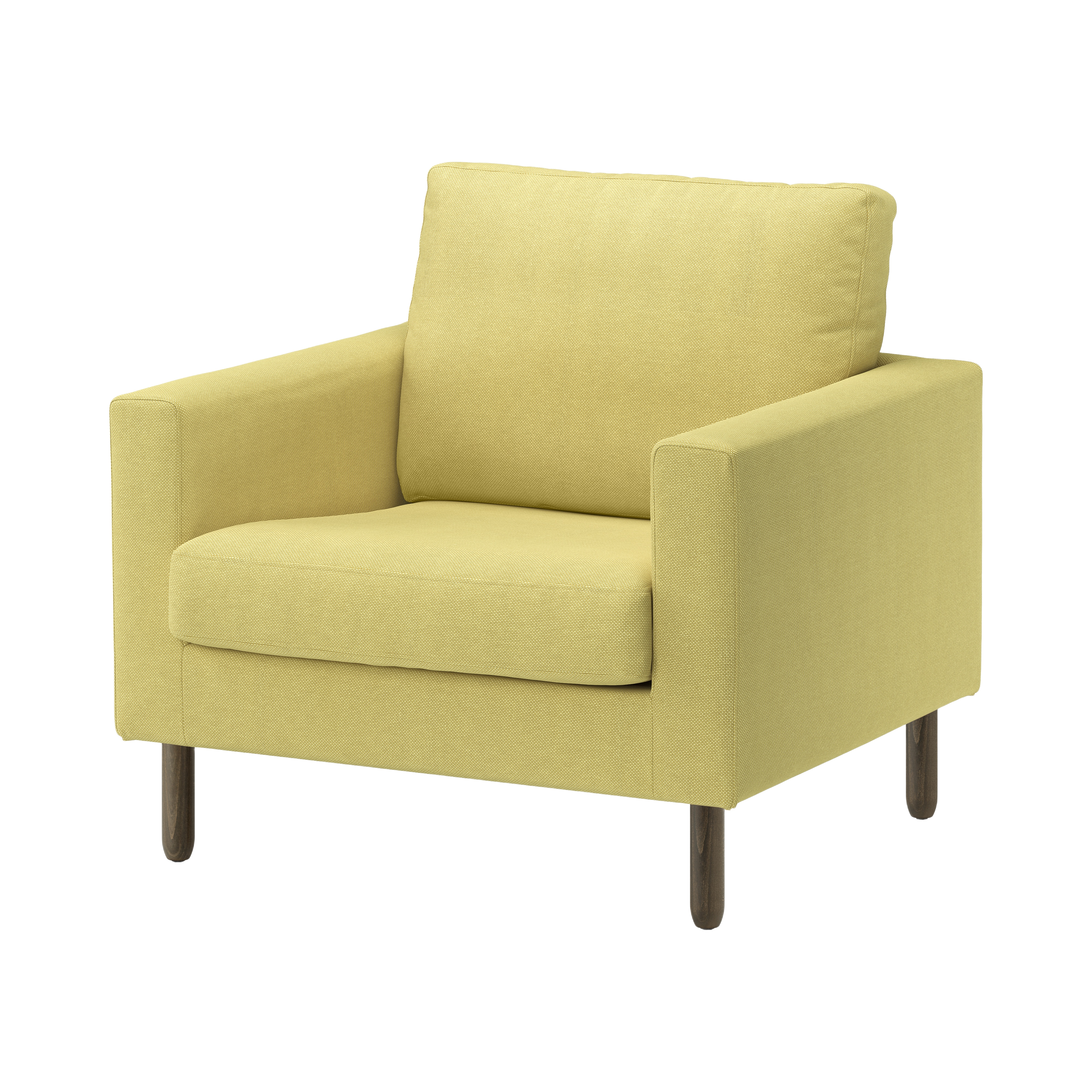
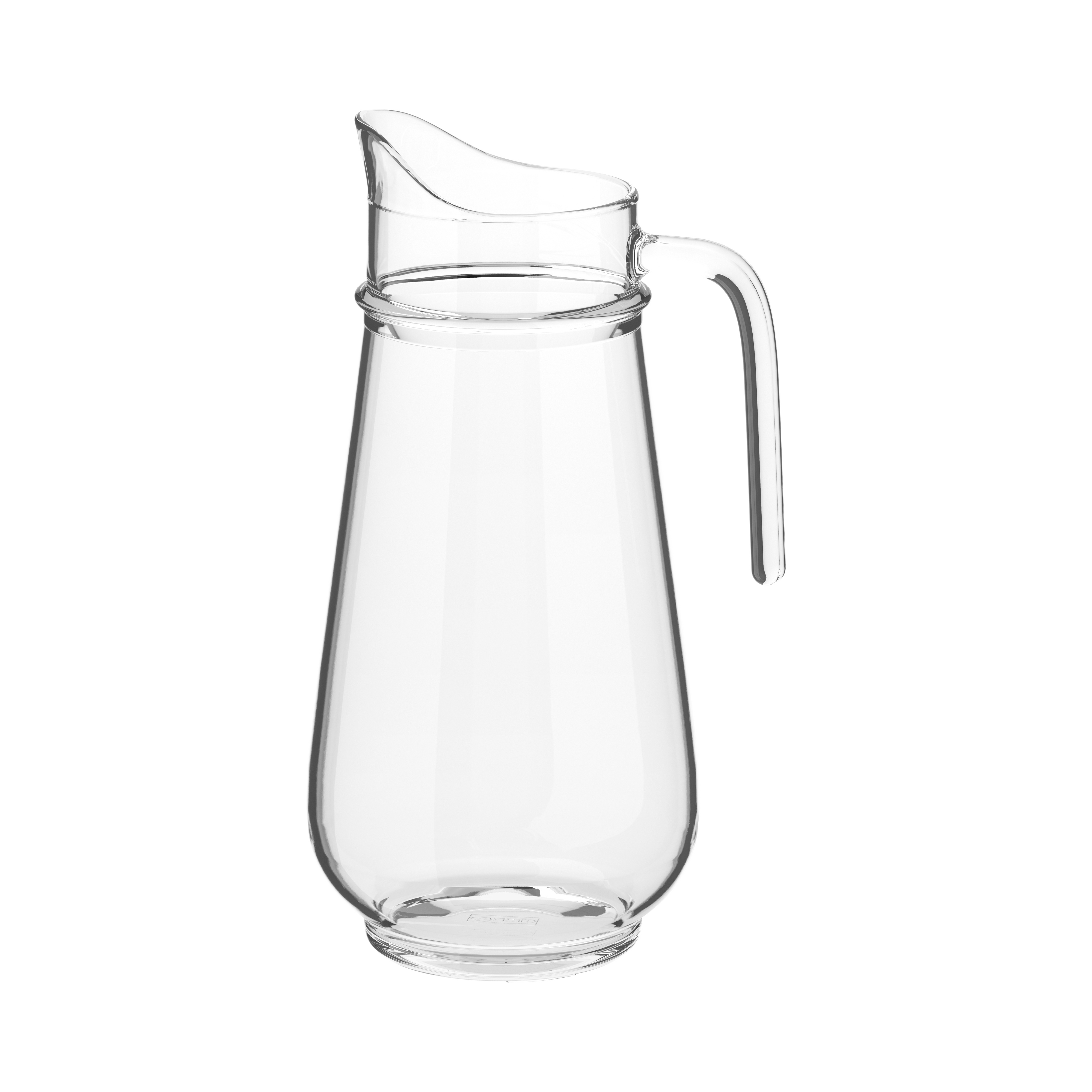
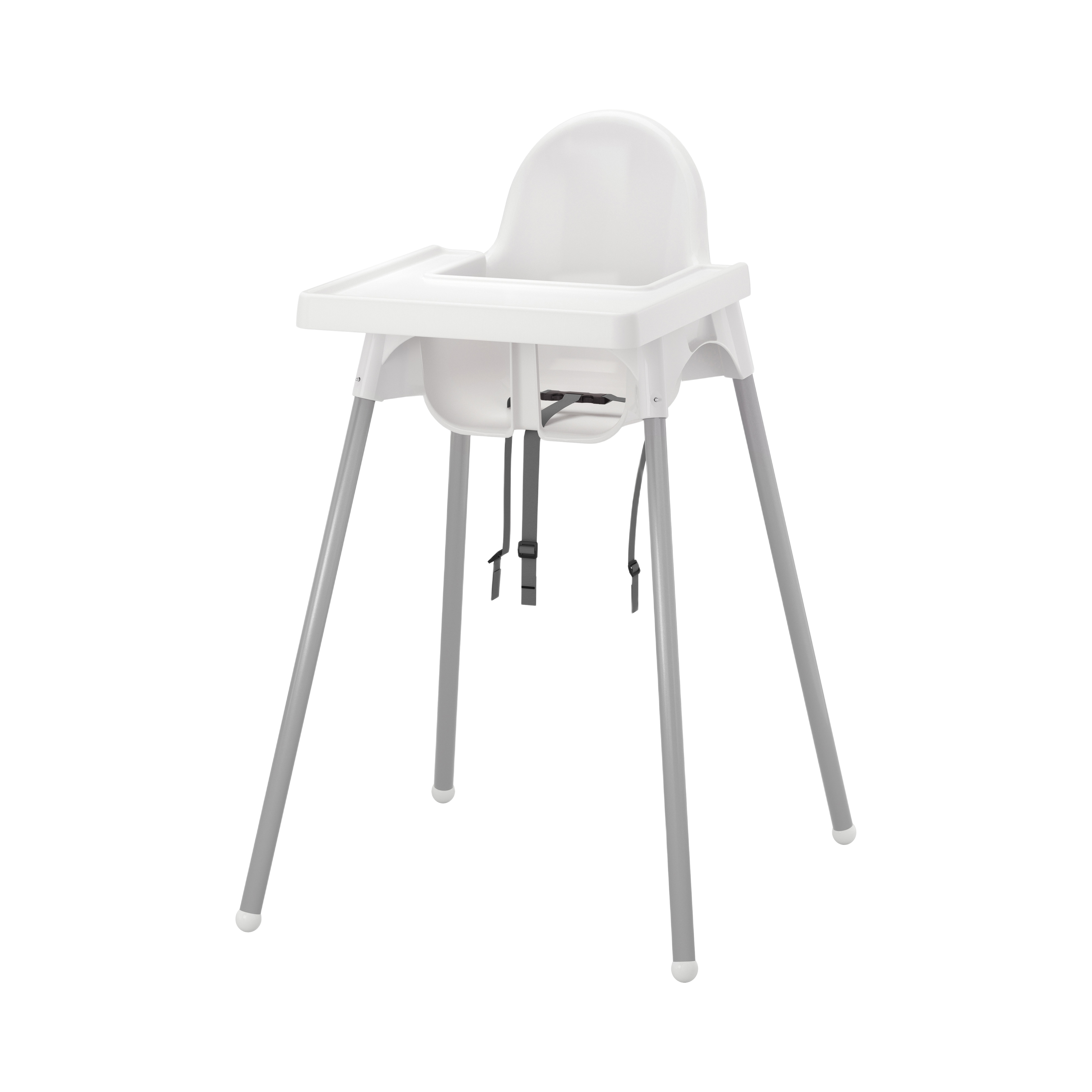
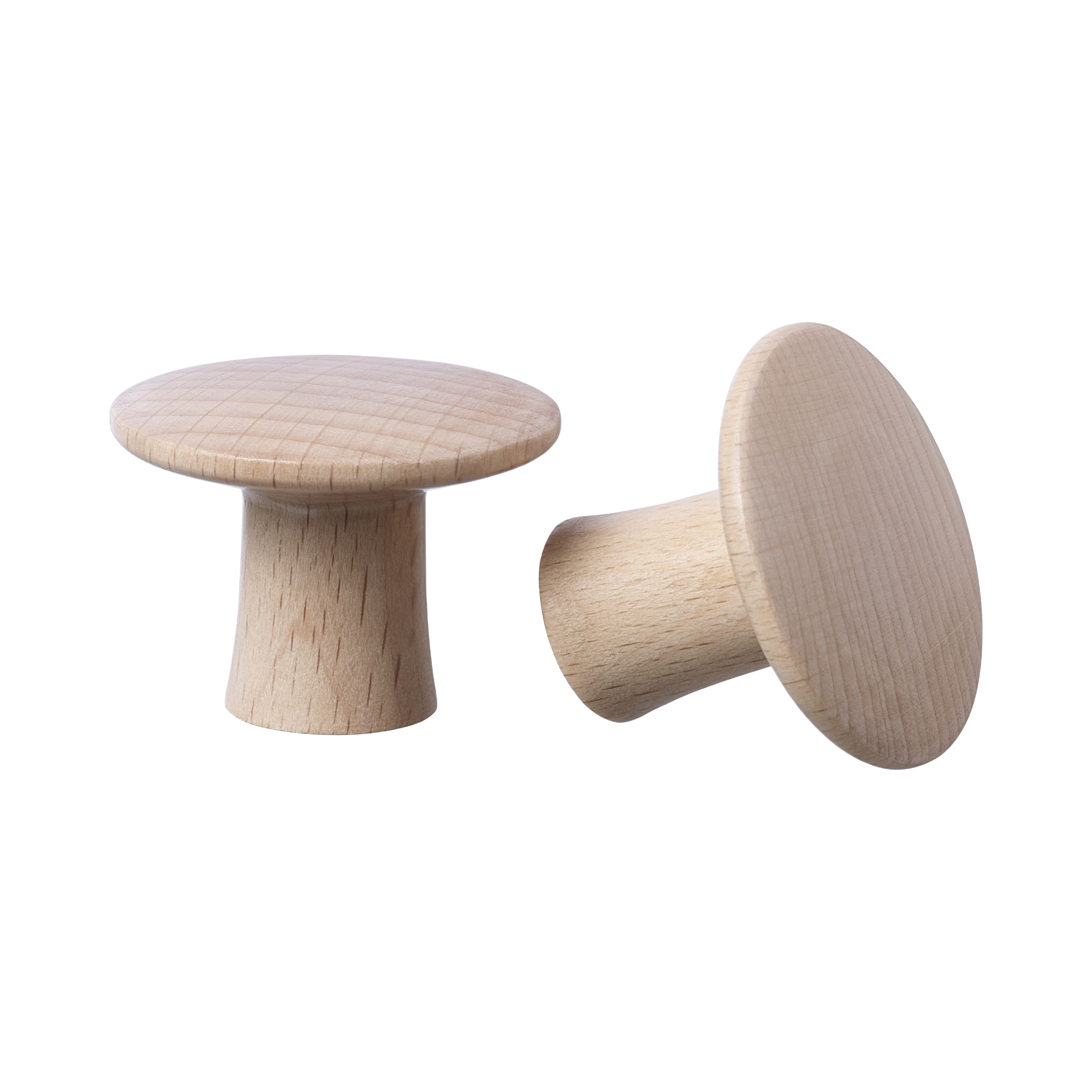
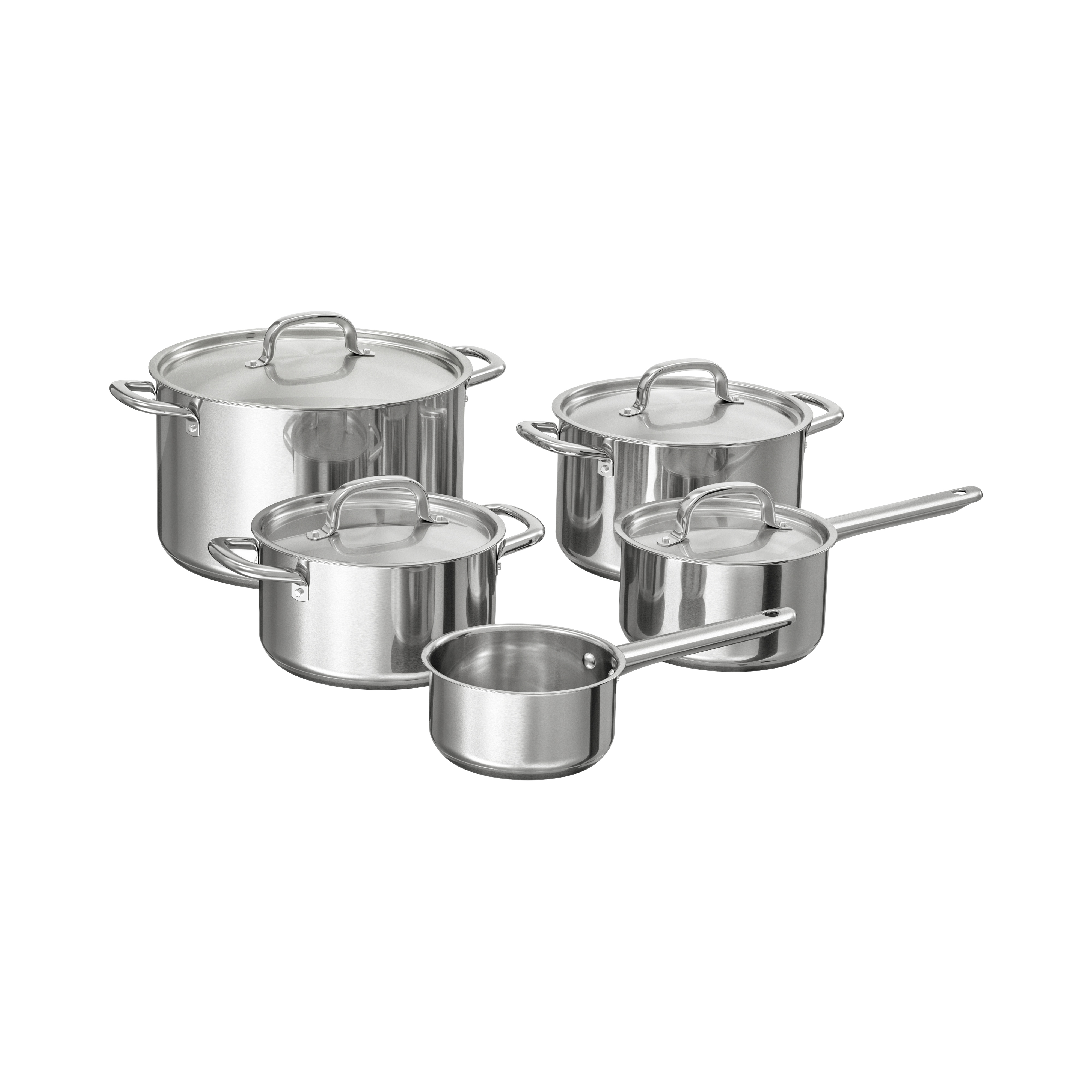
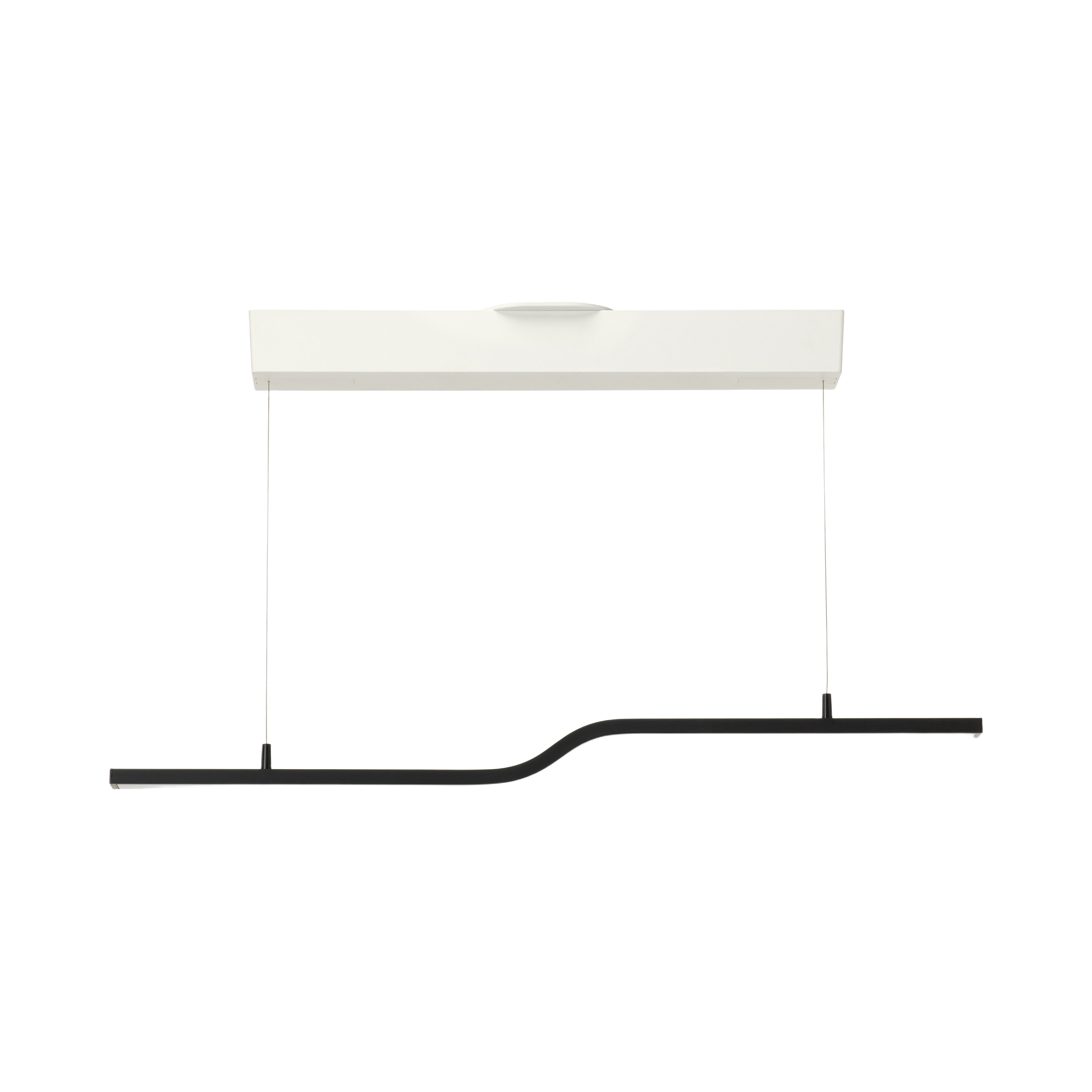
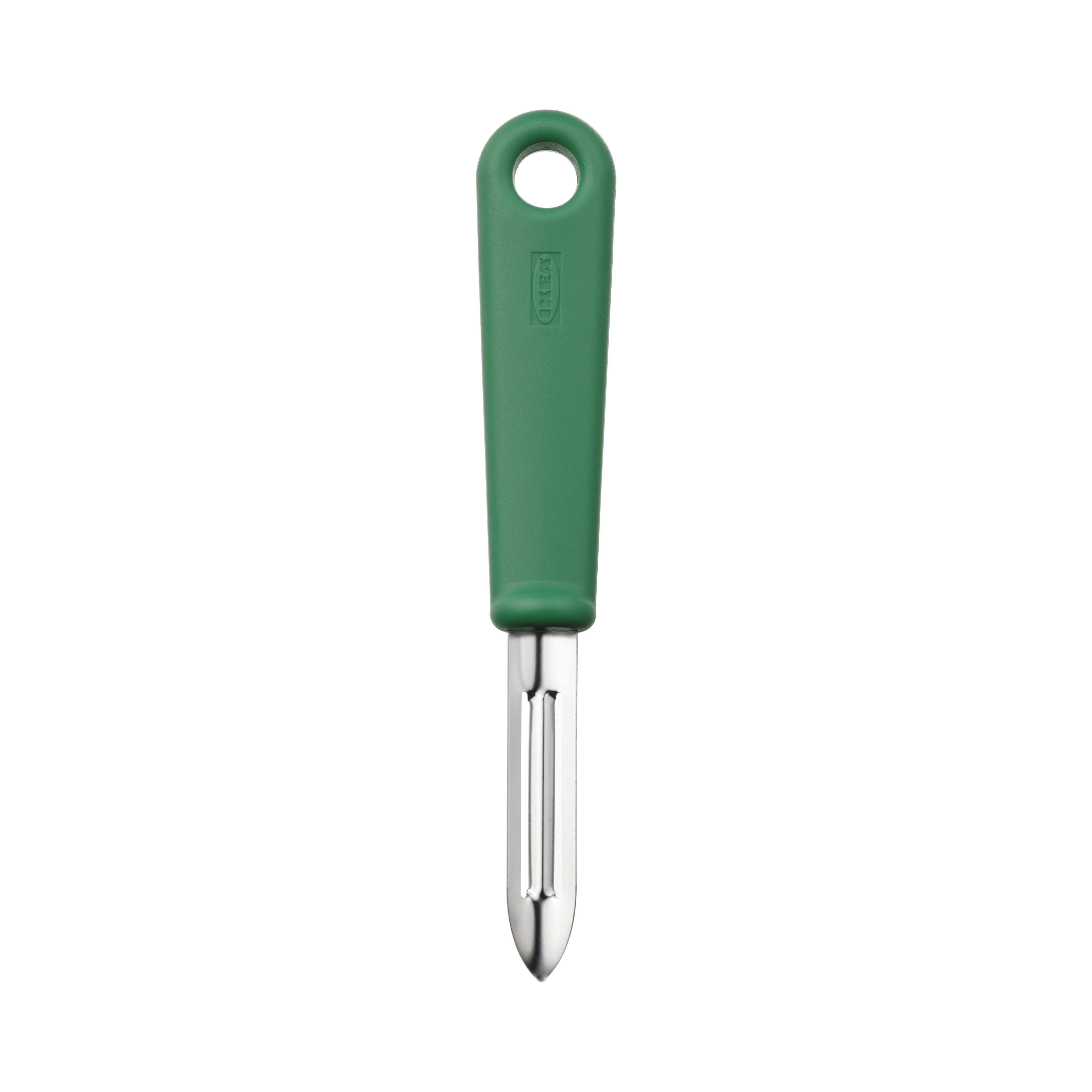
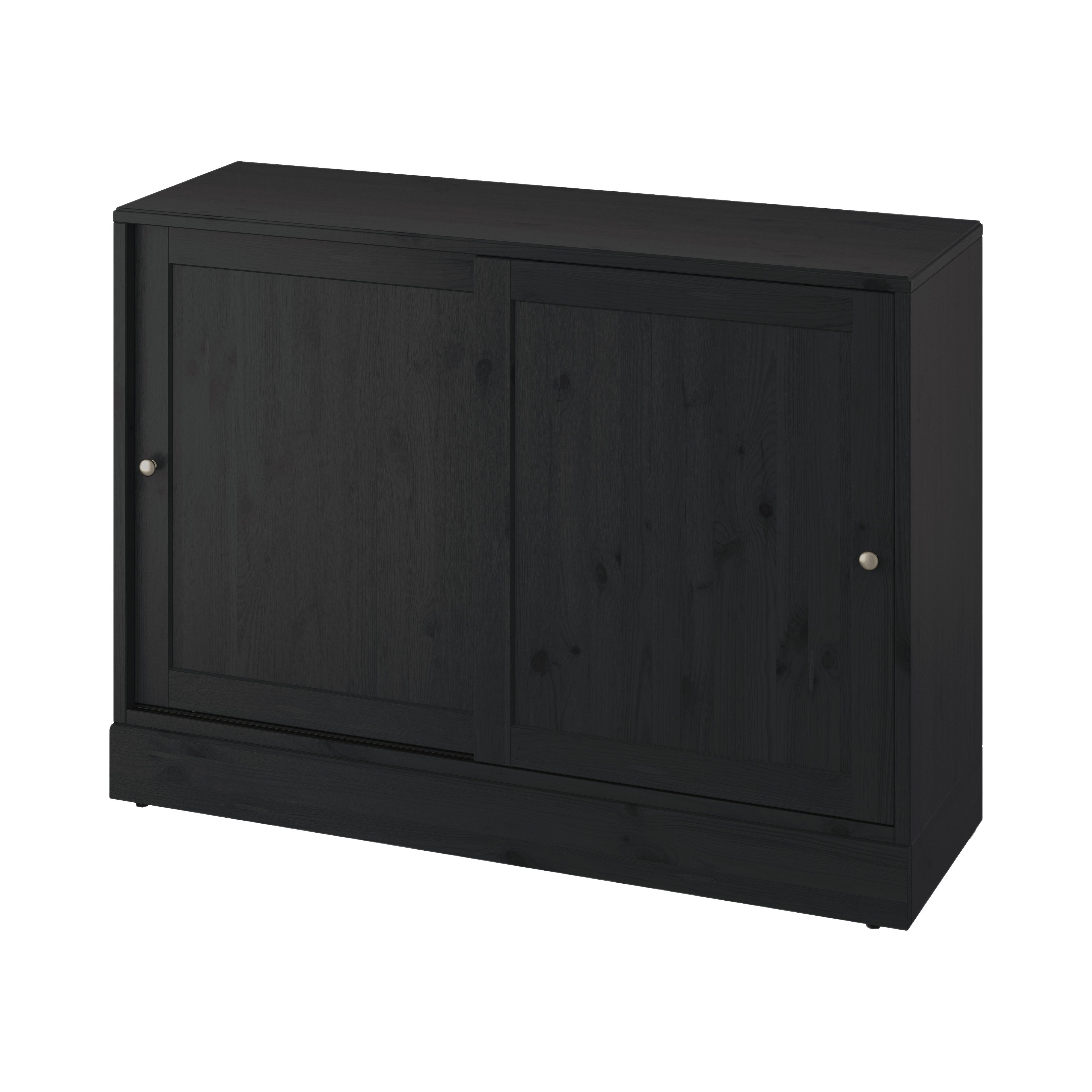
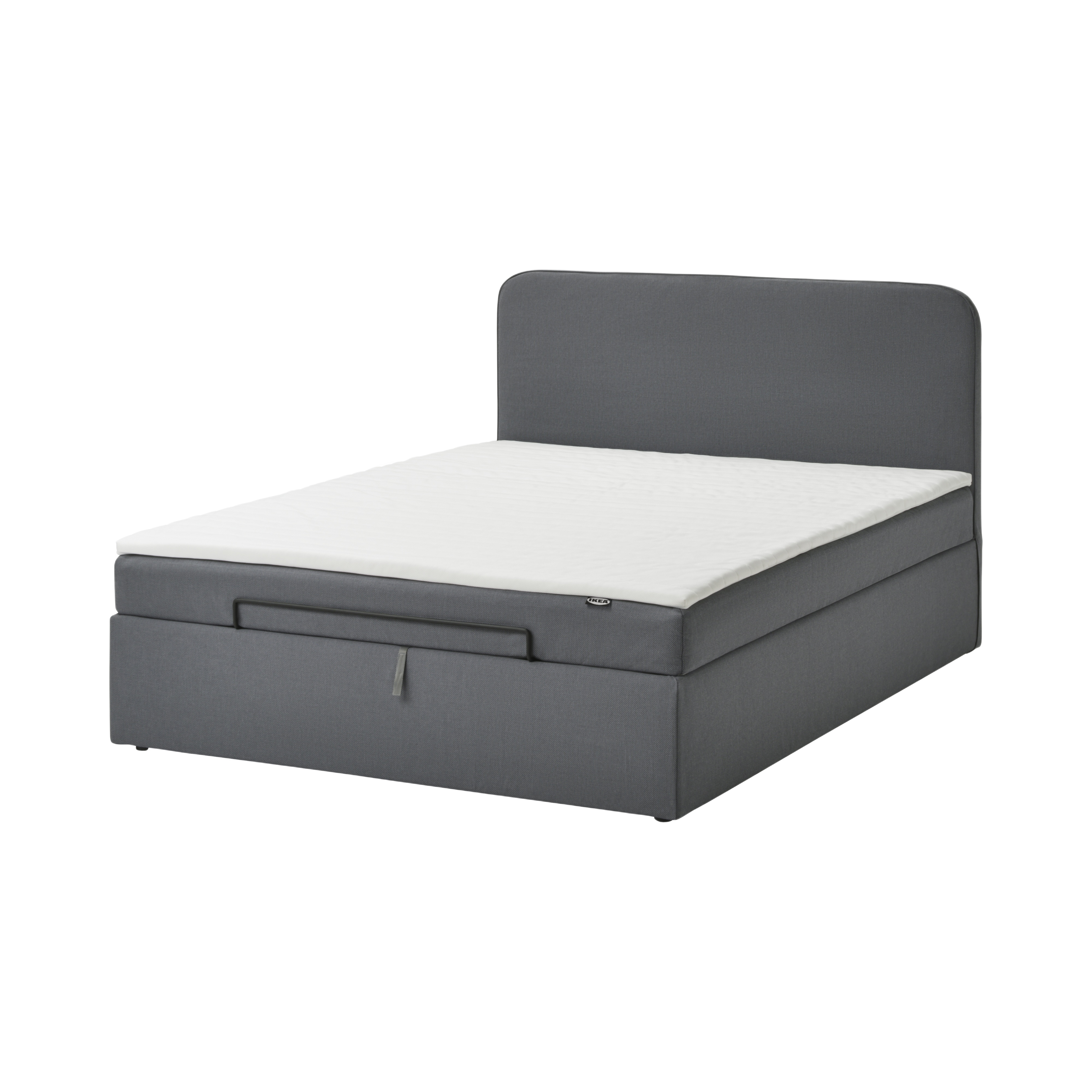
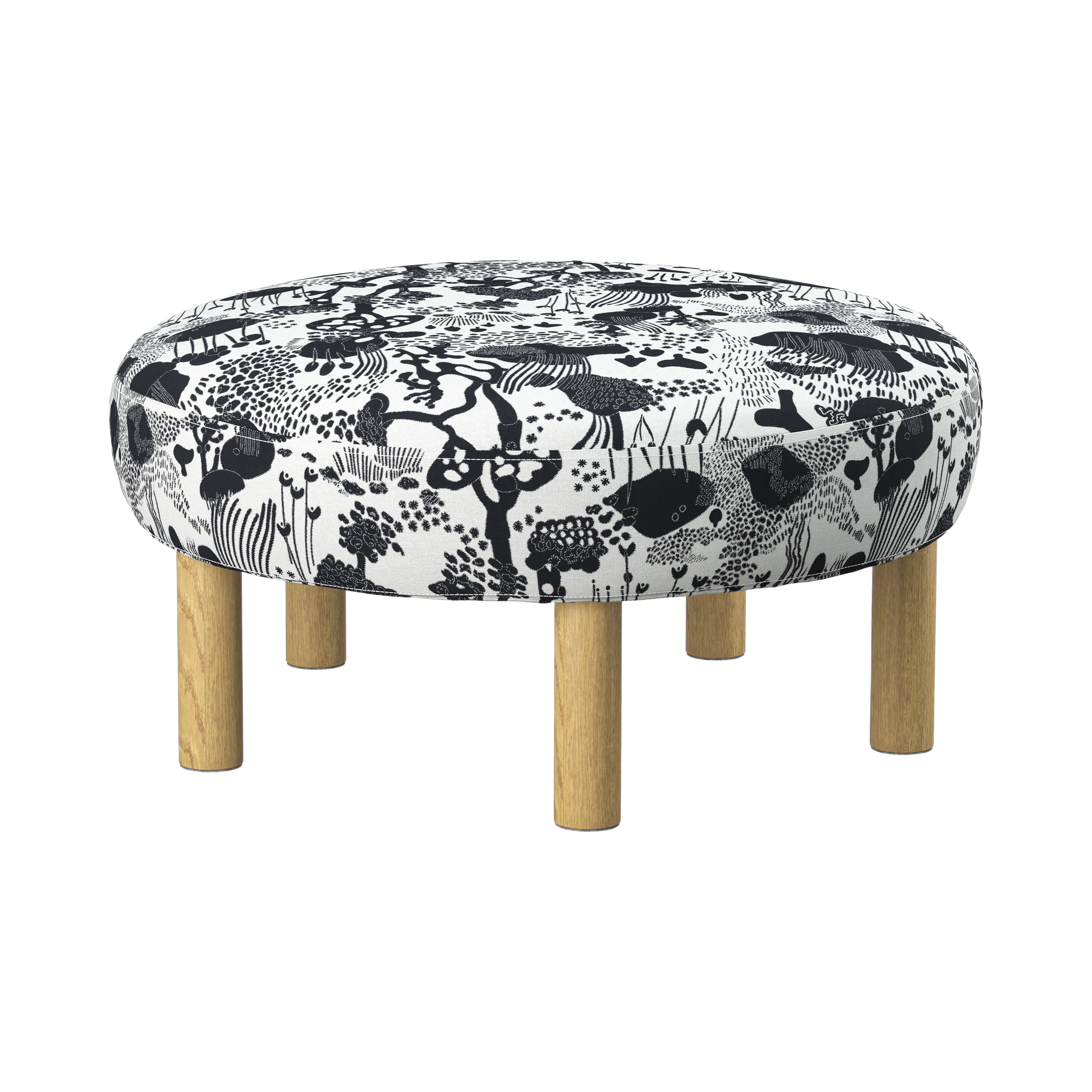
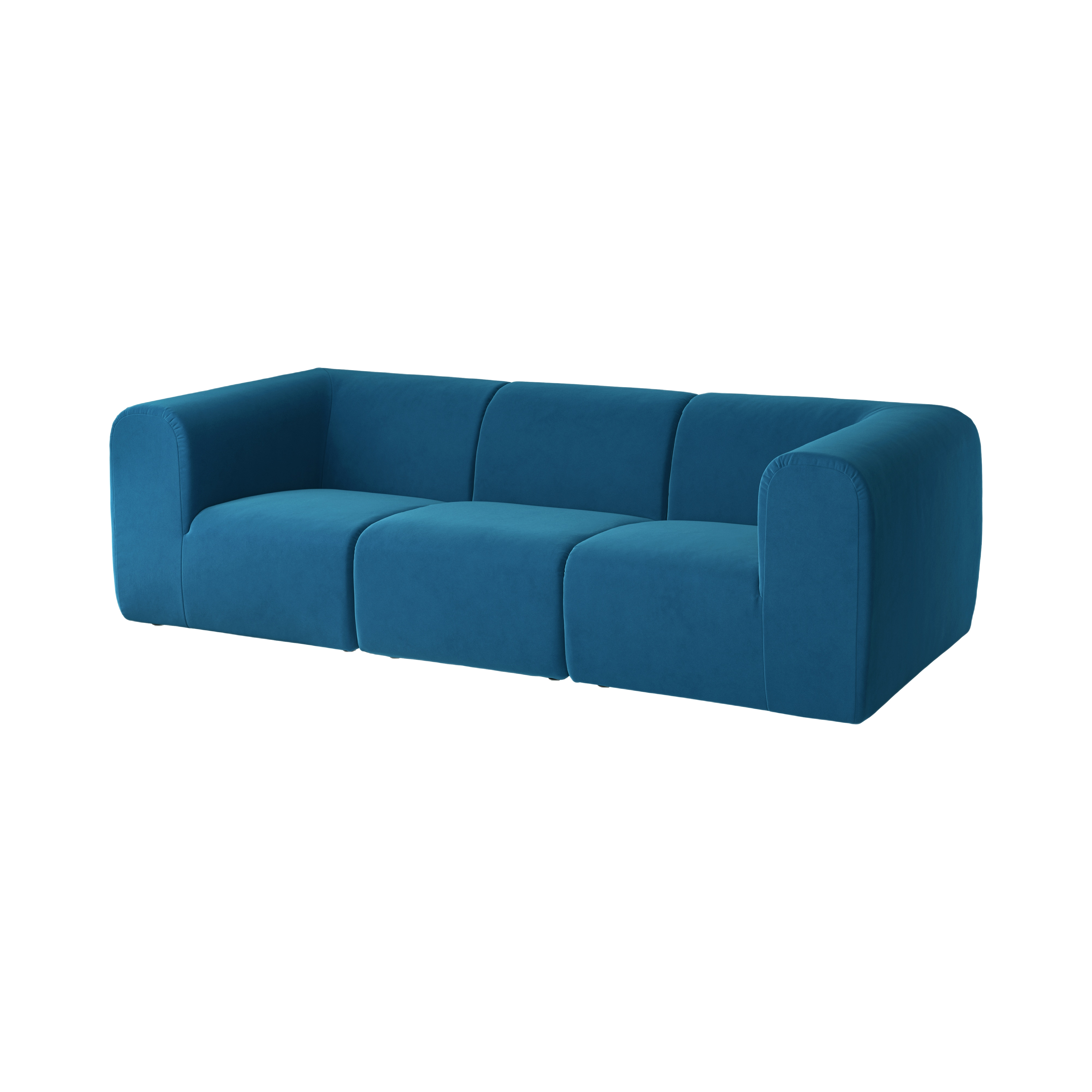
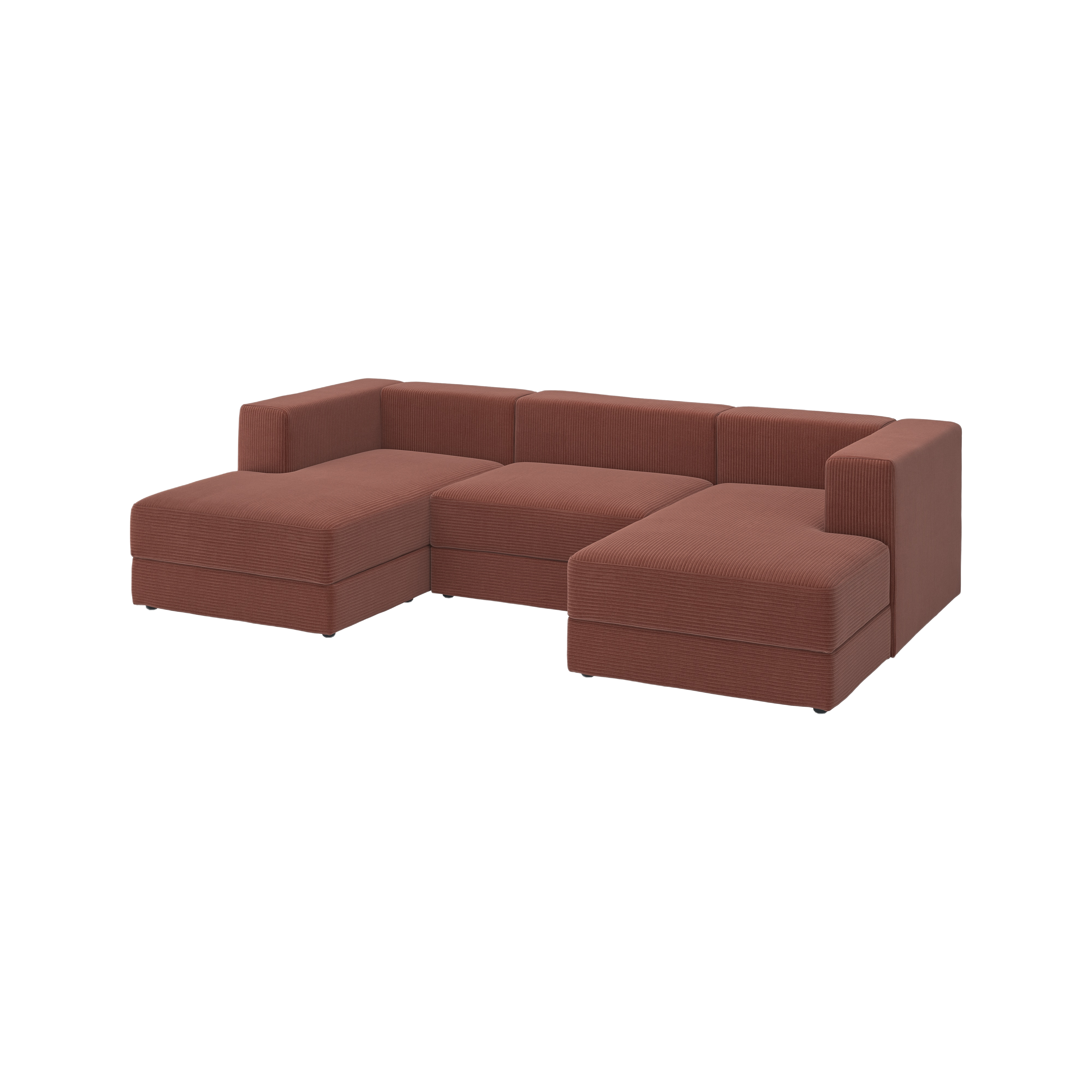
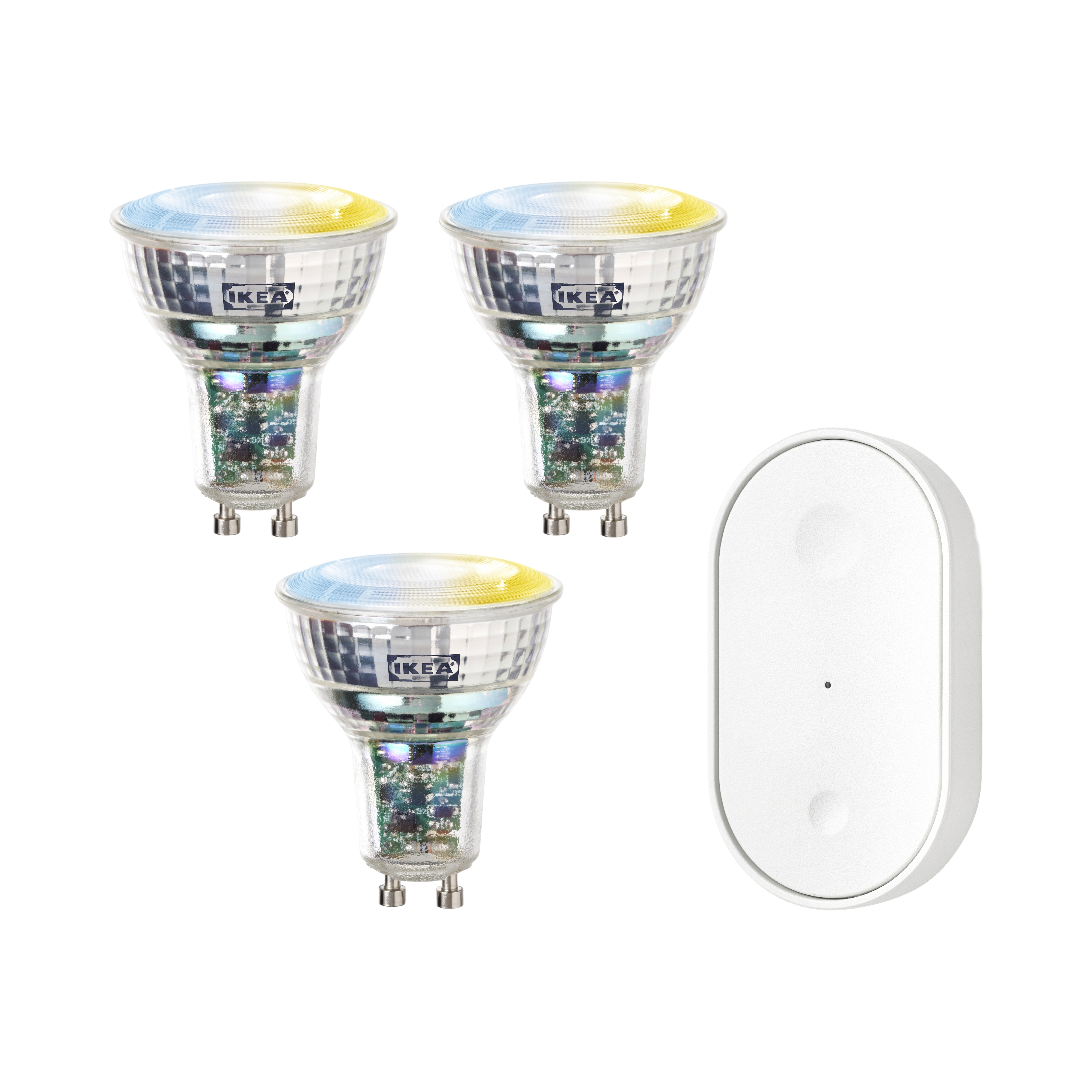
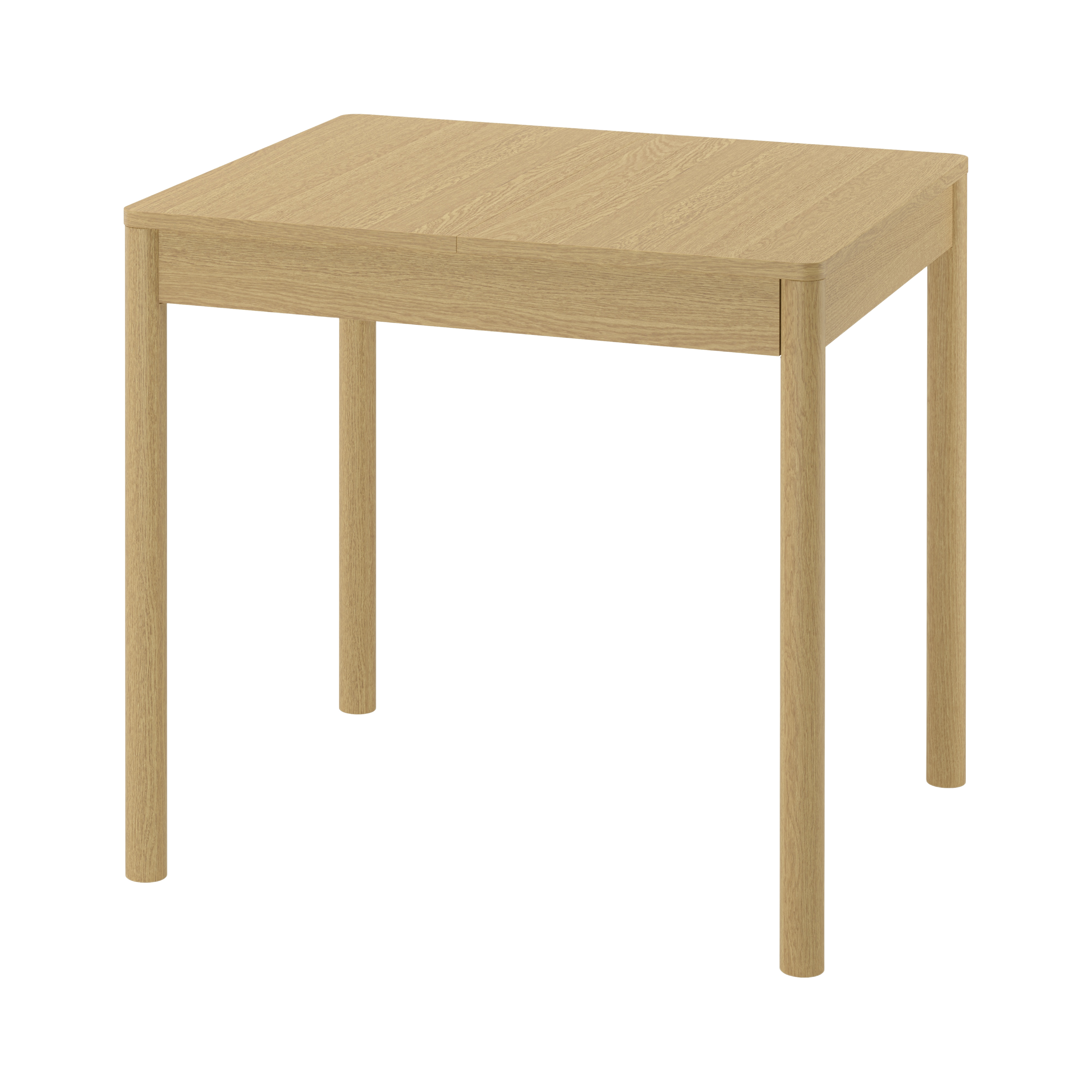
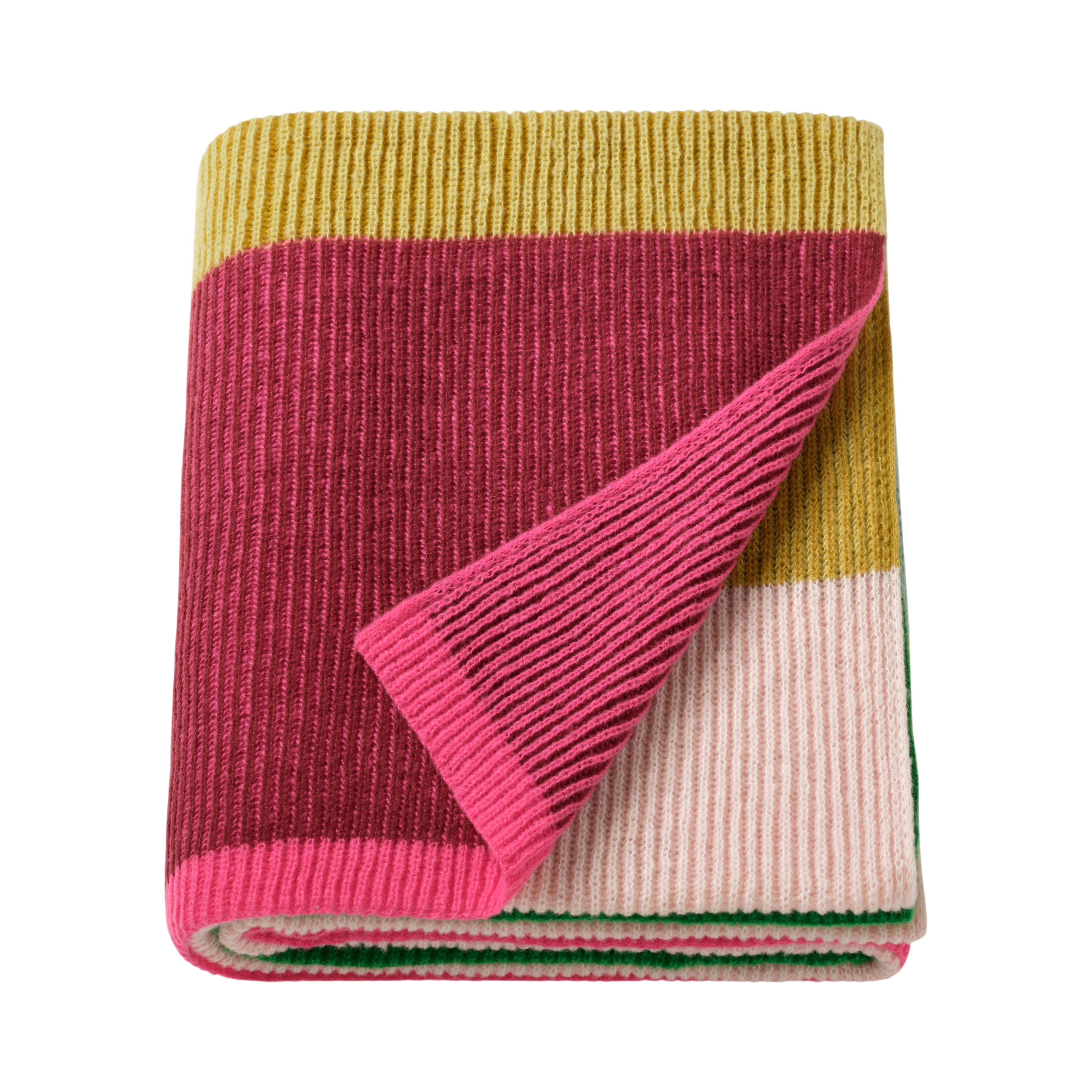
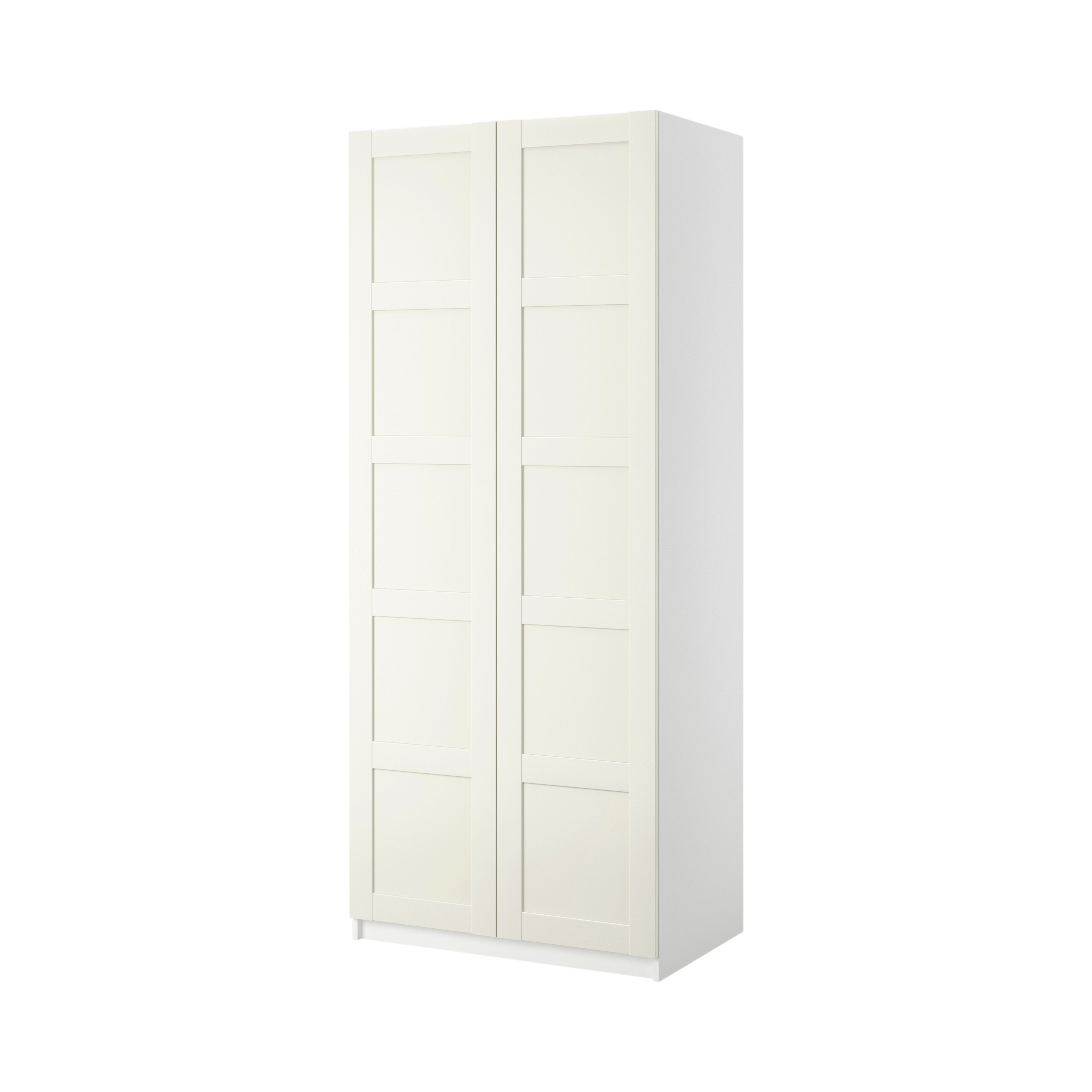
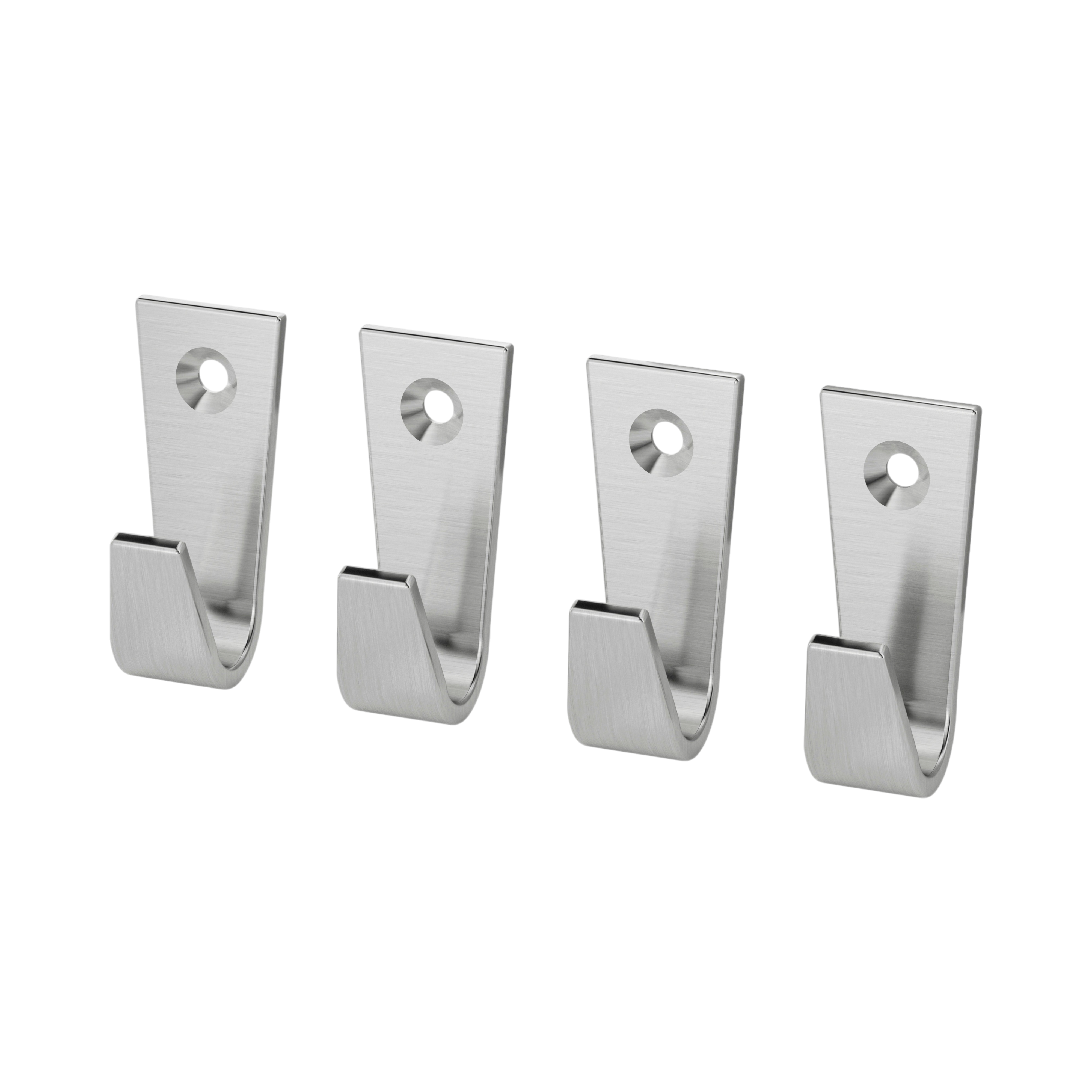
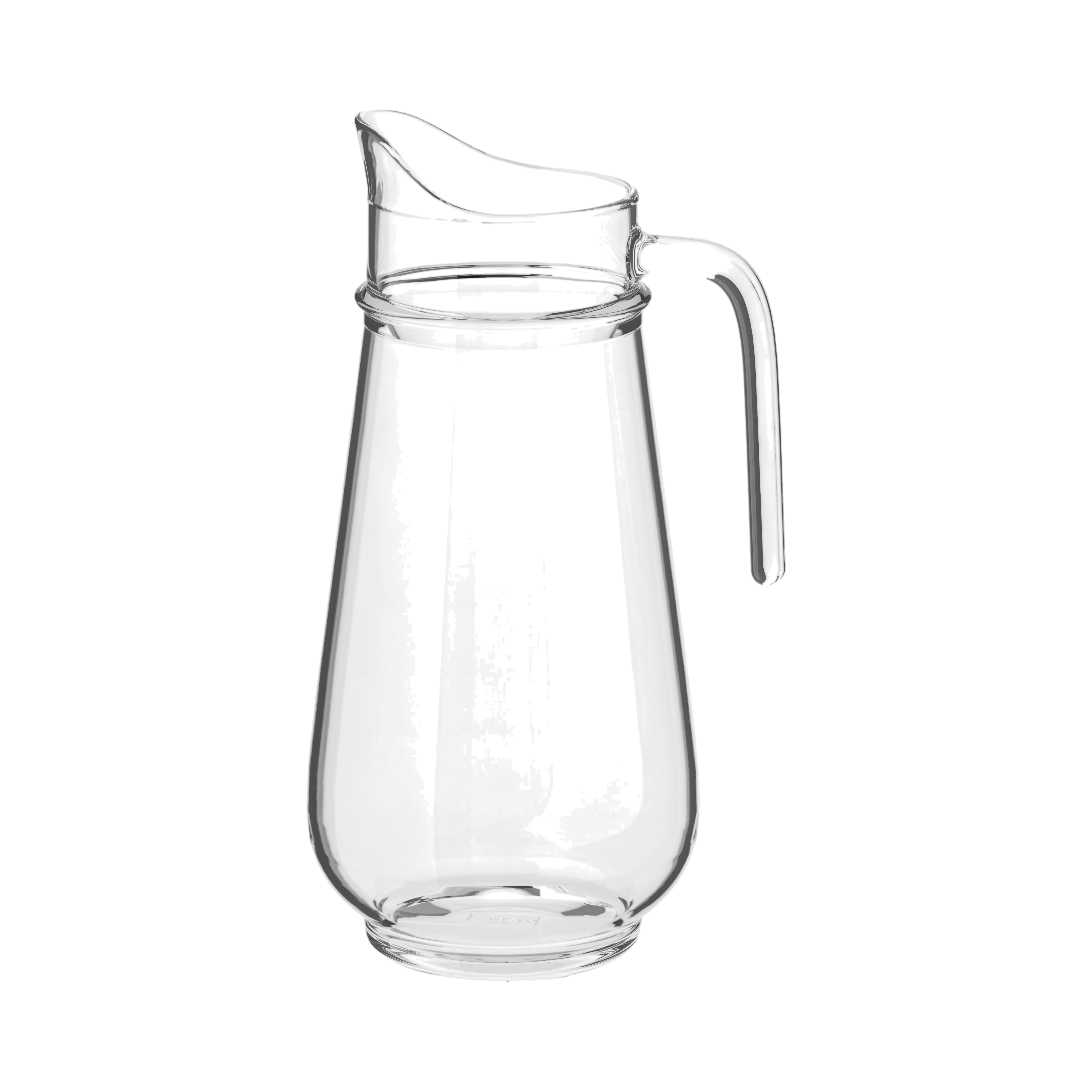
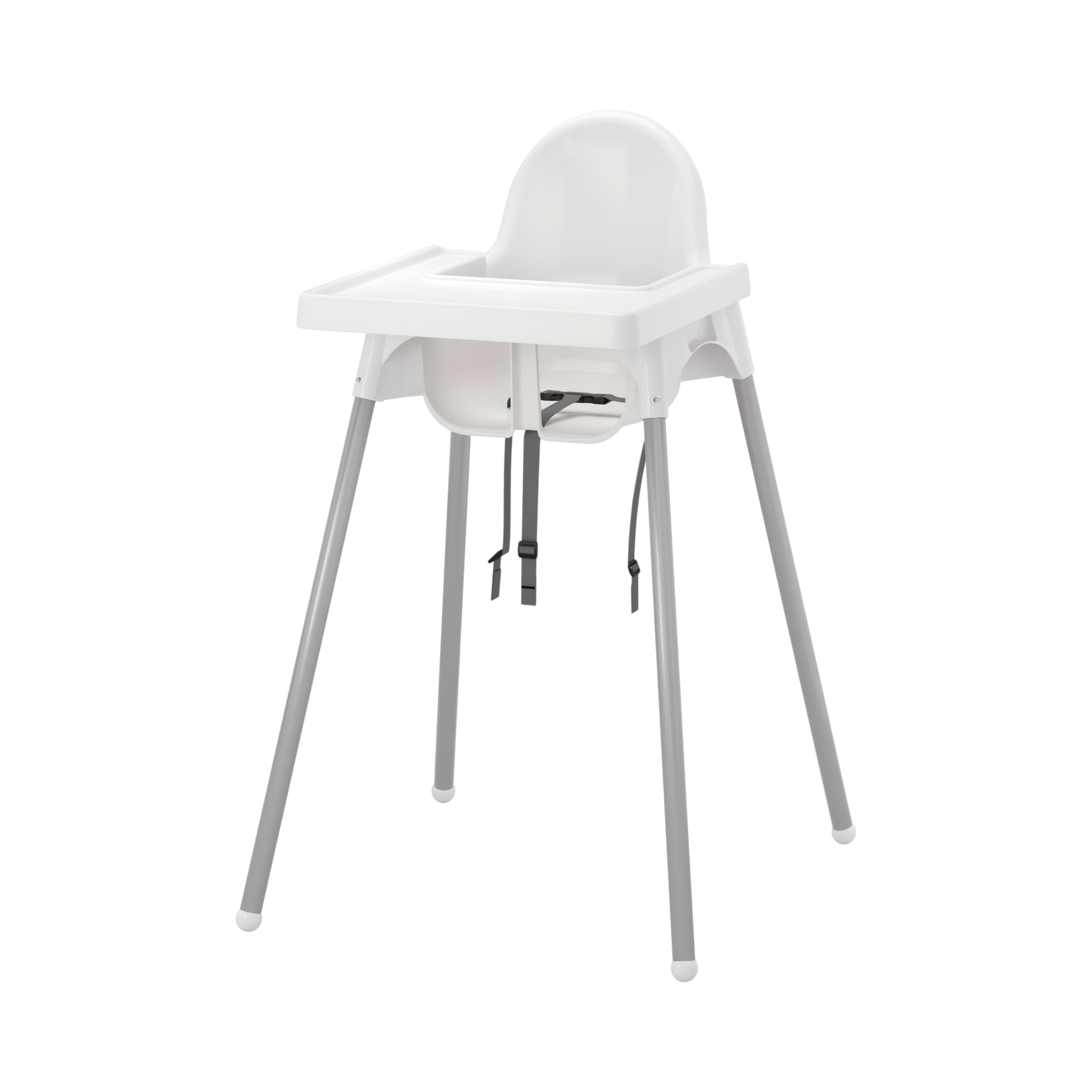
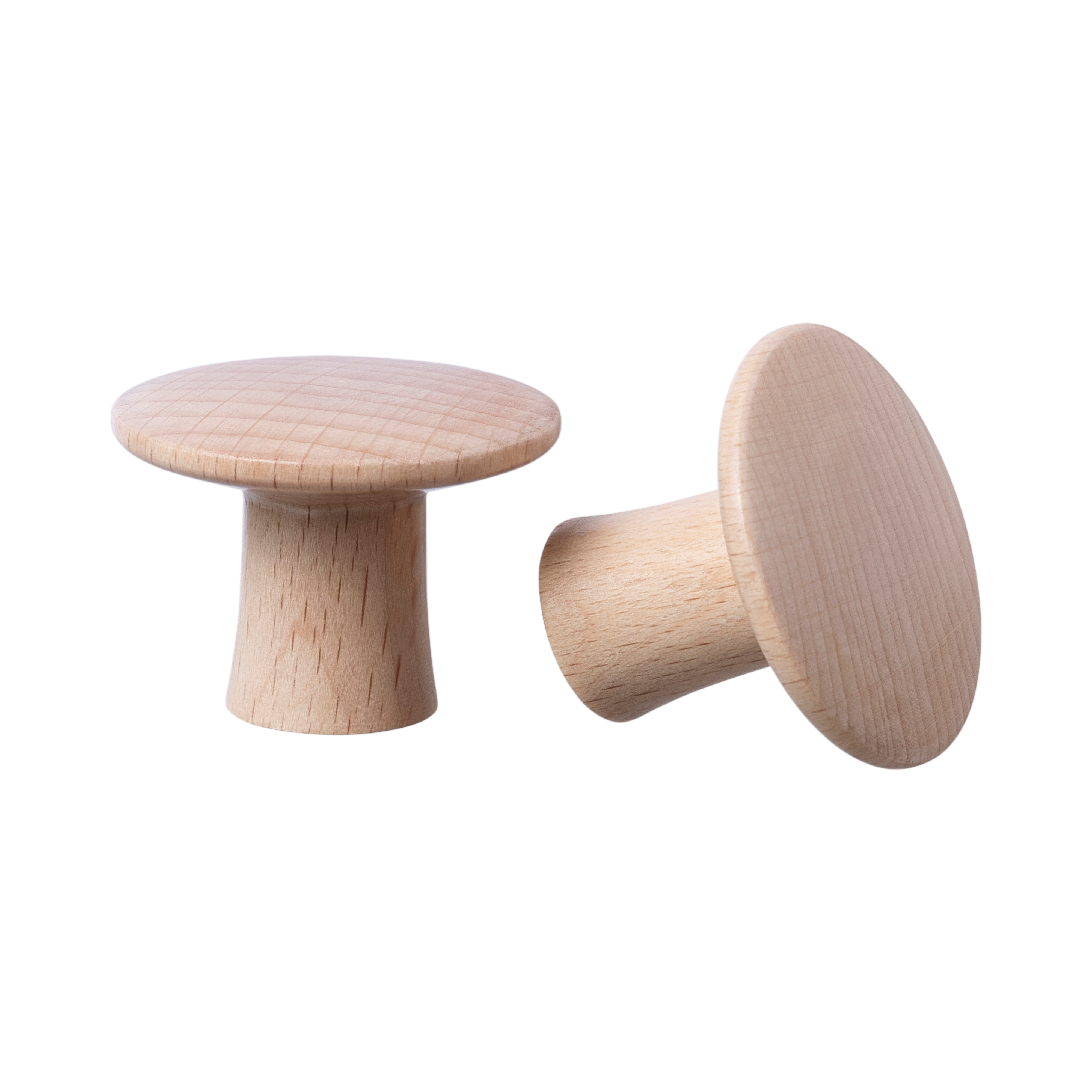
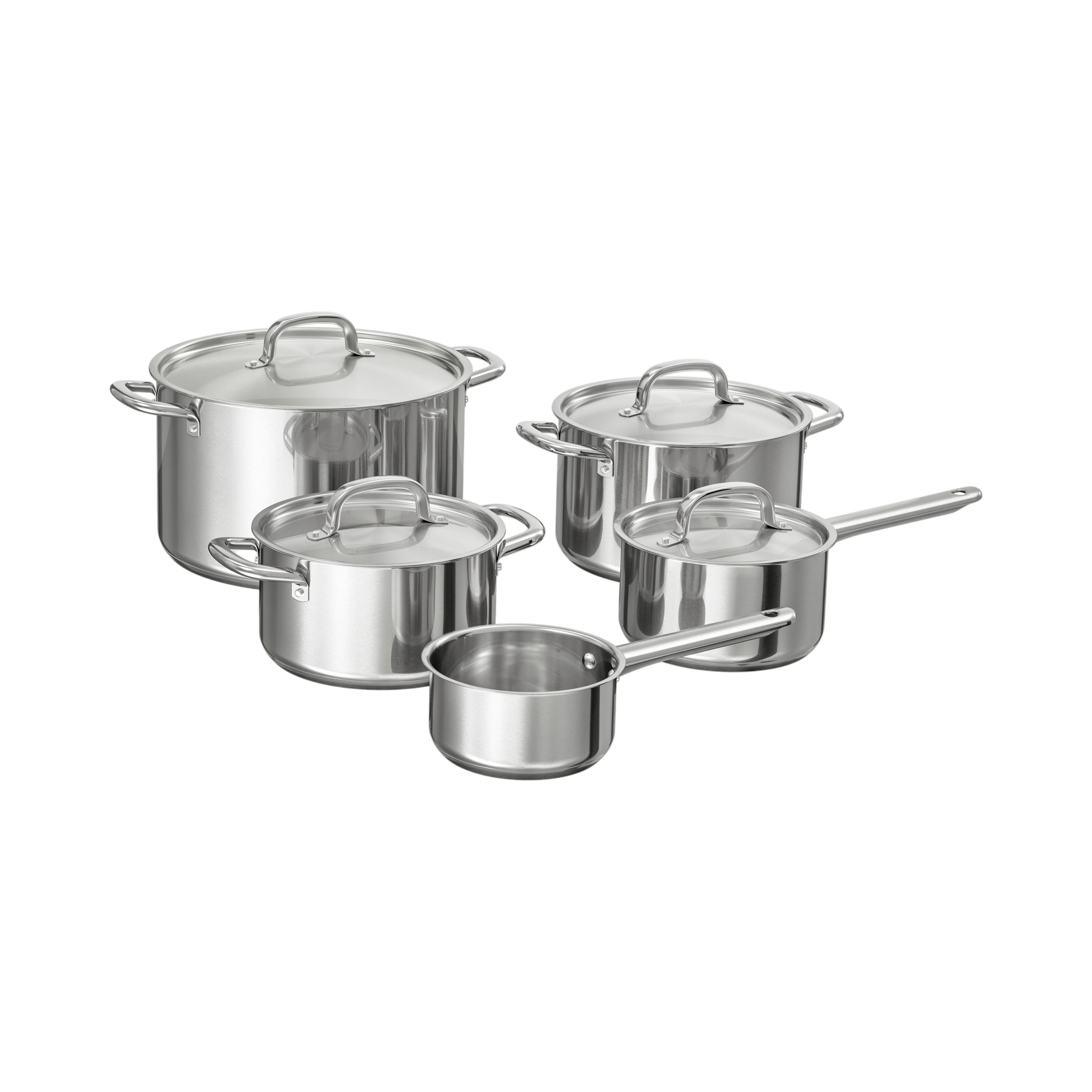
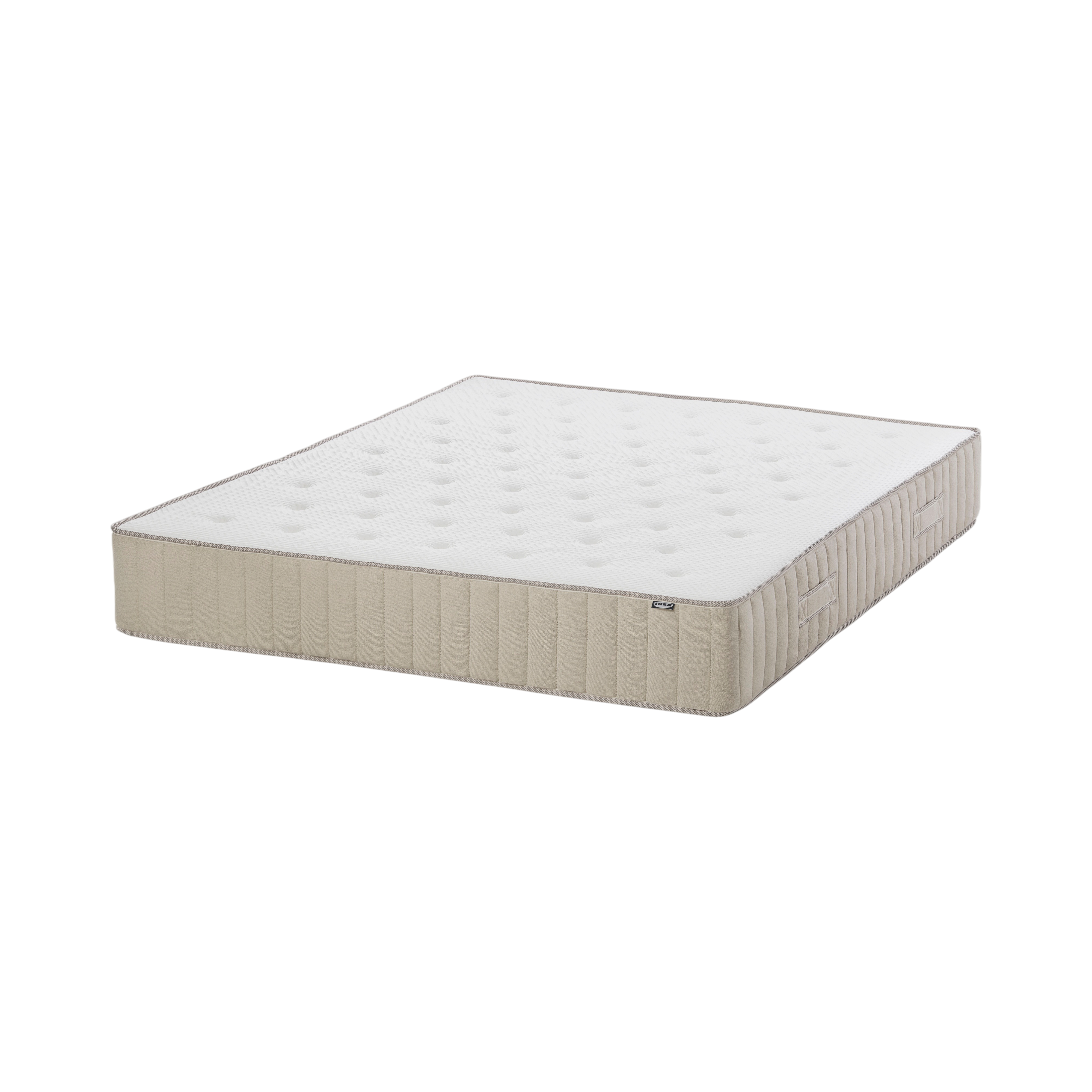
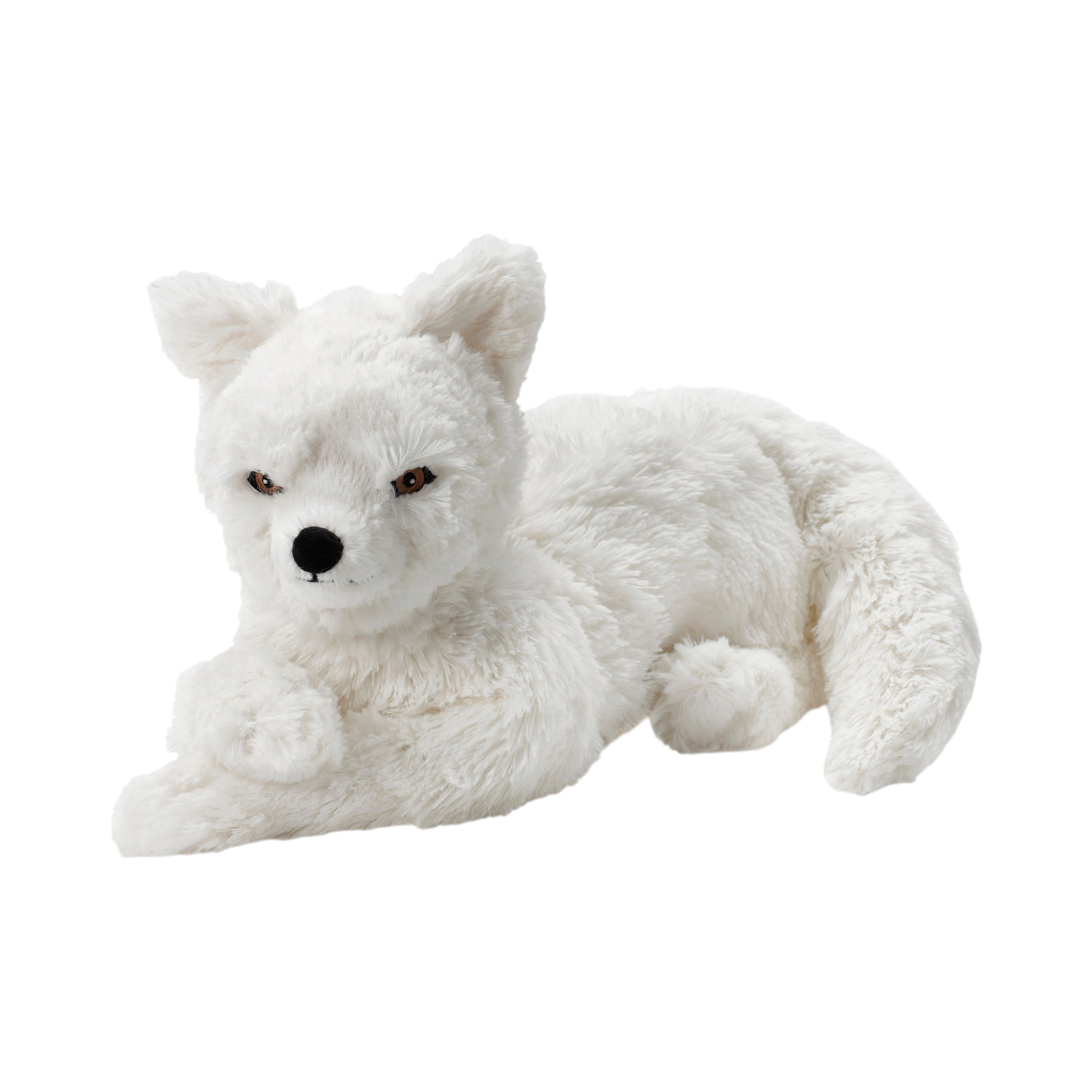
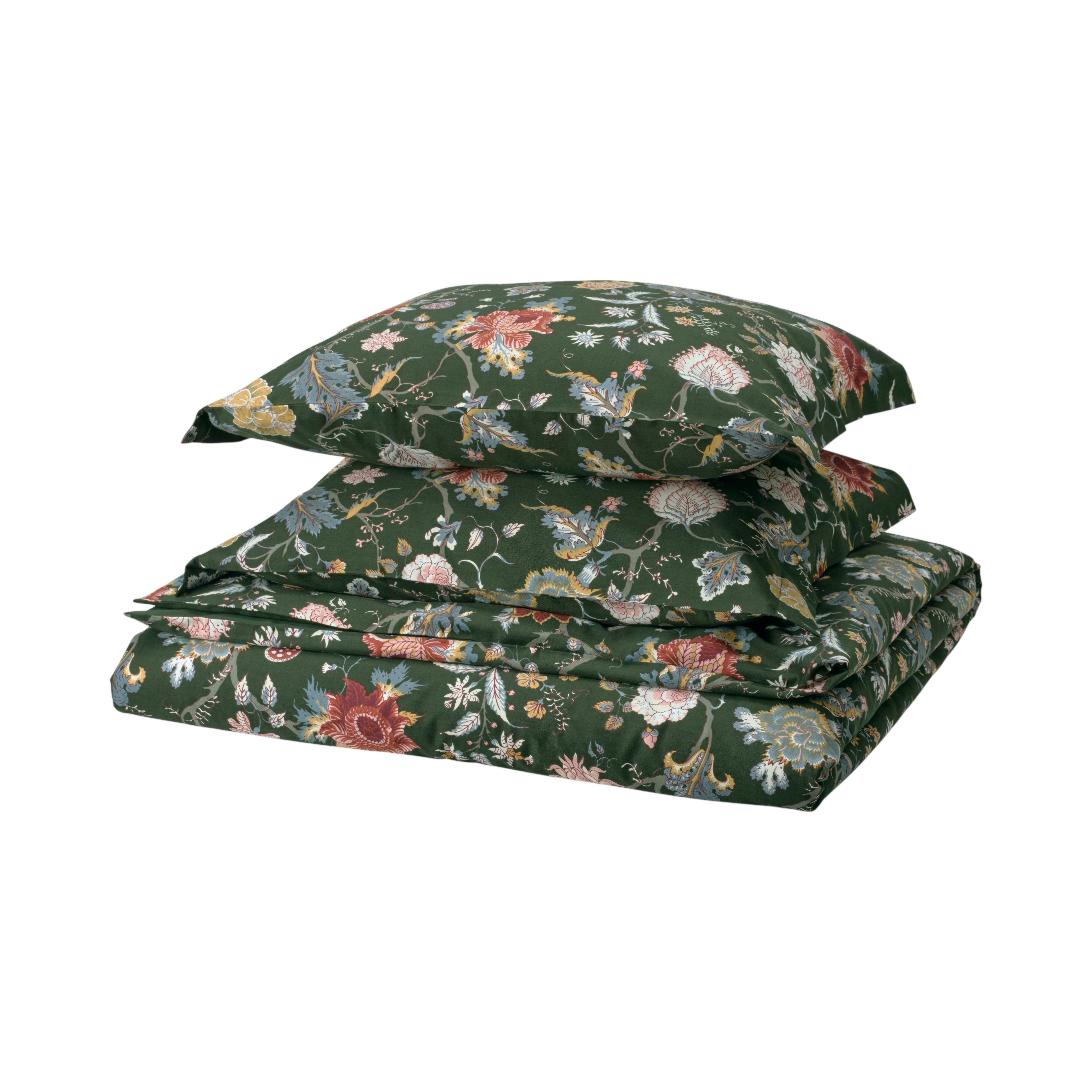
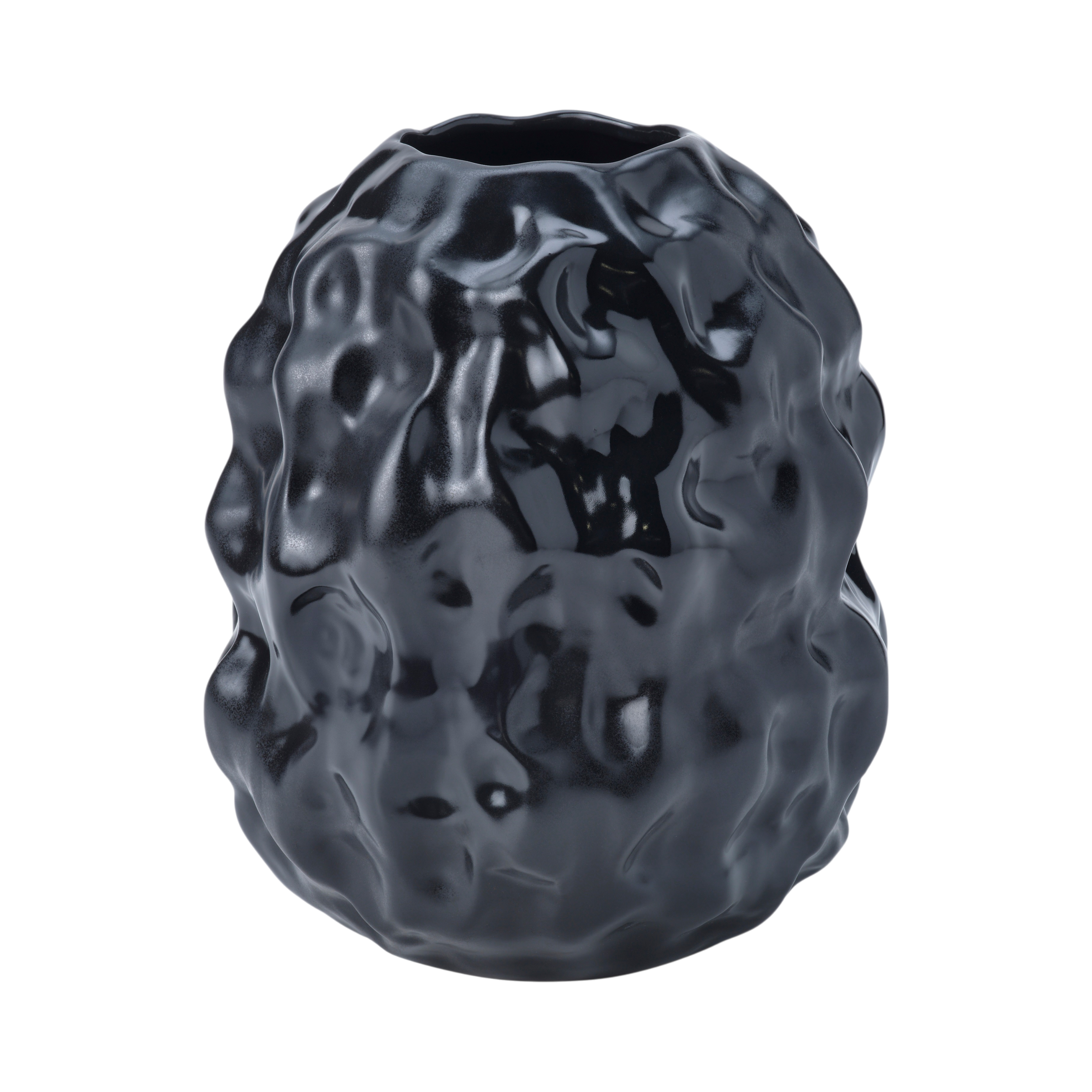
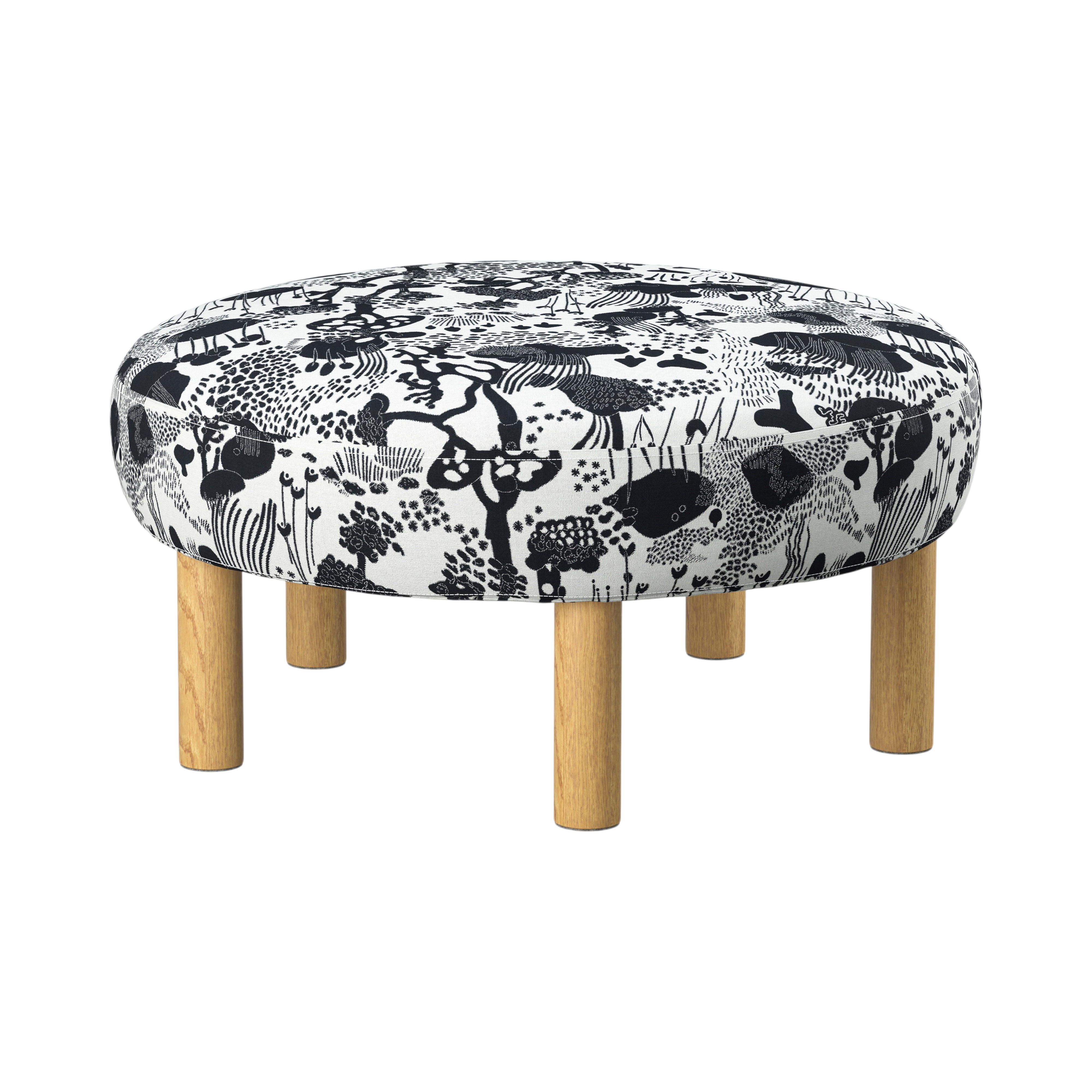
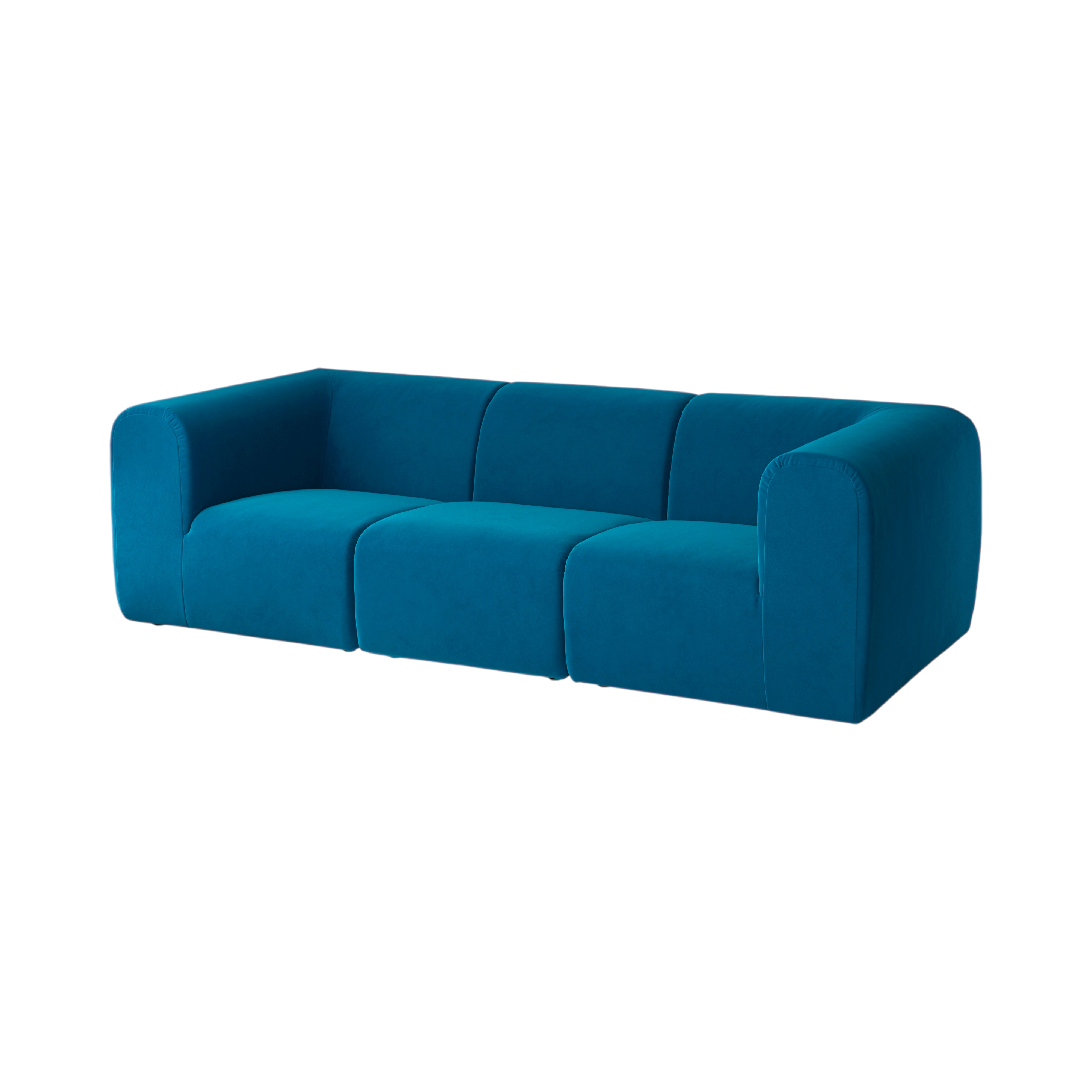
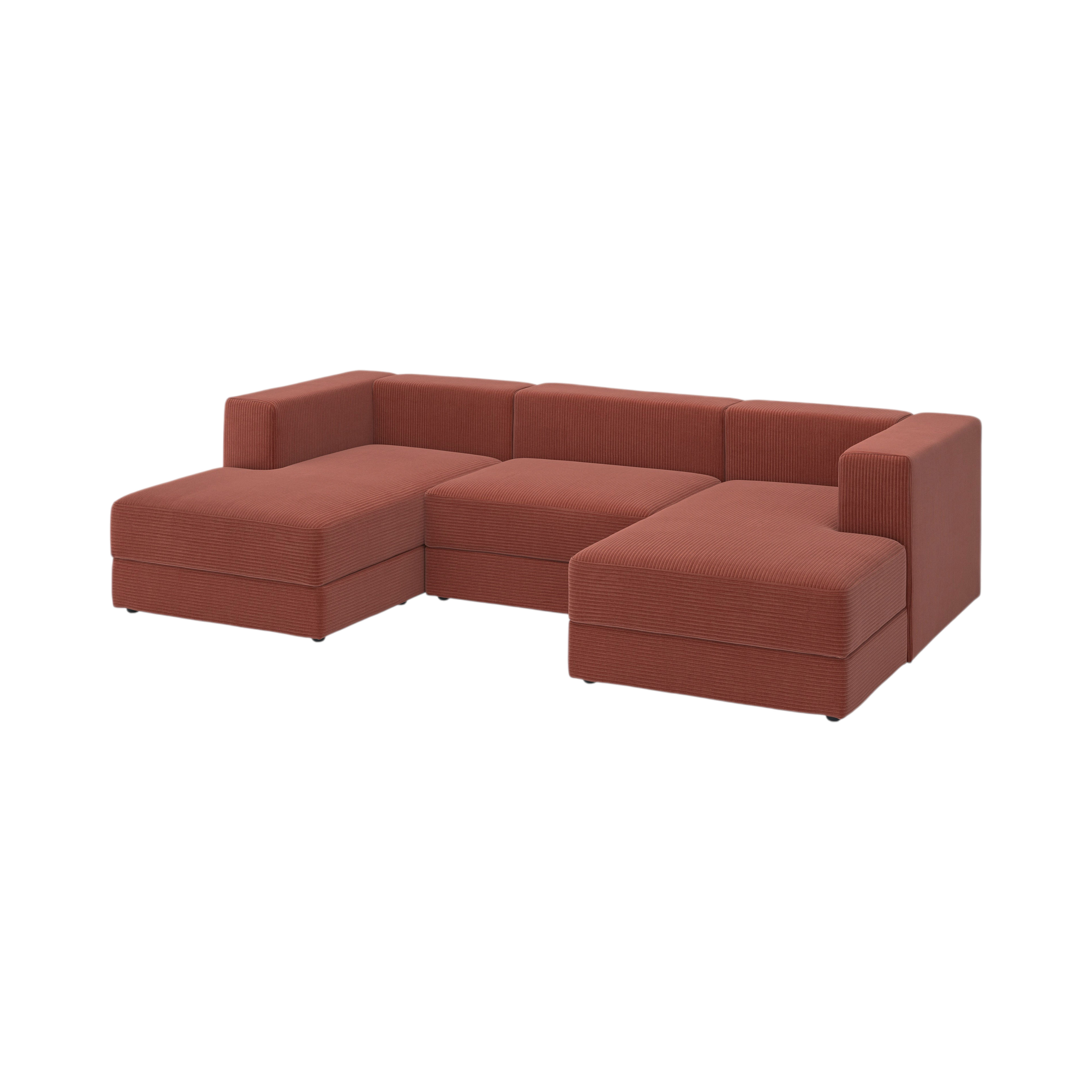
To restore product detail in the composite step we needed alpha cutouts. We tested two sources on the same 22 SKUs:
| BiRefNet (PyTorch, local, GPU) | Photoroom (removeBackground=true) |
|---|---|
 |
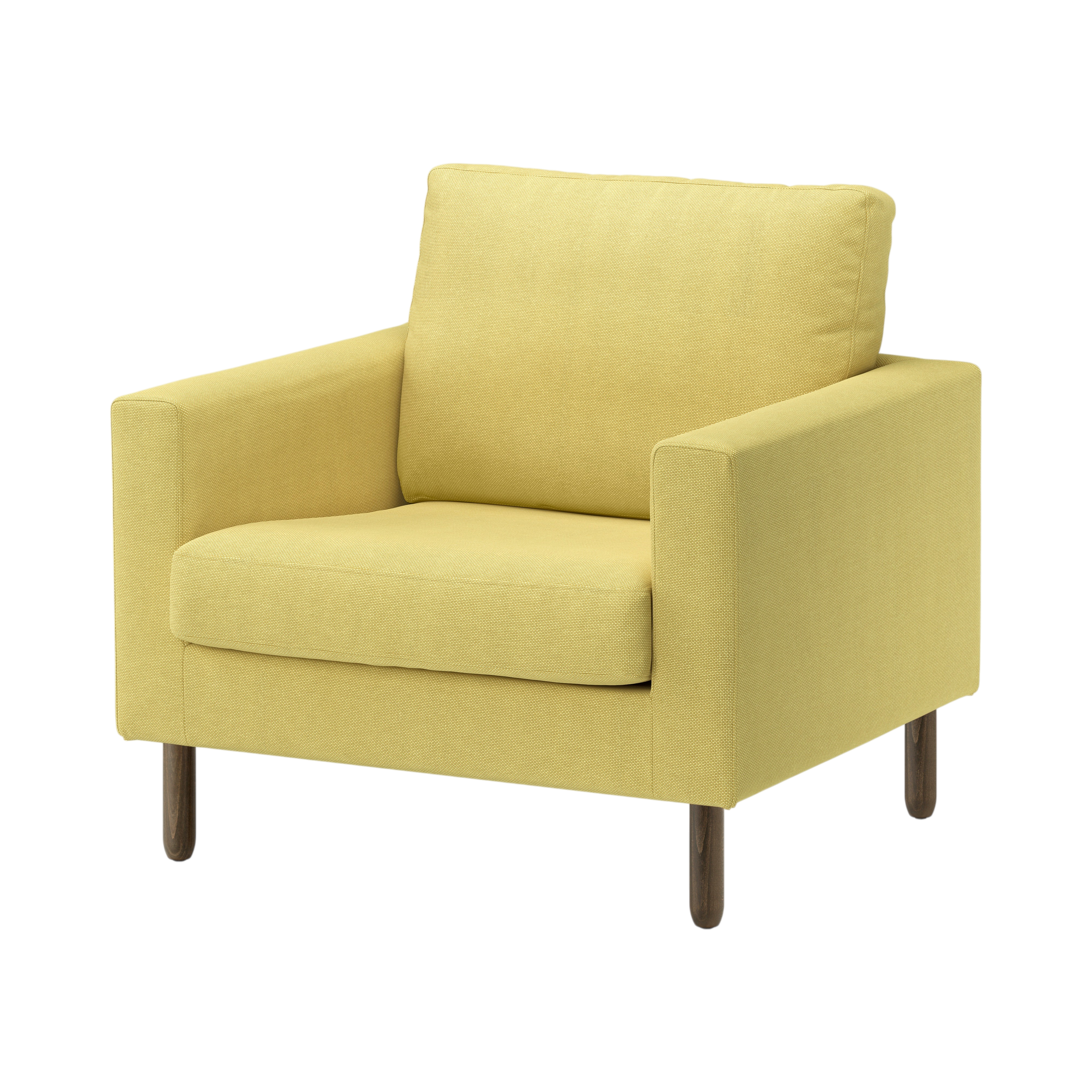 |
| BiRefNet | Photoroom | |
|---|---|---|
| Speed | ~1.7 s/image | network round-trip |
| Cost at 100k volume | Free | Paid per call |
| Visual quality on this catalog | Good | Cleaner |
BiRefNet wins published matting benchmarks but Photoroom's segmenter is tuned for studio product photography on white, and visibly out-performs it on these IKEA SKUs. For the brief's "owned by IMC after handover" model, BiRefNet is more defensible (no recurring vendor cost); Photoroom is the quality leader. The proposal needs to test both on the brief's hard cases (transparent glass, fur, plants) before committing.
Browse outputs:
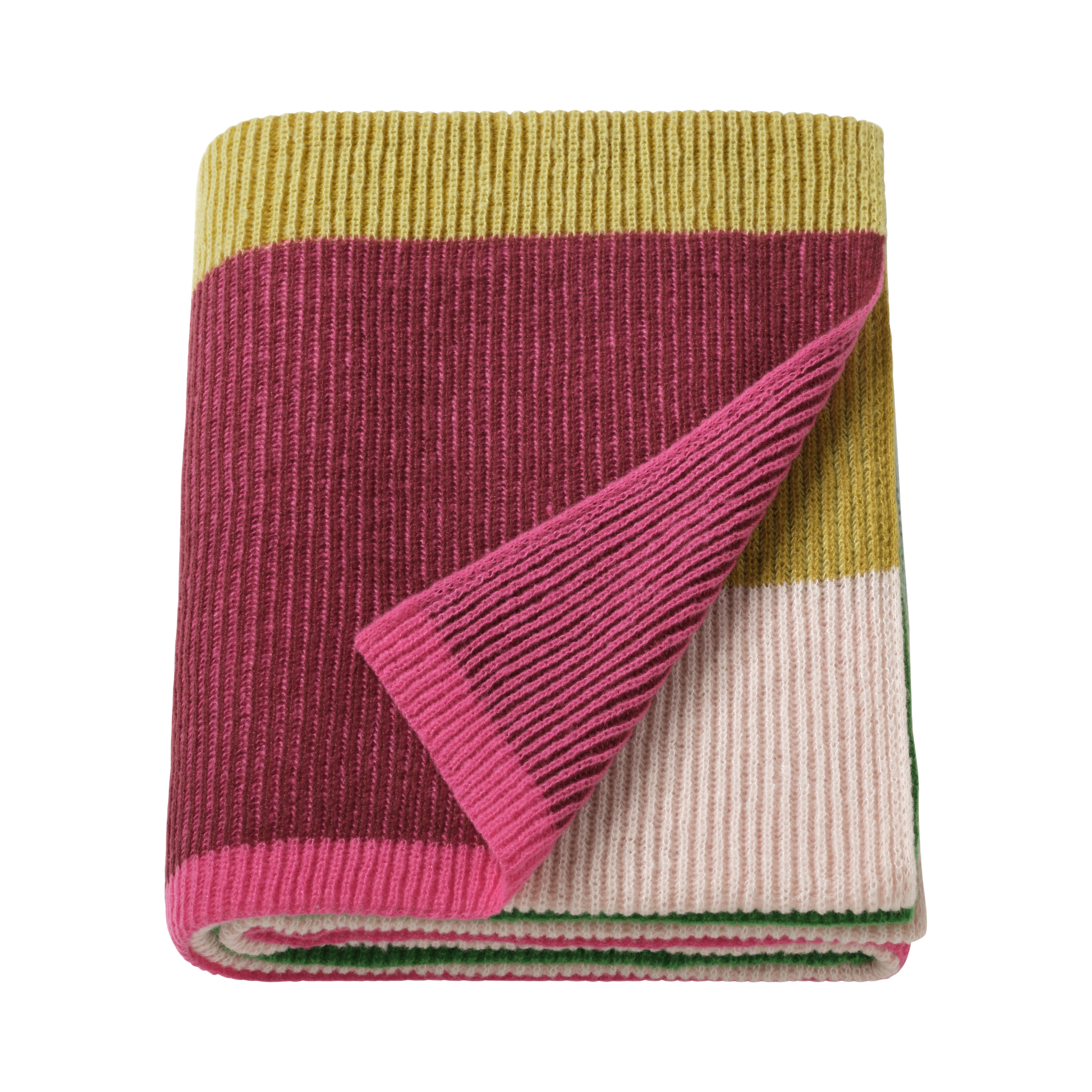
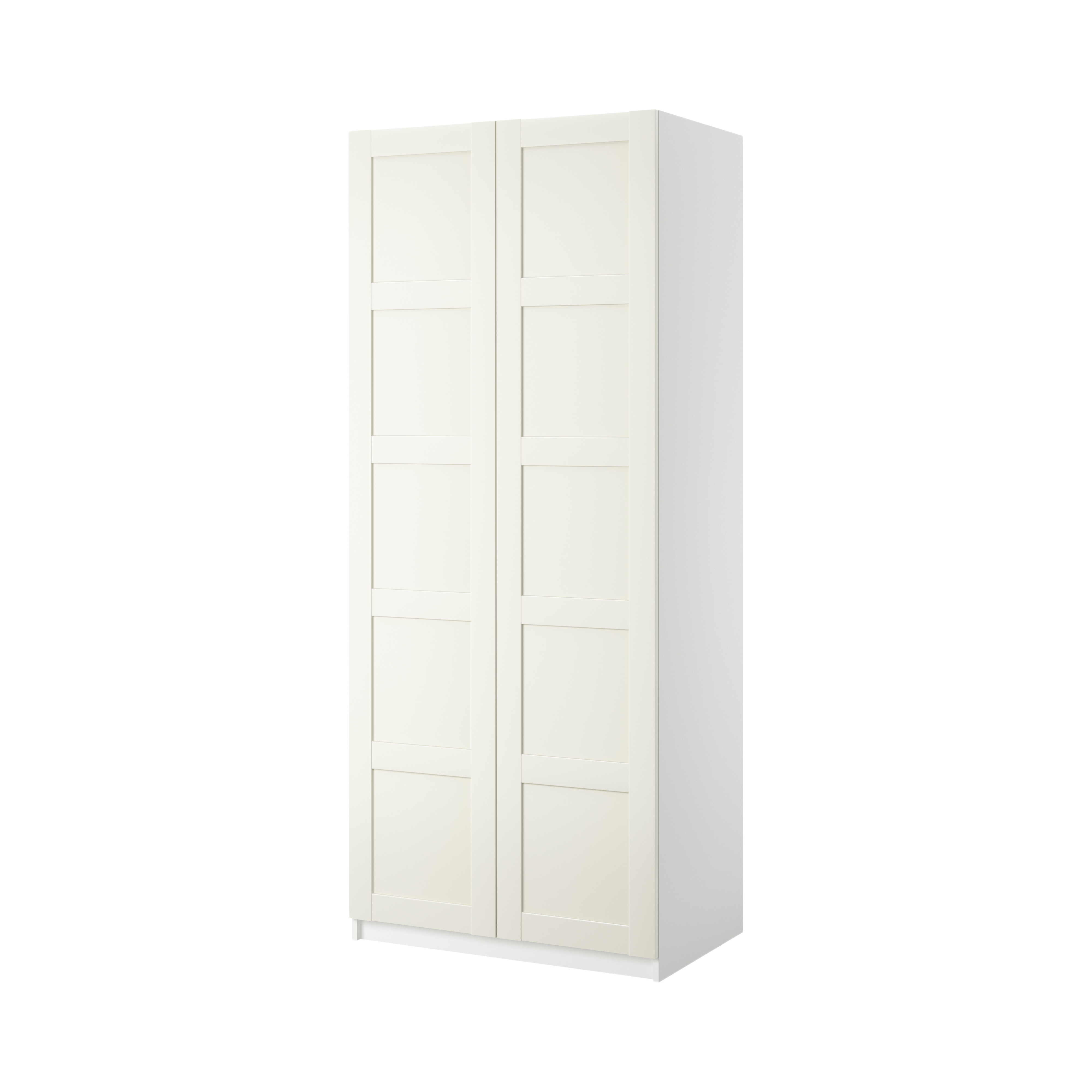
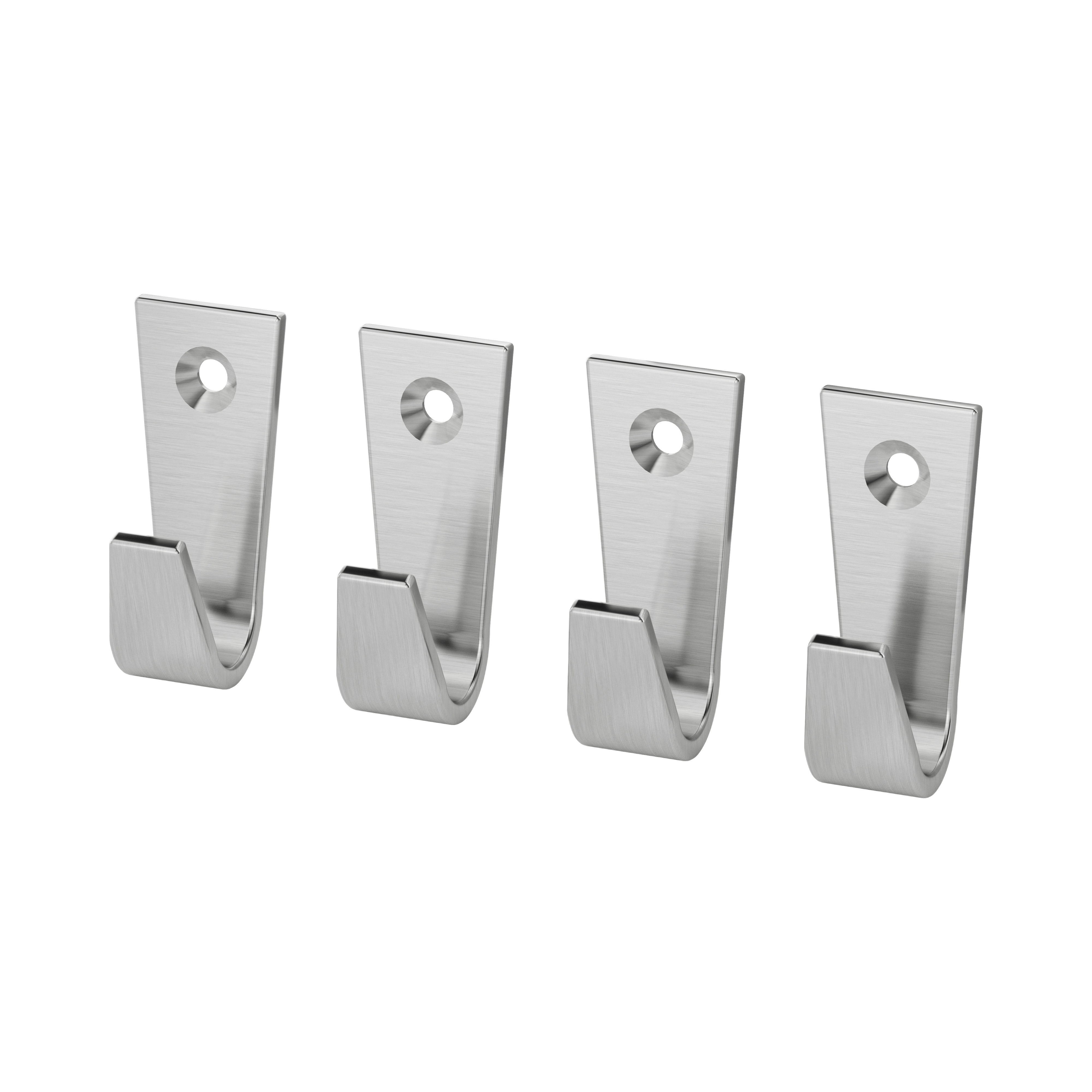
- cutouts/ — BiRefNet, all 22 SKUs (PNG with alpha)
- cutouts_photoroom/ — Photoroom, all 22 SKUs (PNG with alpha)

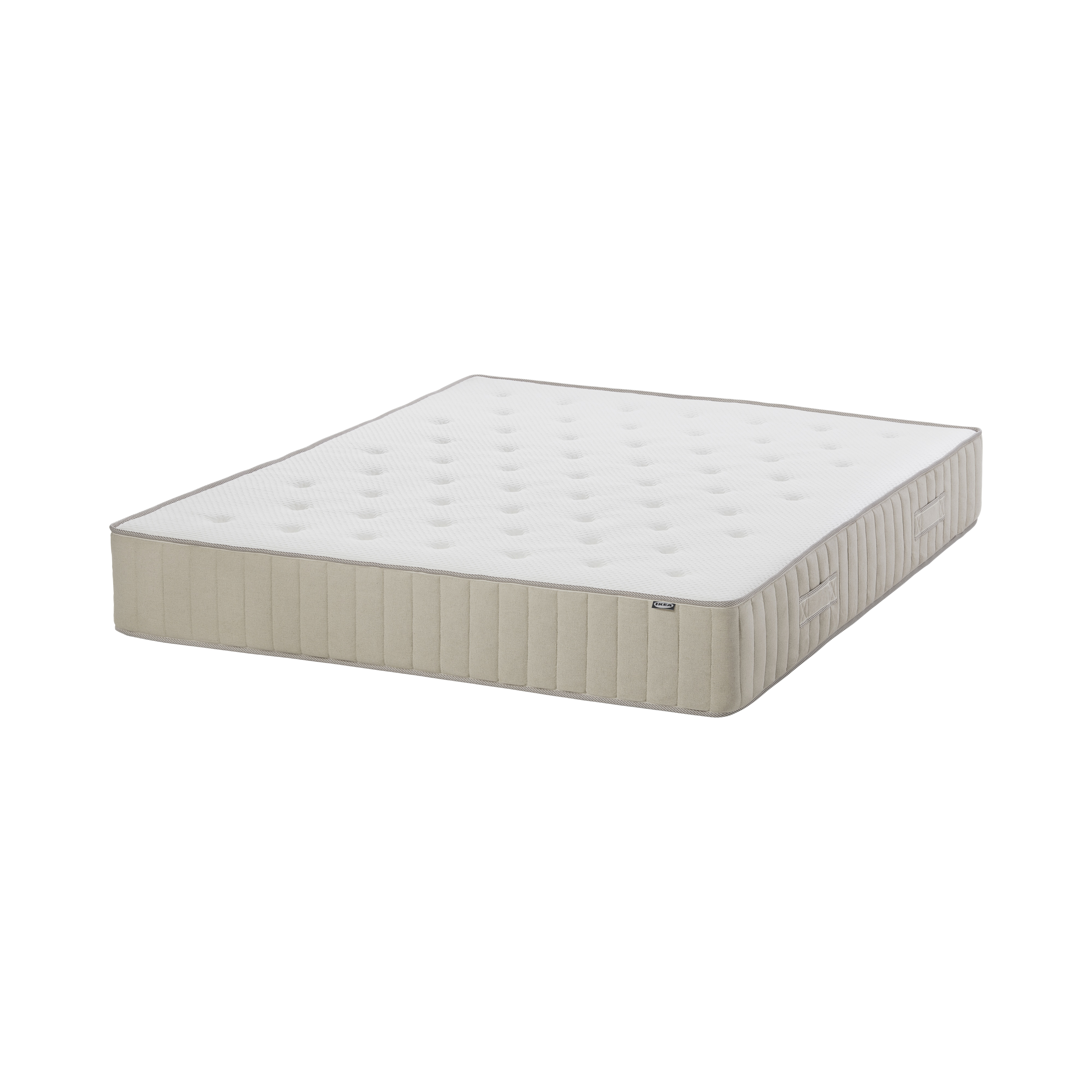
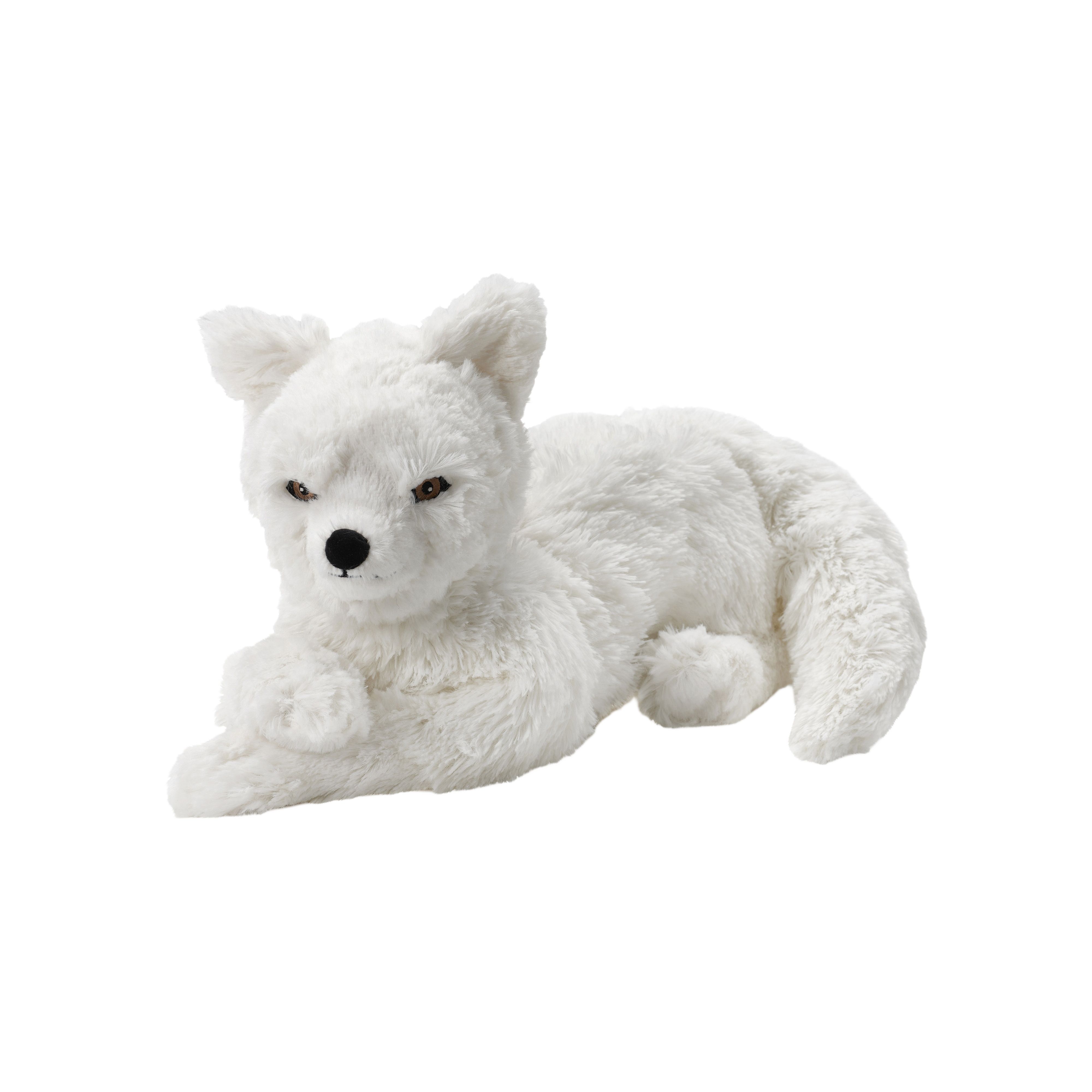
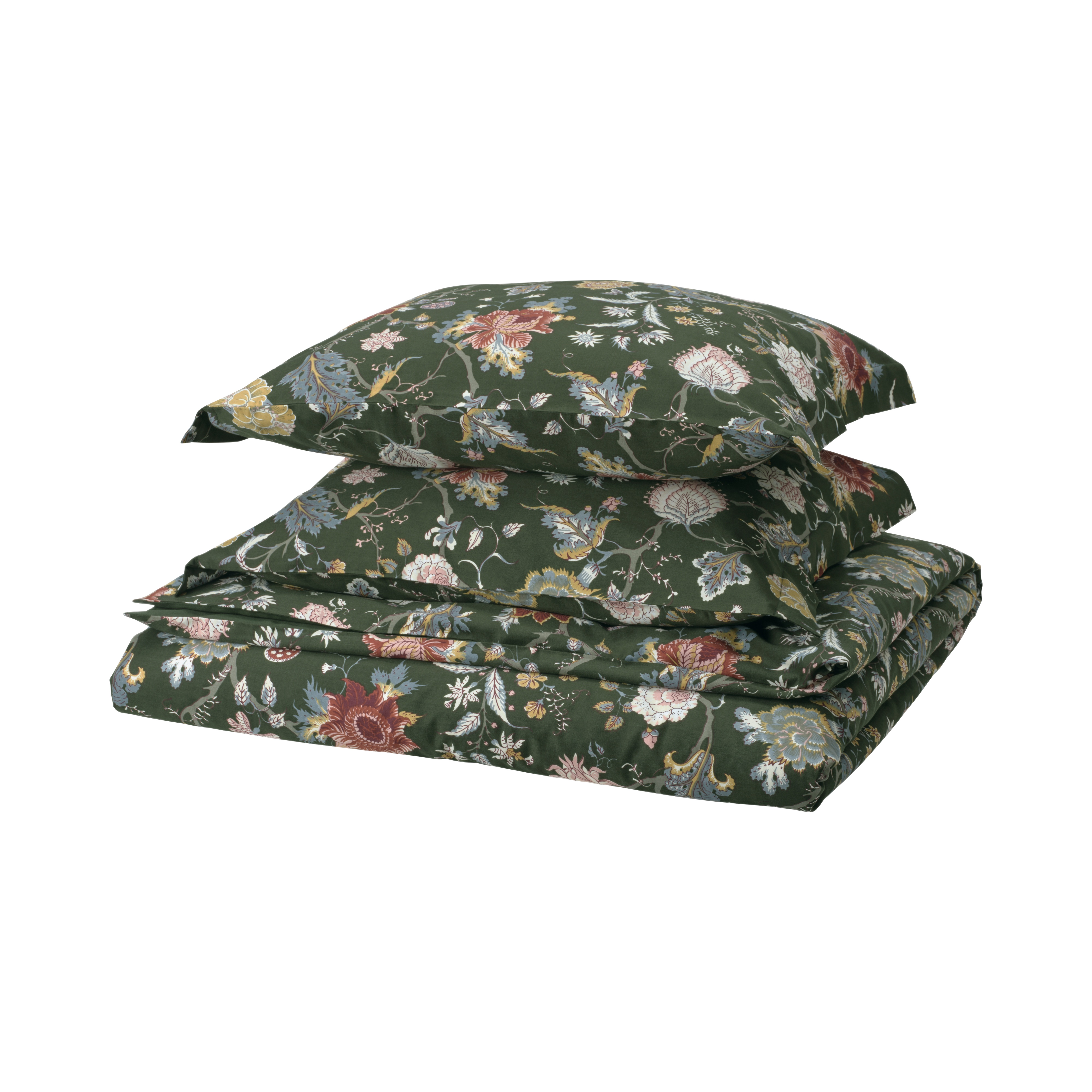
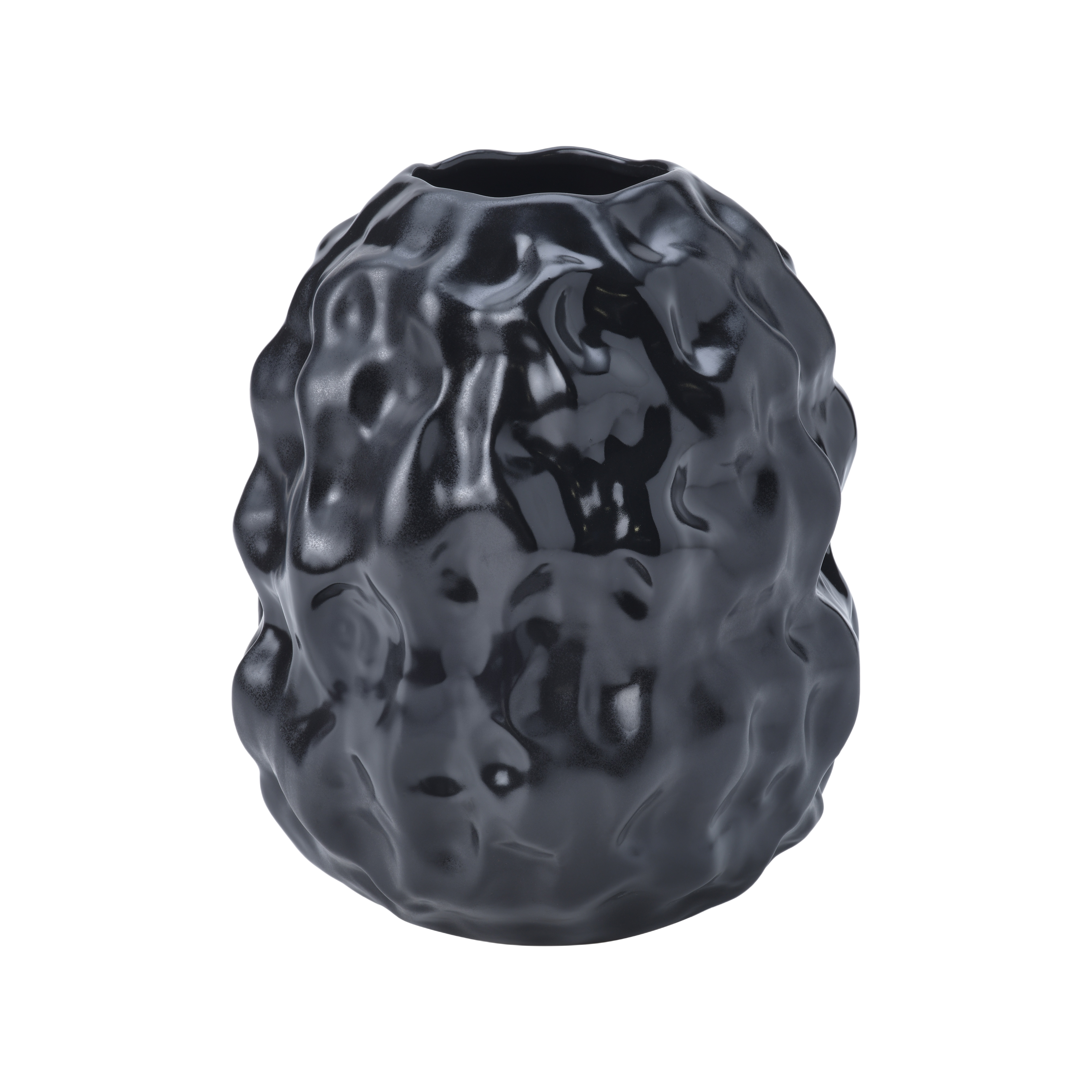

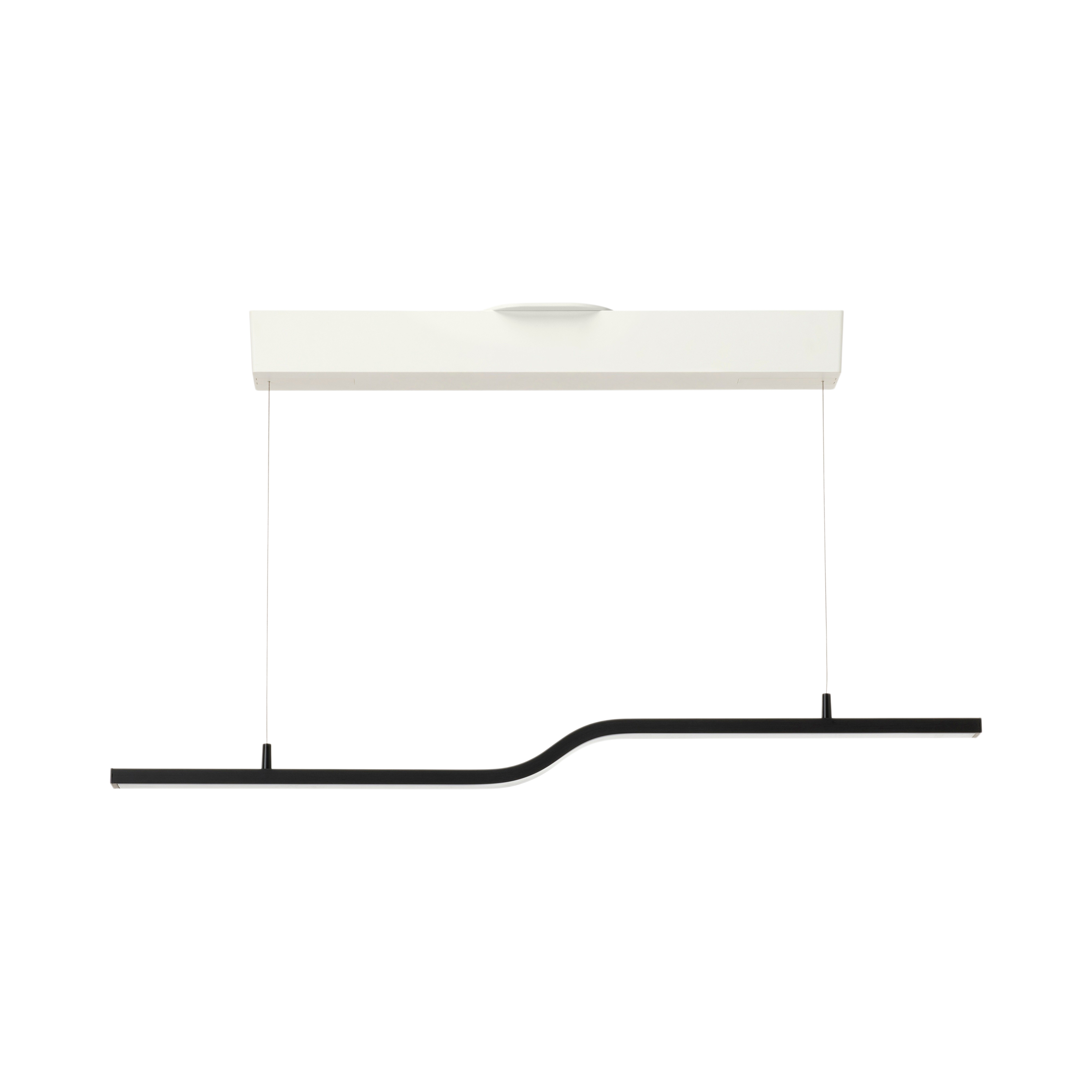
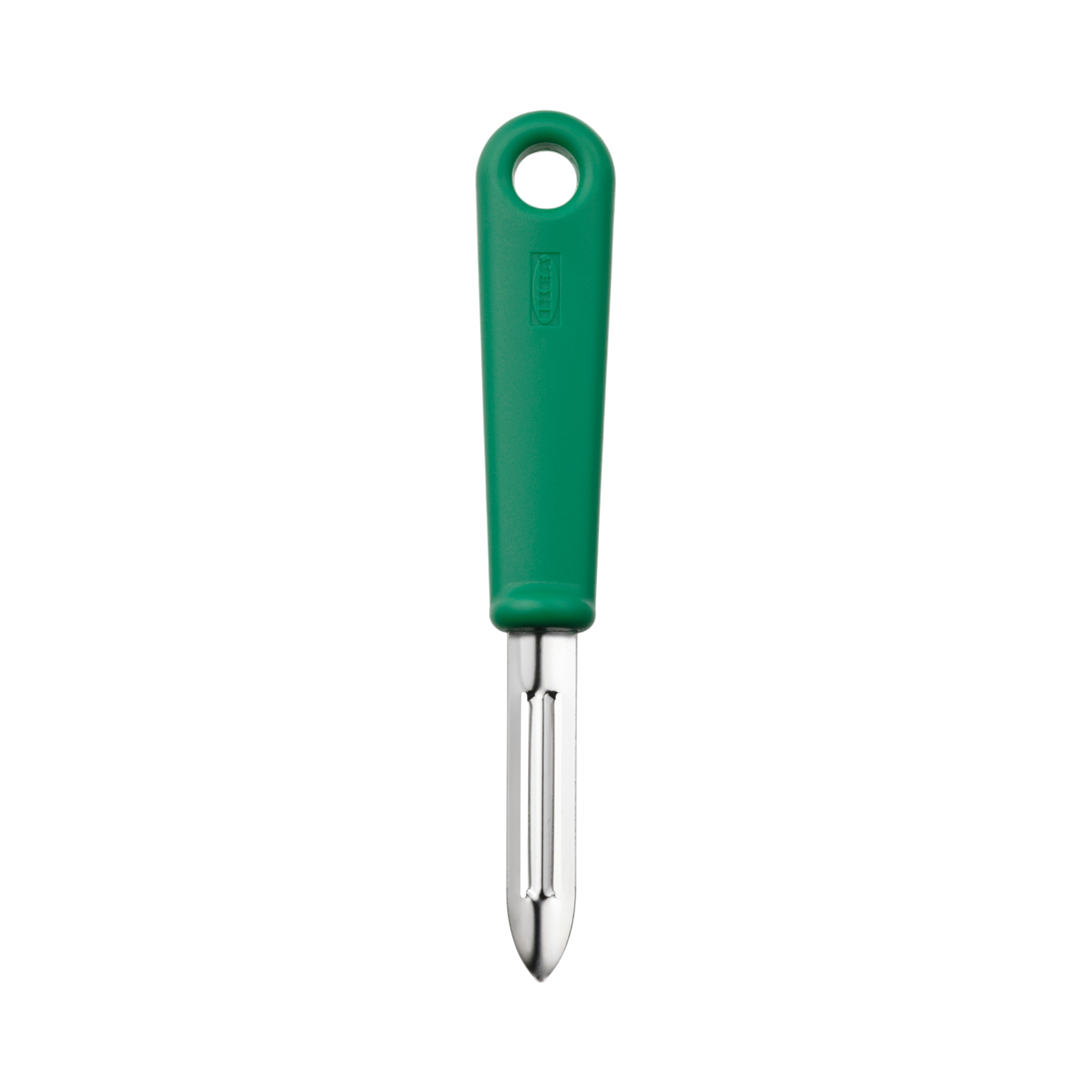
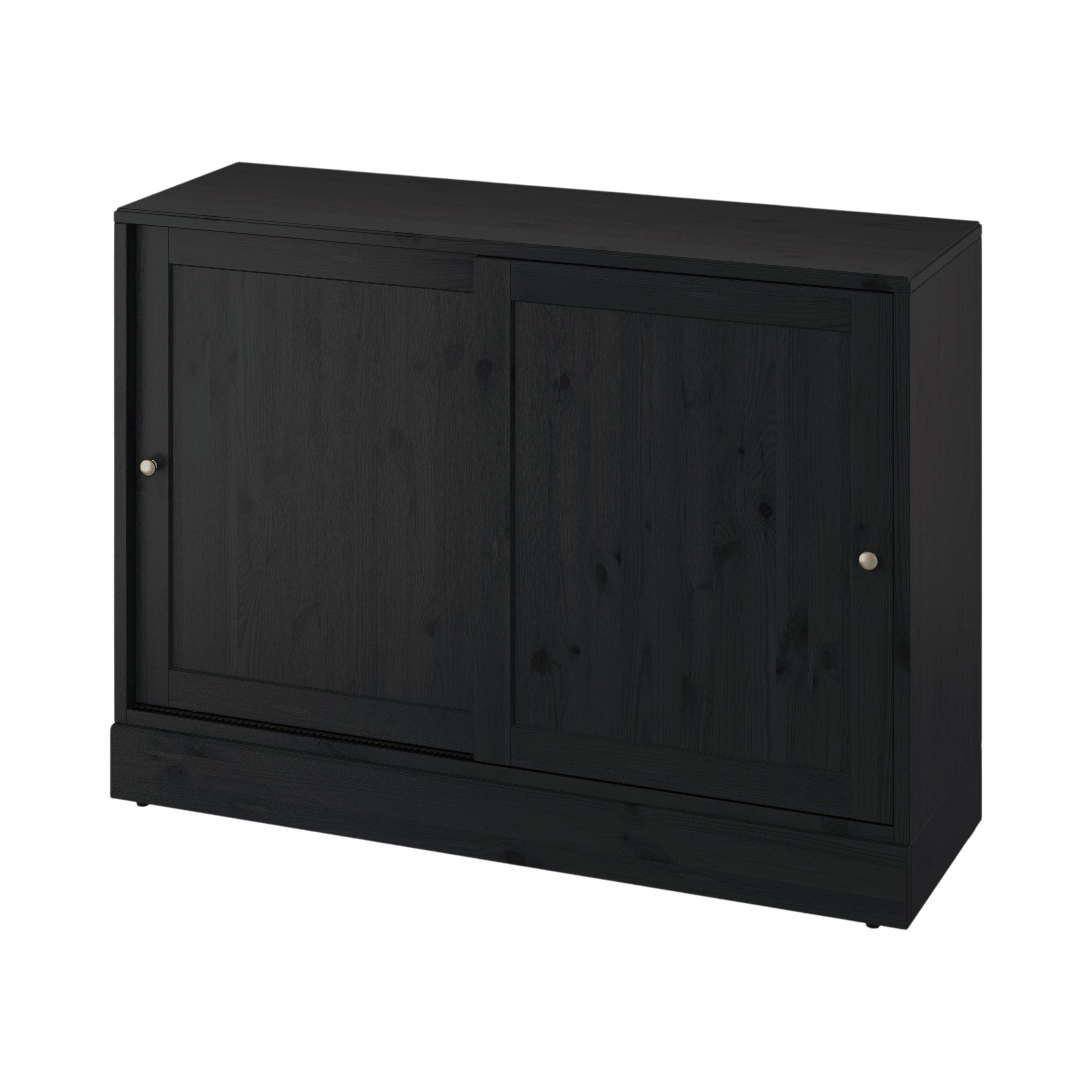
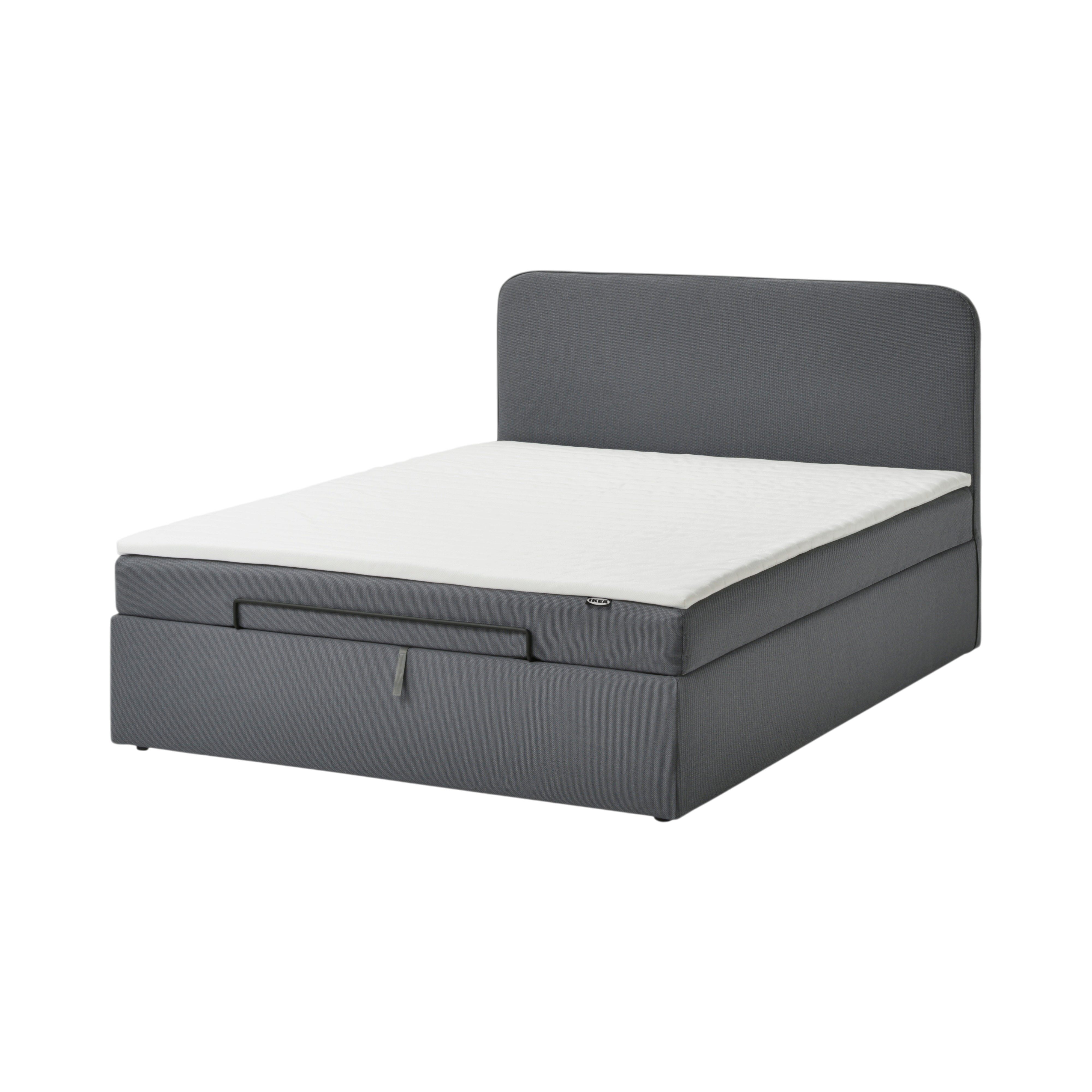
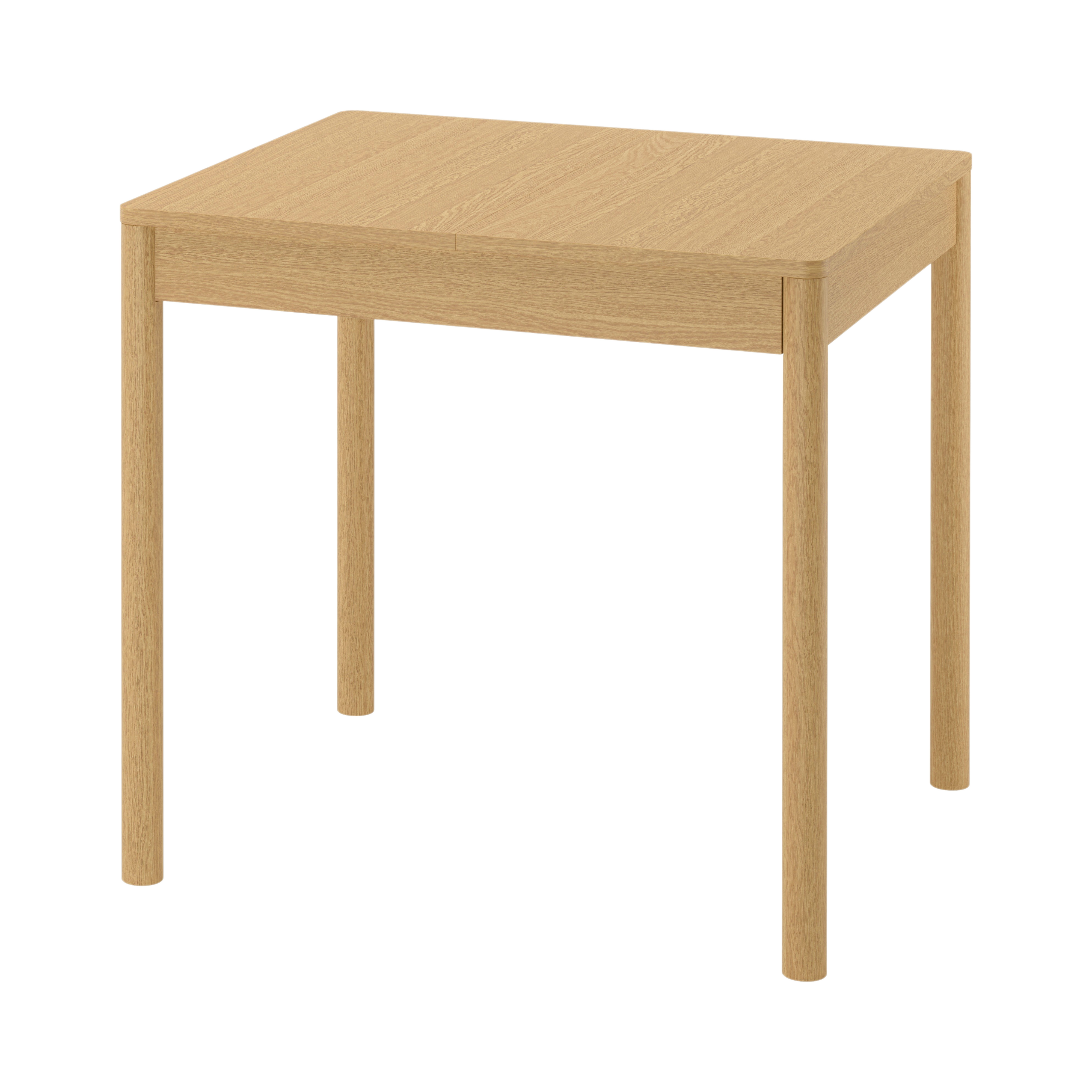
Pipeline: Photoroom shadow + Gemini relight + luminance composite
To get directional lighting on the subject without losing Photoroom's reliable shadow geometry, we built a 3-stage pipeline:
- Photoroom generates the cast shadow.
- Gemini relights the subject with a "soft front-left key light" prompt.
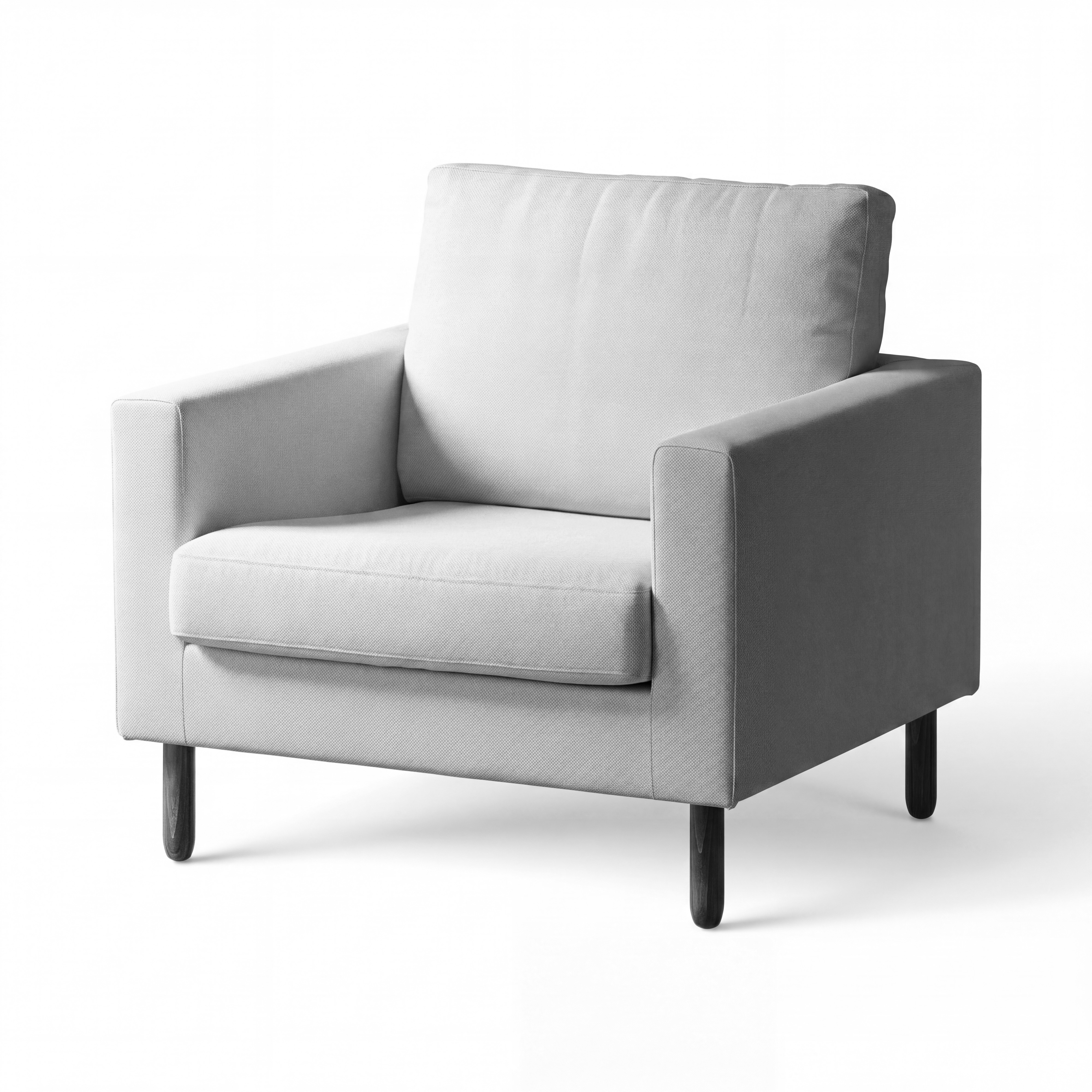
- We desaturate Gemini's relit render to a B&W lighting map and soft-light blend it over the original cutout, then composite over the Photoroom shadow base.
Step 3 uses Gemini purely as a luminance map — color and detail come from the original cutout, only the directional lighting cue comes from Gemini. This avoids Gemini's color/detail drift while keeping the shadow intact.
Which Gemini relight feeds this: the strong relight variant. Three intensity prompts were tested (subtle, standard, strong — all in src/gemini.mjs RELIGHT_VARIANTS); strong produces the most pronounced directional lighting cue, which we then dial back via the soft-light opacity to control the final intensity. The relight runs themselves are in outputs/gemini-relit/2026-04-28_04-57-42_strong/.
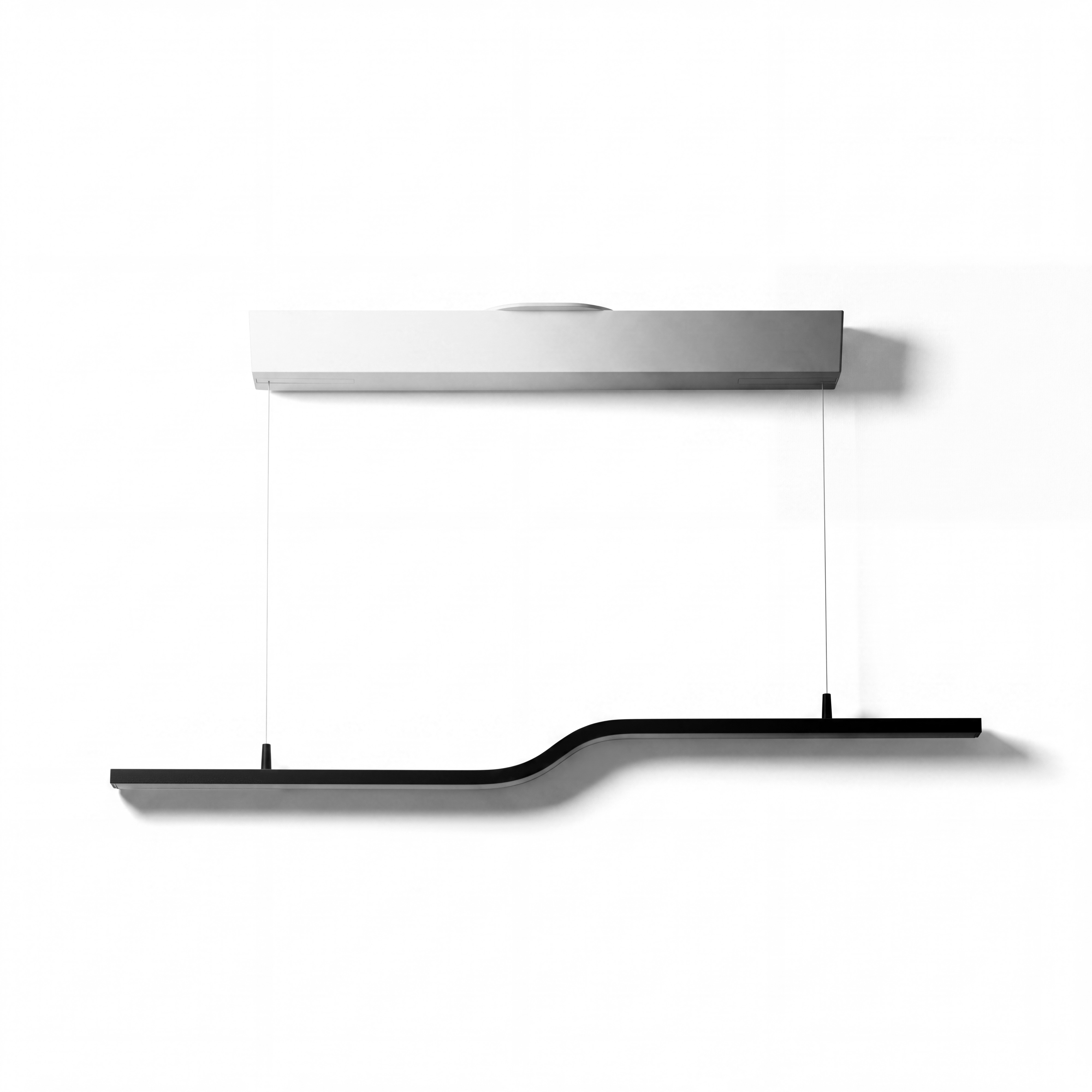
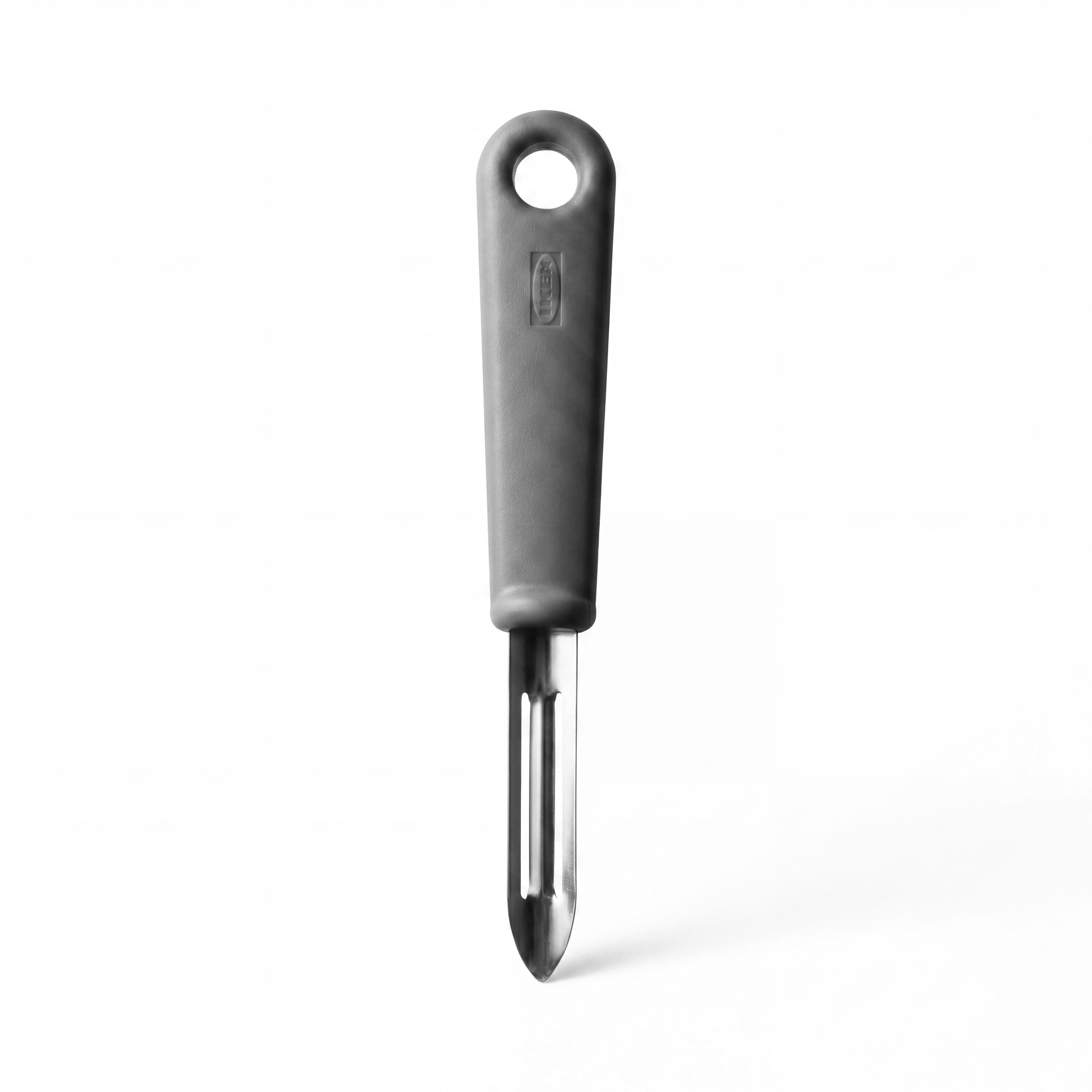
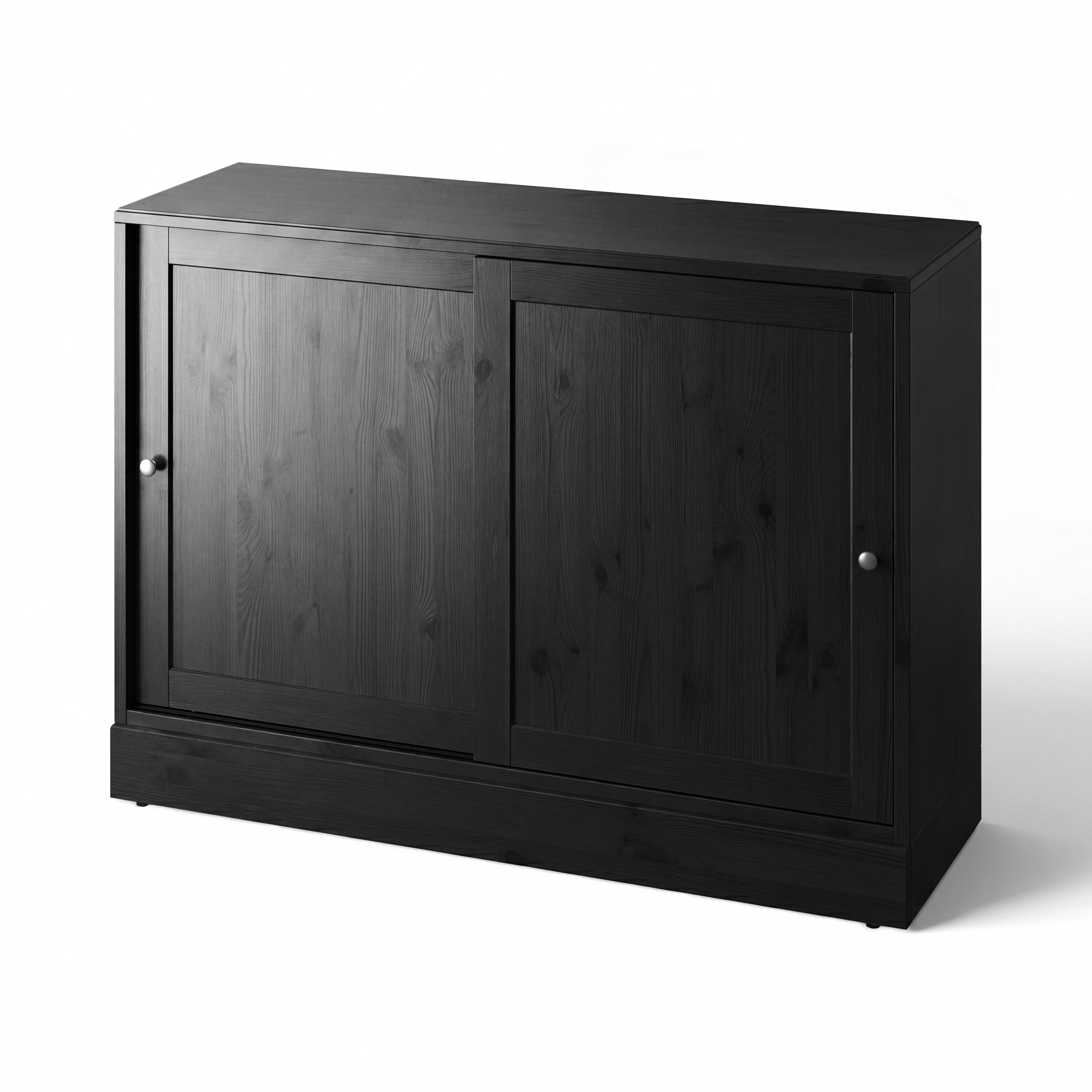
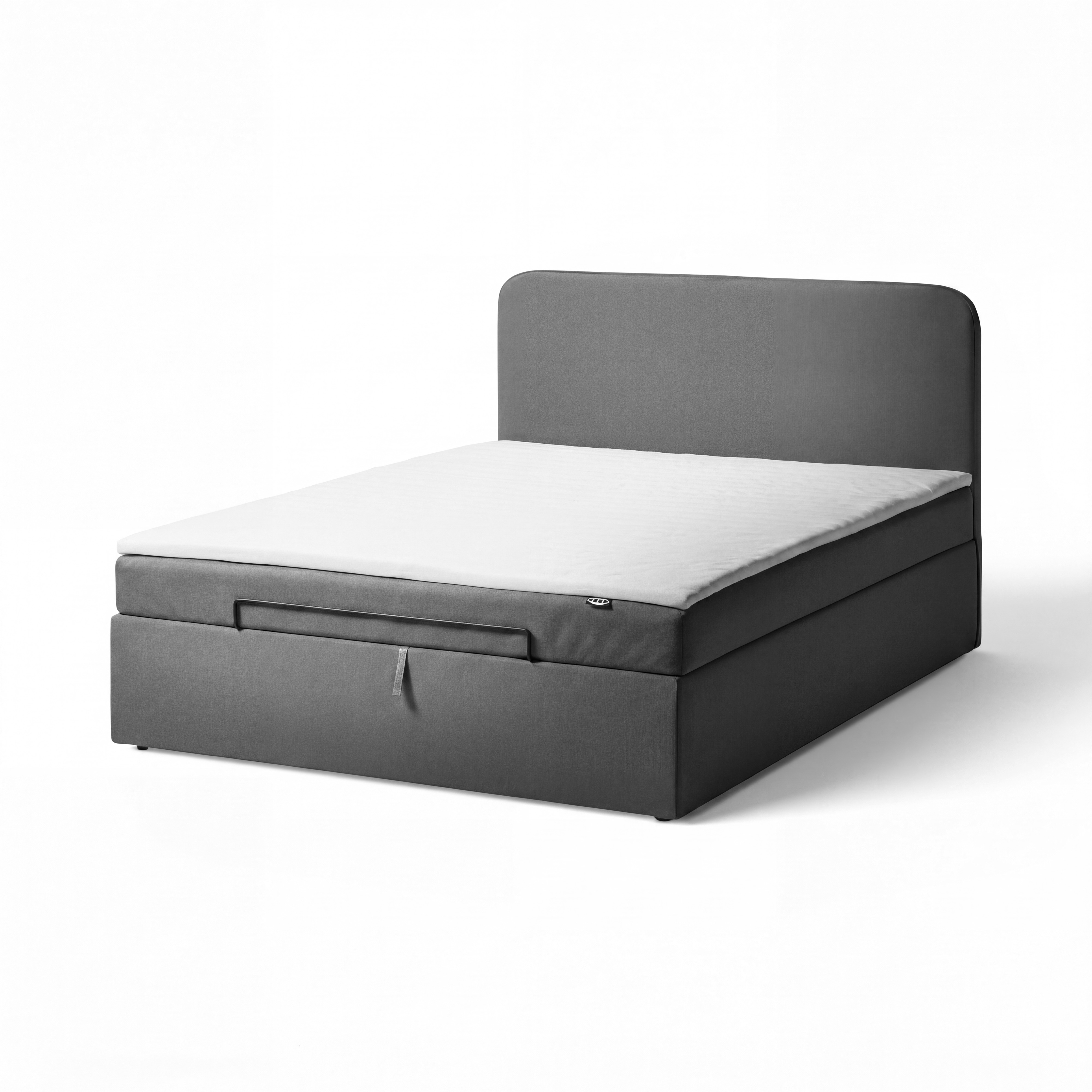
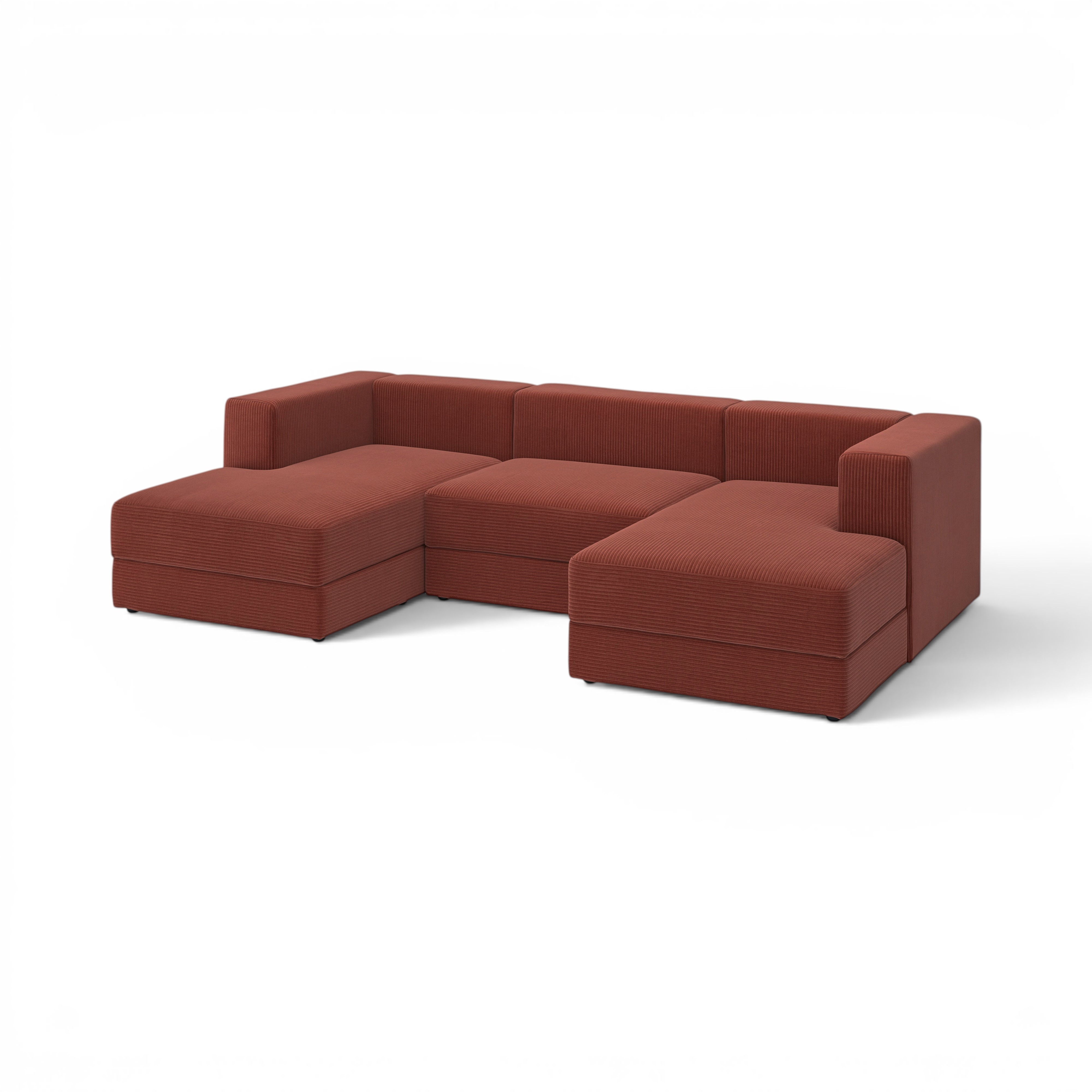
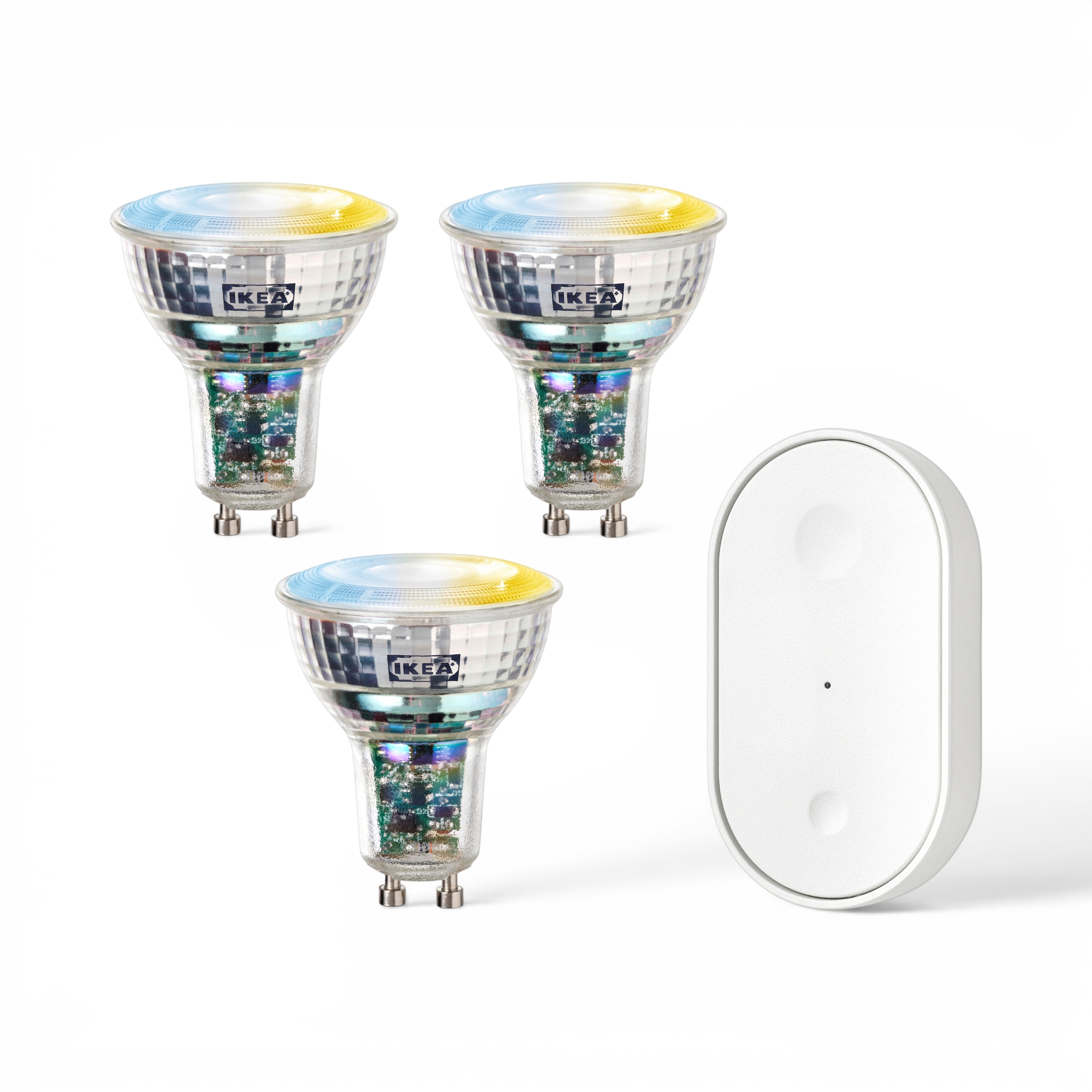
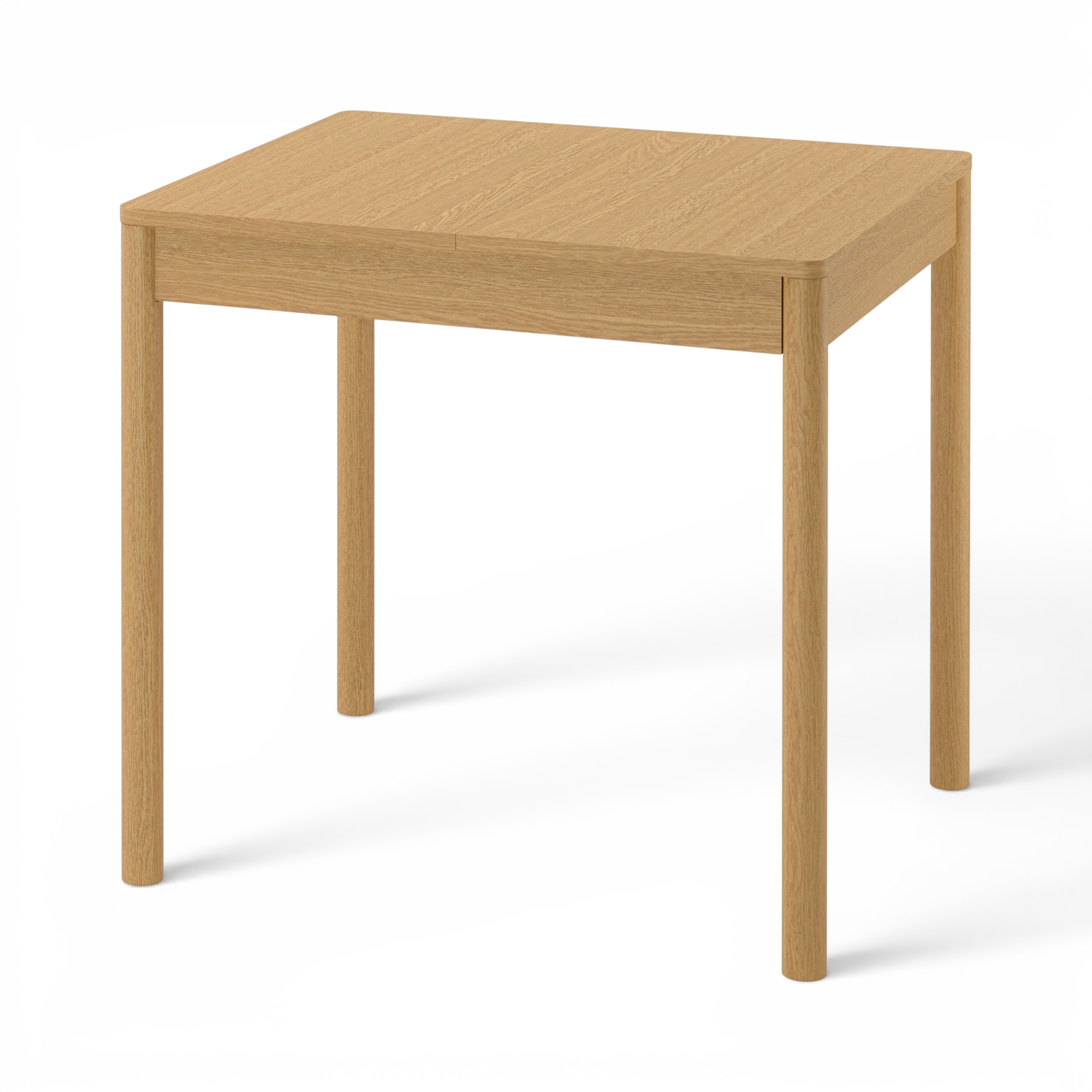
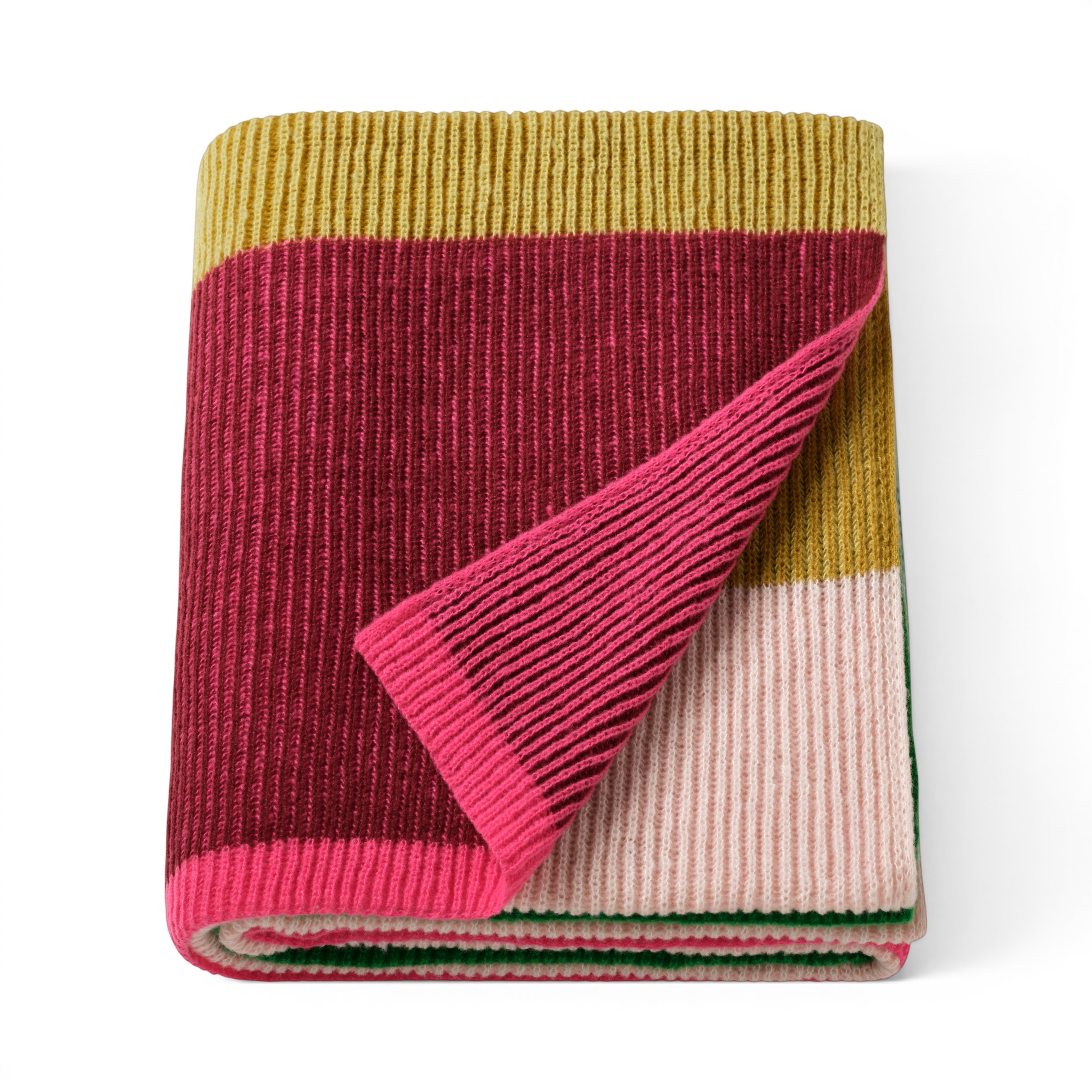
Input → lighting map (PE1016720, strong relight):
| Photoroom shadow (input) | Gemini lighting map (B&W) |
|---|---|
|
 |
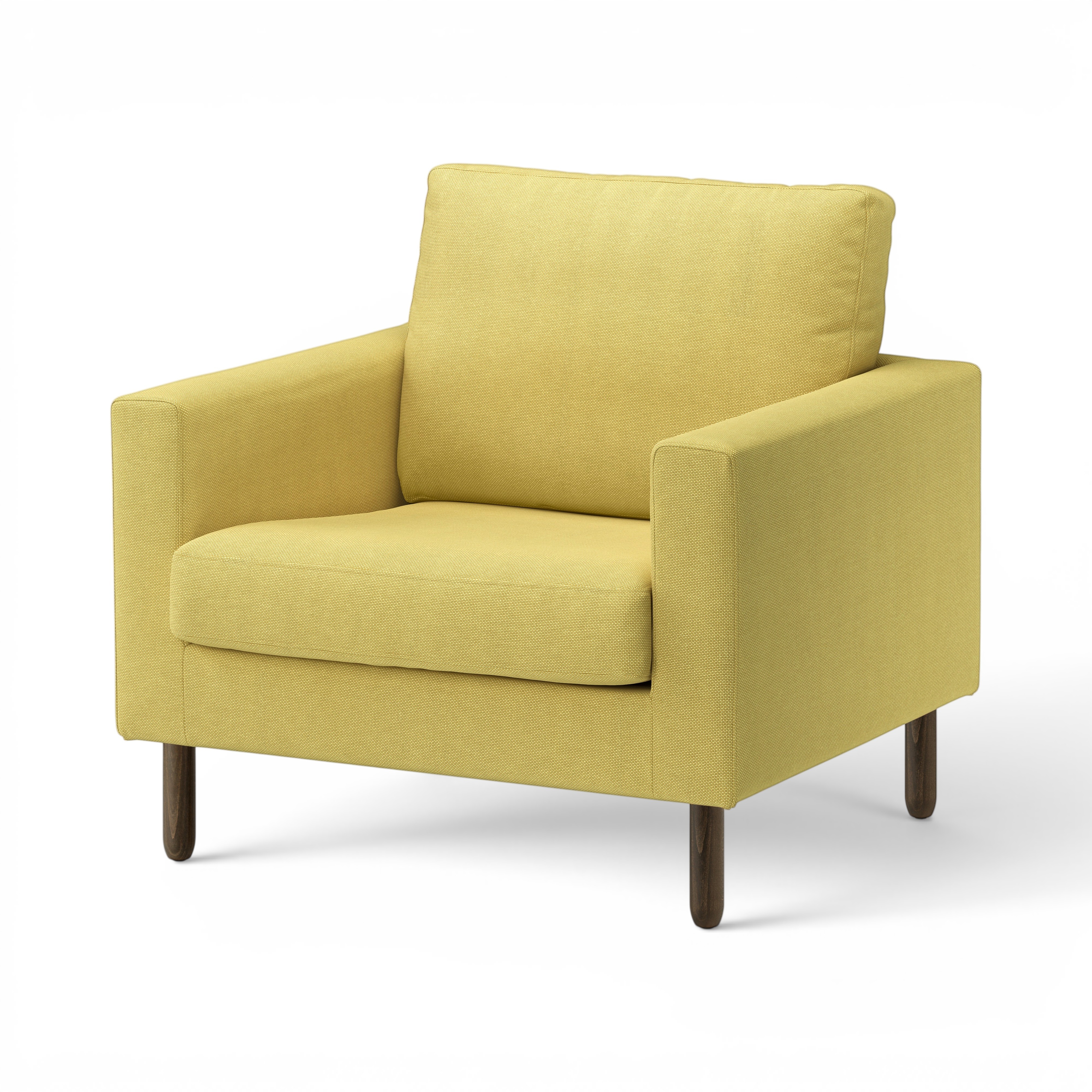
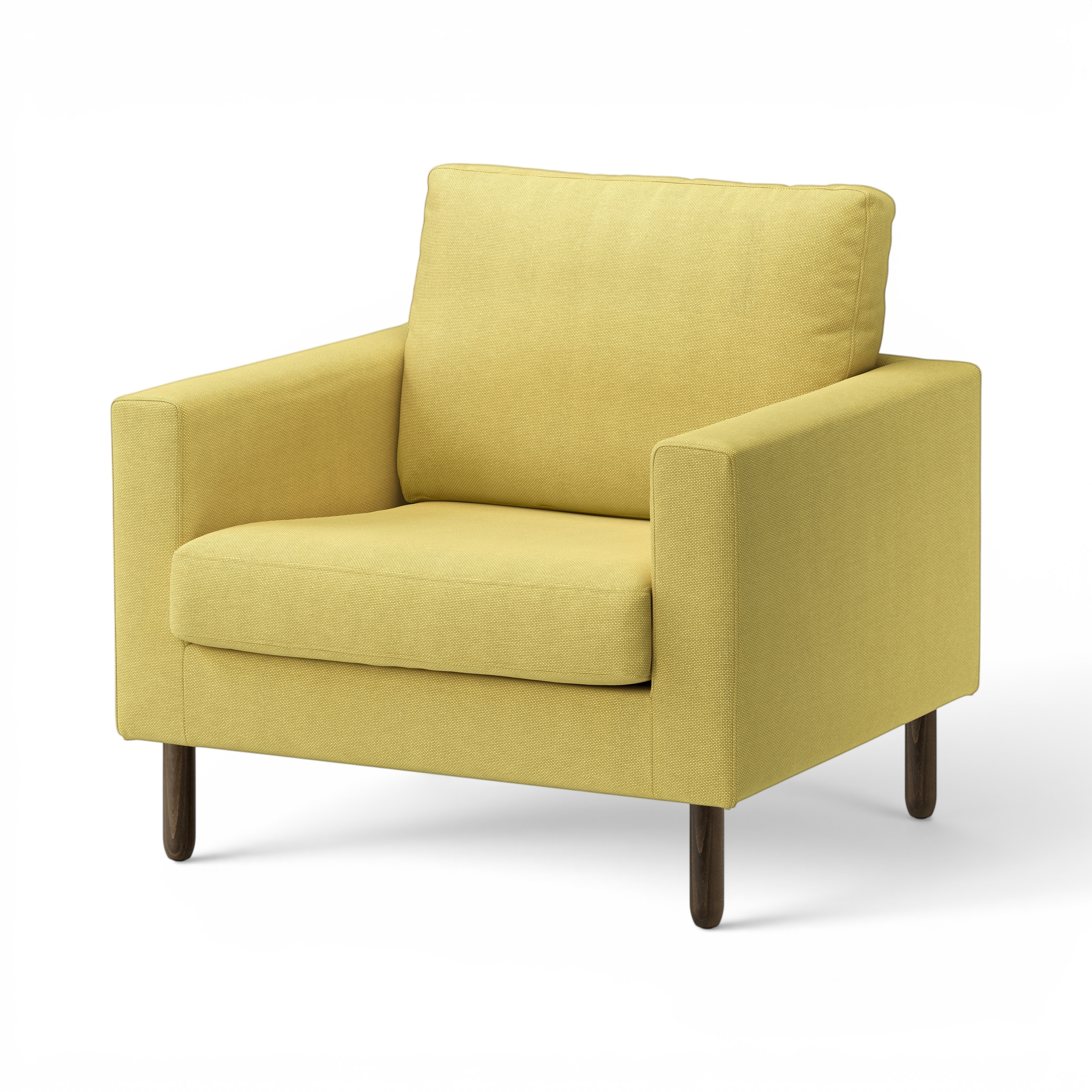
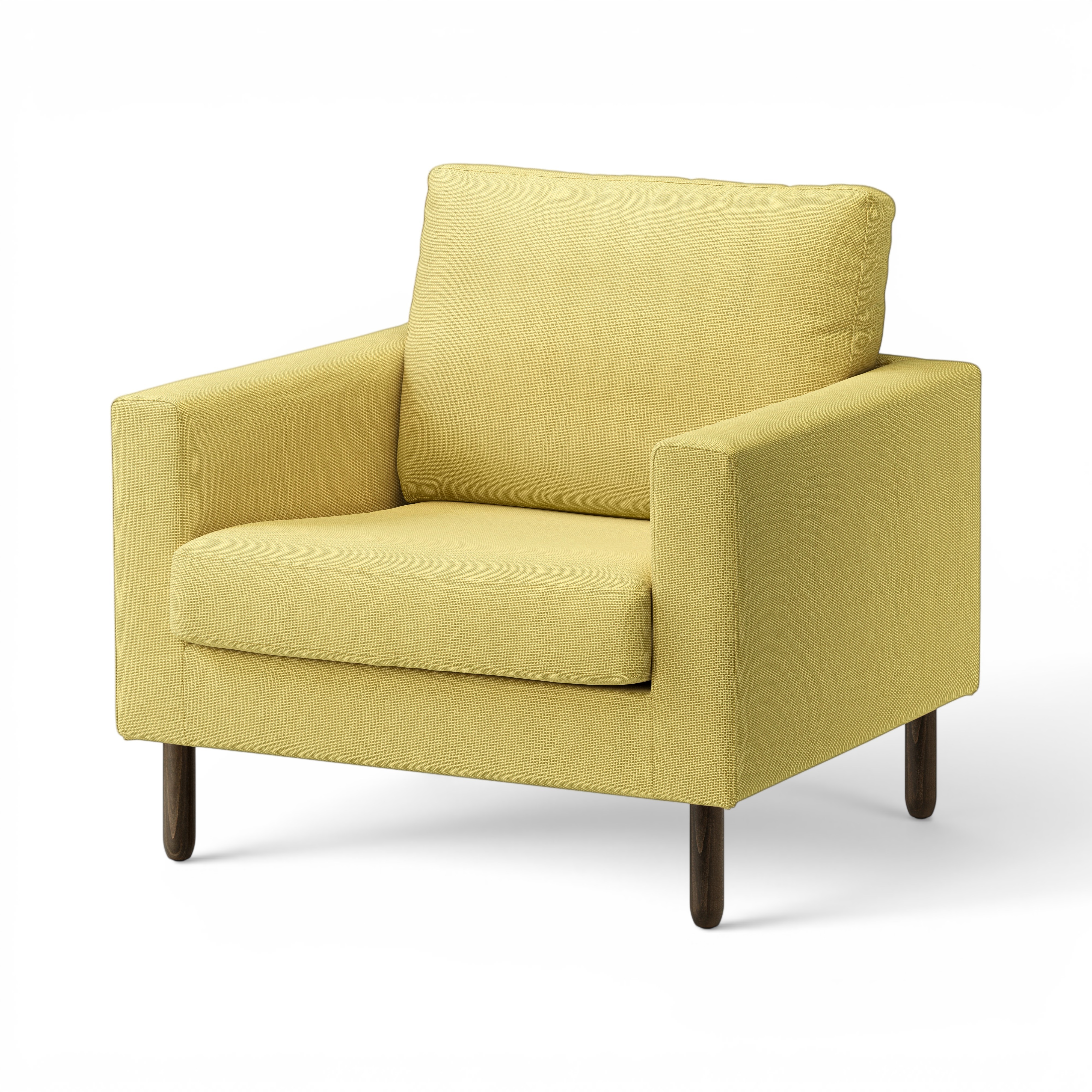
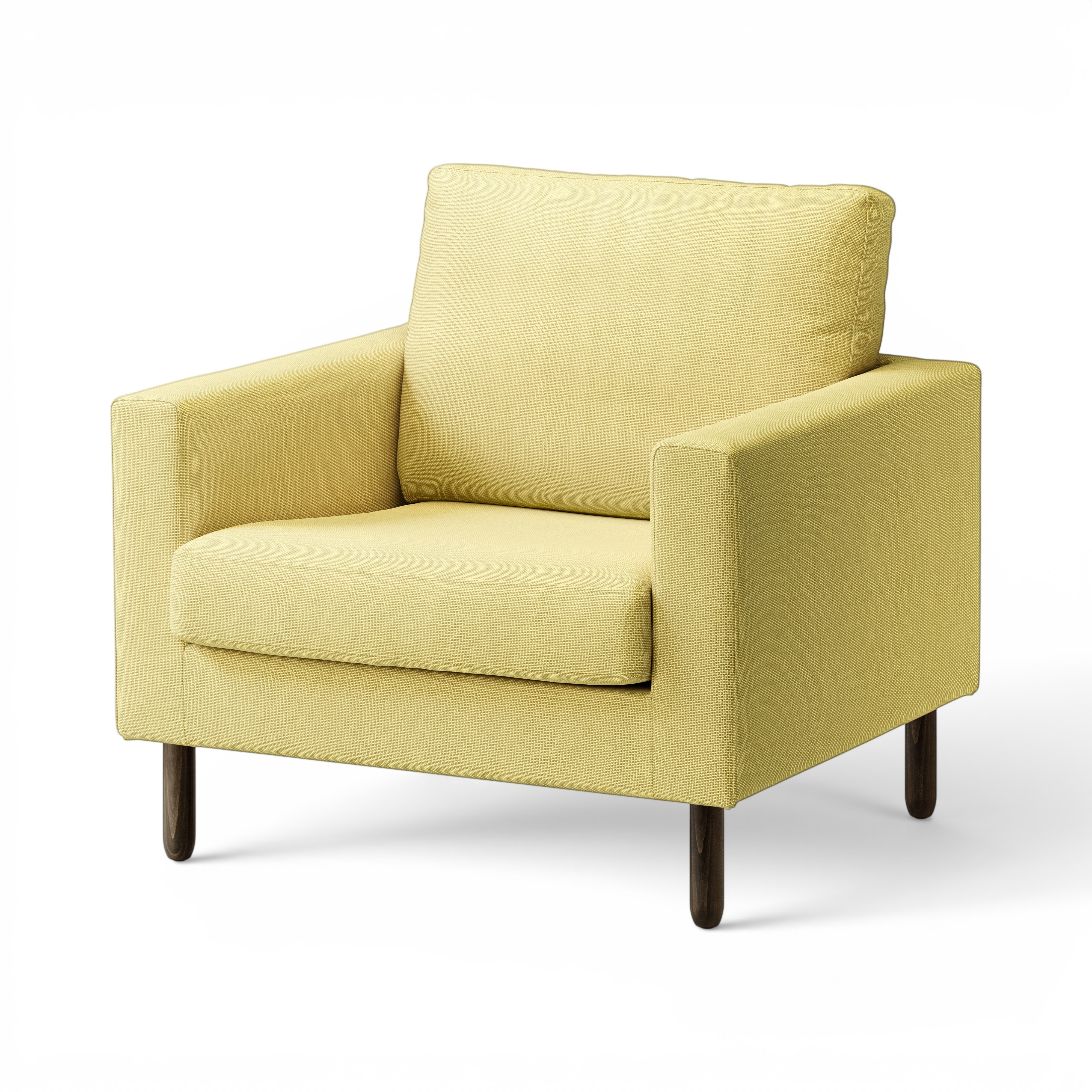
Lighting effect strength — controlled by the lightmap's opacity in the soft-light blend. Lower opacity = more of the original cutout, less of Gemini's lighting. Strong relight prompt shown:
| op0.3 (very subtle) | op0.5 (mid) | op0.7 | op1.0 (full) |
|---|---|---|---|
 |
 |
 |
 |
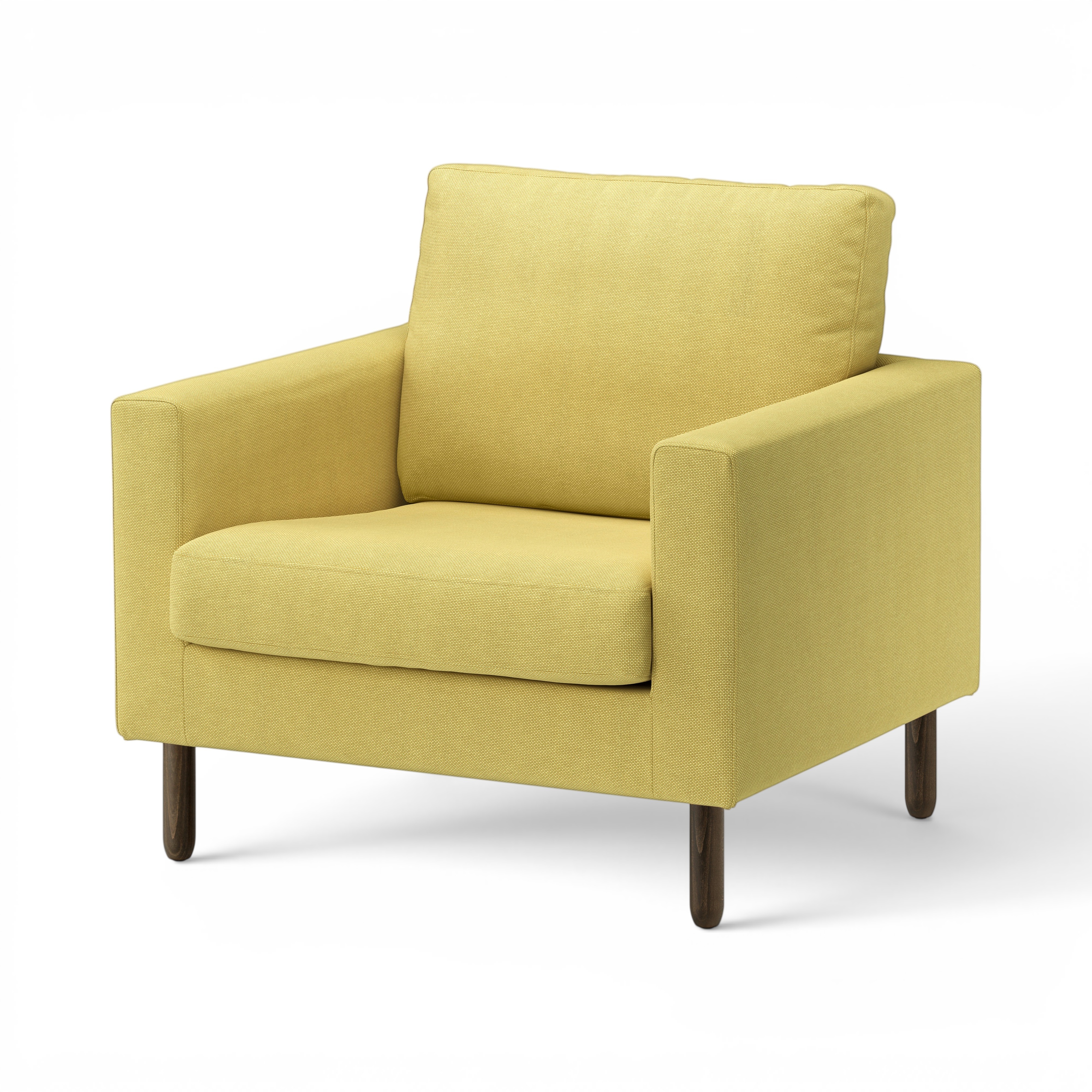
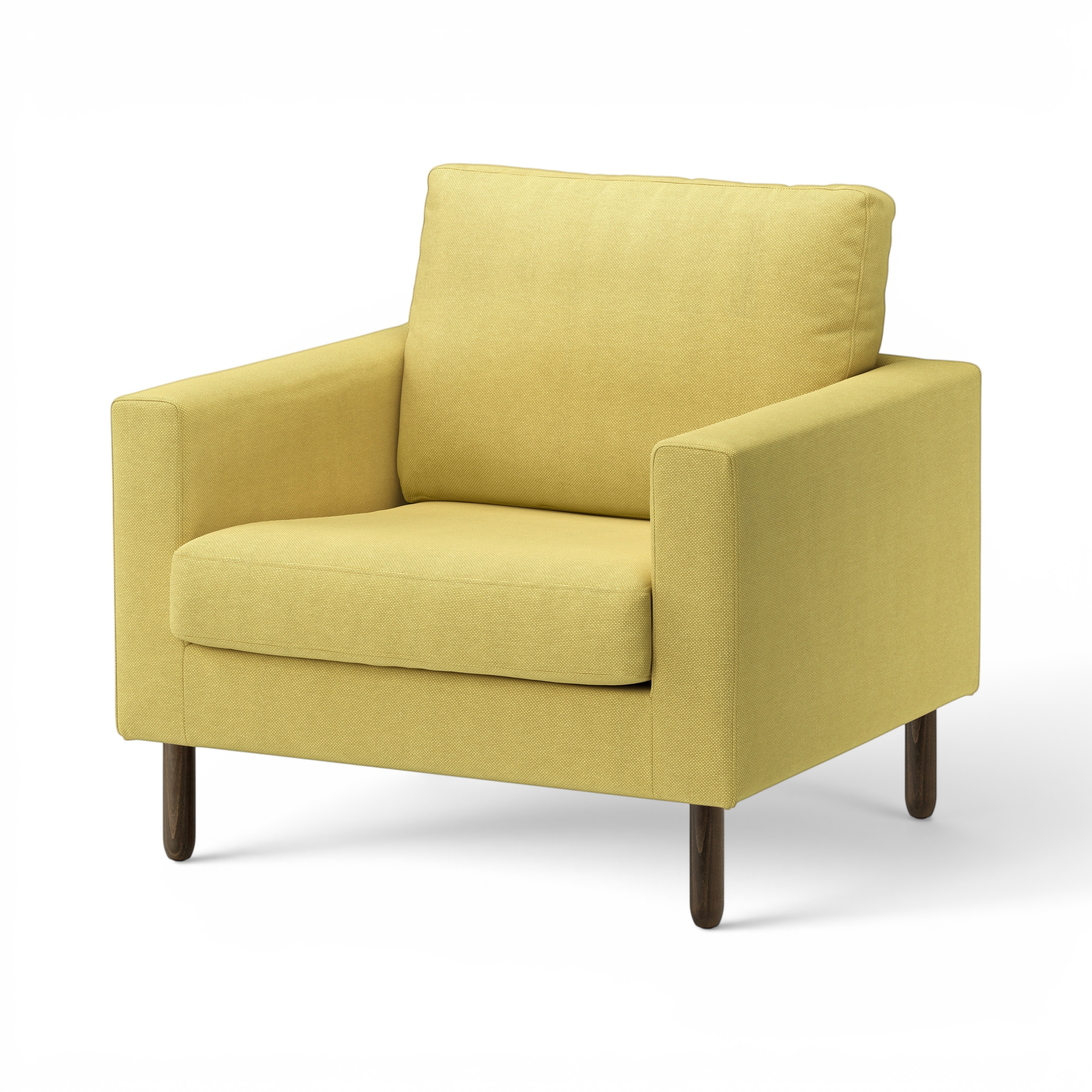
Relight prompt intensity at op0.5 — three different prompts feed Gemini before the lightmap is extracted:
subtle |
standard |
strong |
|---|---|---|
 |
 |
|
The prompt intensity changes the shape of the lighting (how directional, how much falloff). Opacity is the amount of that effect mixed in. Combined: 3 prompts × 4 opacities = 12 composites in the catalog.
Higher opacity makes the lighting effect more pronounced but also brightens the subject toward washed-out (the cutout is already high-key catalog photography, soft-light has no headroom to darken). Production target is the lower end of this range.
Browse outputs:
- outputs/composites/luminance_..._{subtle,standard,strong}_..._b0_op{0.3,0.5,0.7}/ — 3 prompts × 3 partial opacities
- outputs/composites/luminance_..._{subtle,standard,strong}_..._b0/ — 3 prompts at full opacity (op1.0)
- outputs/lightmaps/..._{subtle,standard,strong}_b0/ — the B&W lighting maps for each prompt
- outputs/gemini-relit/2026-04-28_04-57-*_<variant>/ — Gemini's intermediate relit outputs
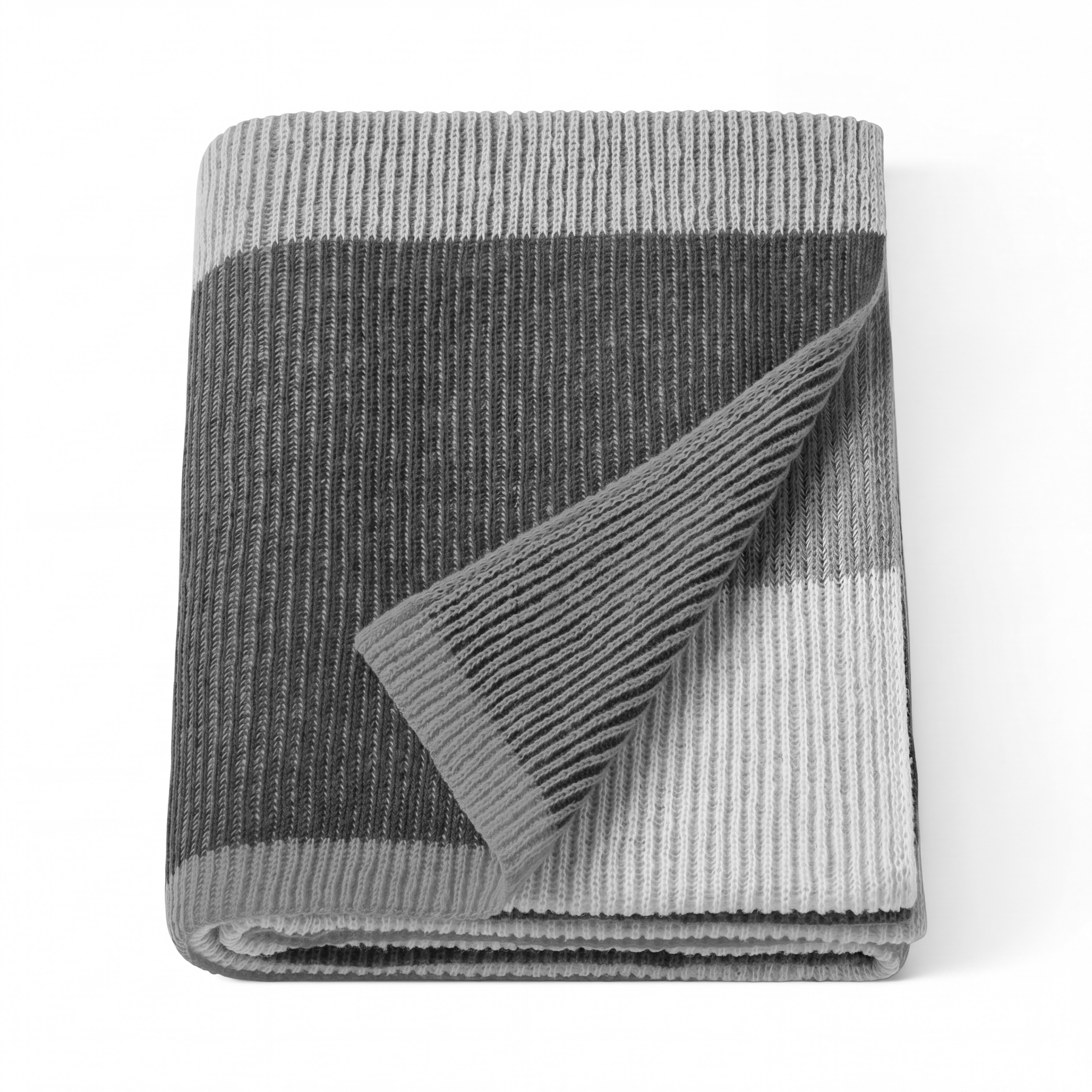
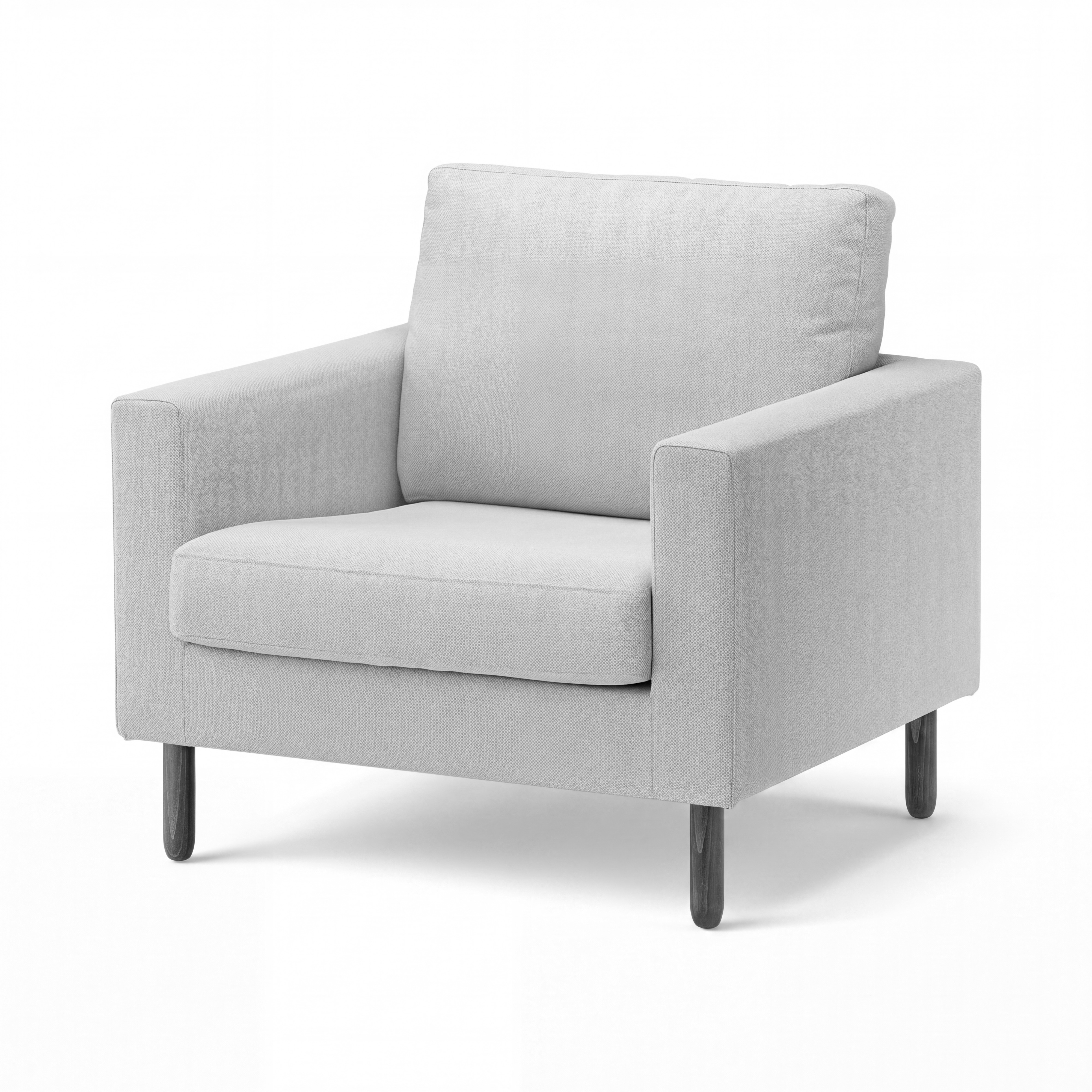
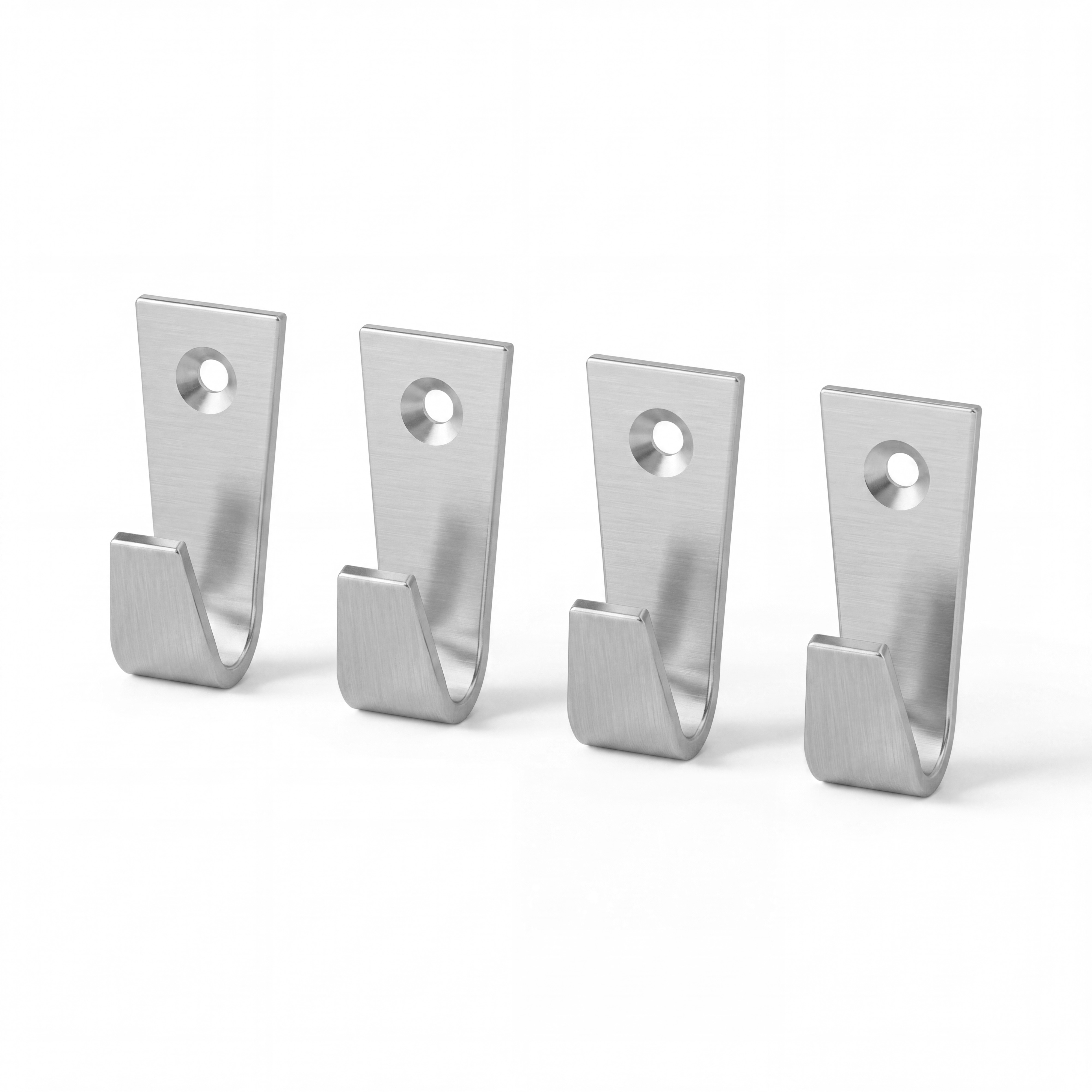
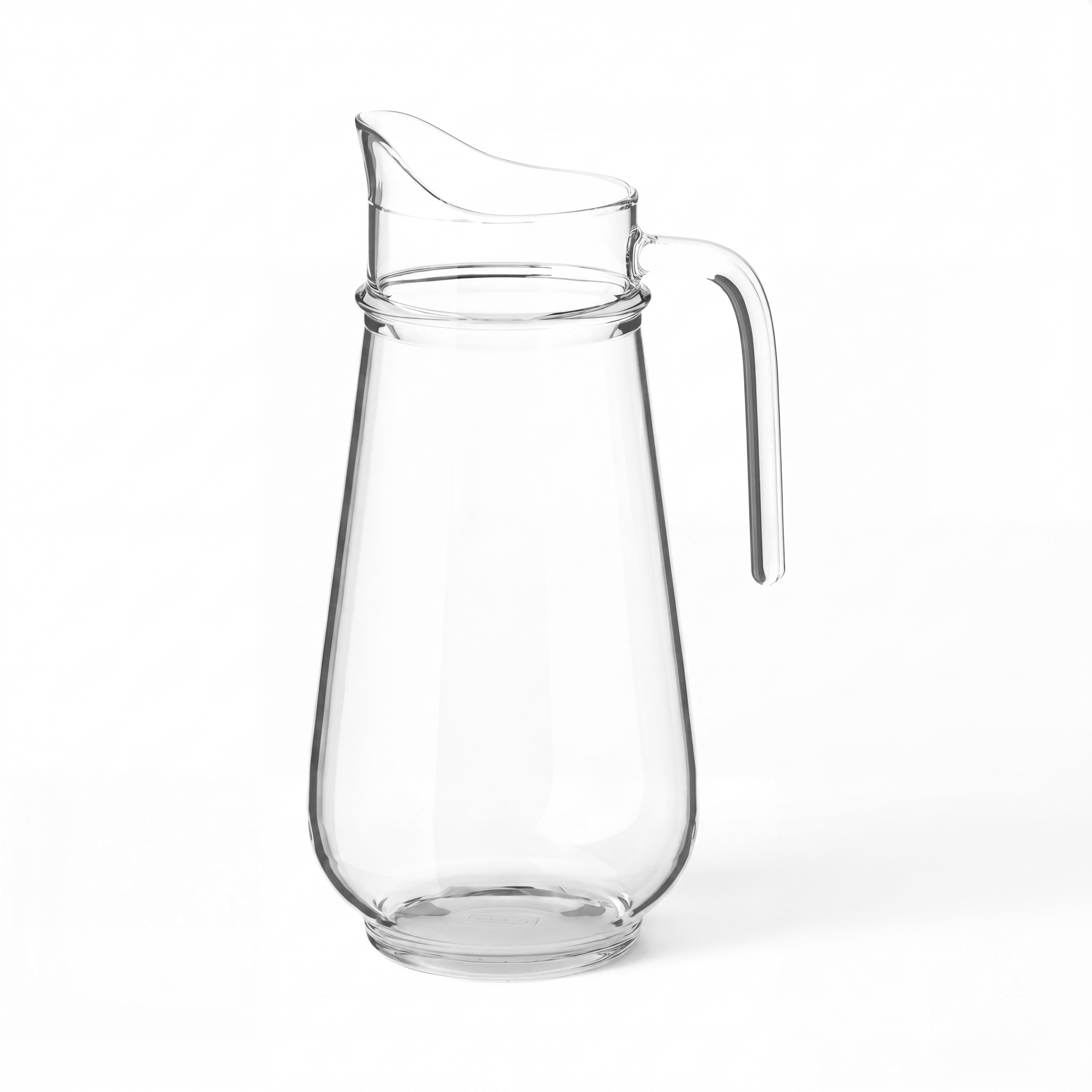
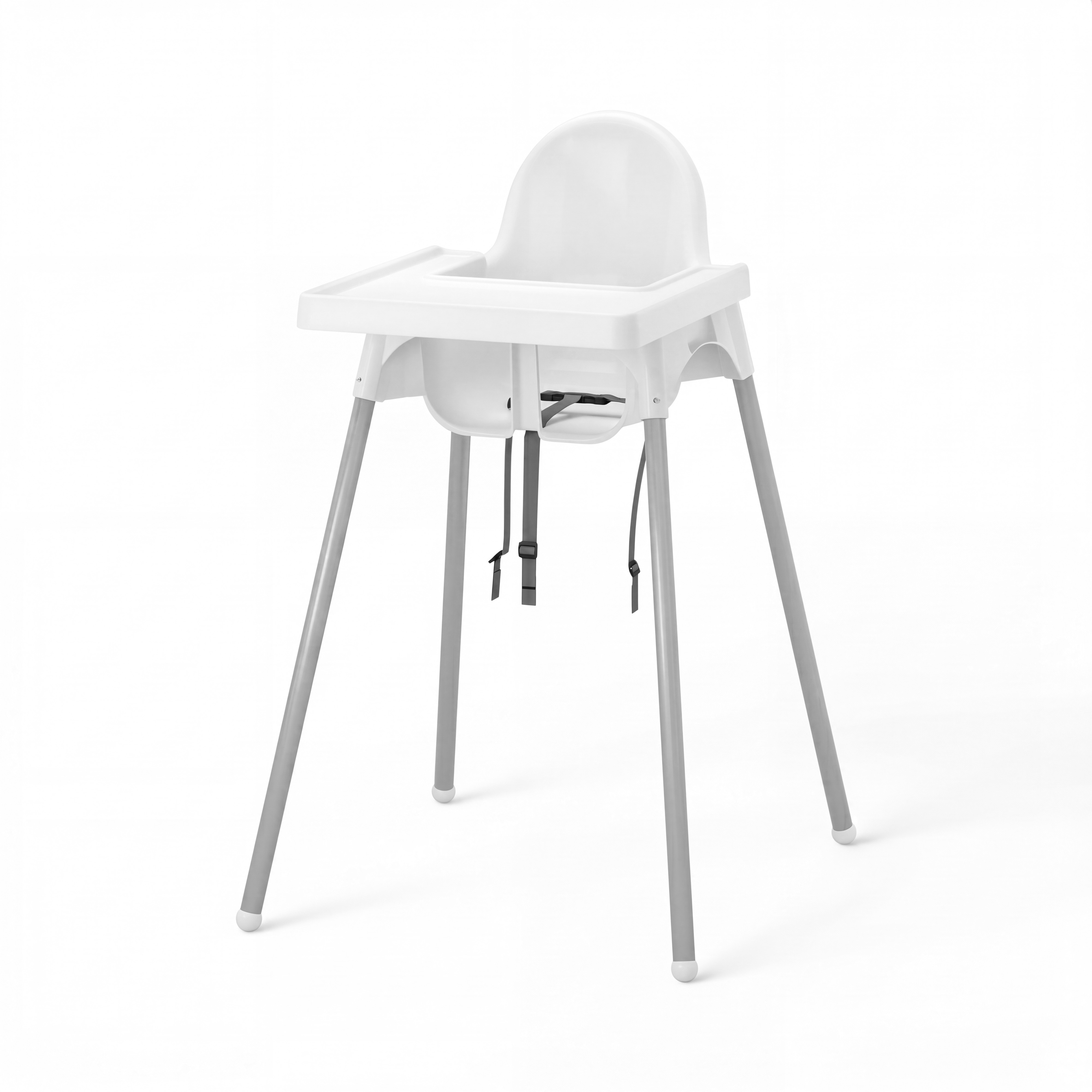
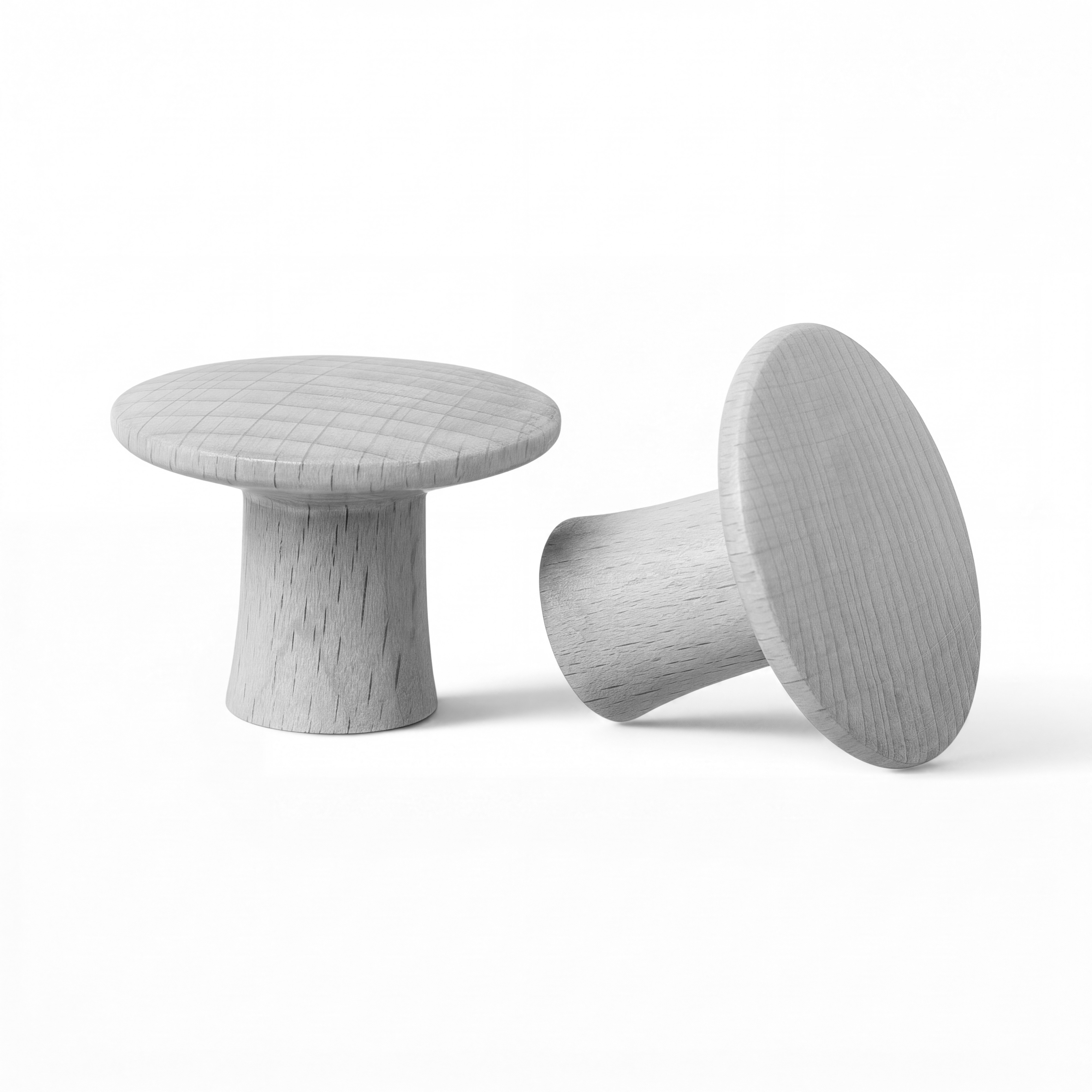
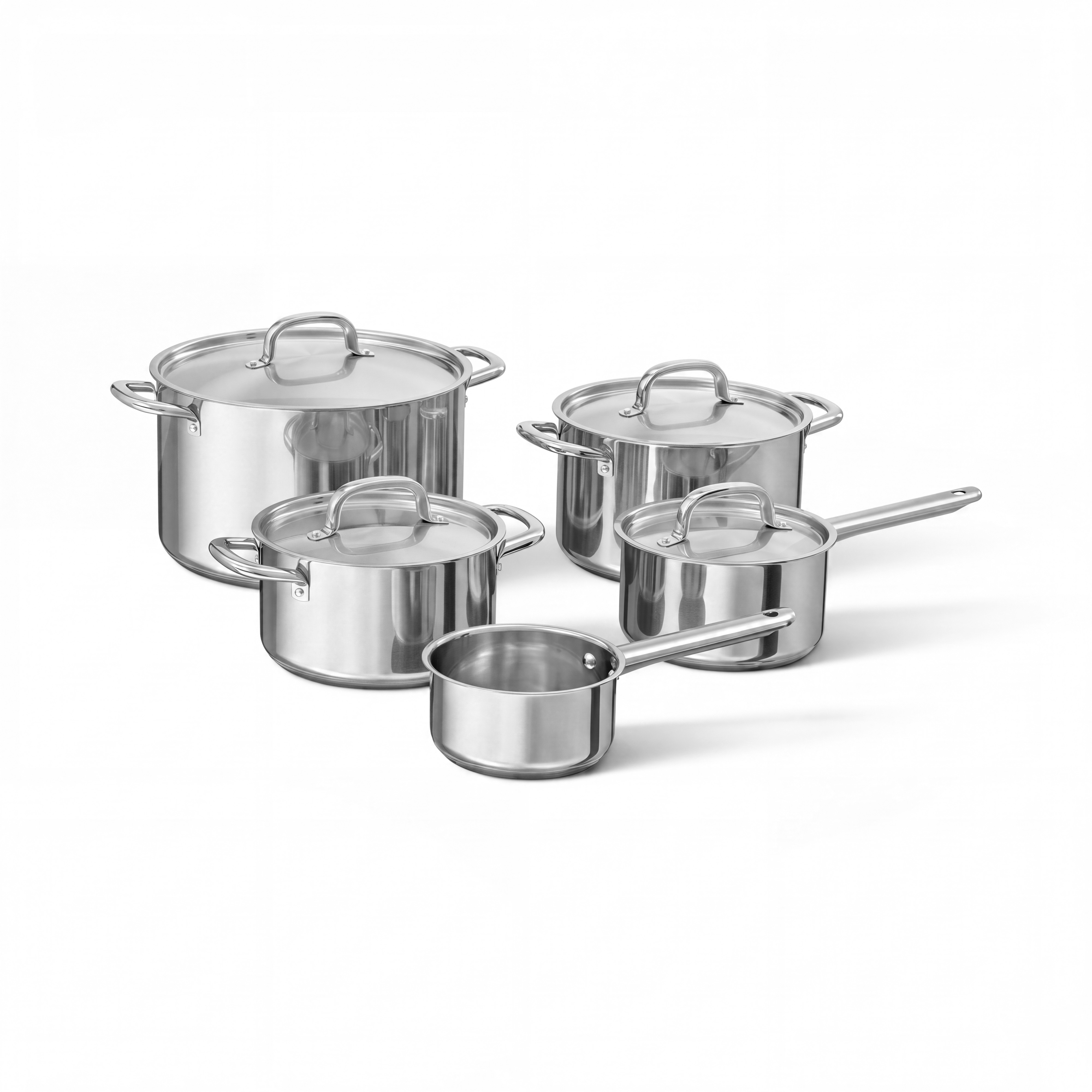
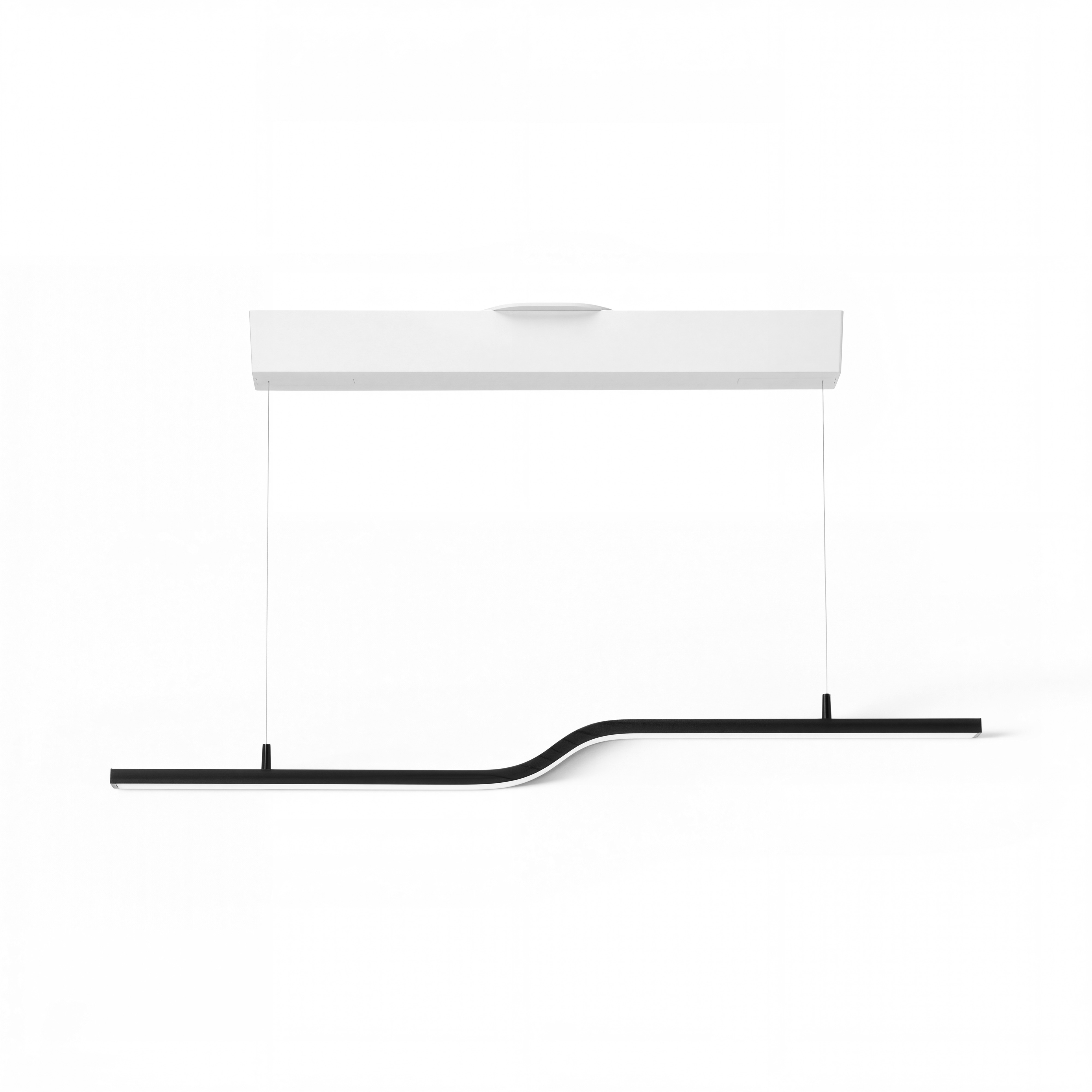
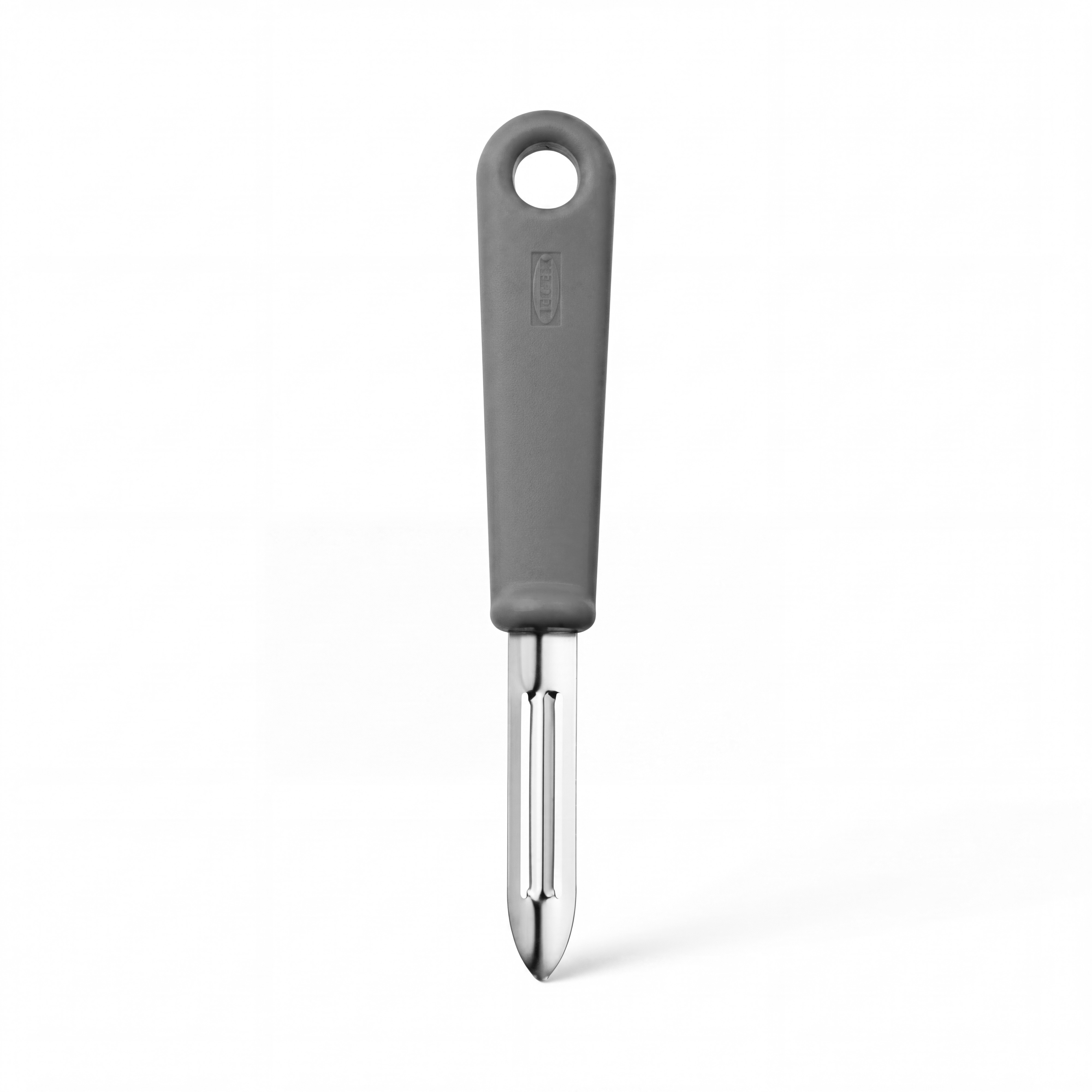
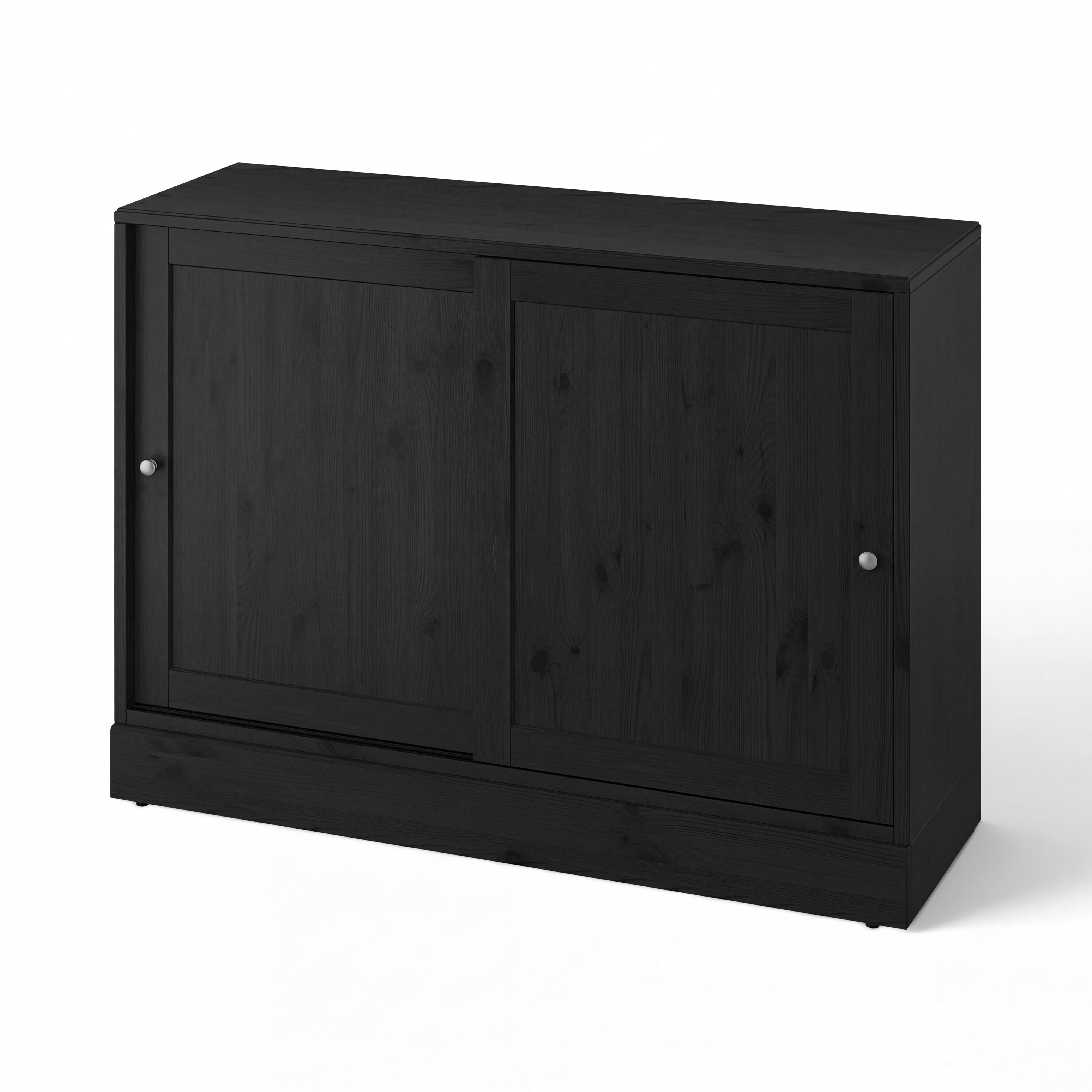
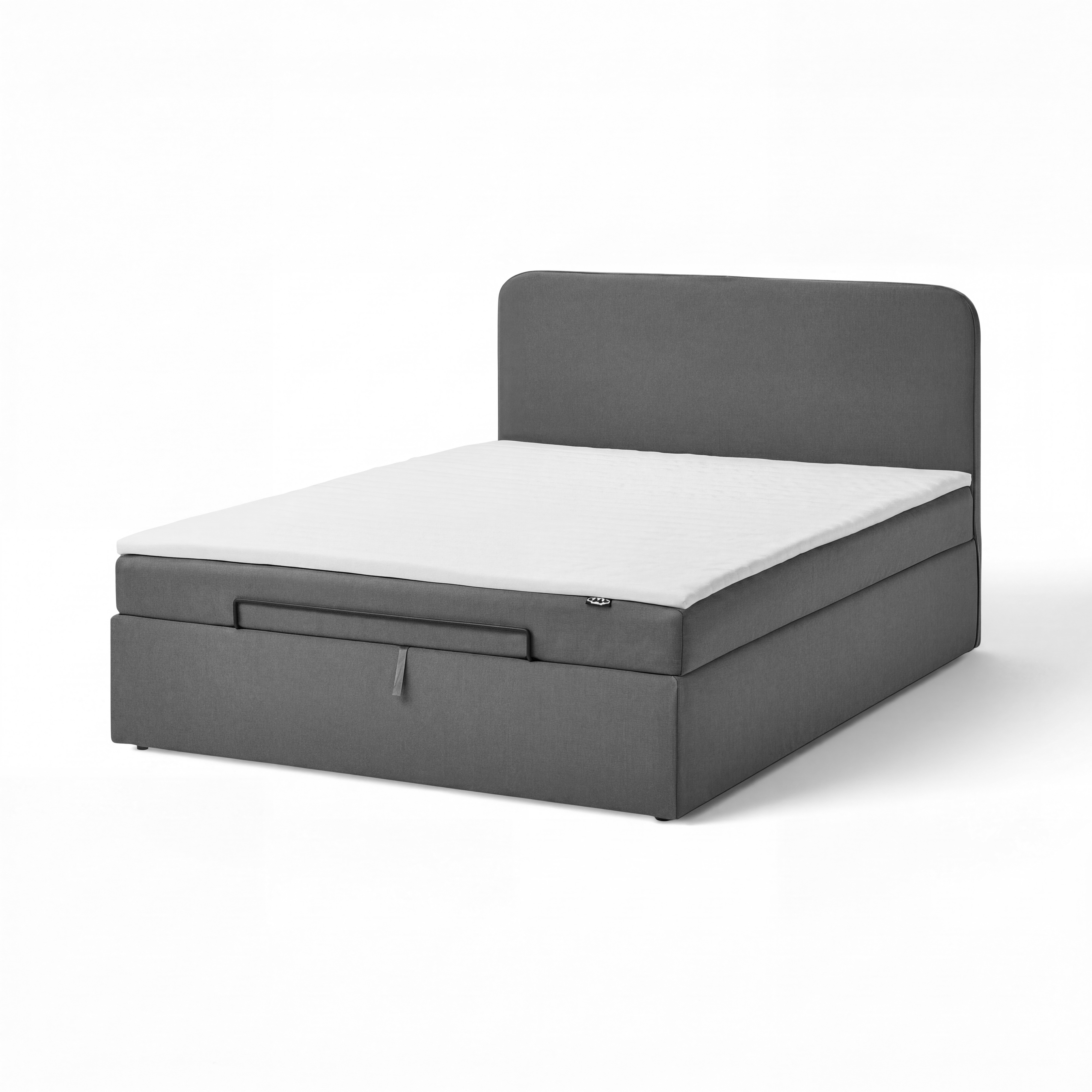
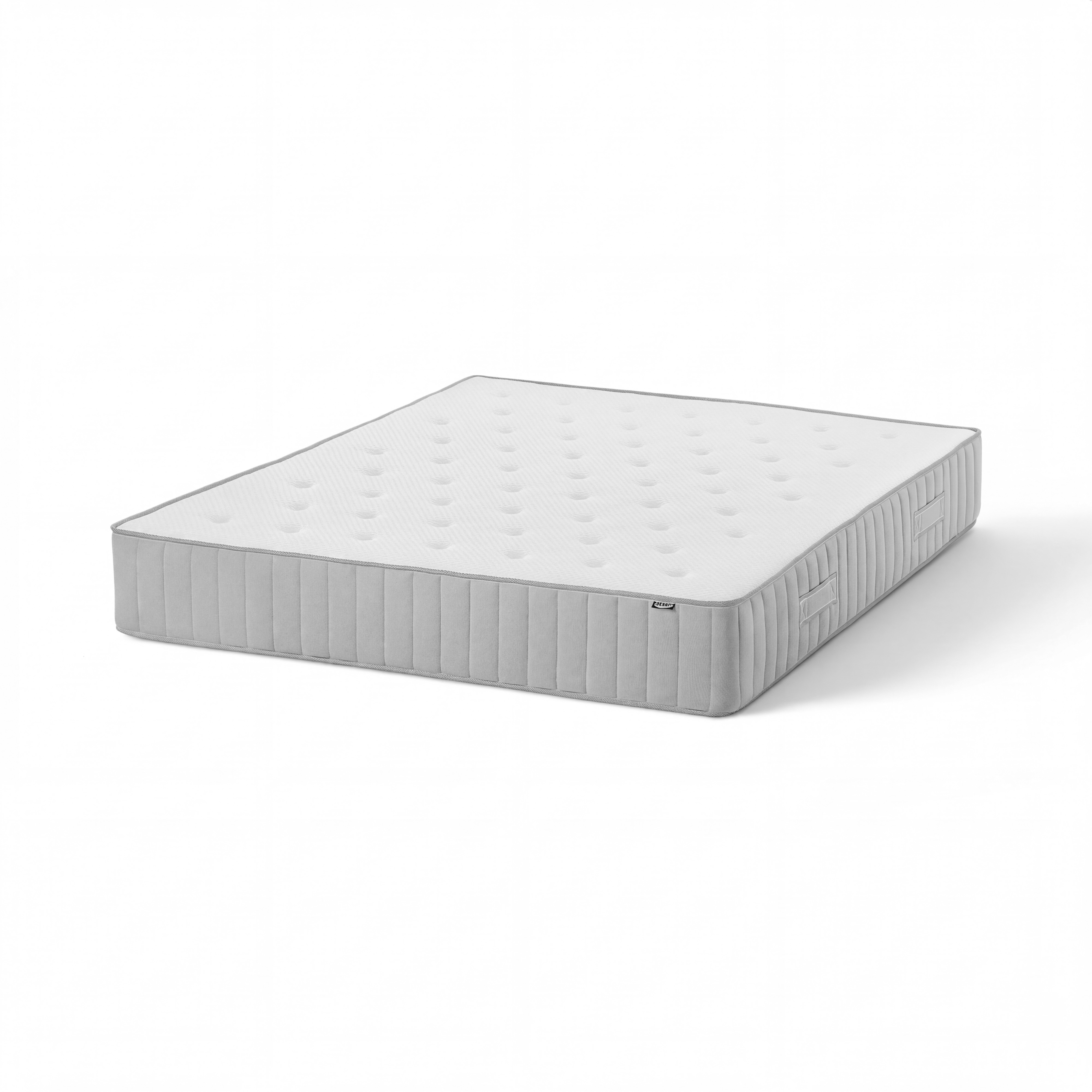
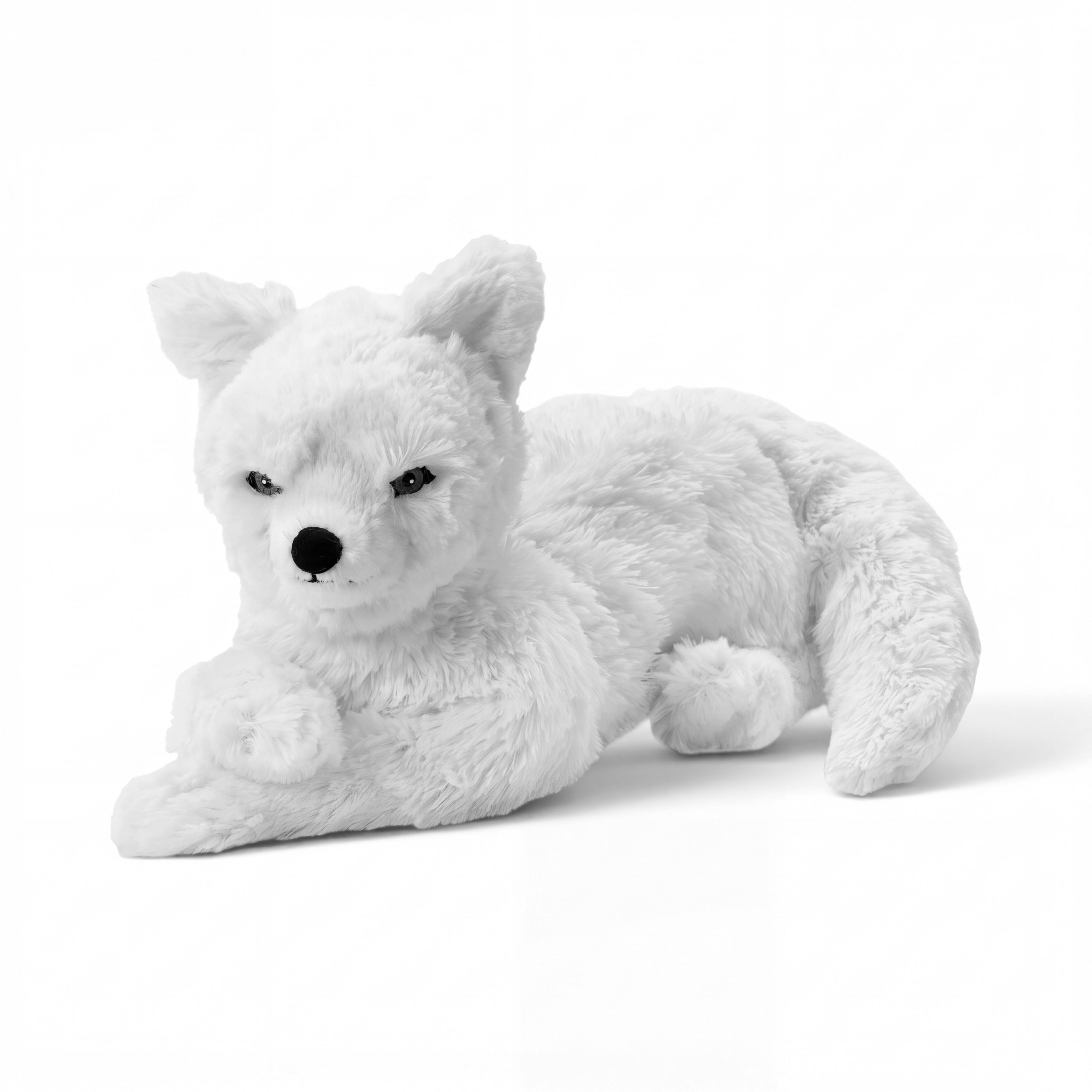
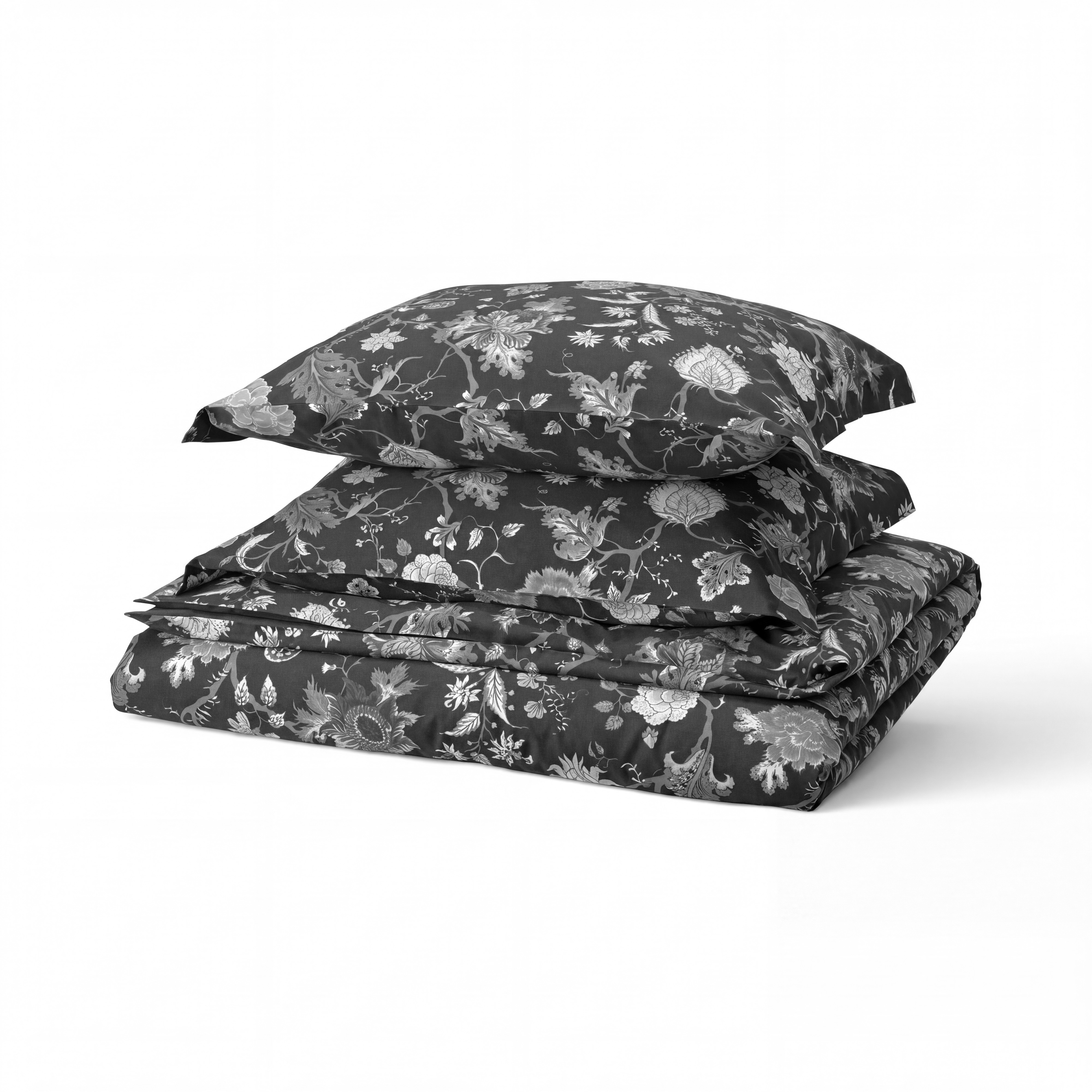
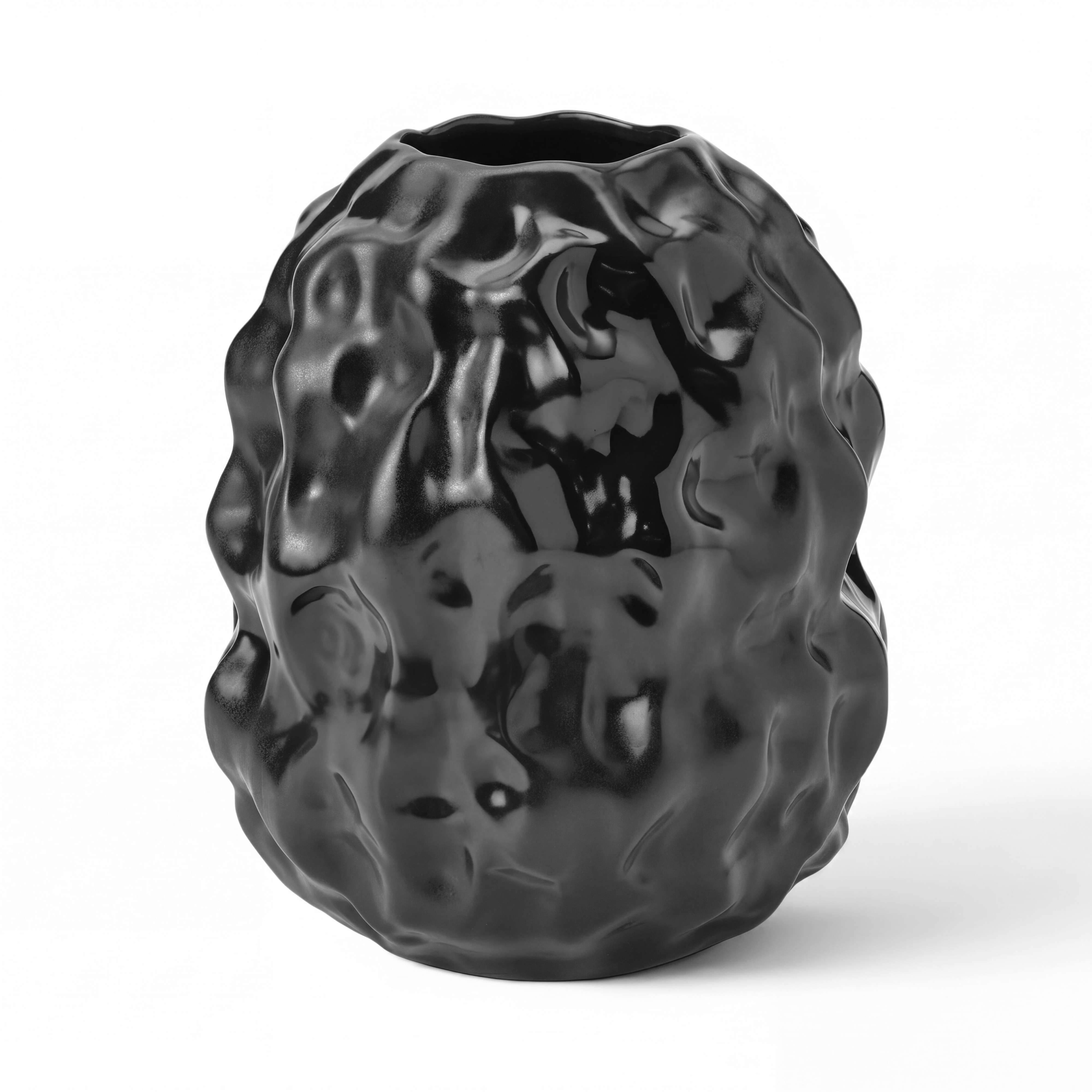
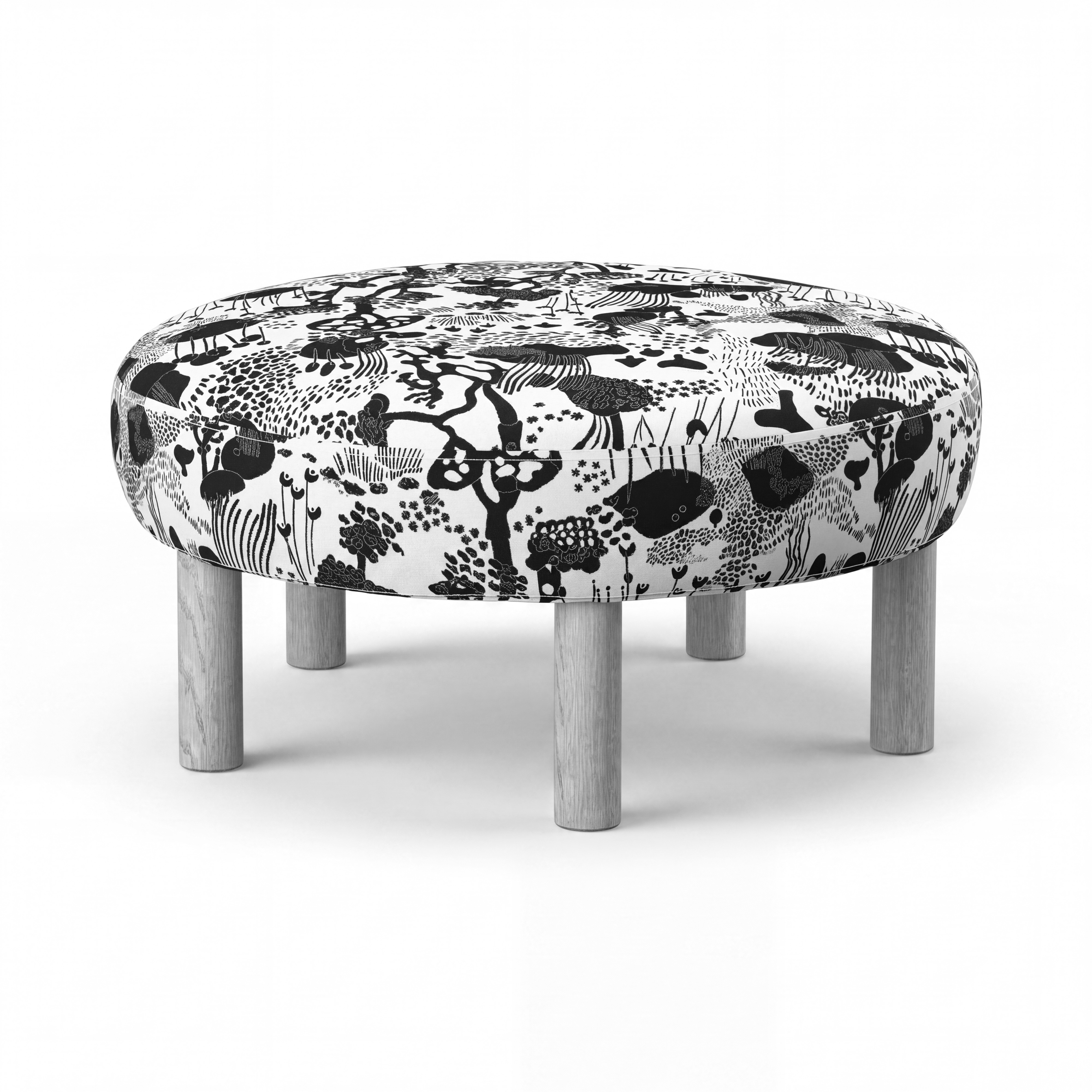
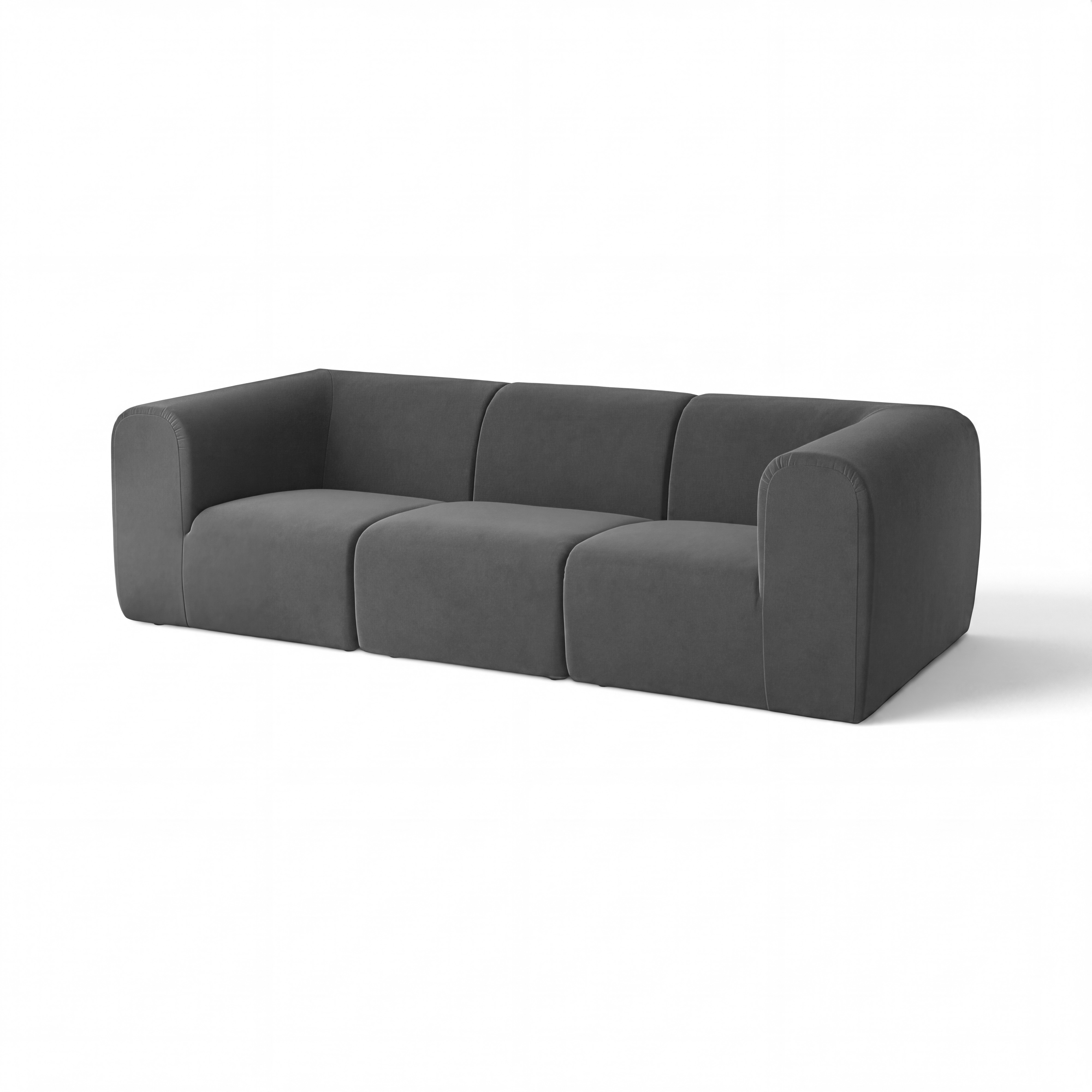
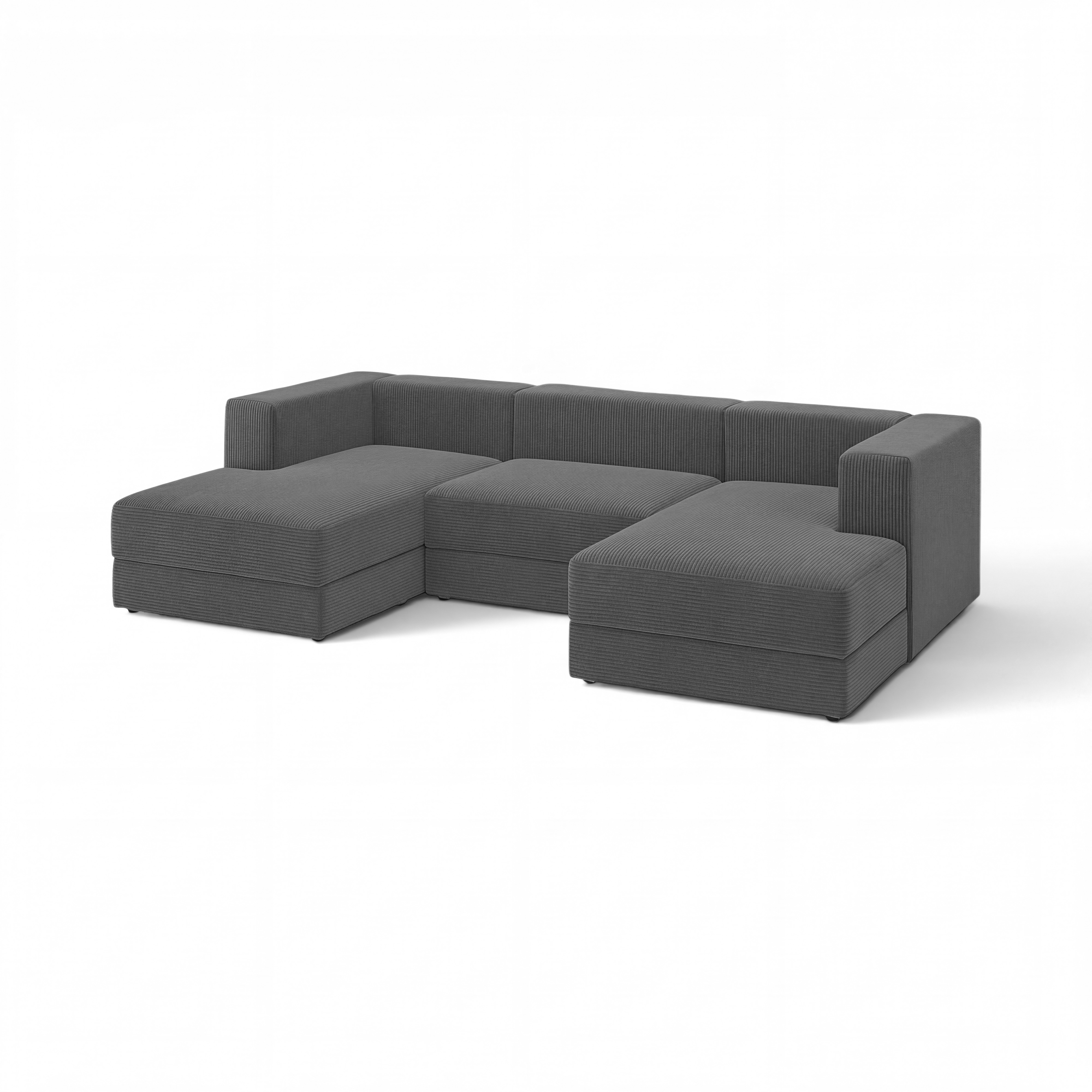
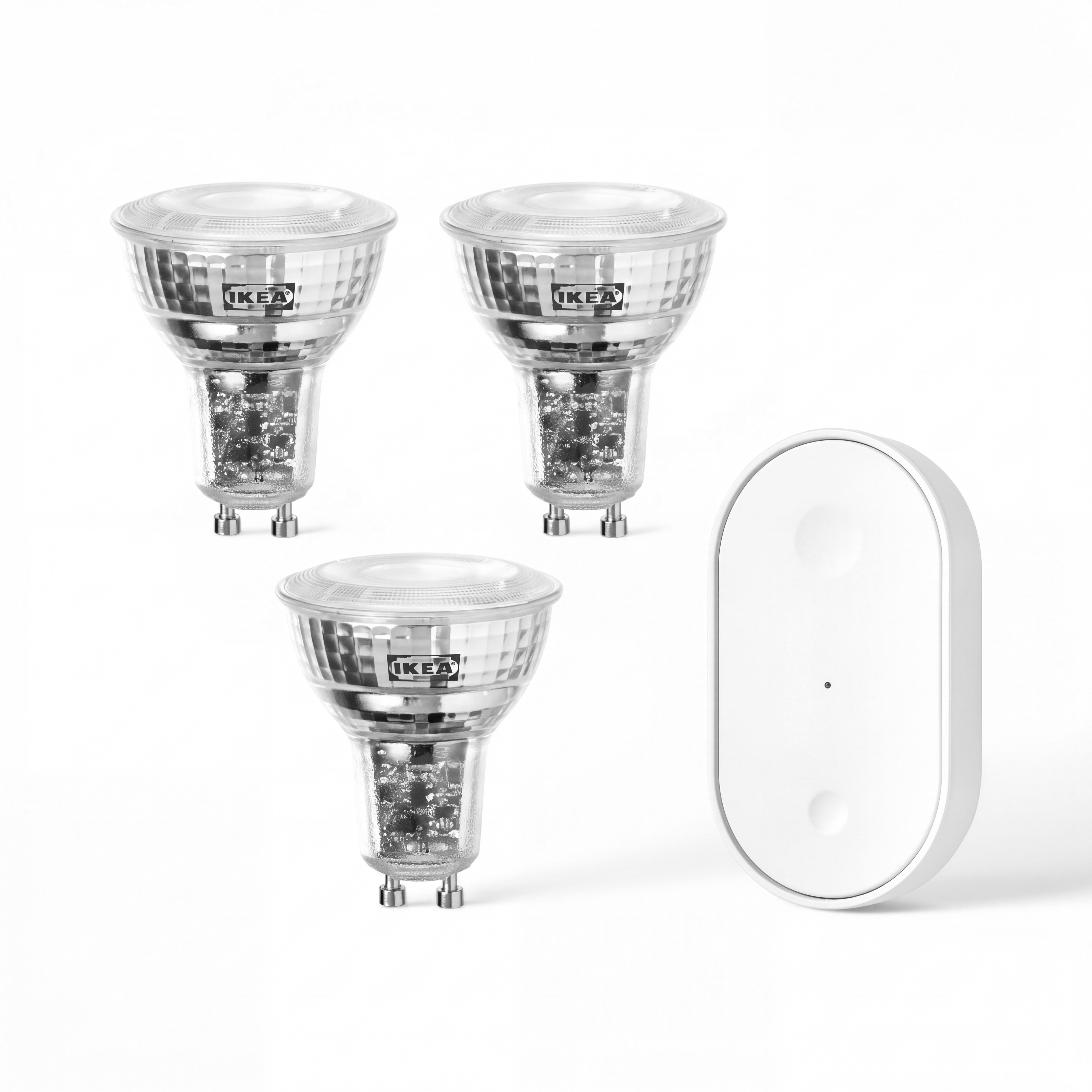
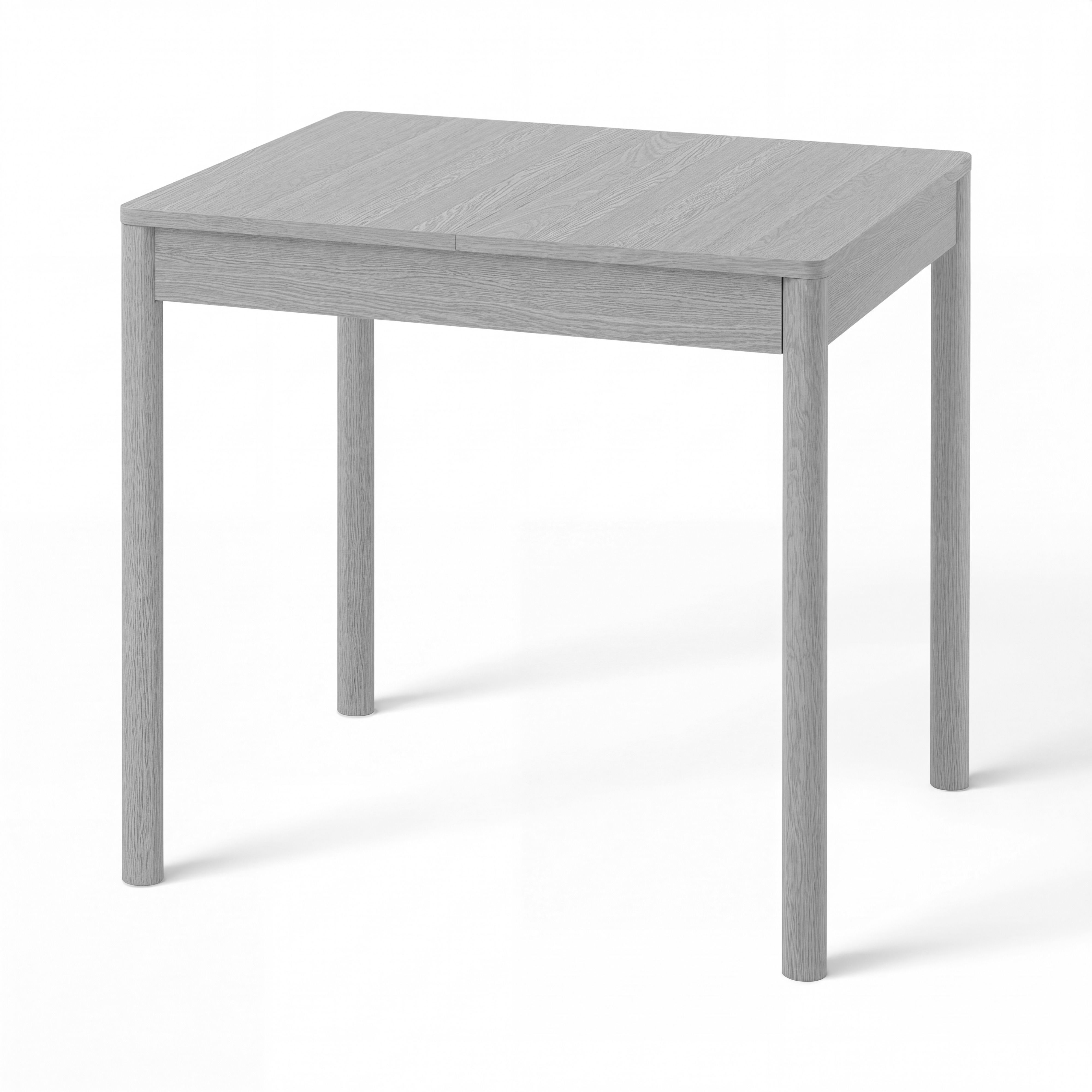
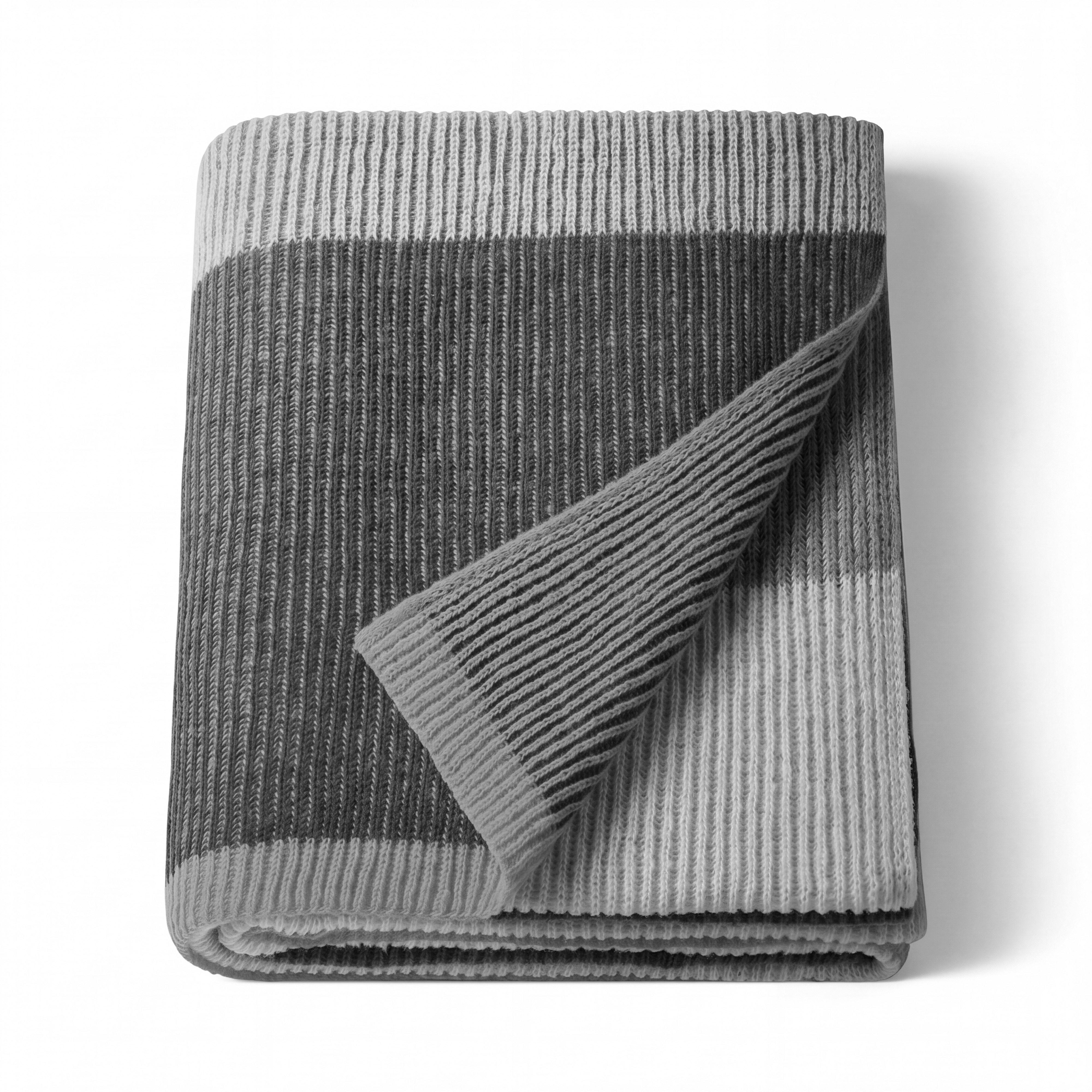
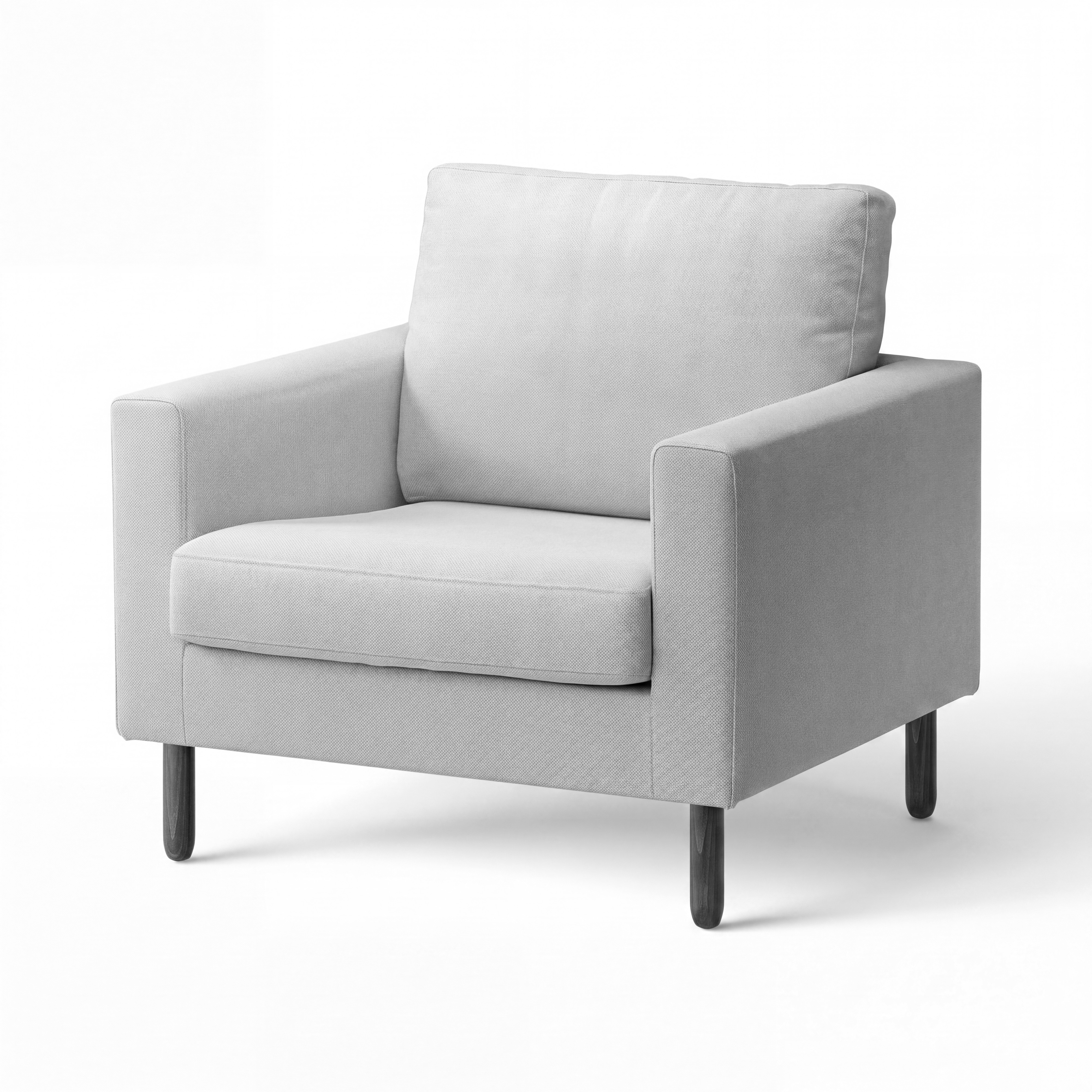
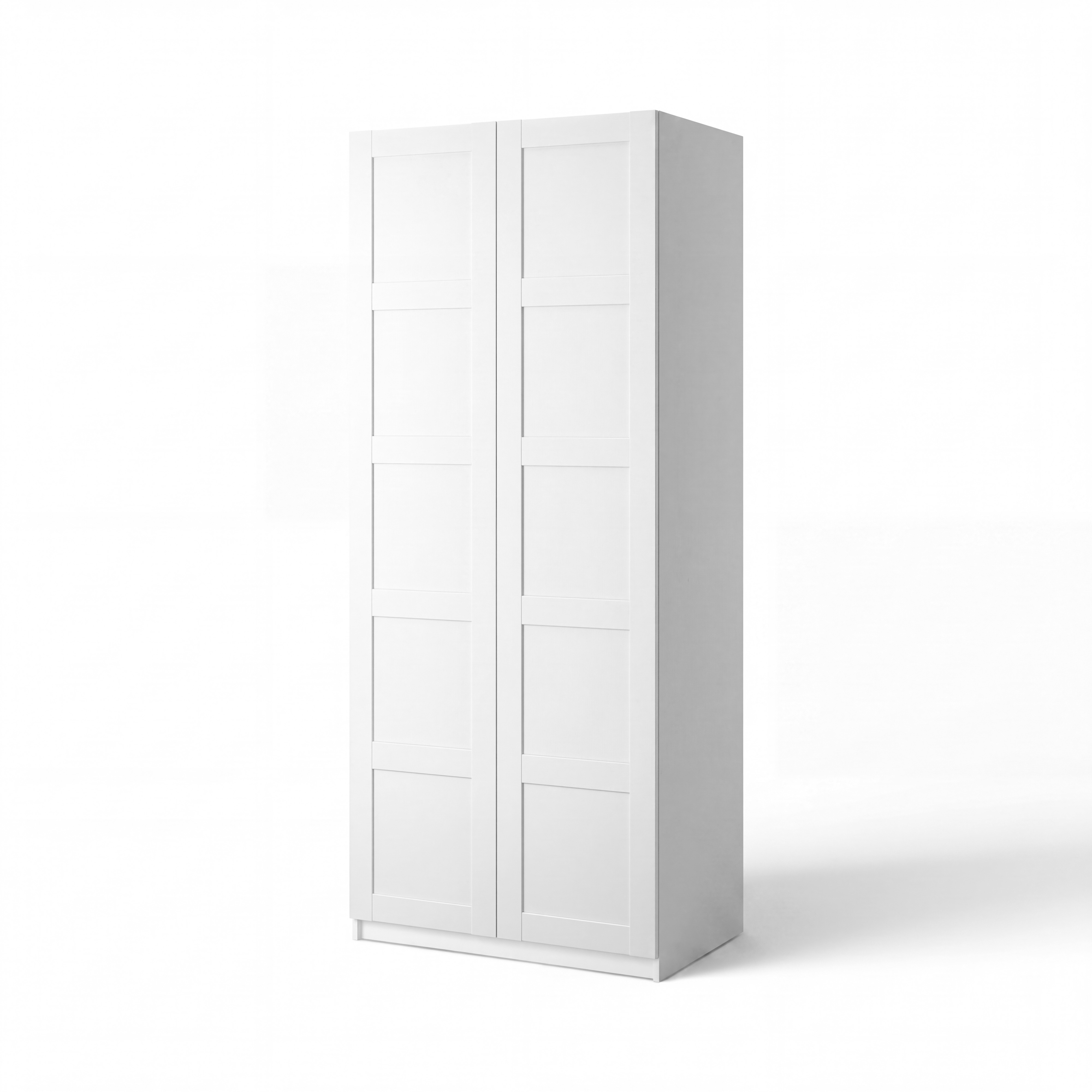
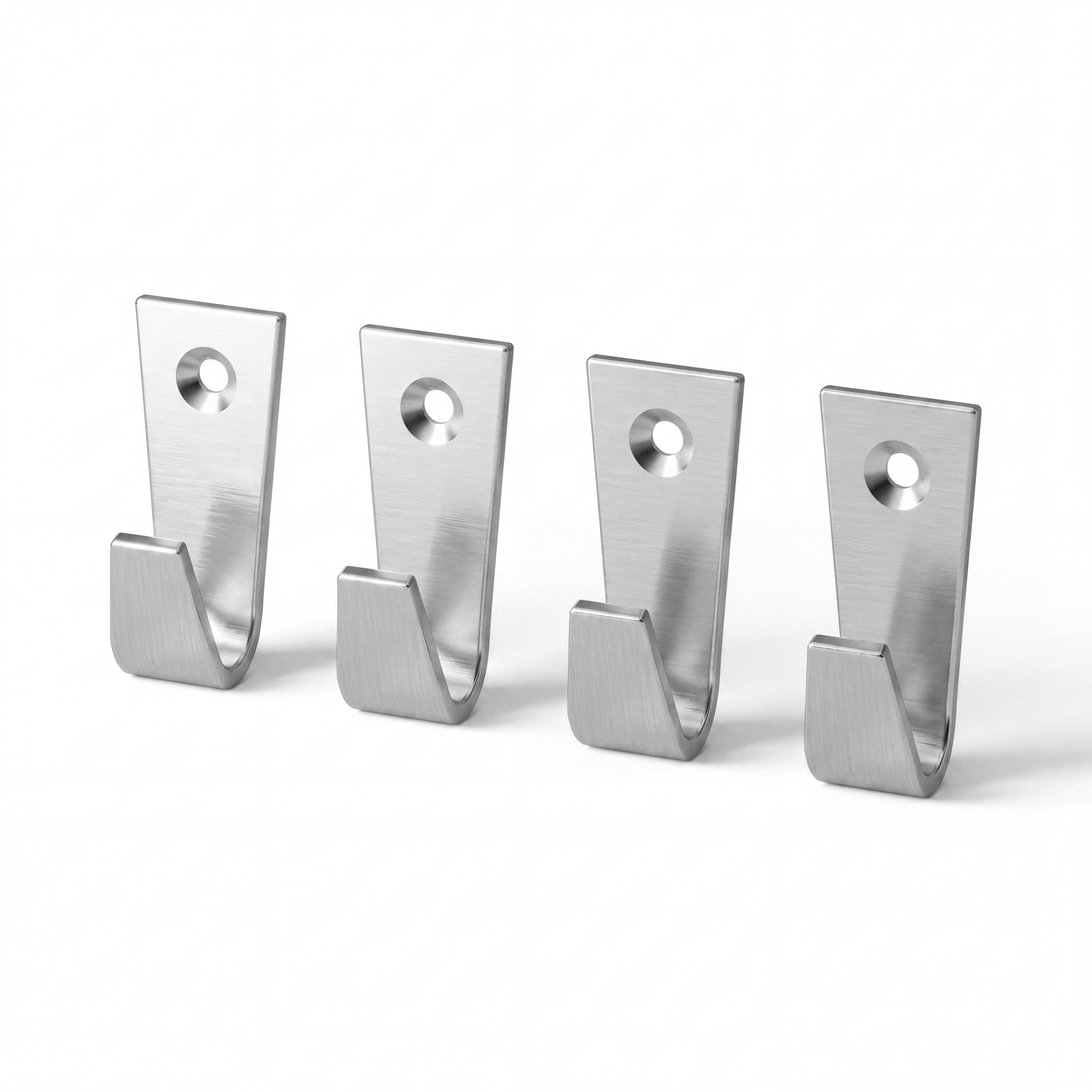
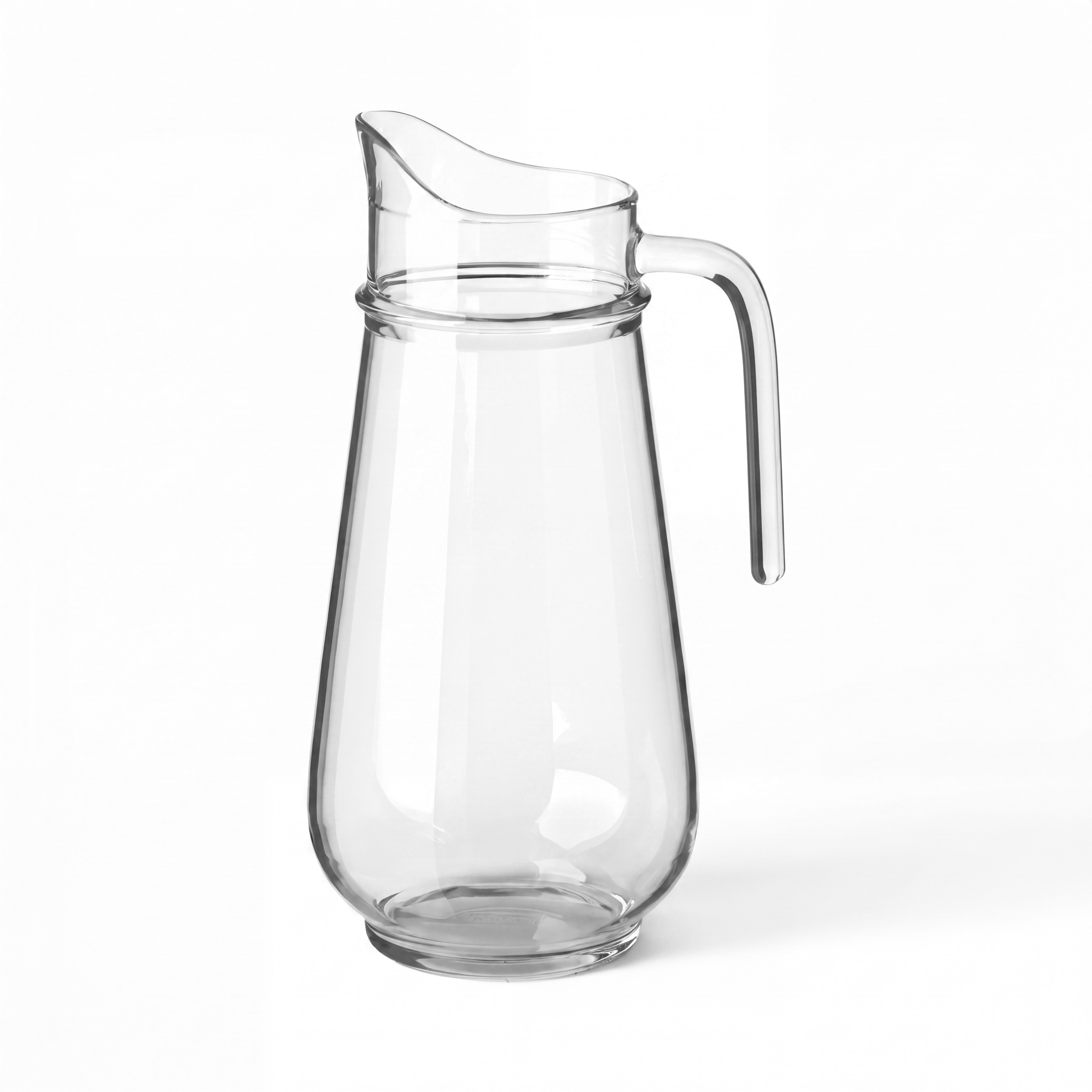
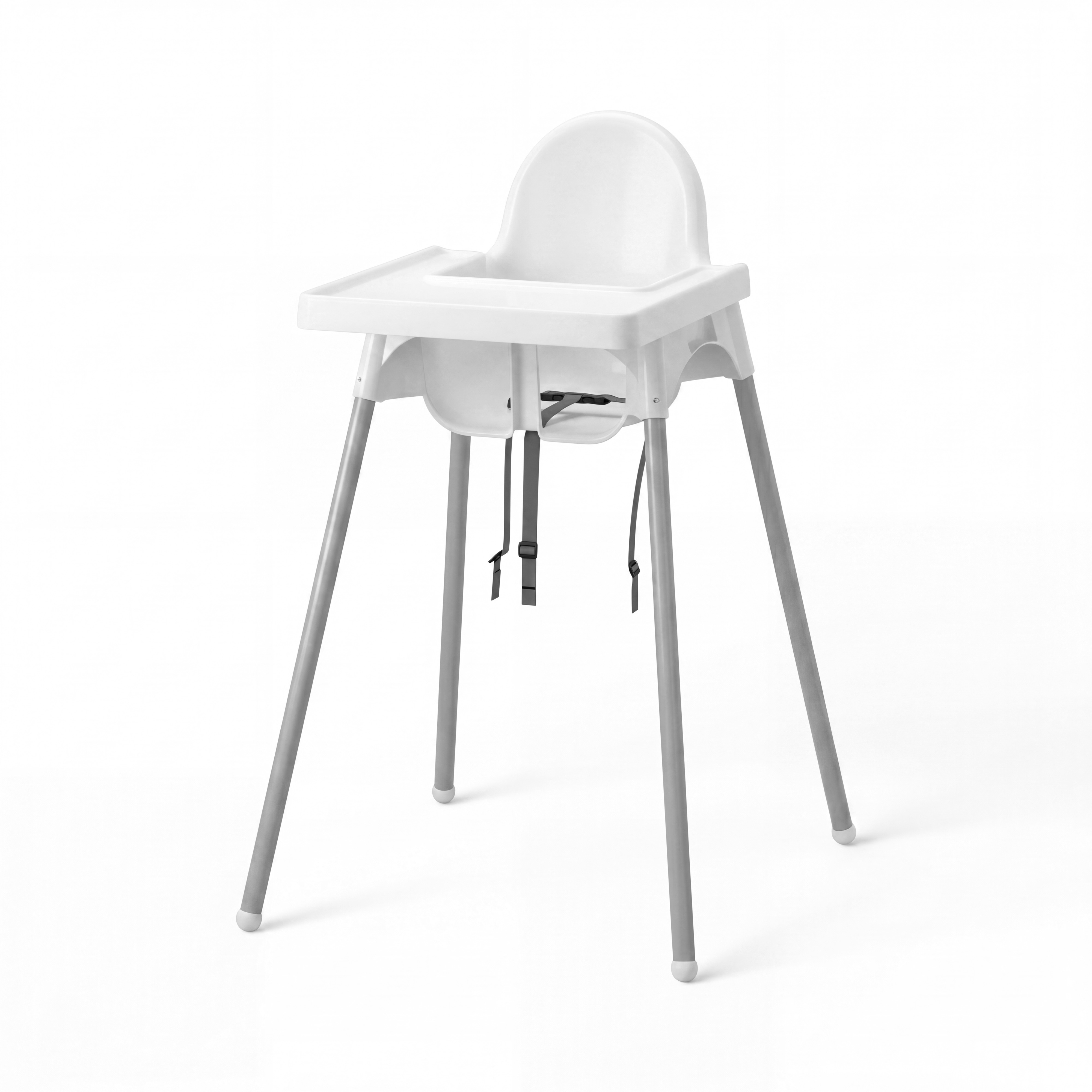
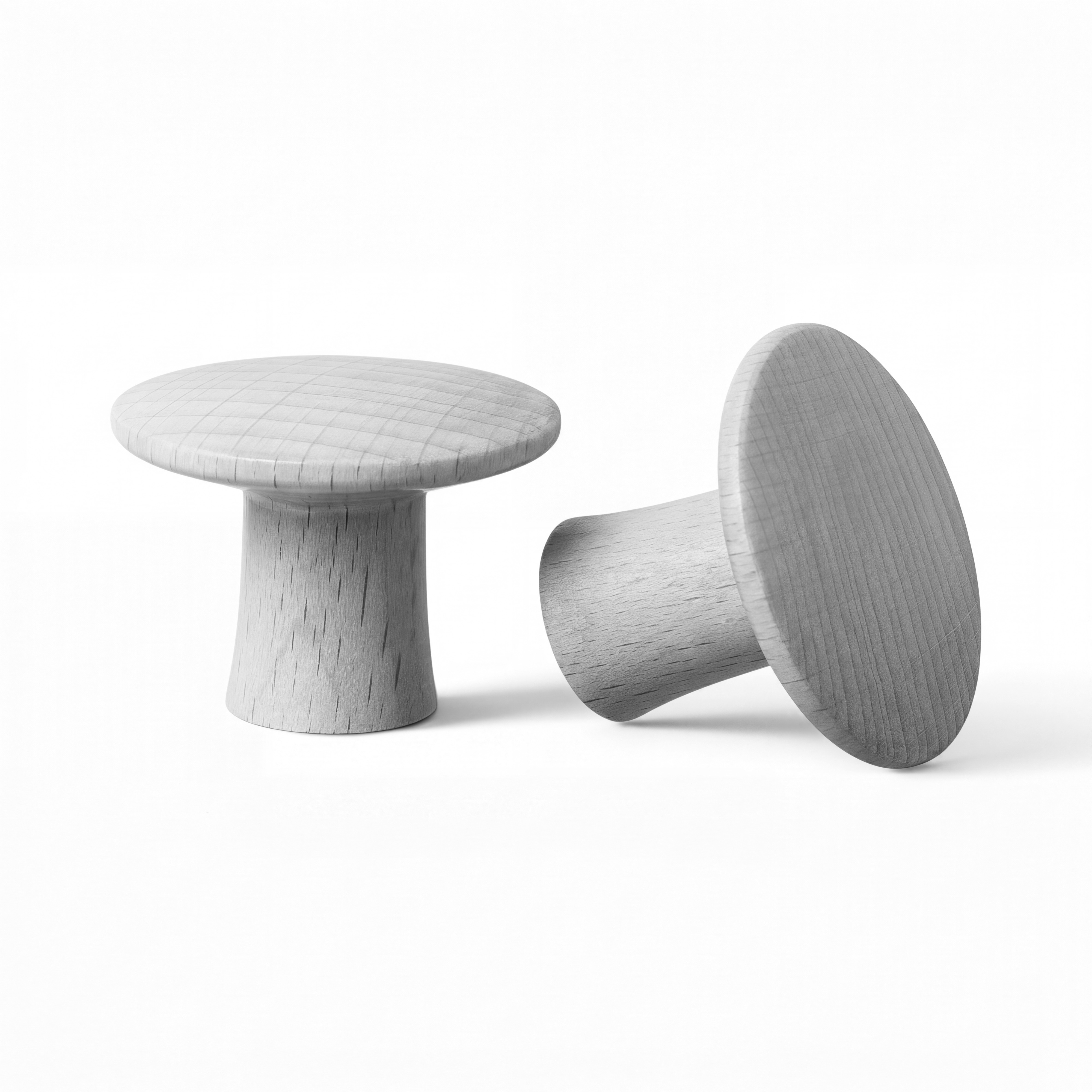
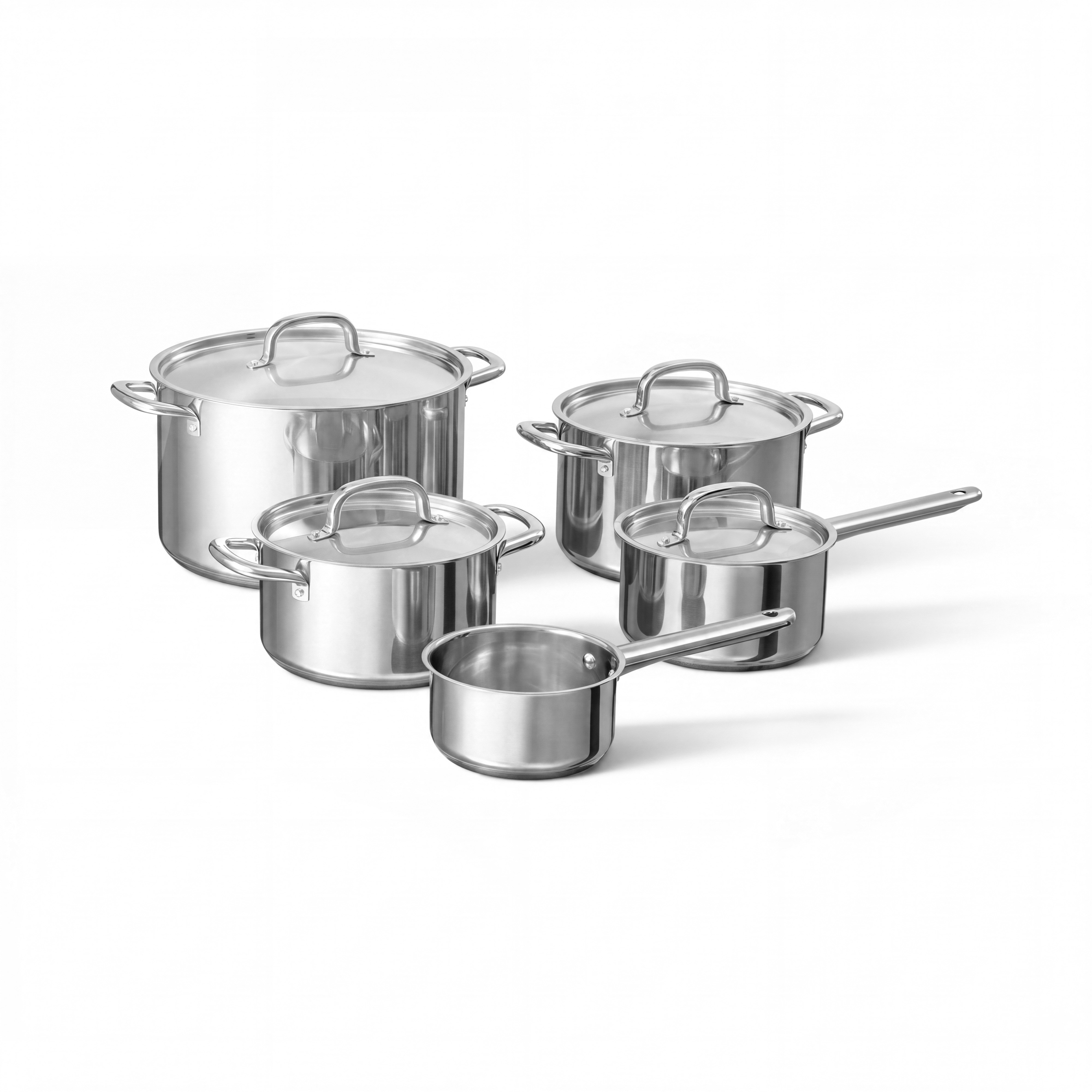
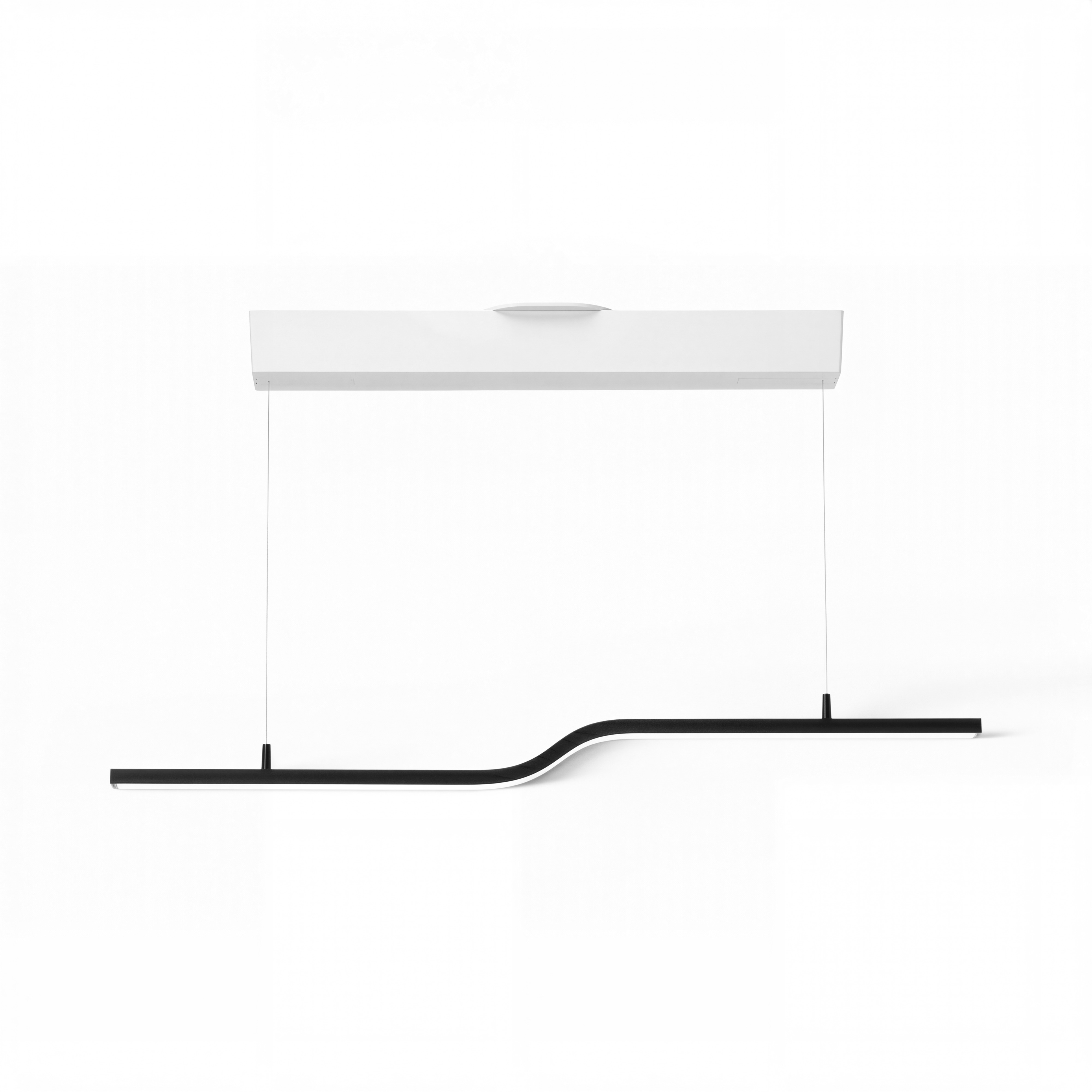
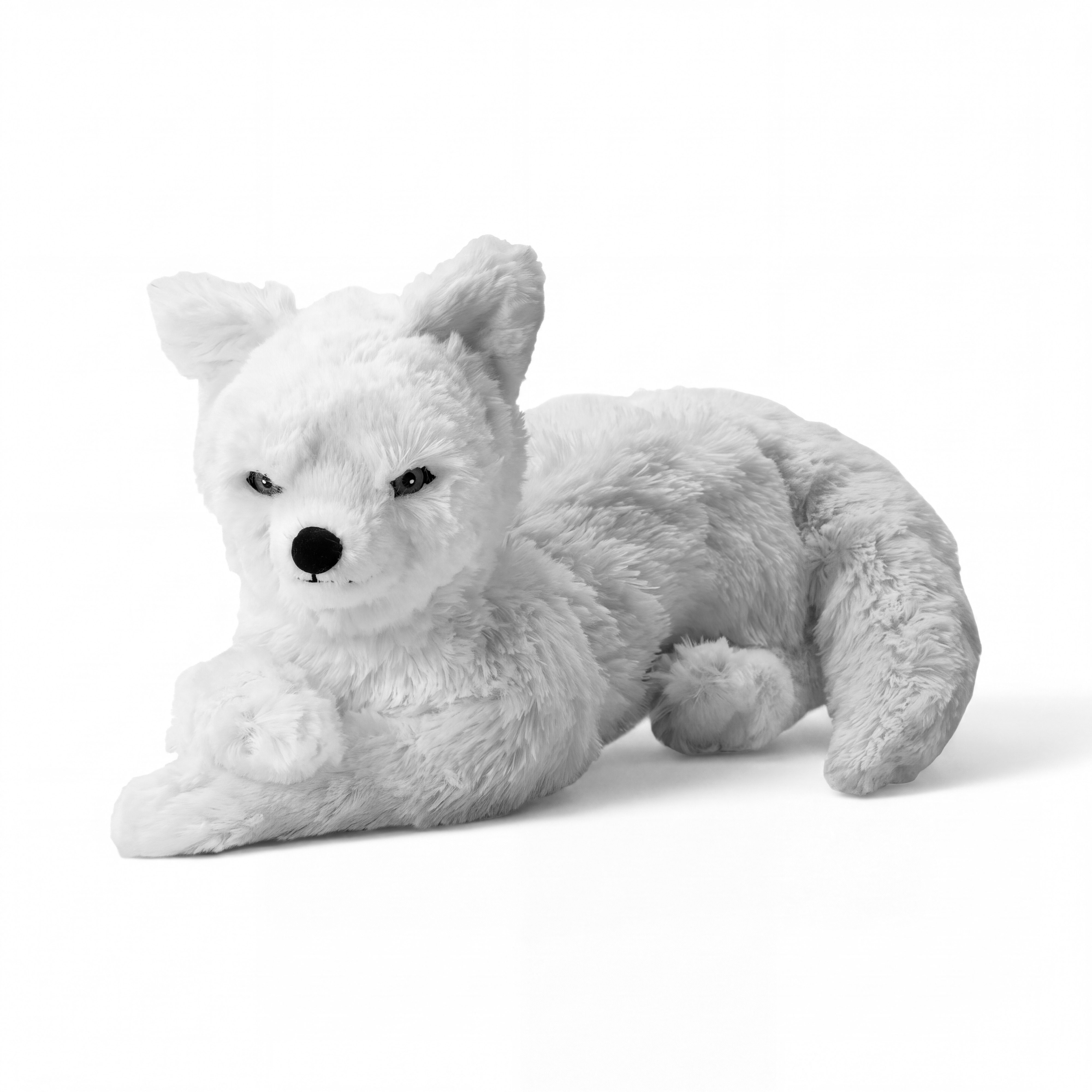
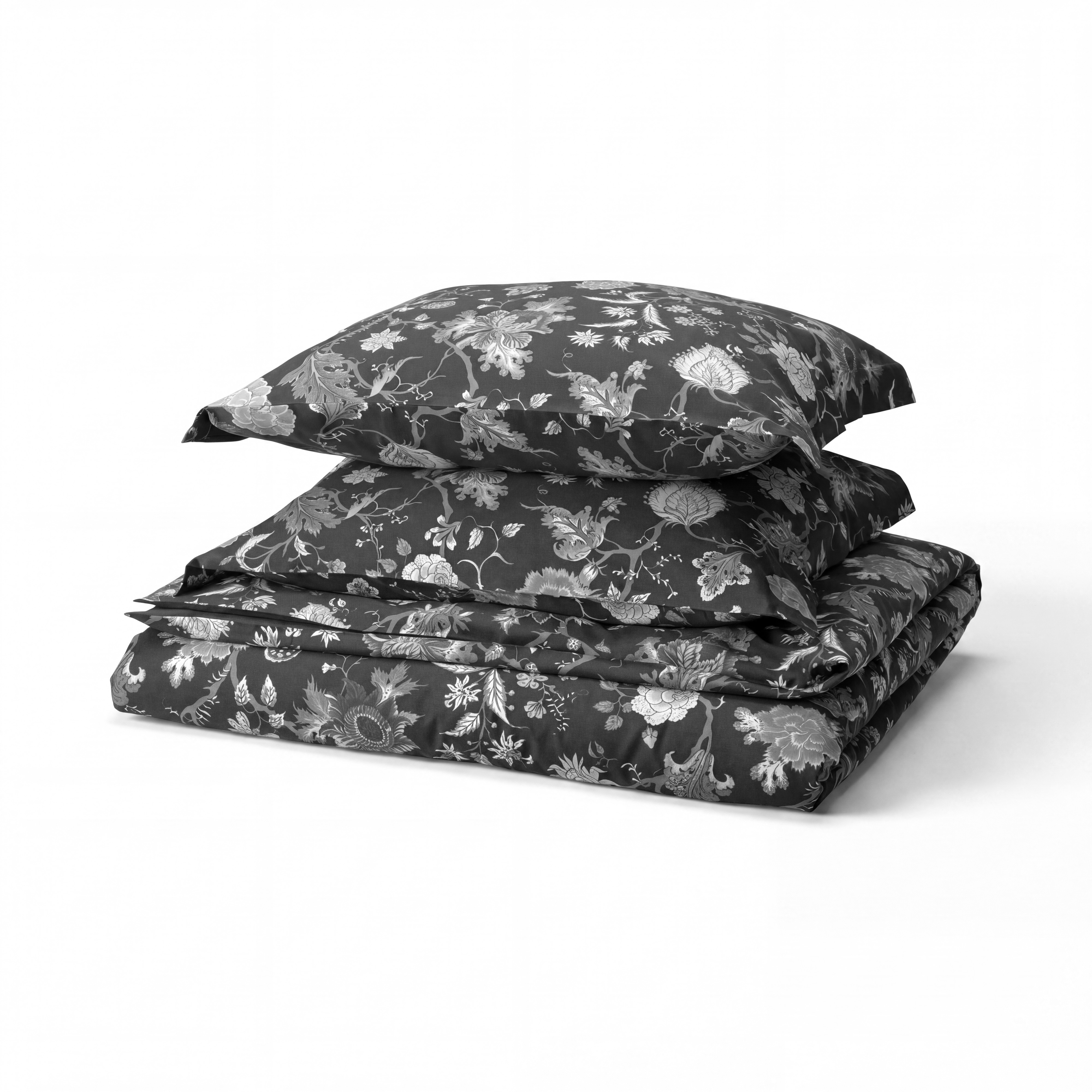
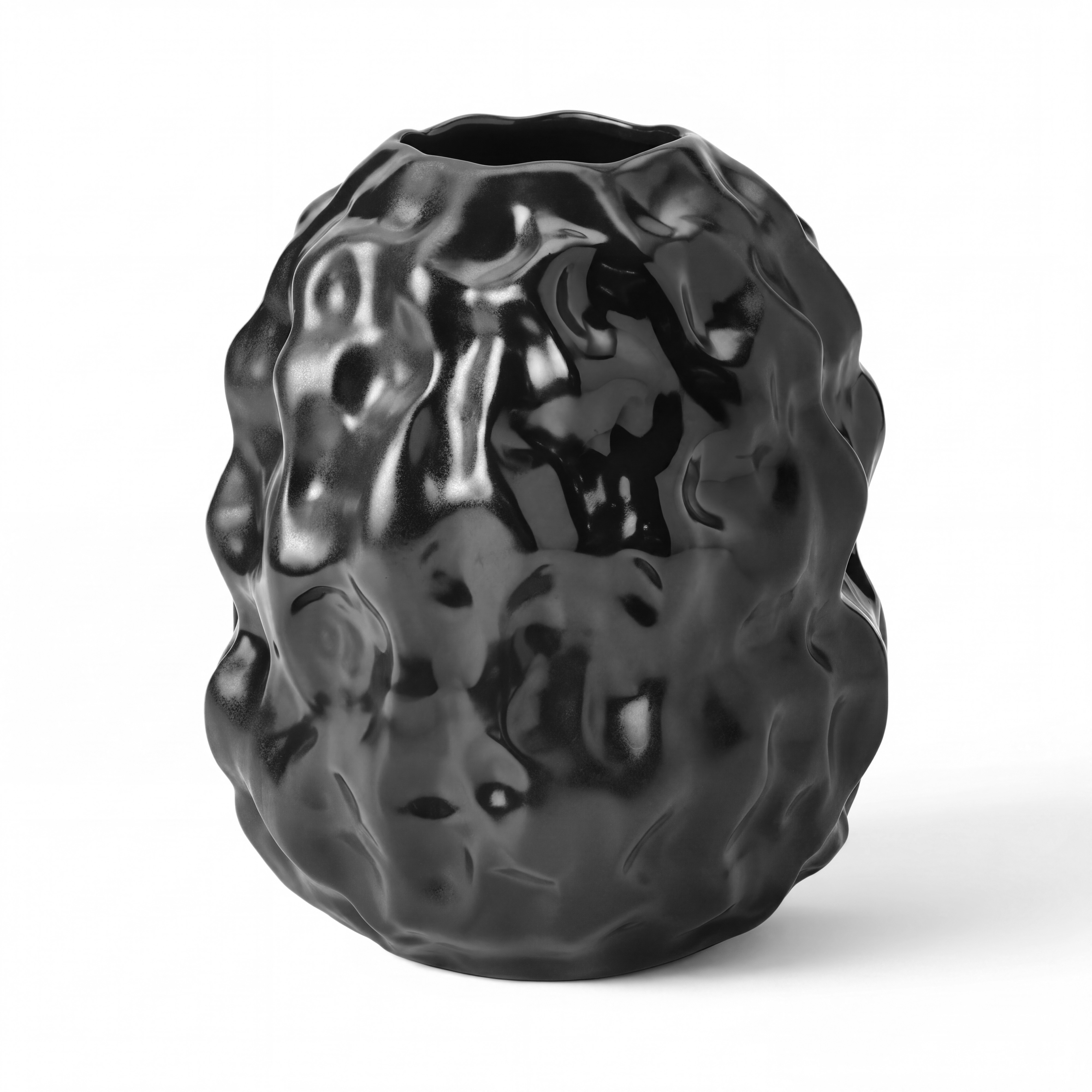
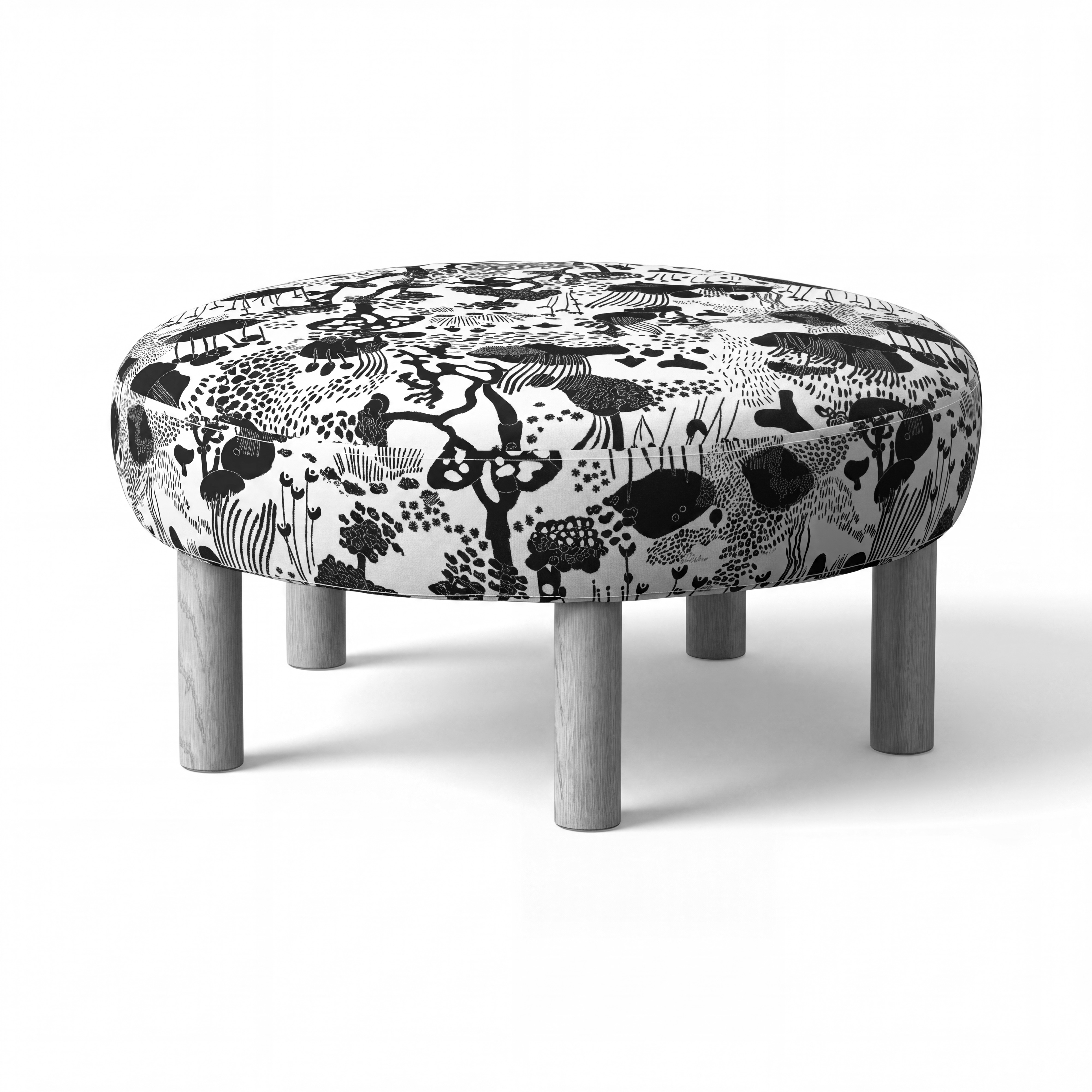
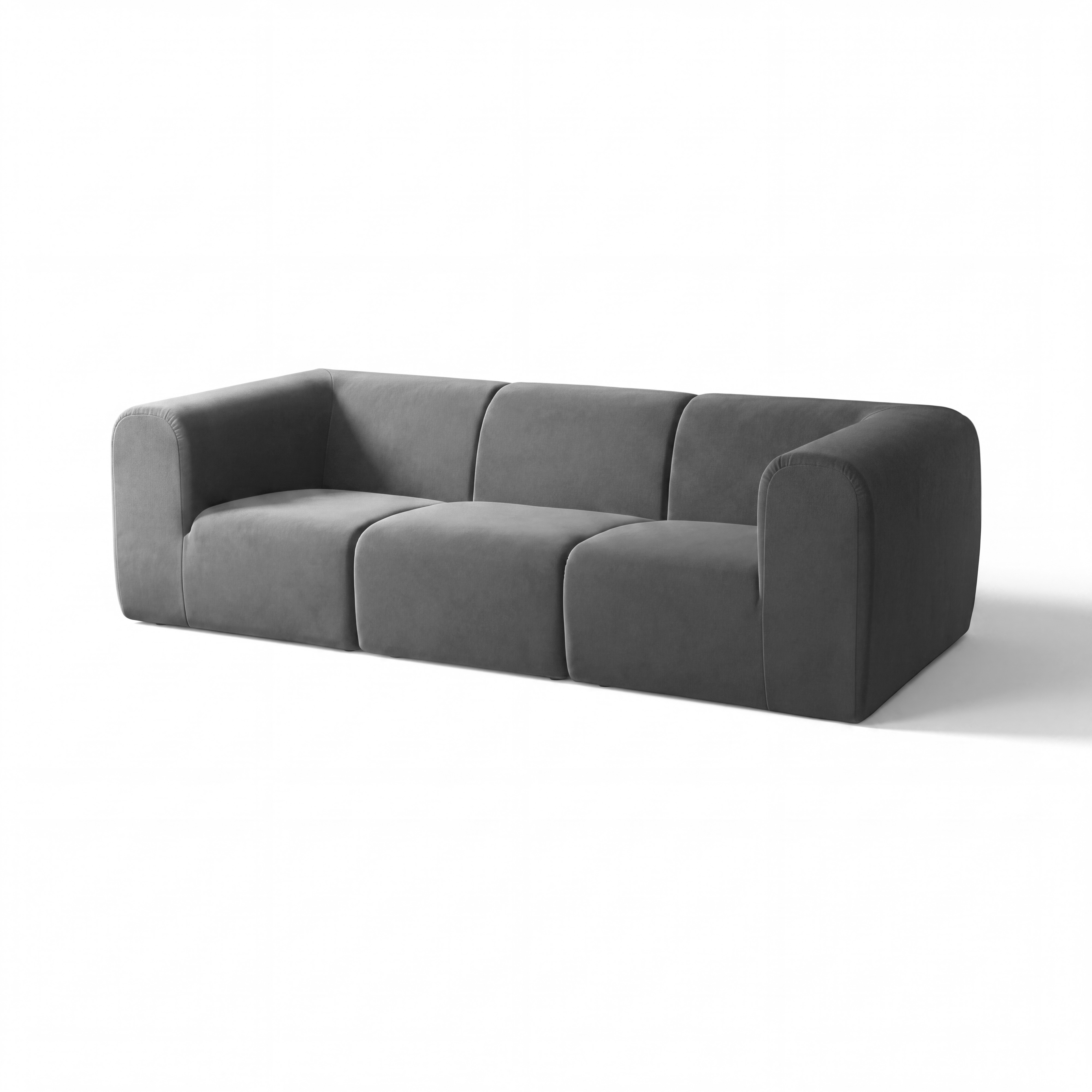
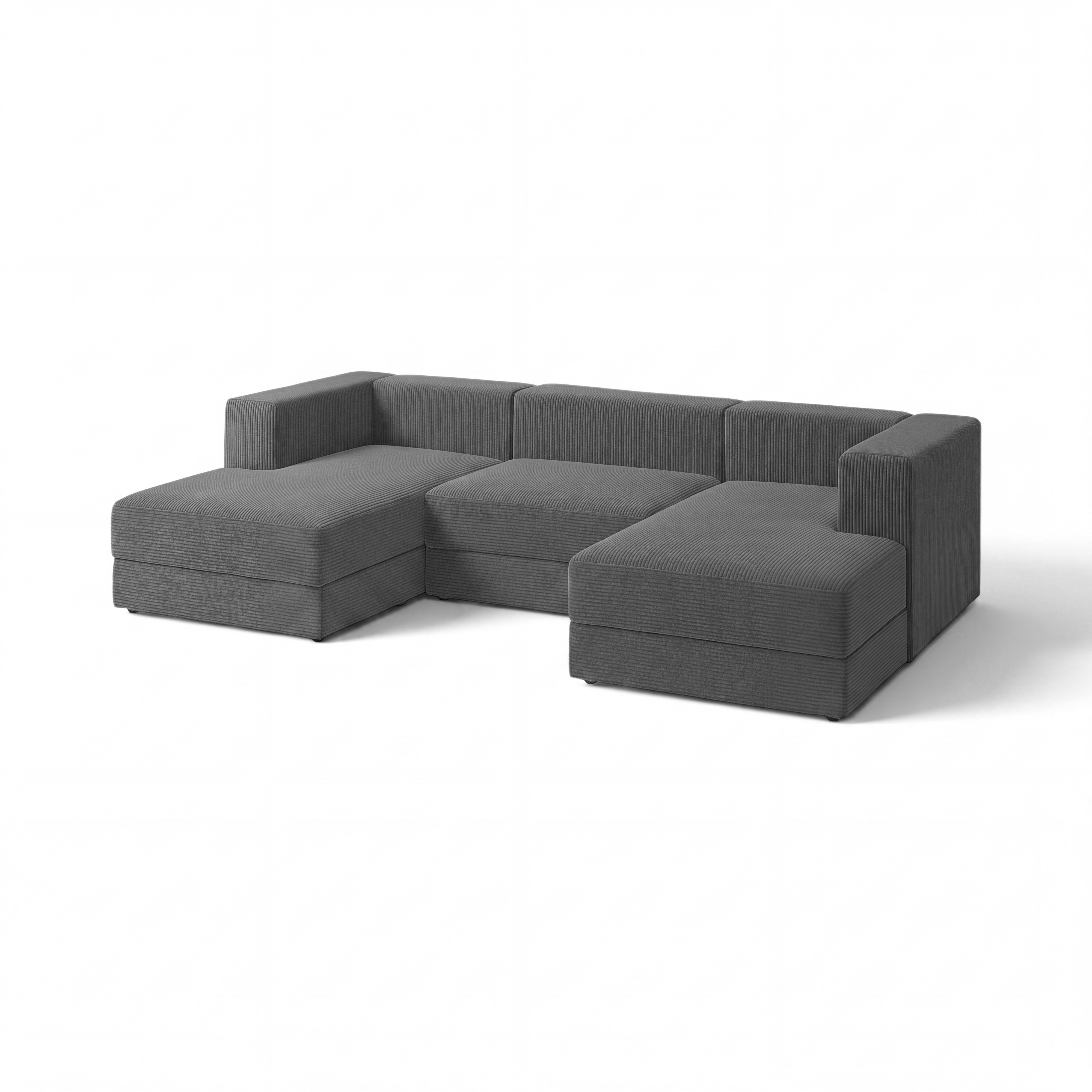
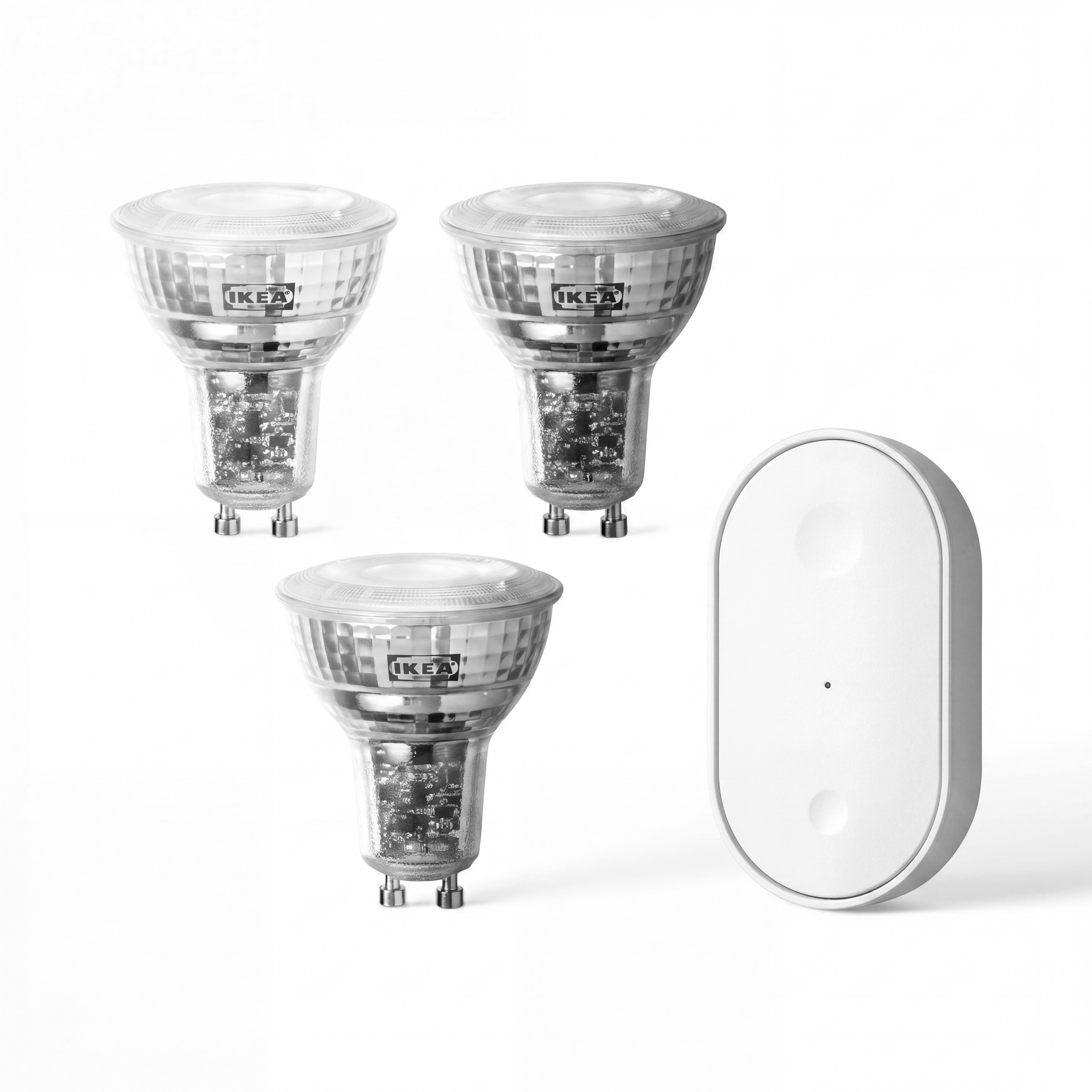
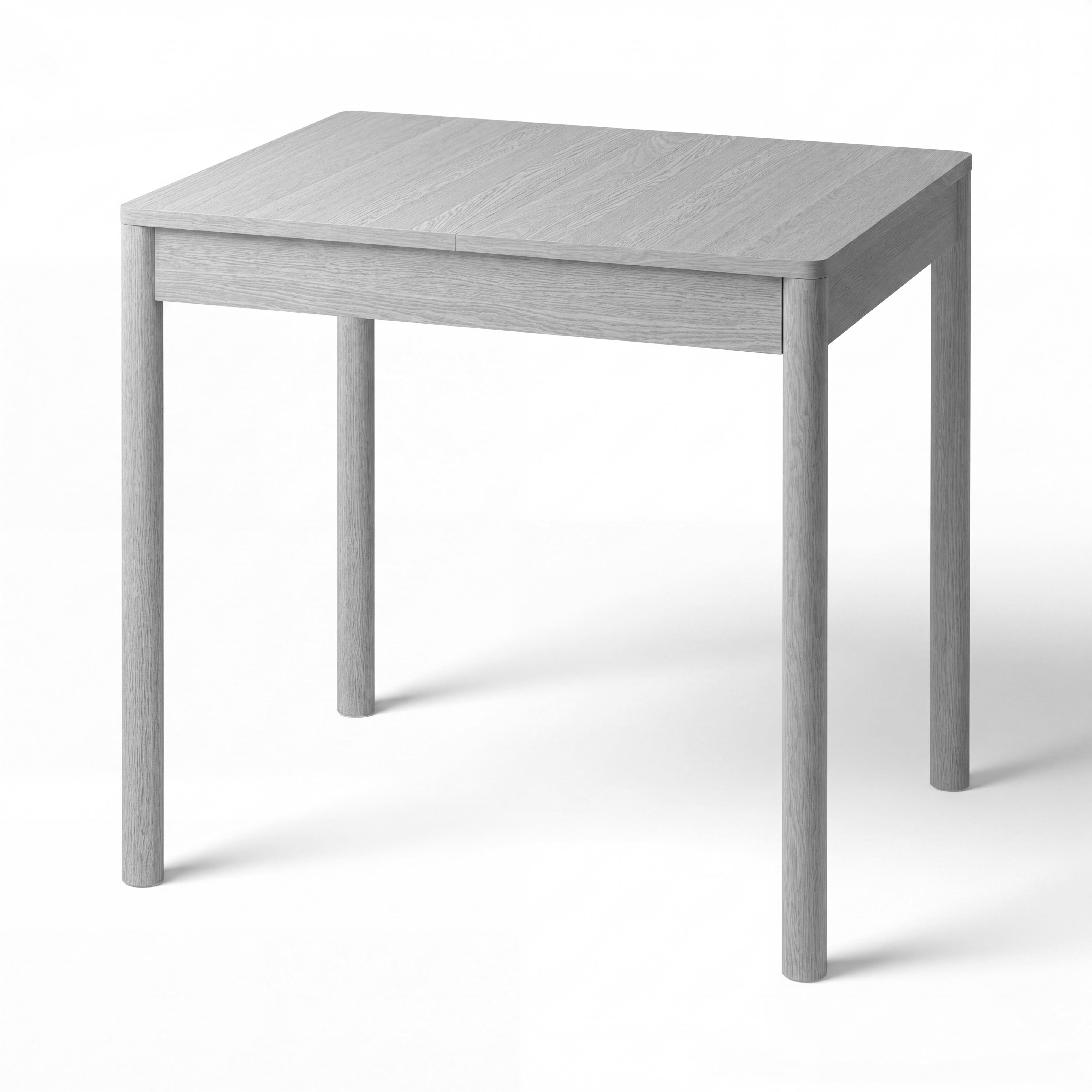
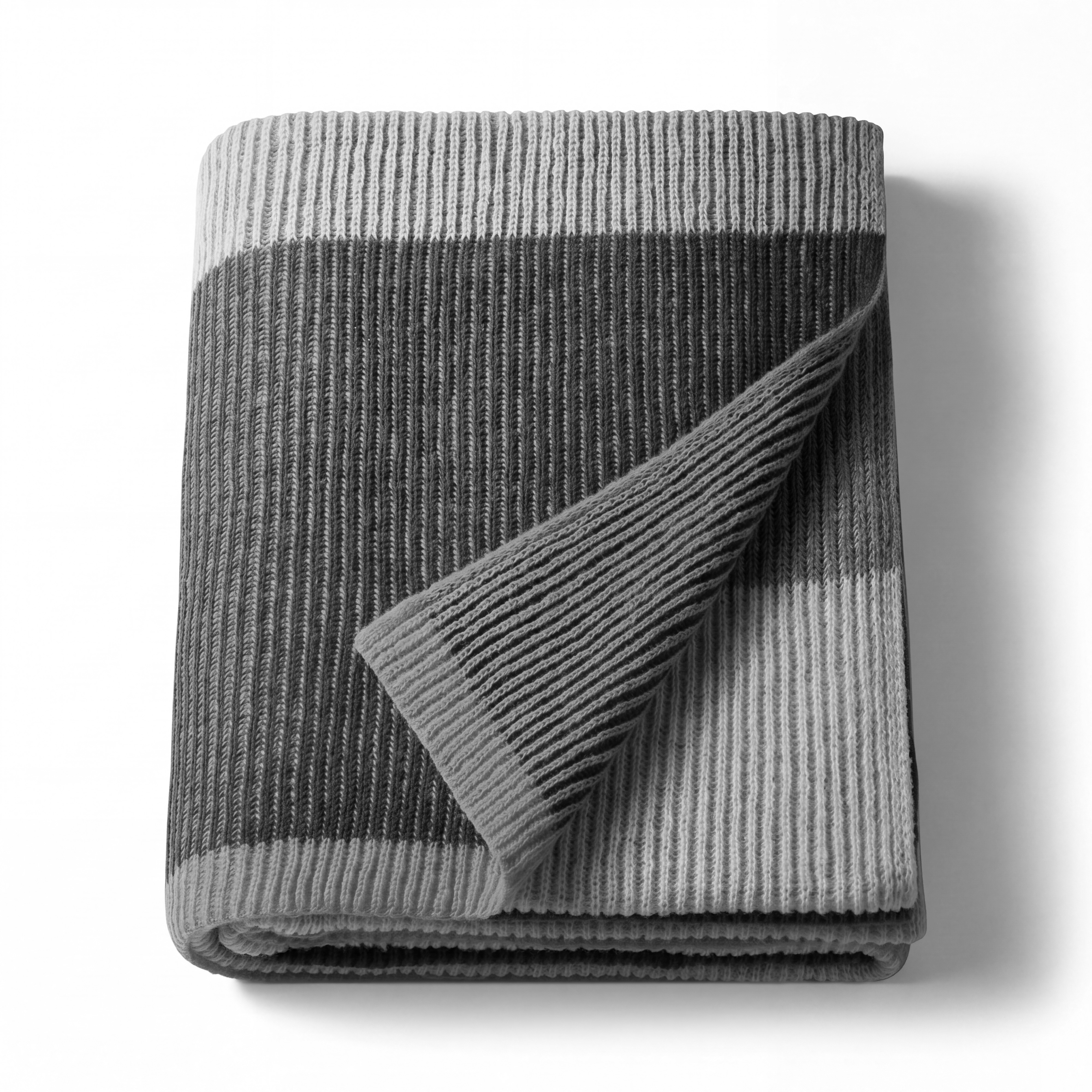
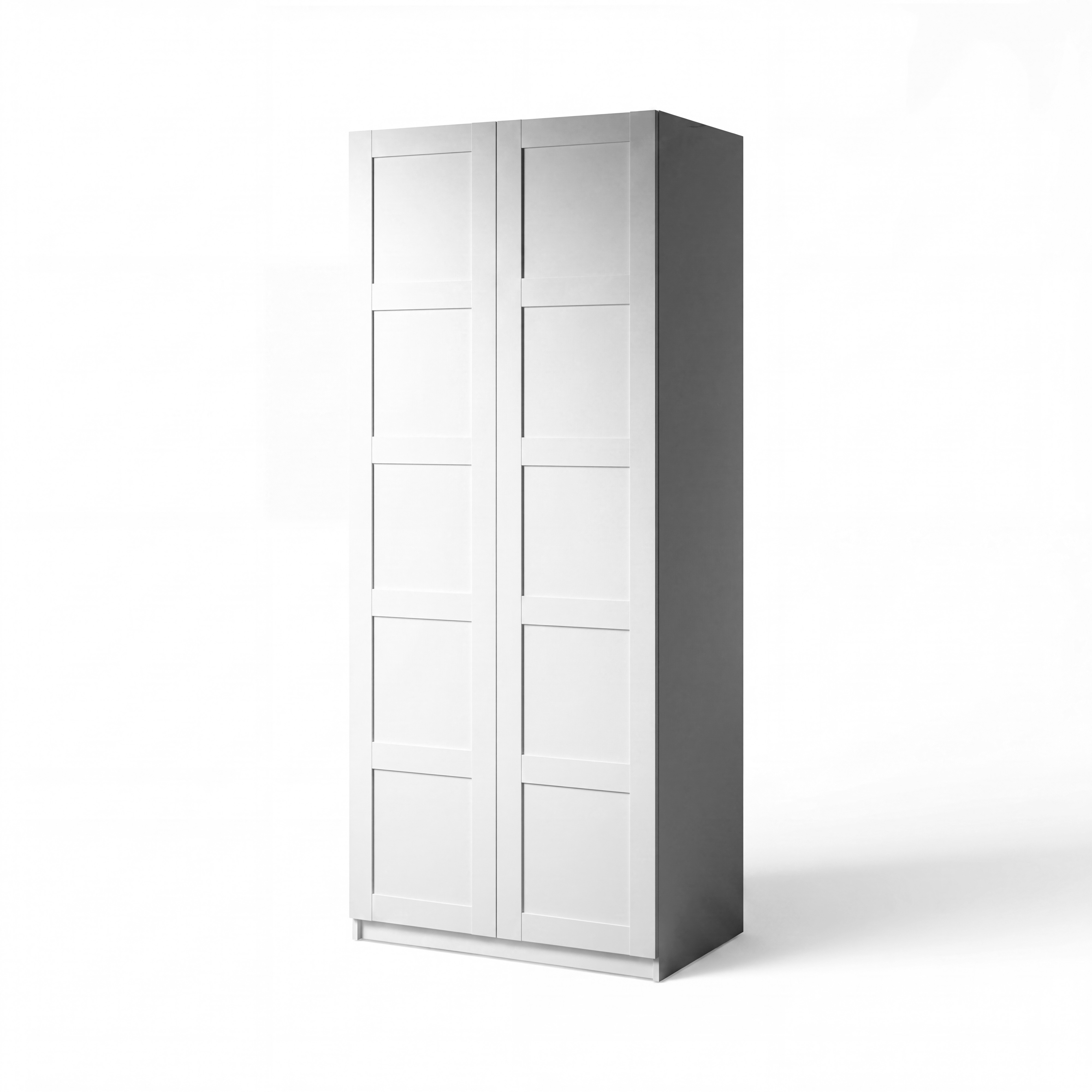
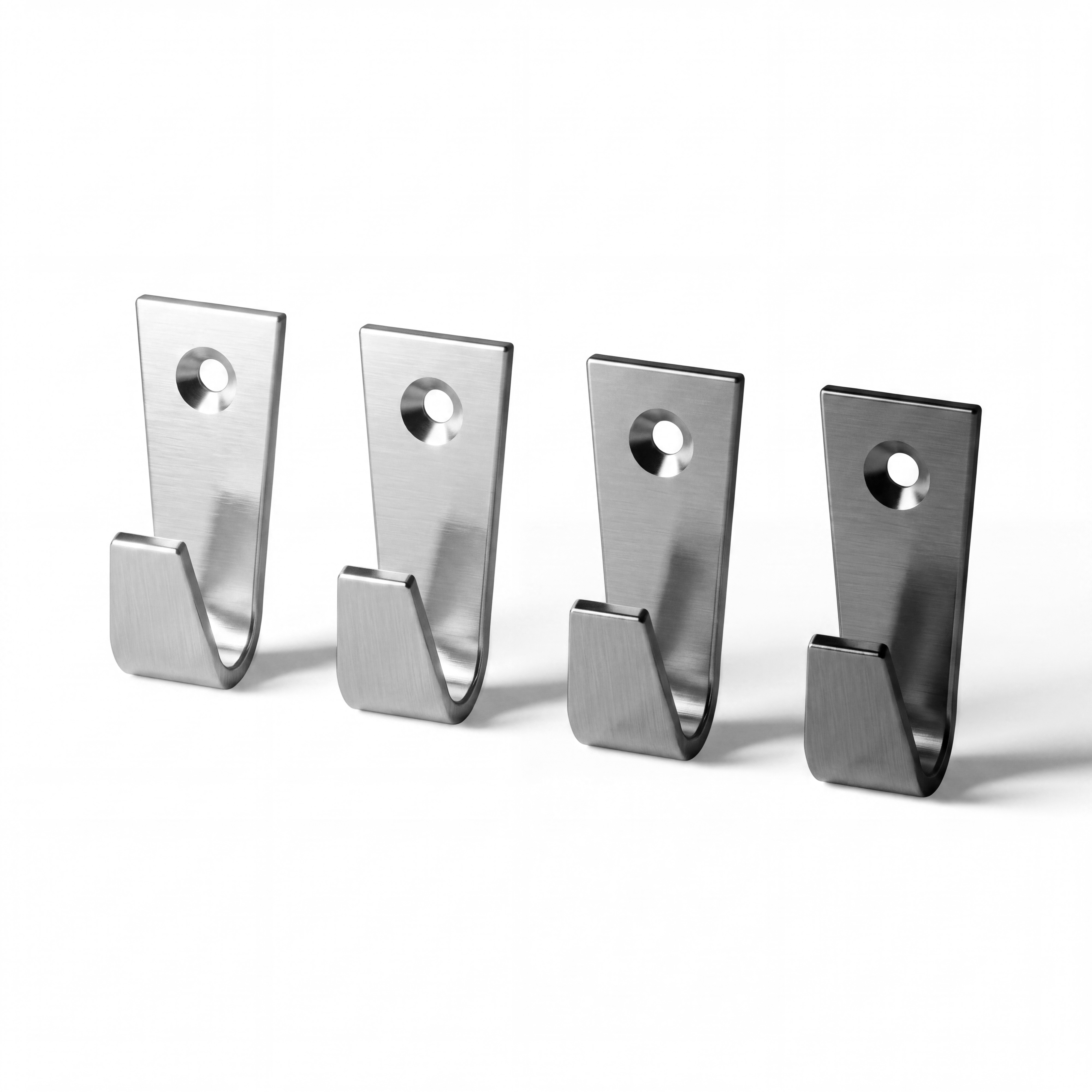
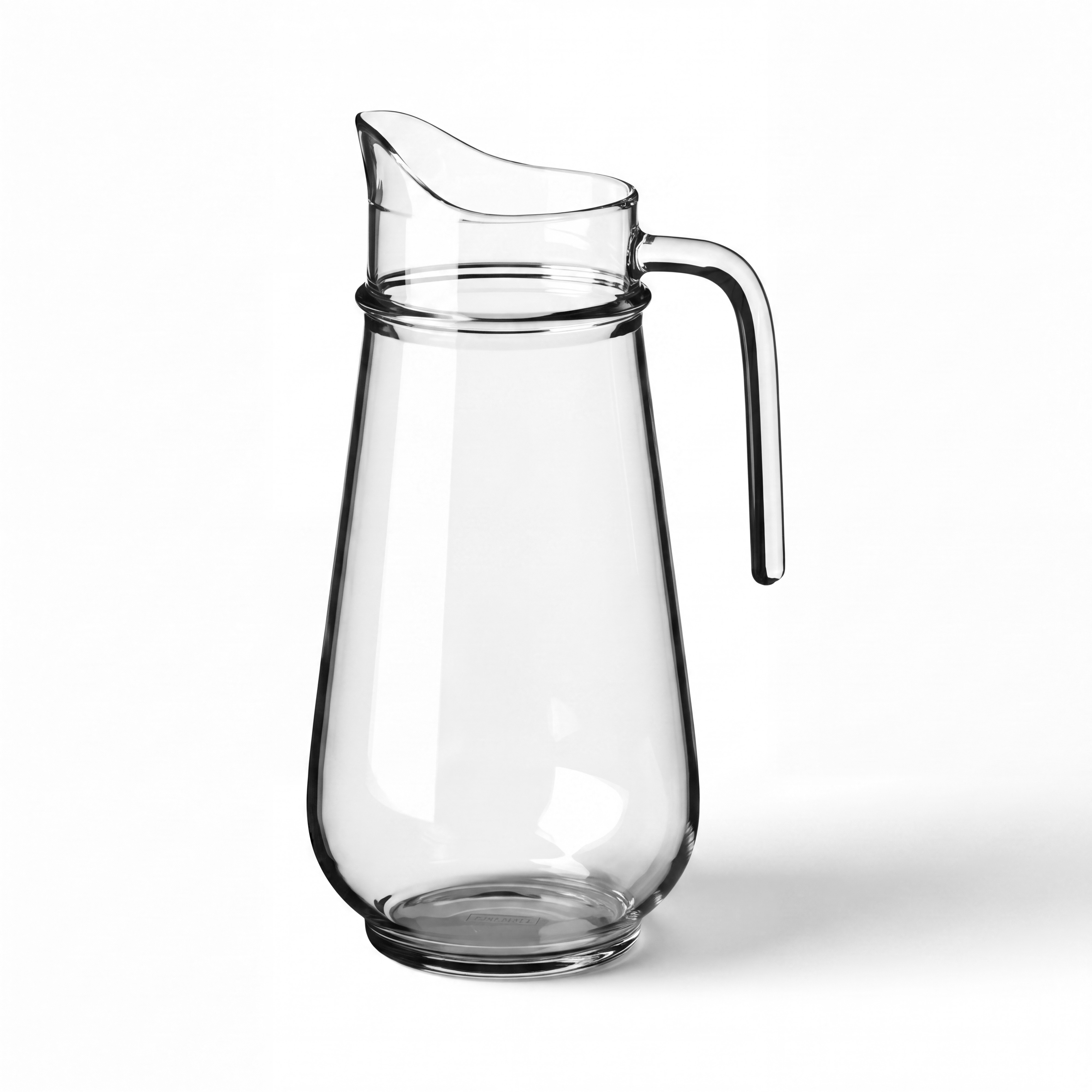
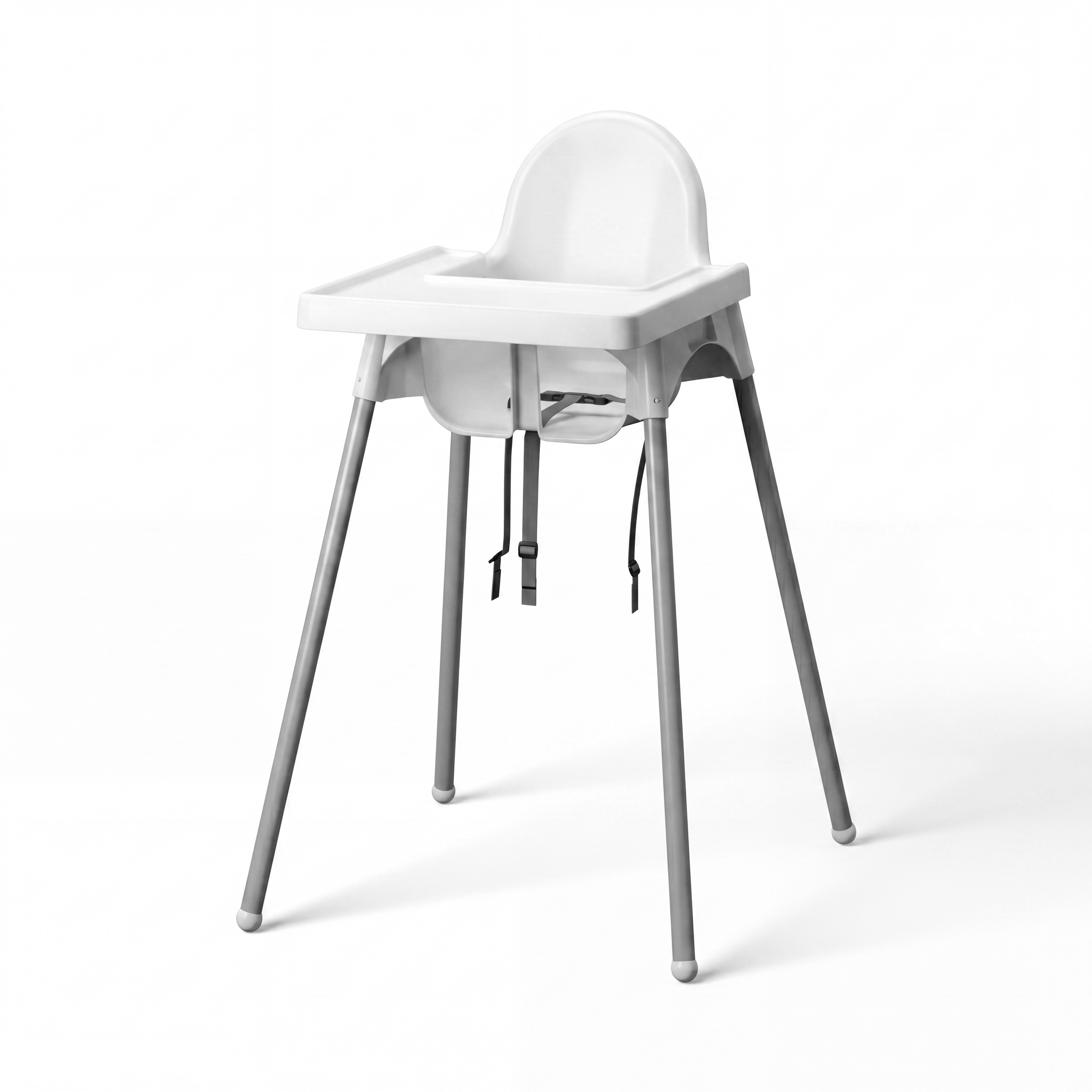
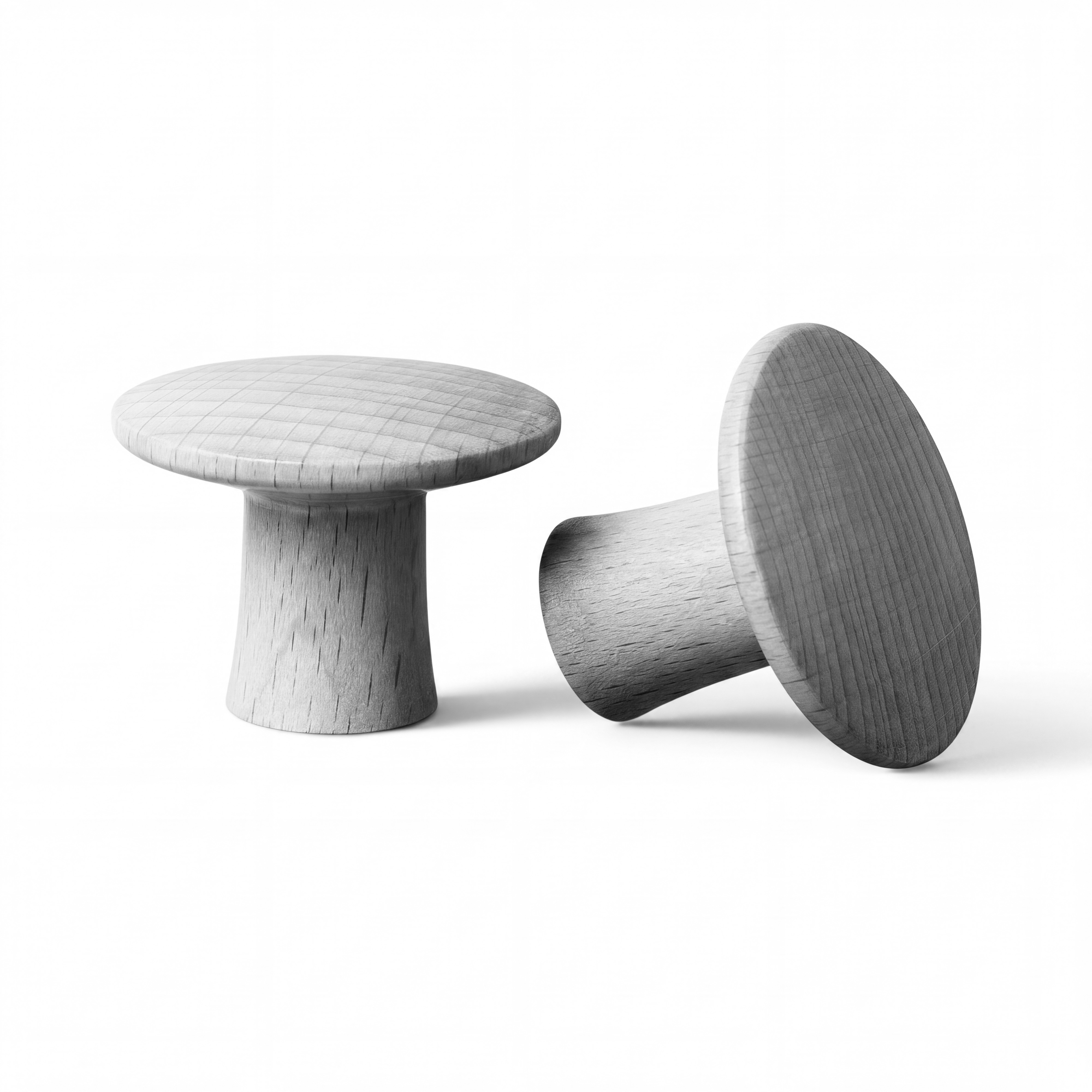
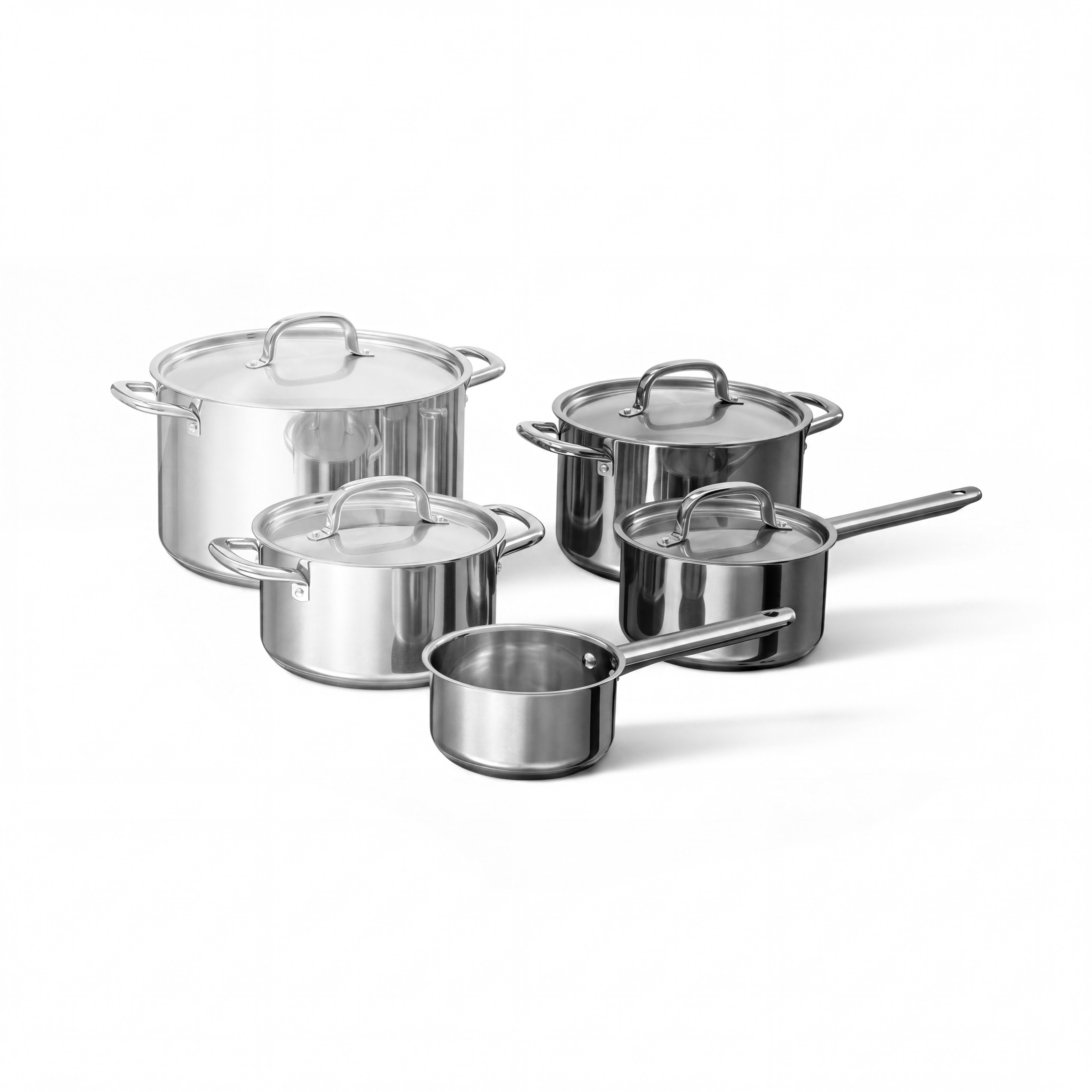
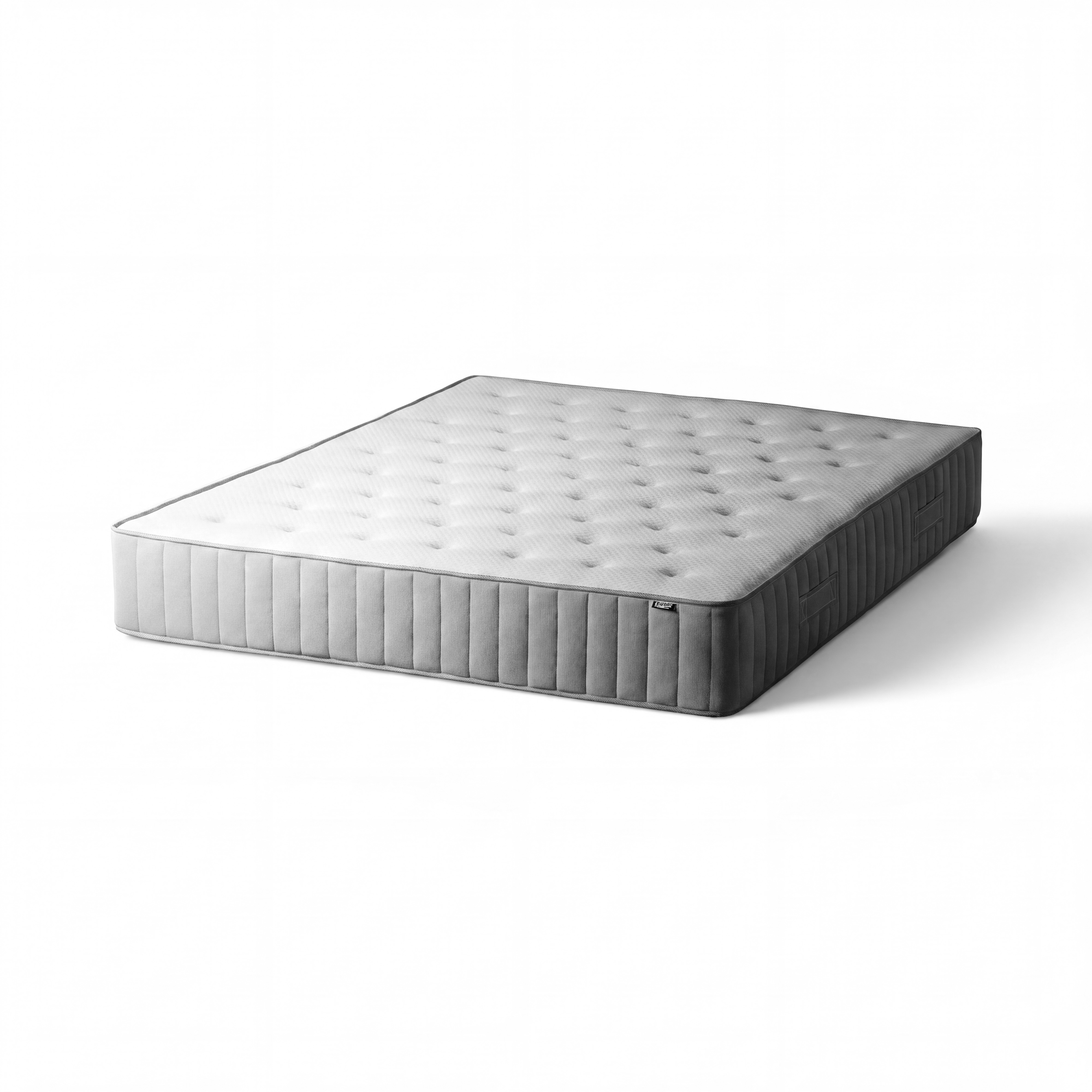
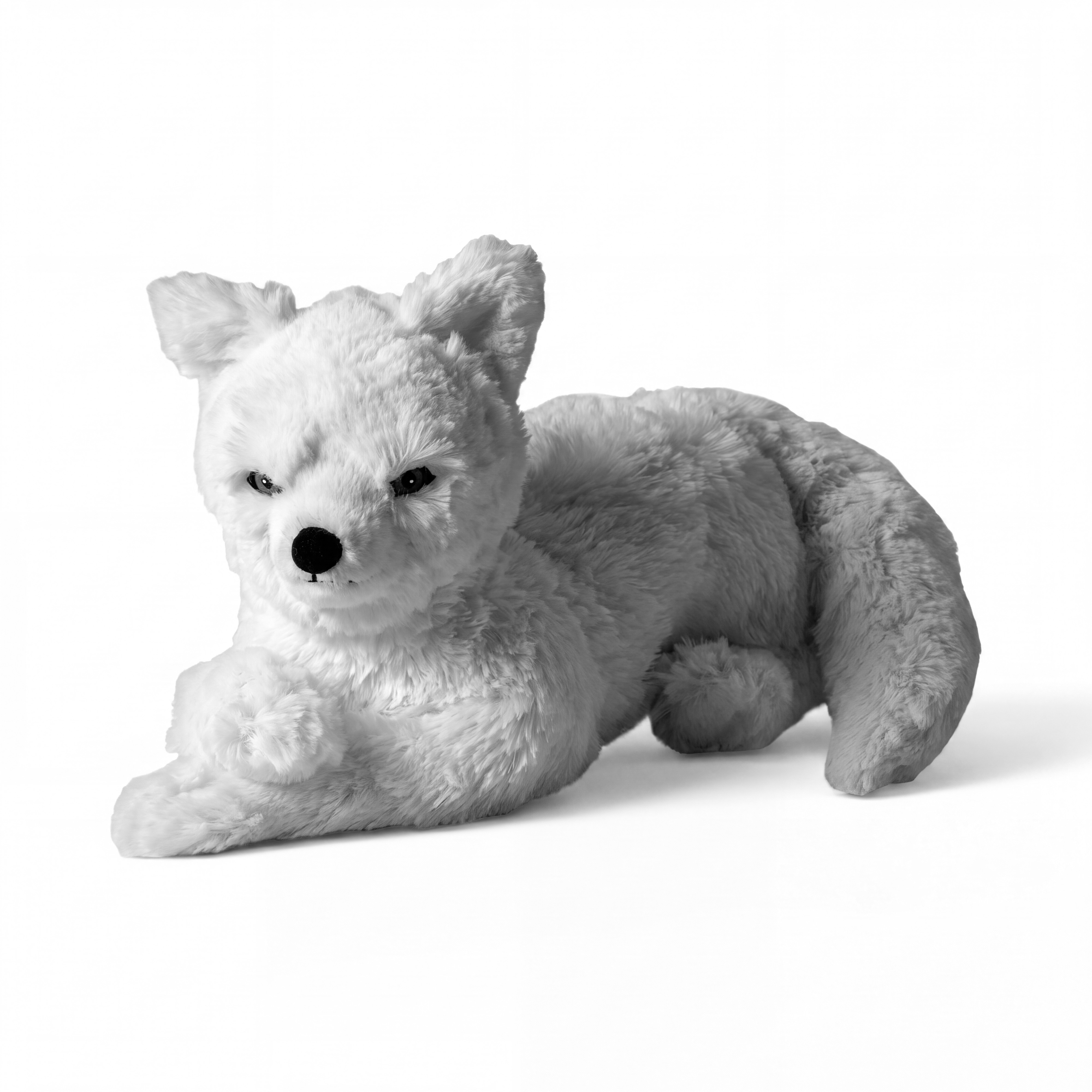
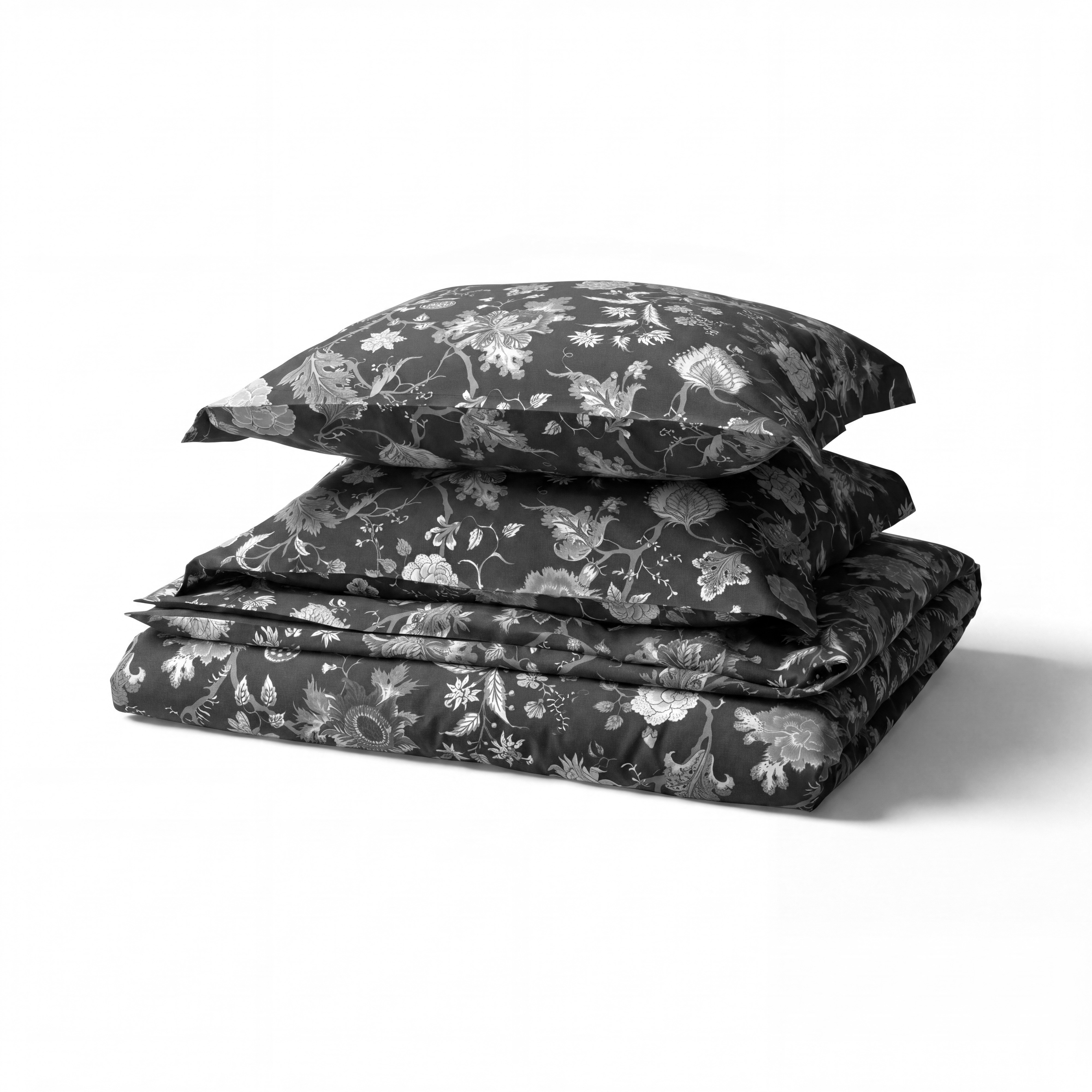
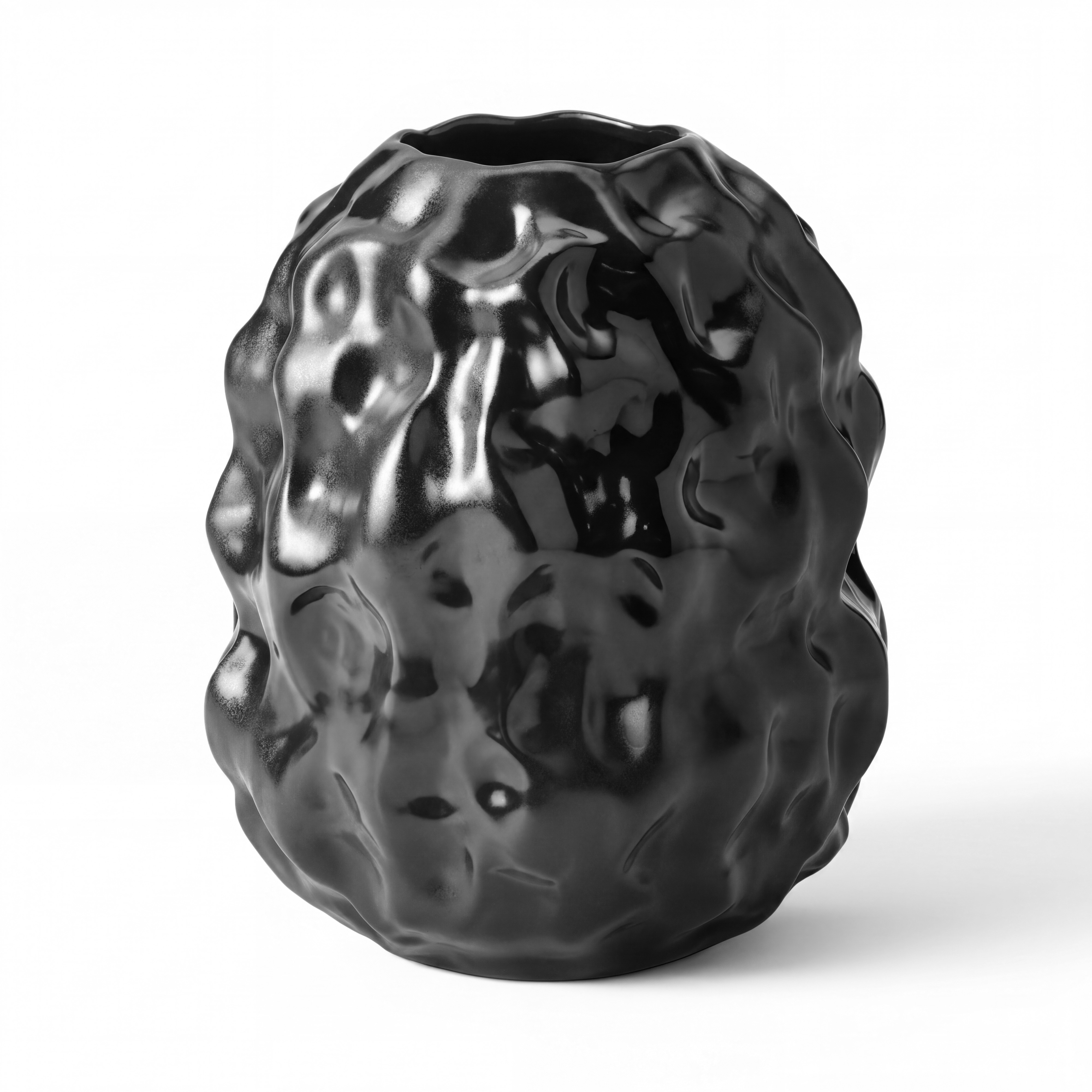
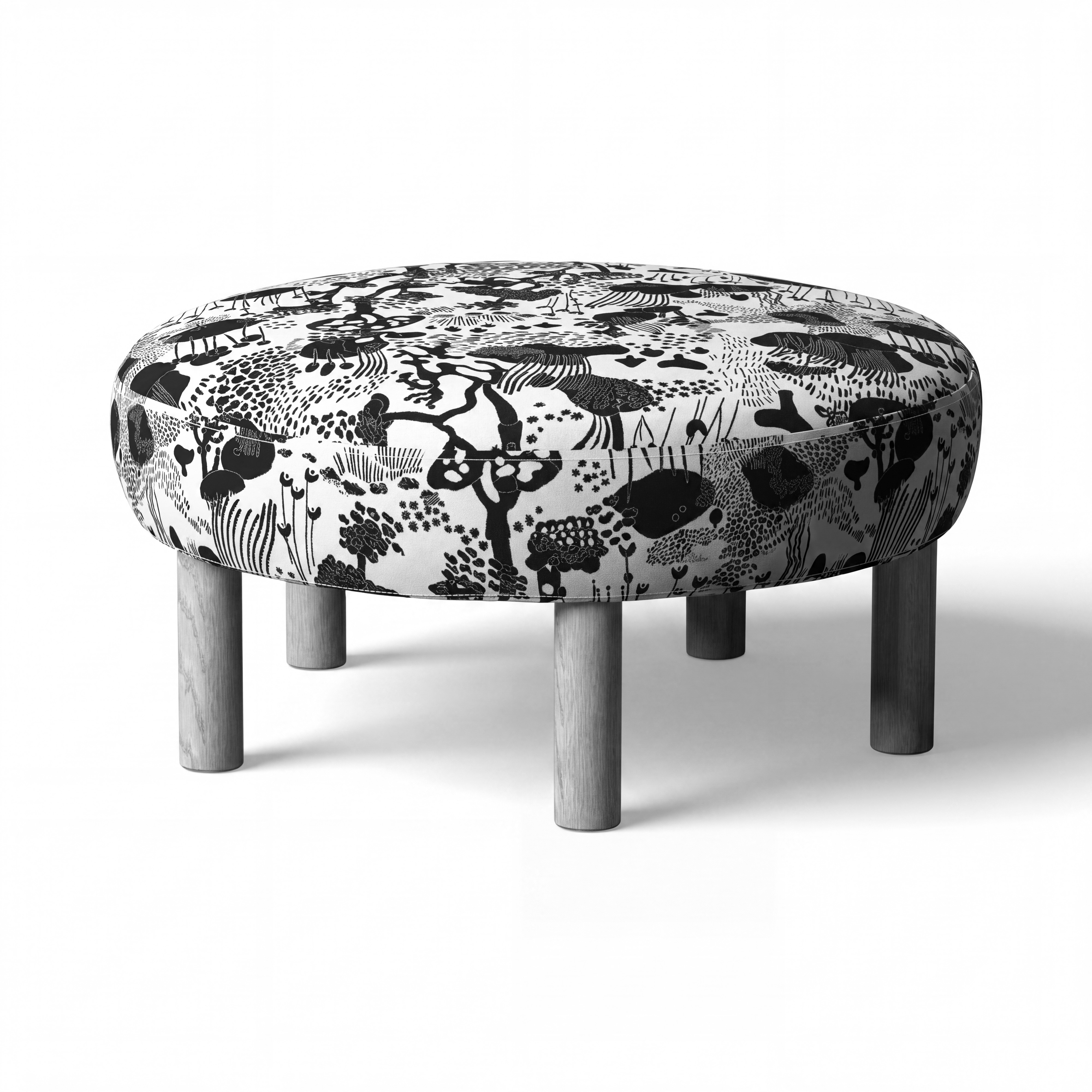
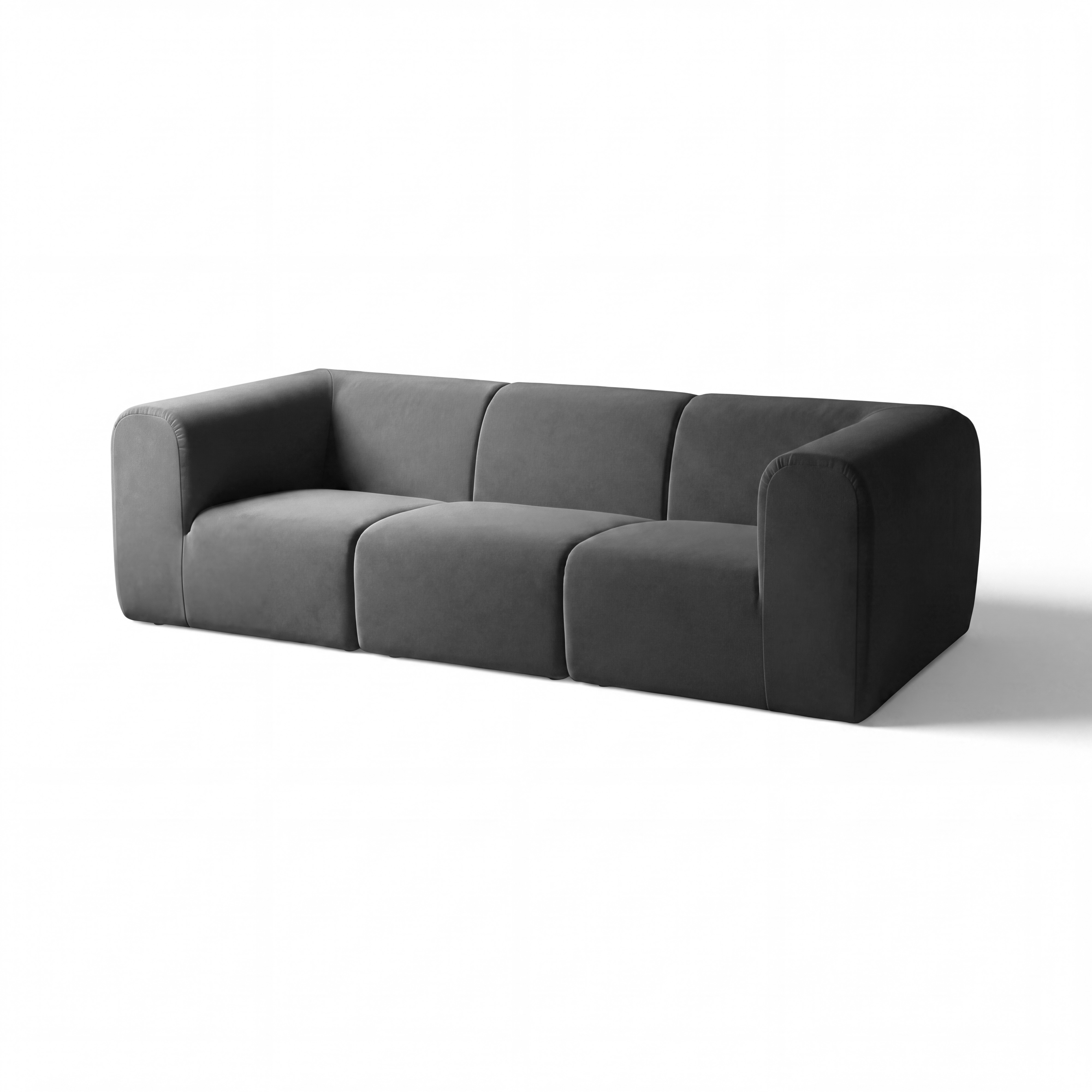
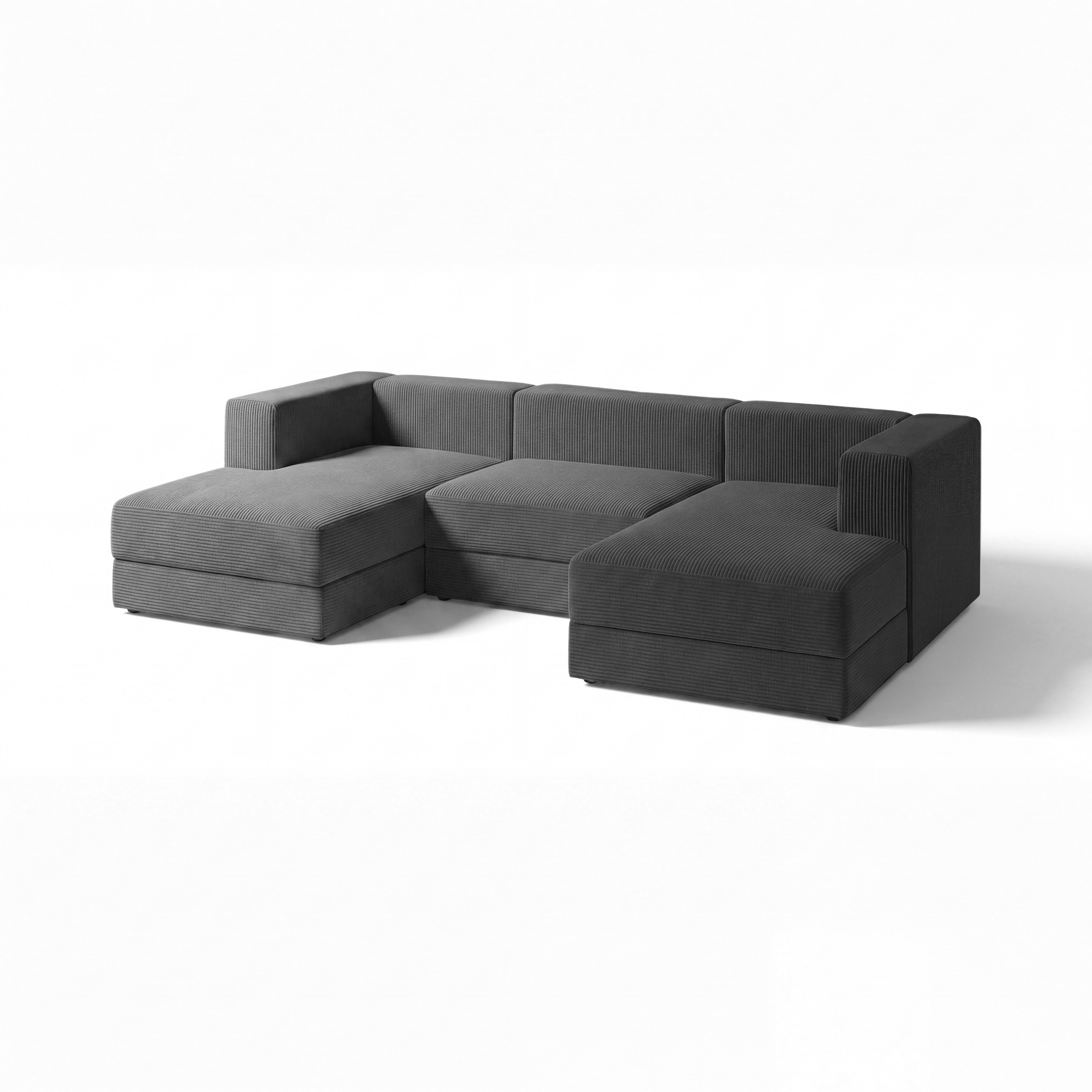
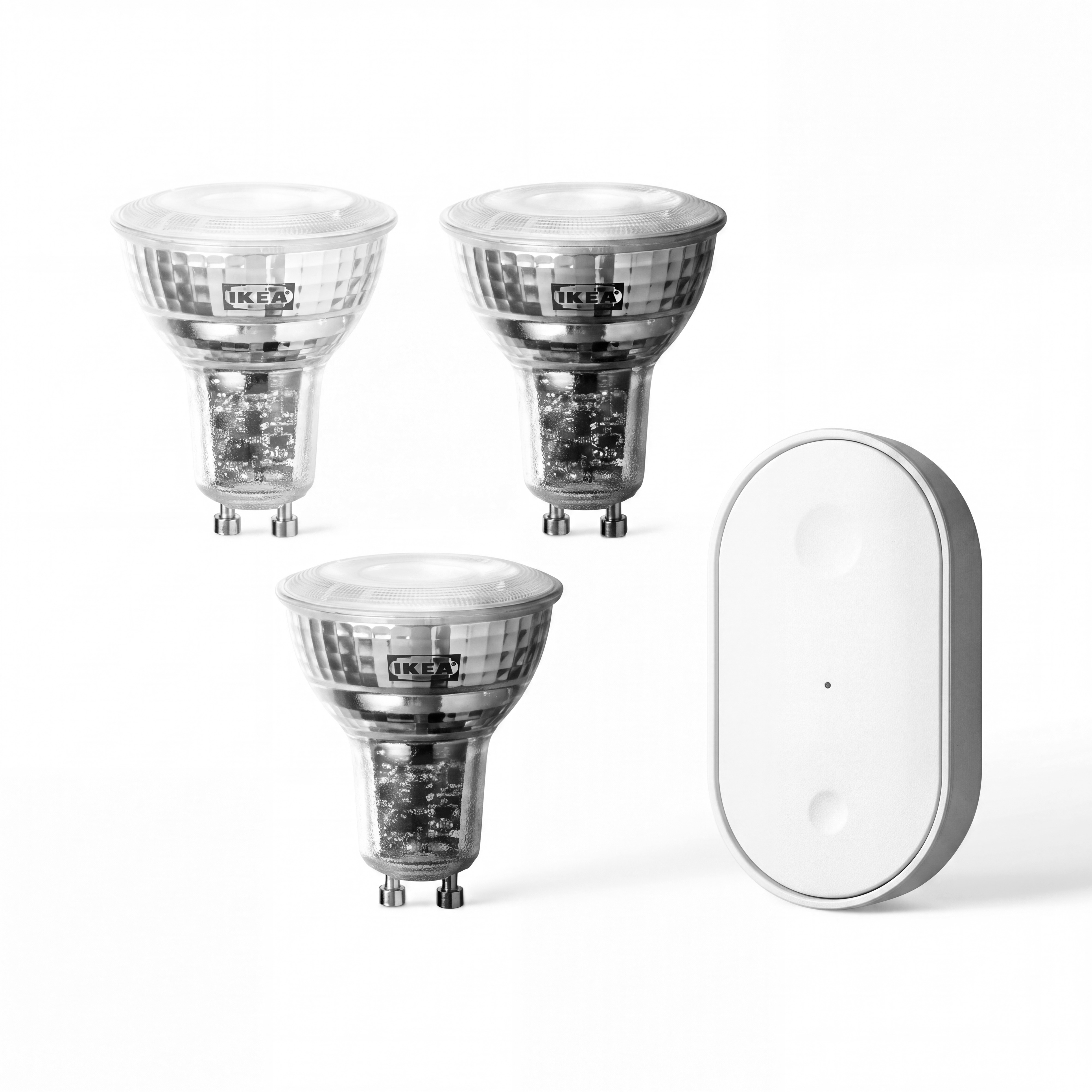
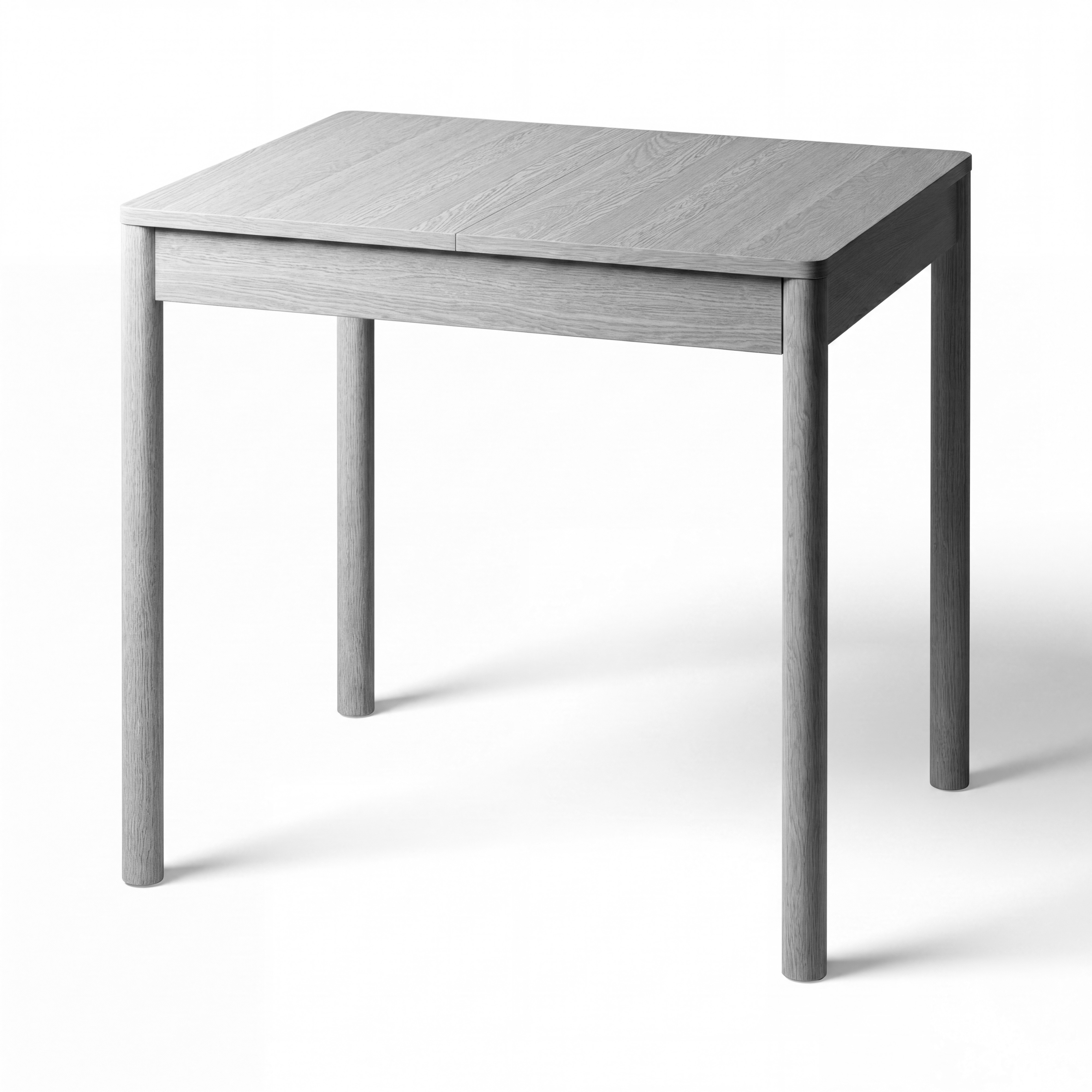
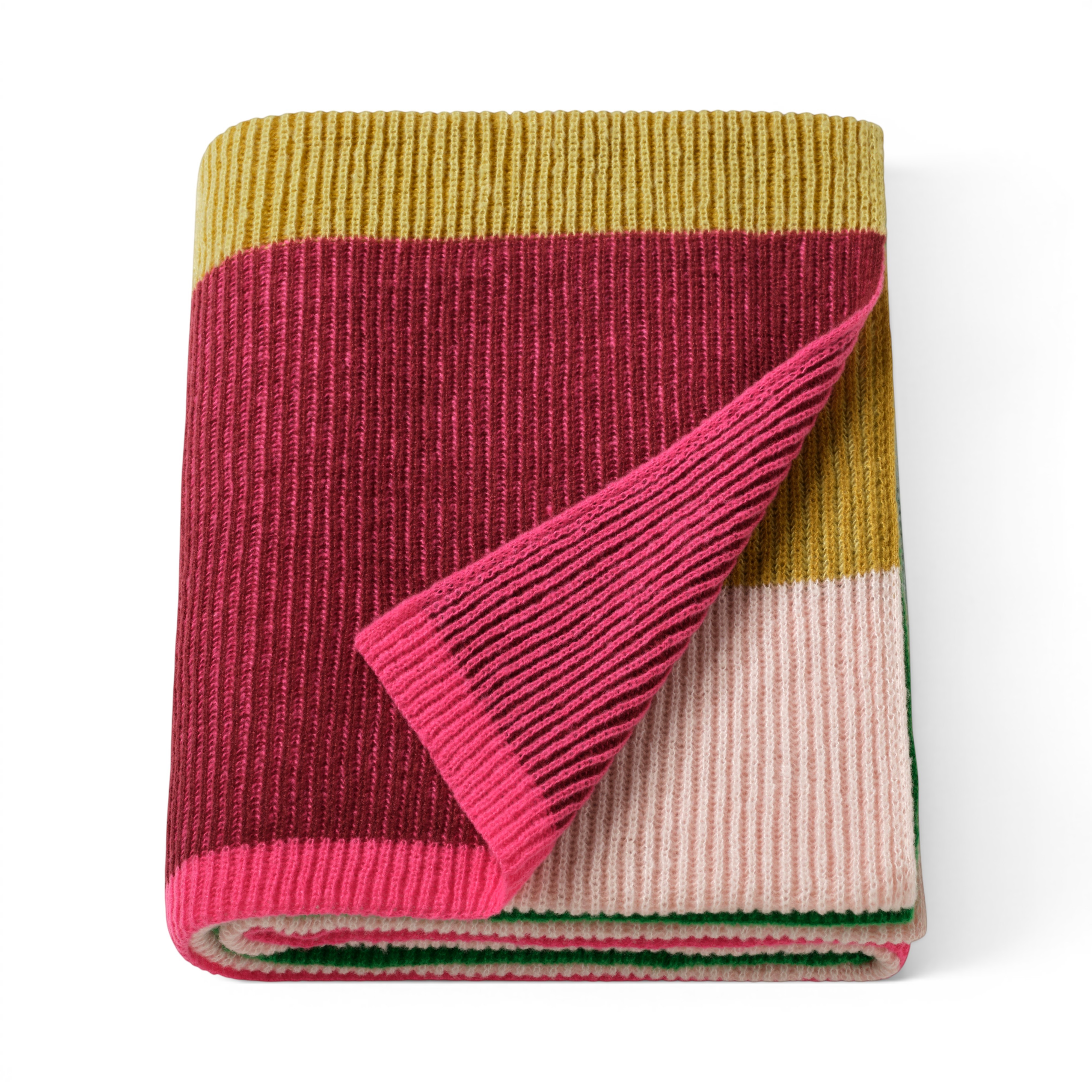
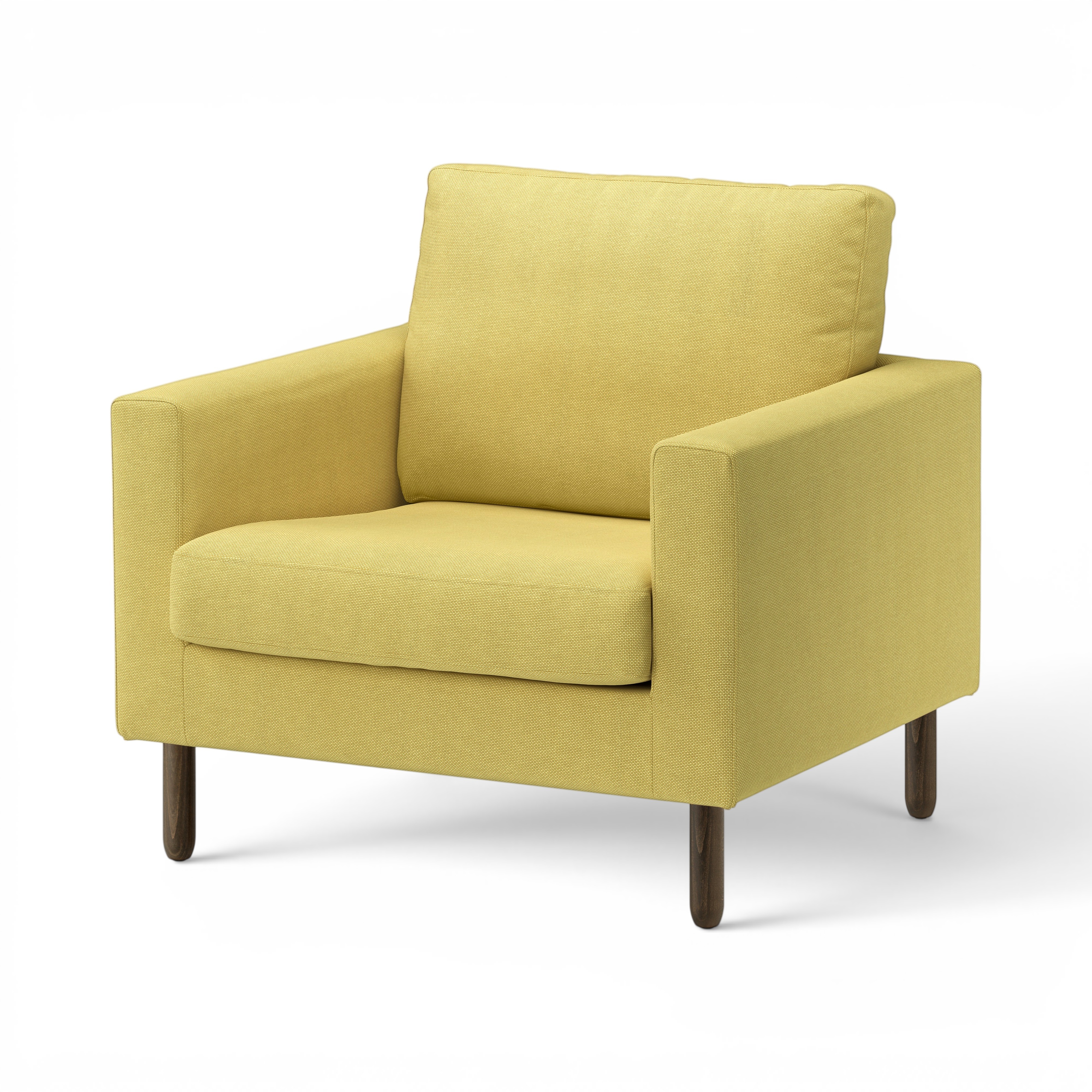
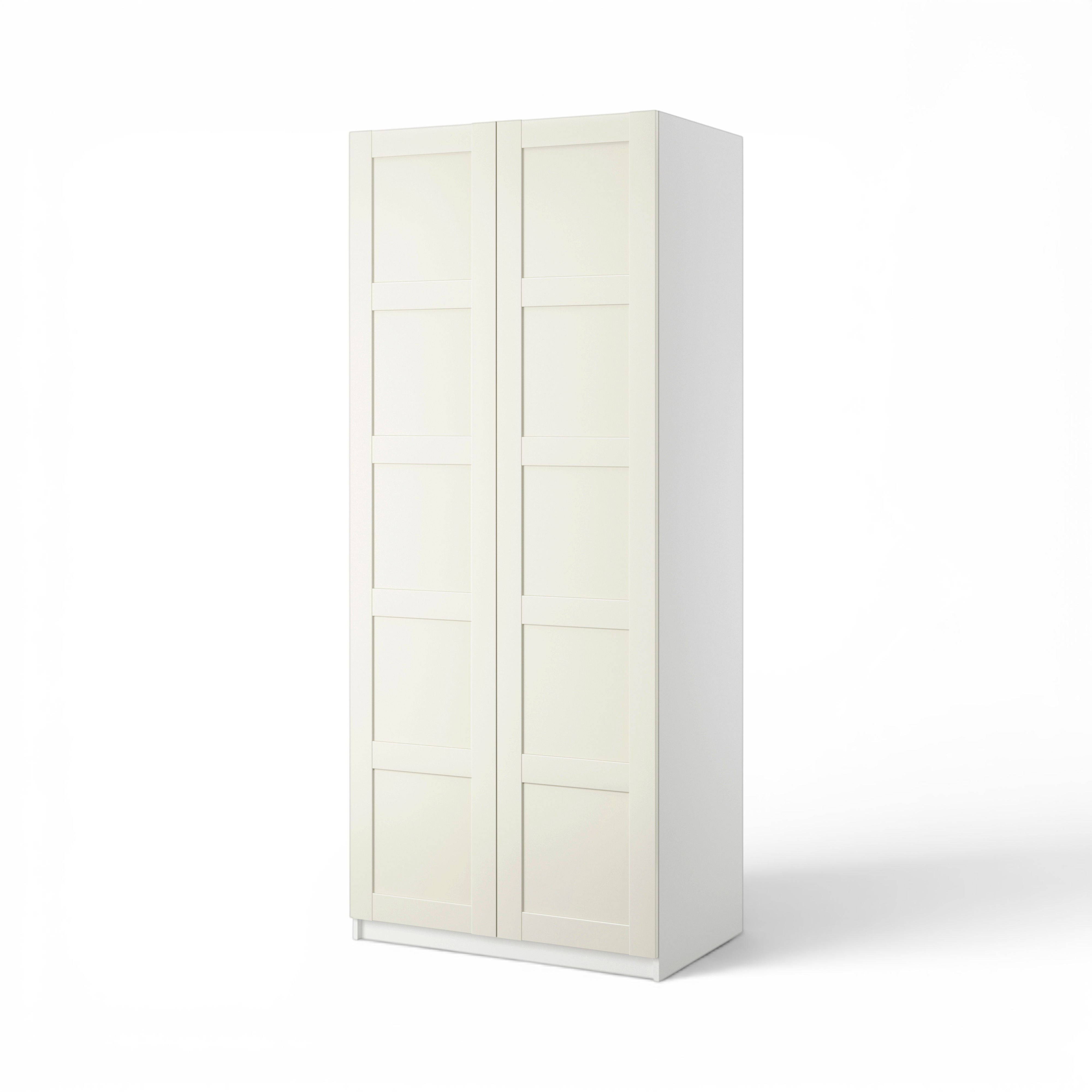
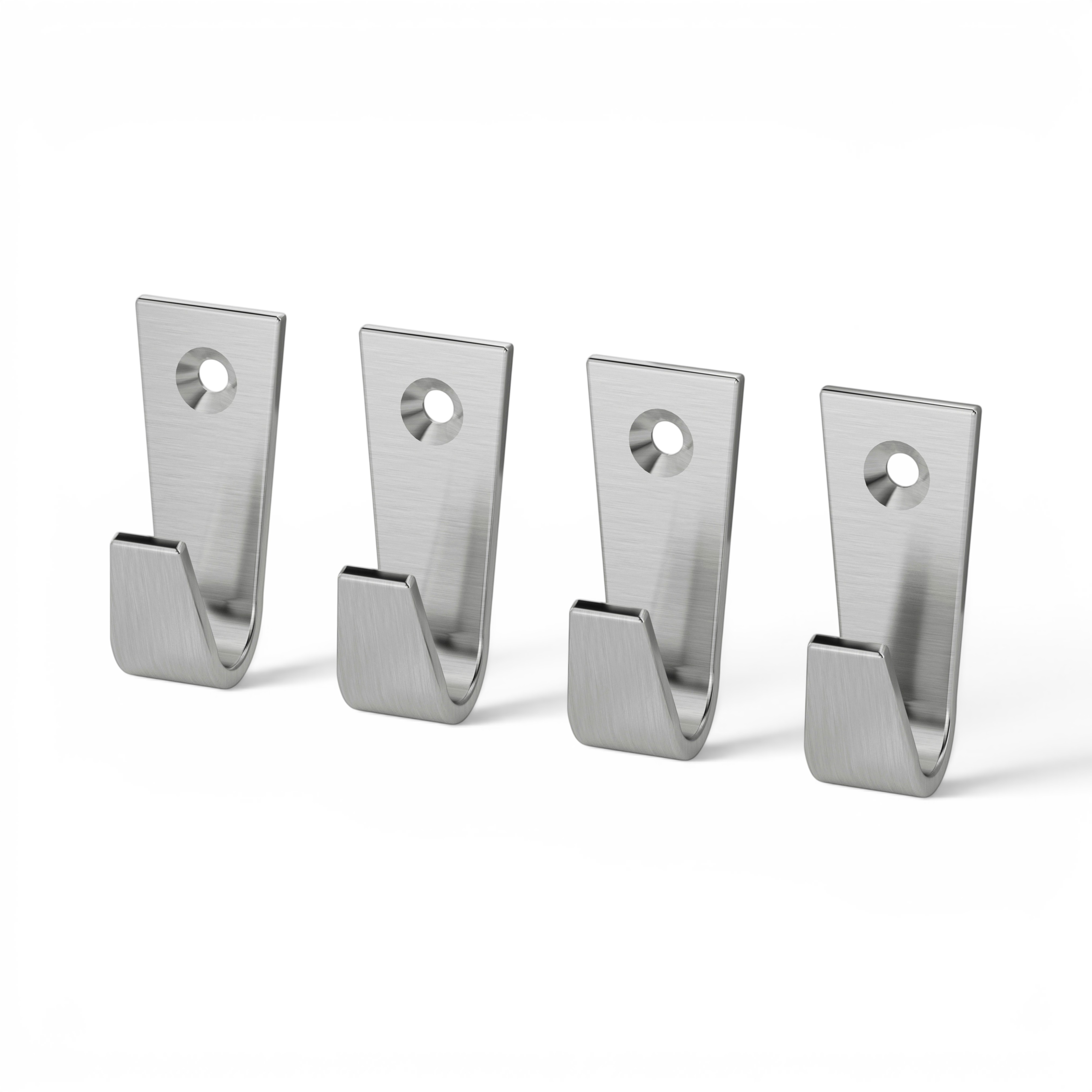
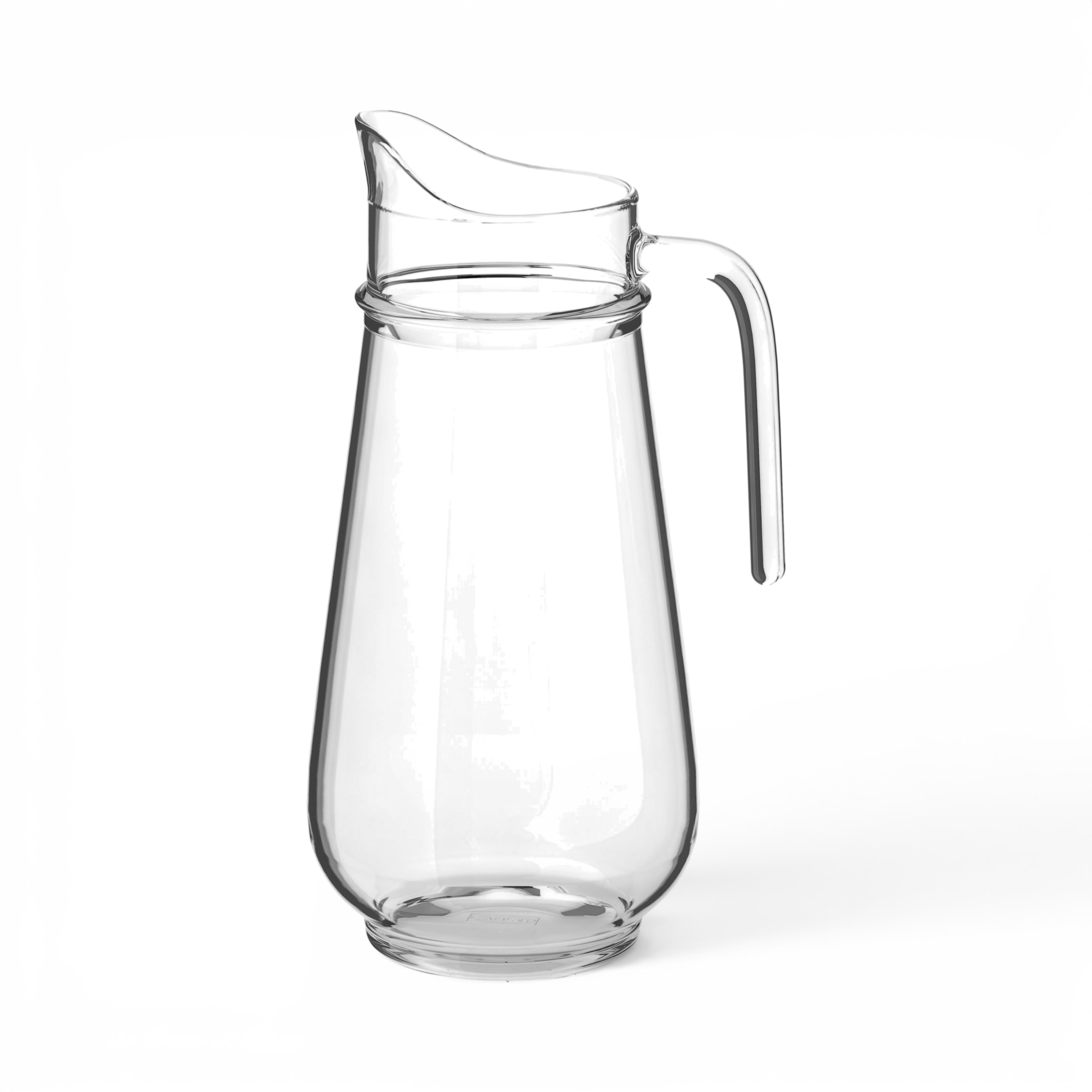
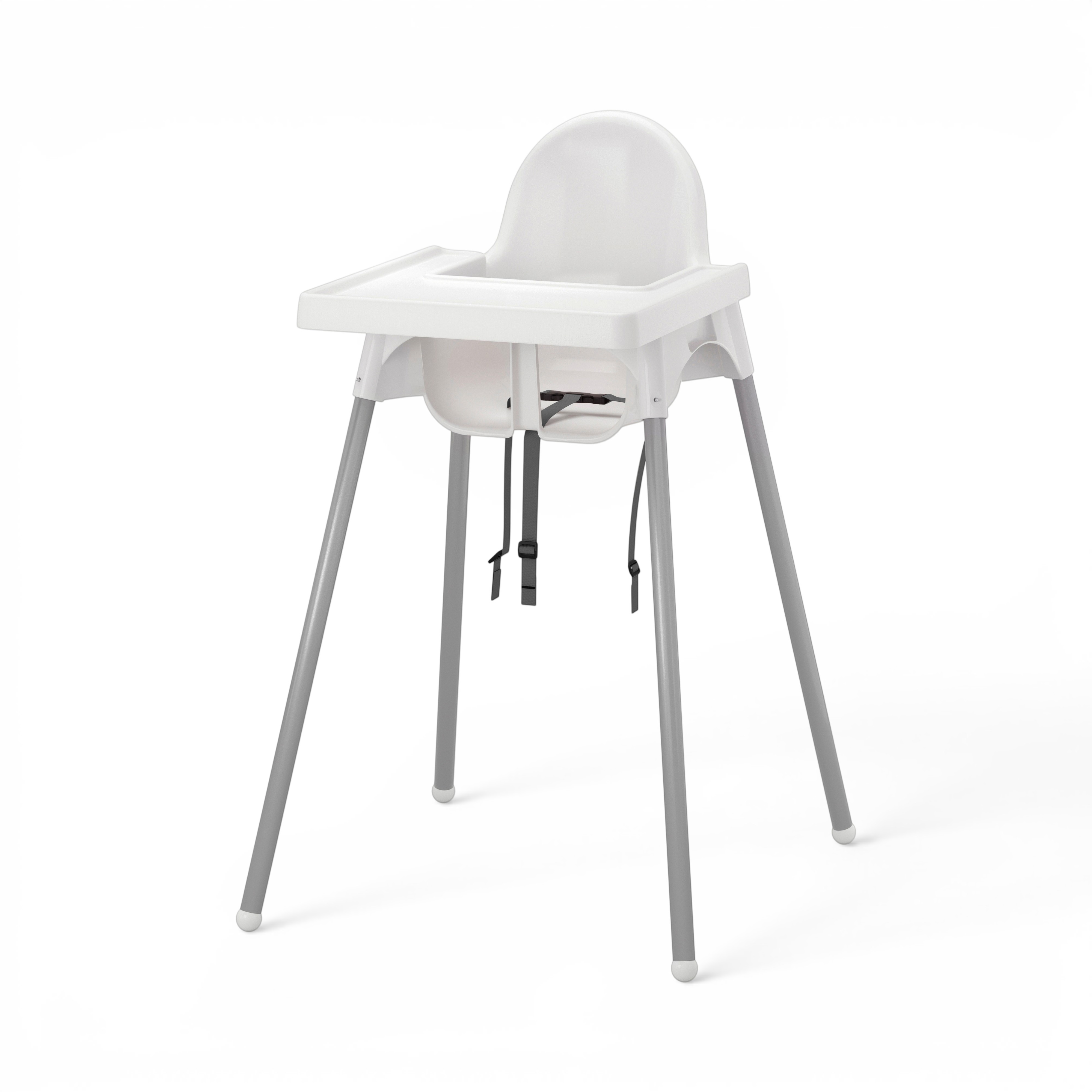
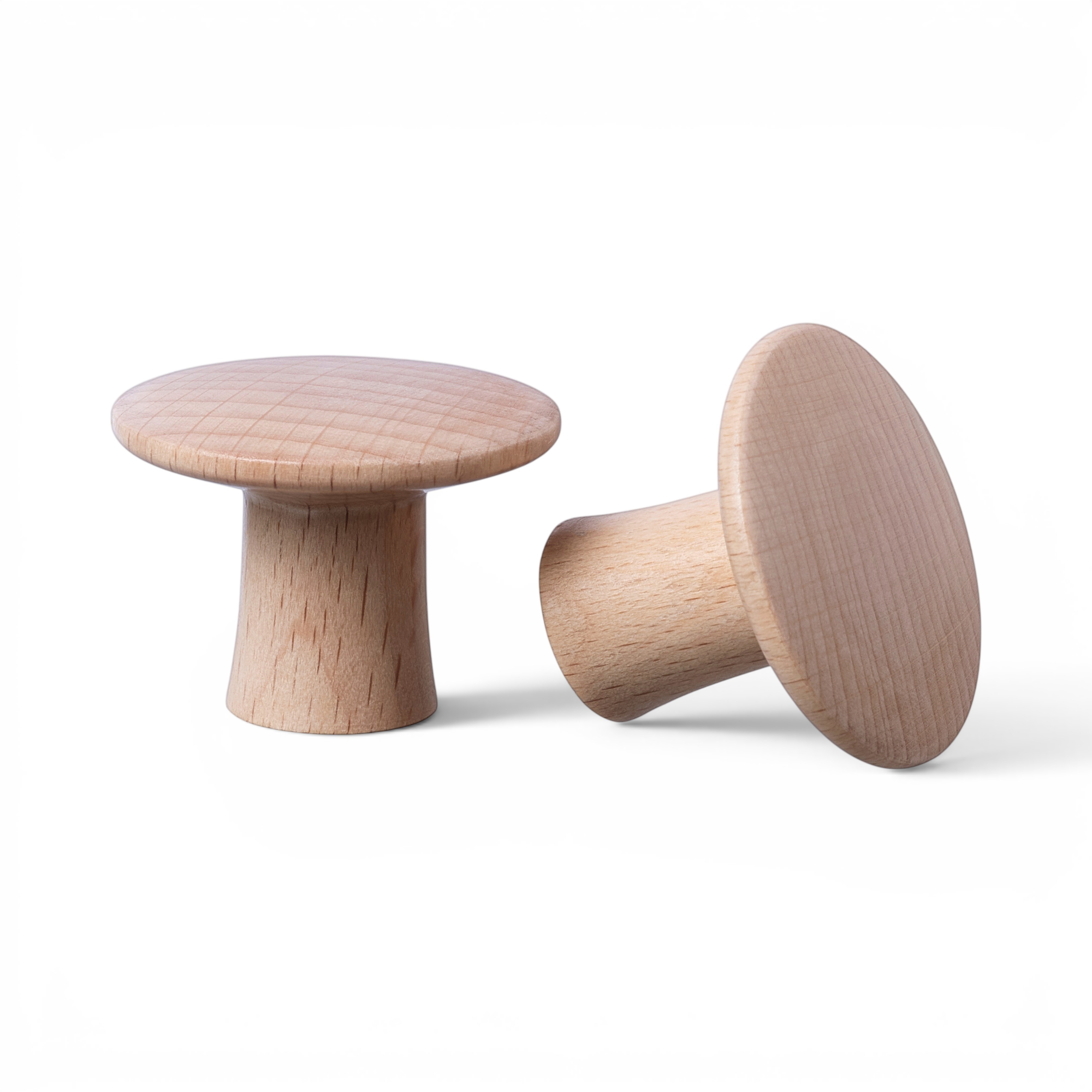
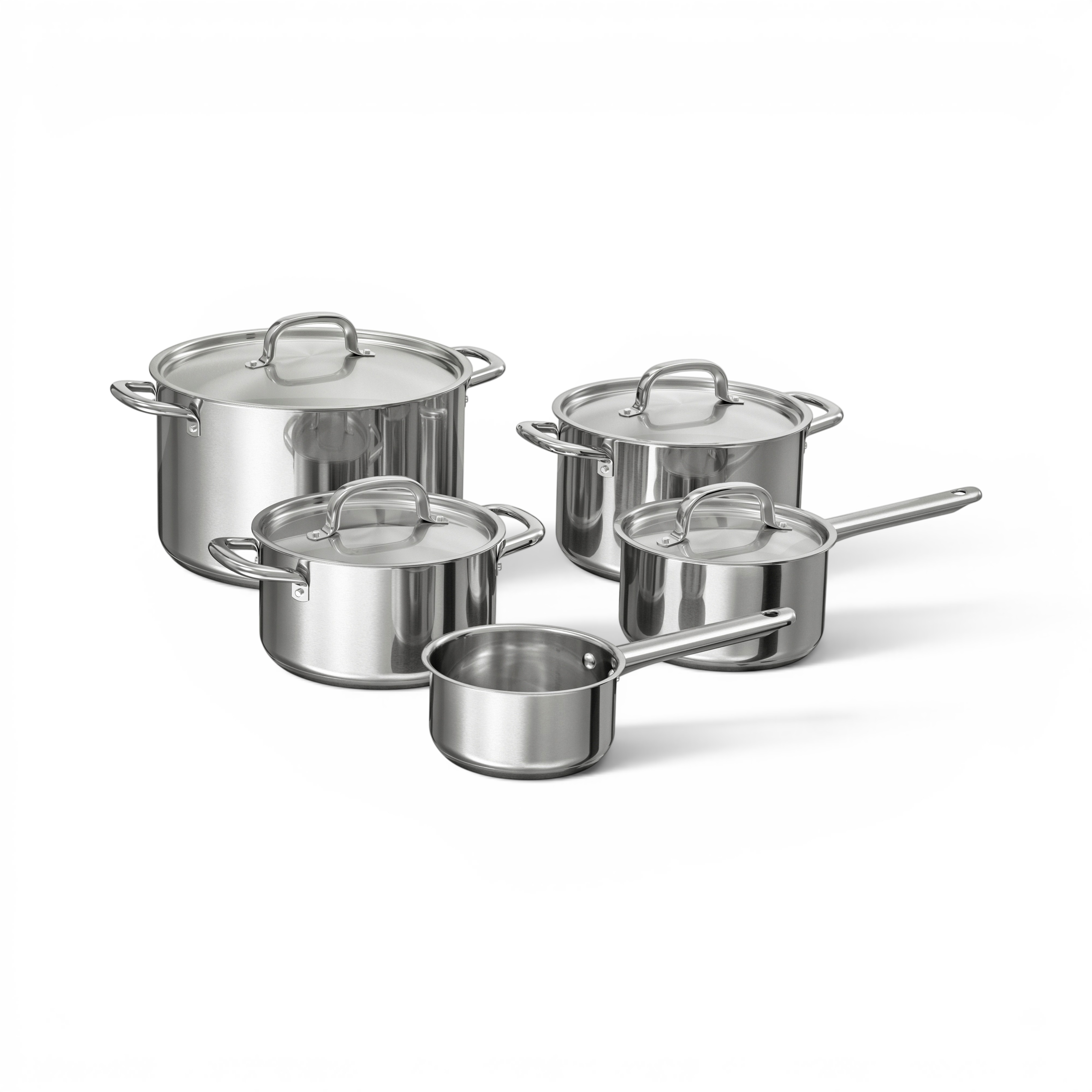
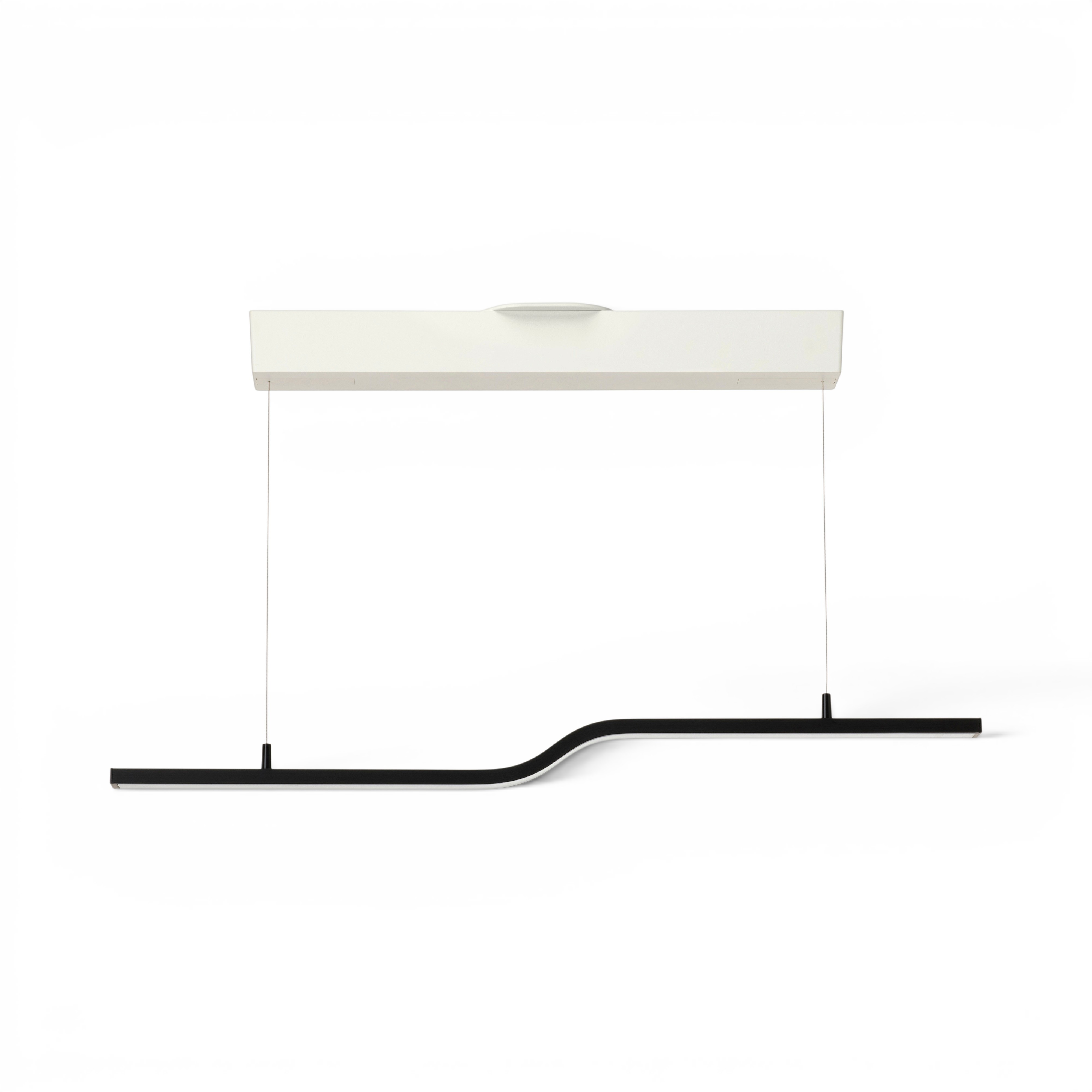
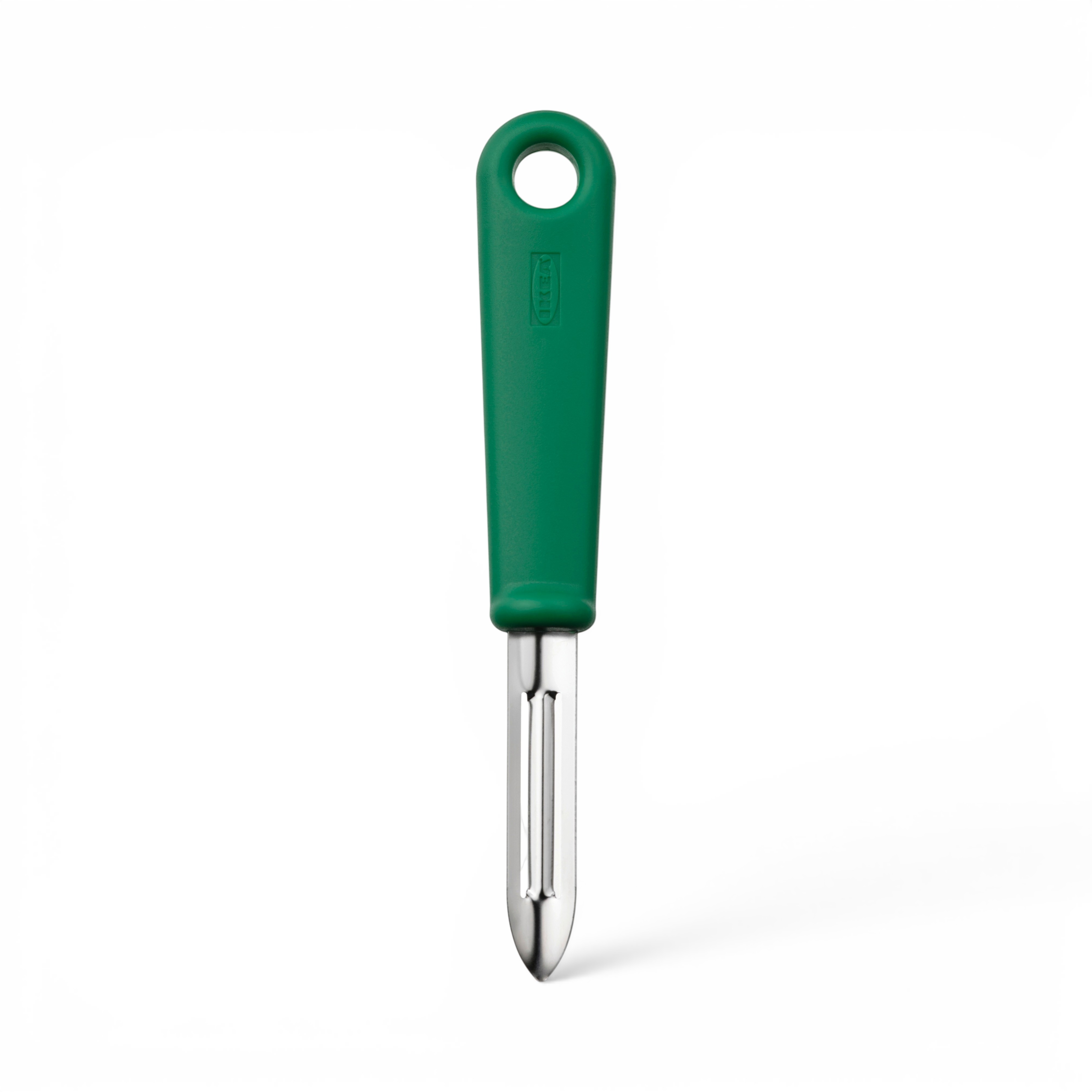
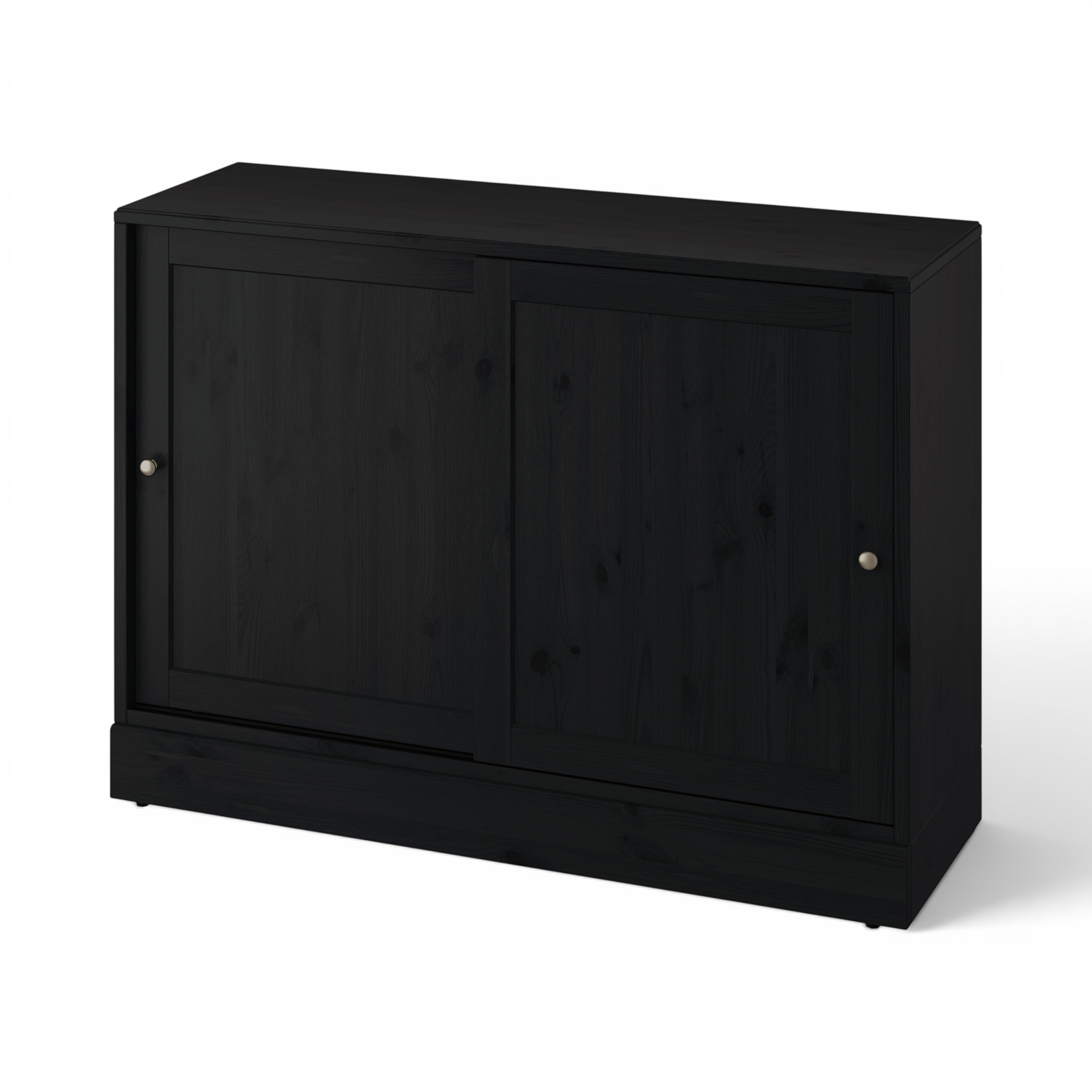
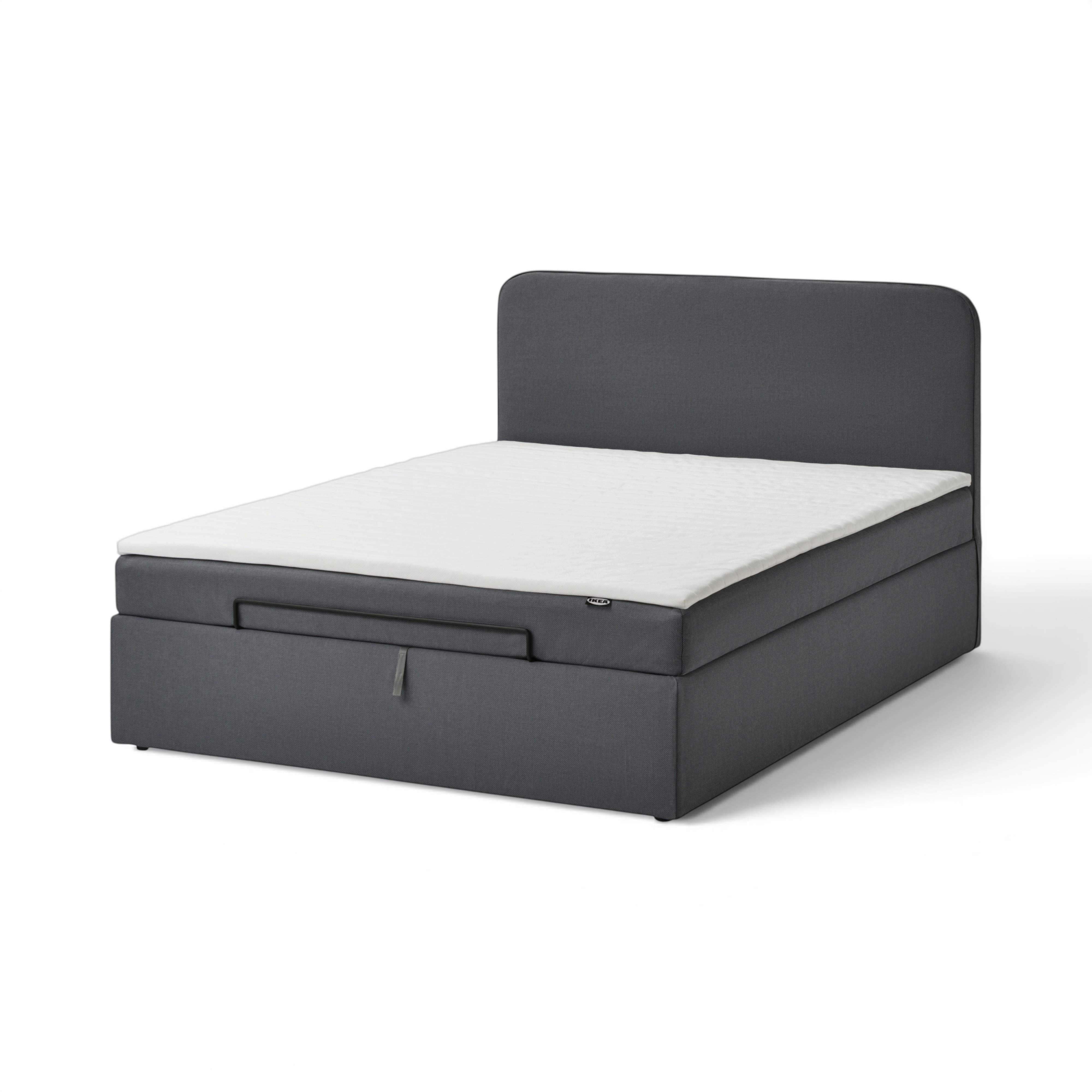
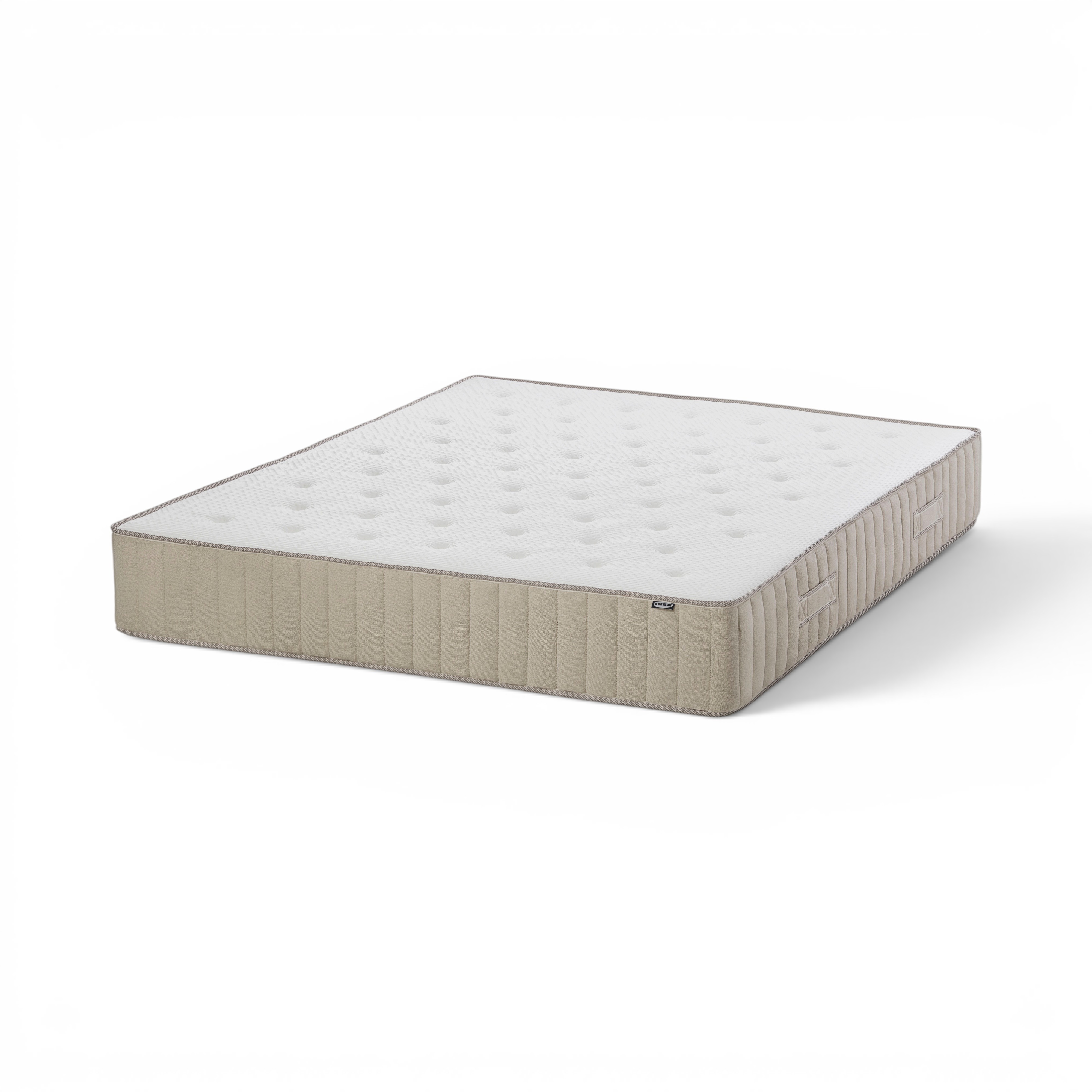
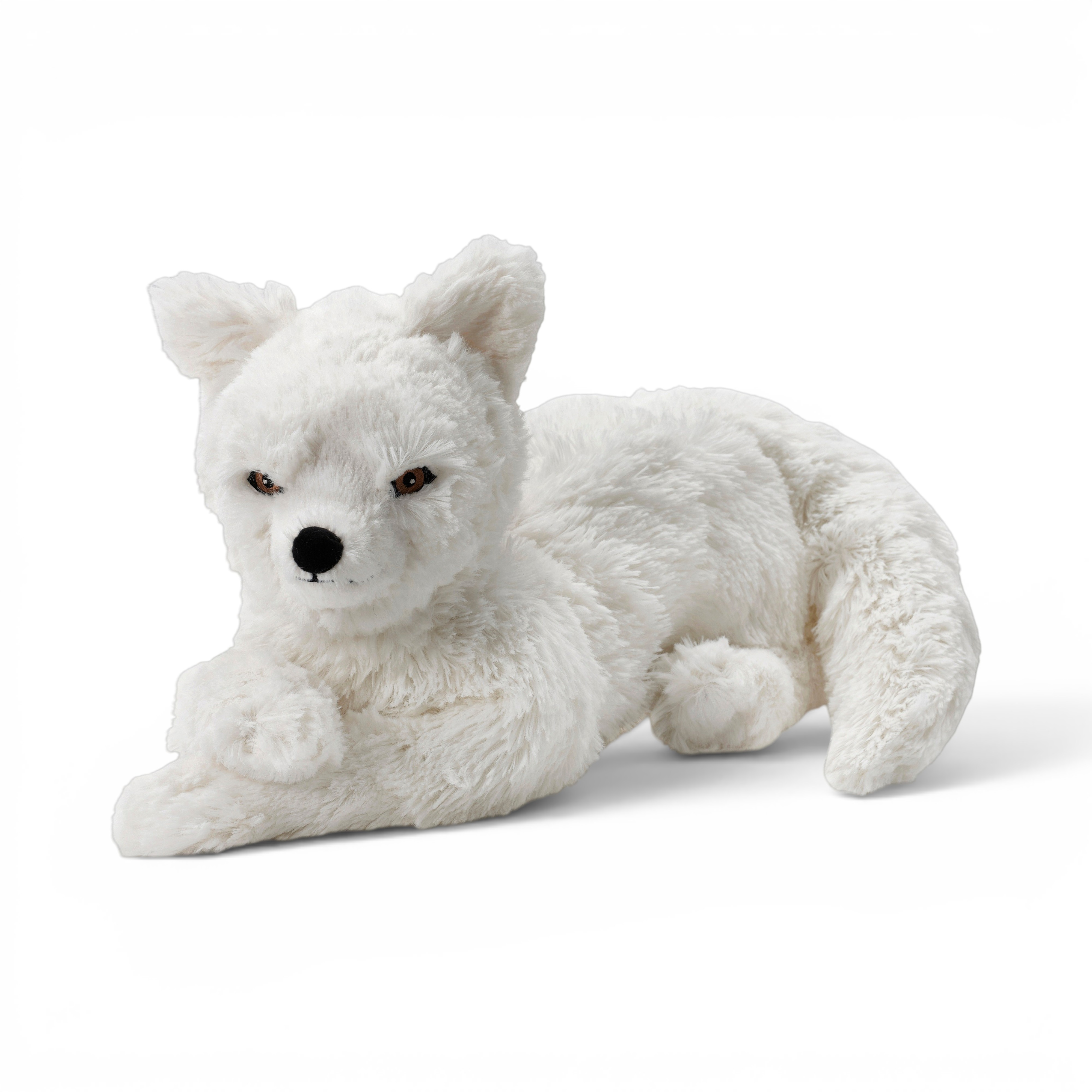
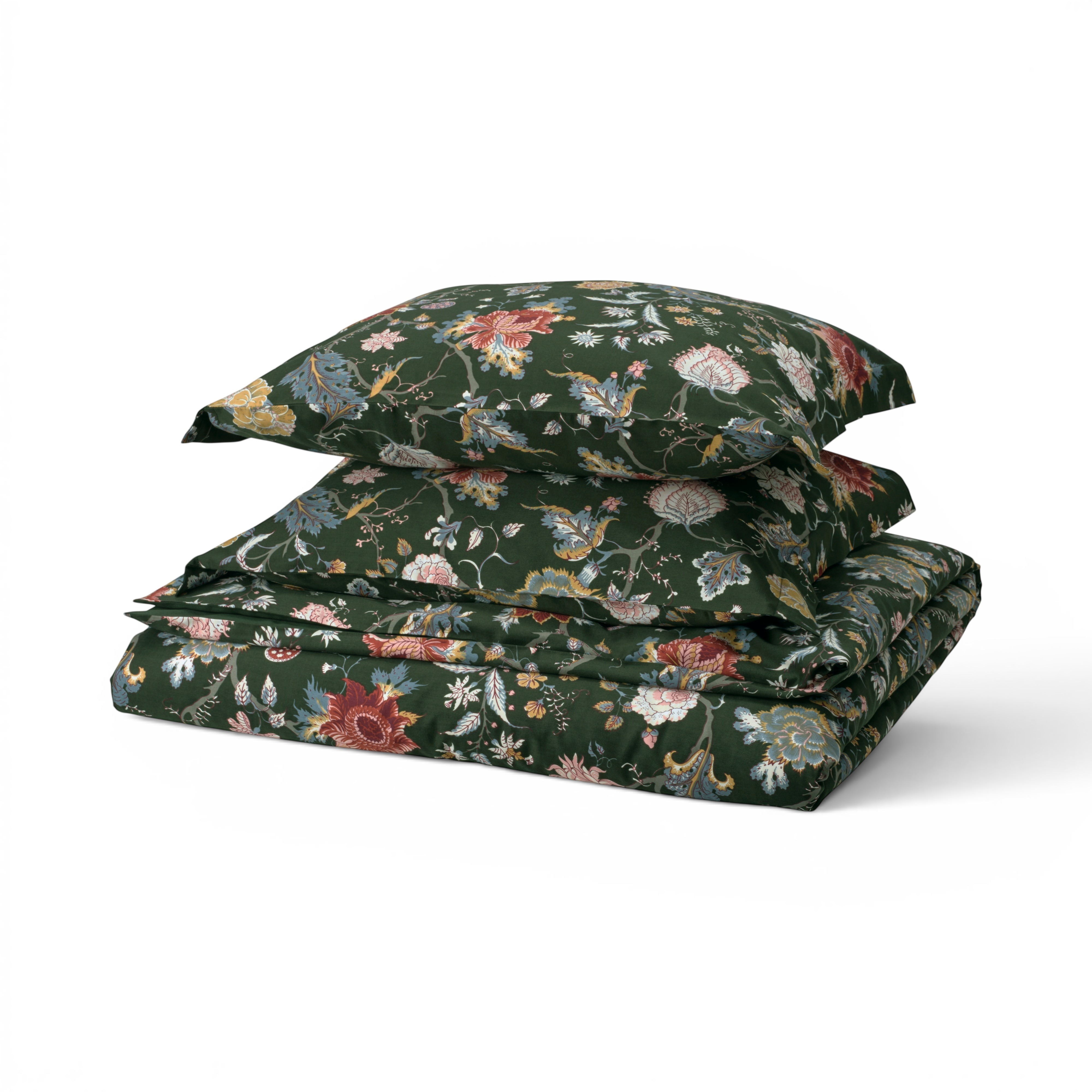
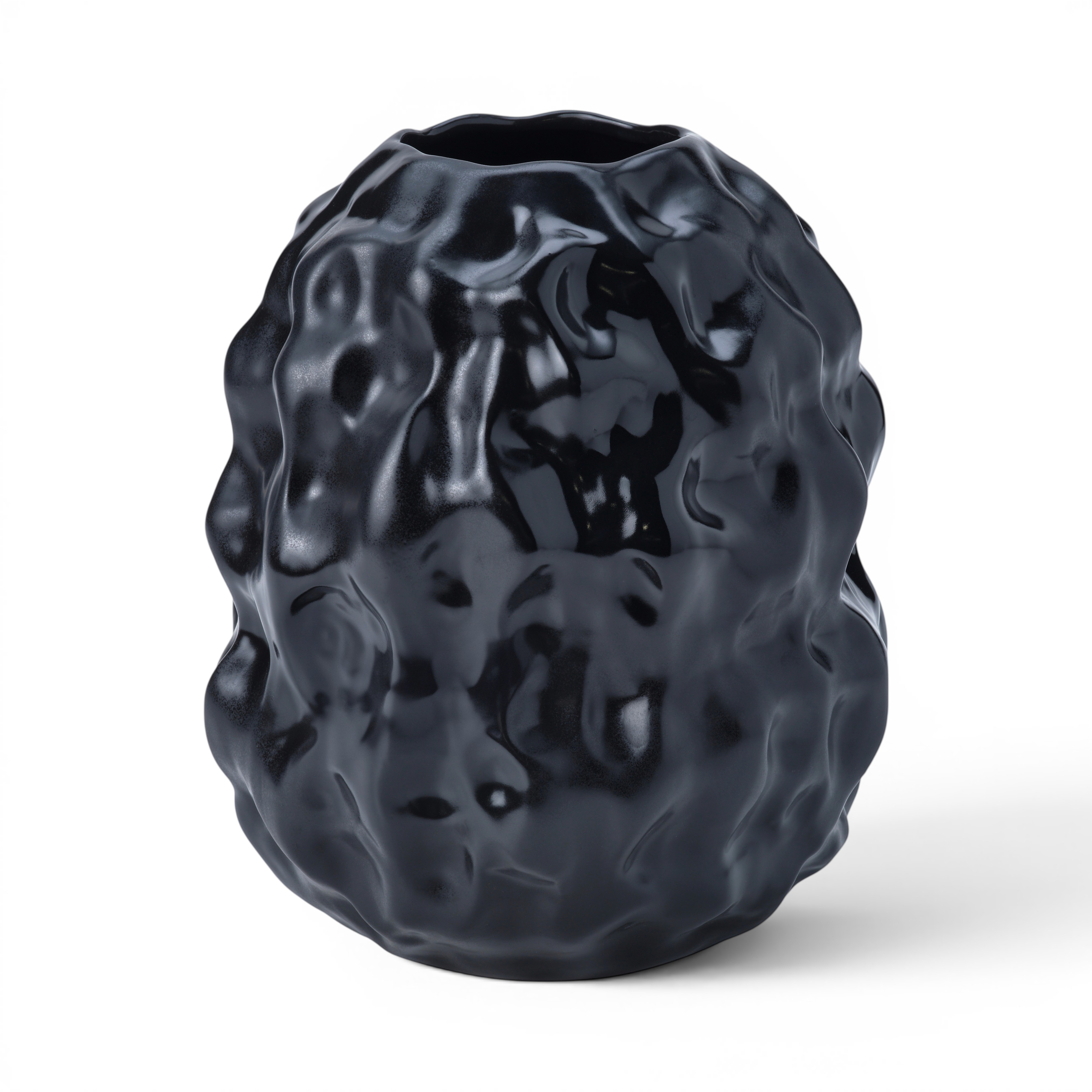
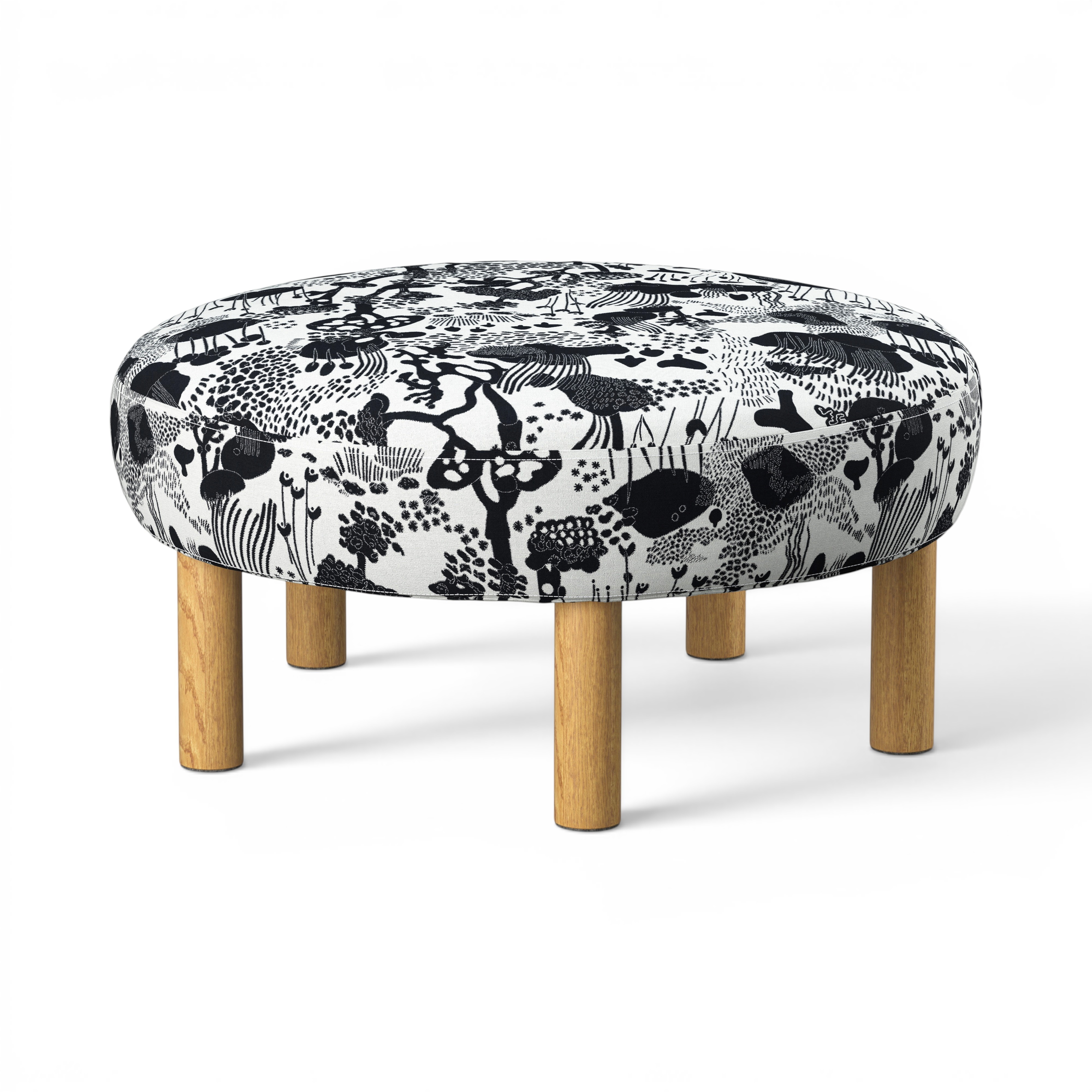
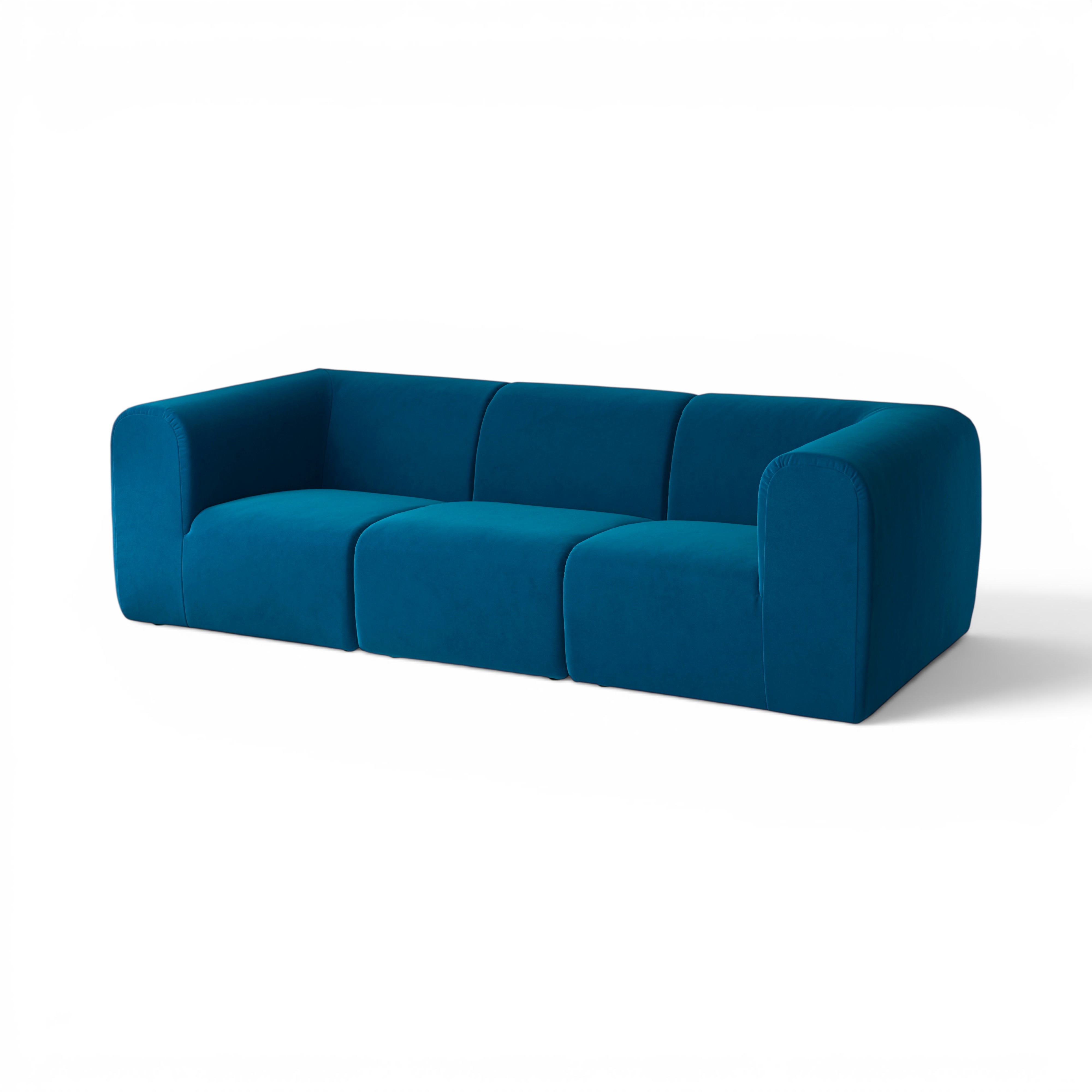
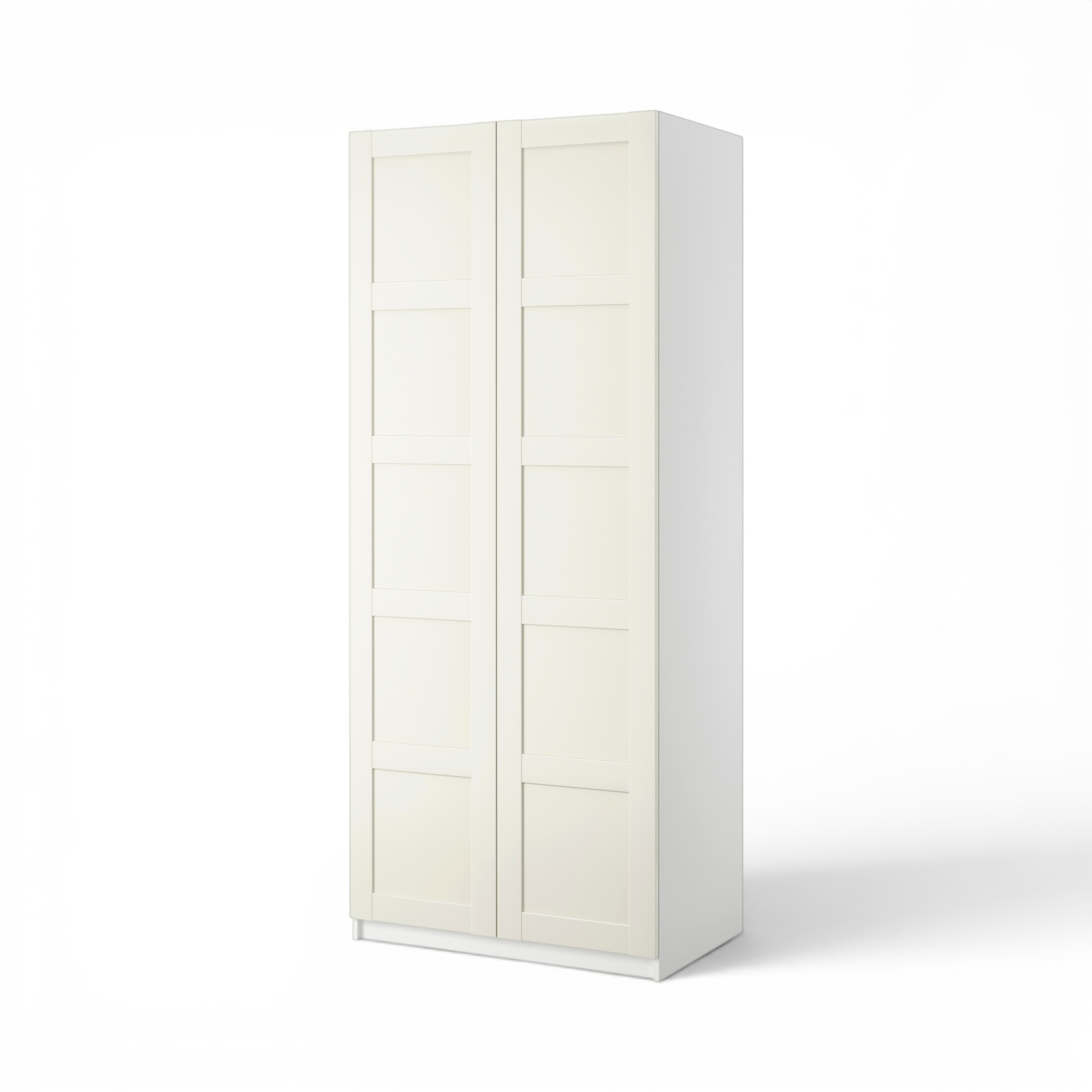
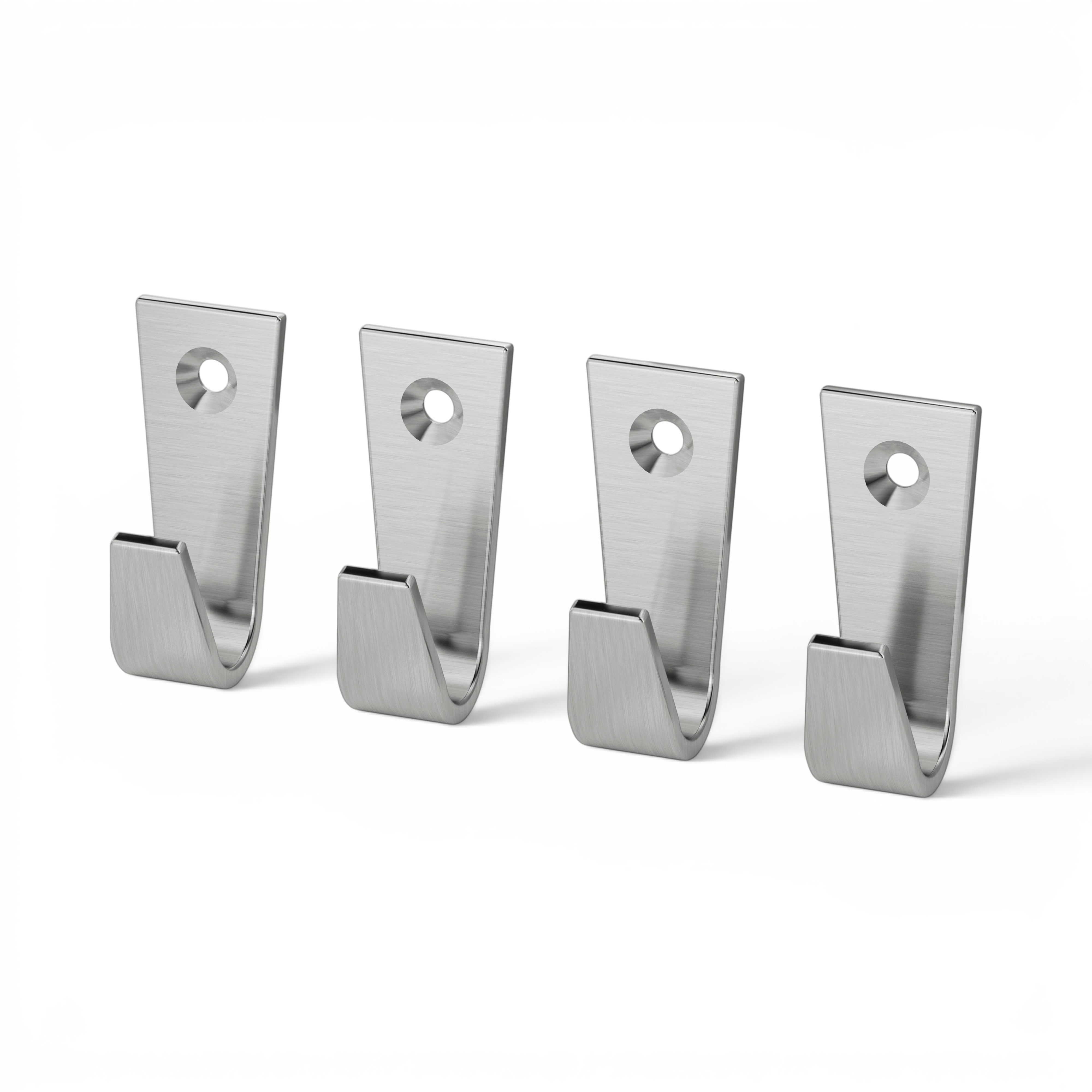
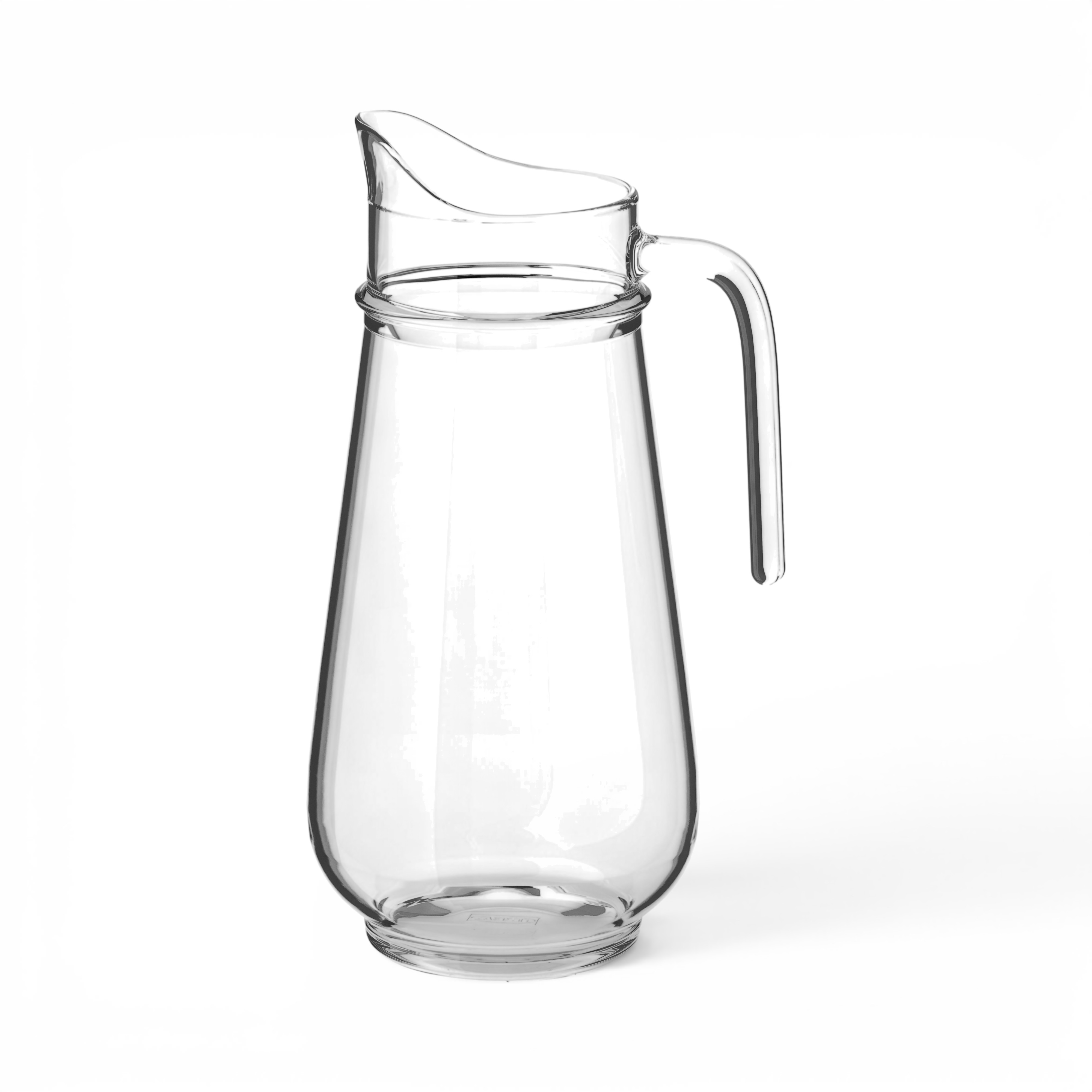
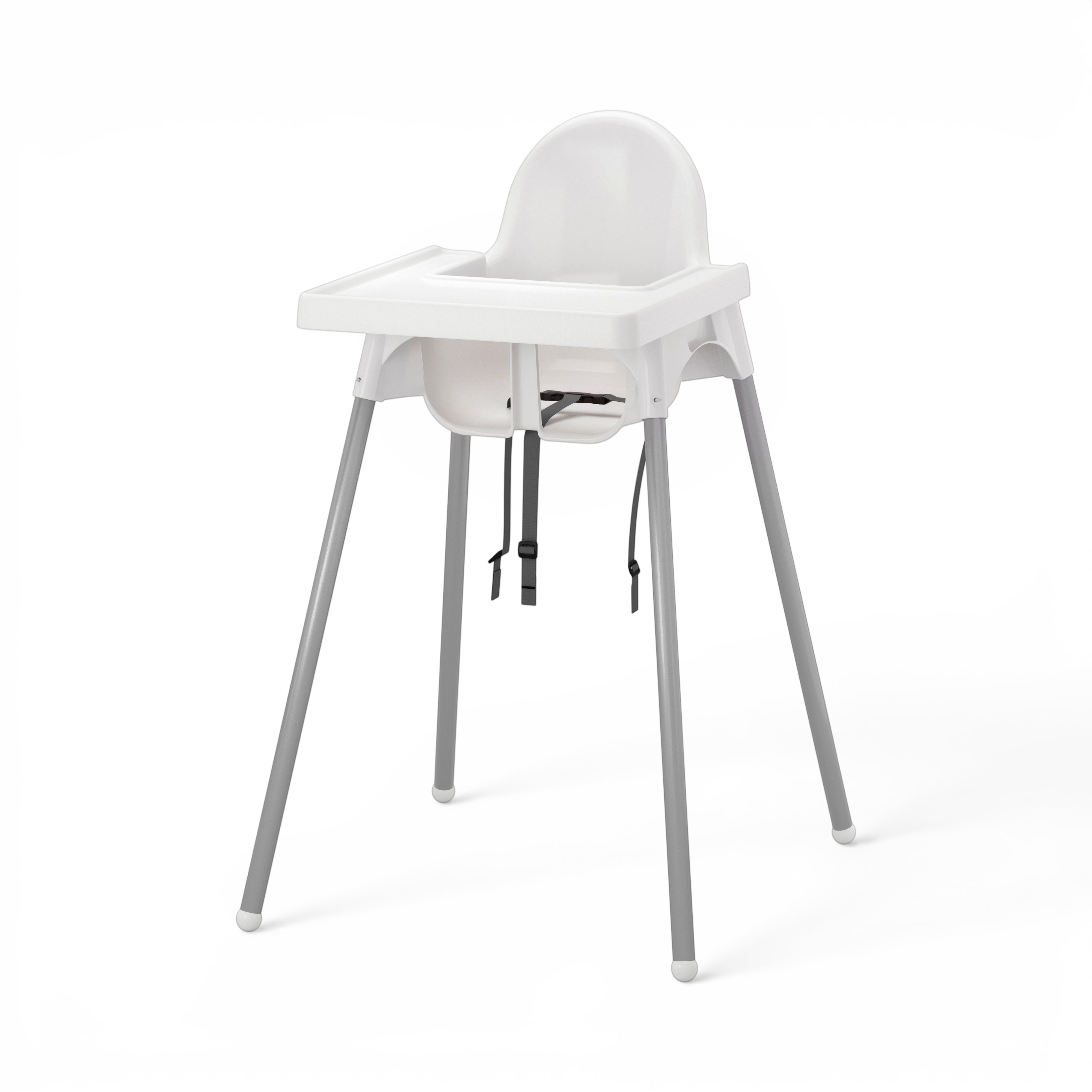
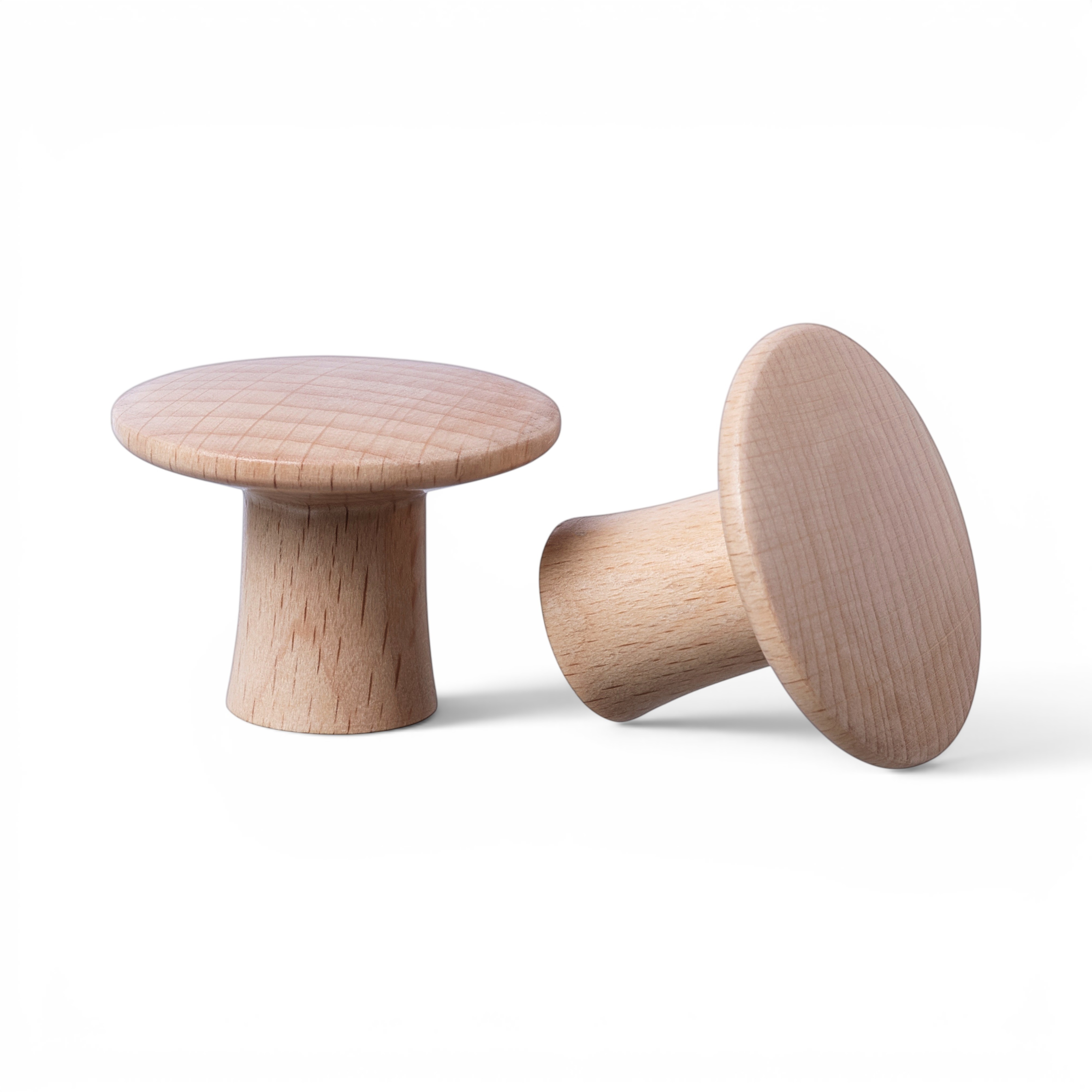
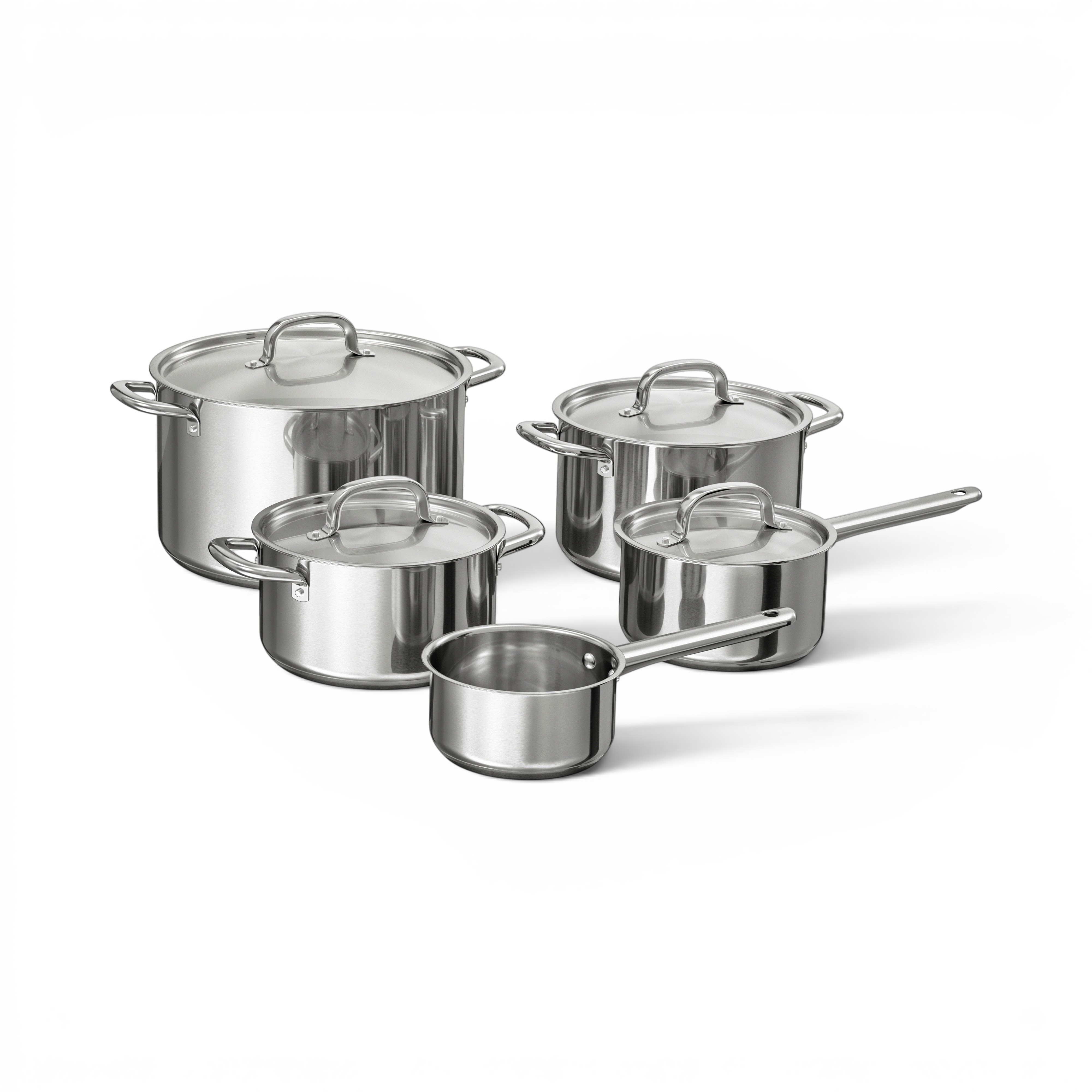
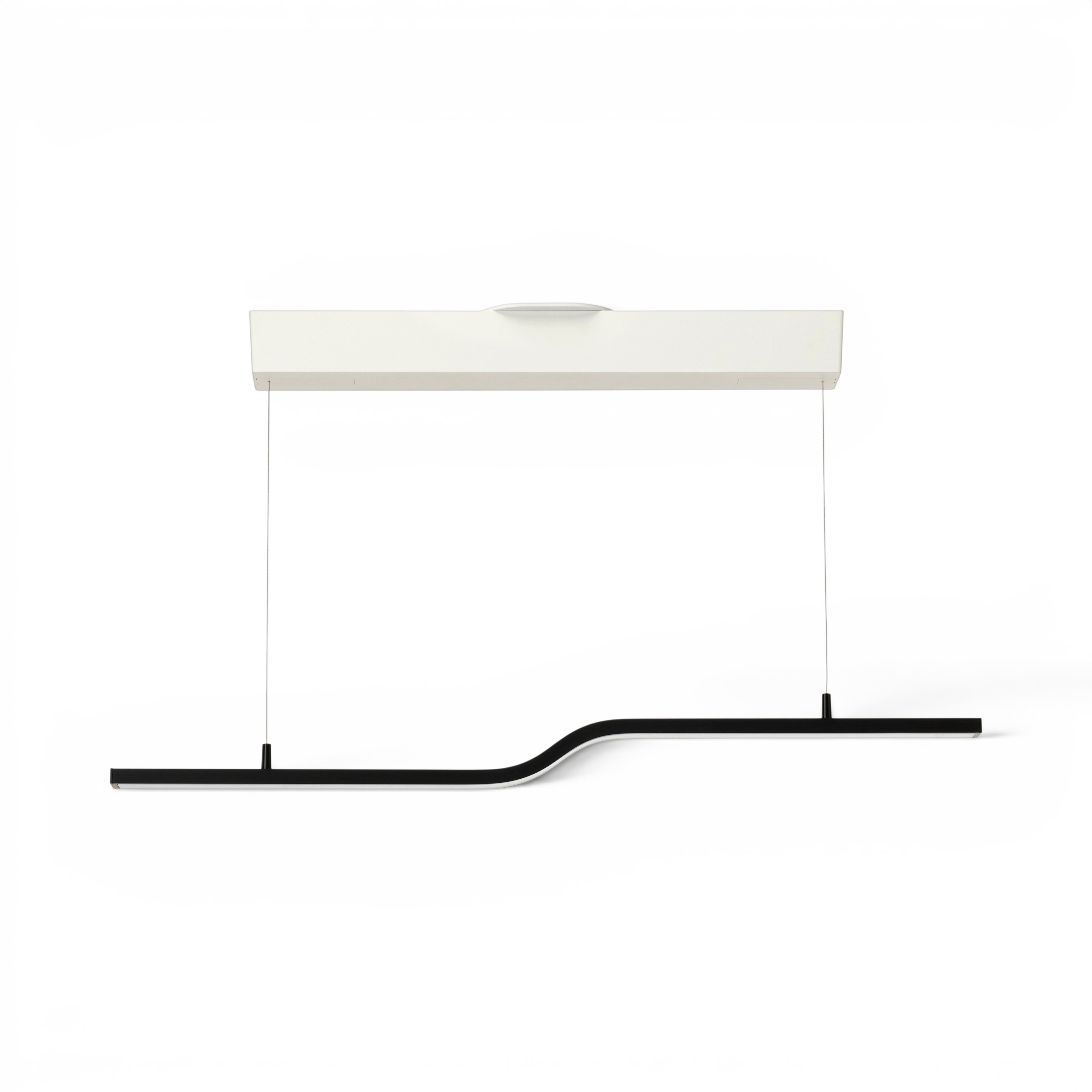
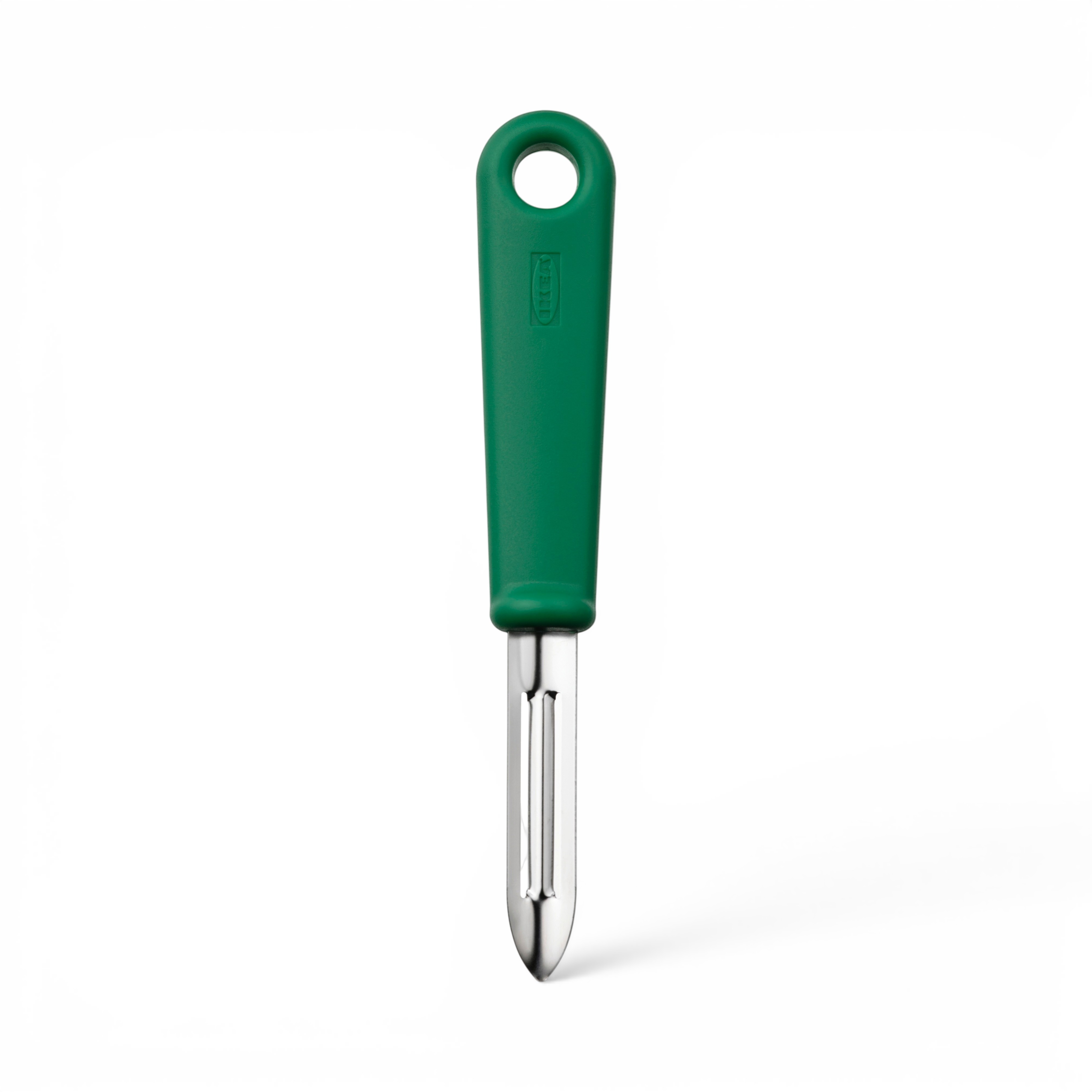
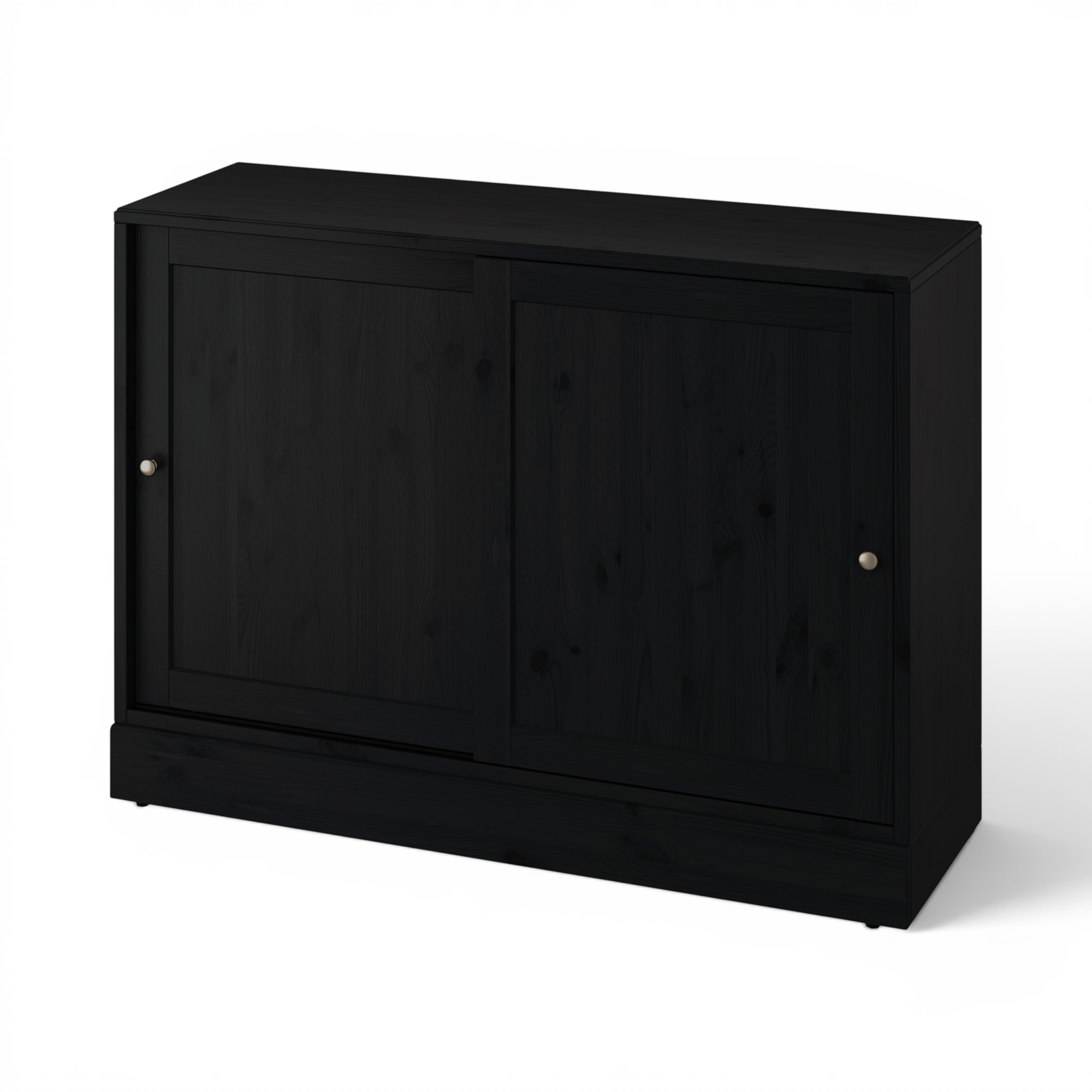
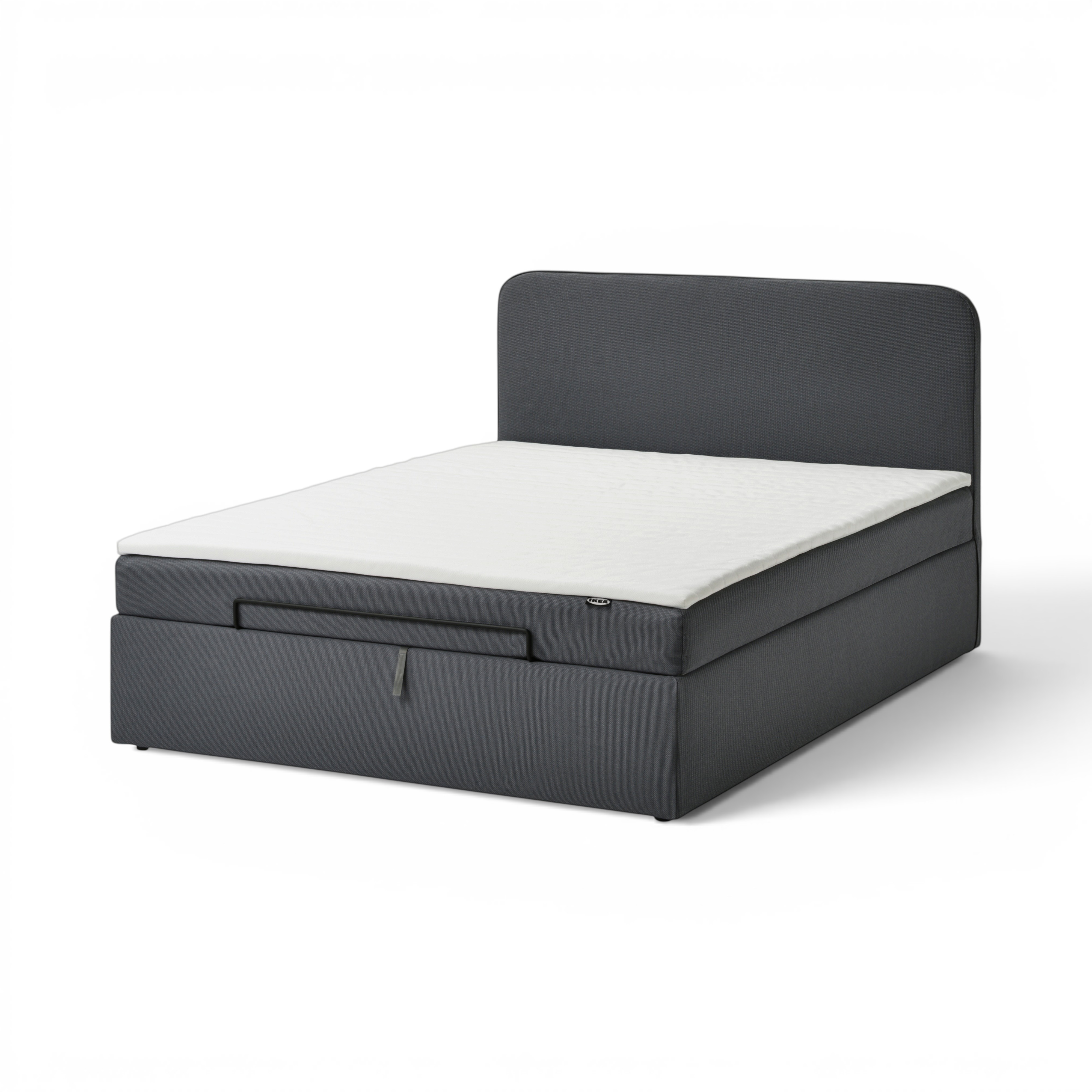
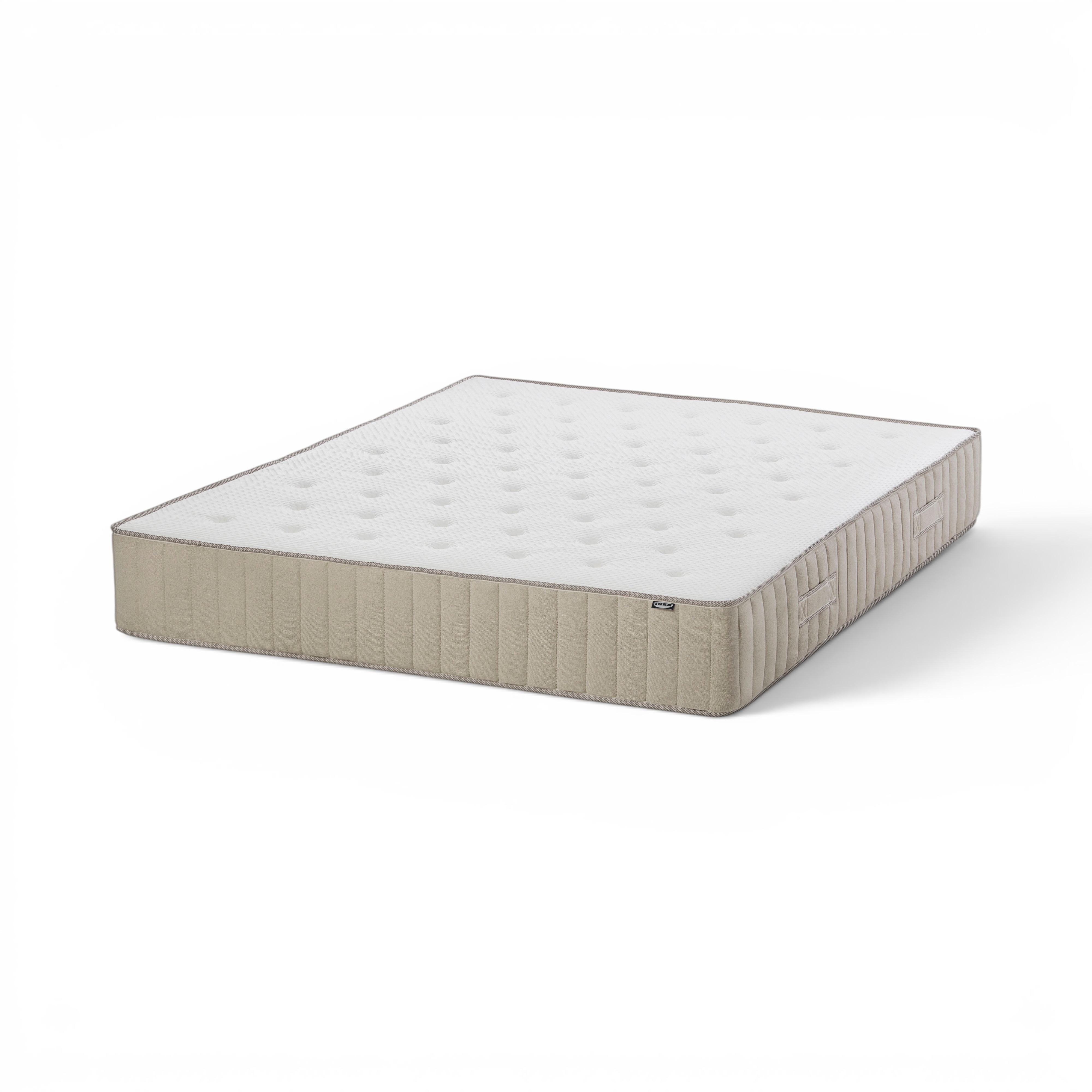
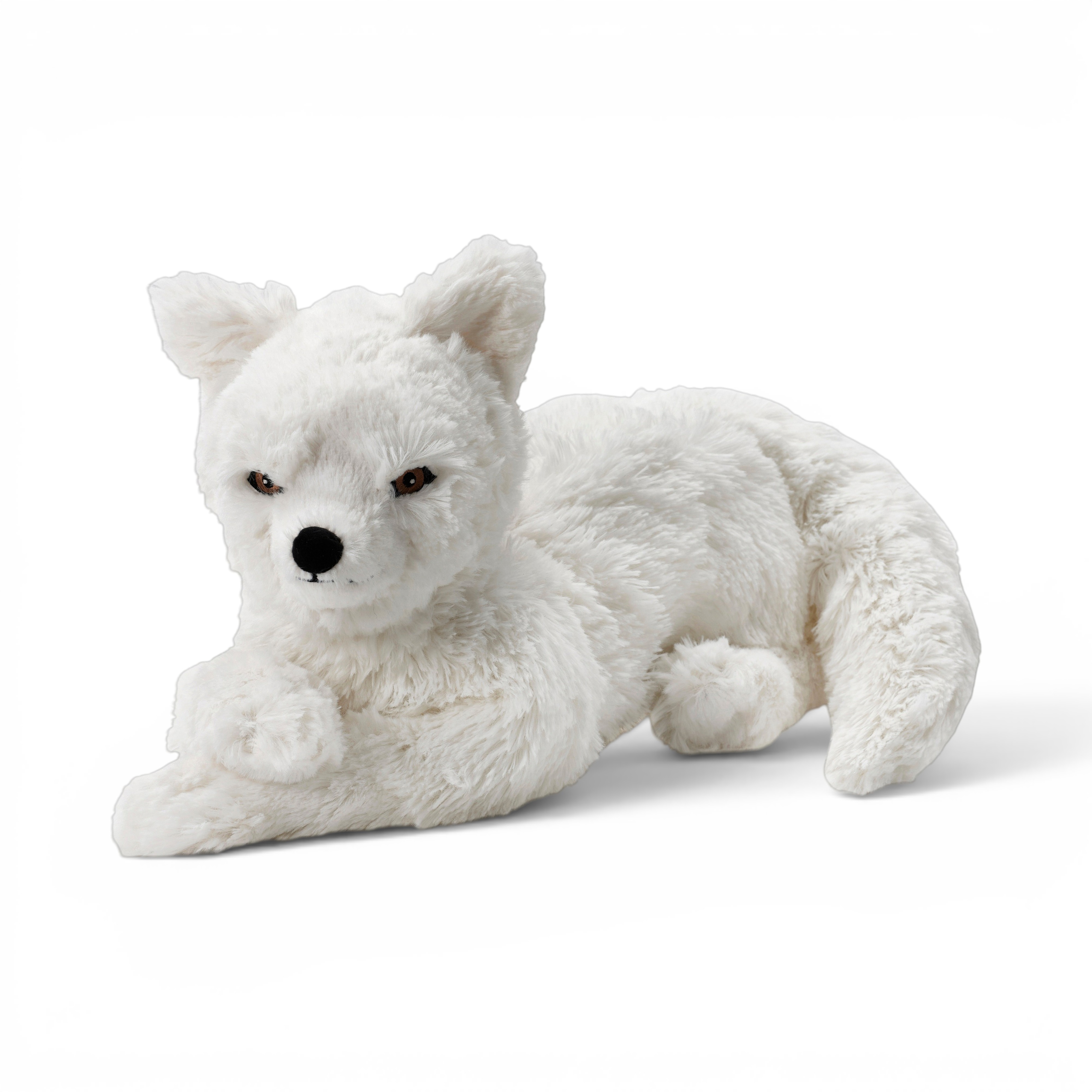
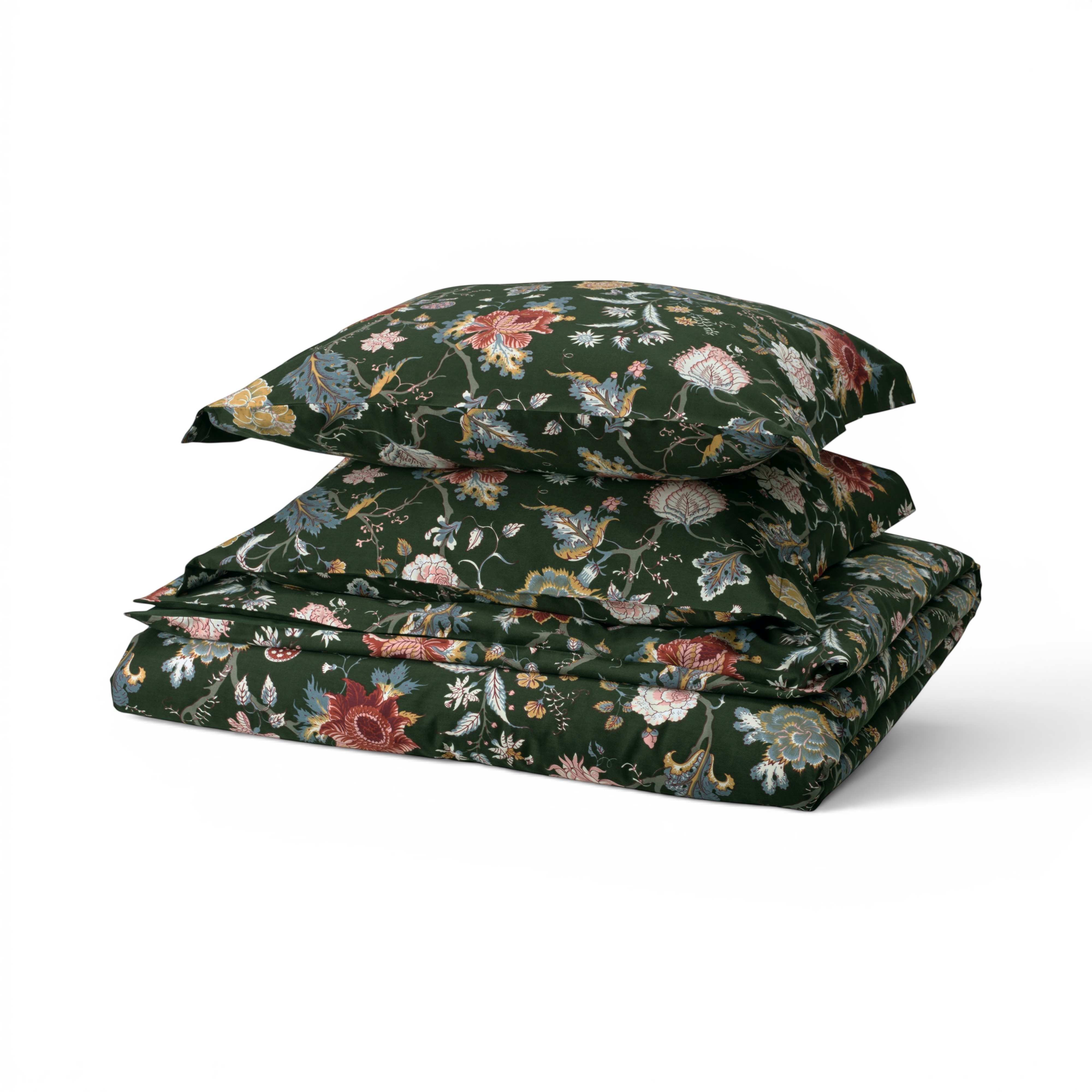
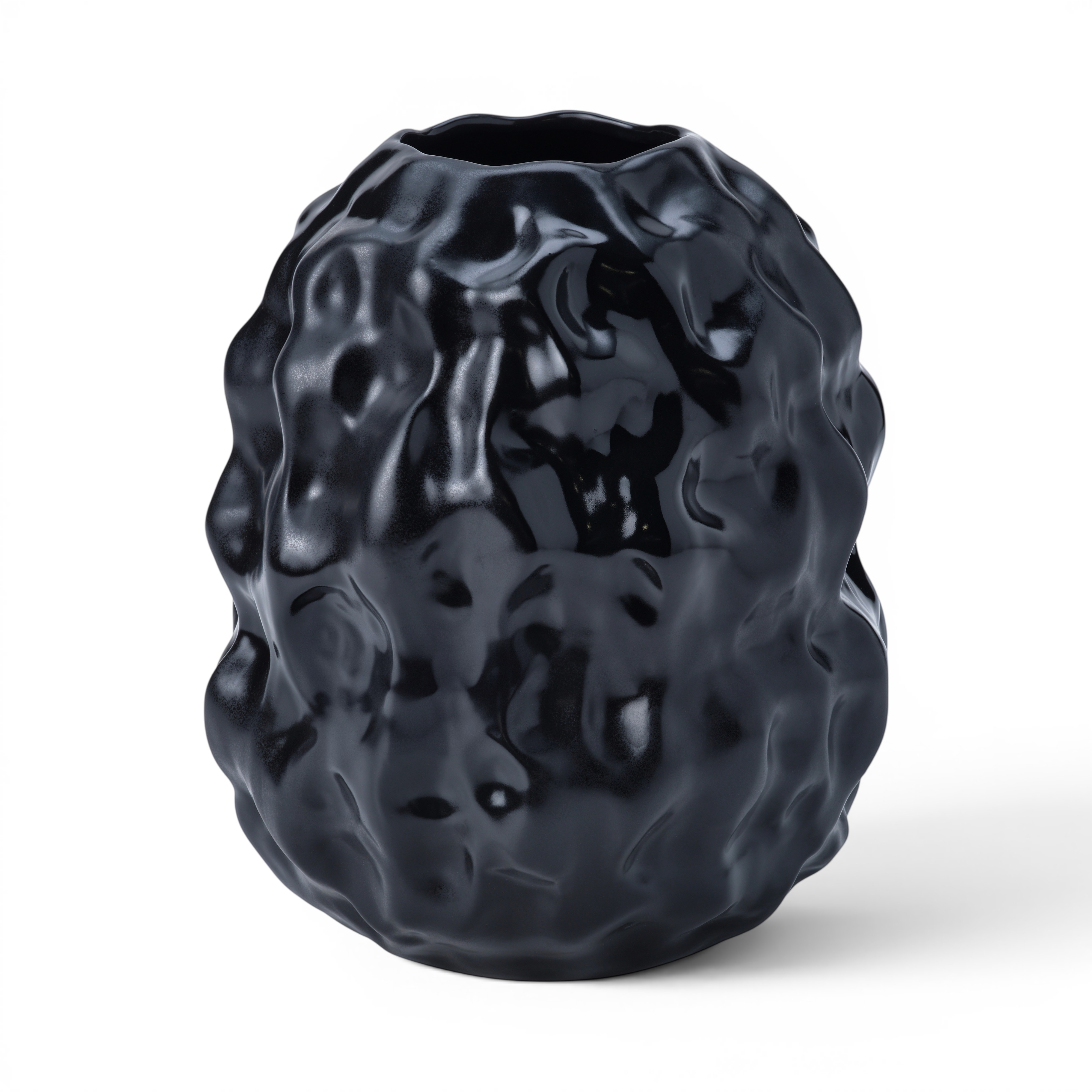
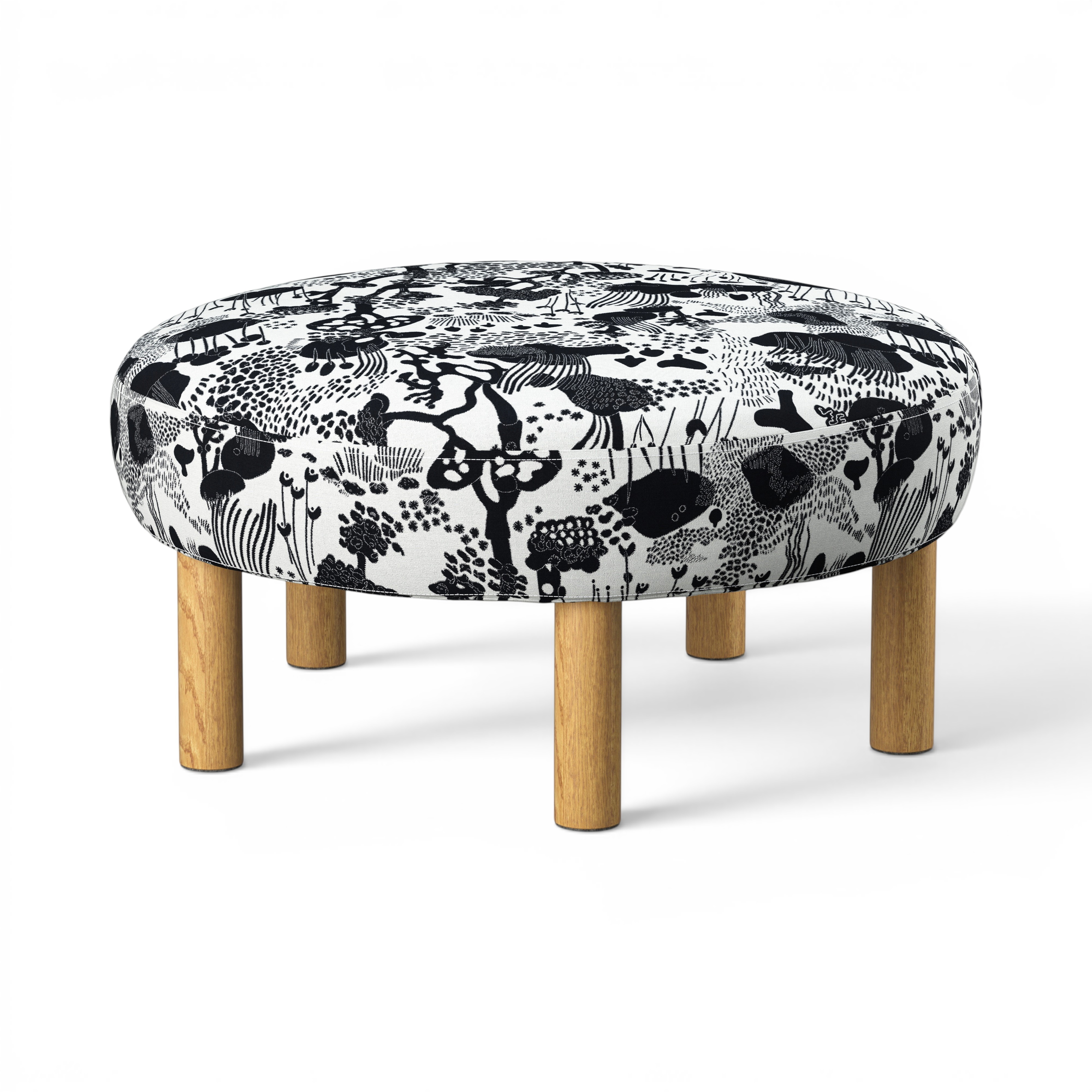
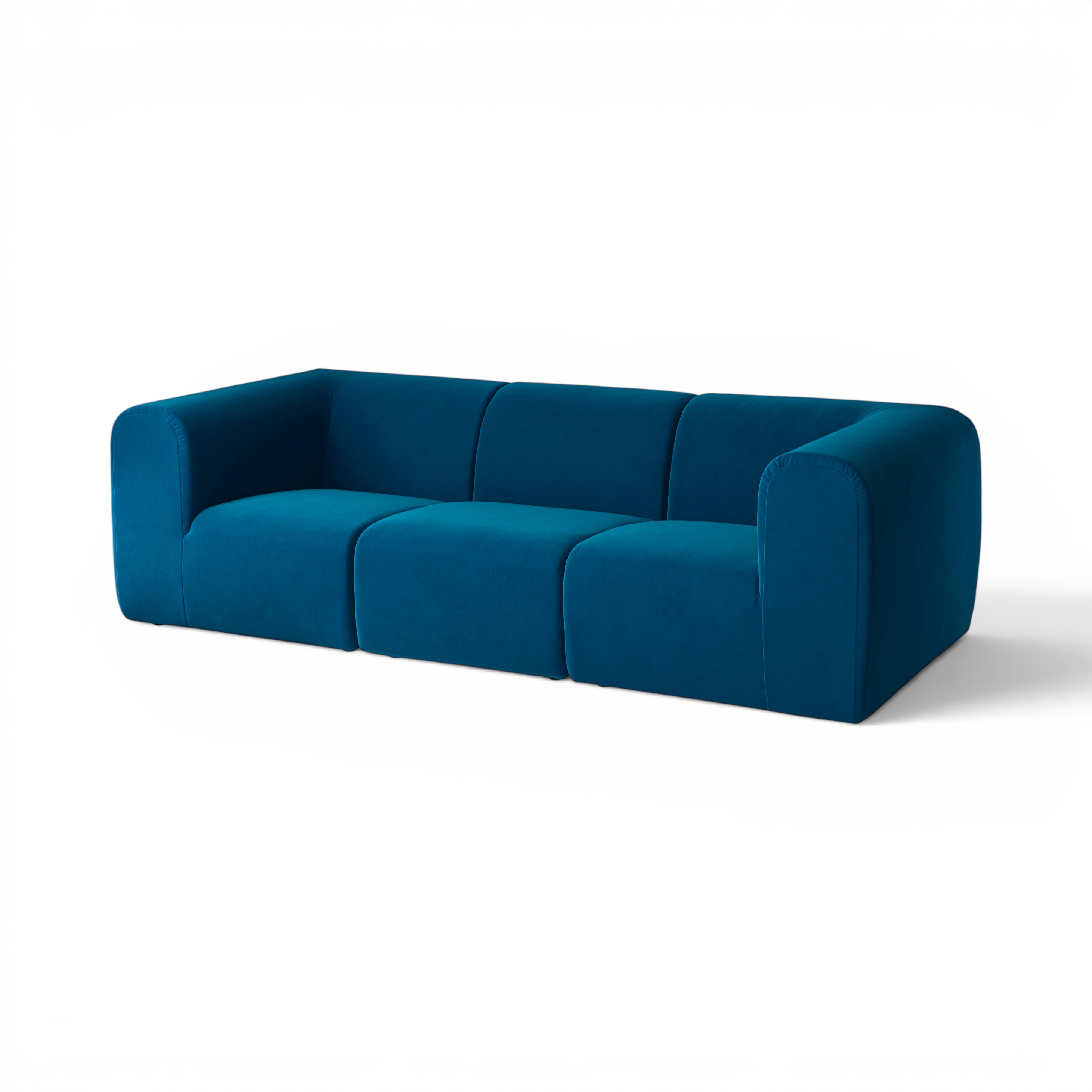
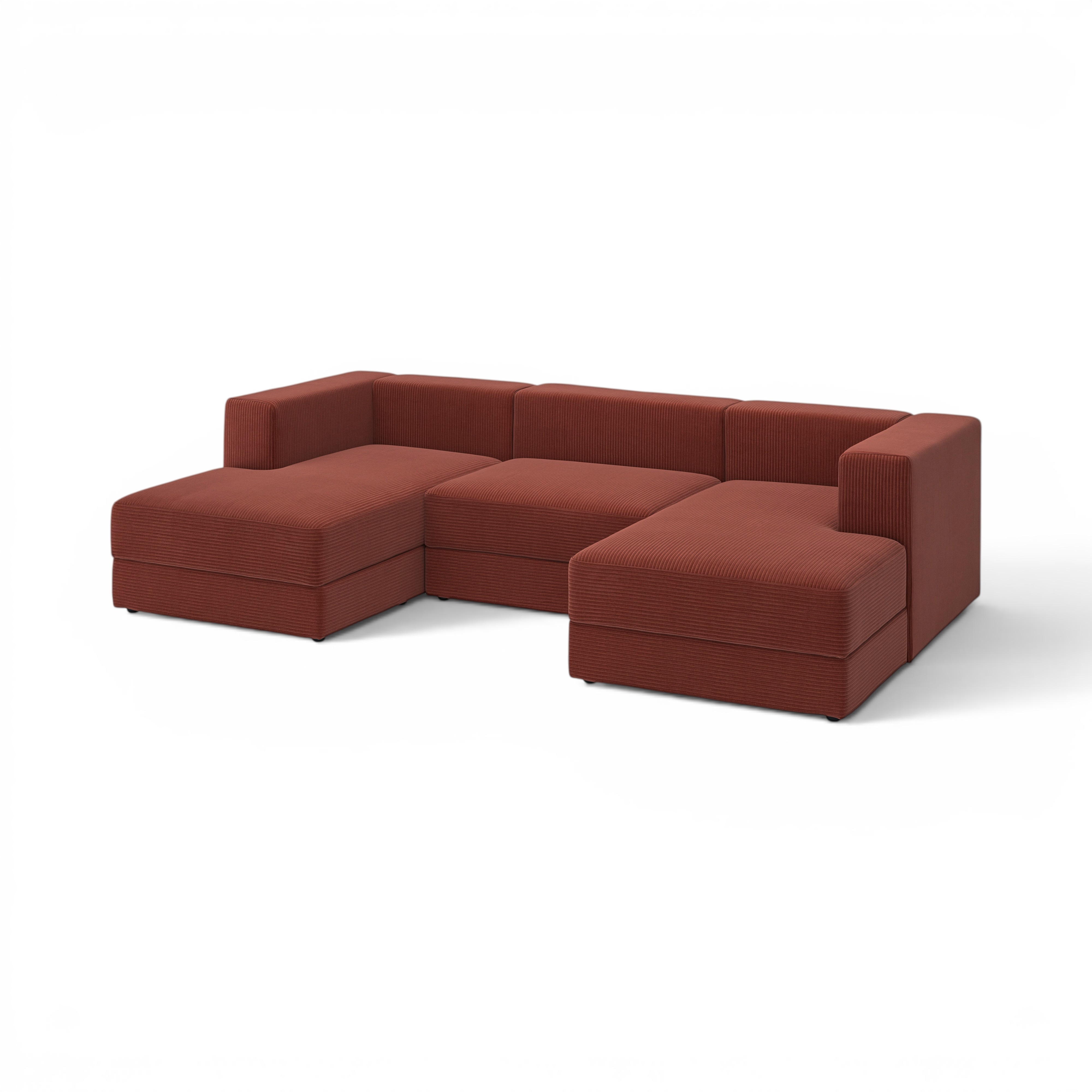
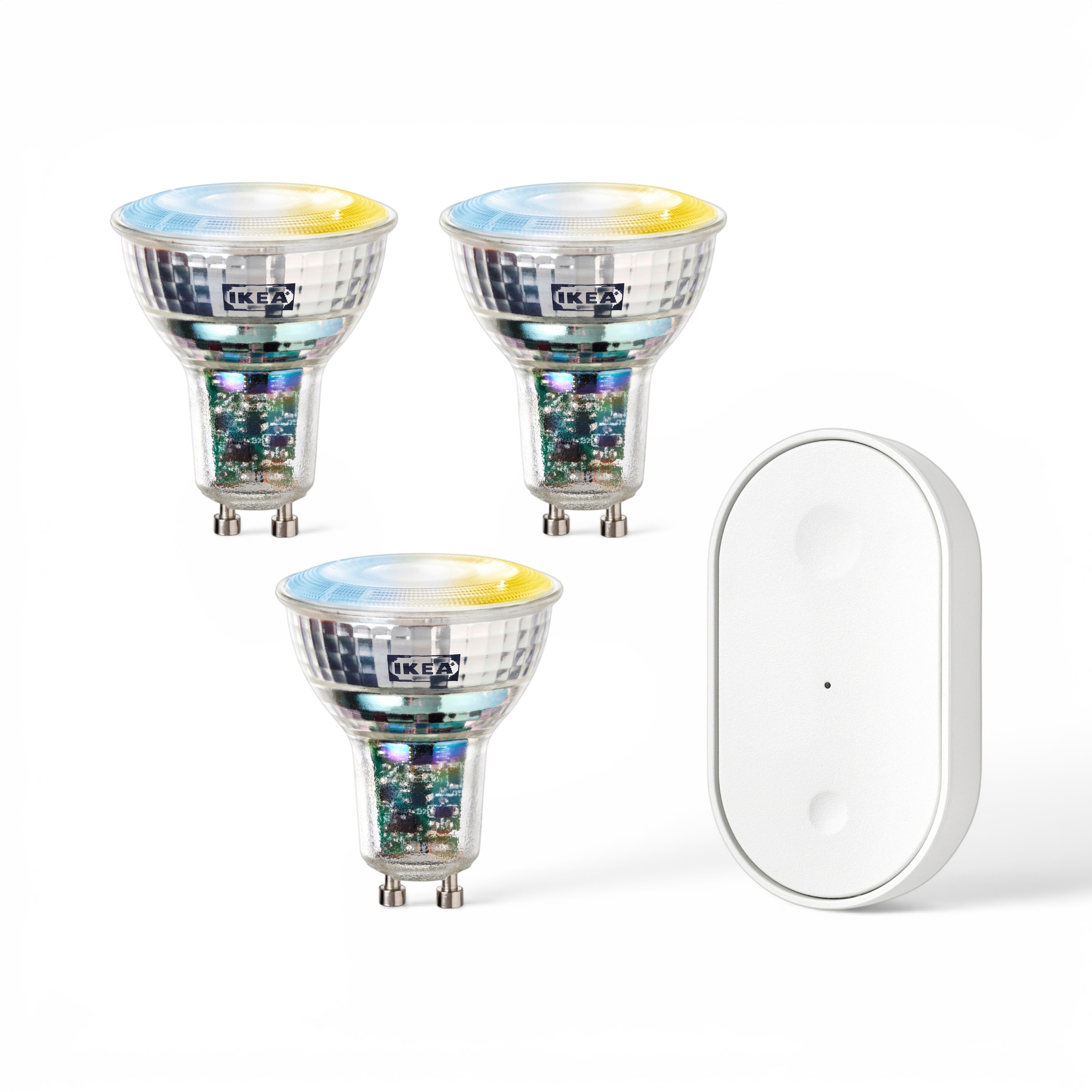
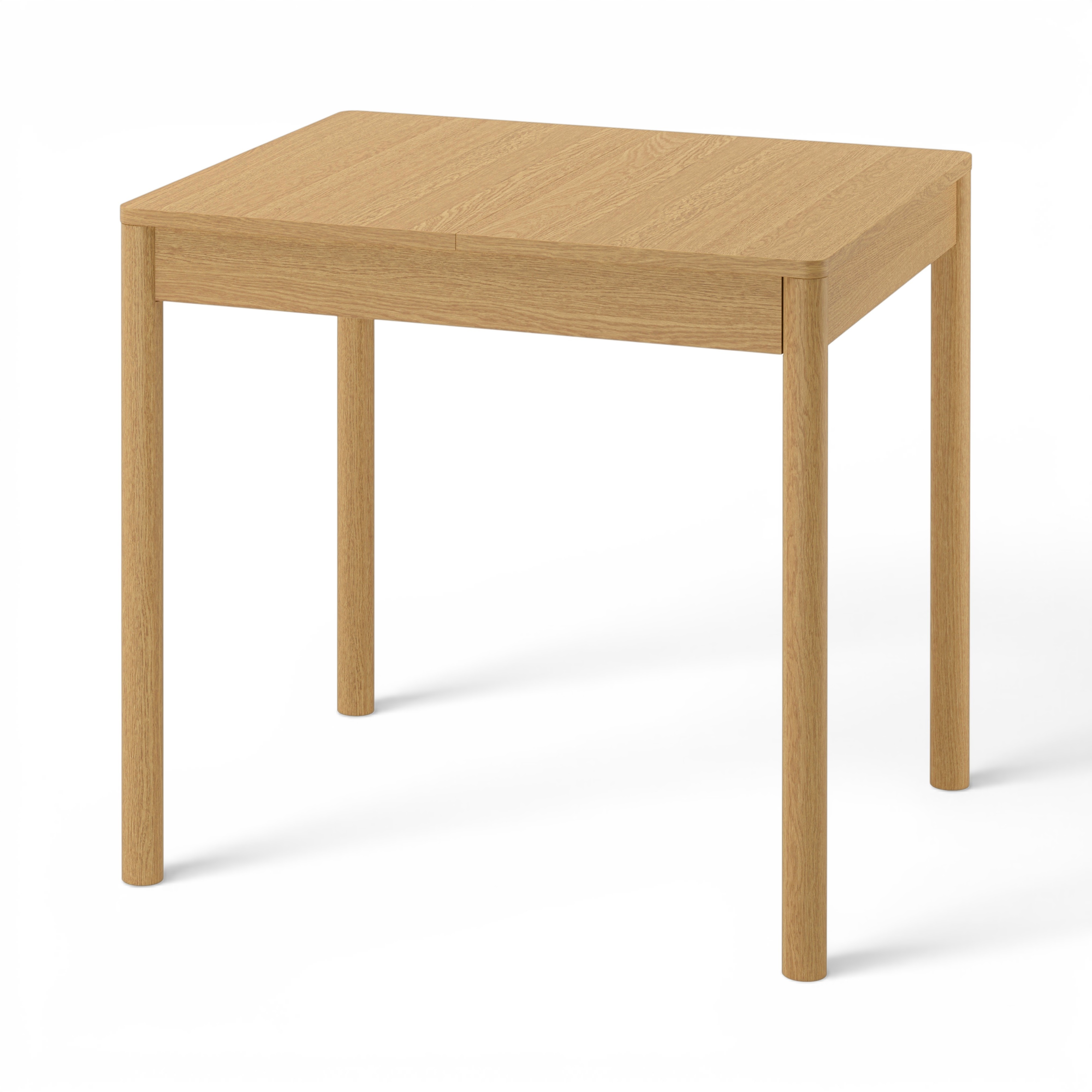
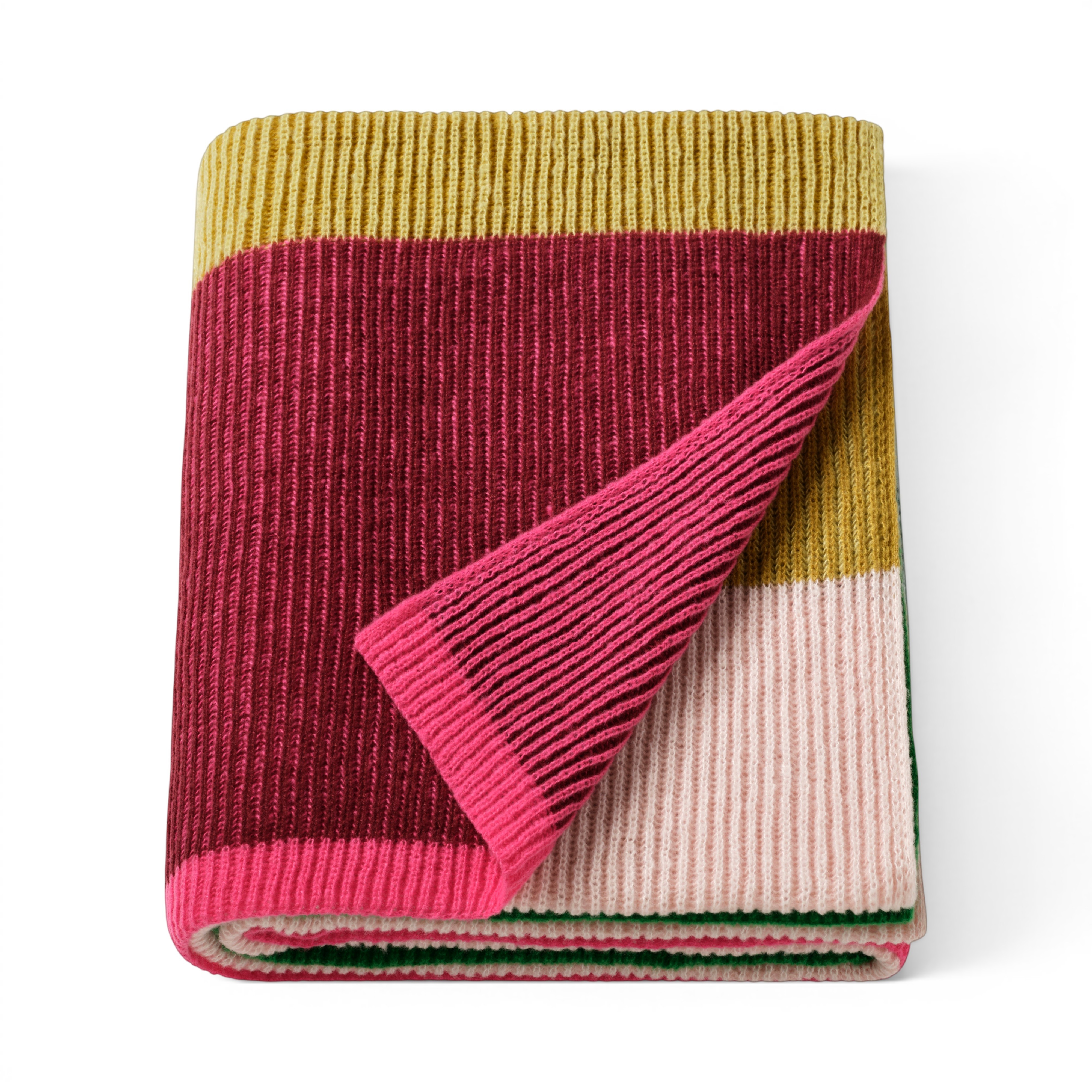
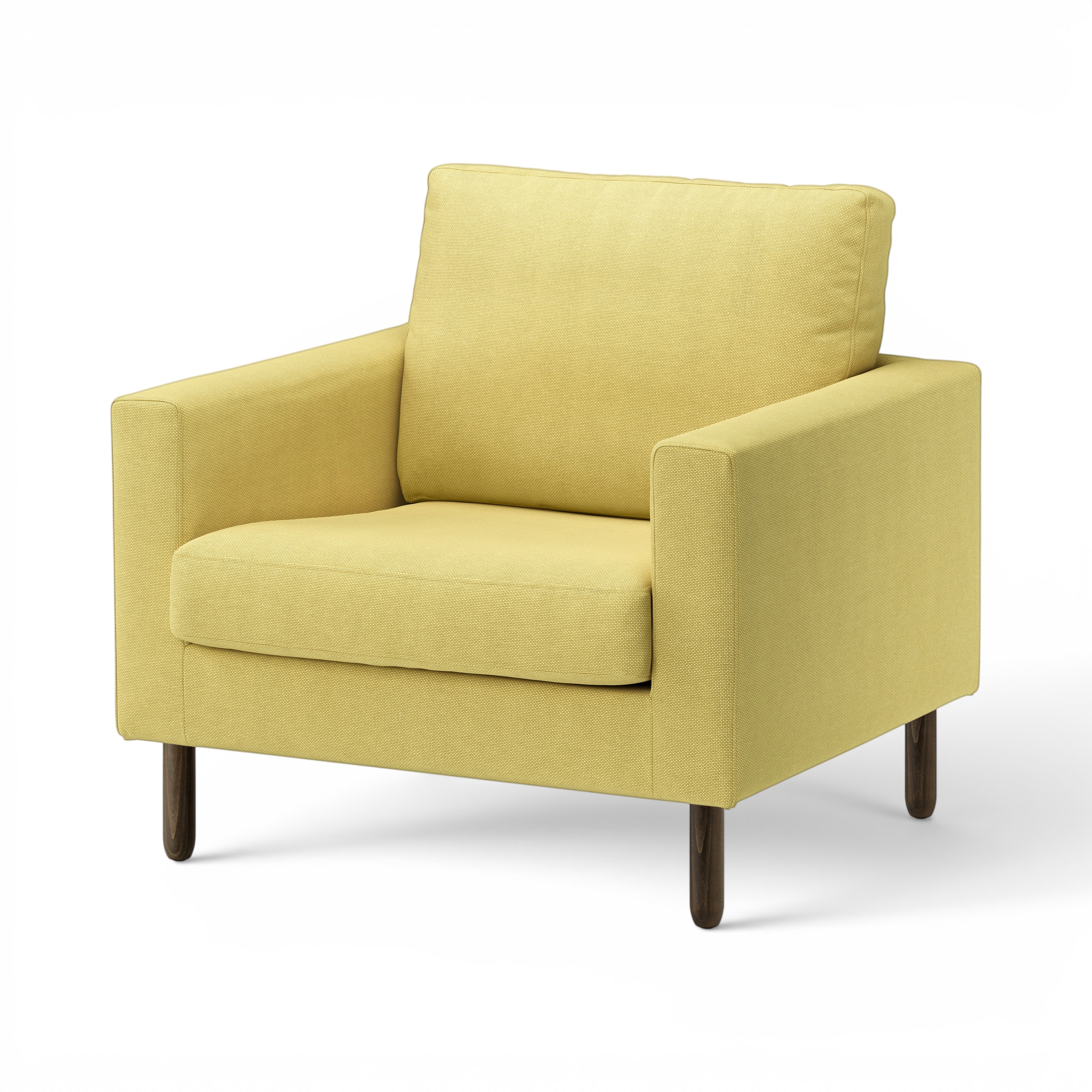
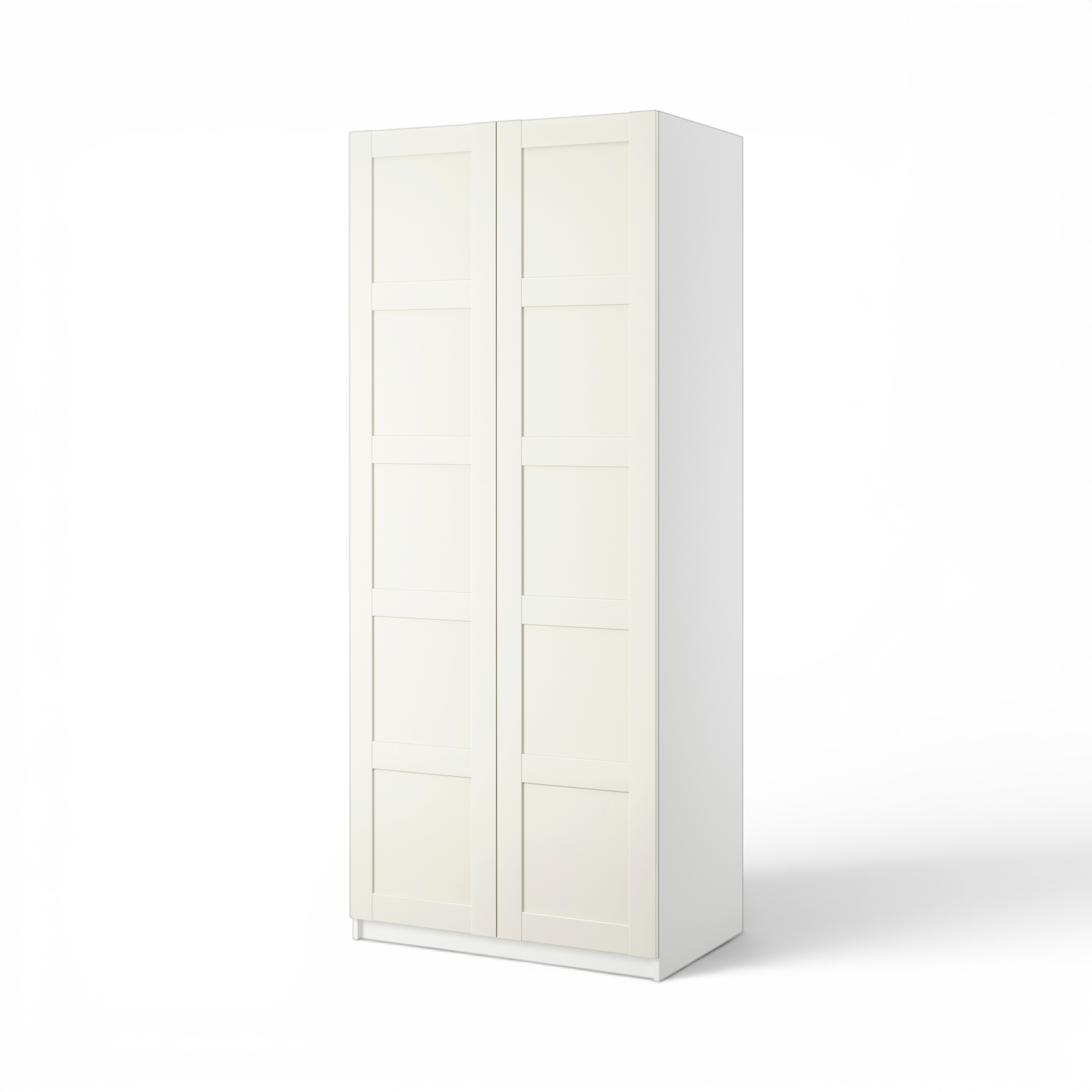
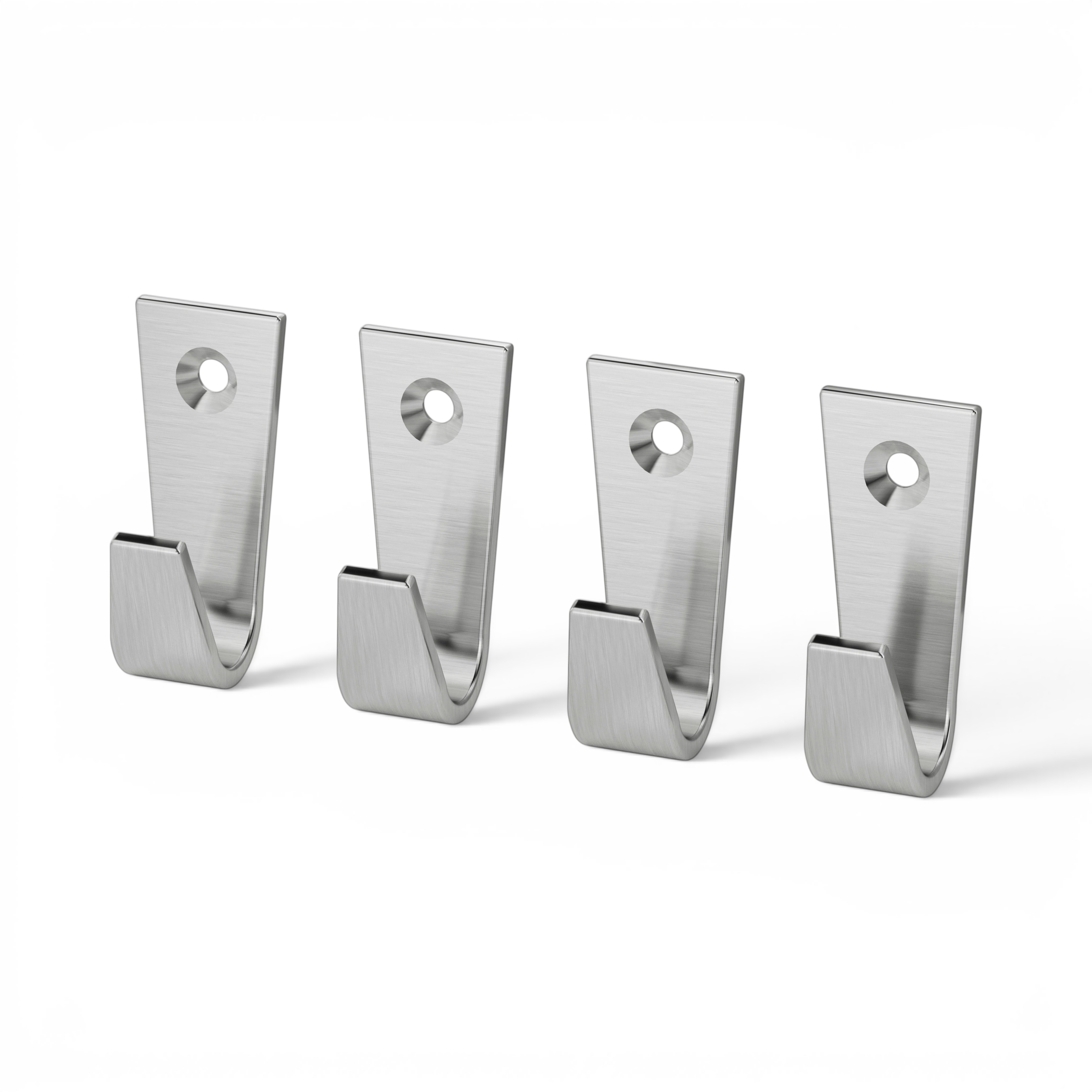
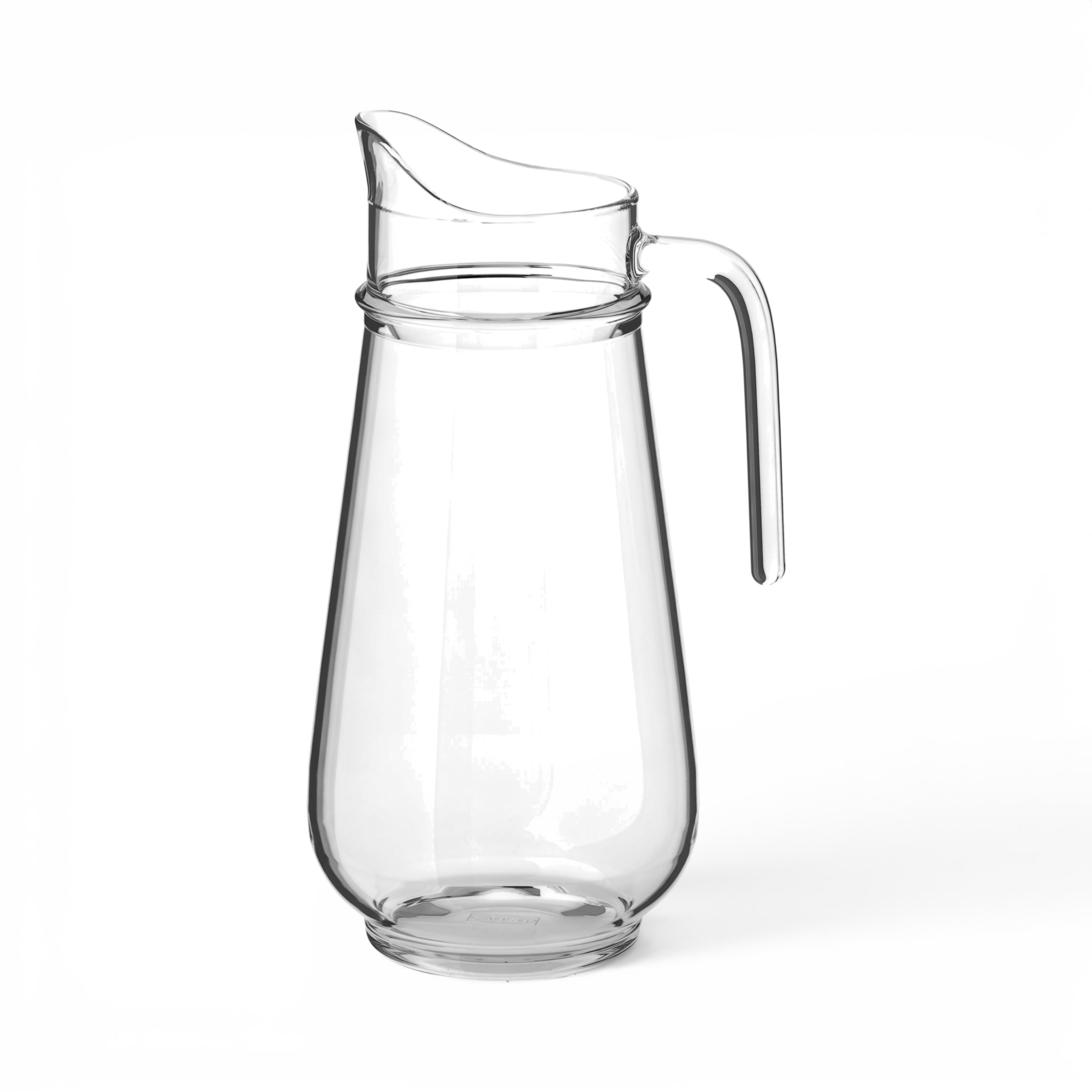
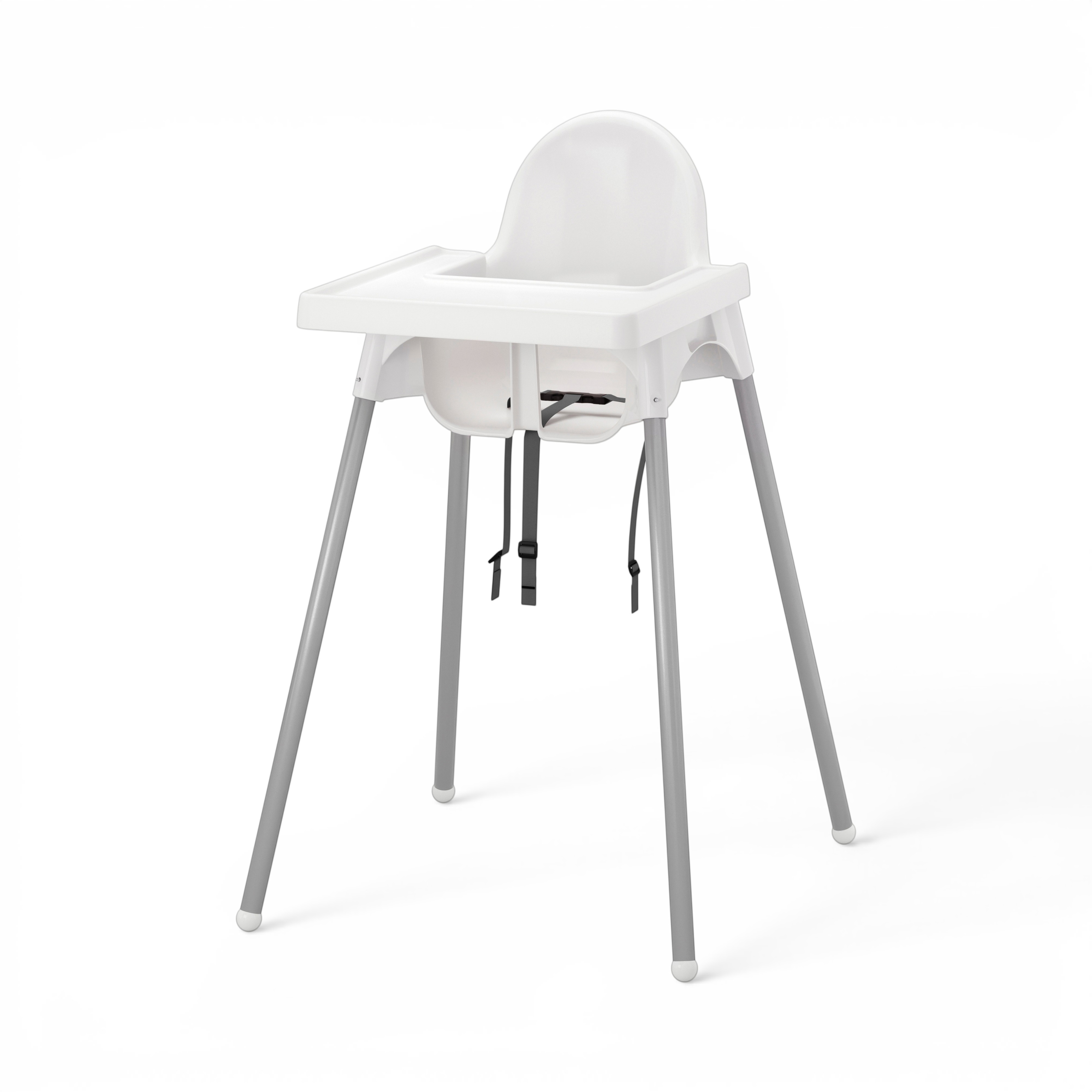
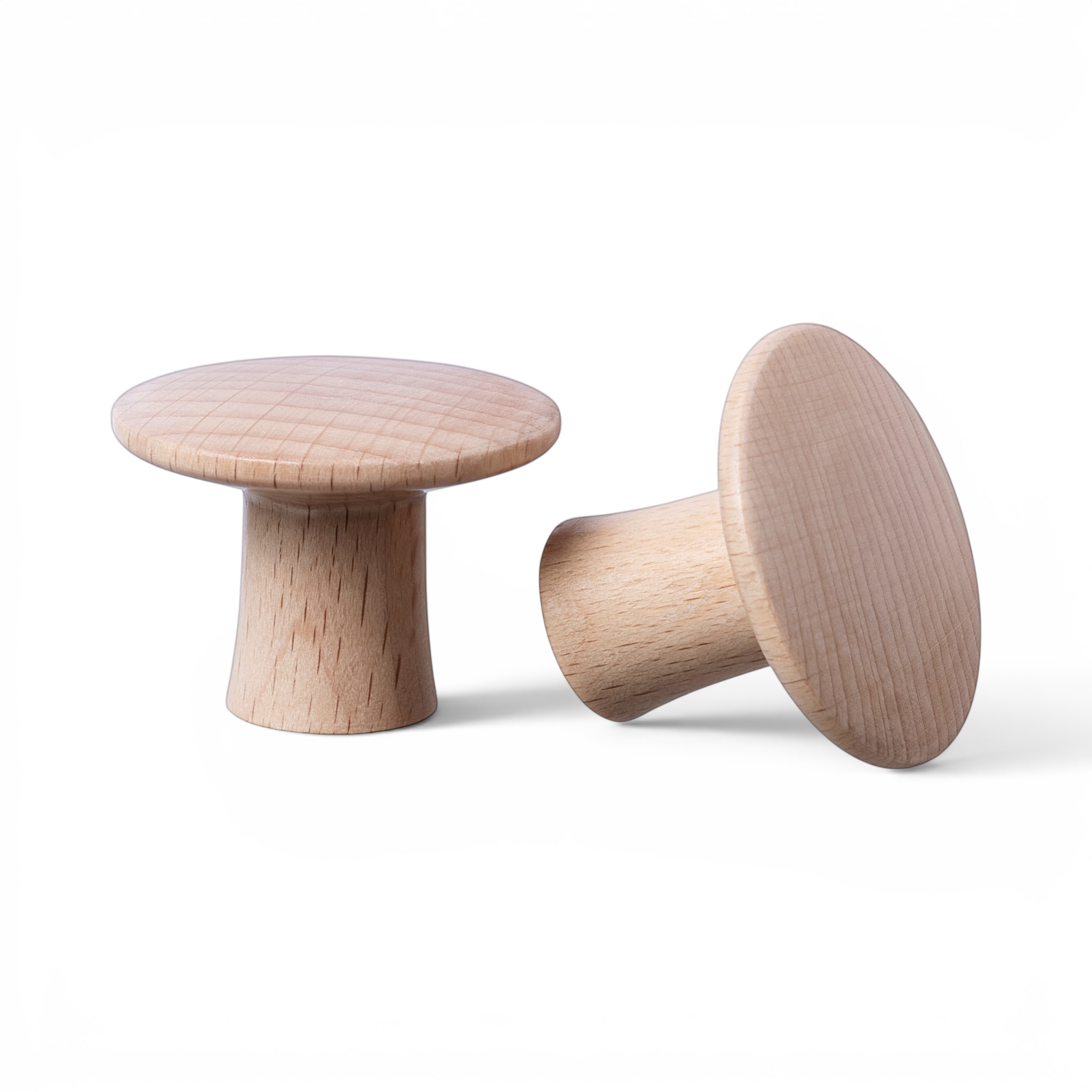
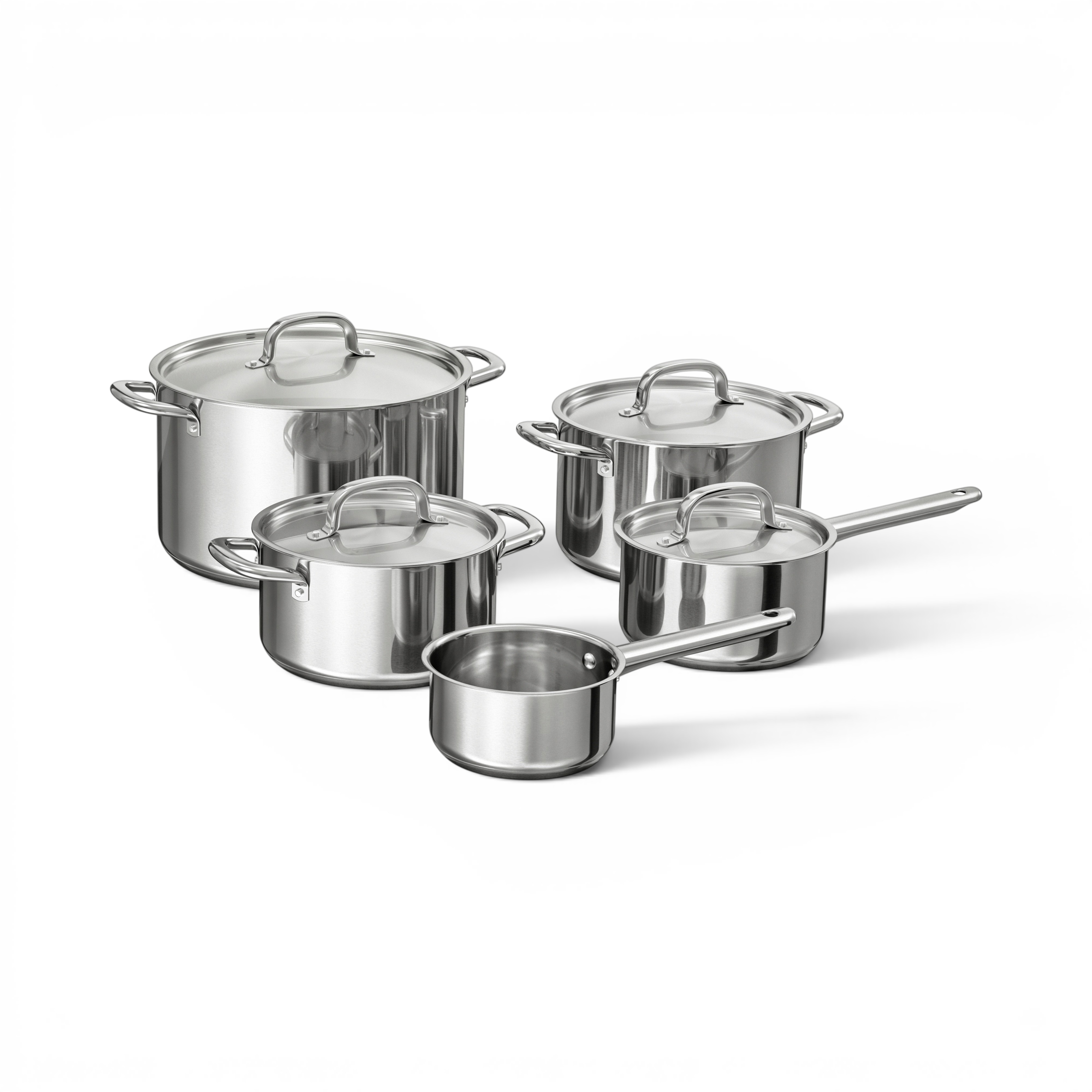
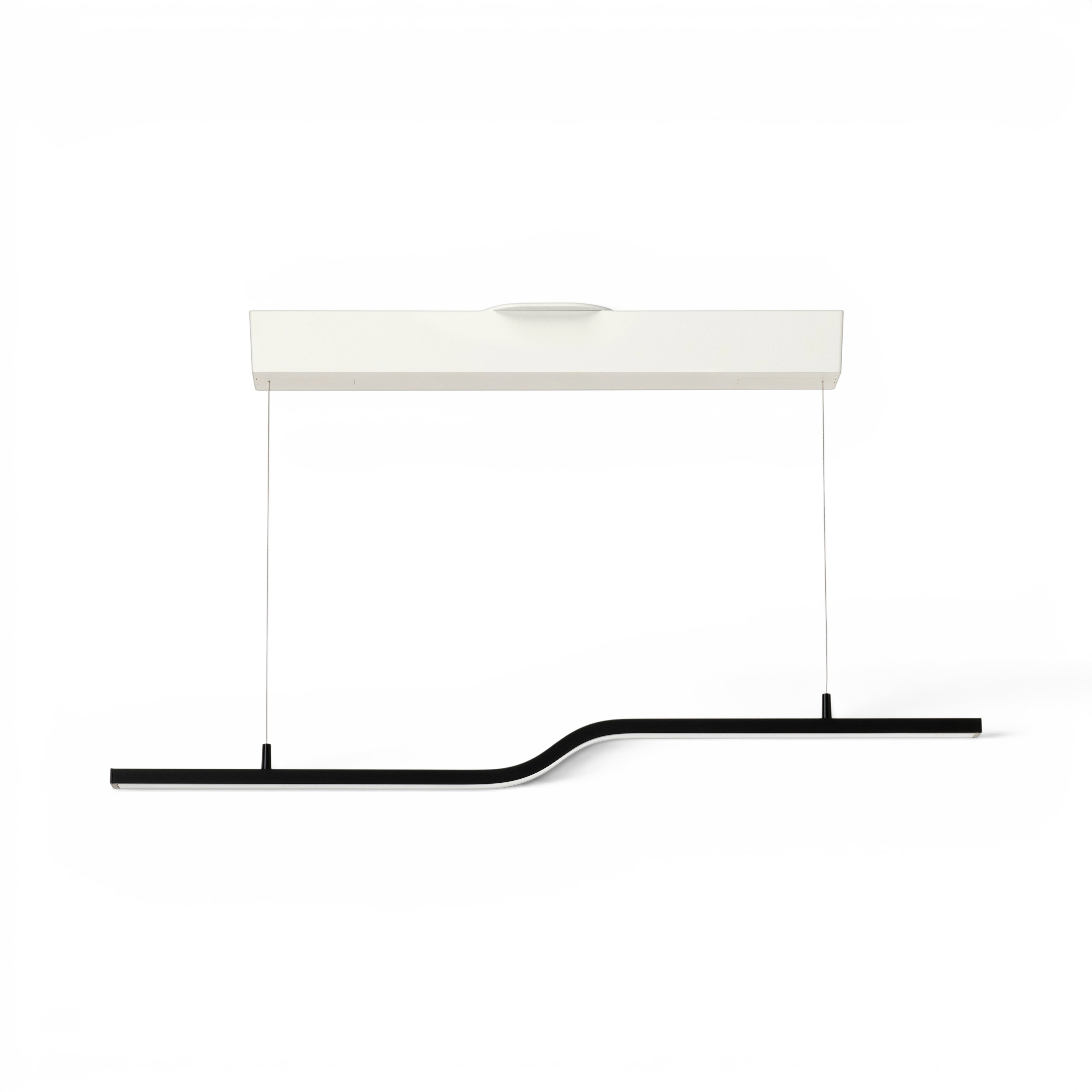
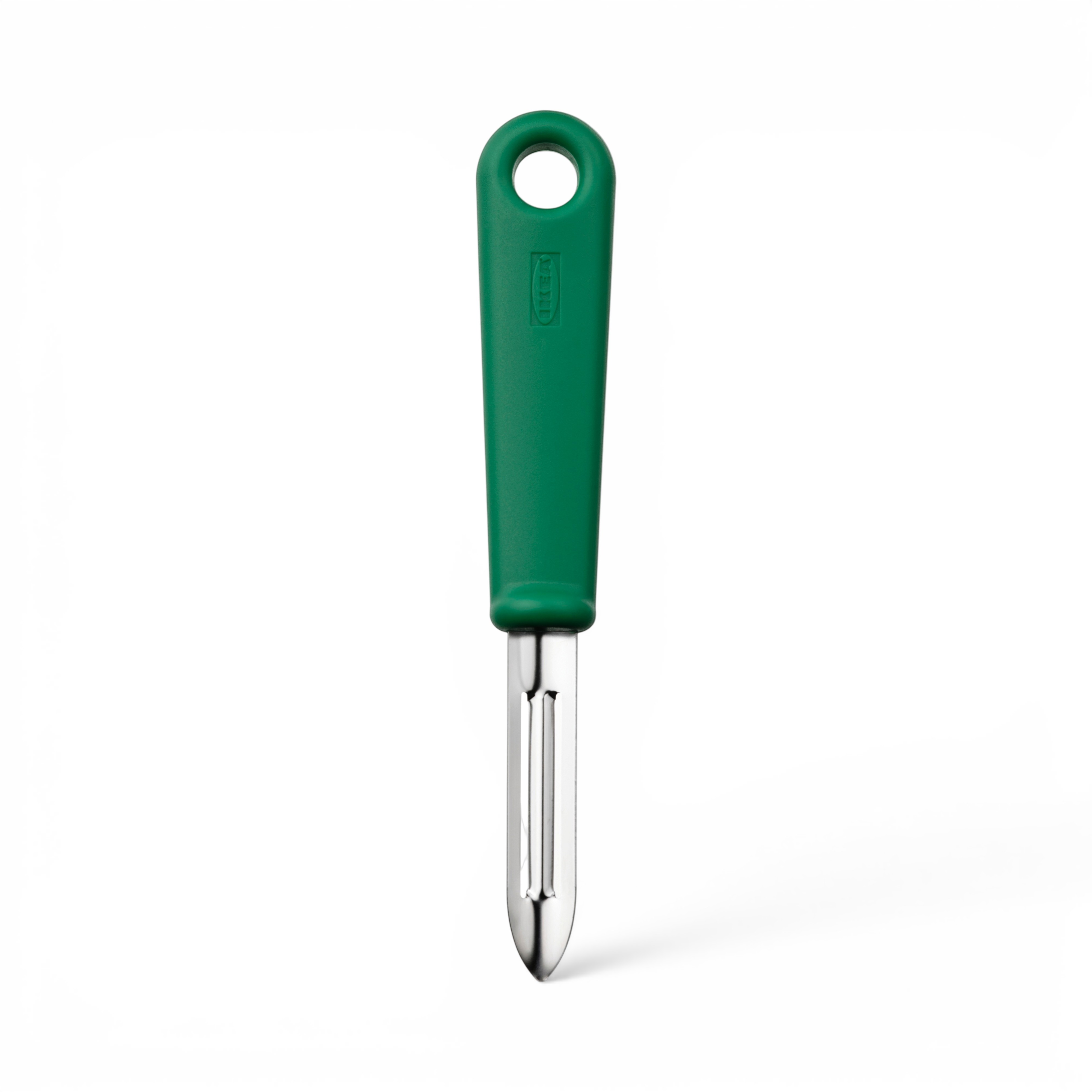
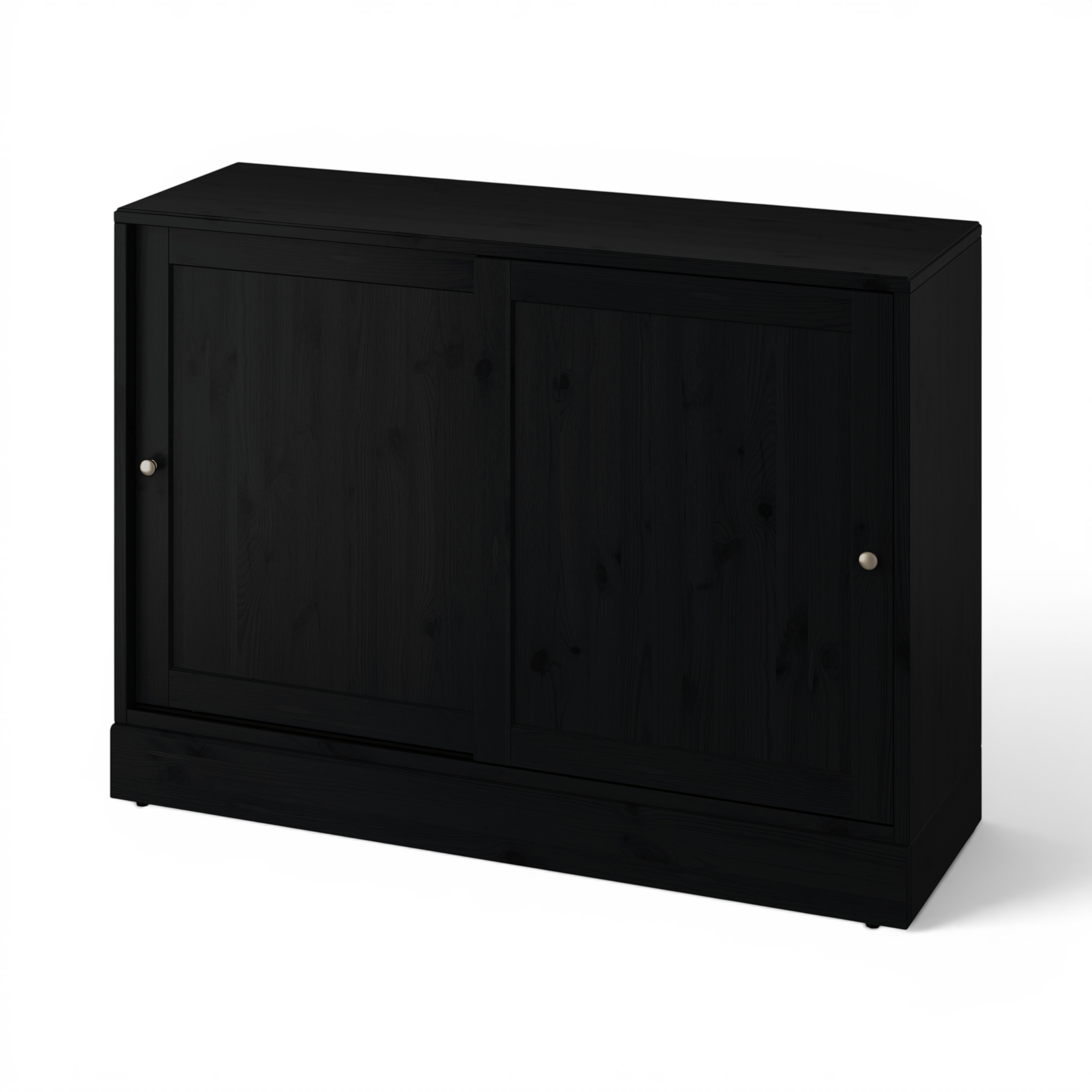
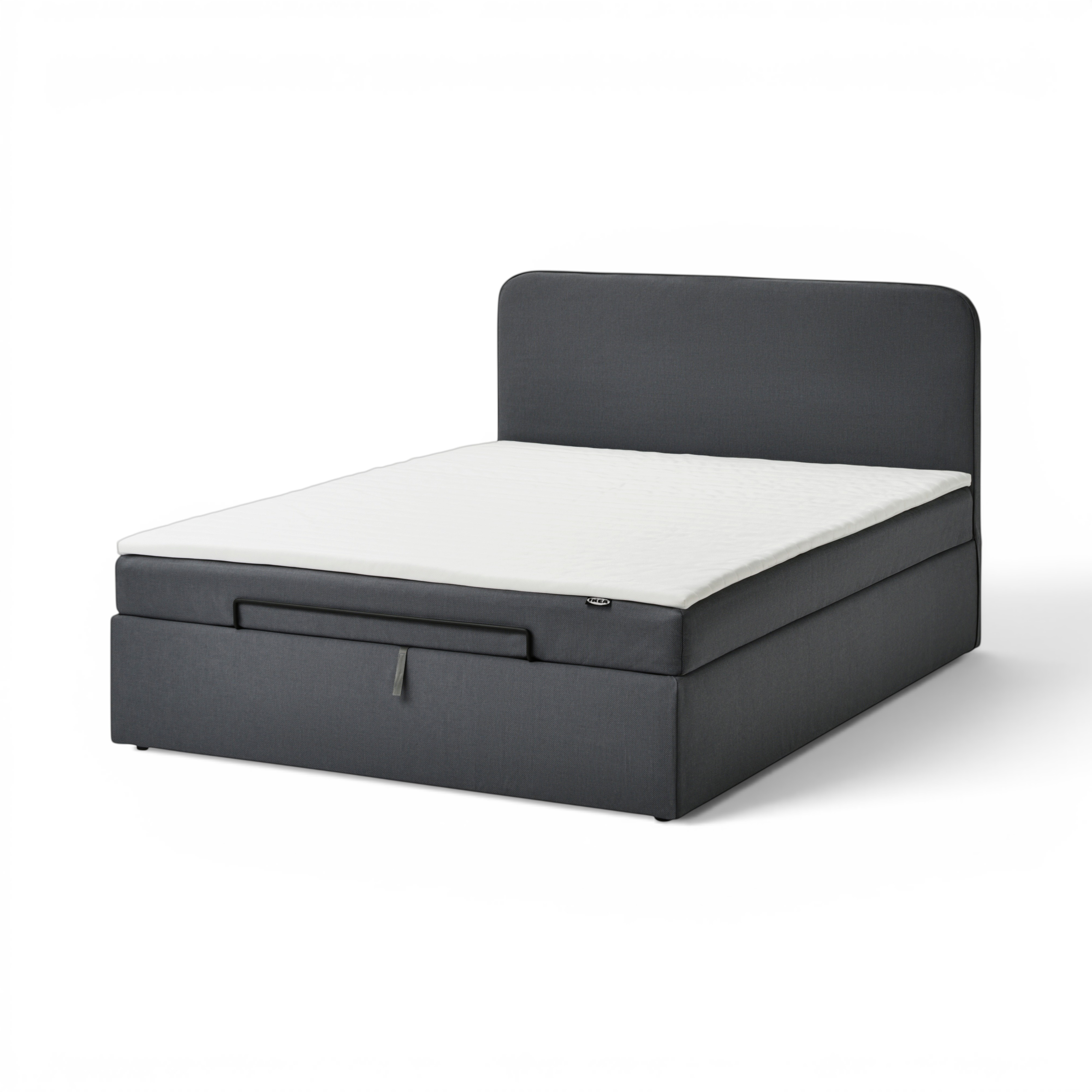
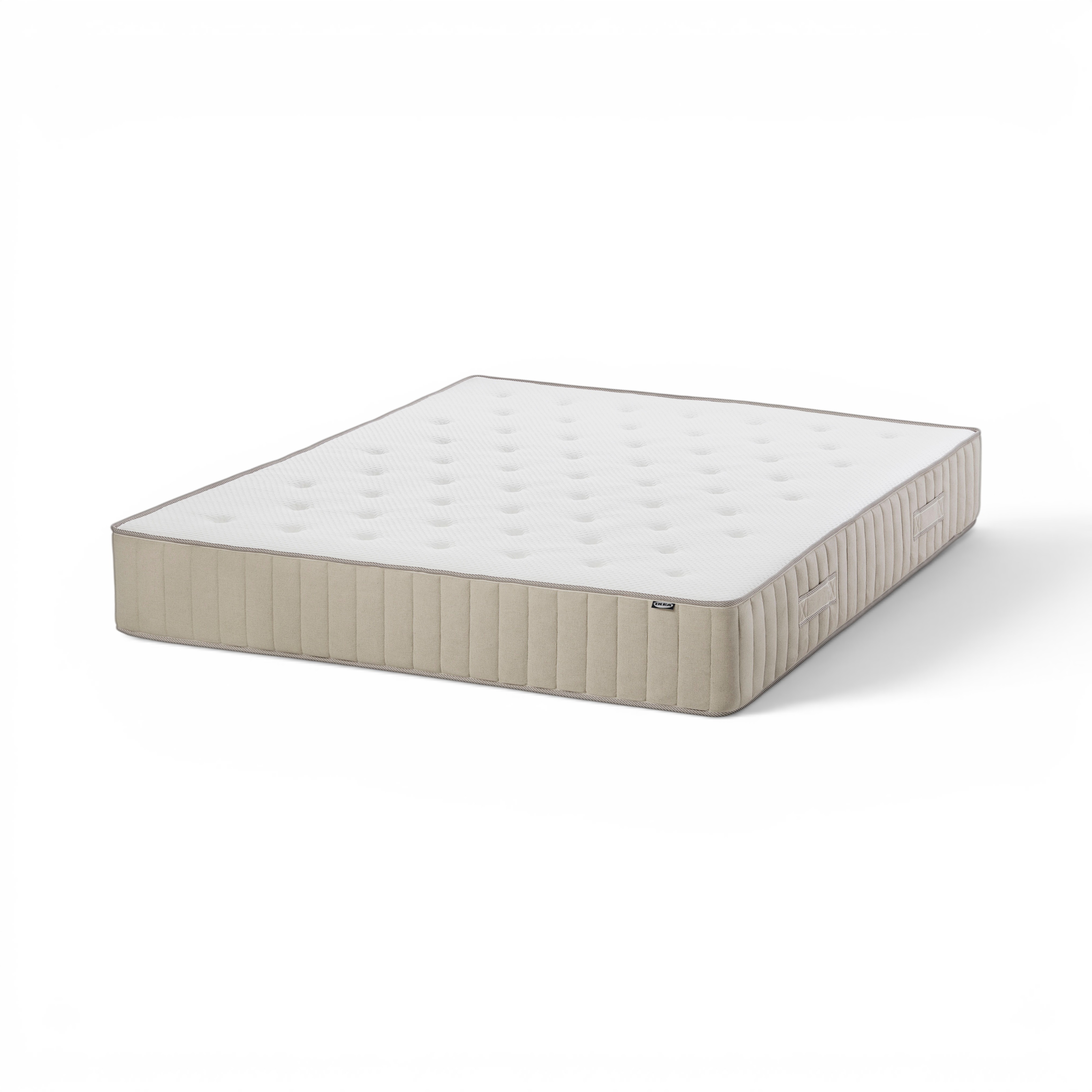
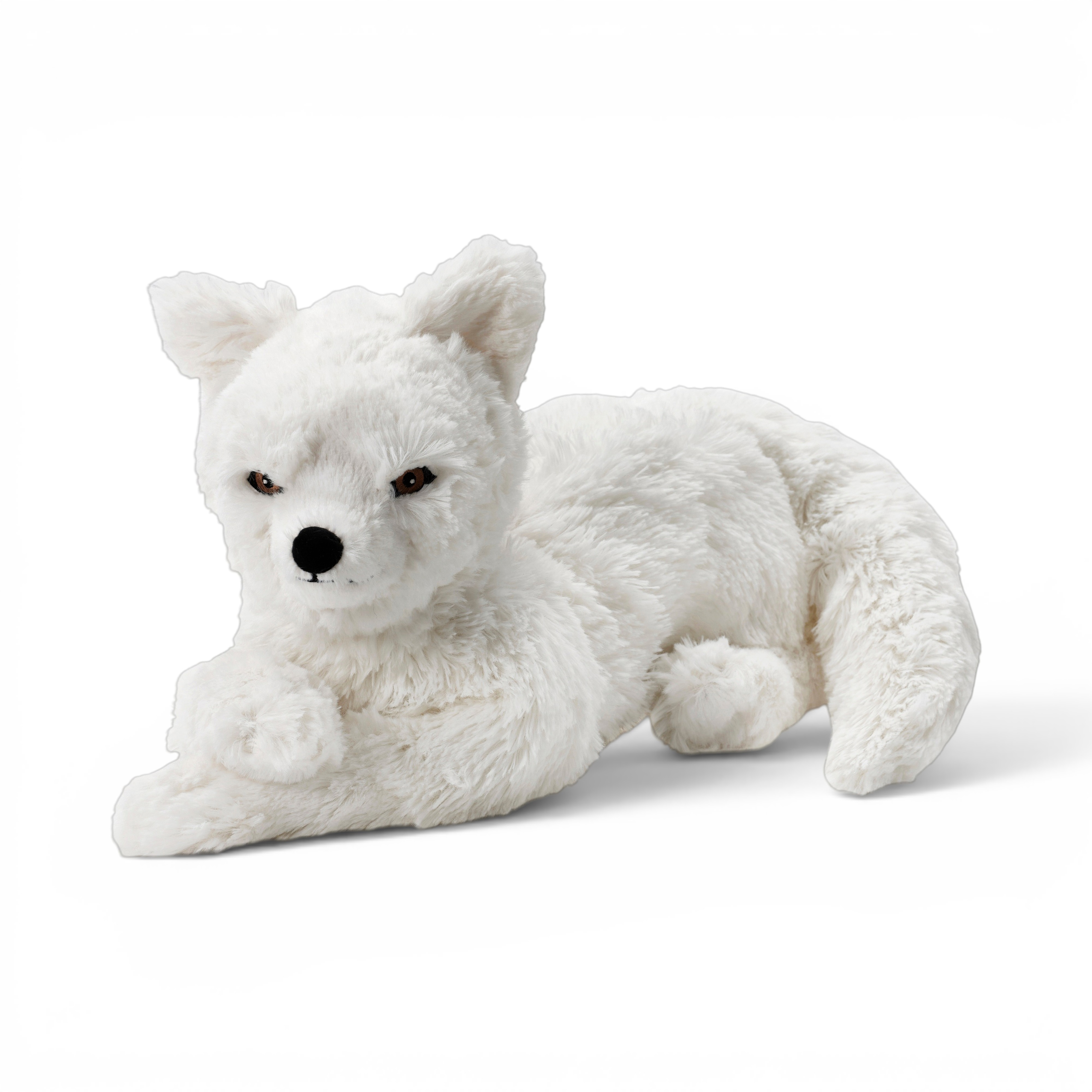
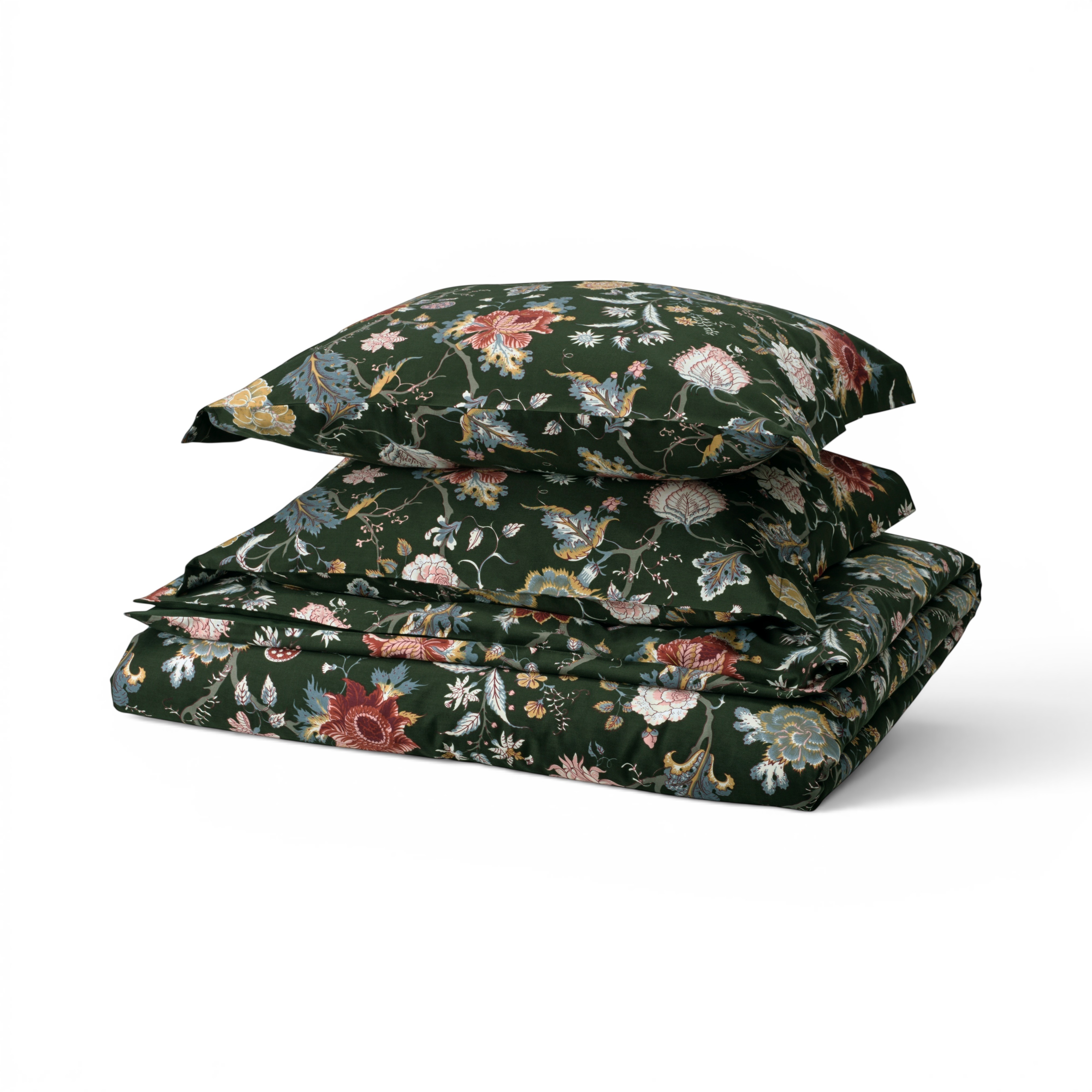
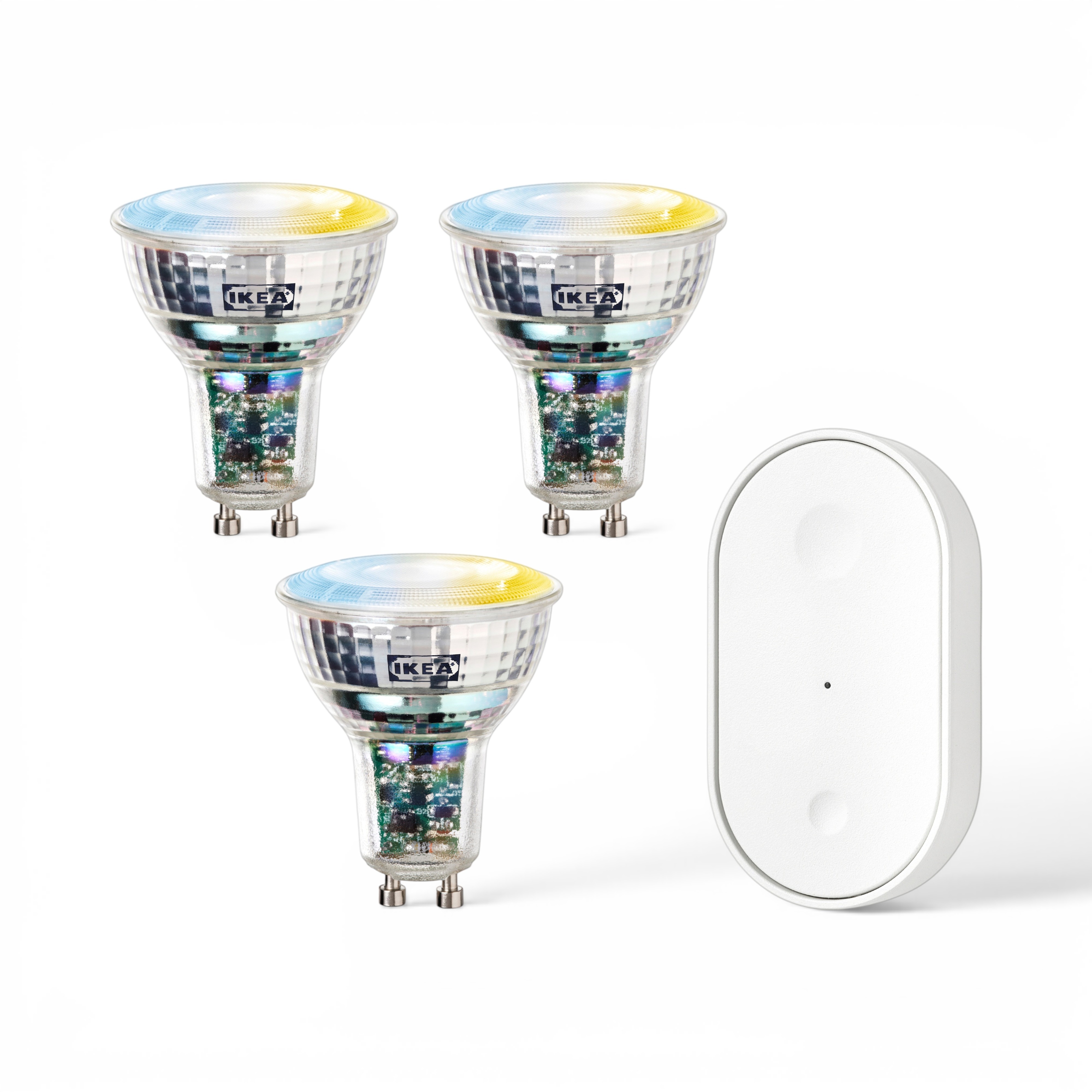
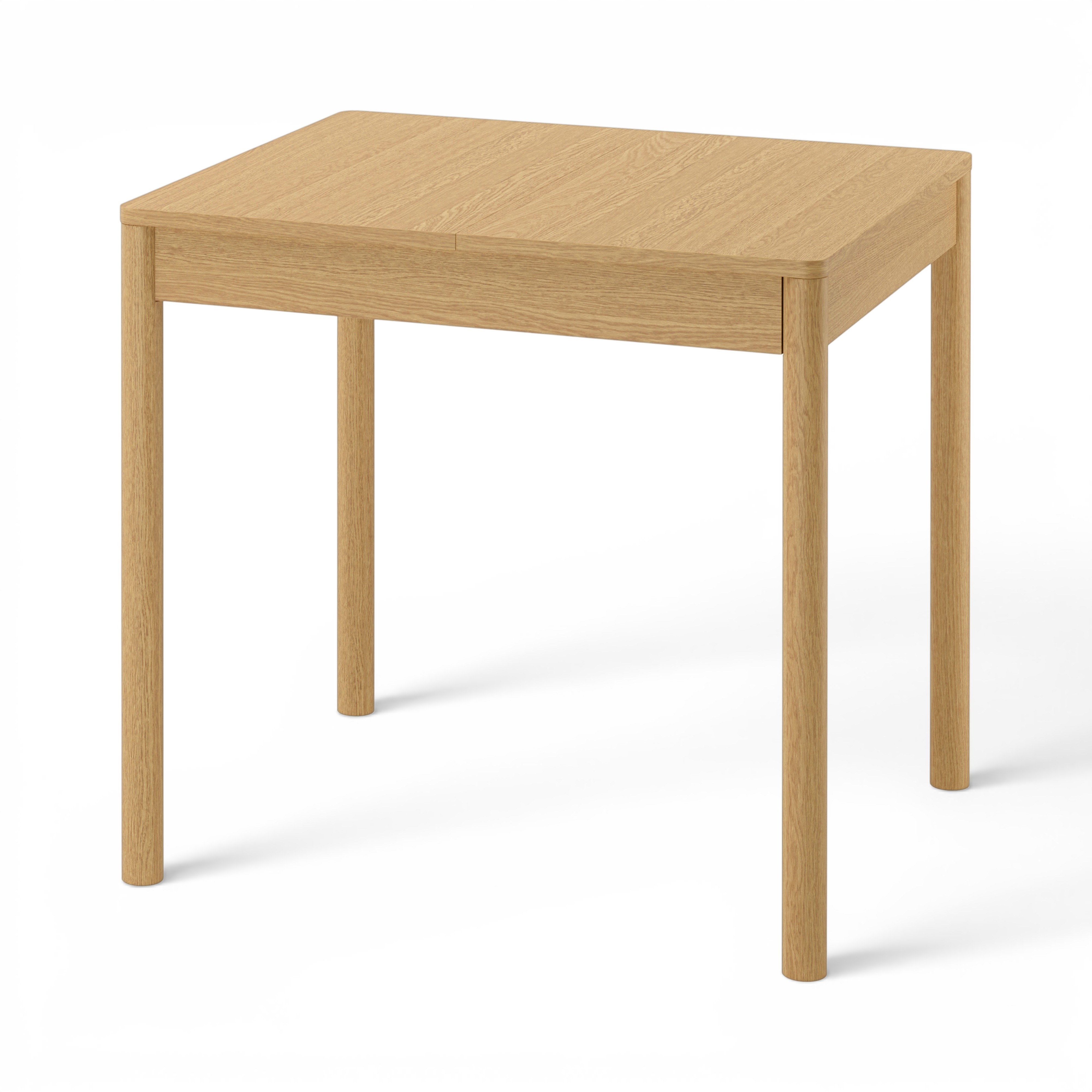
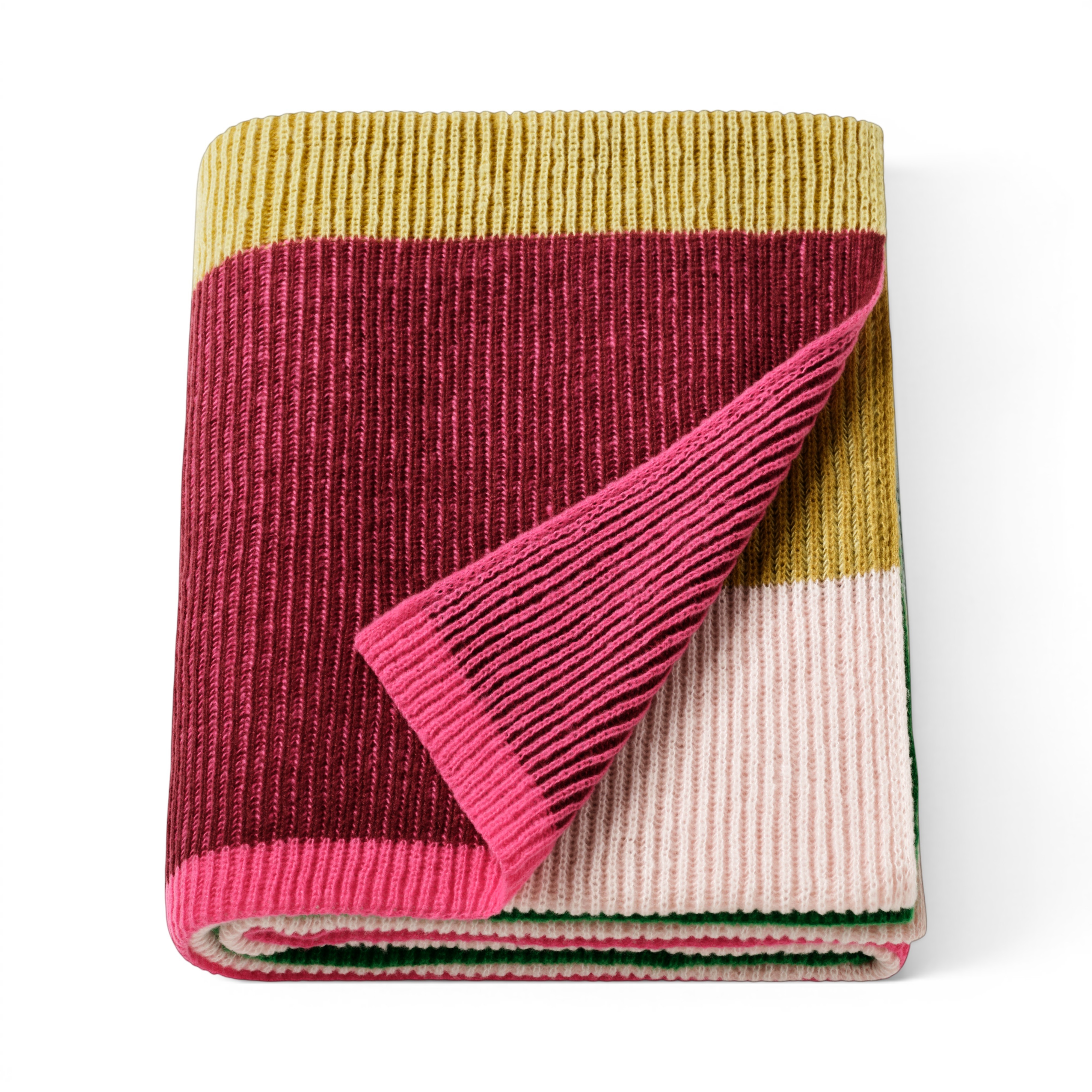
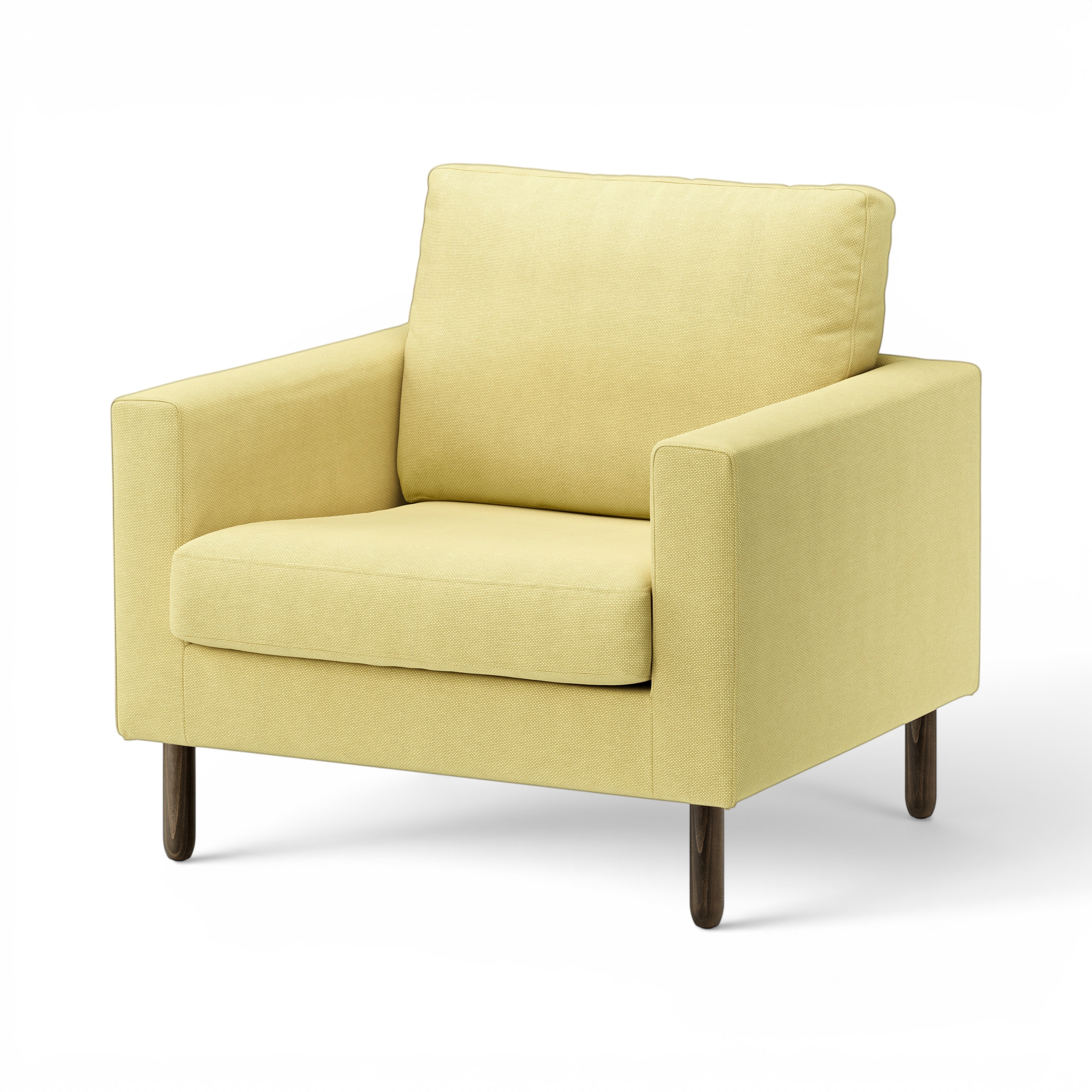
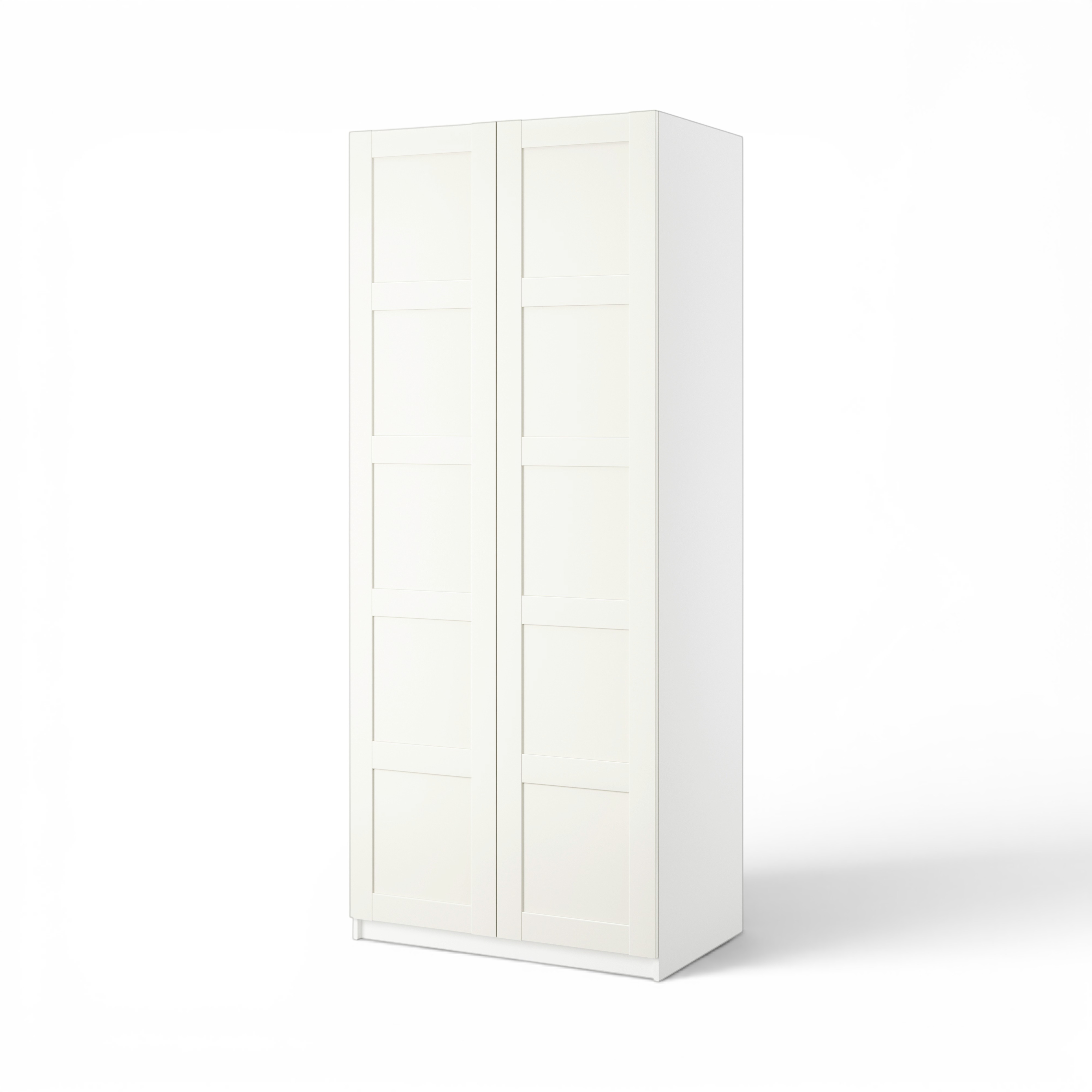
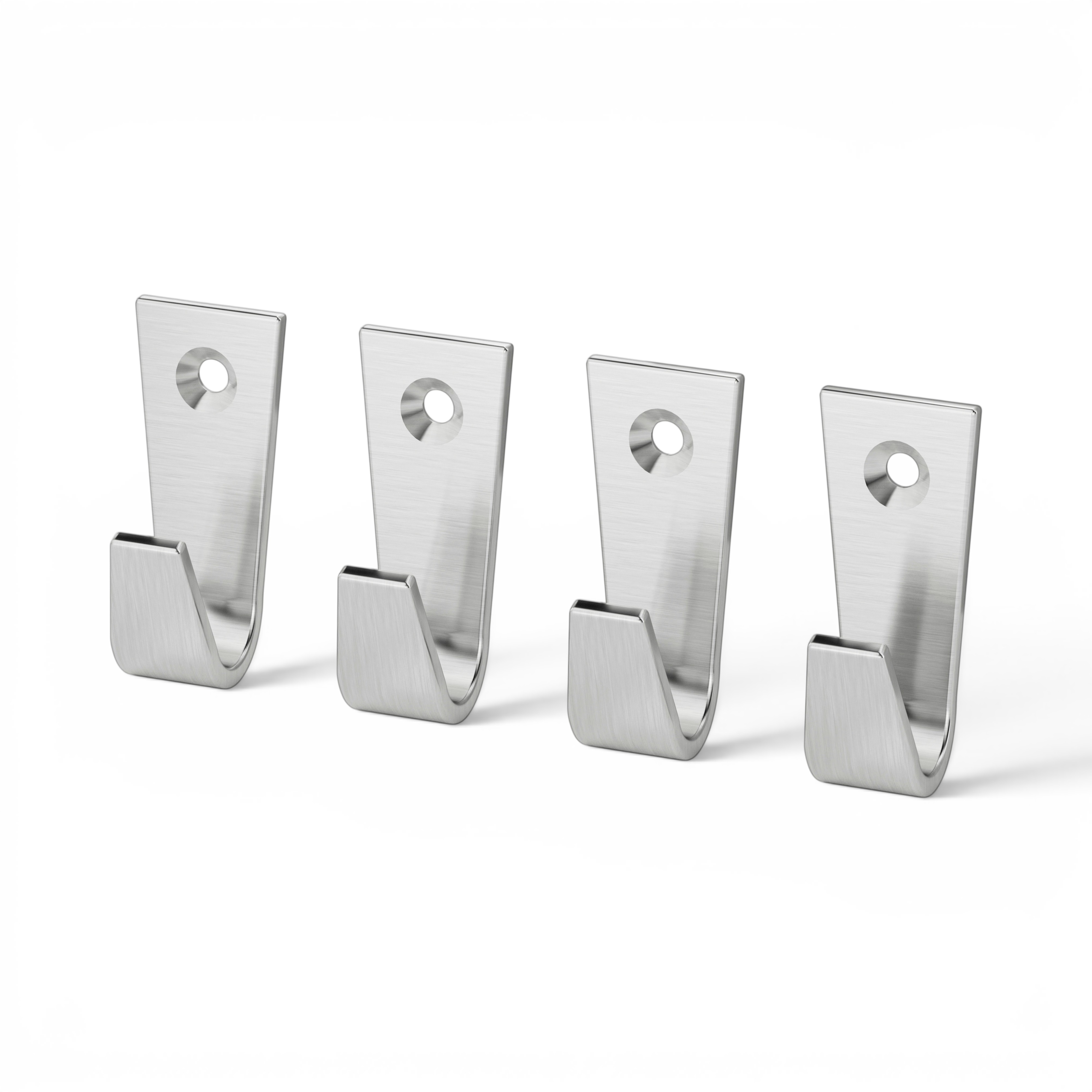
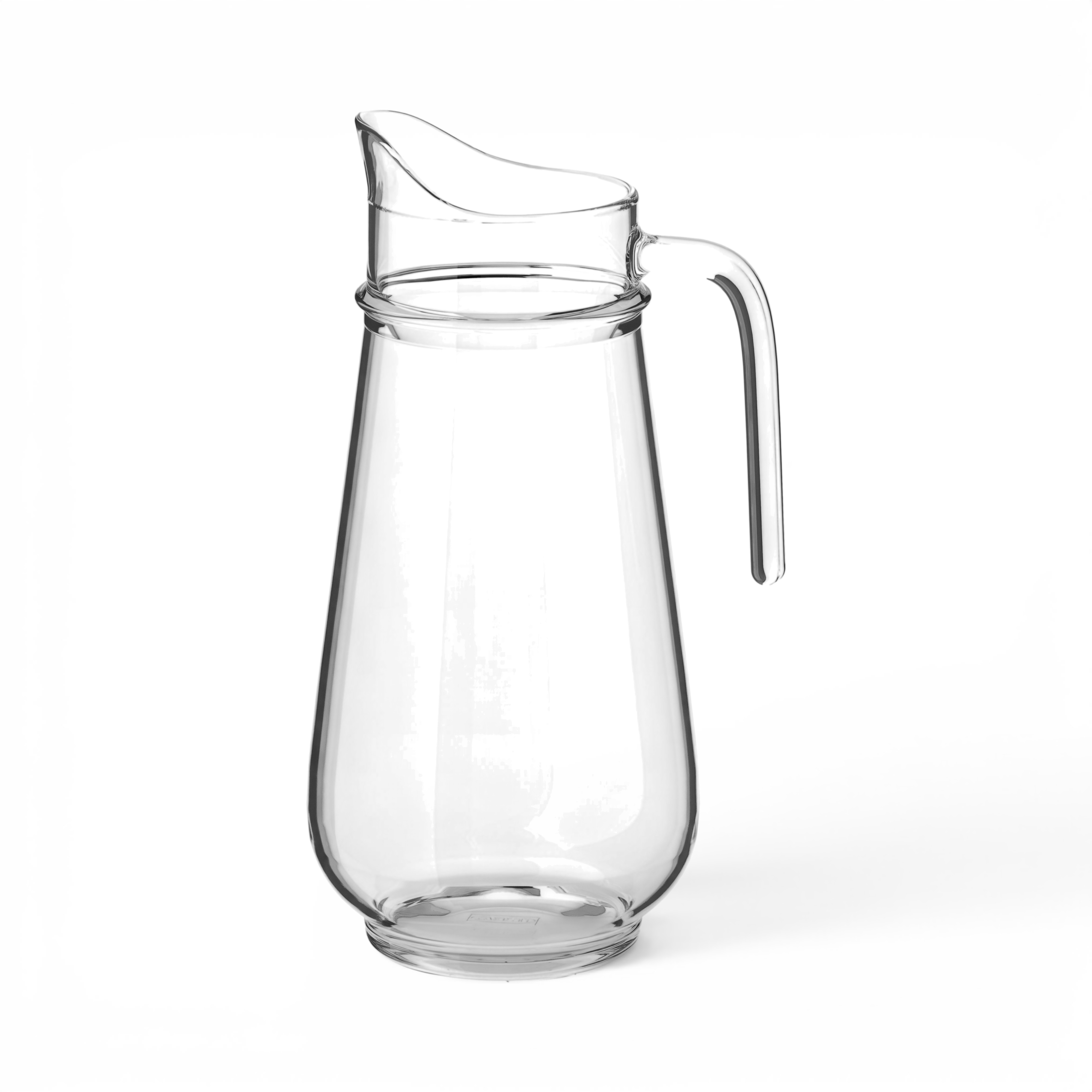
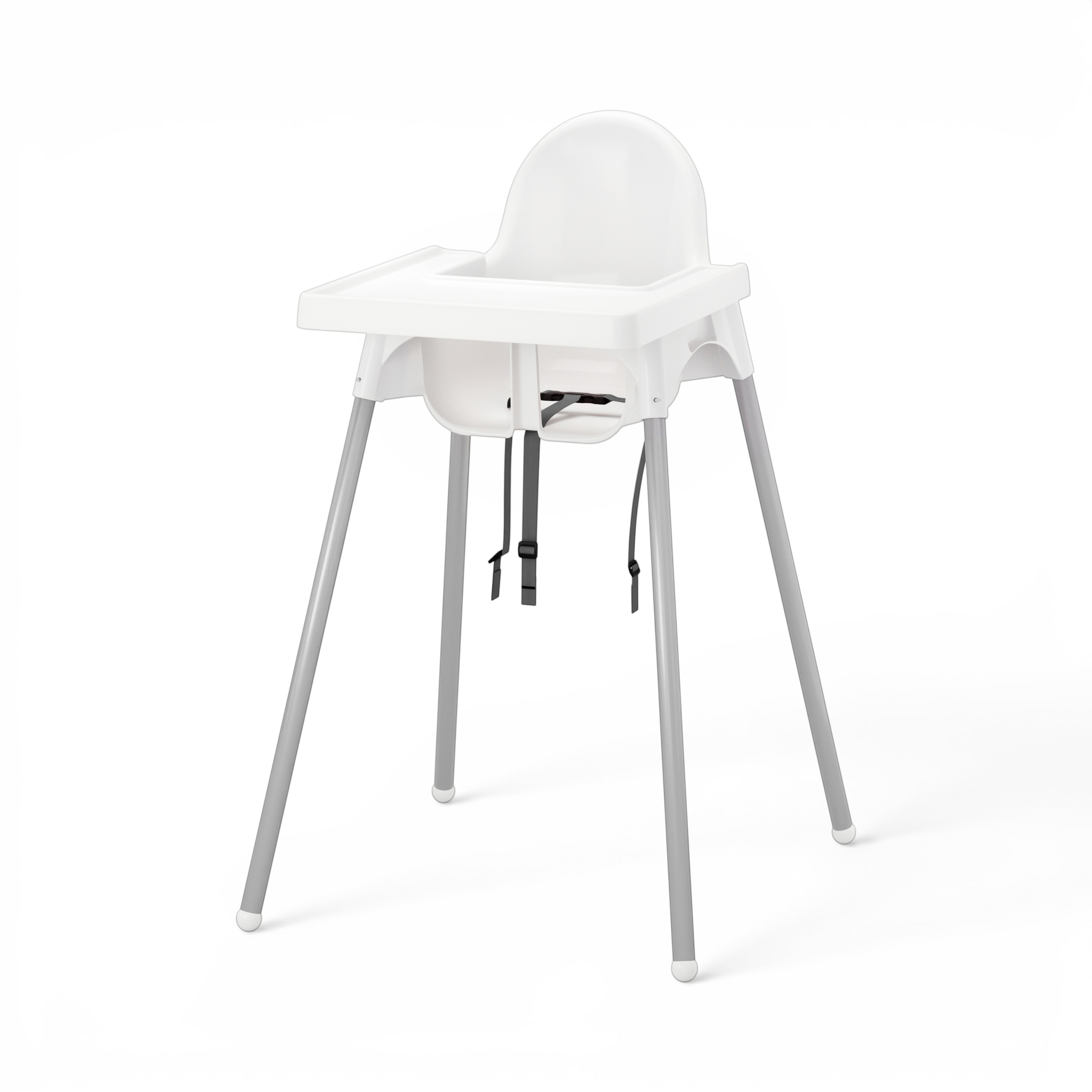
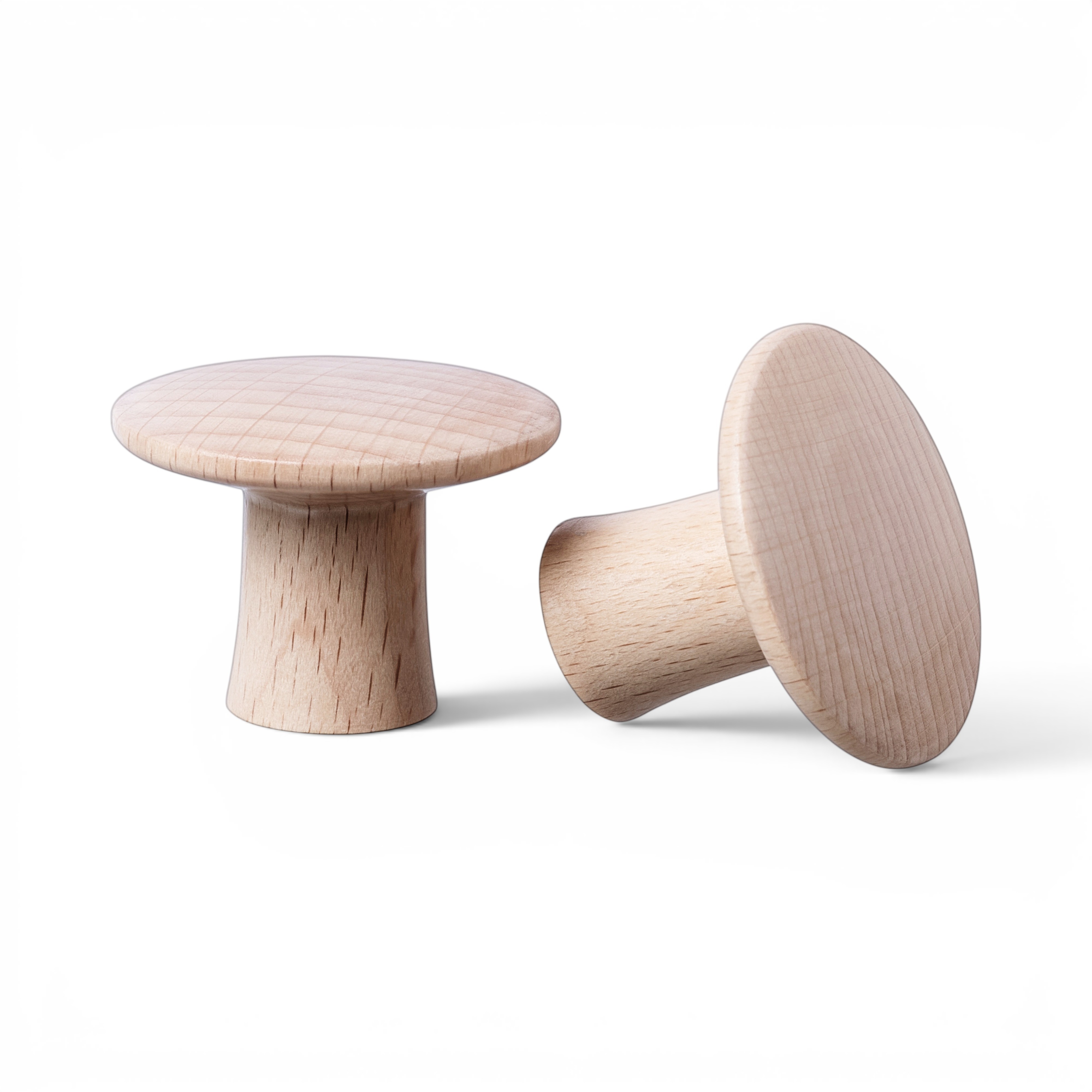
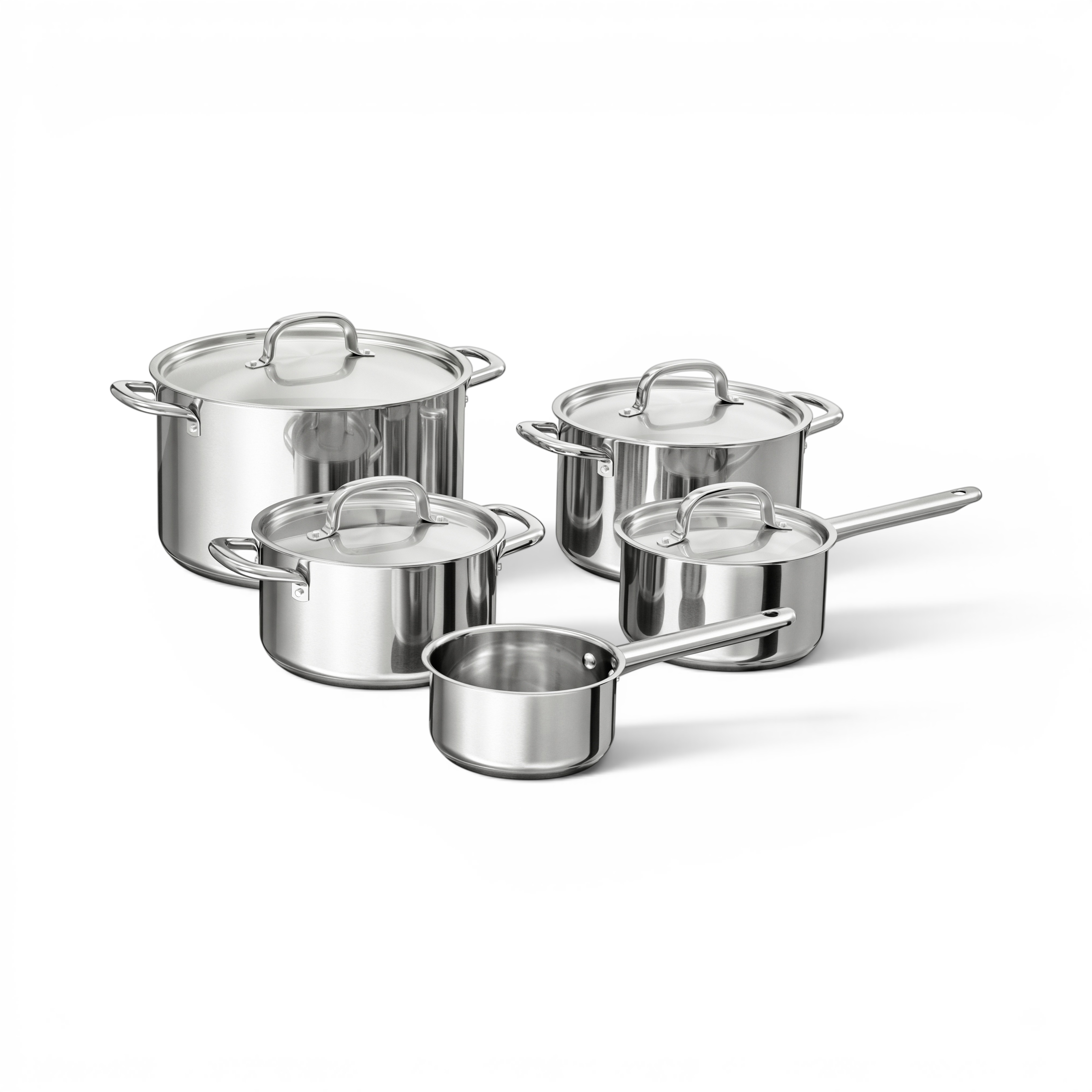
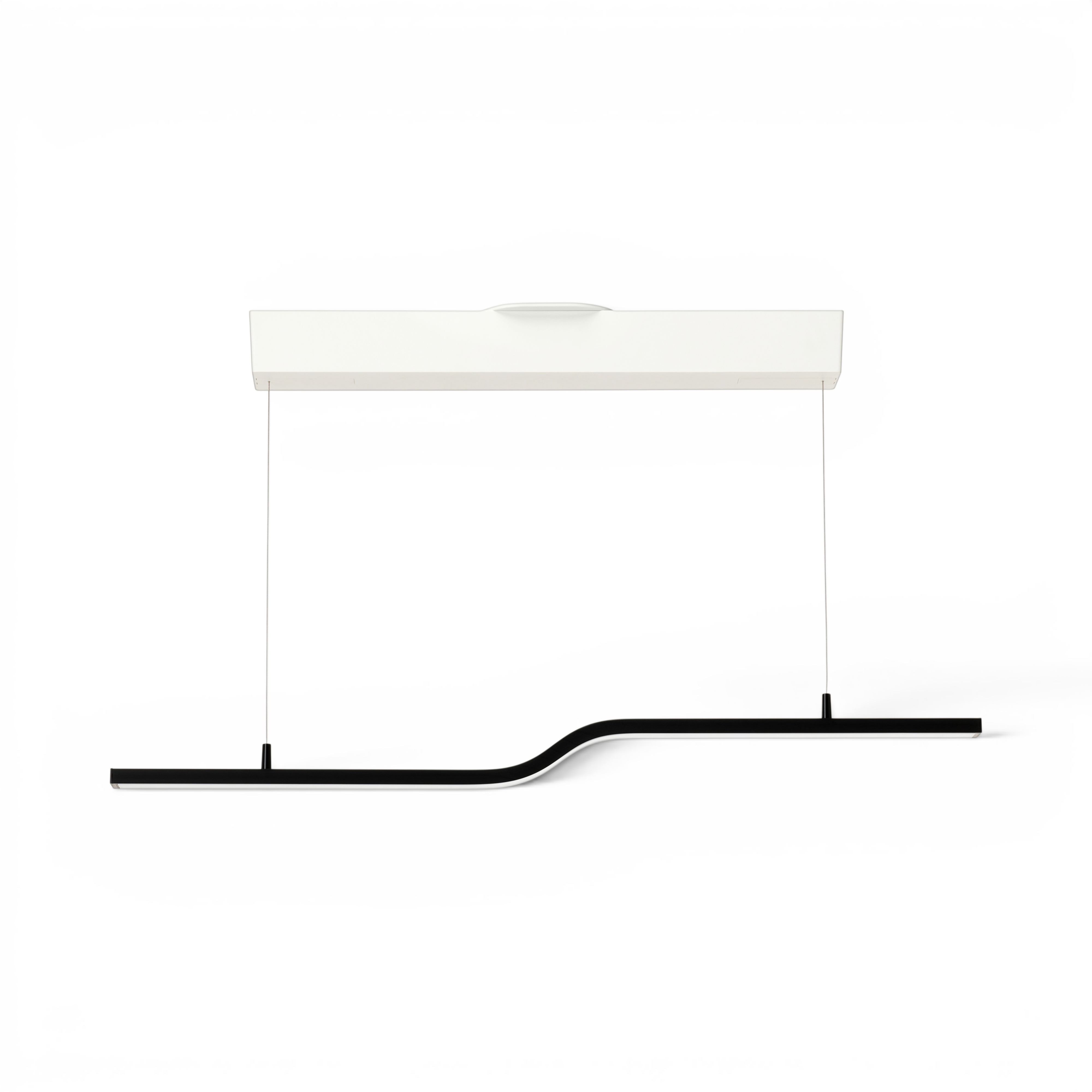
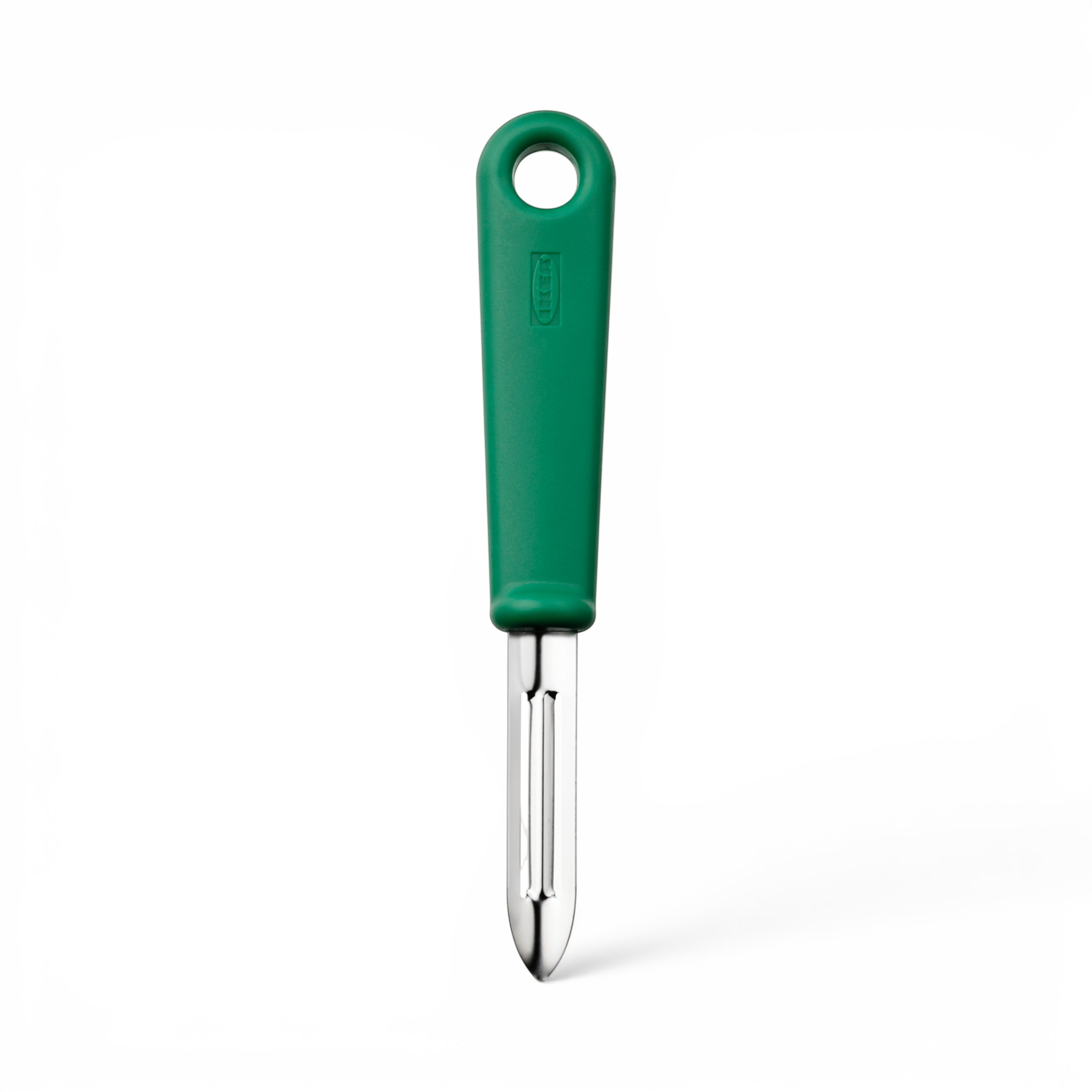
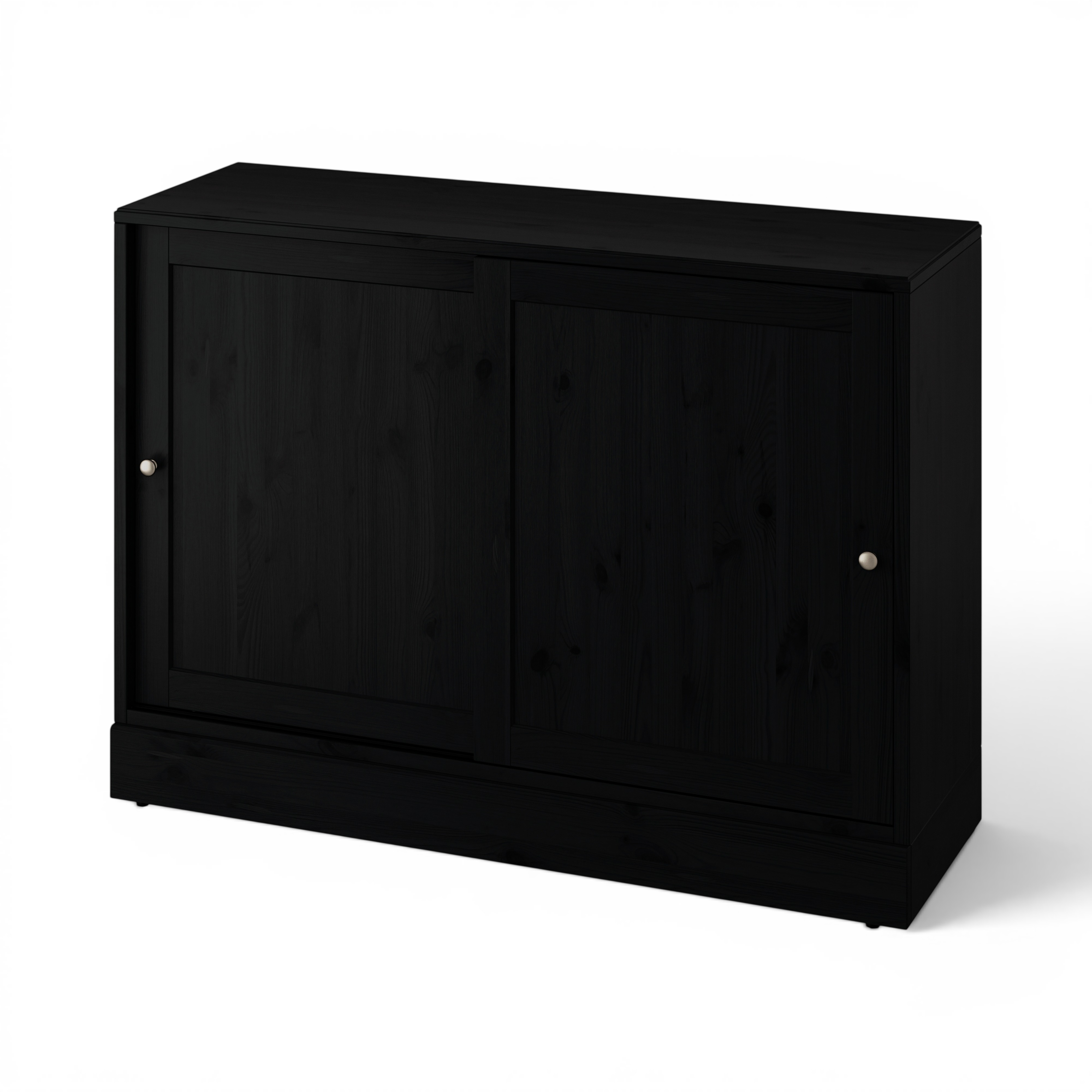
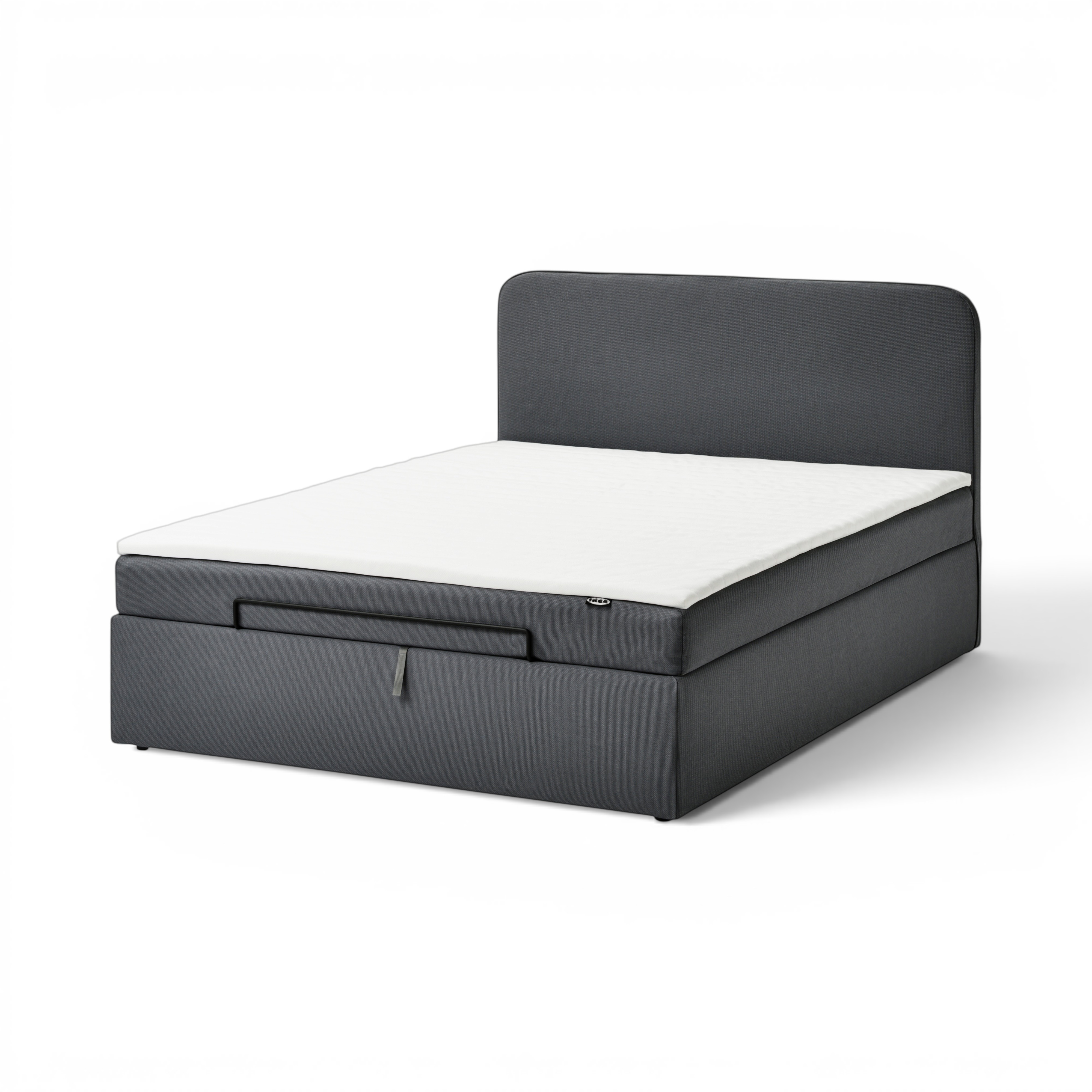
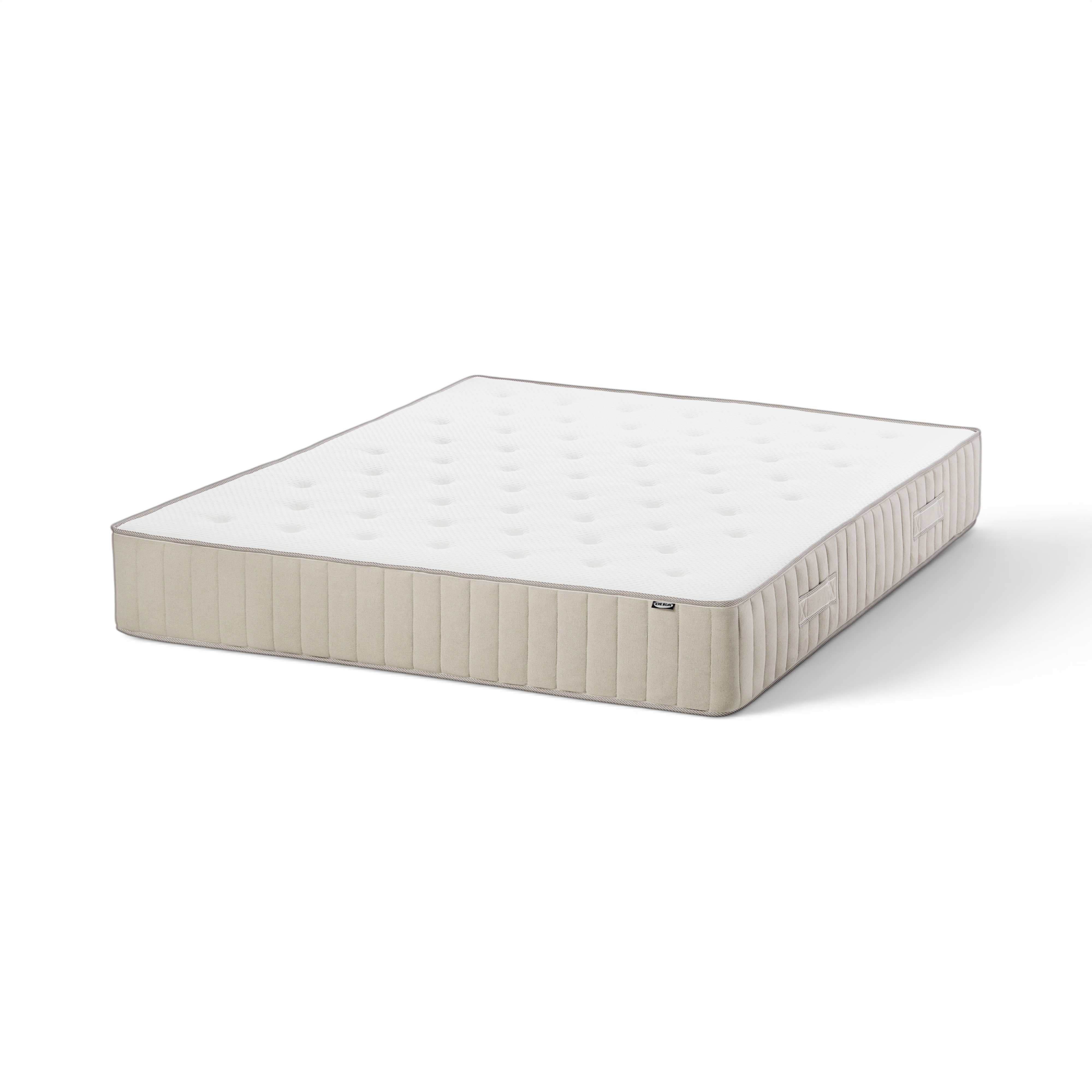
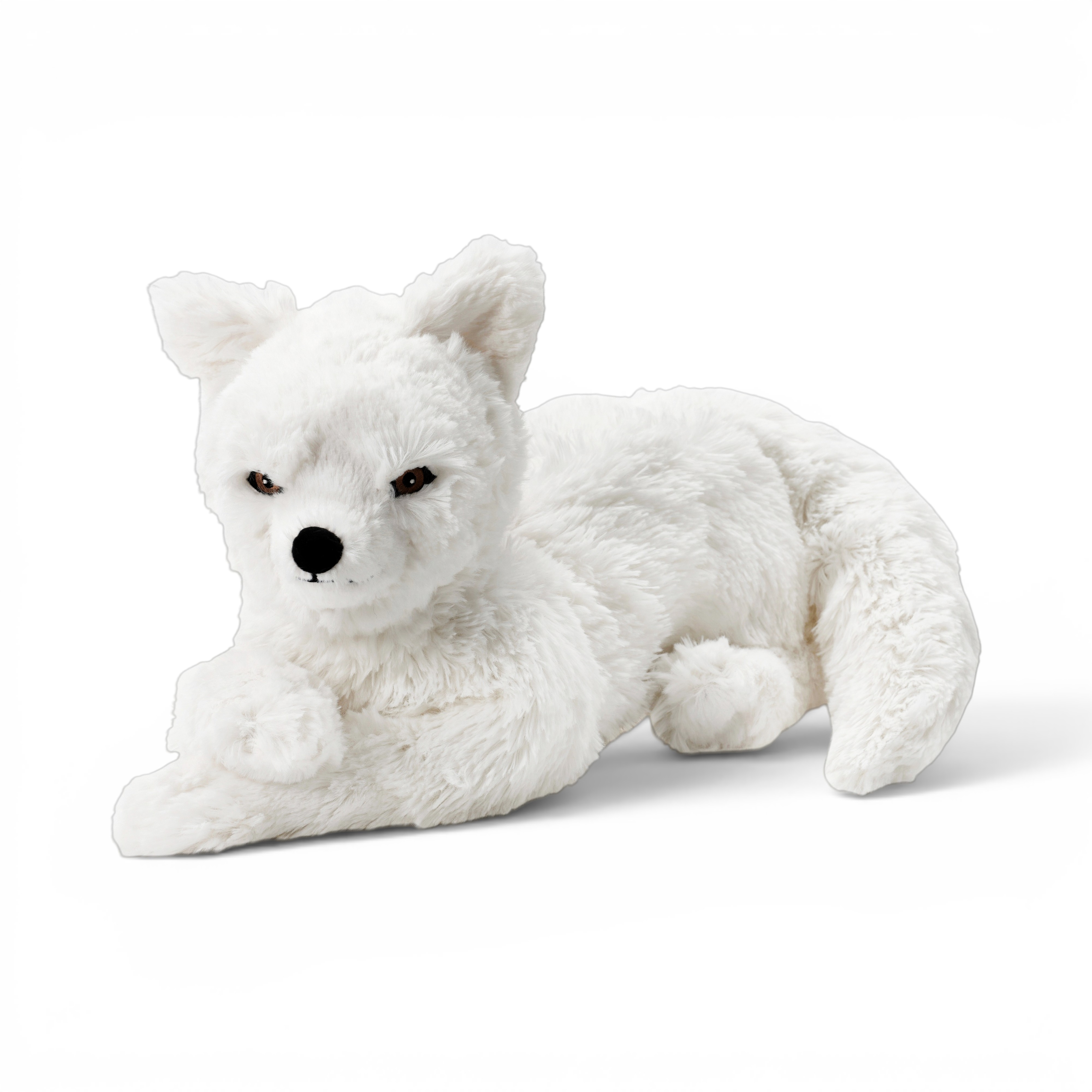
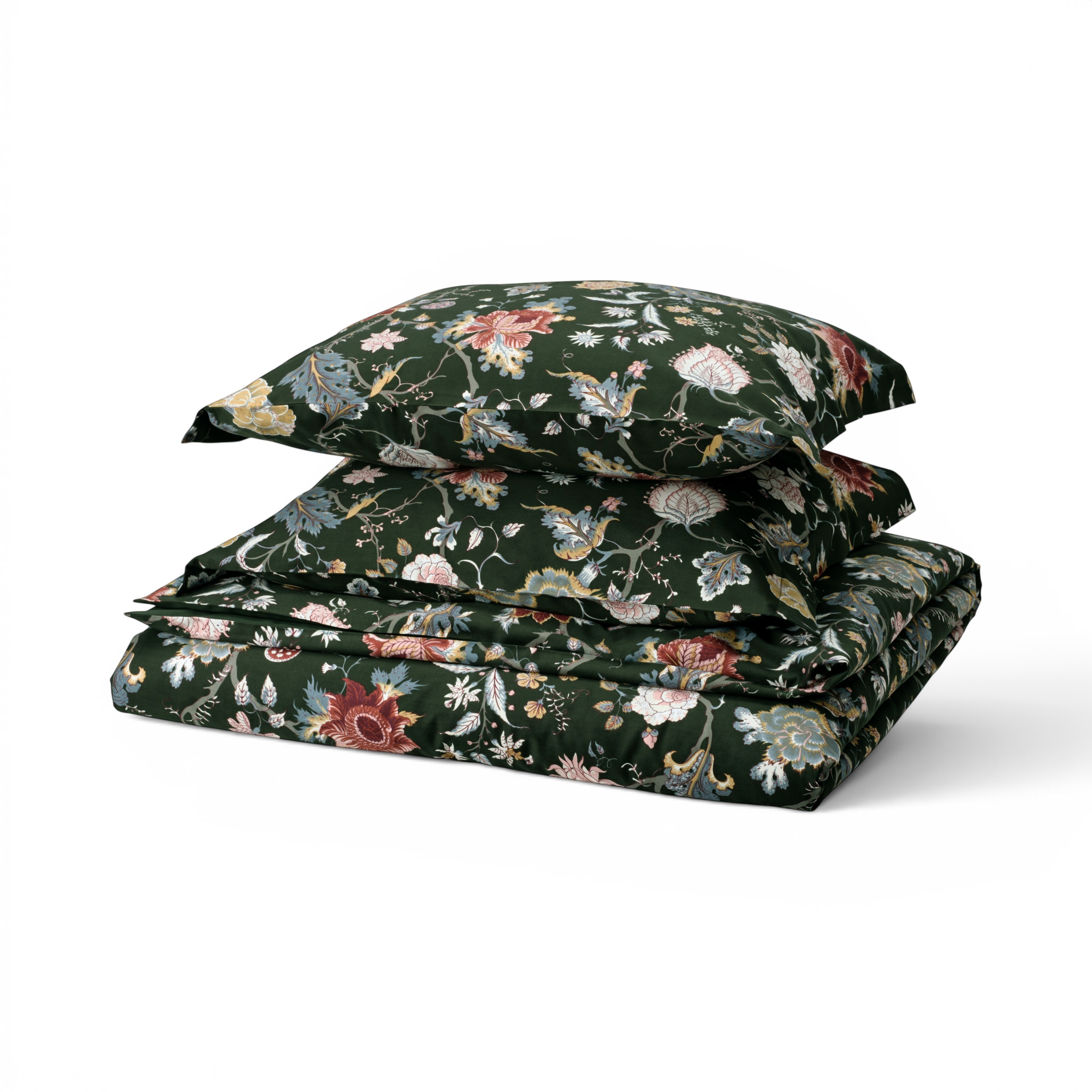
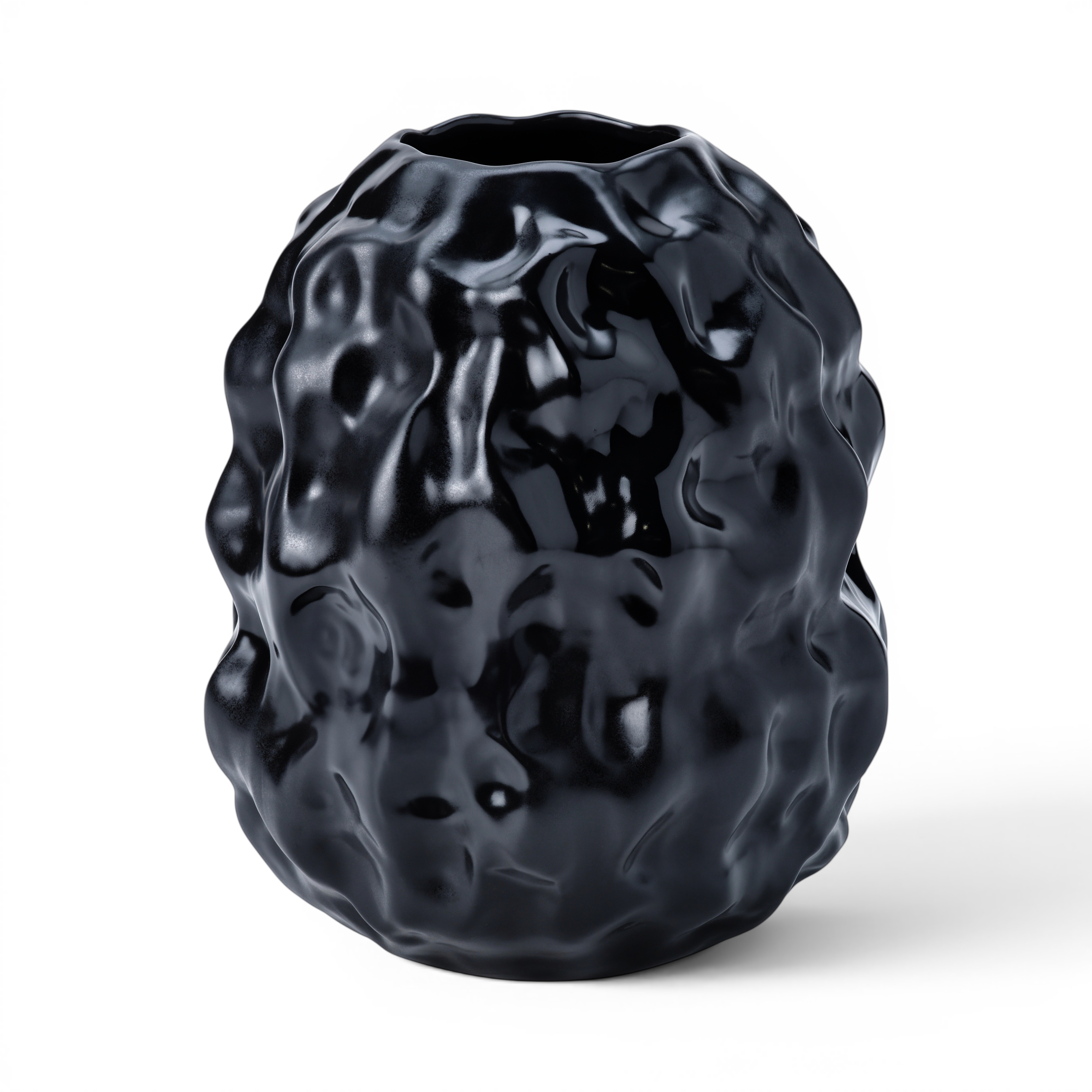
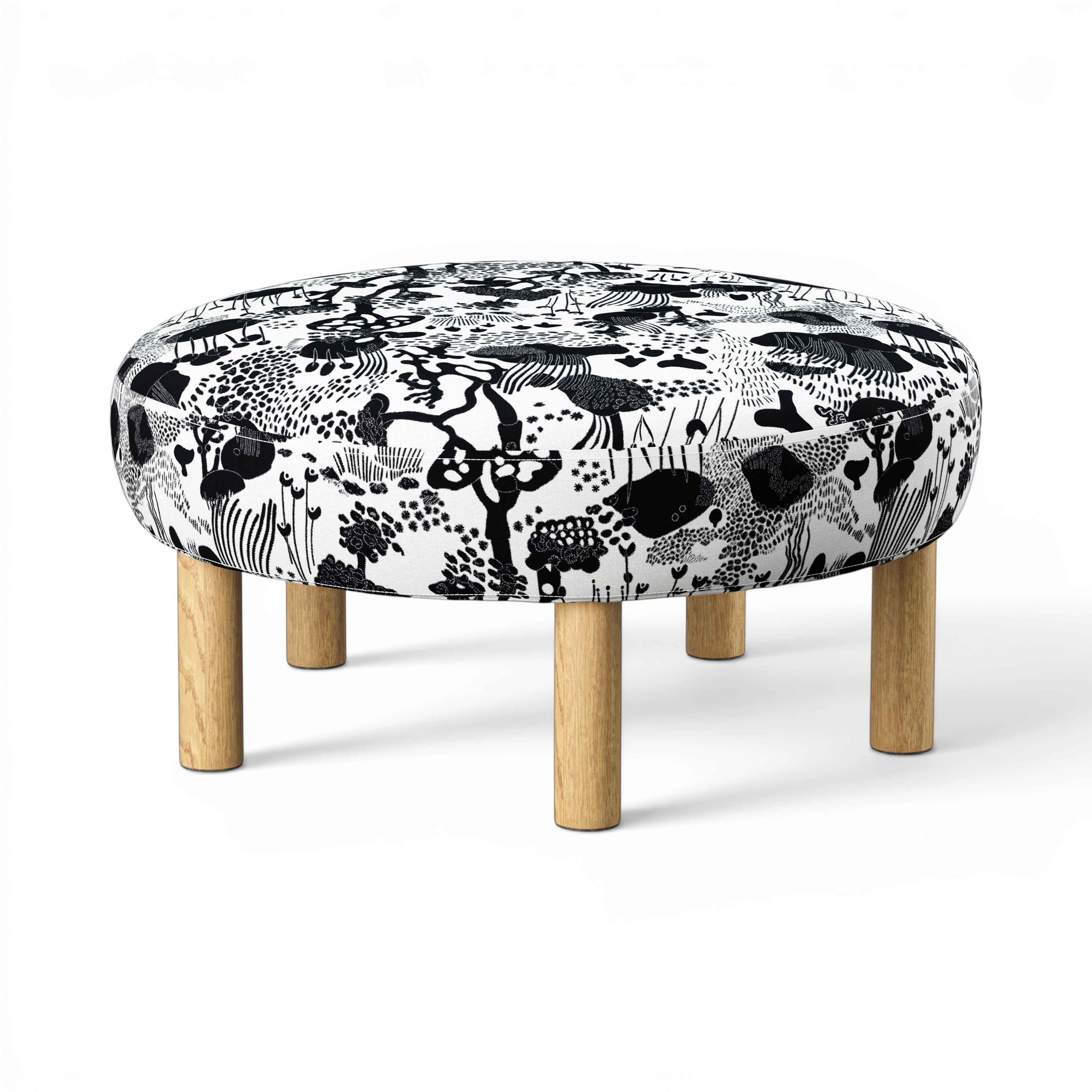
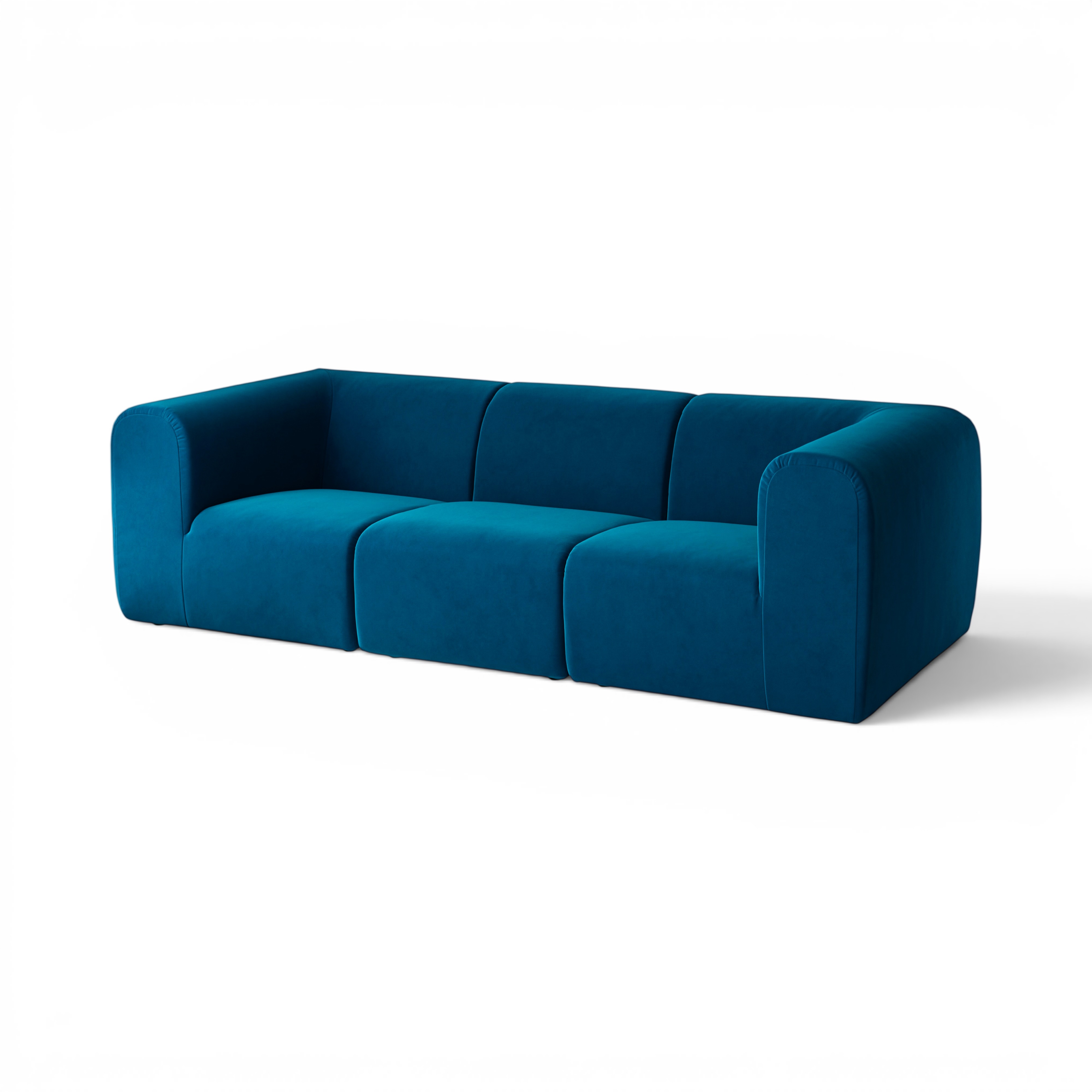
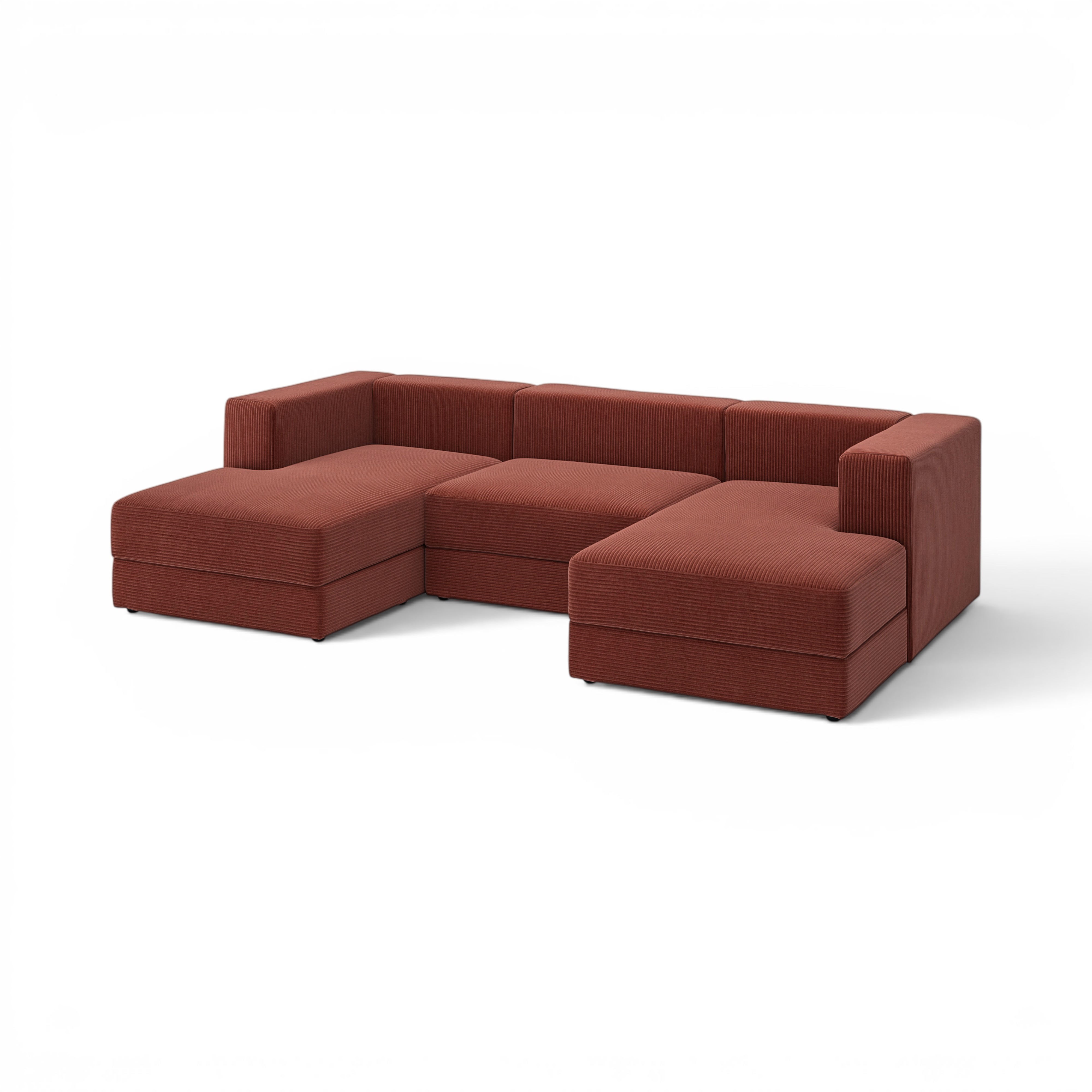
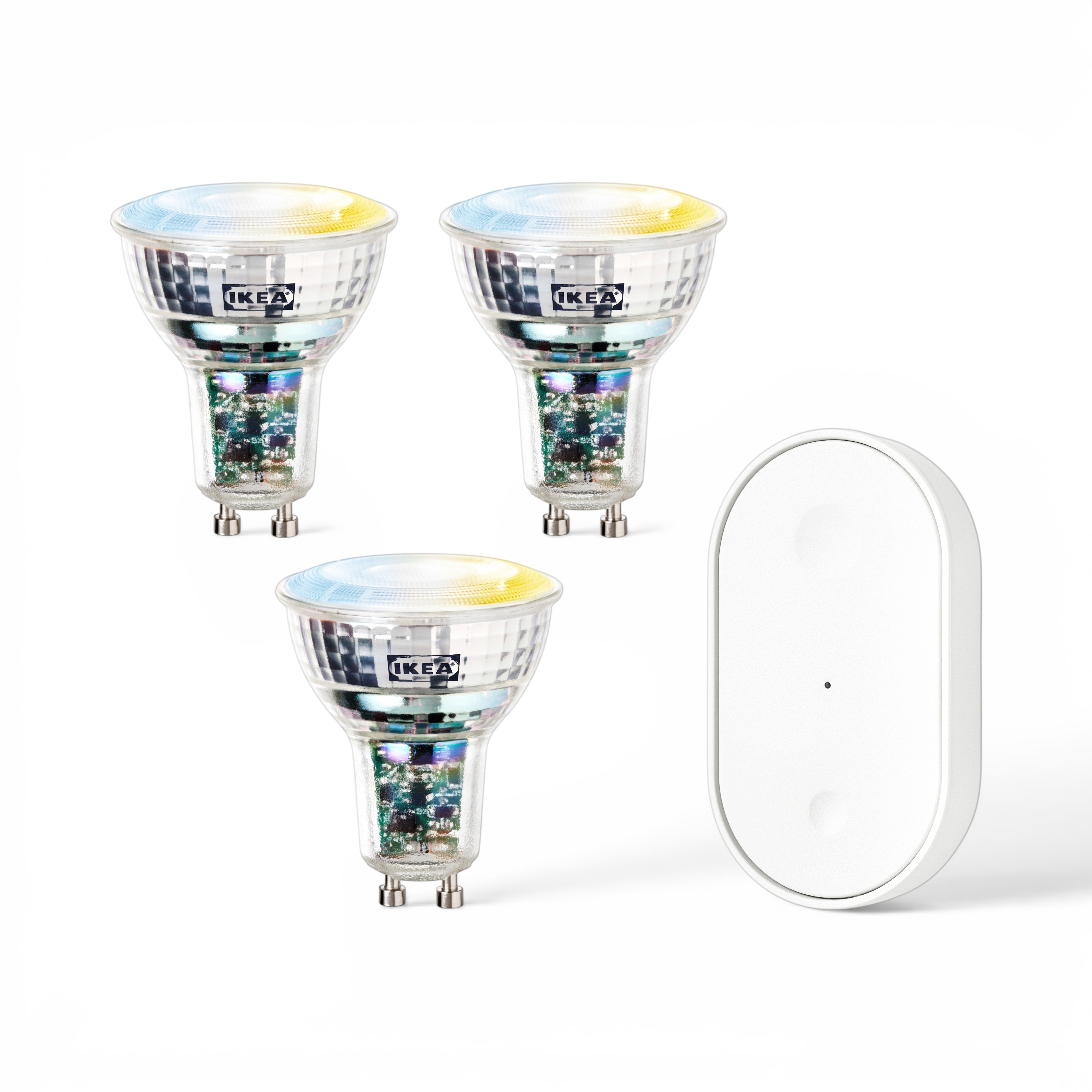
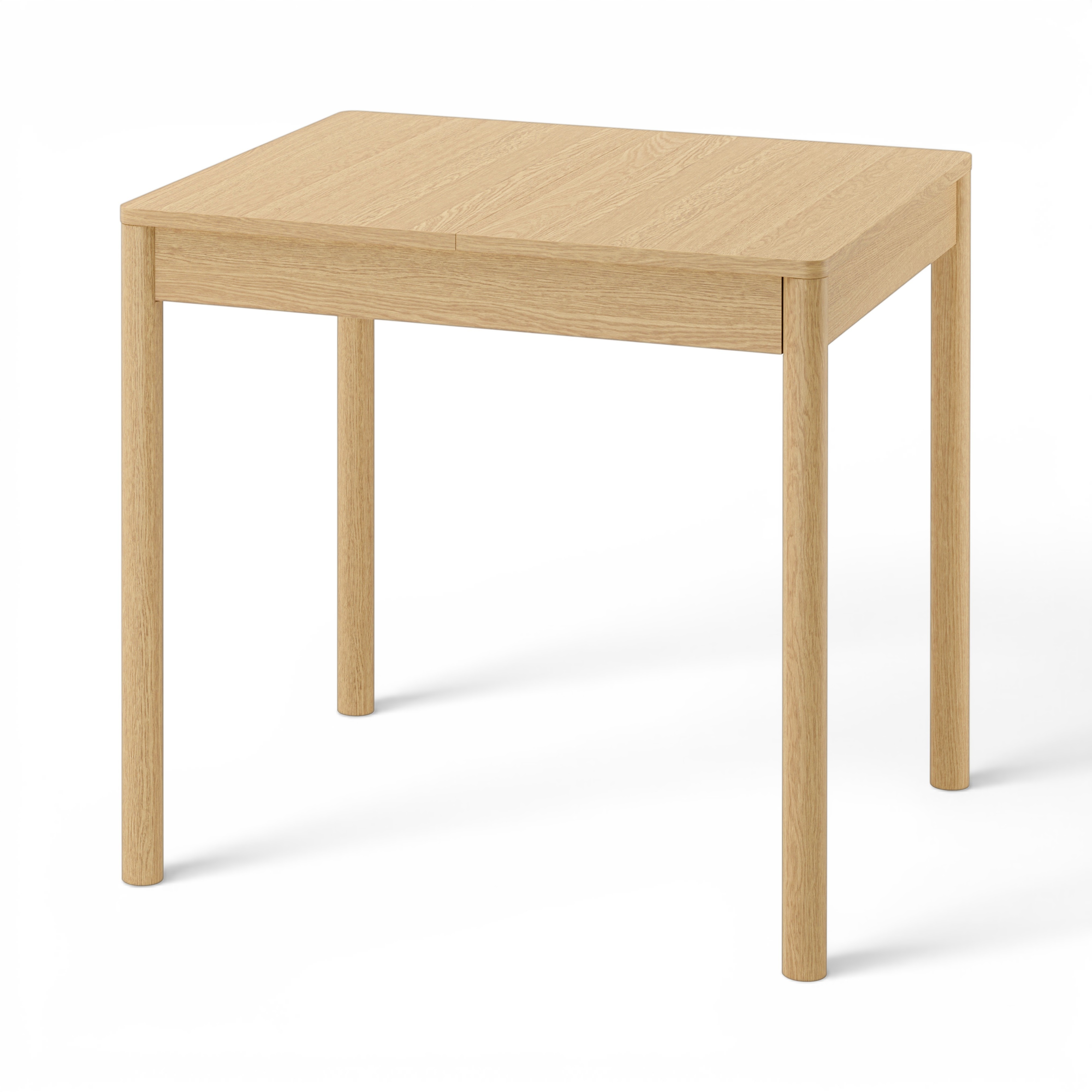
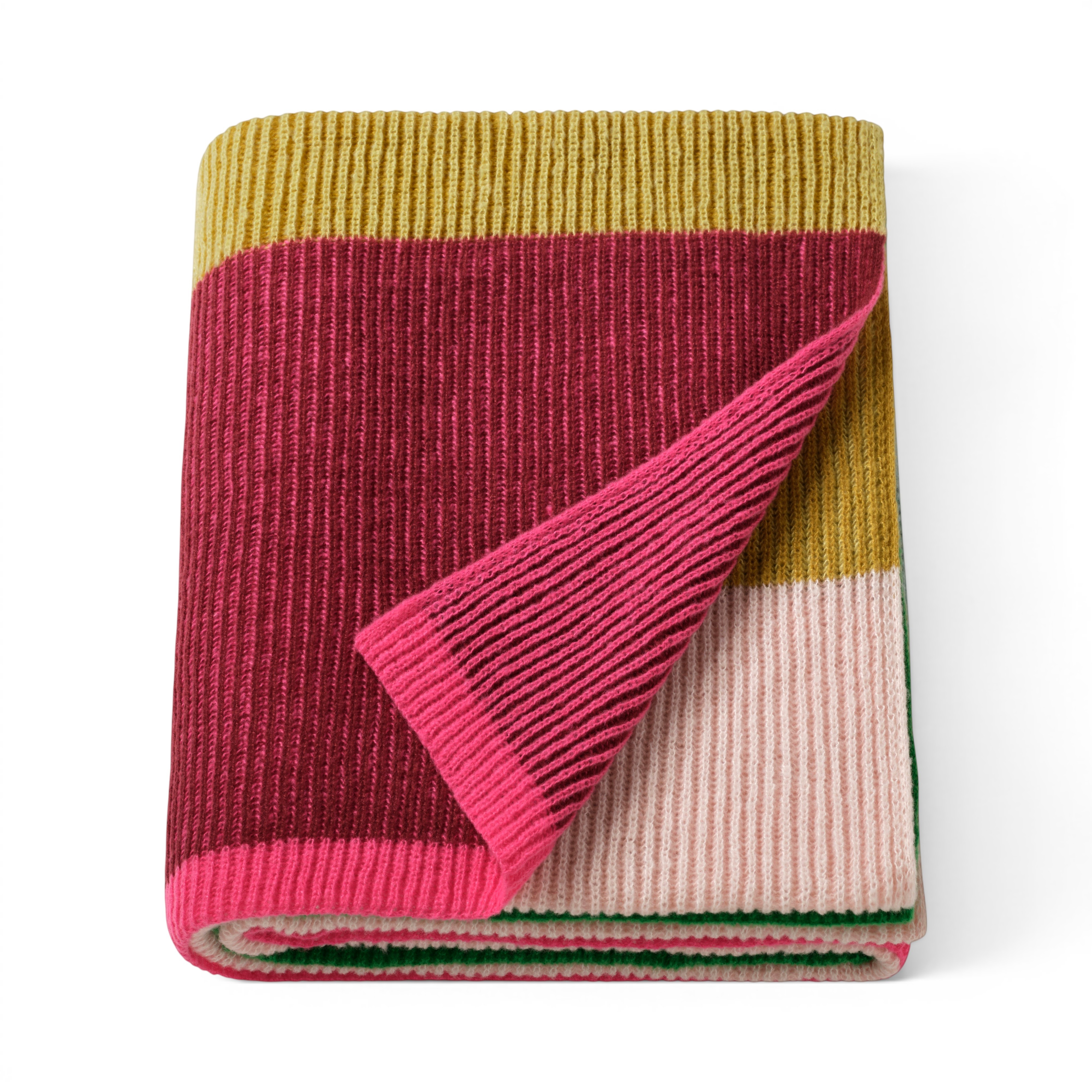
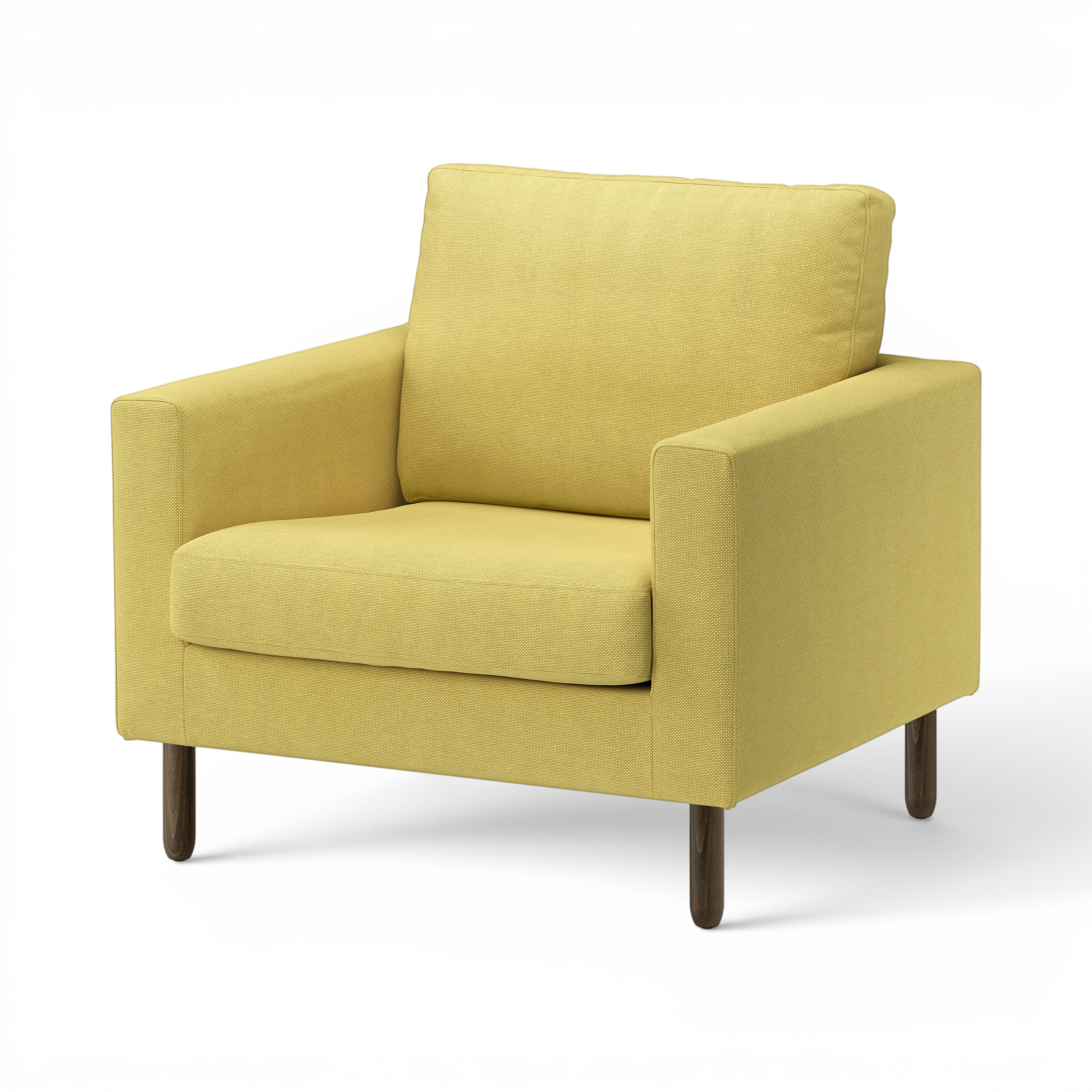
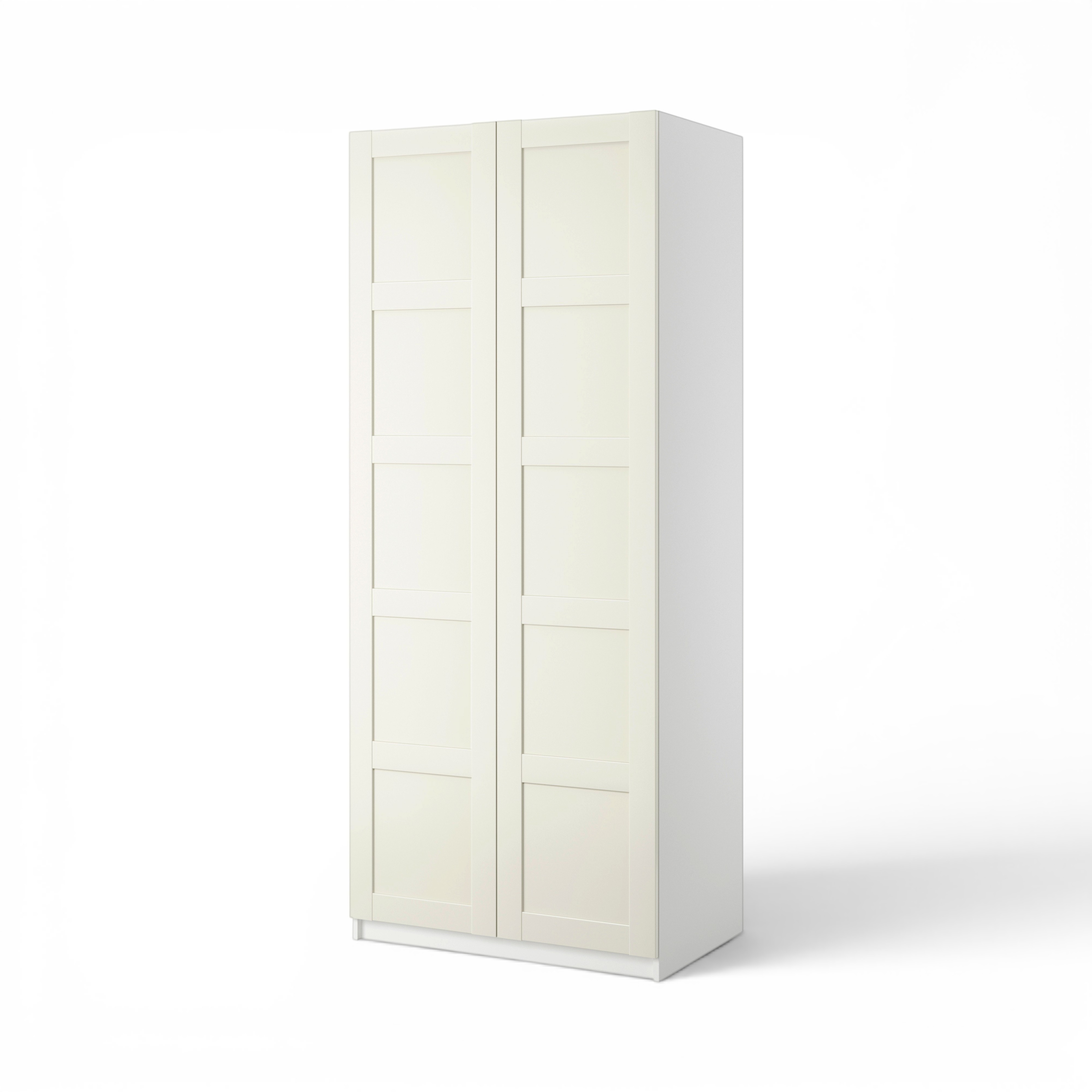
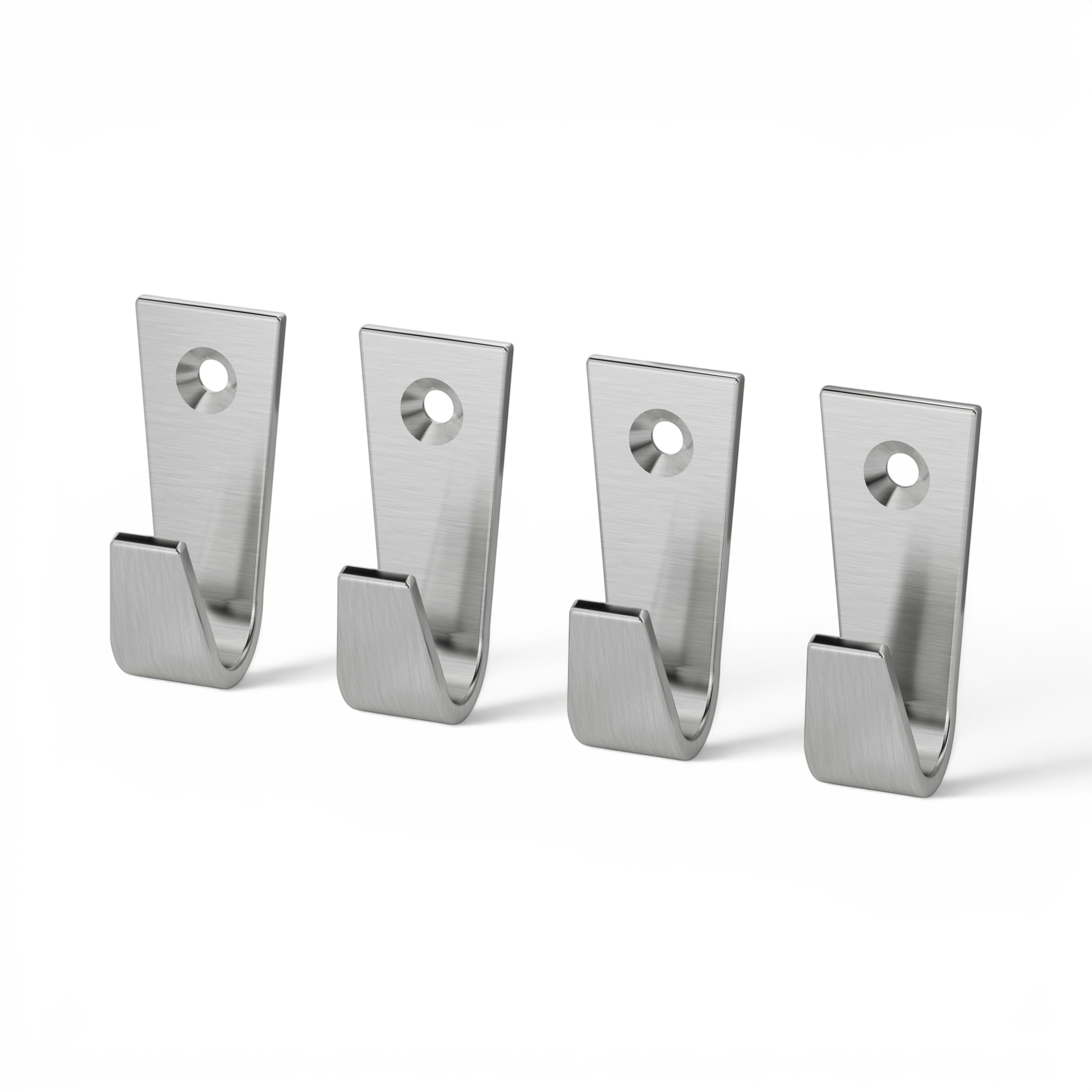
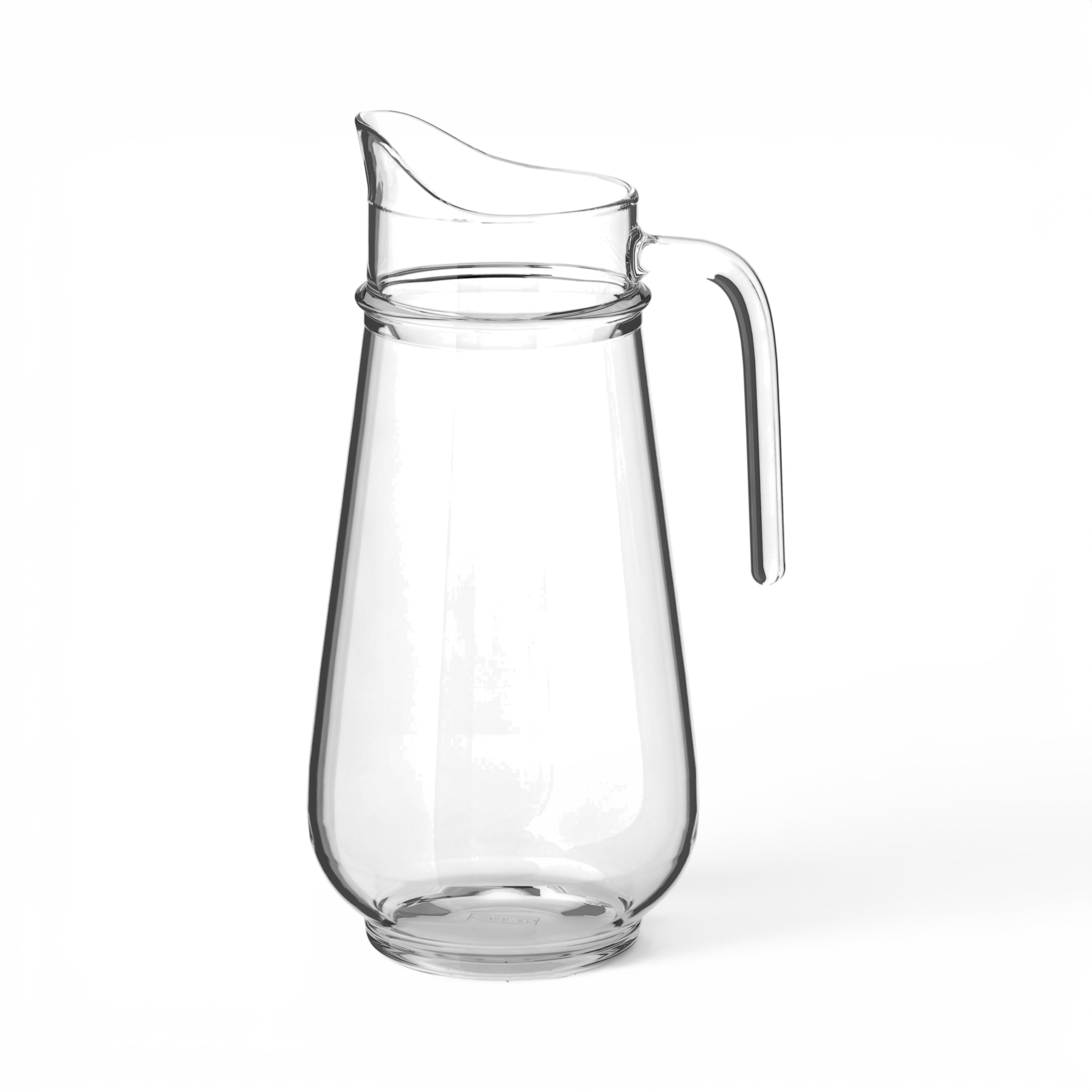
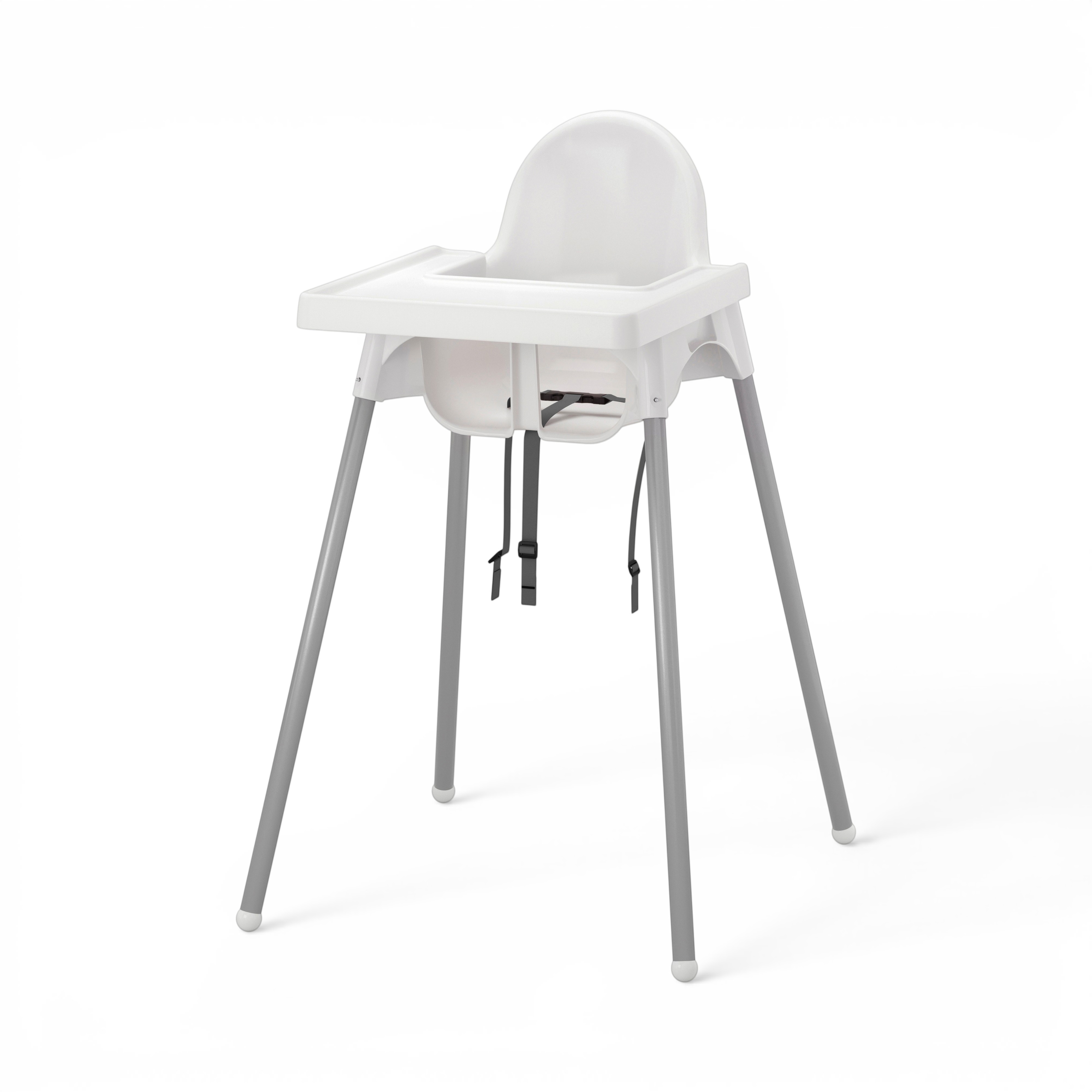
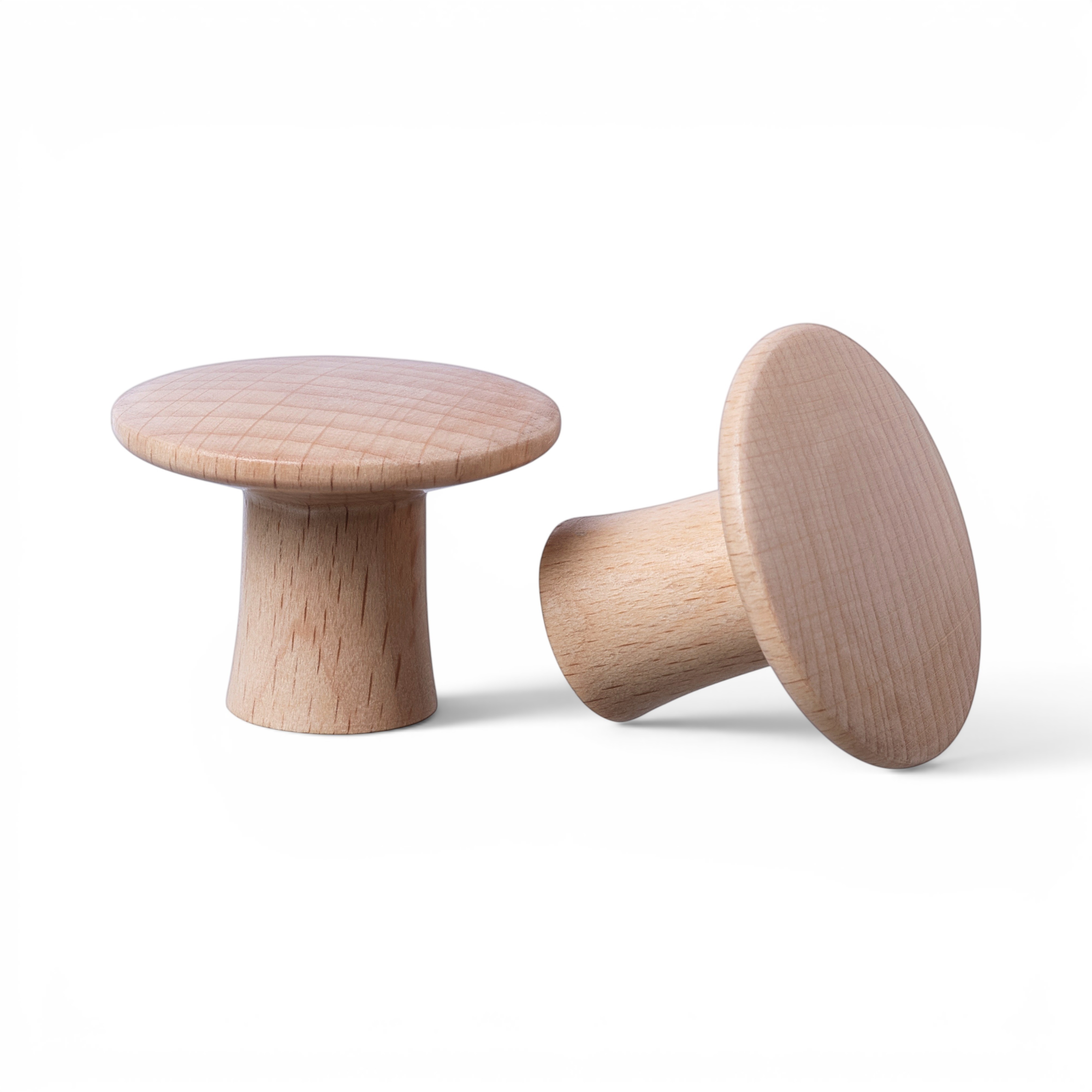
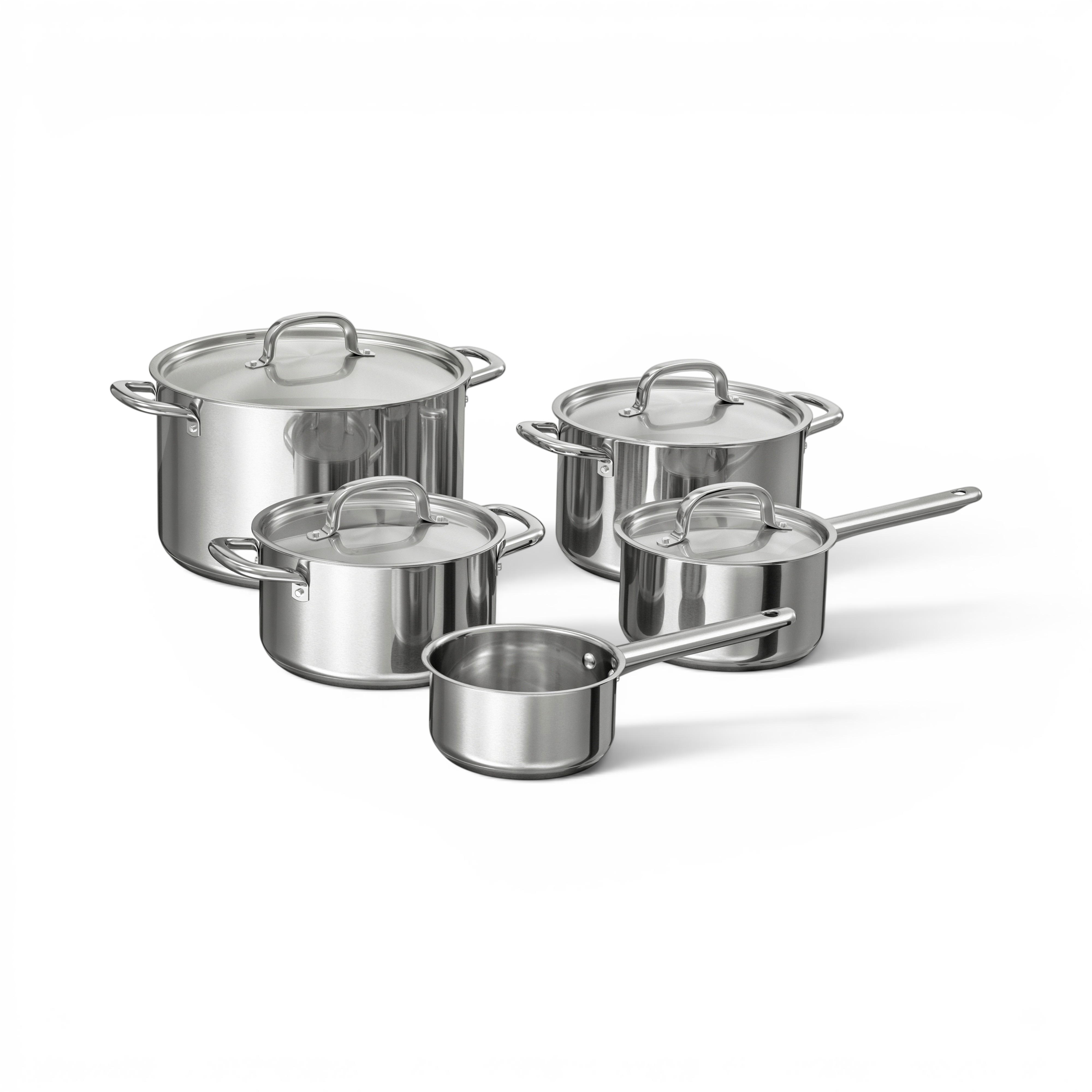
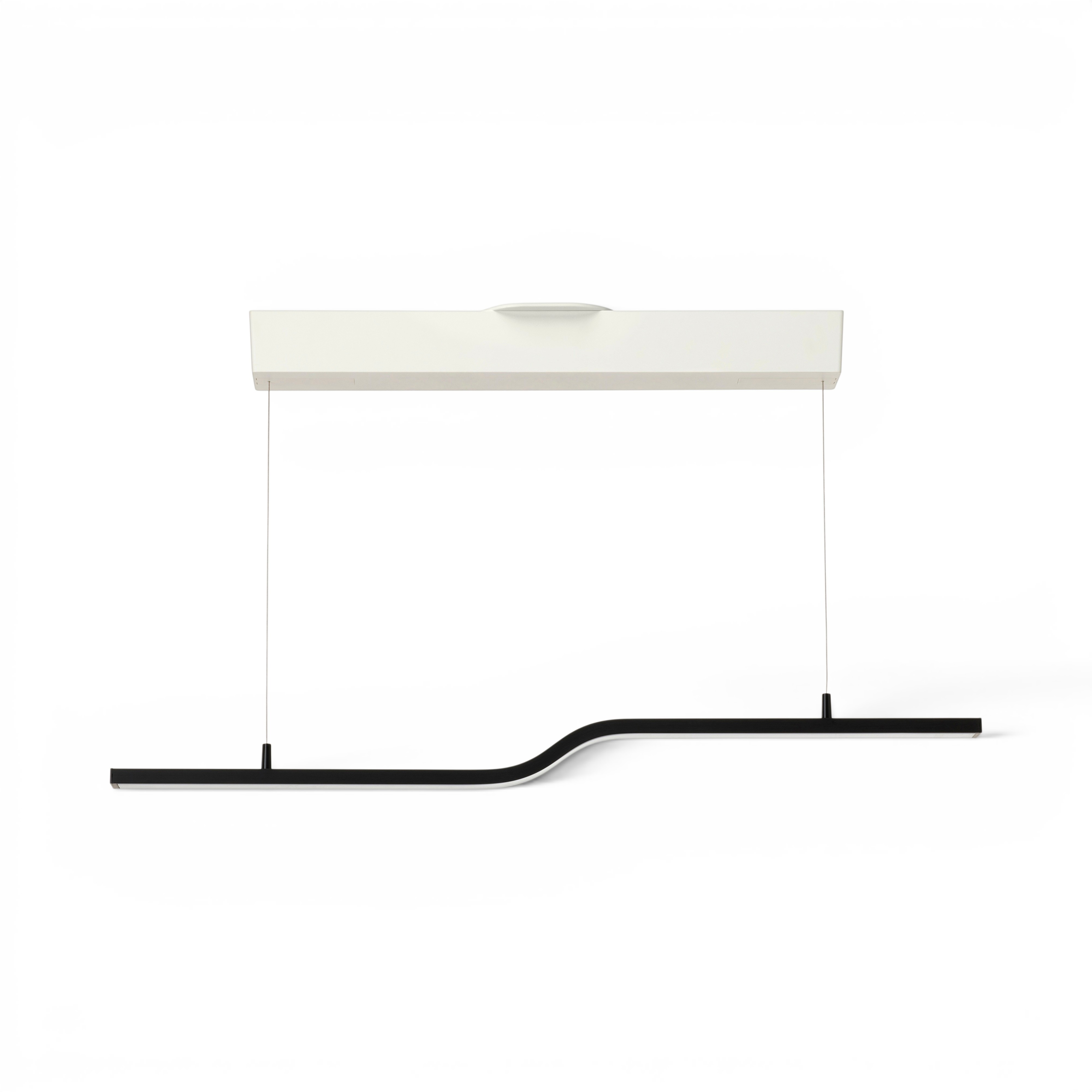
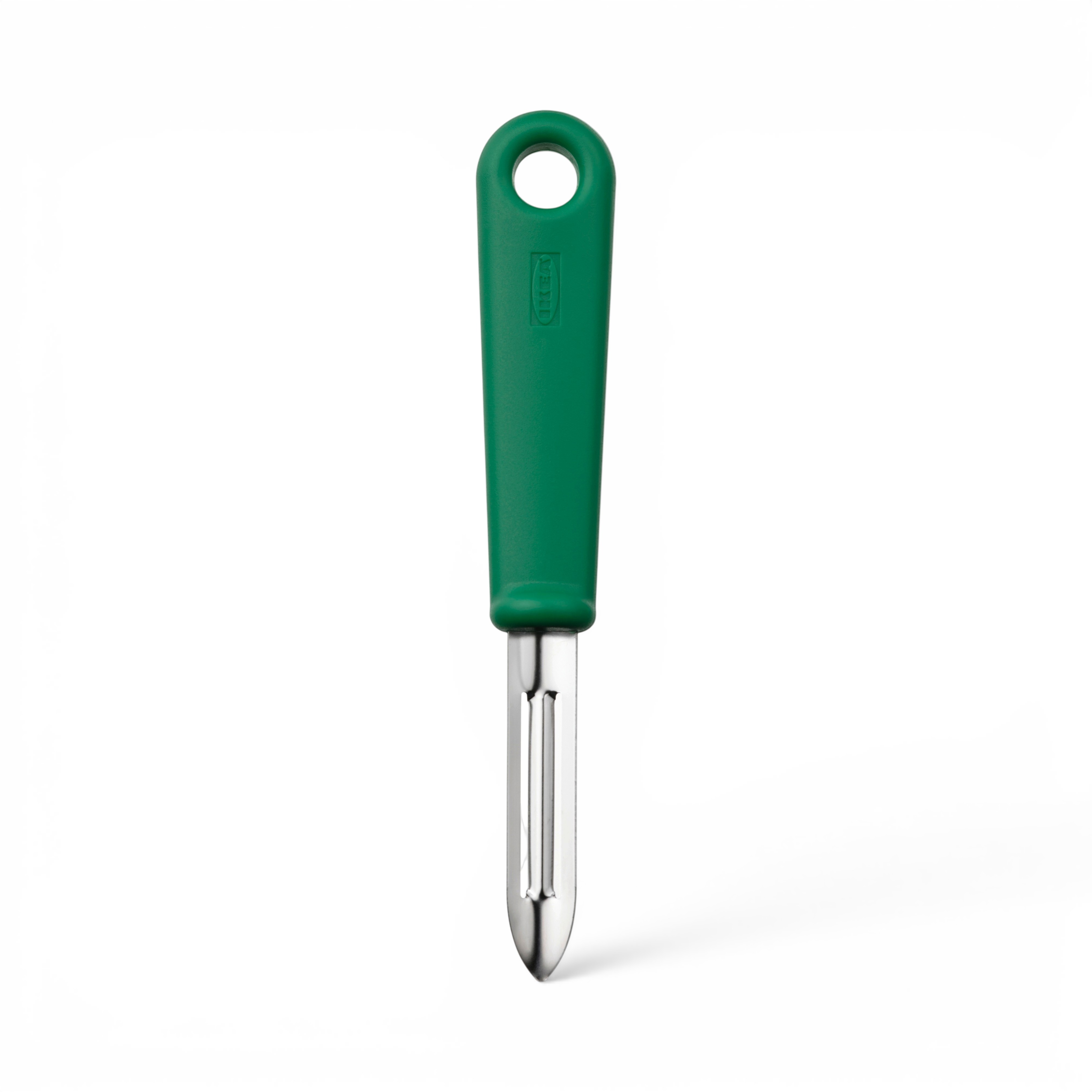
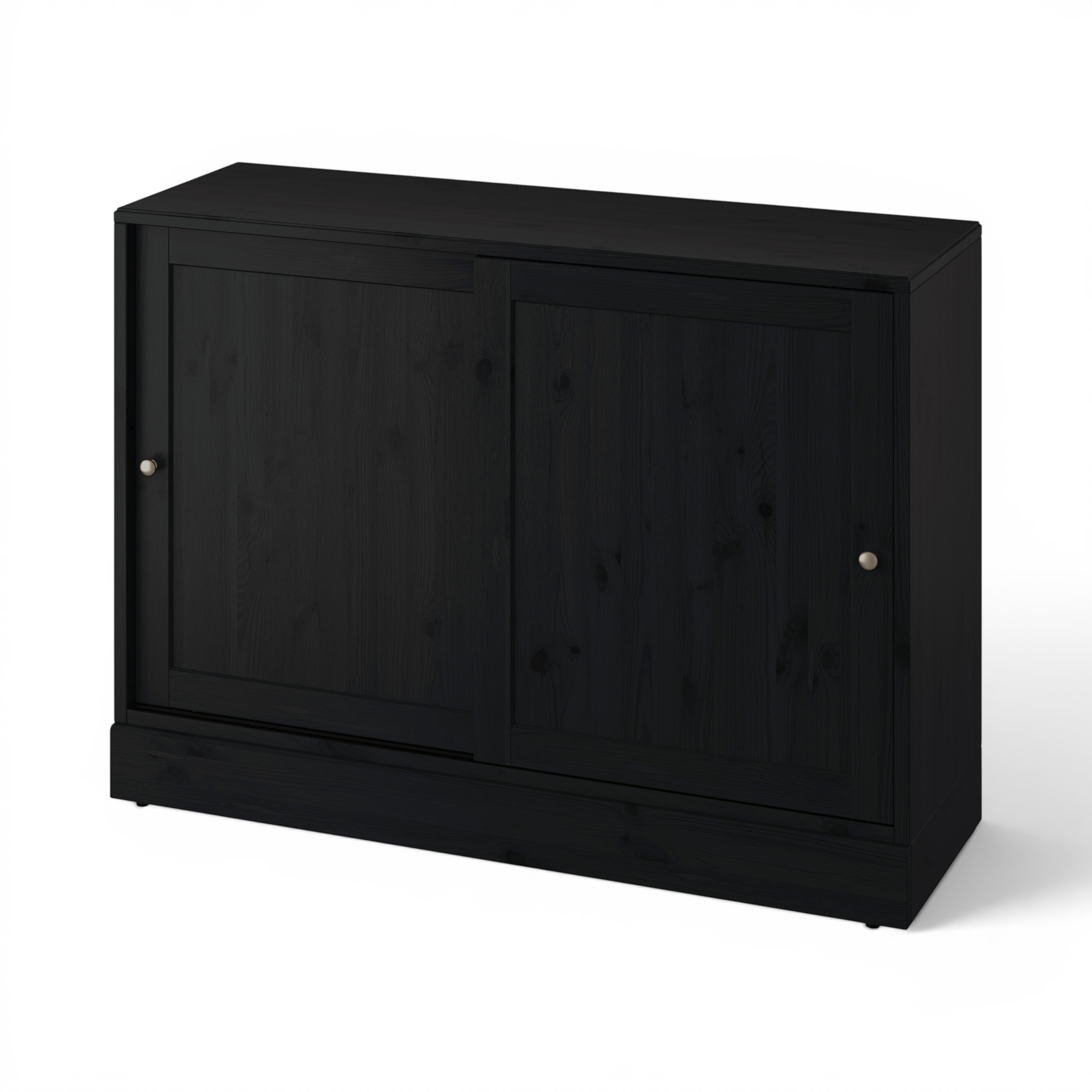
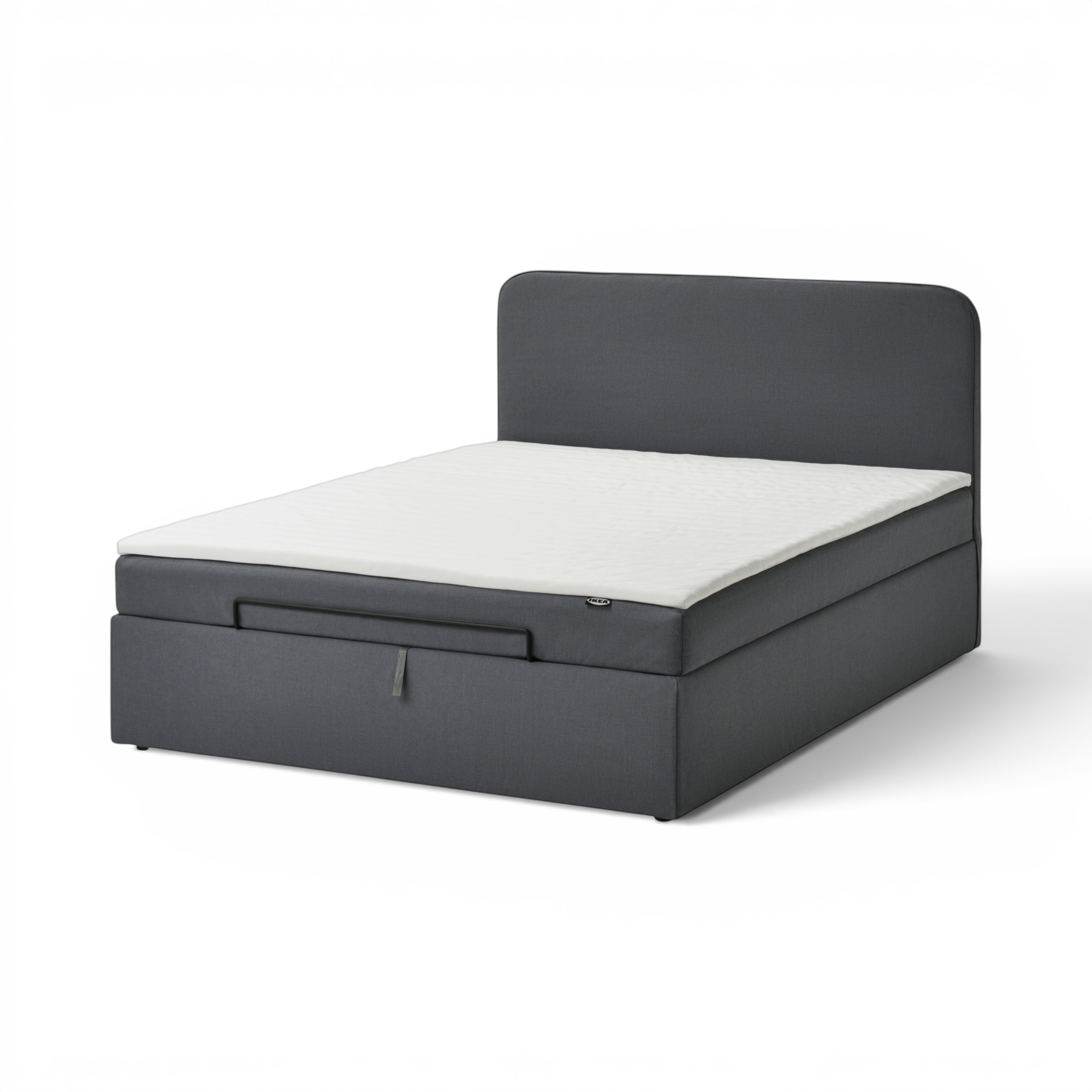
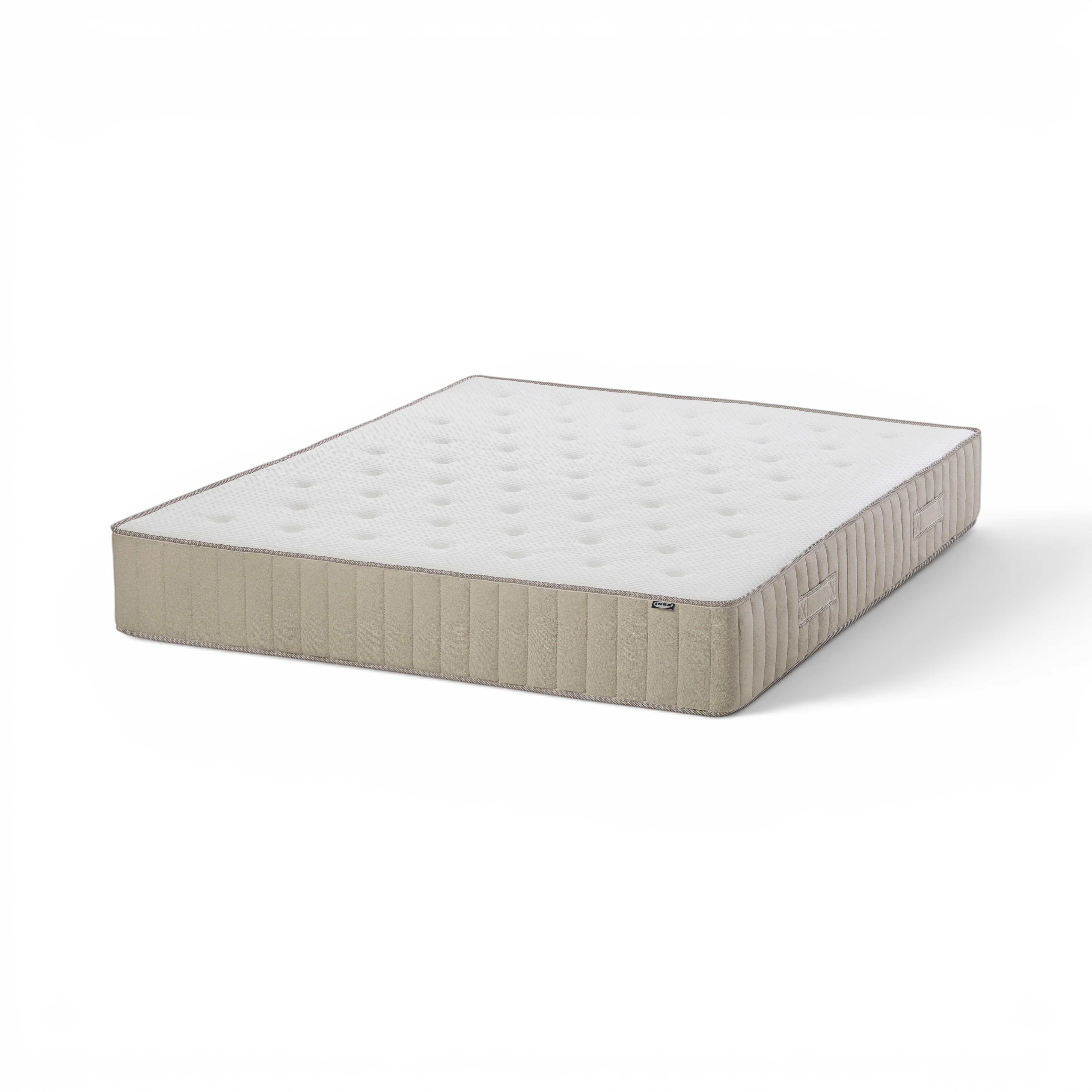
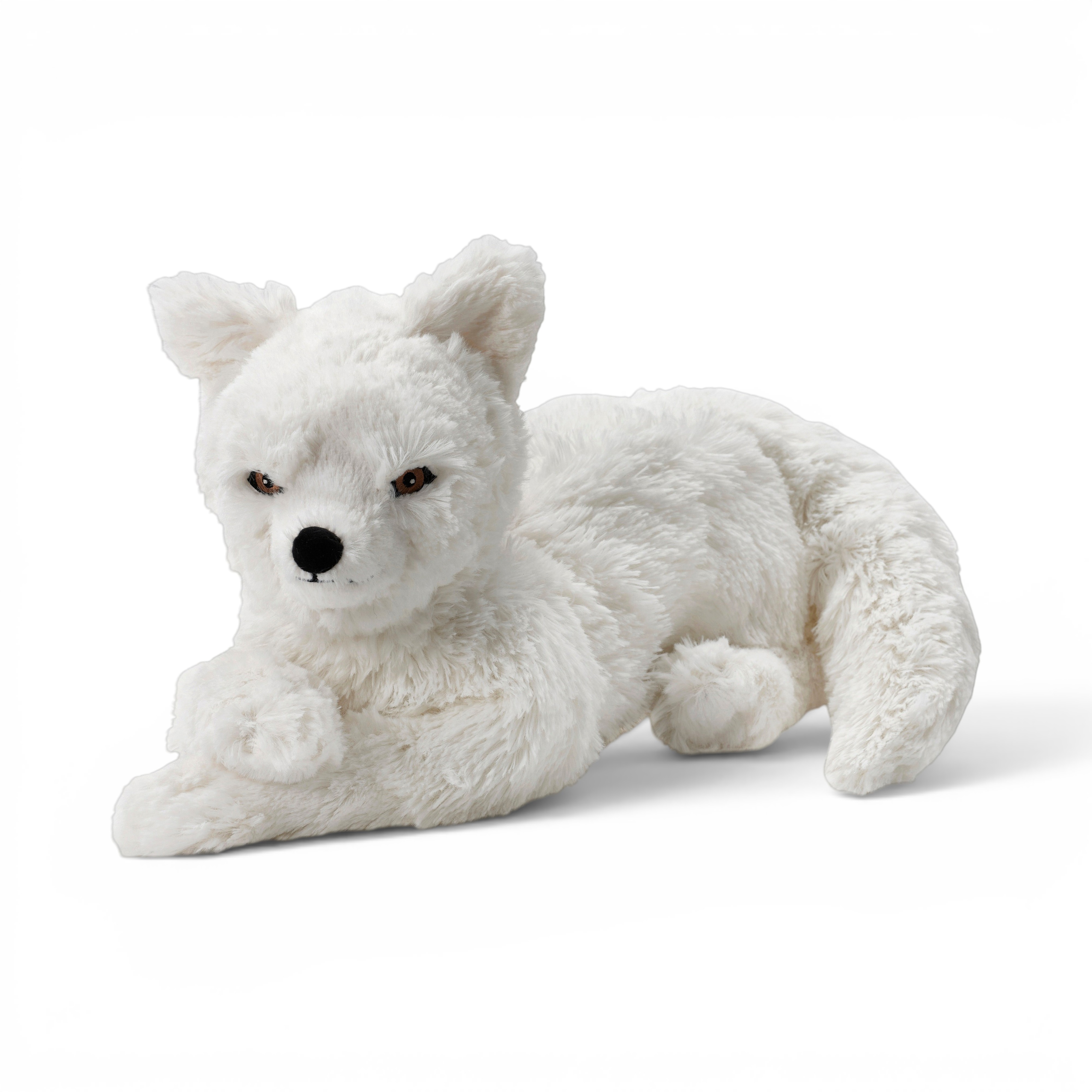
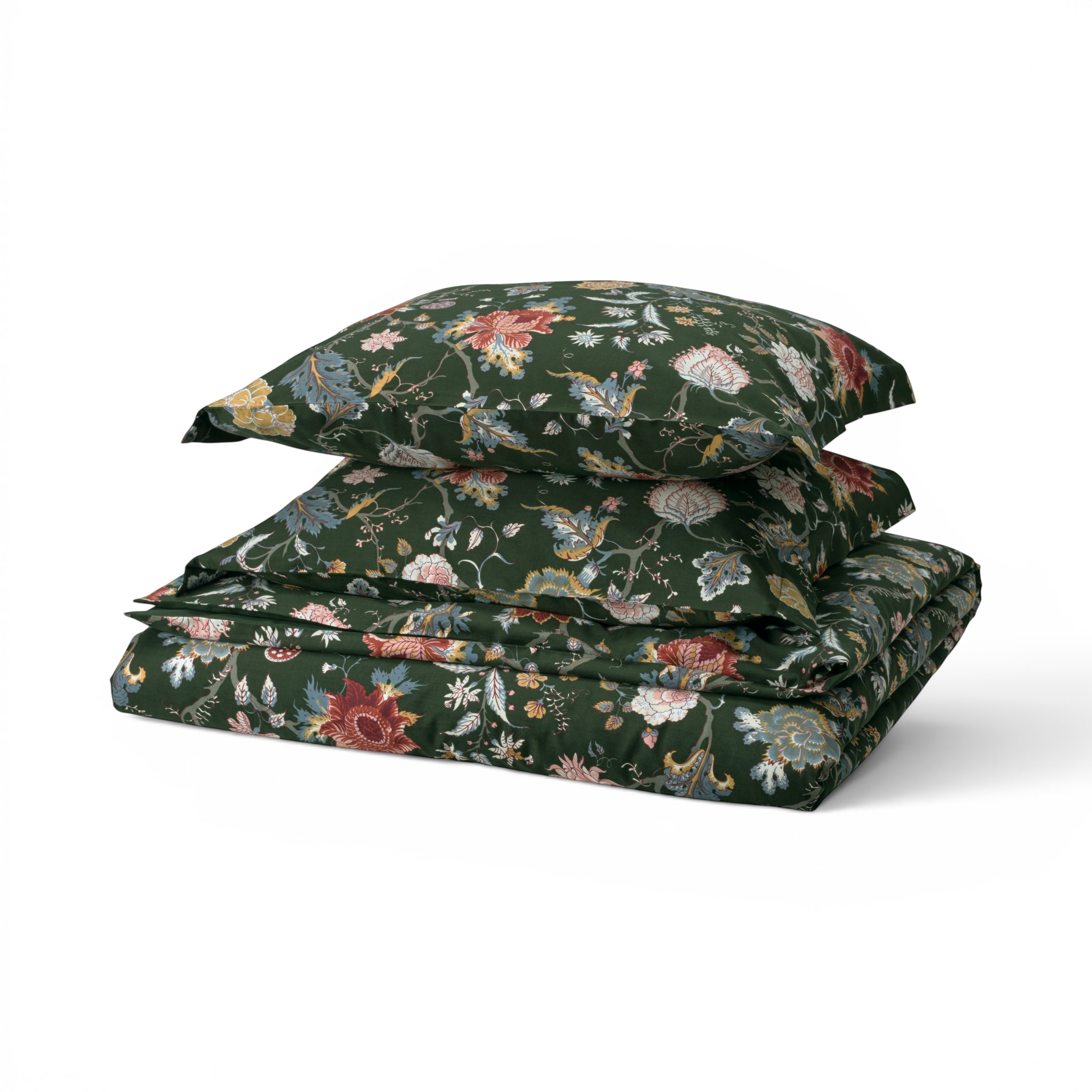
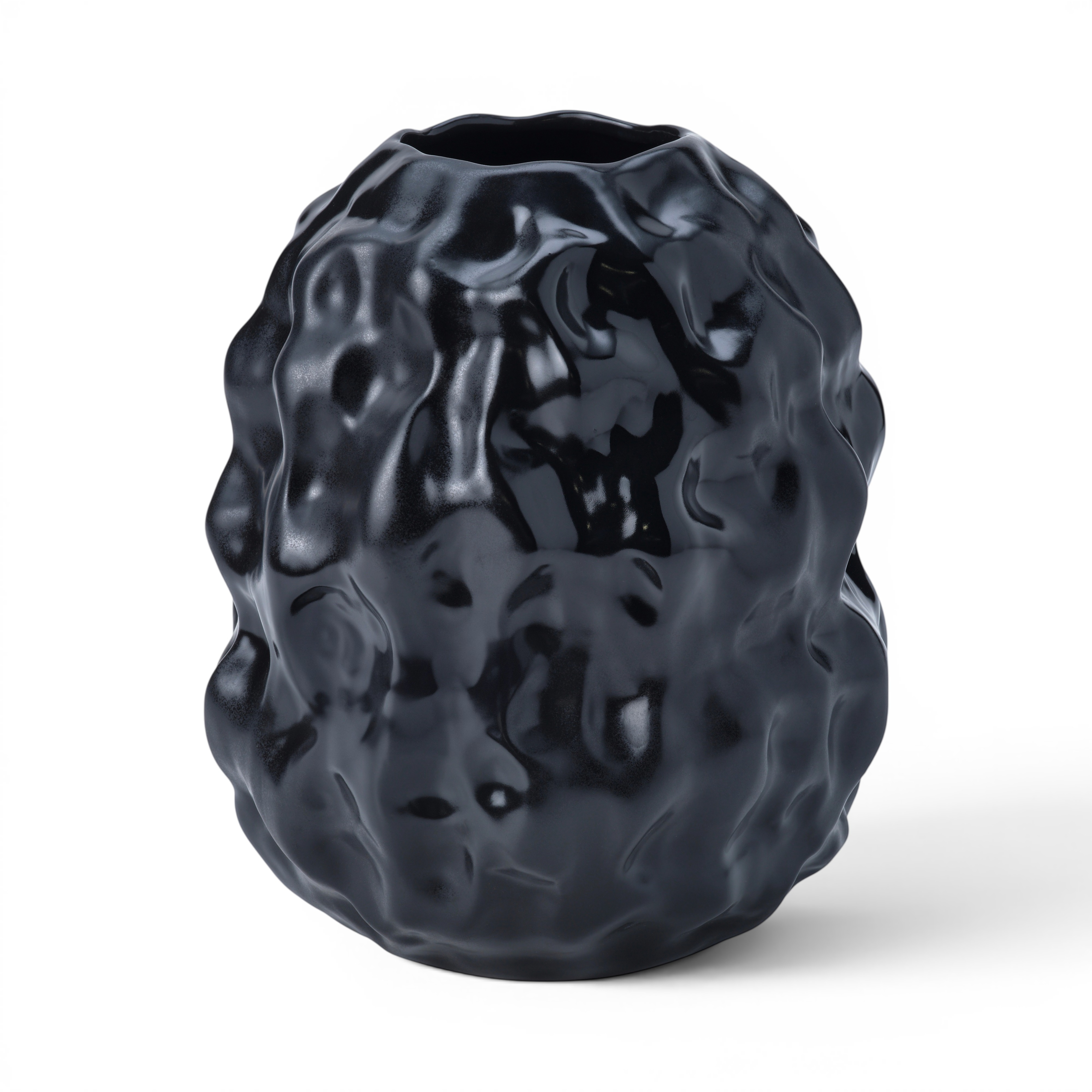
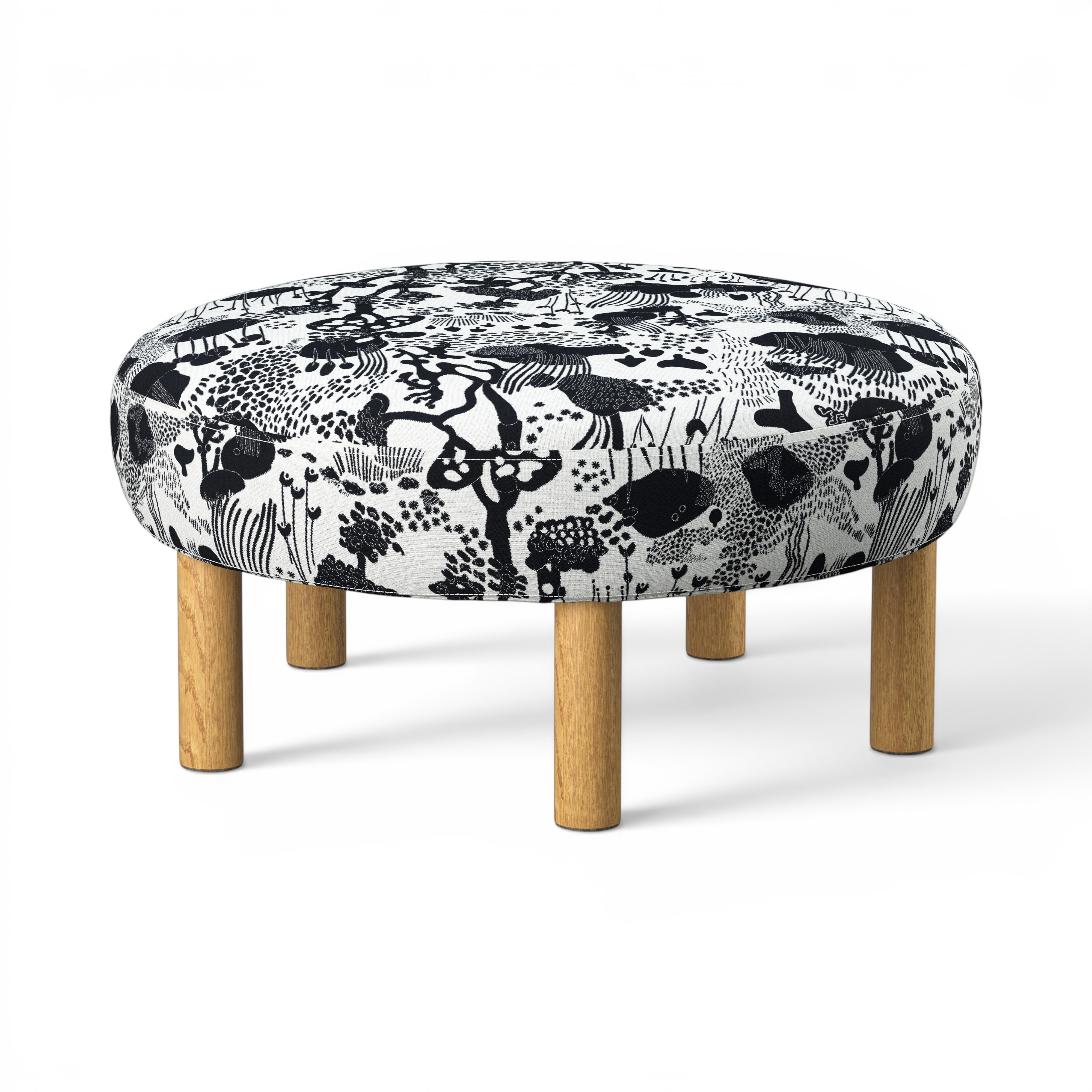
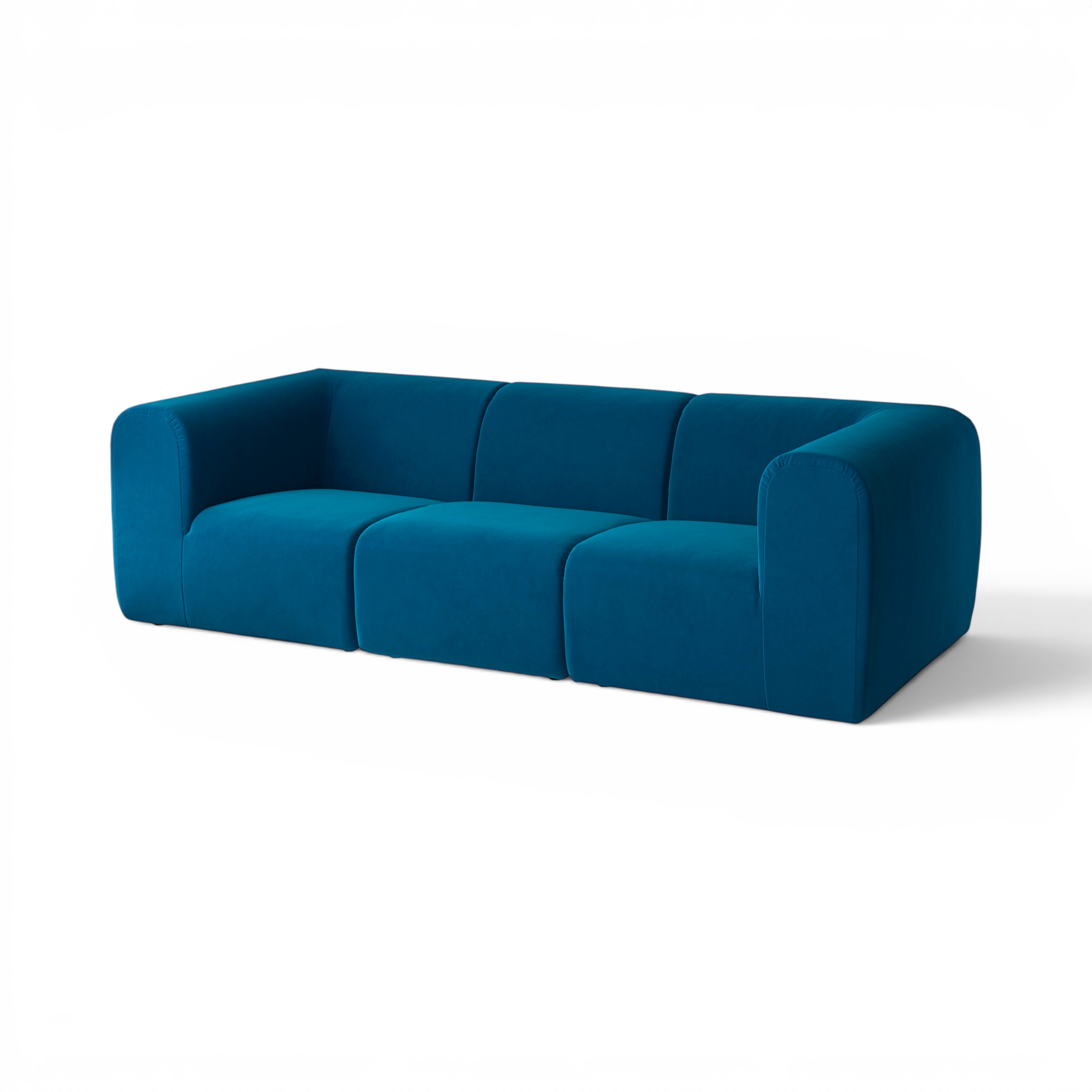
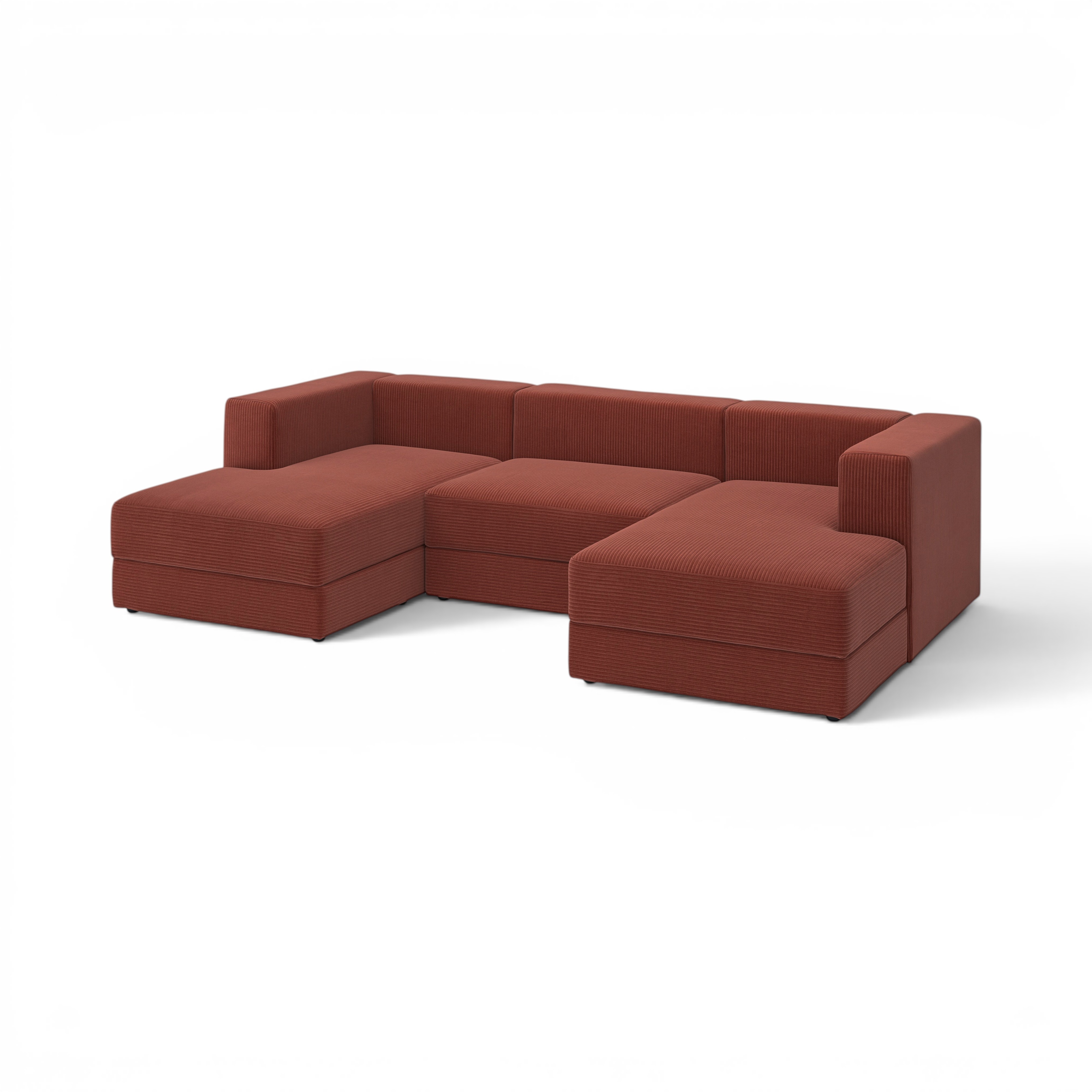
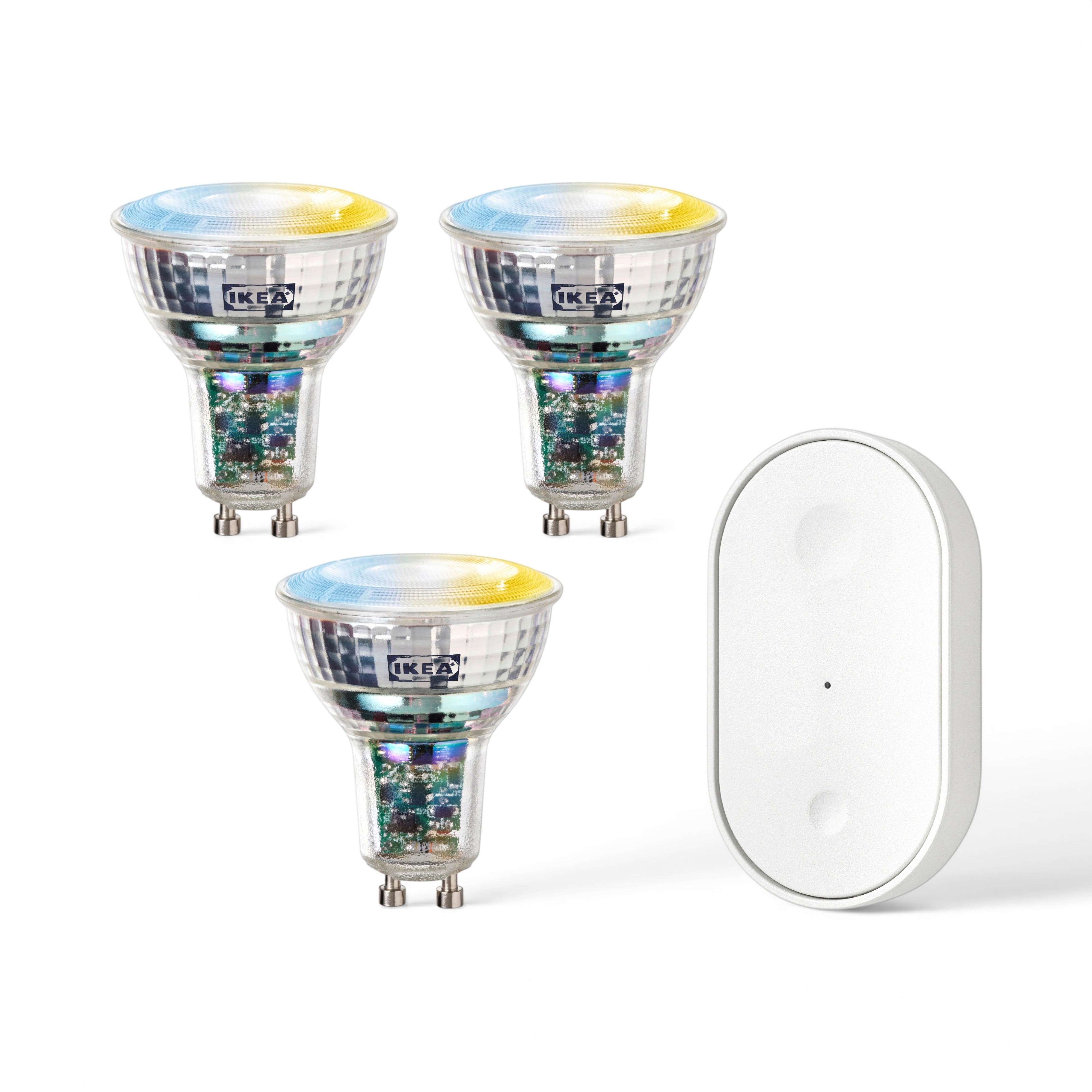
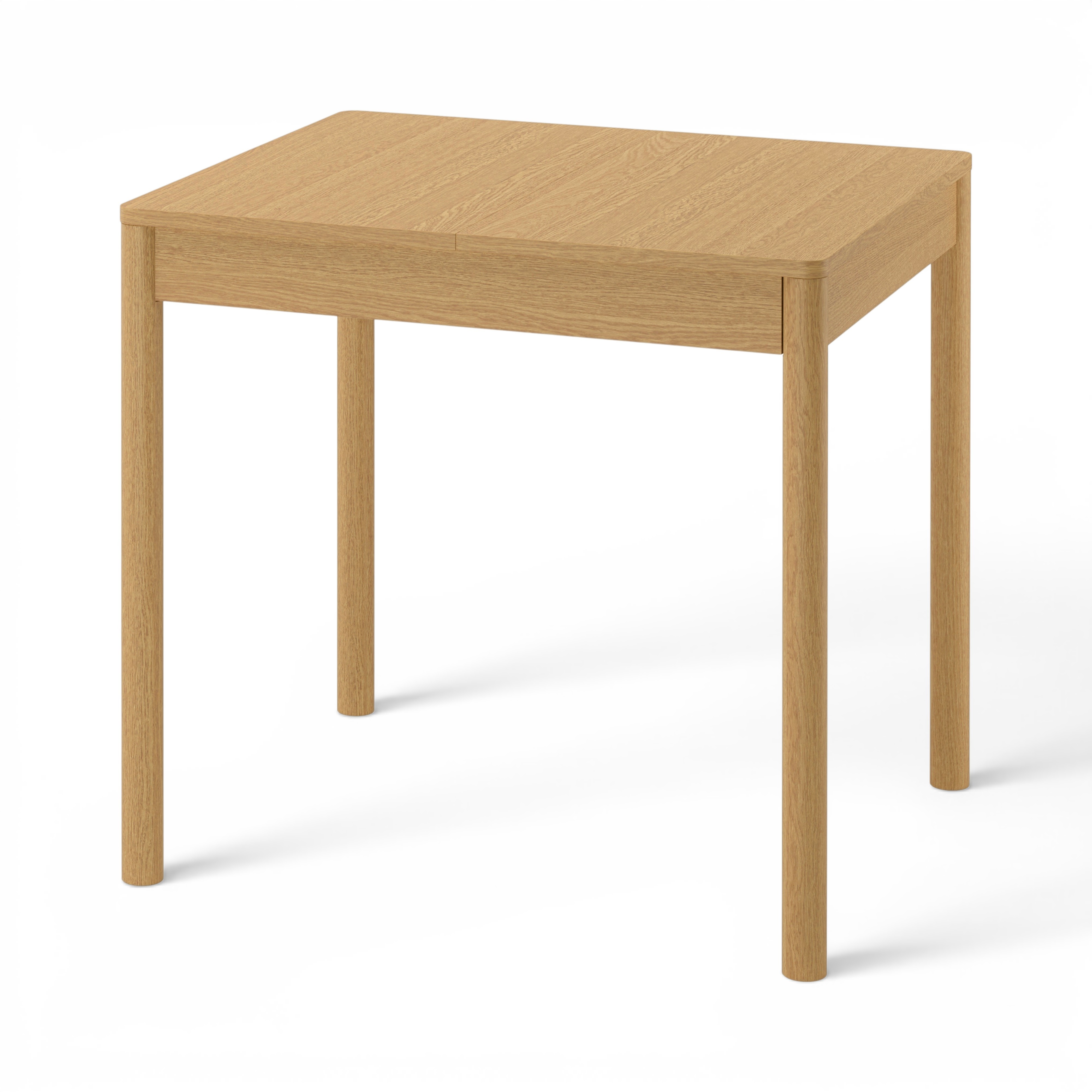
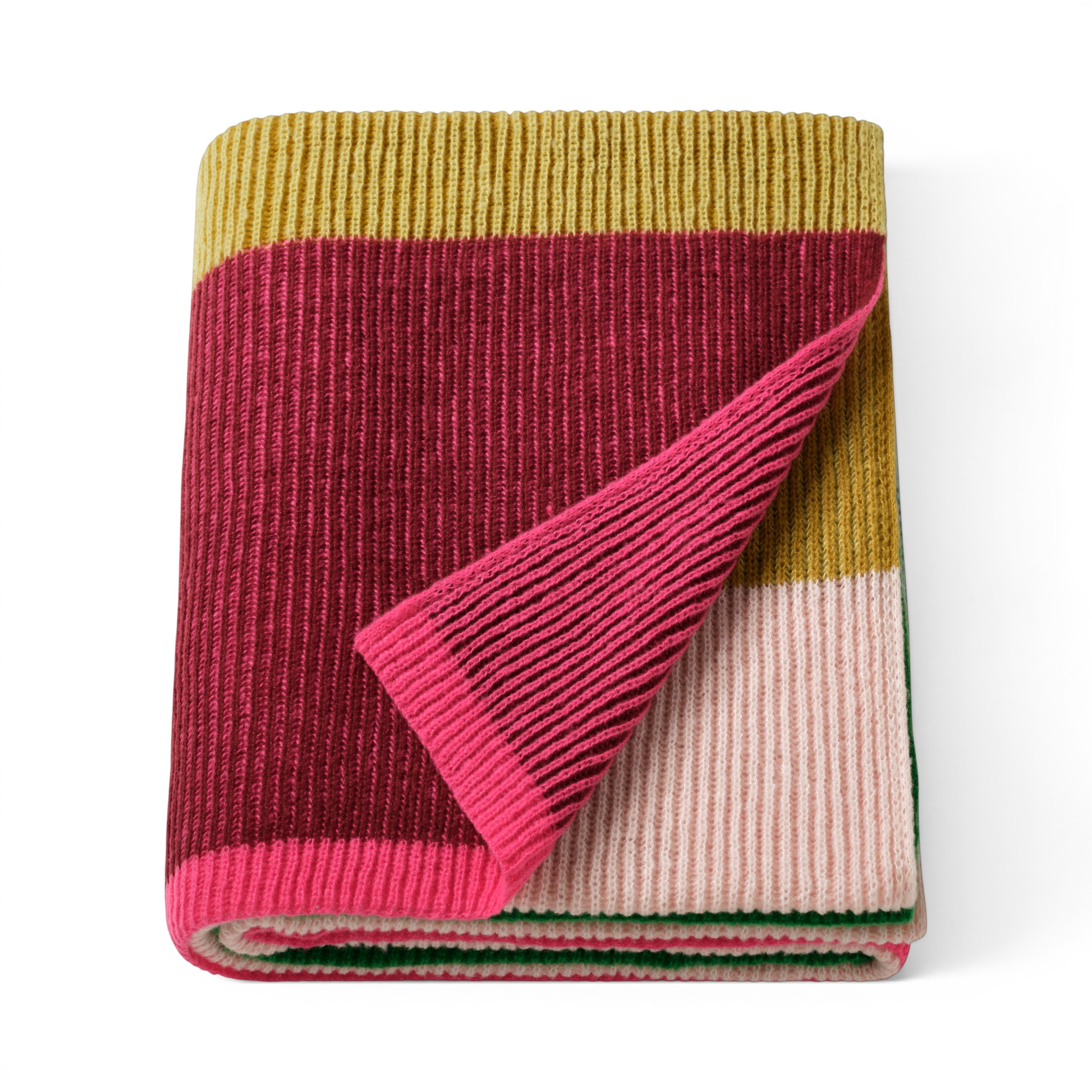
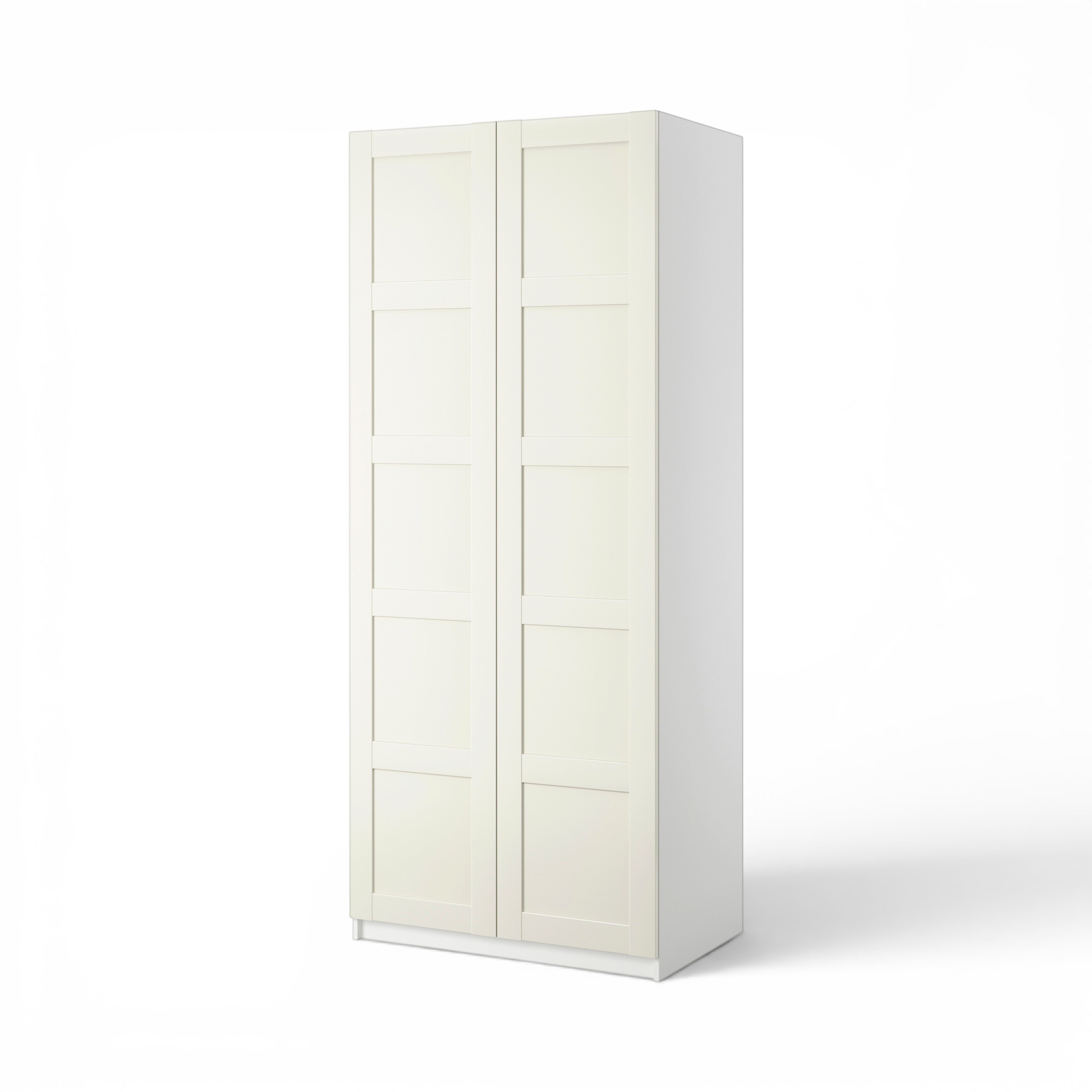
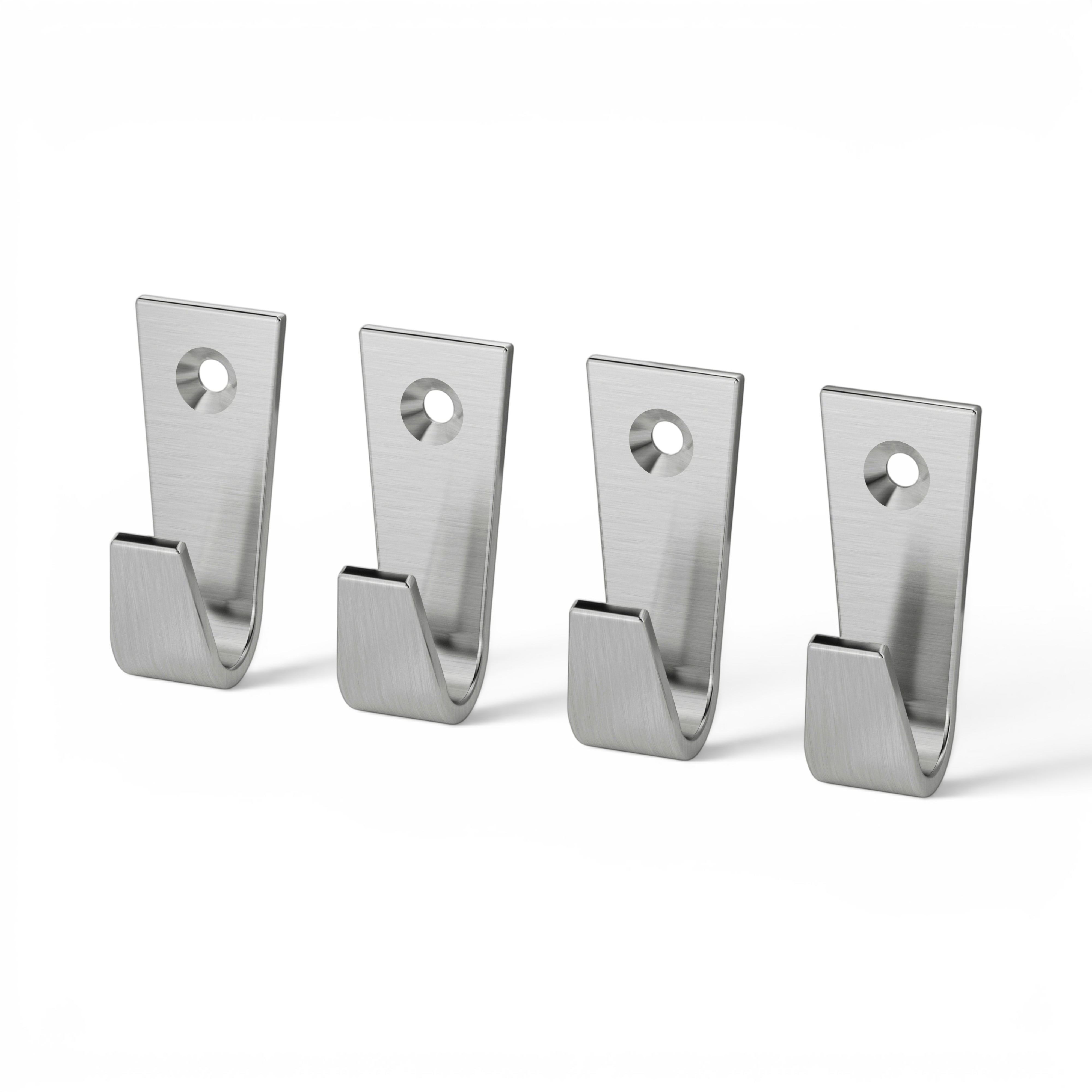
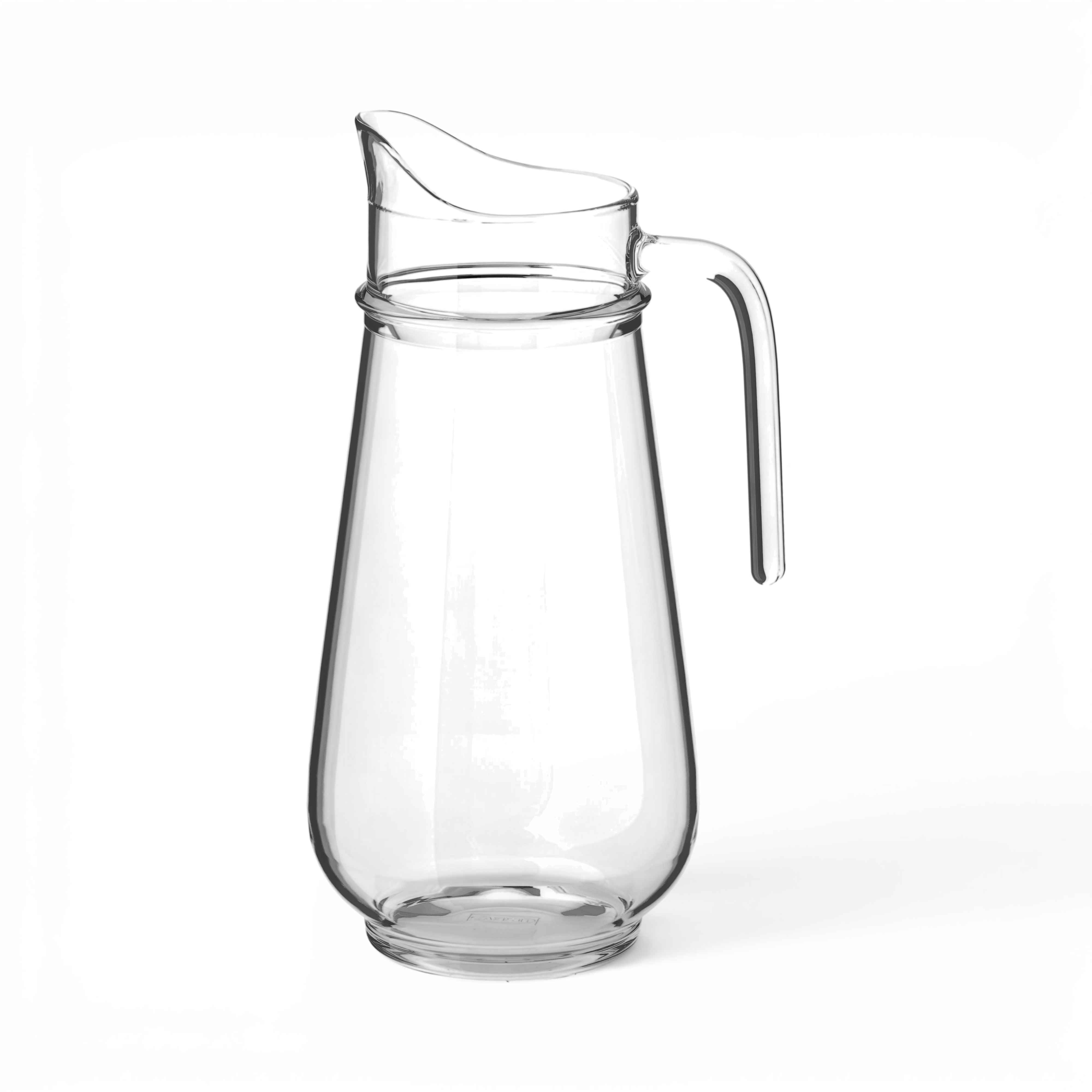
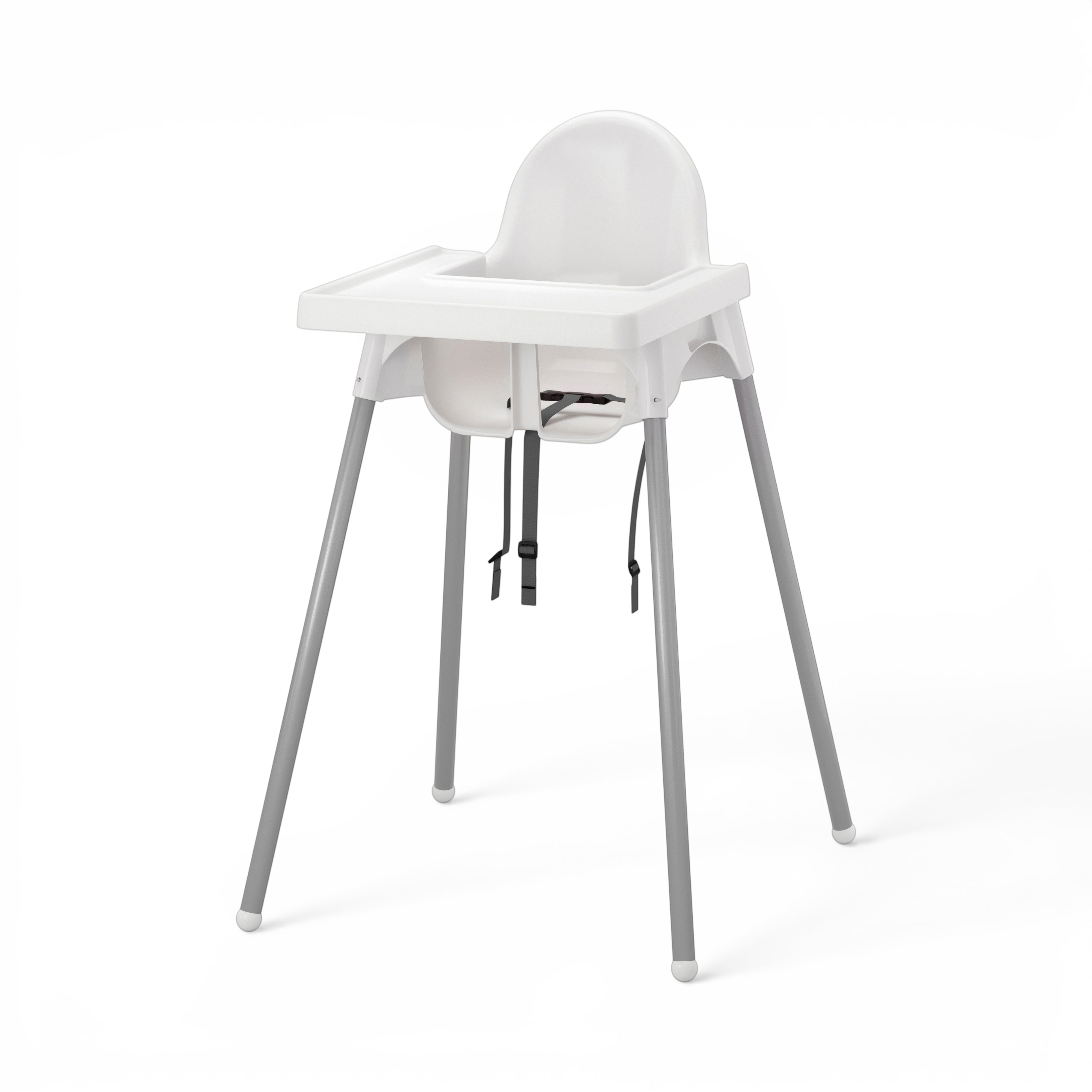
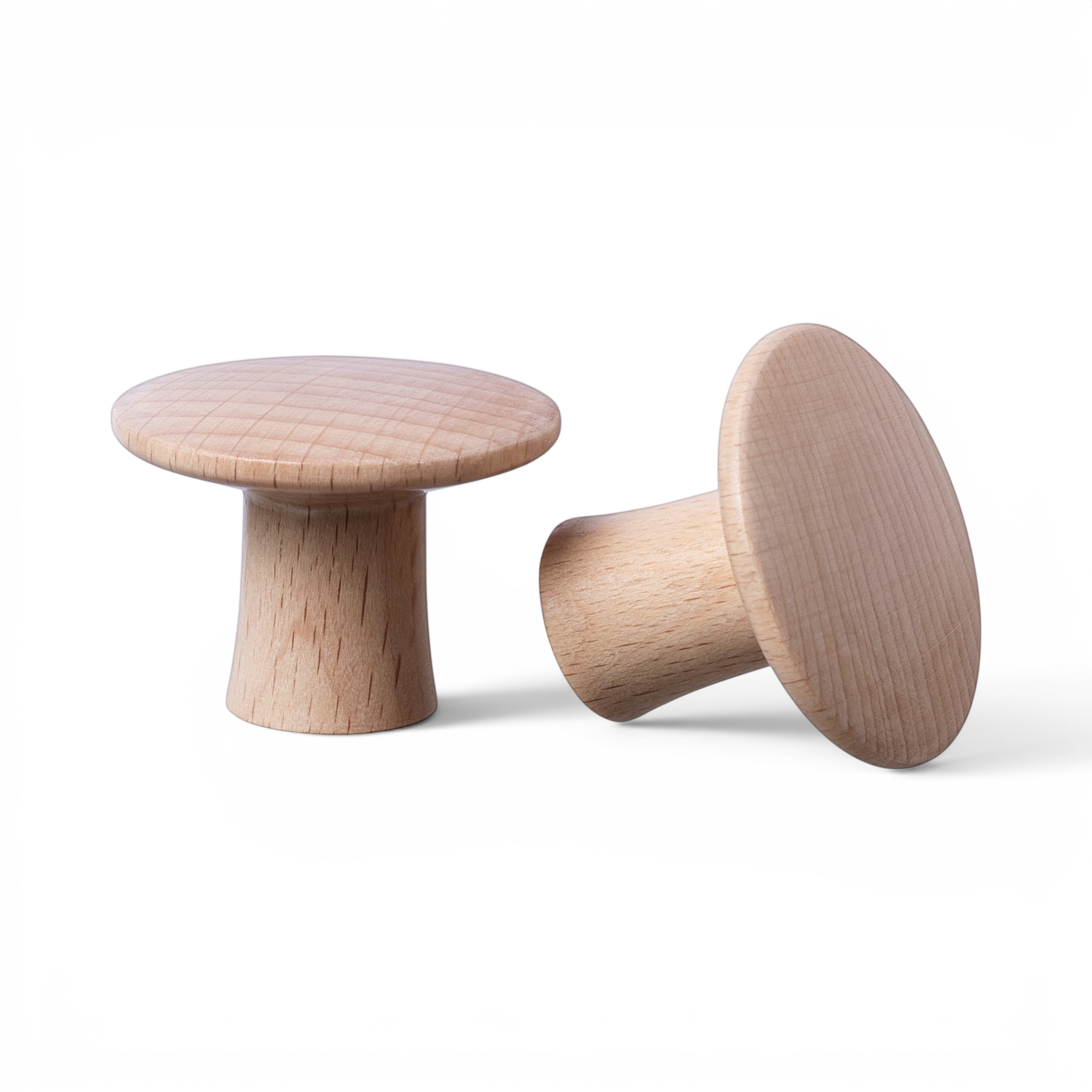
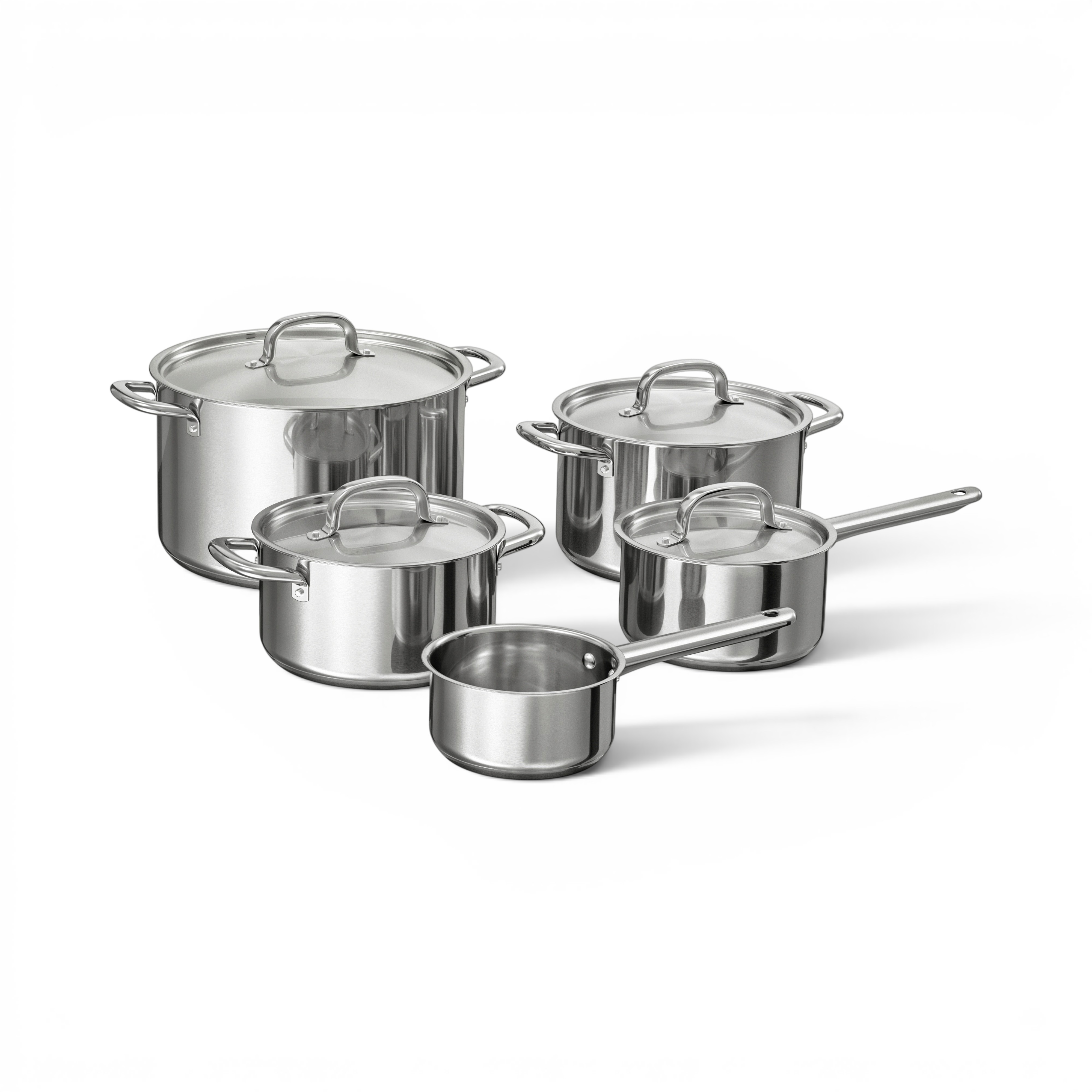
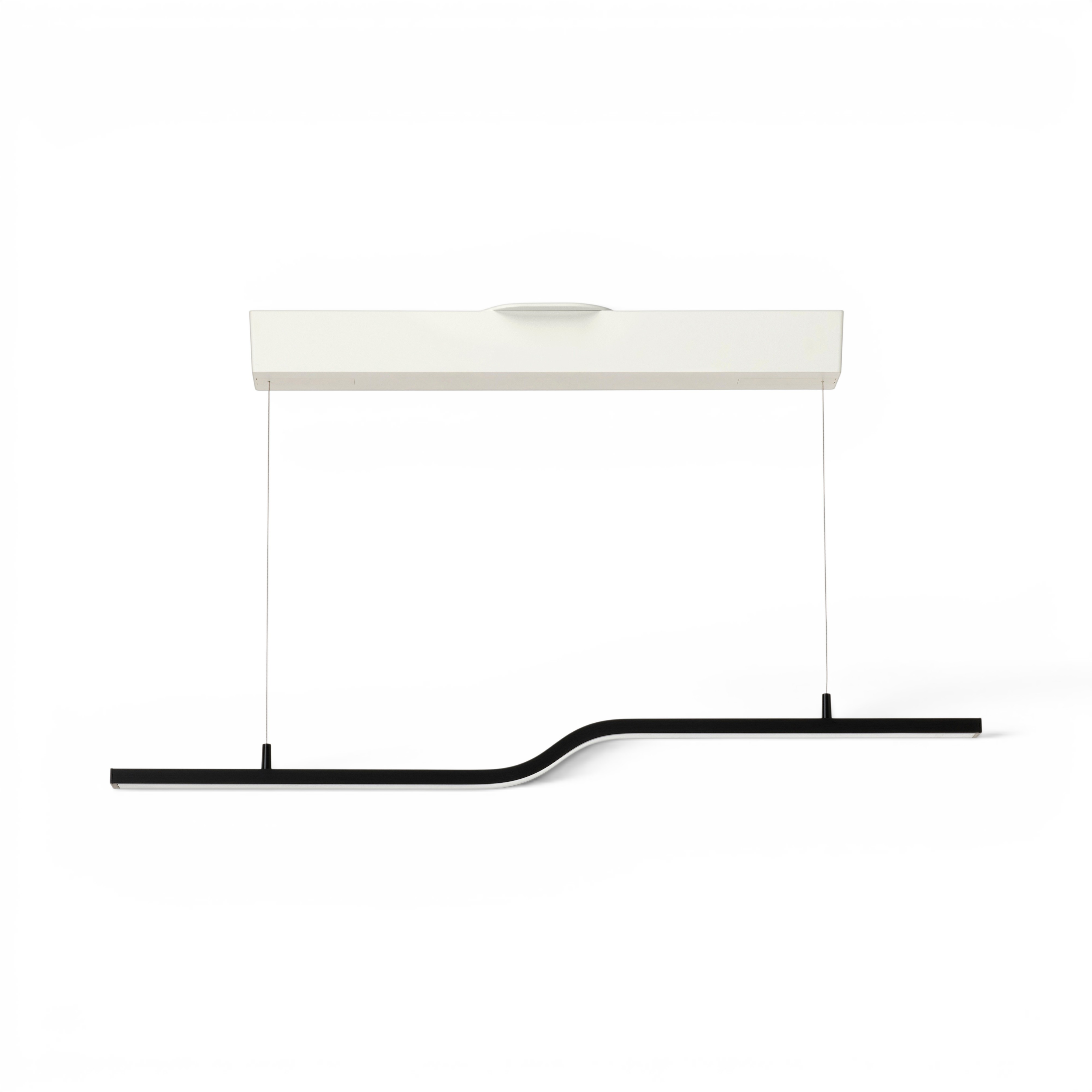
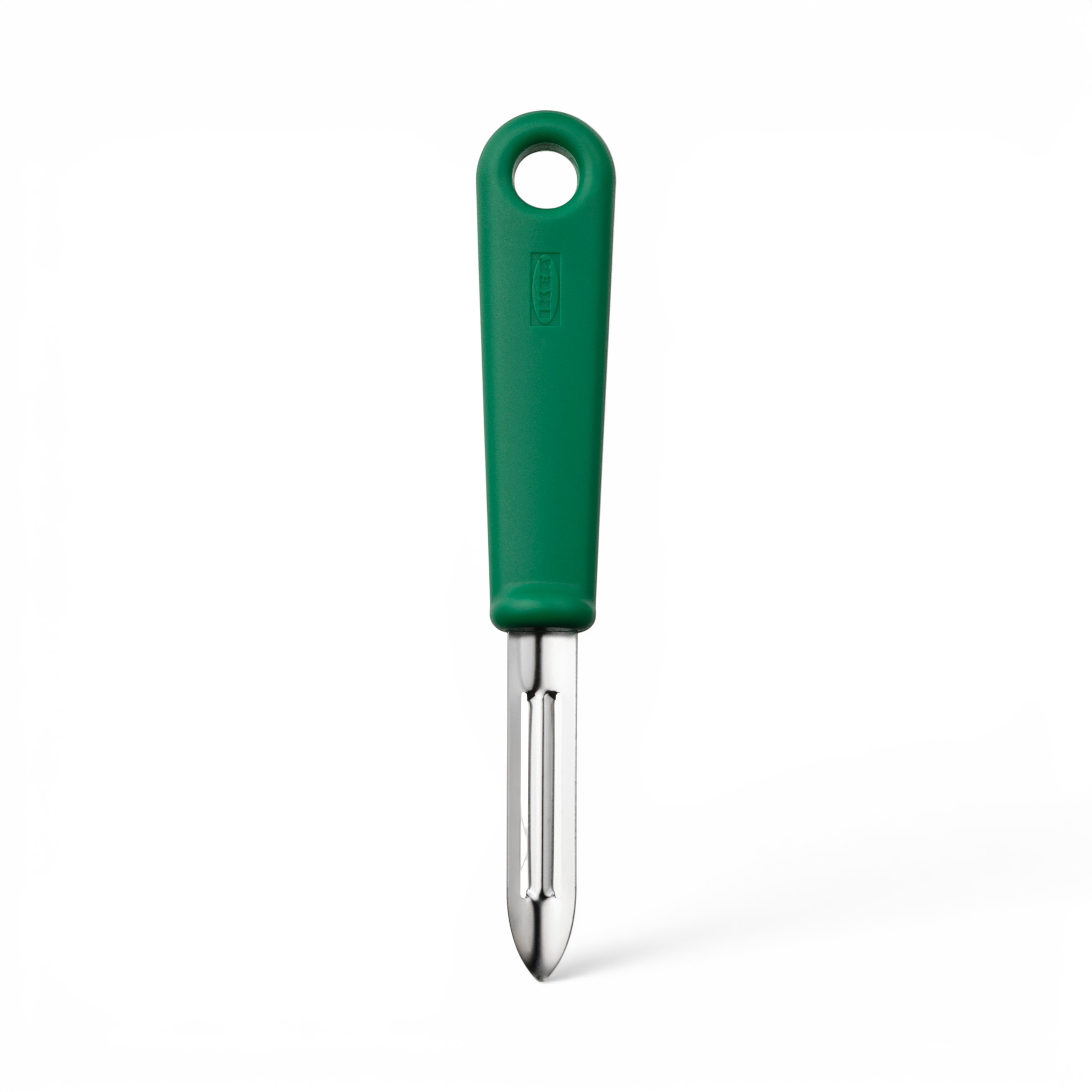
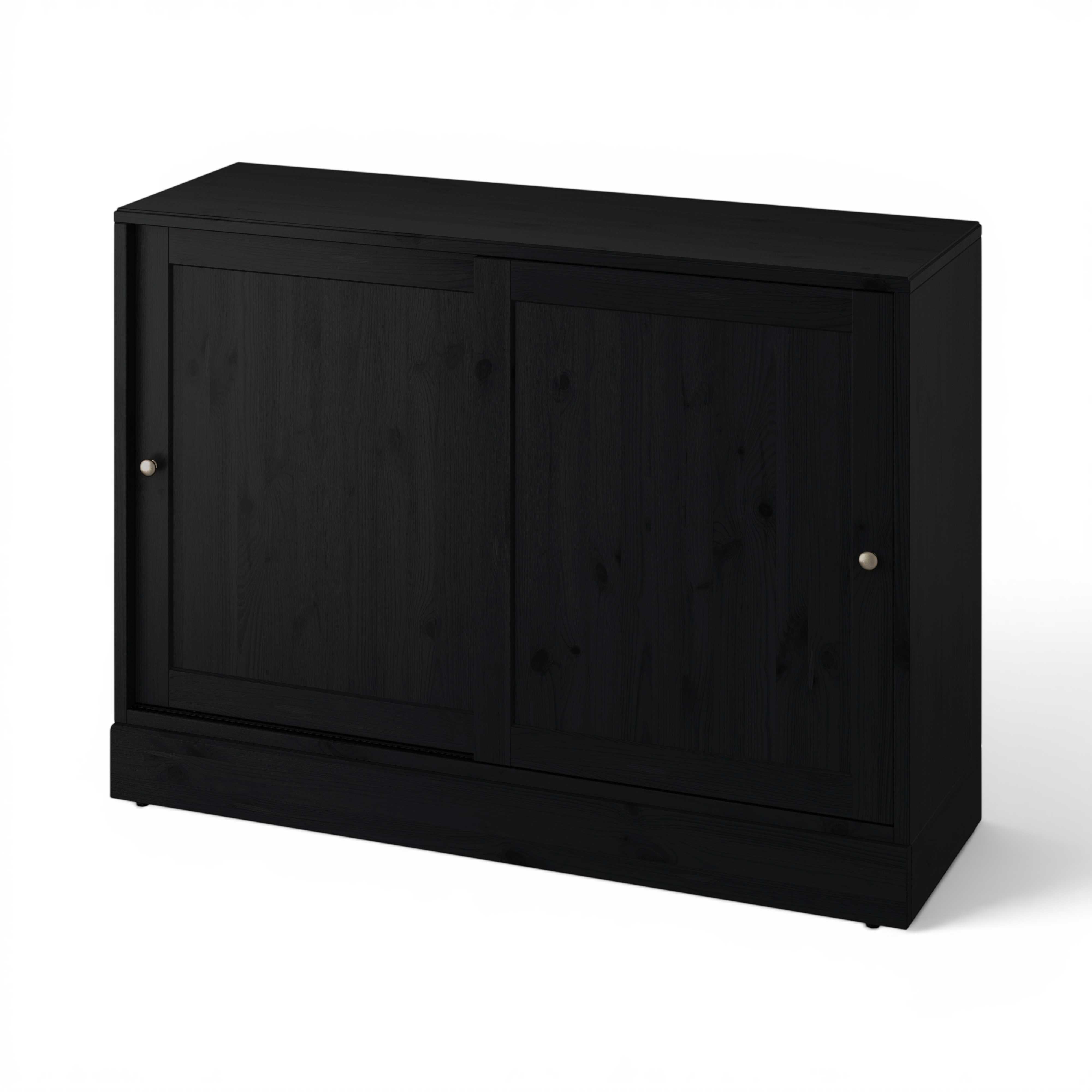
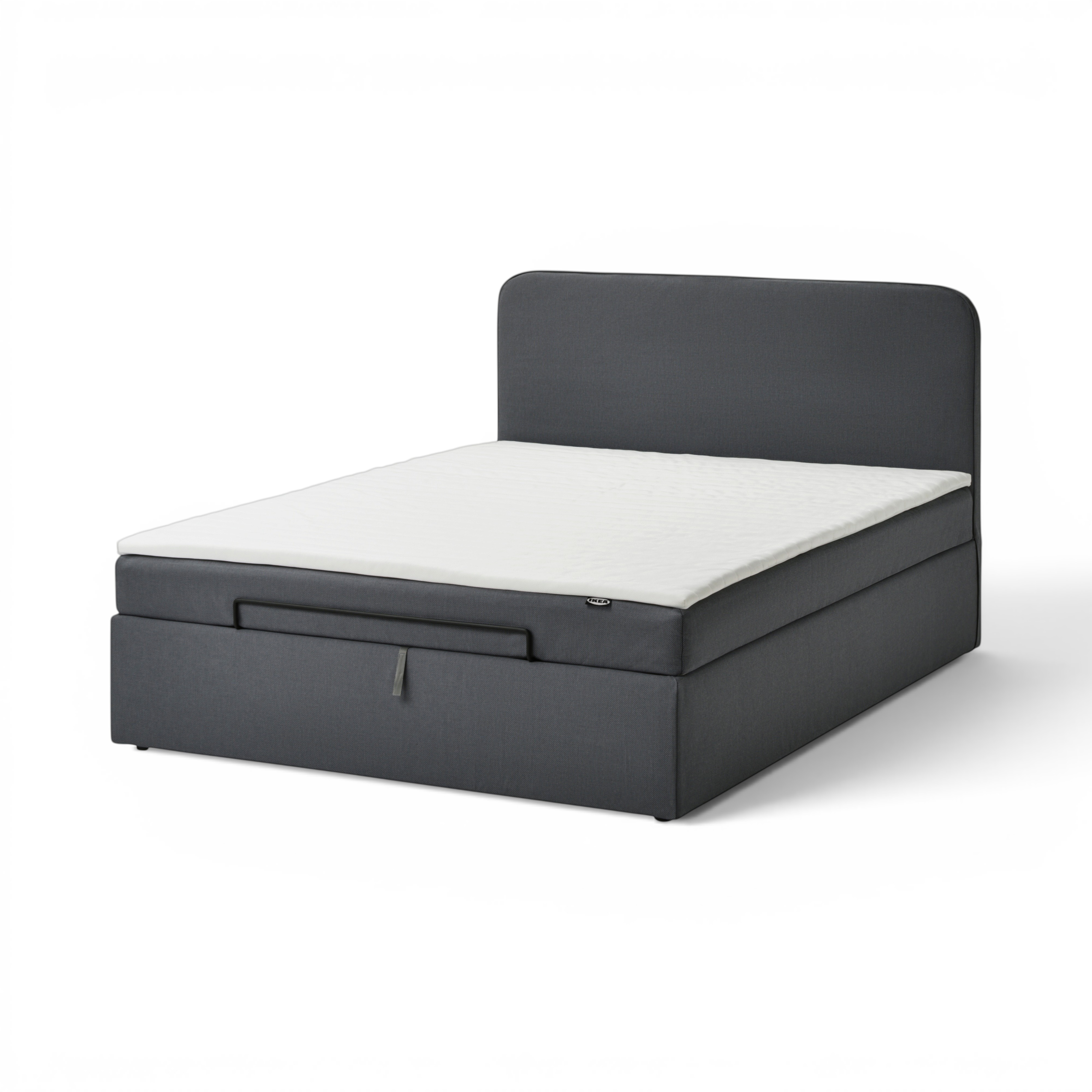
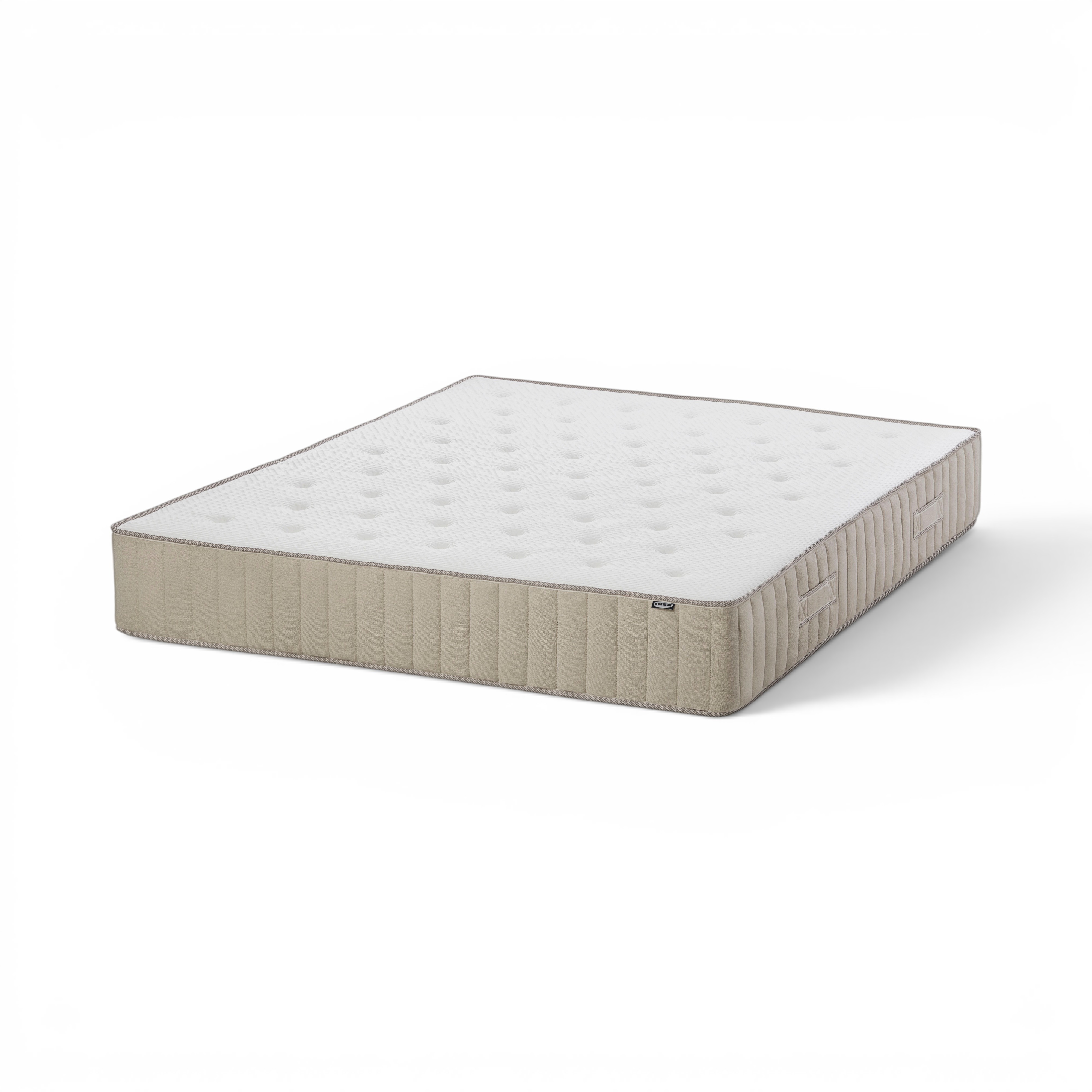
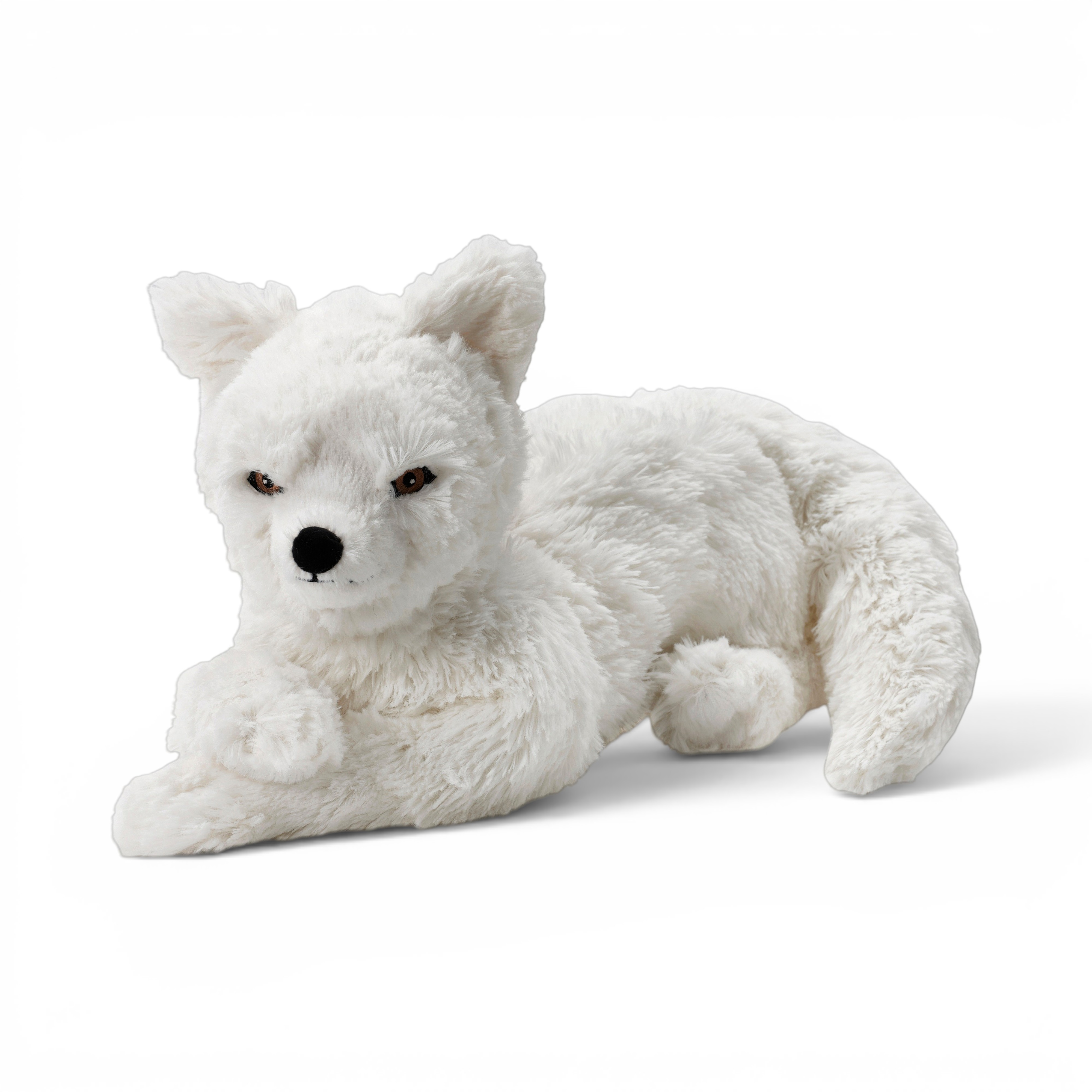
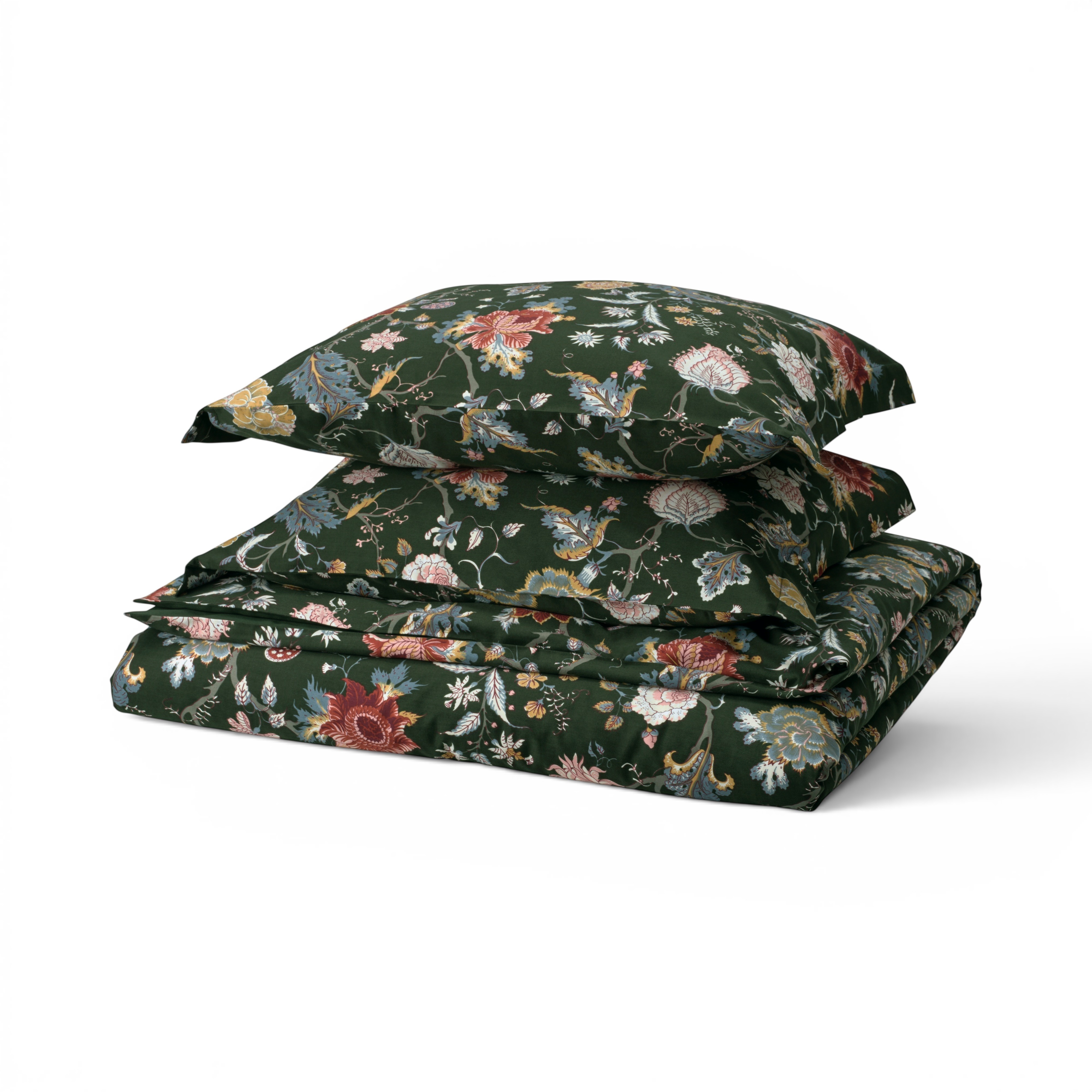
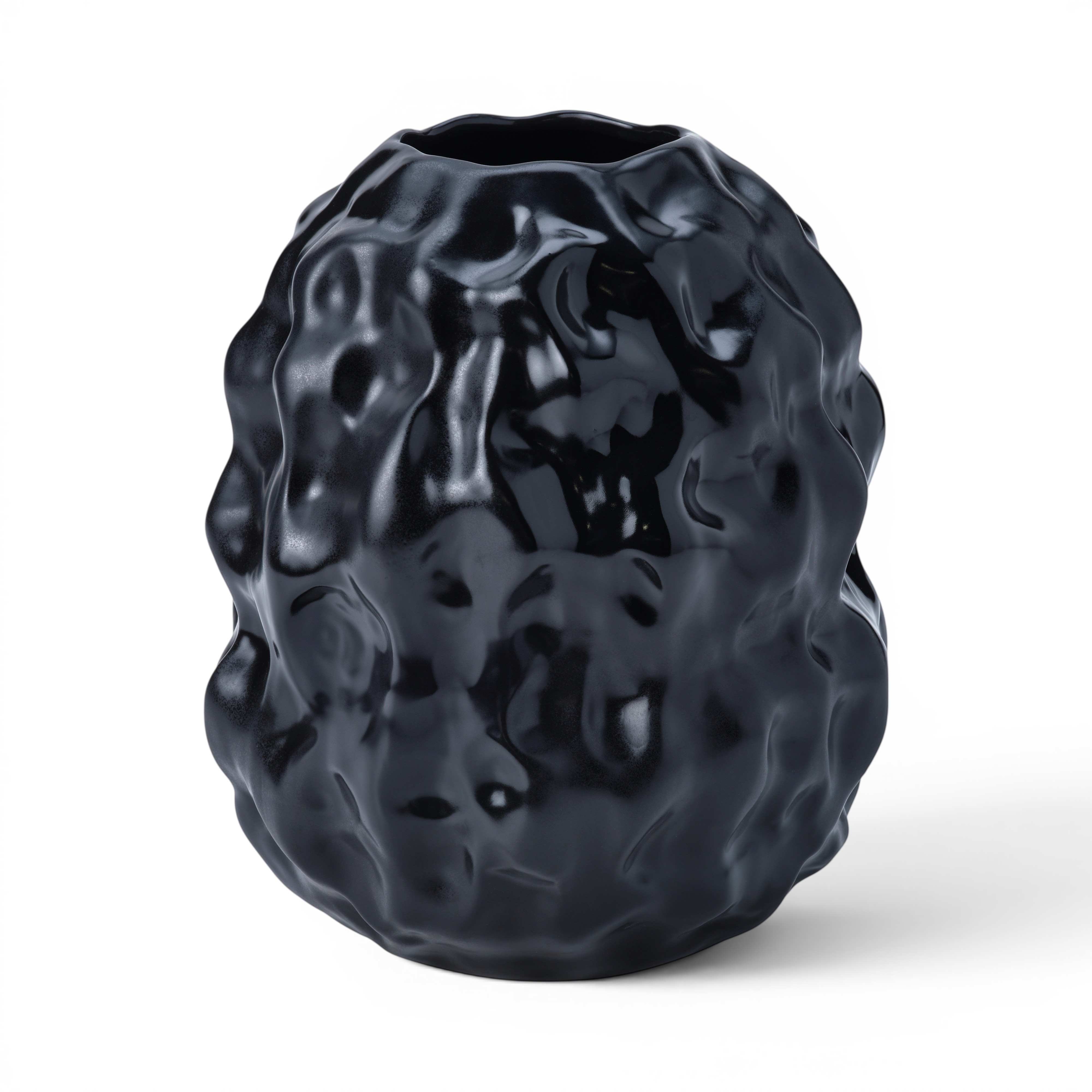
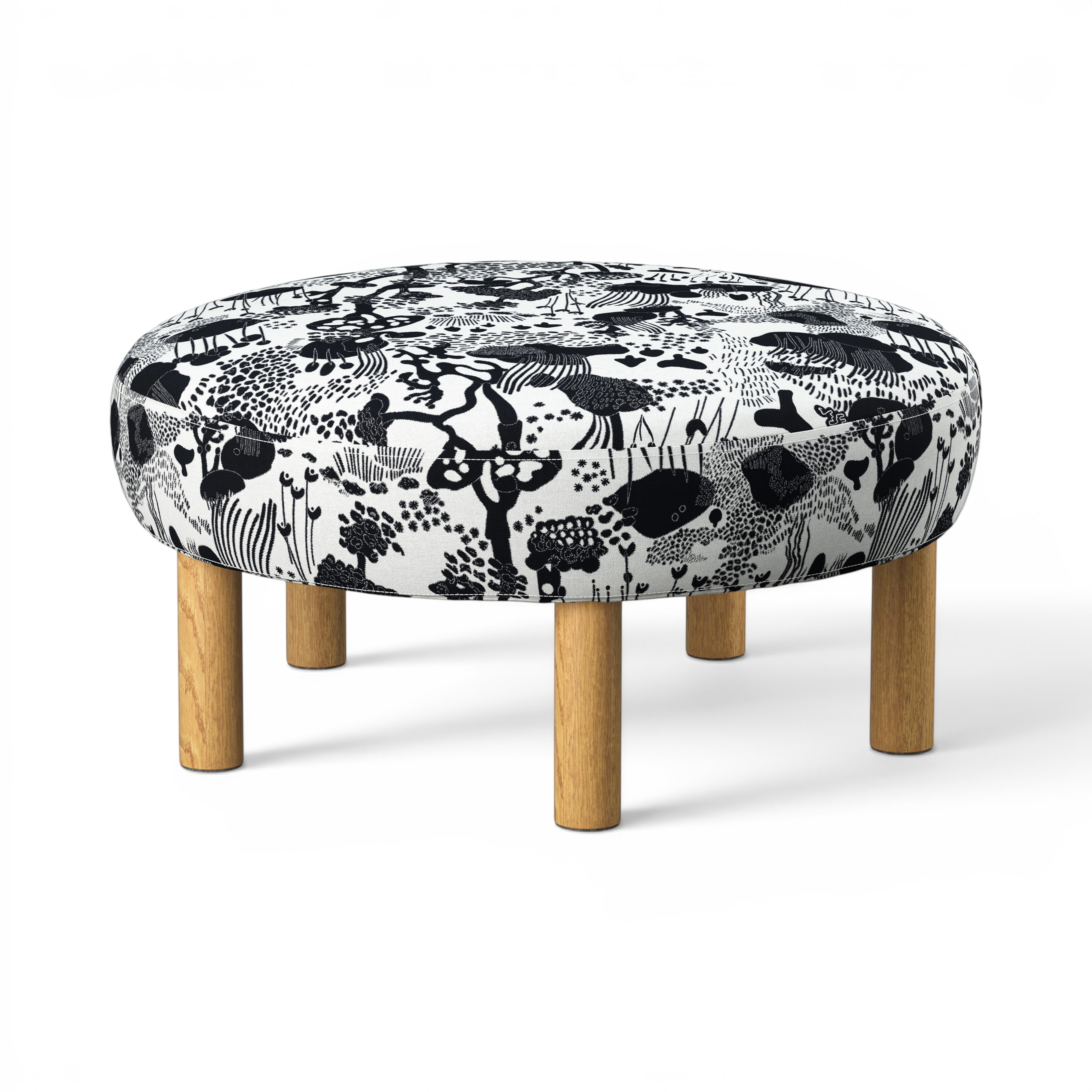
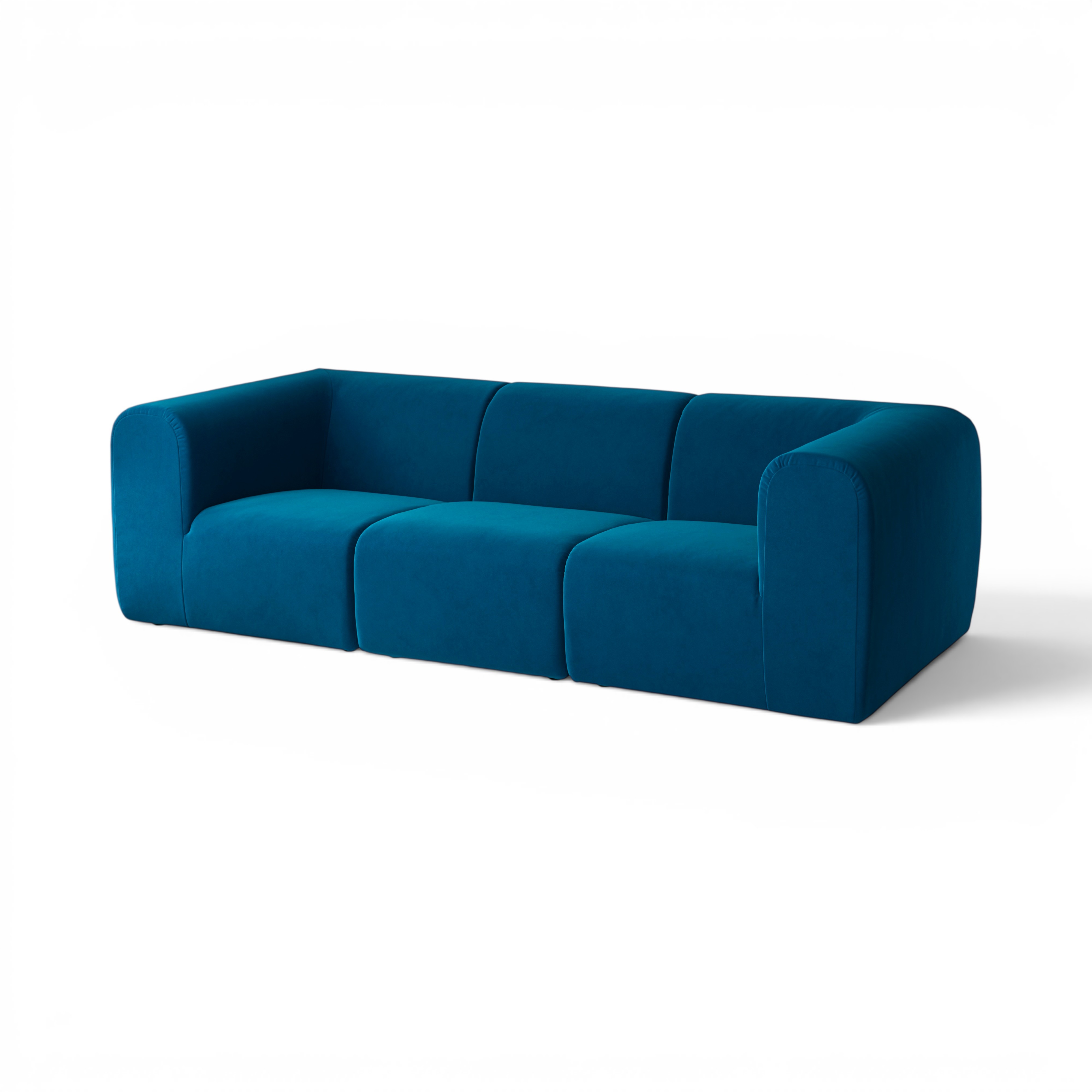
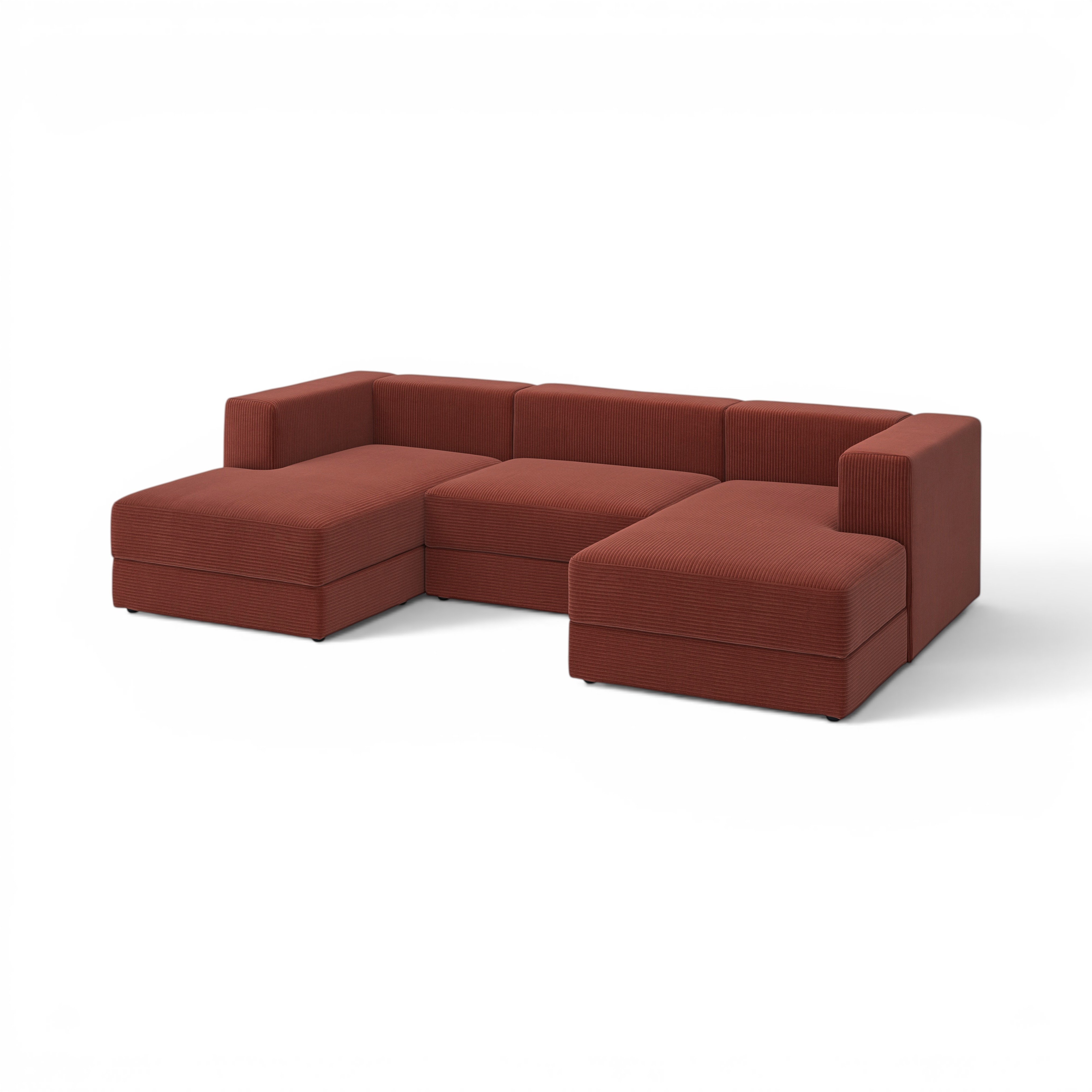
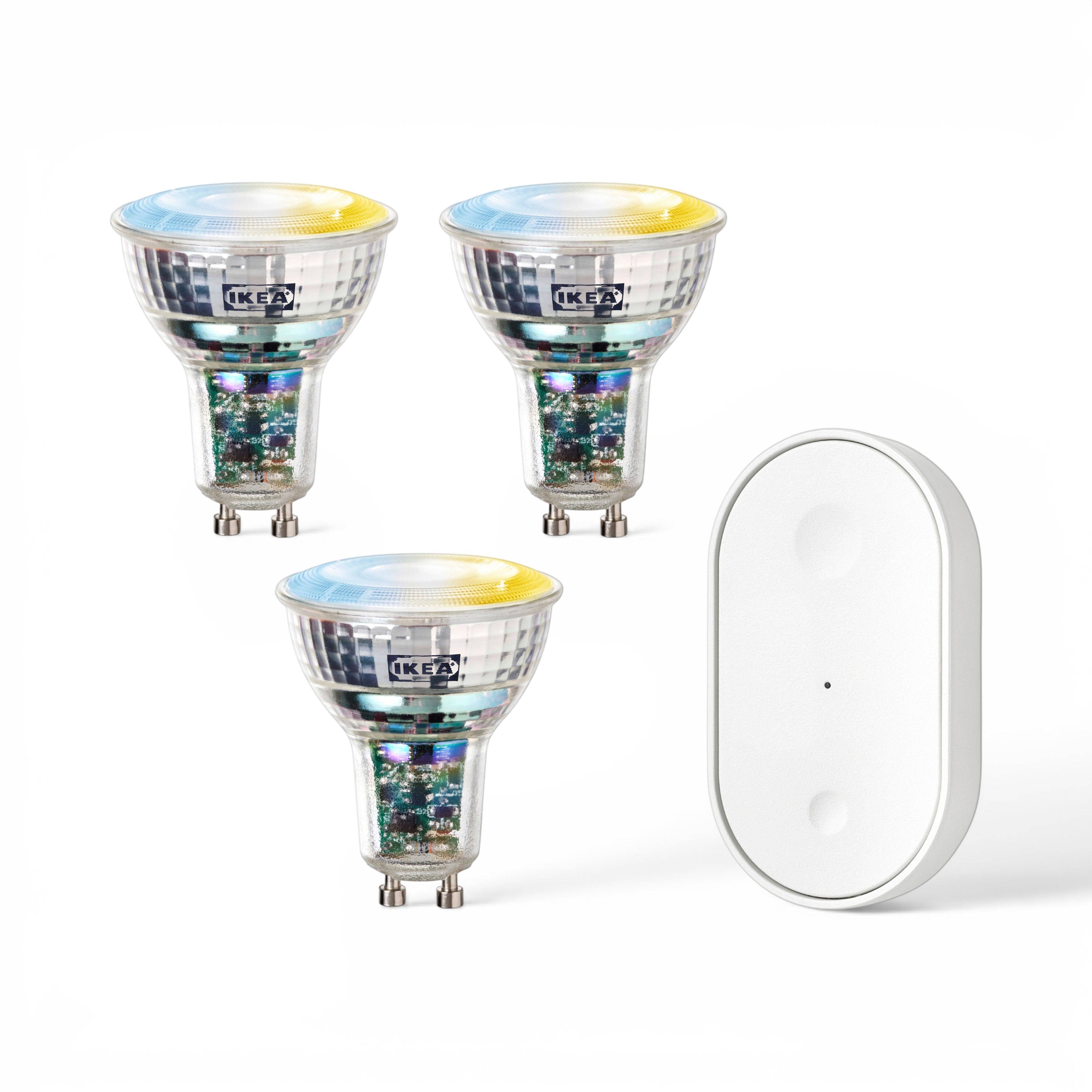
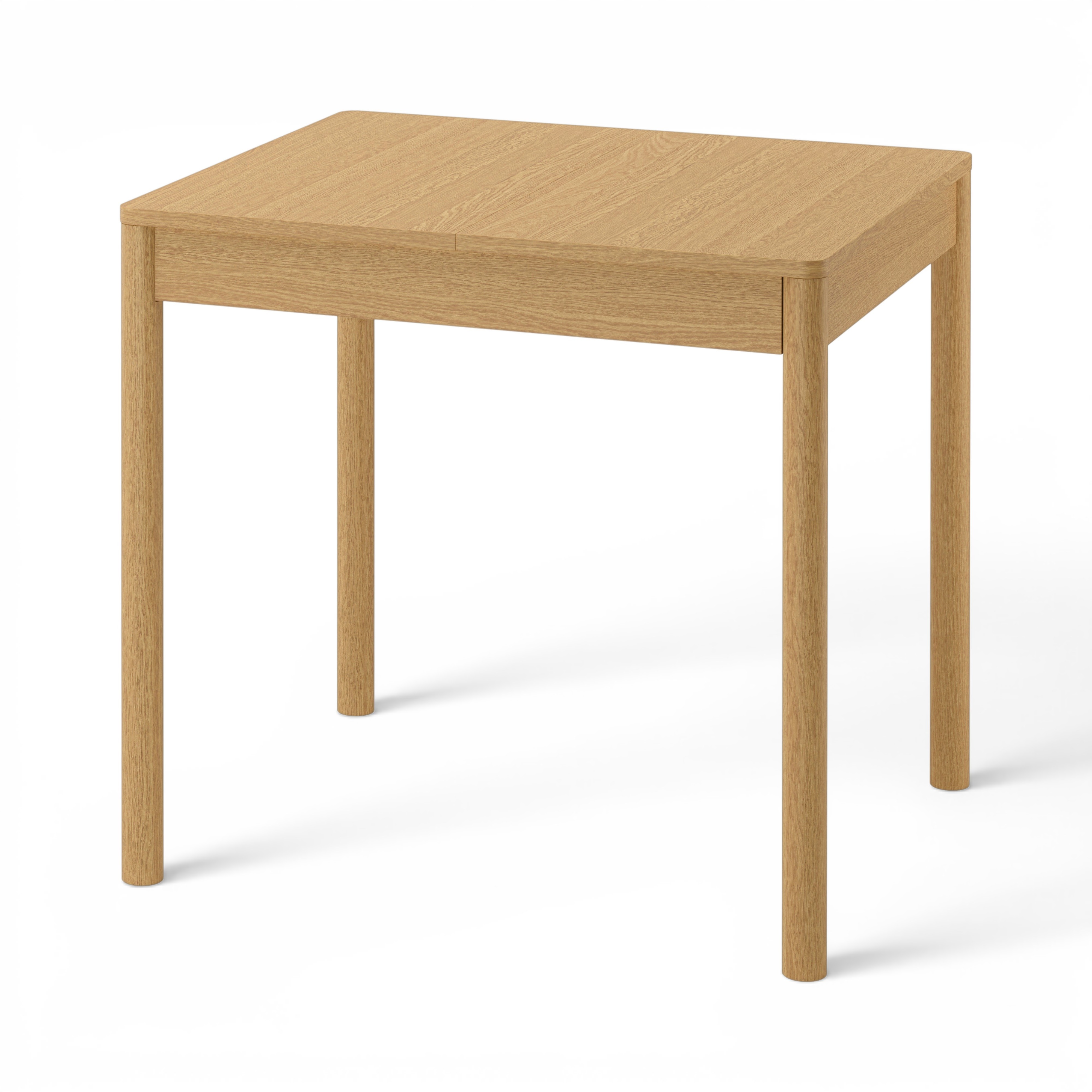
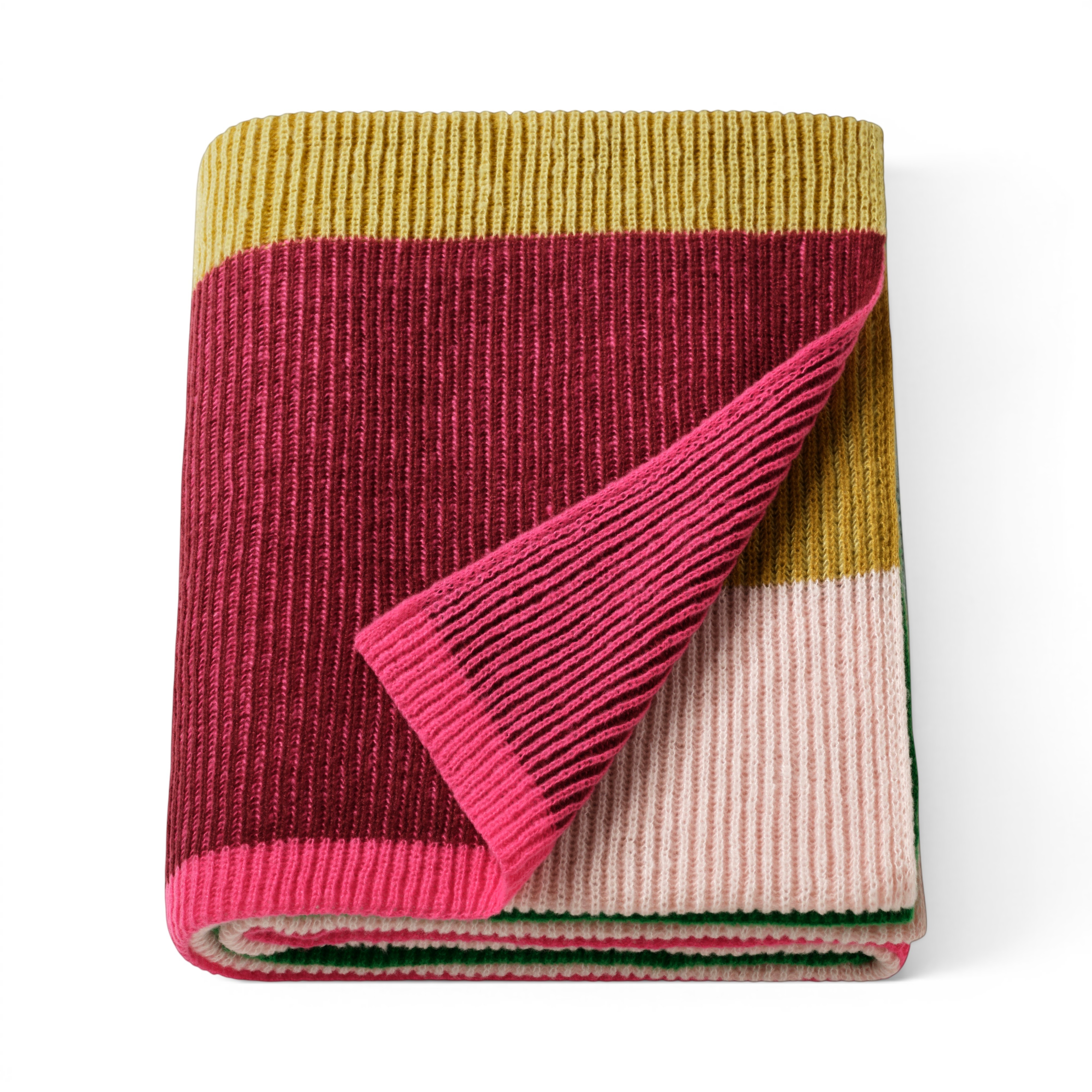
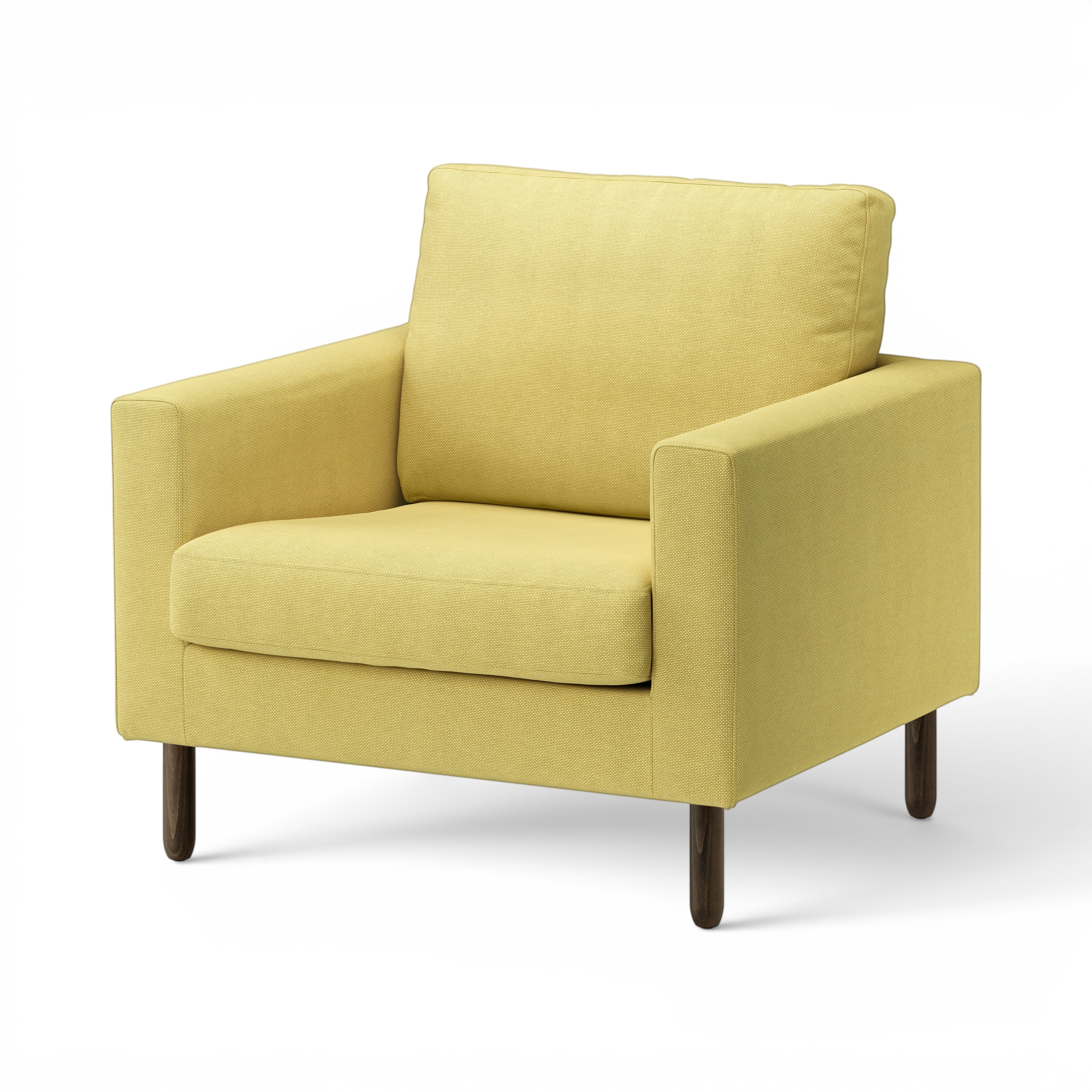
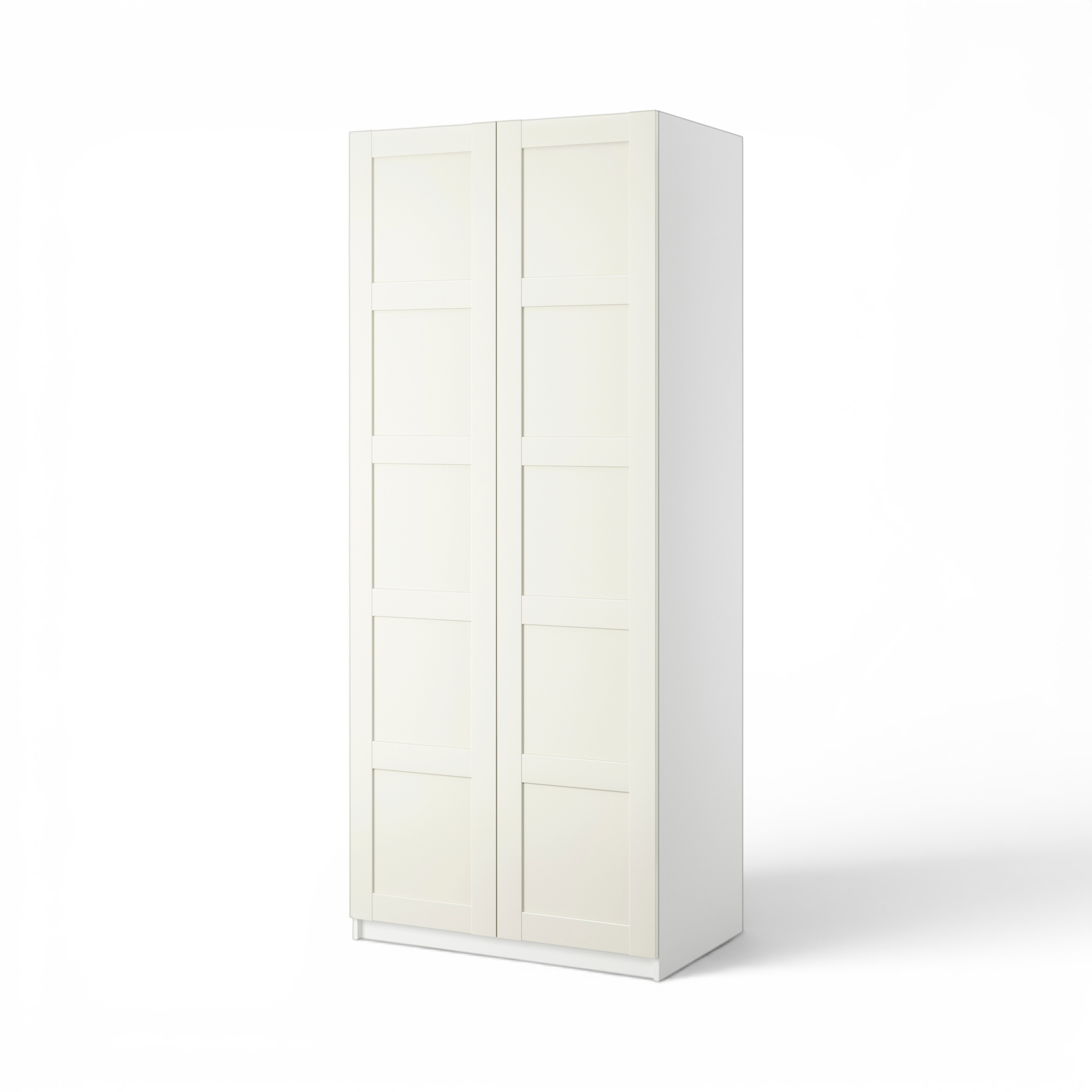
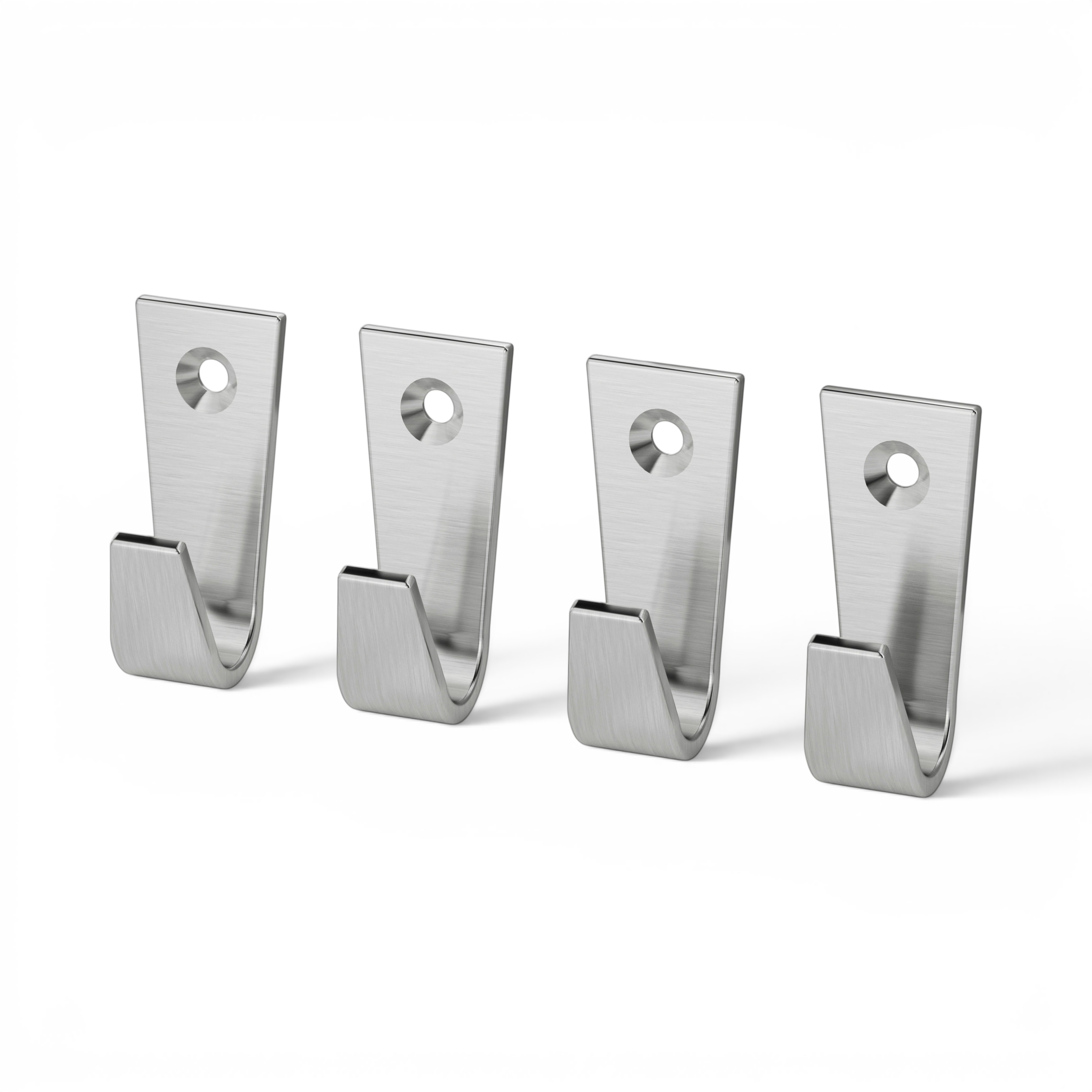
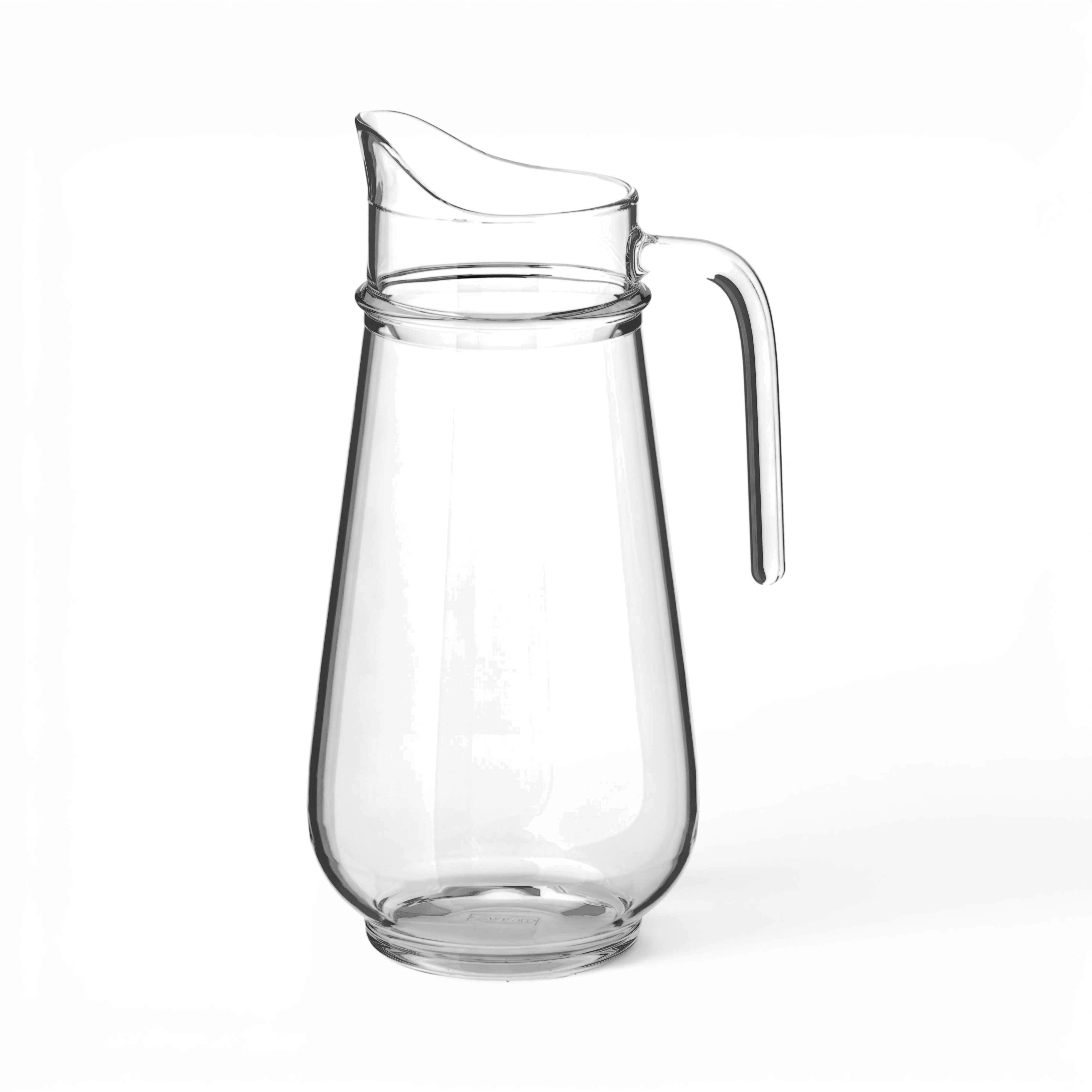
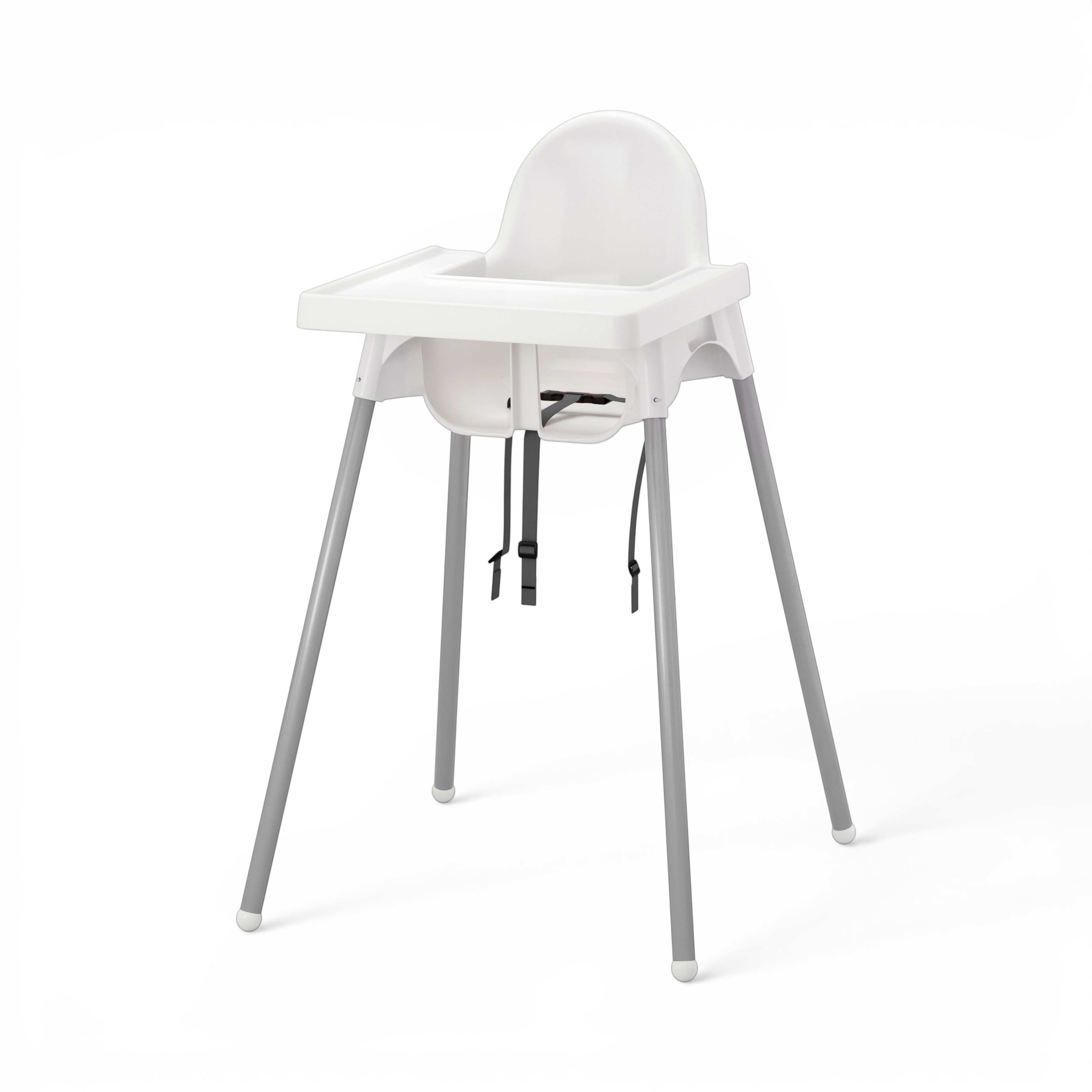
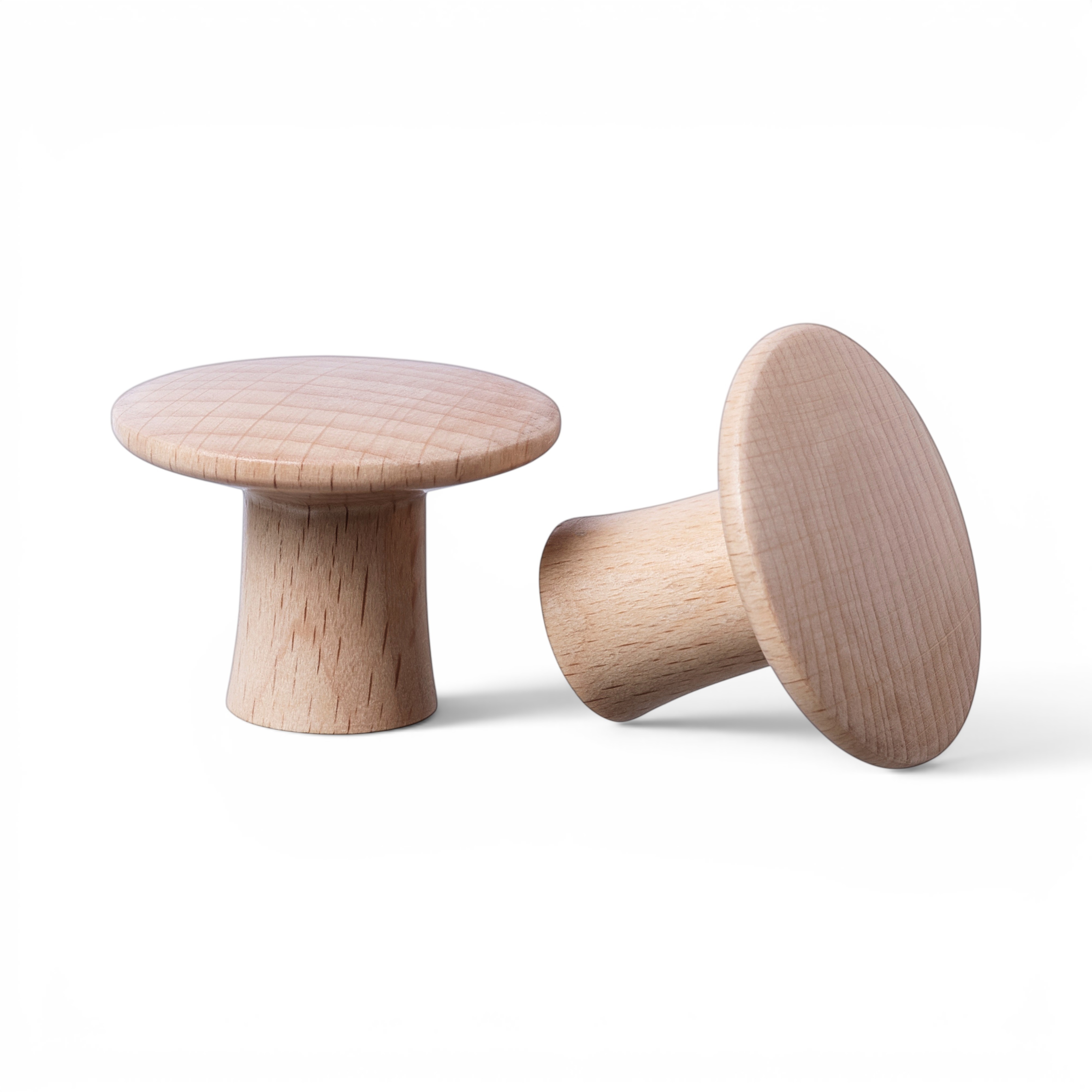
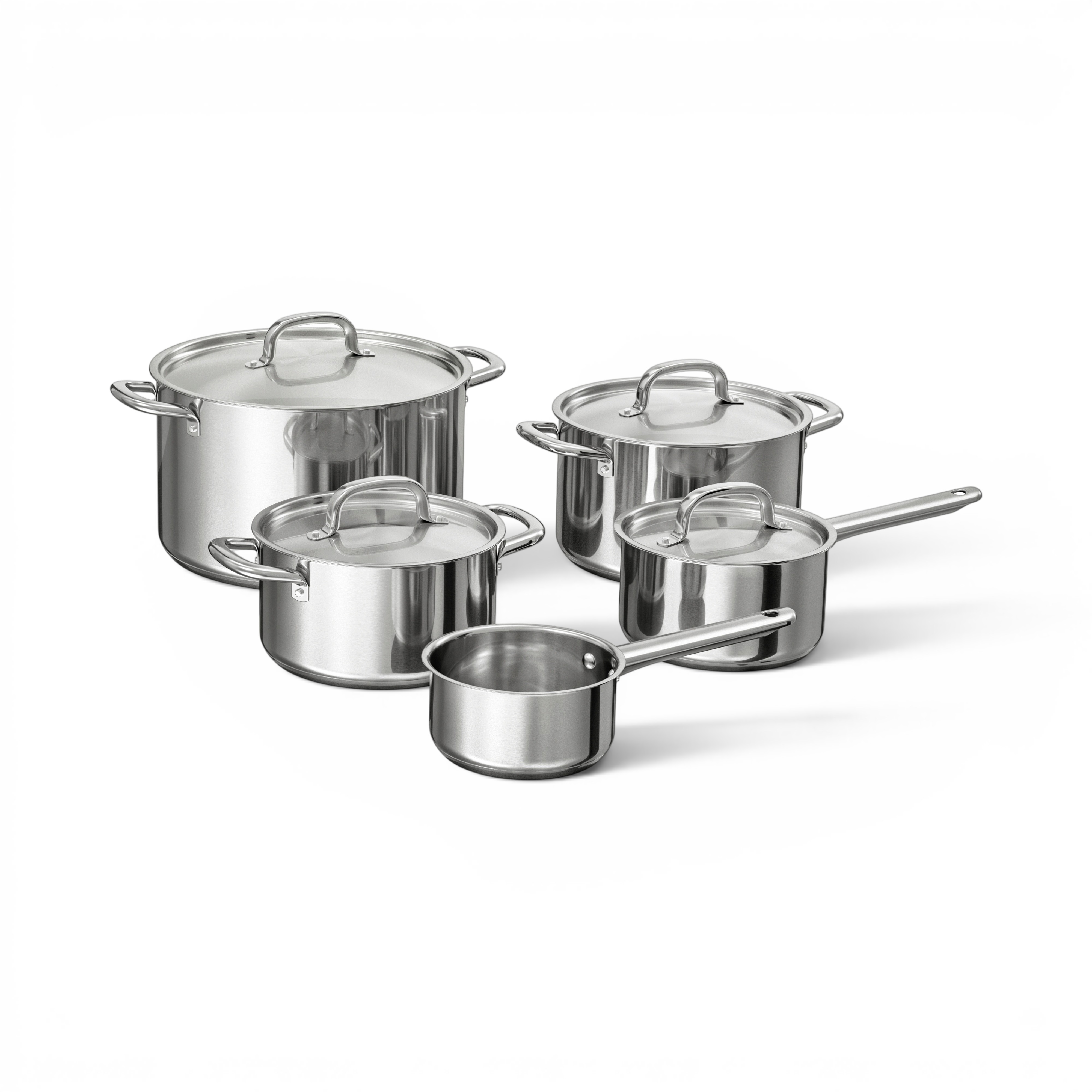
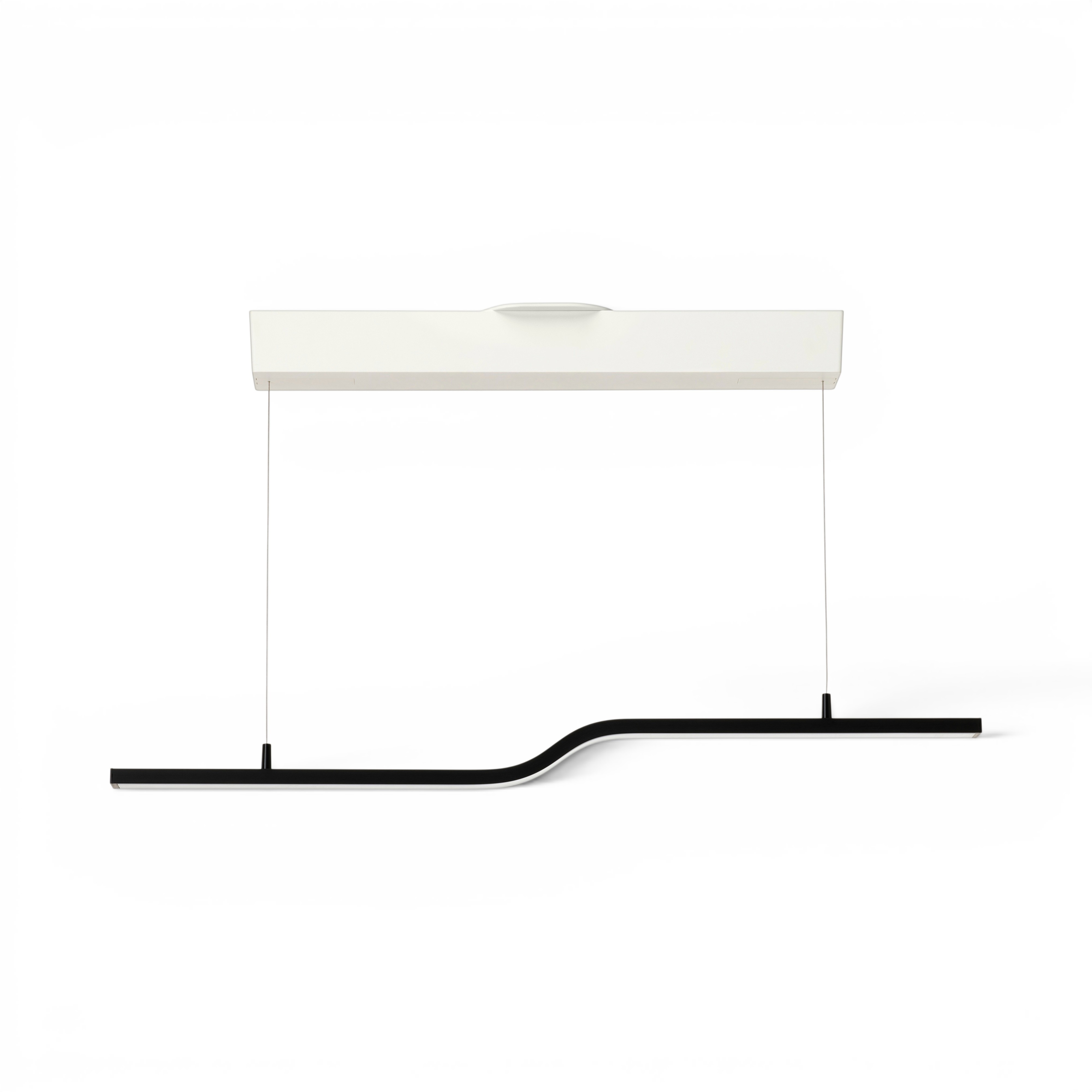
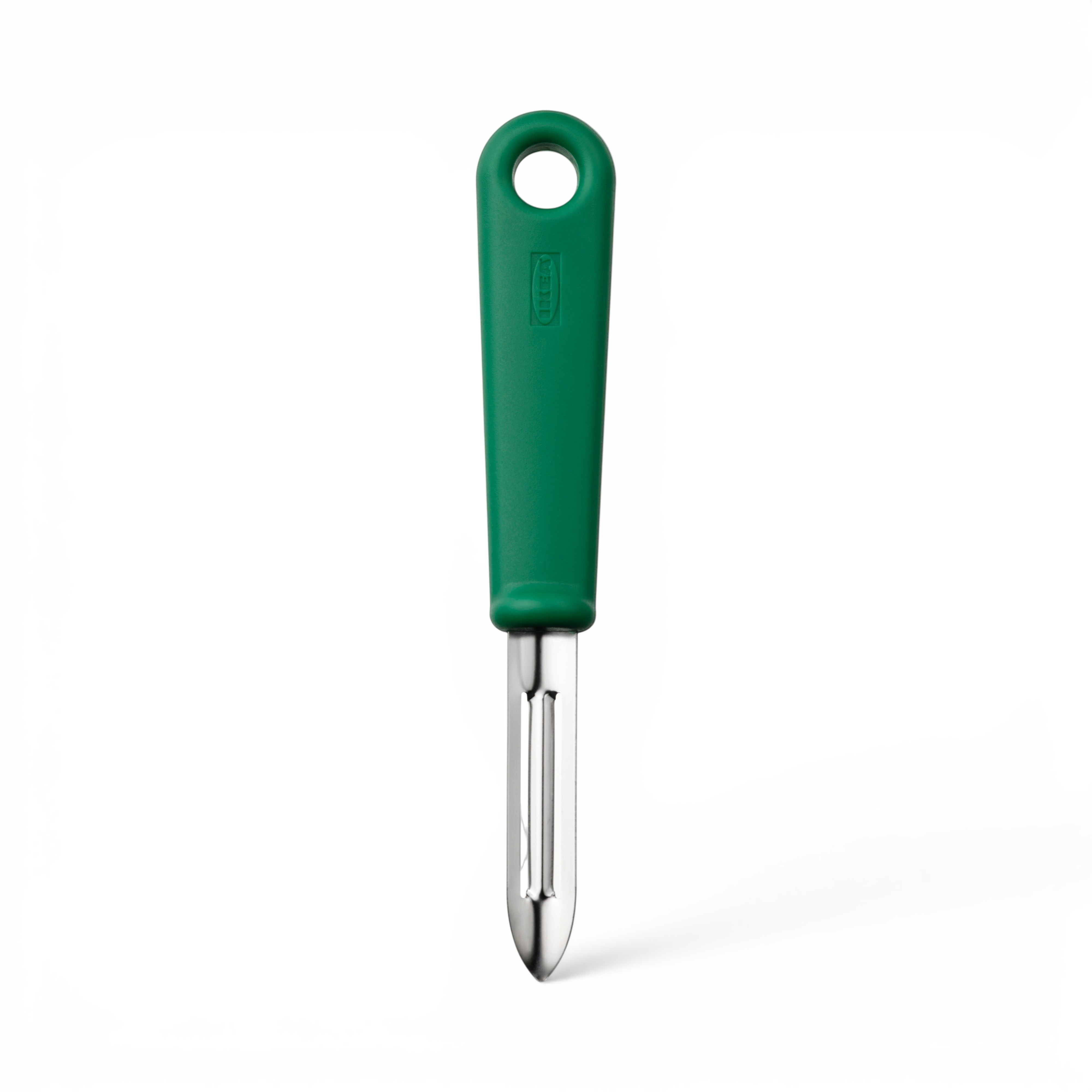
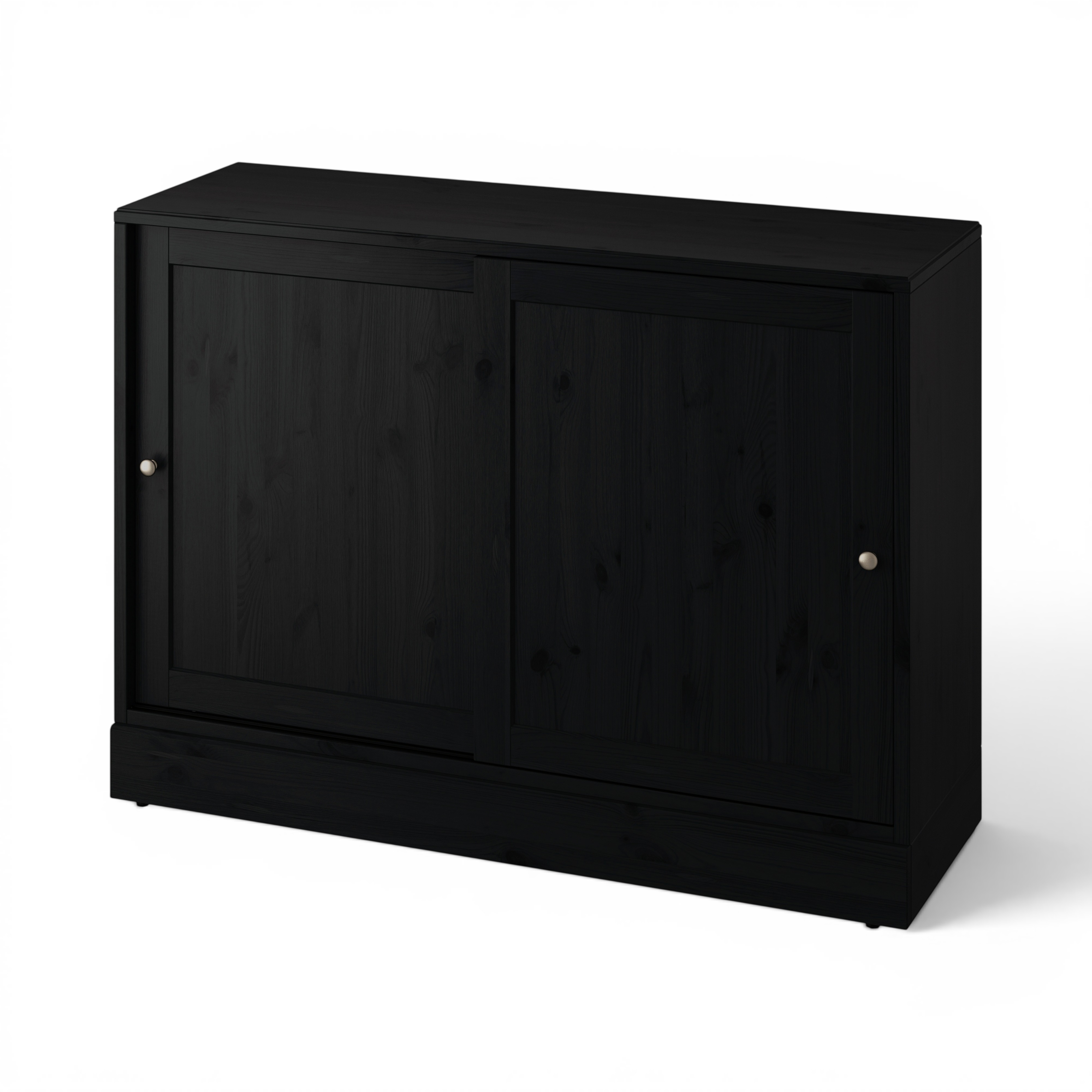
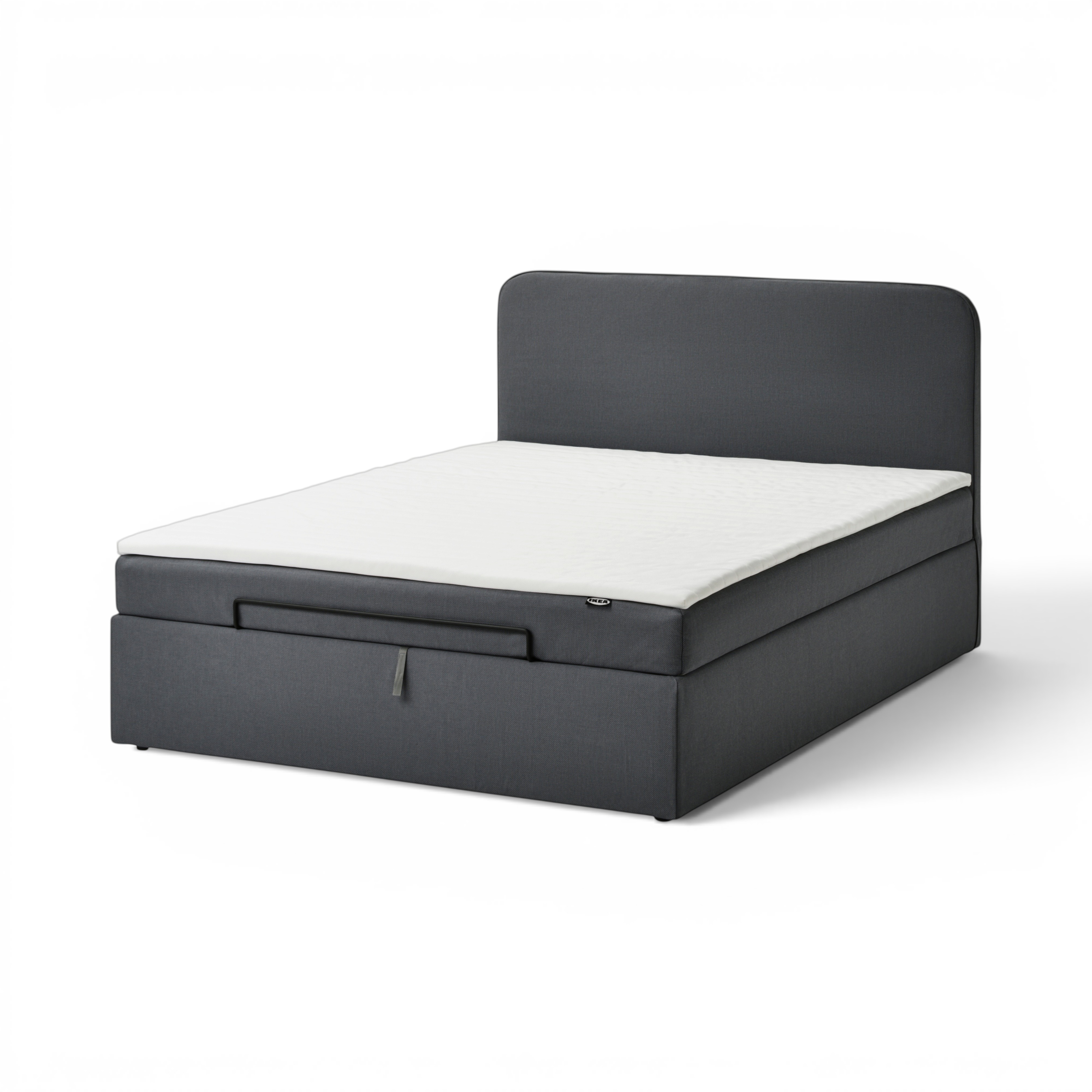
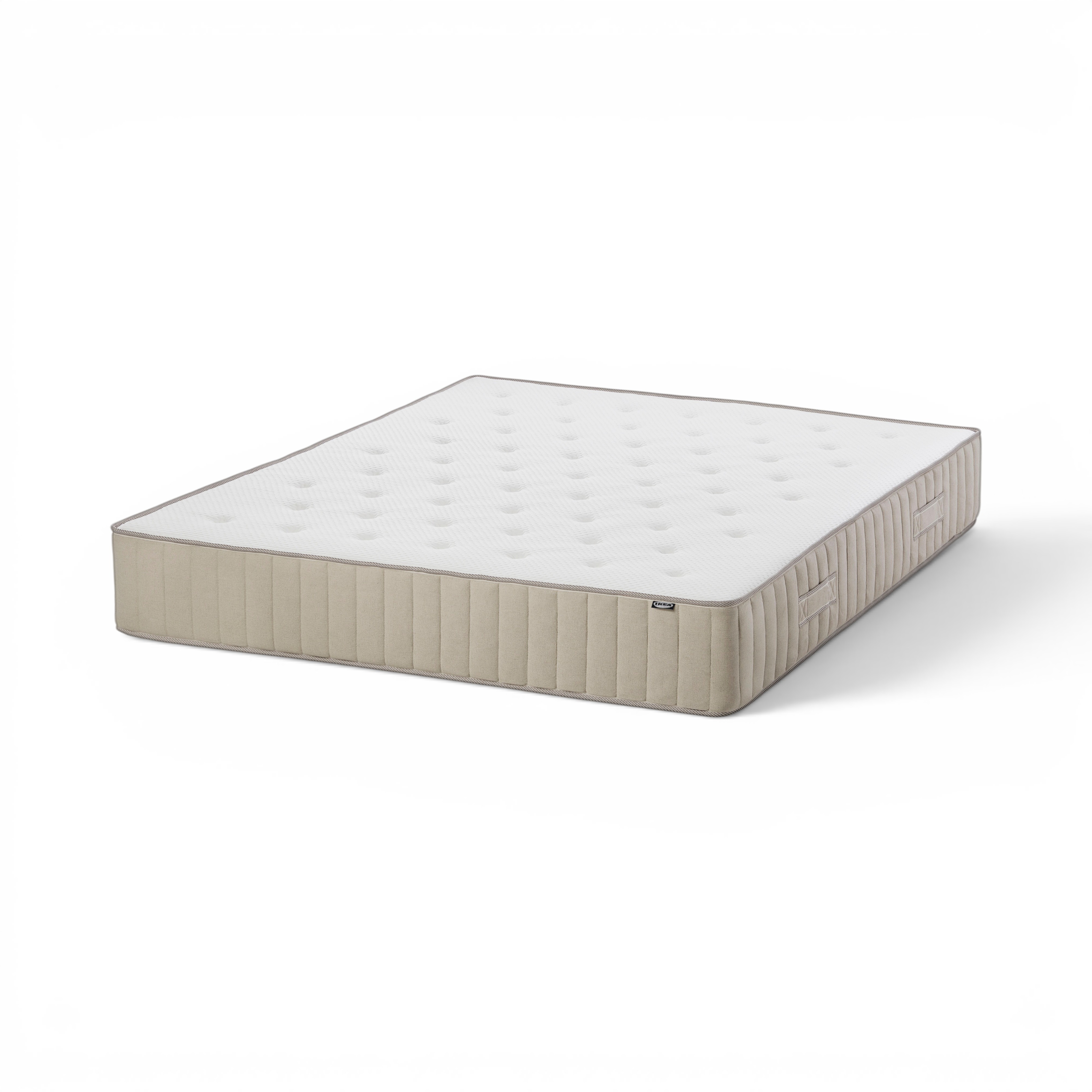
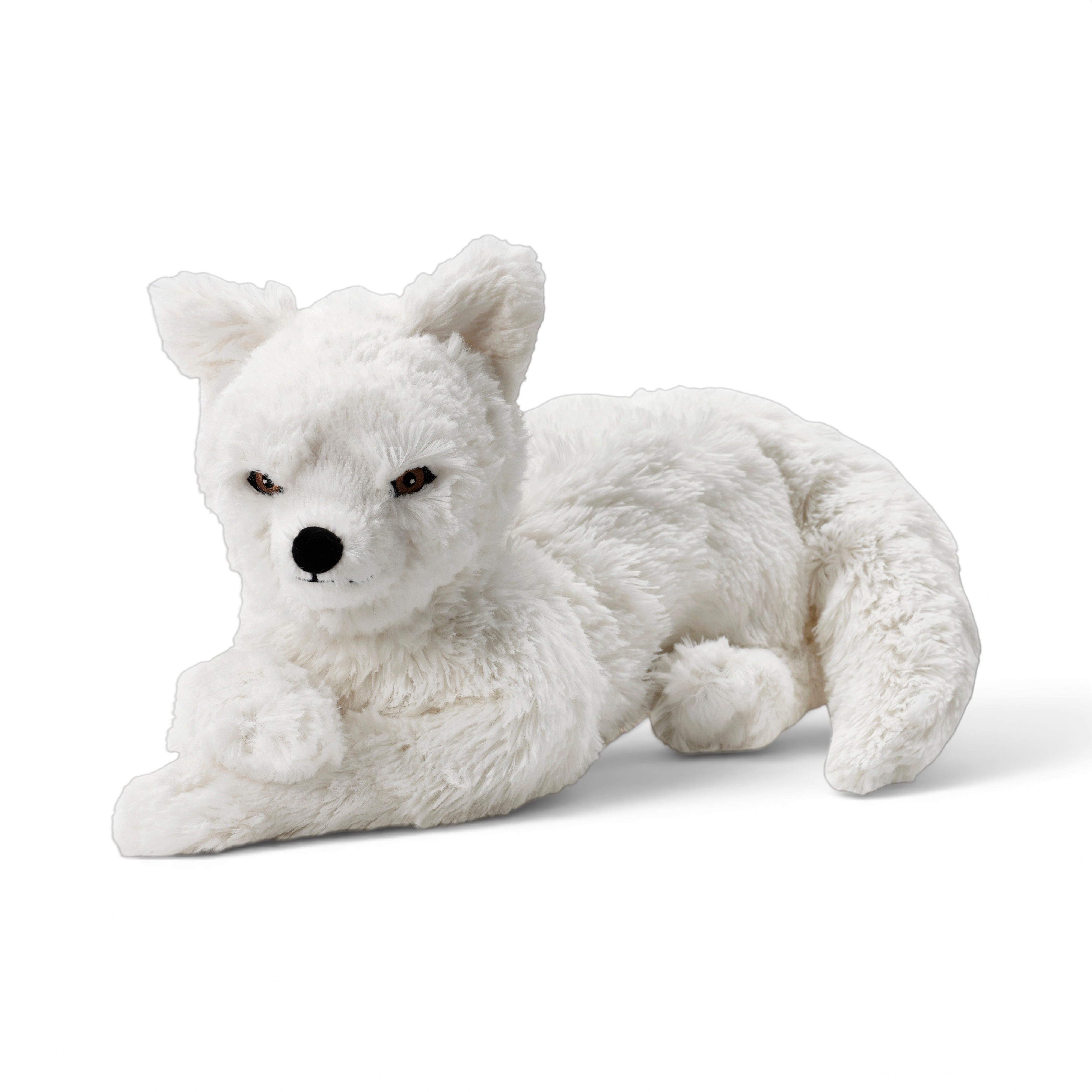
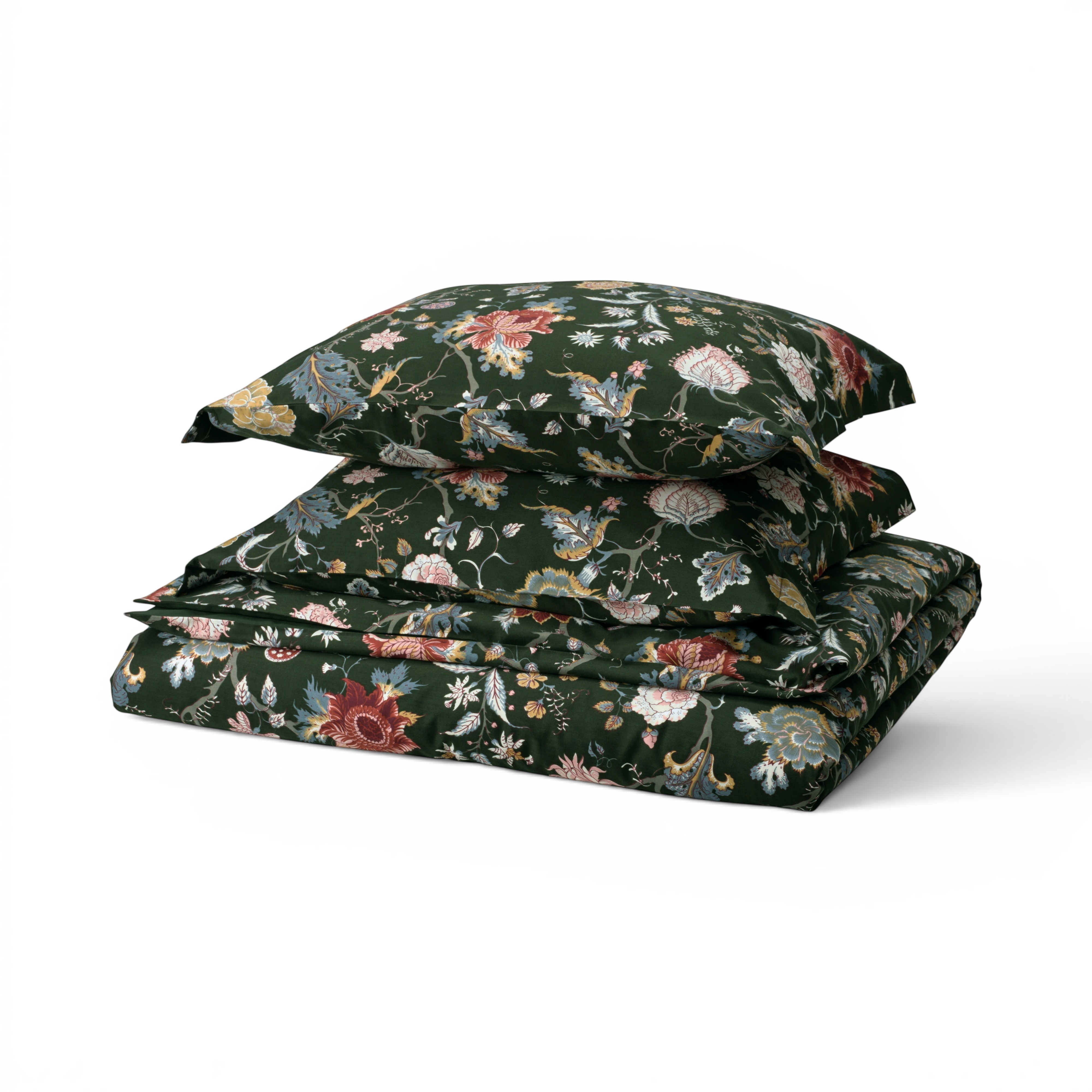
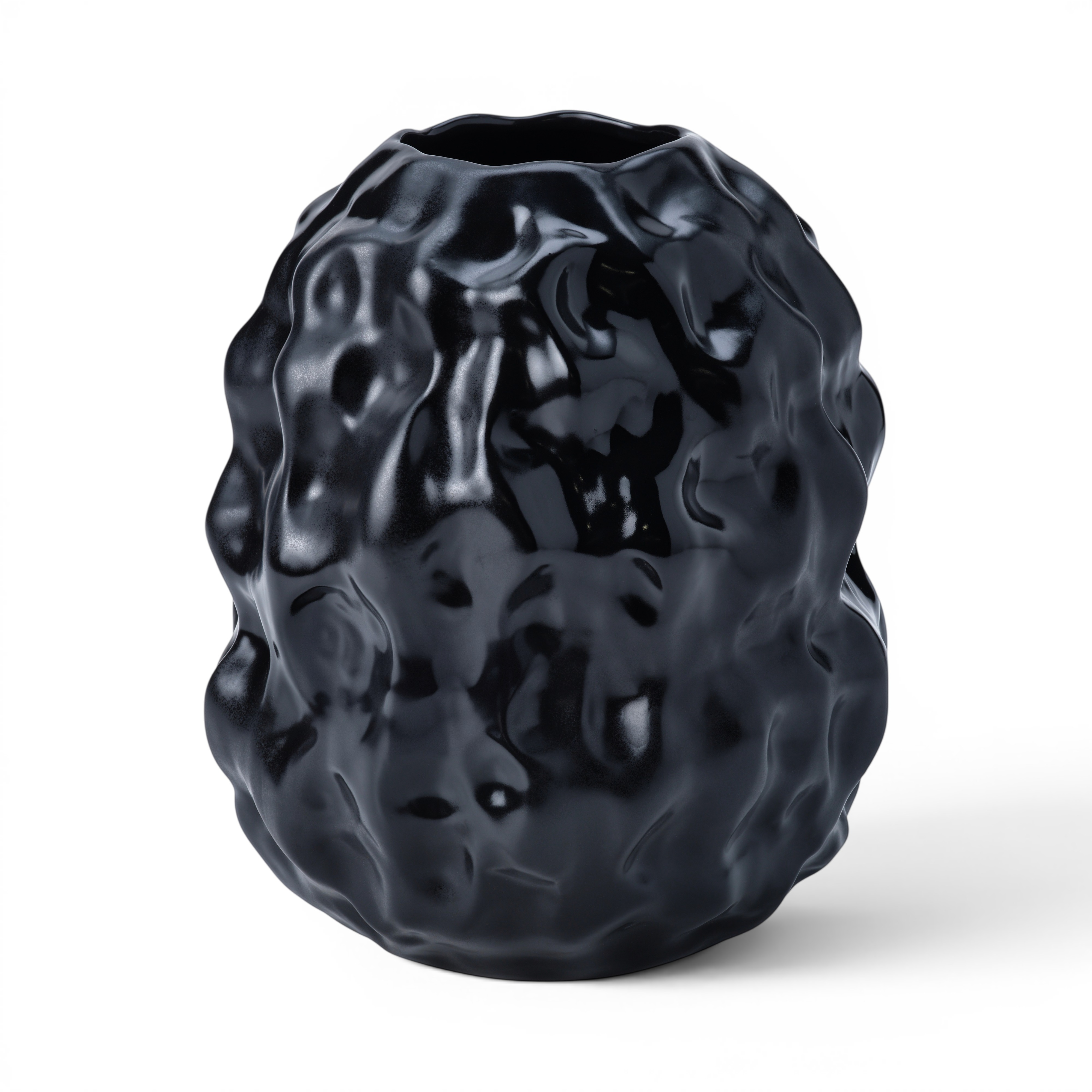
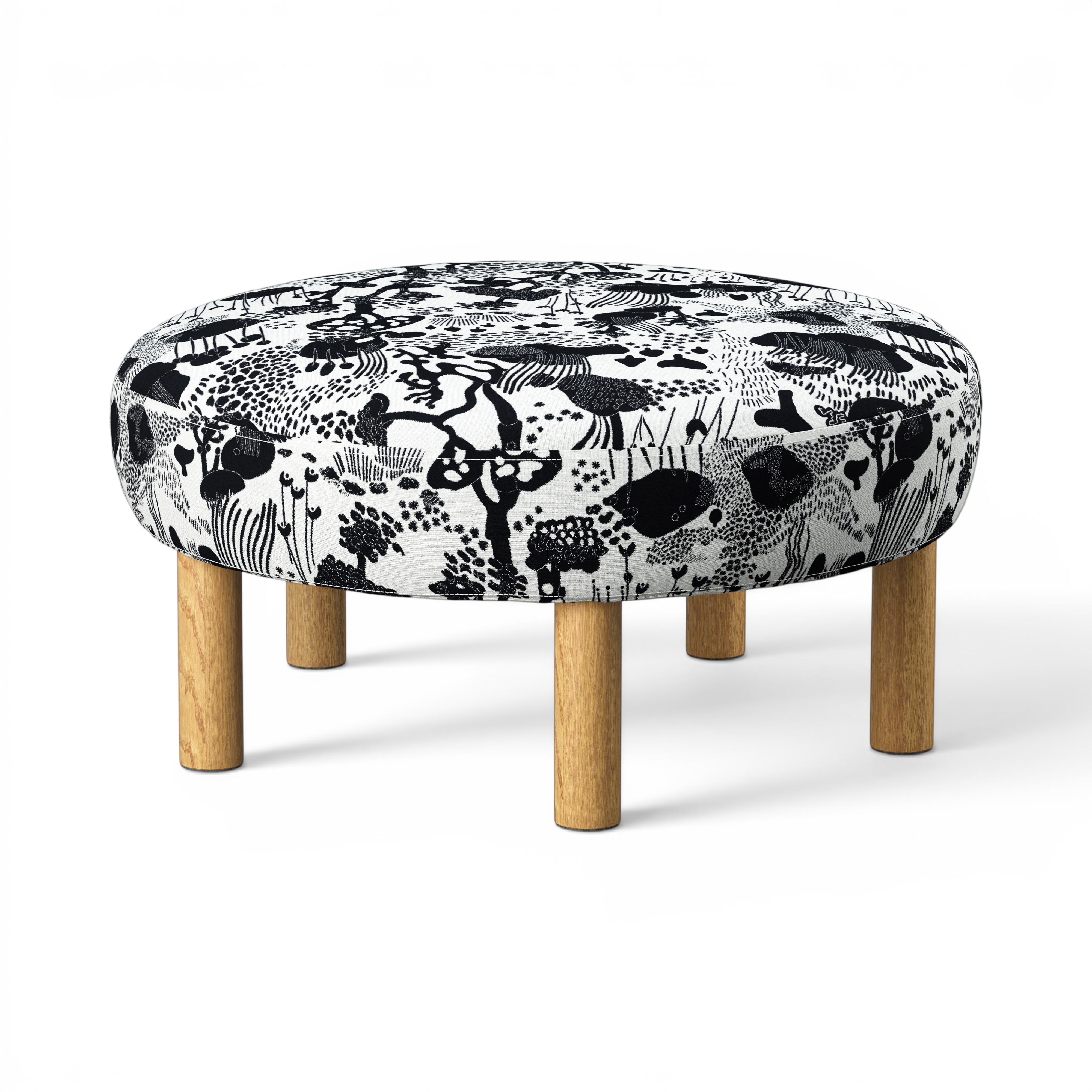
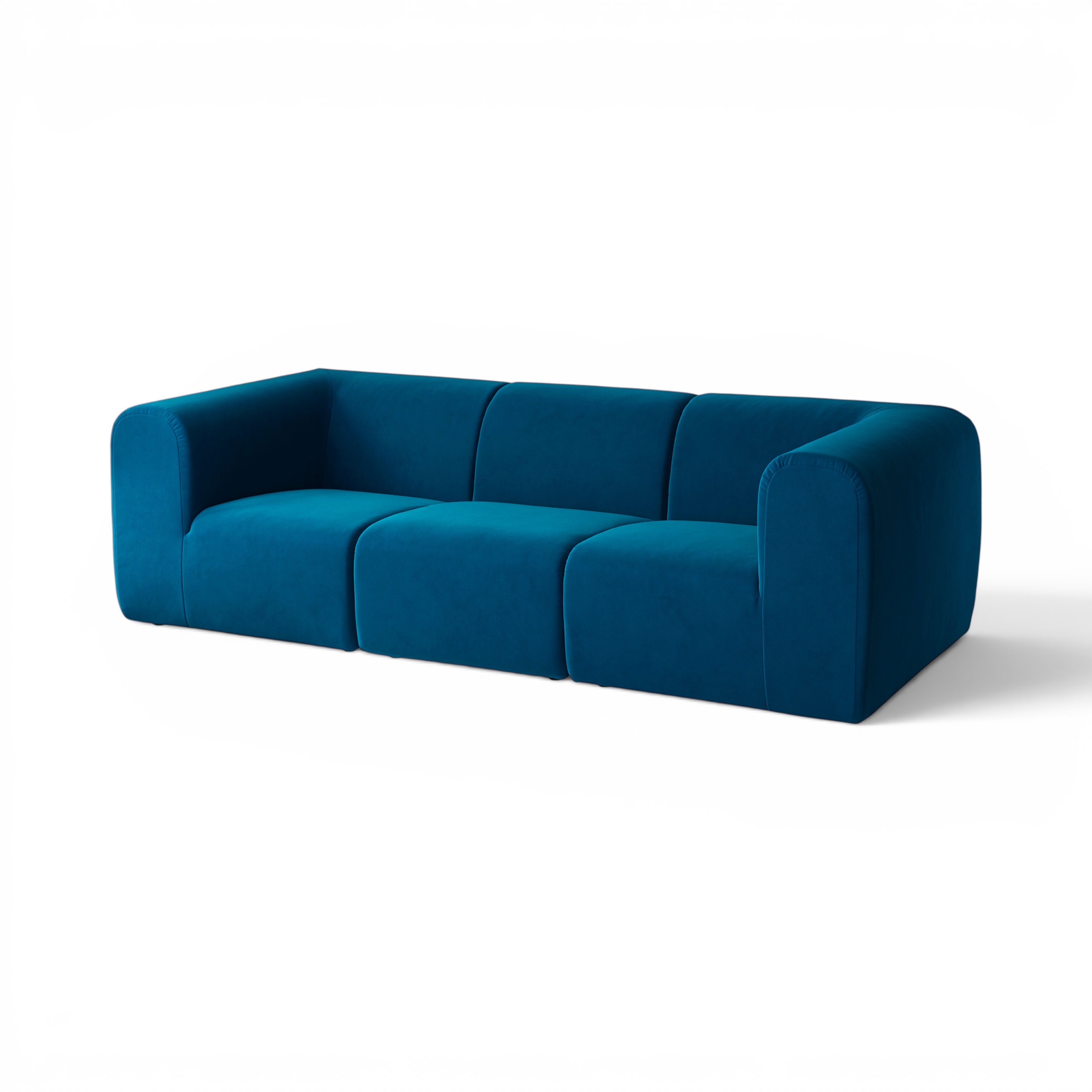
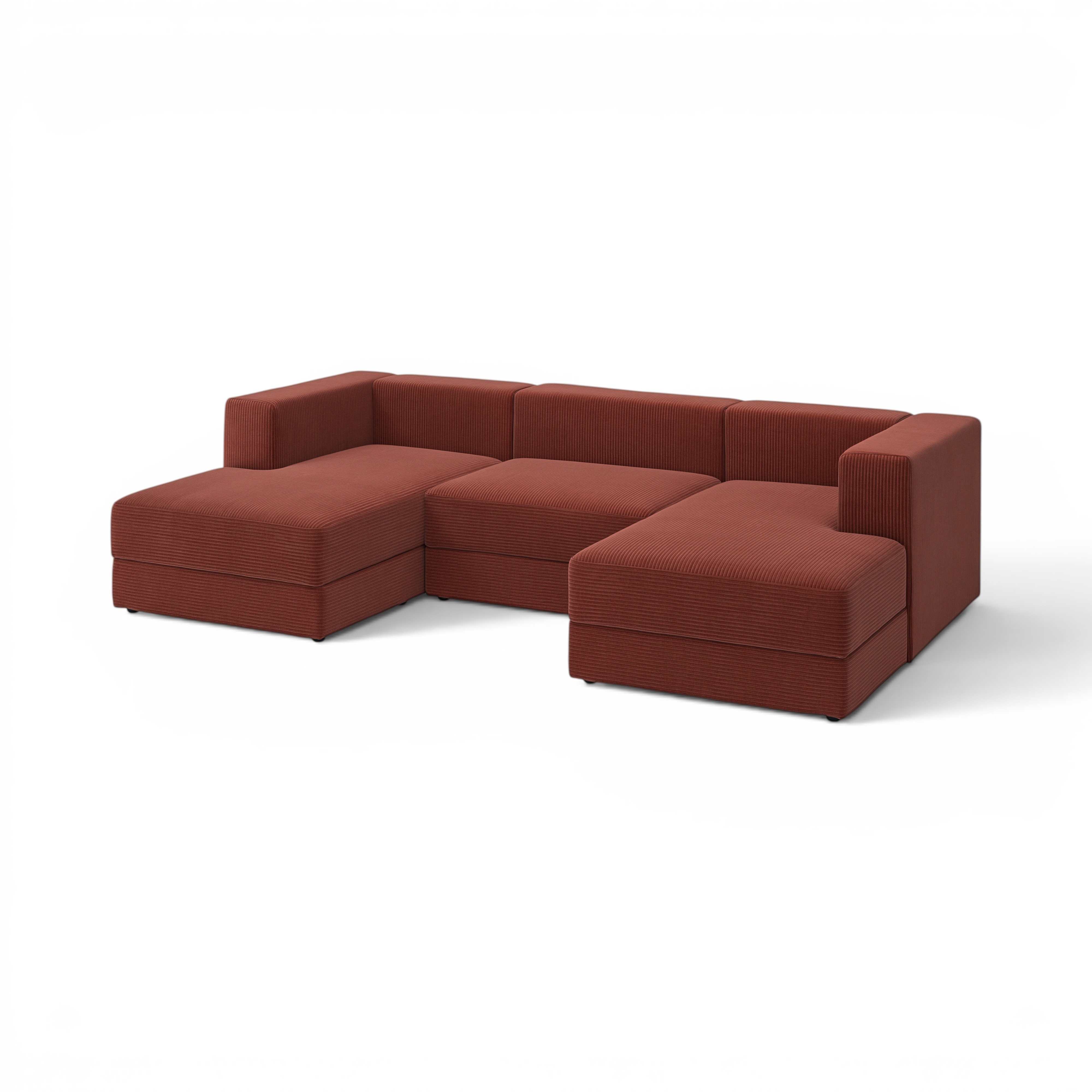
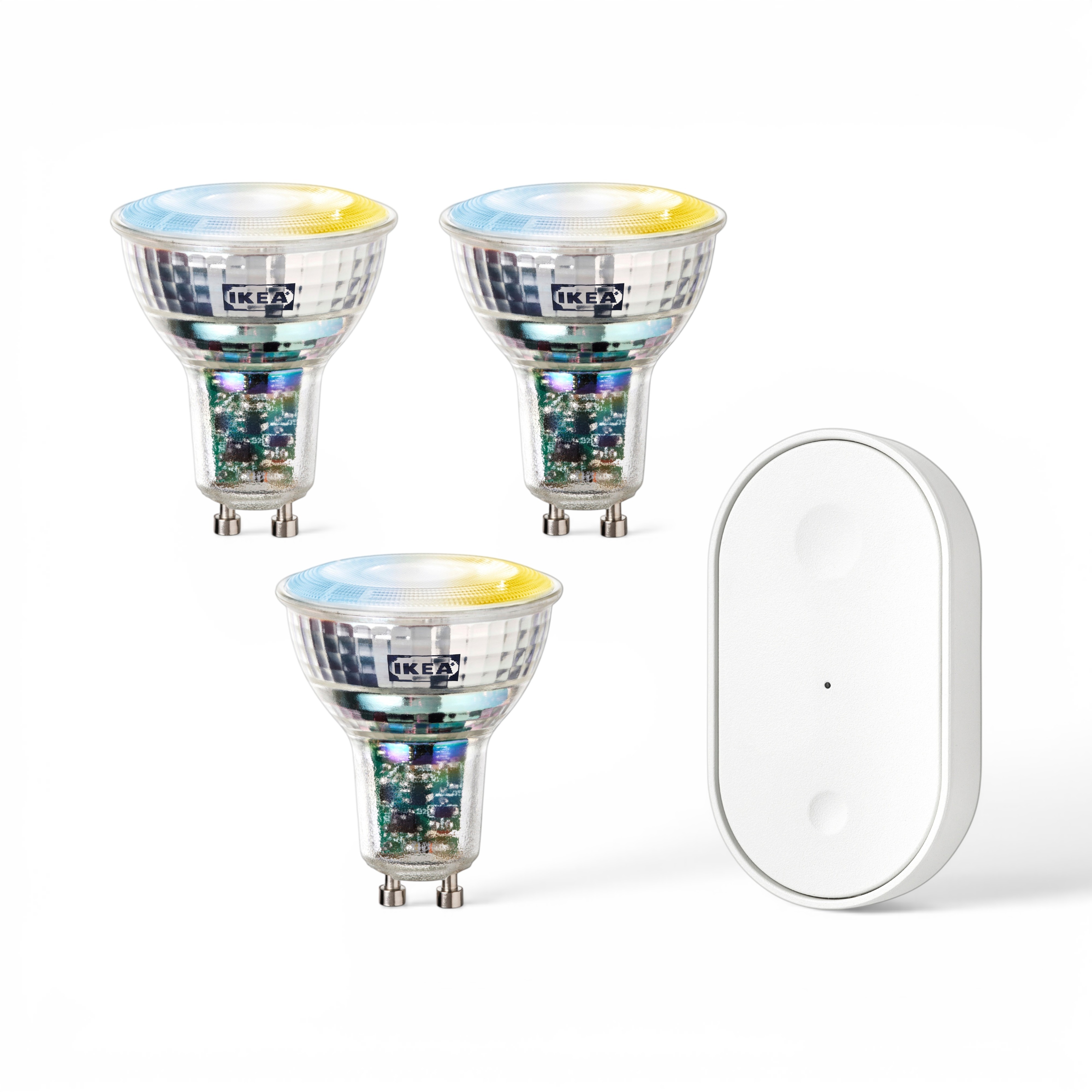
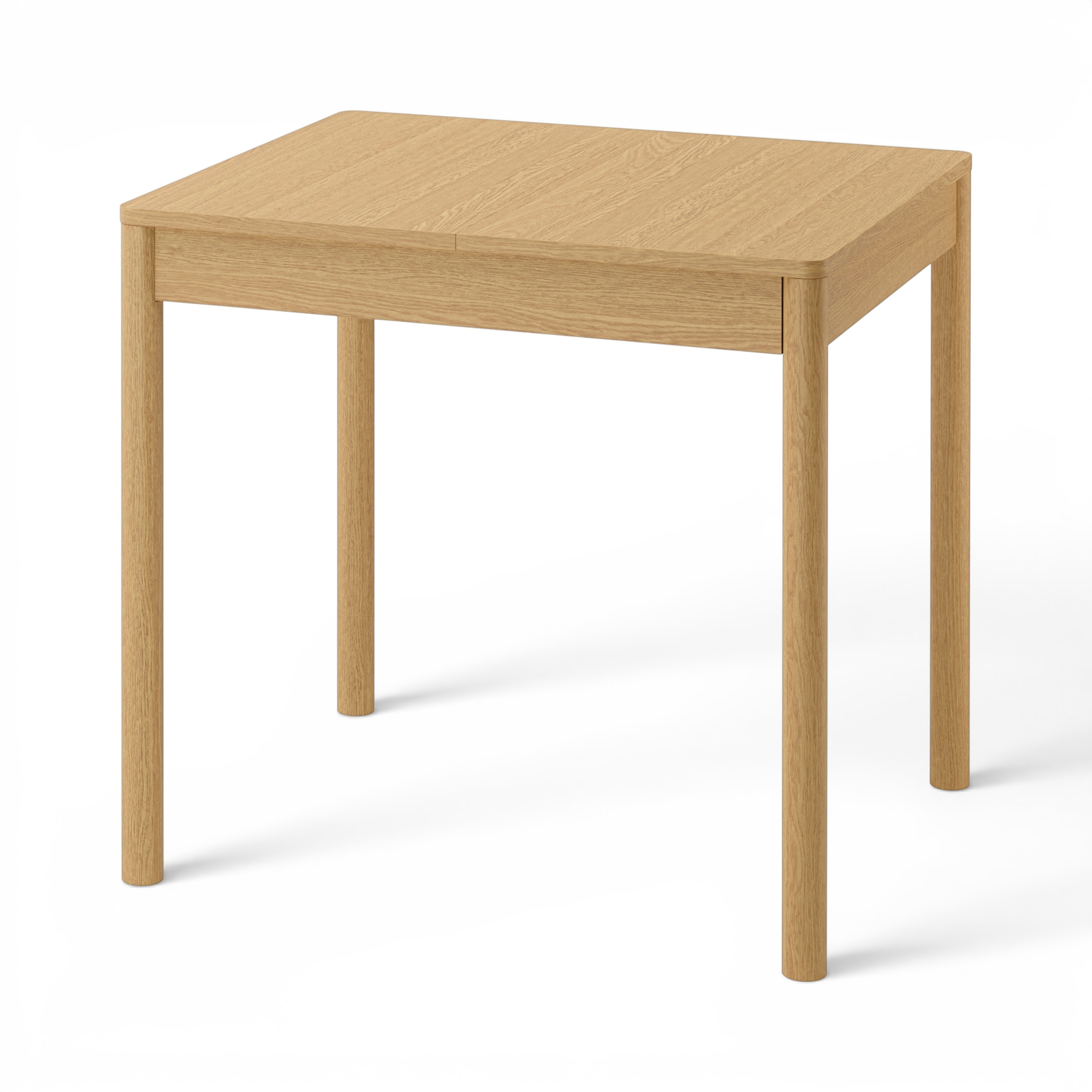
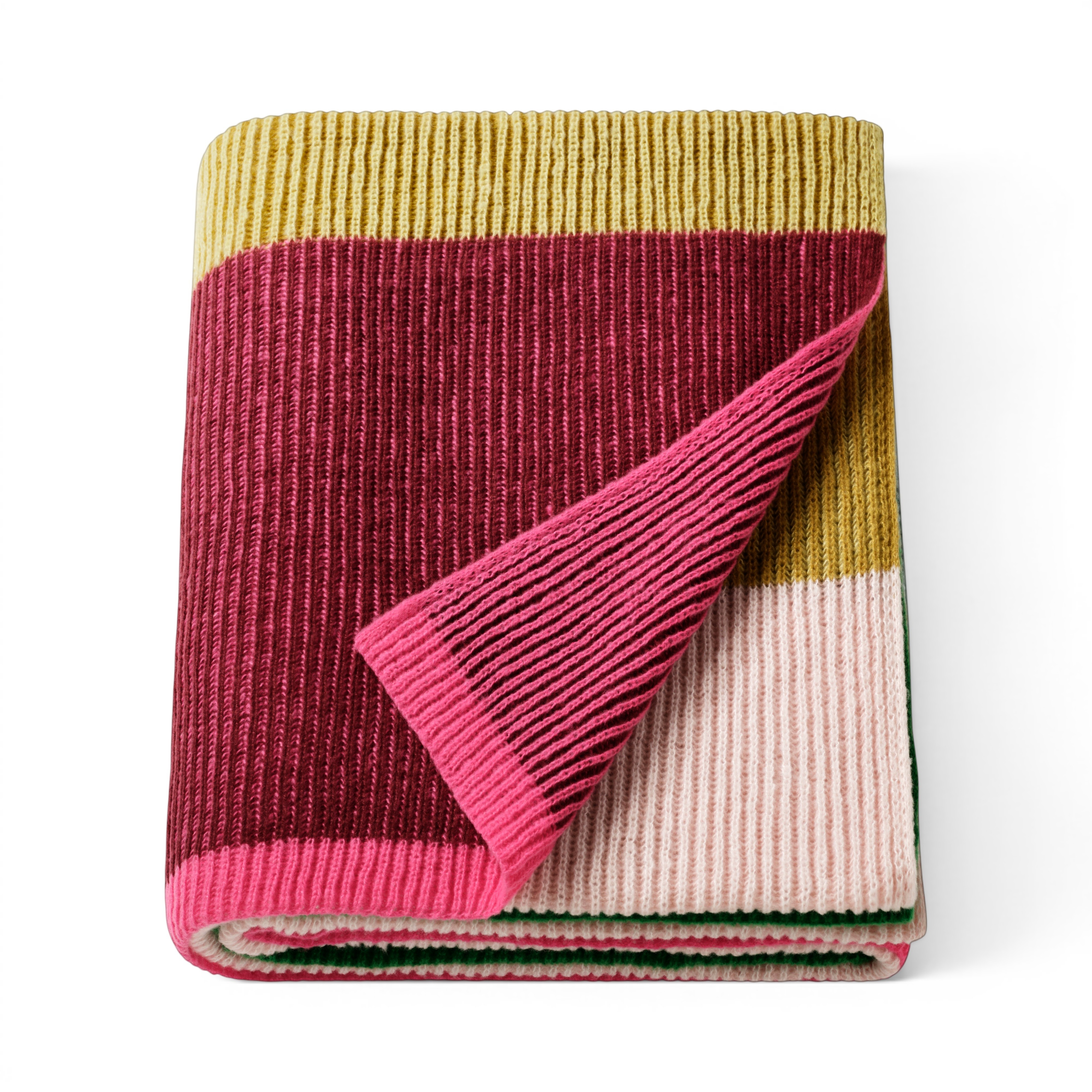
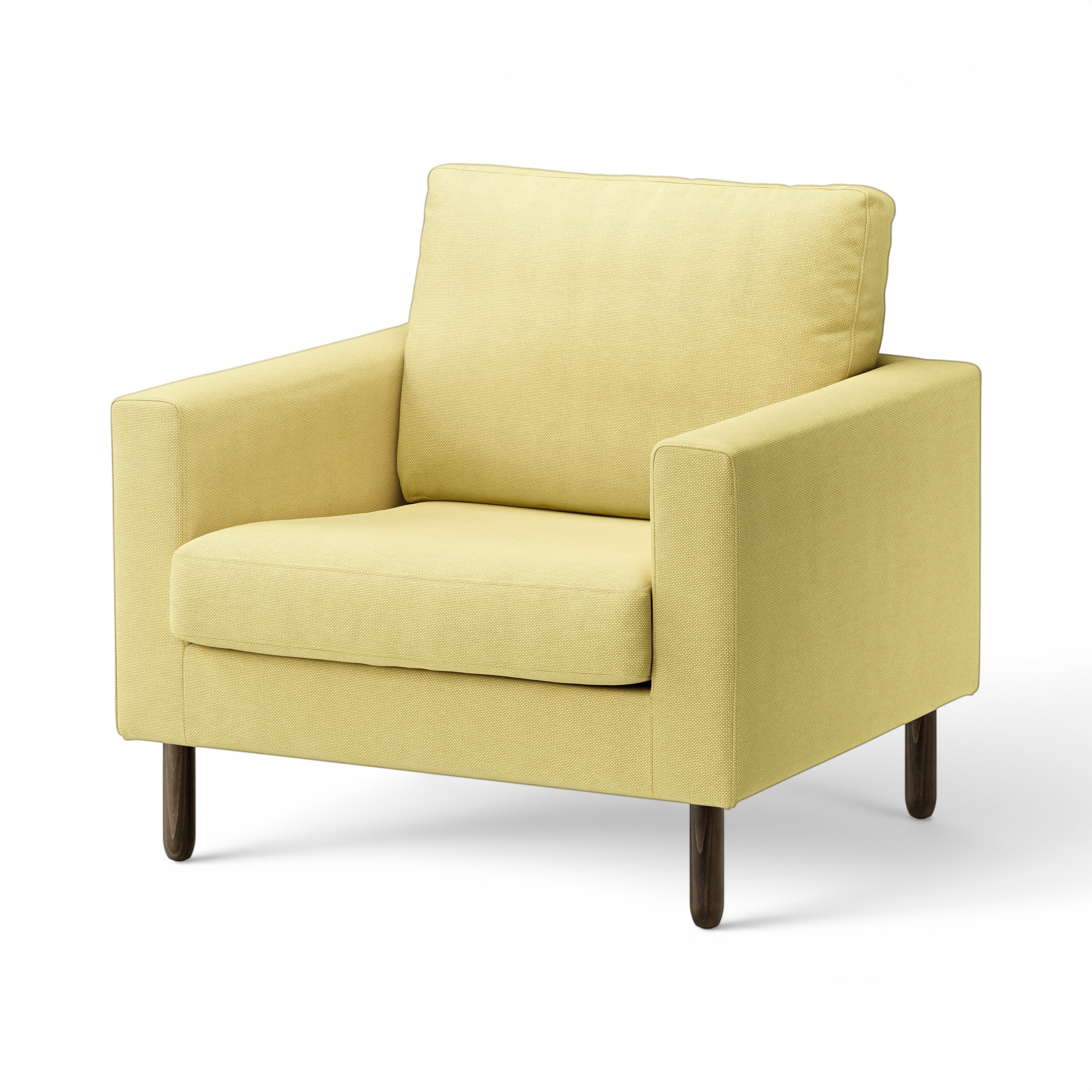
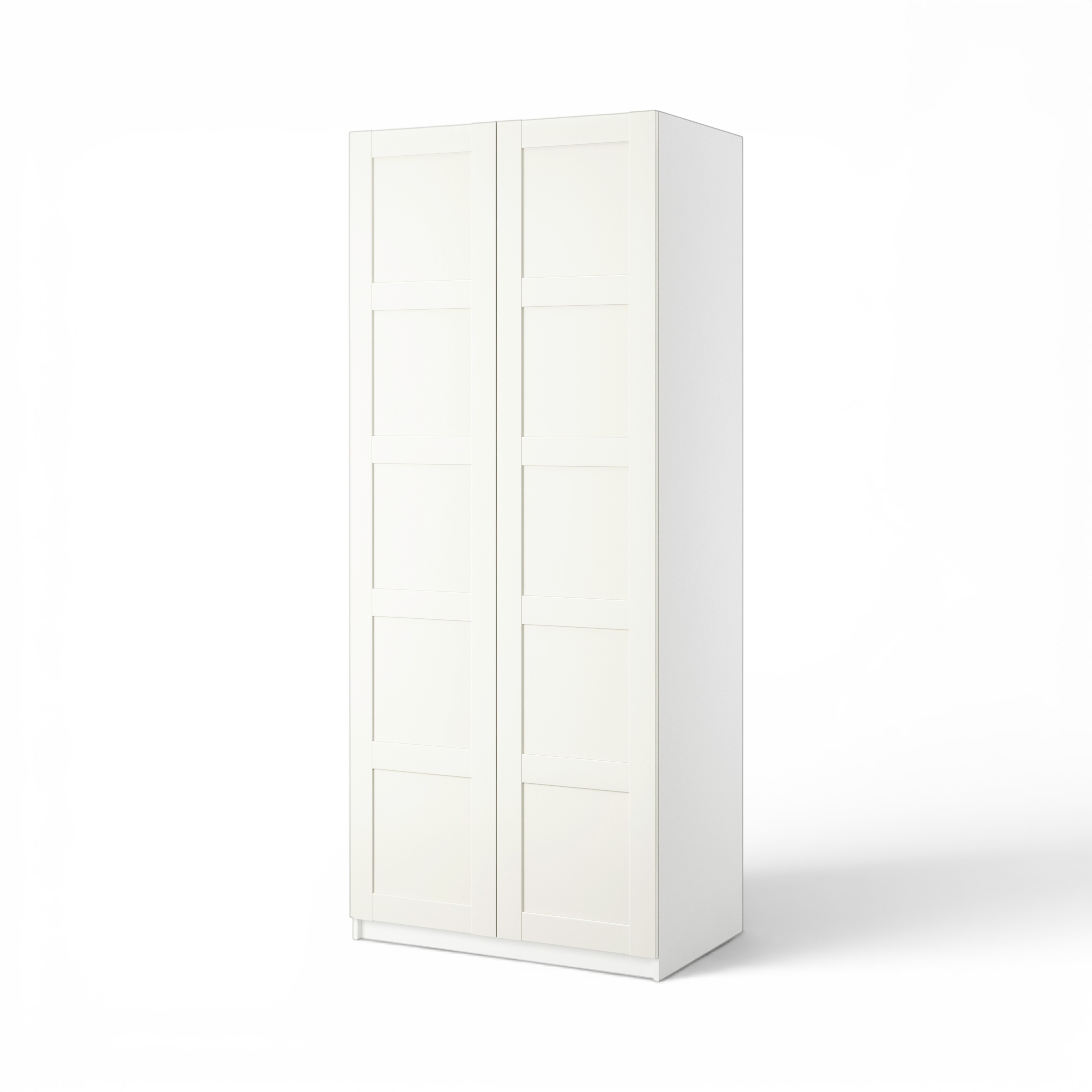
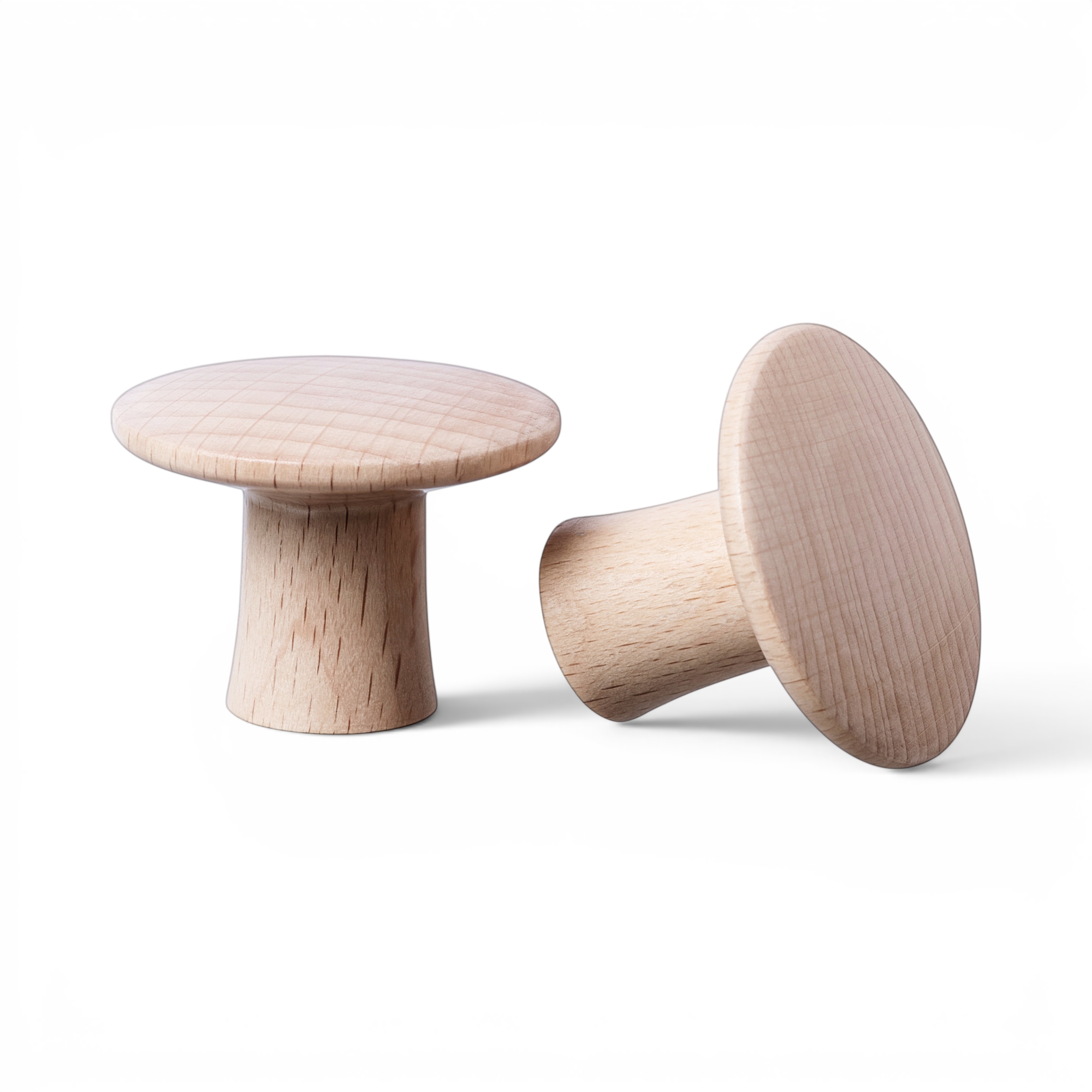
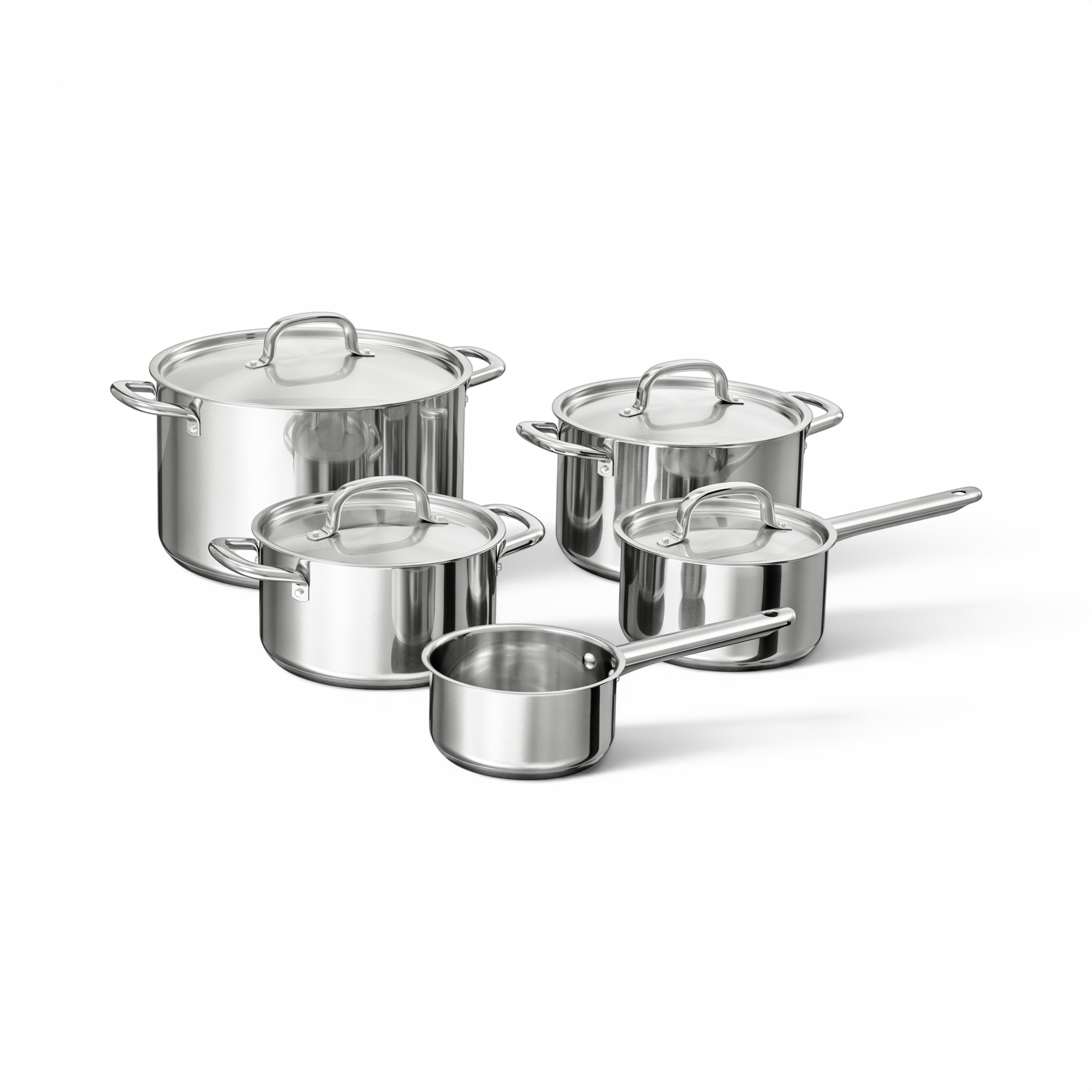
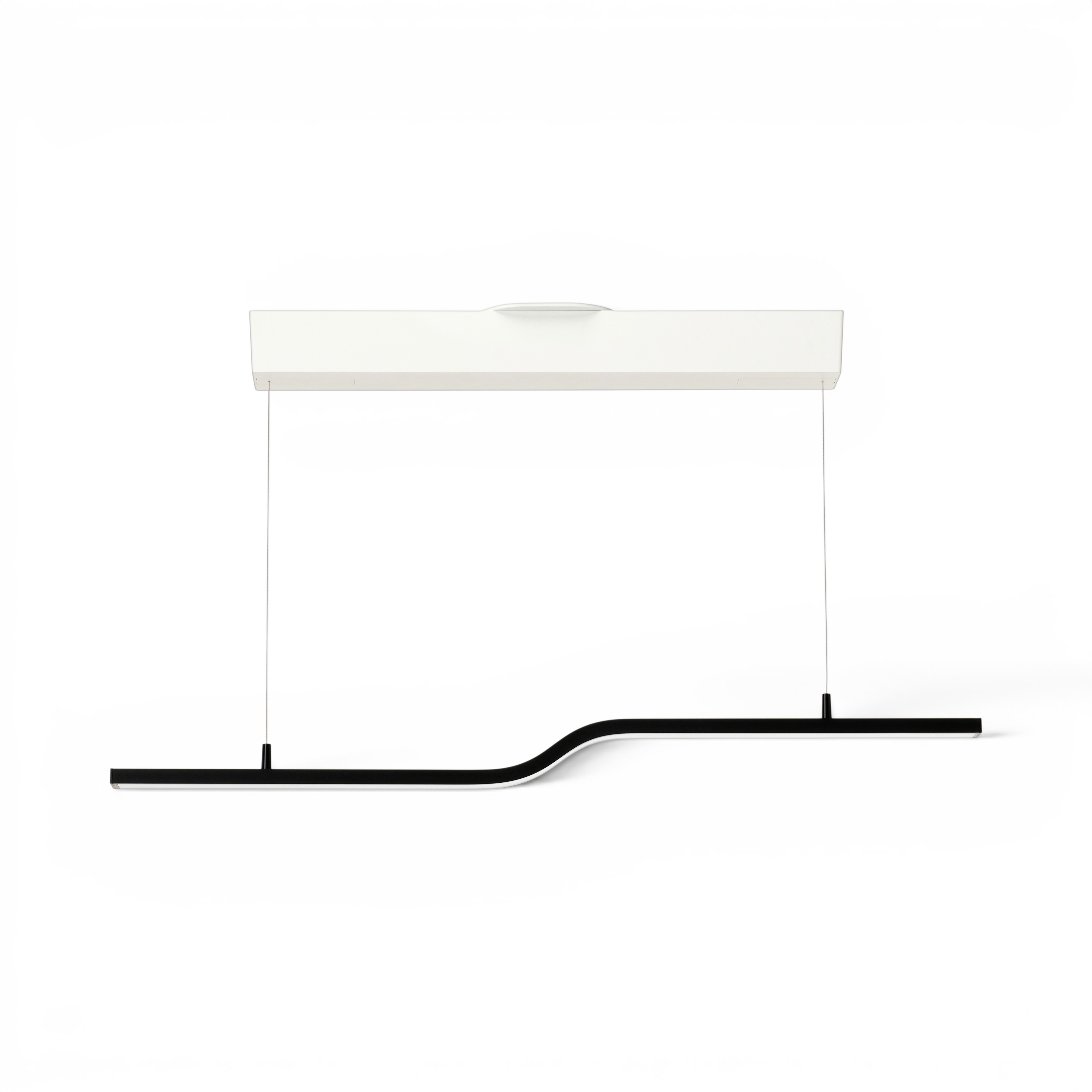
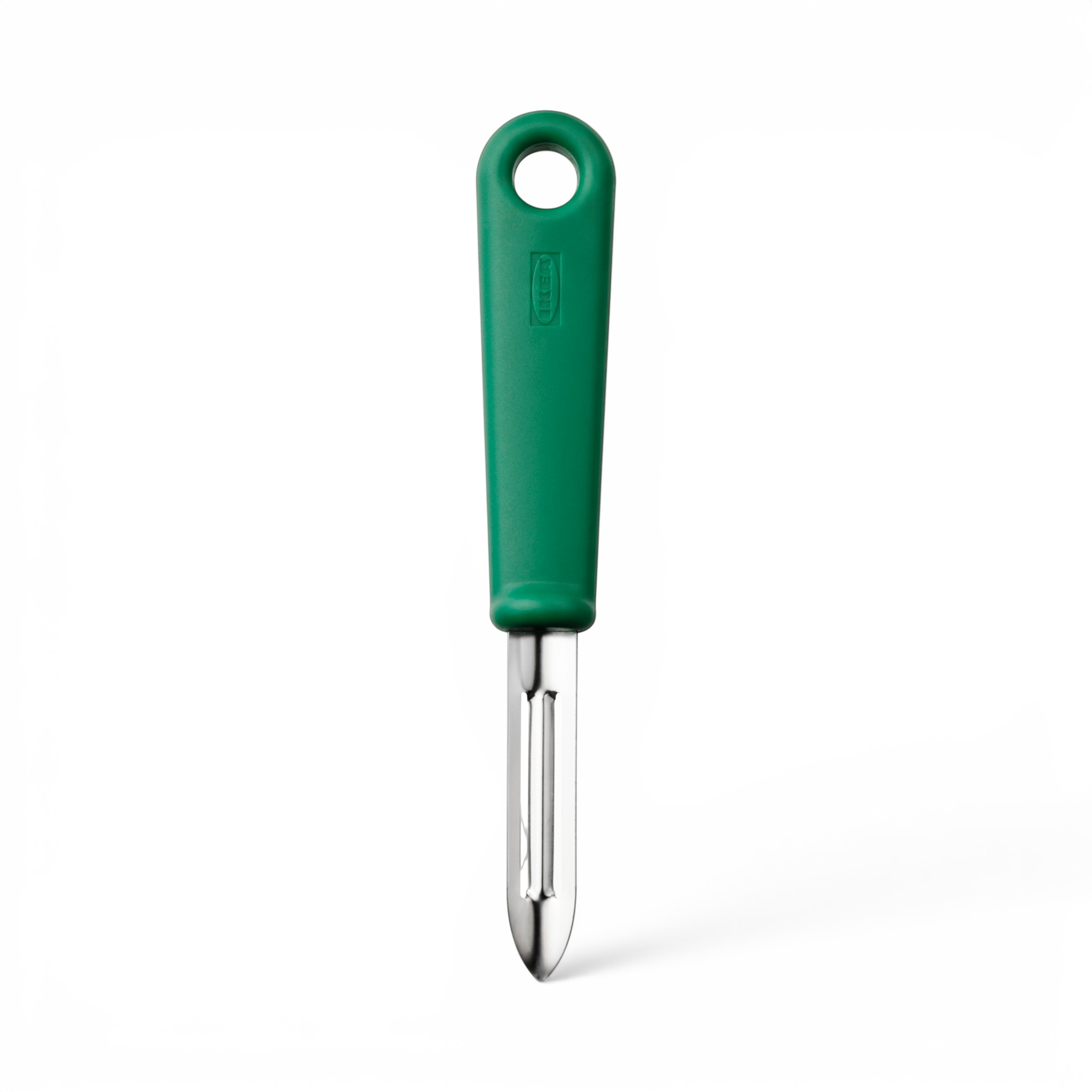
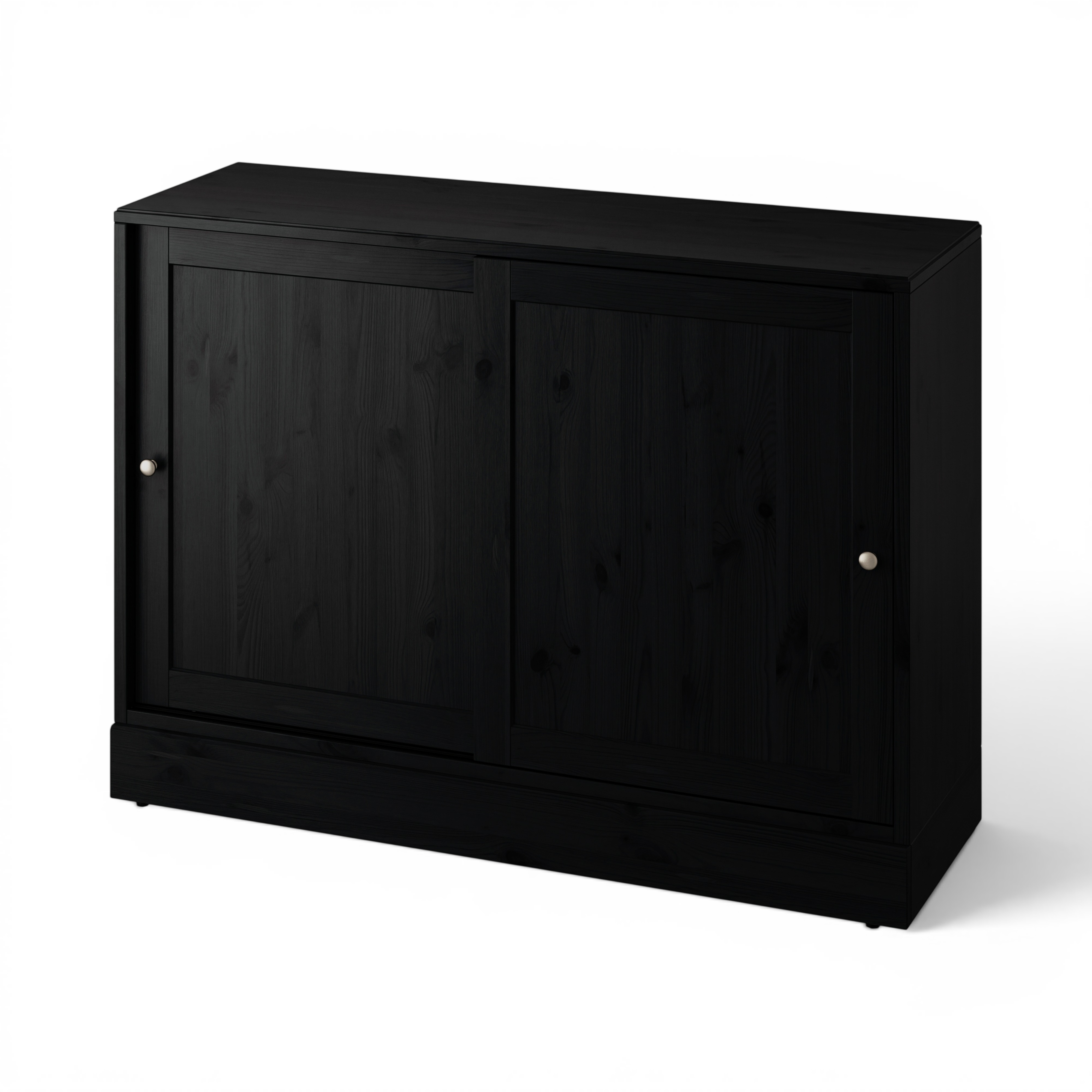
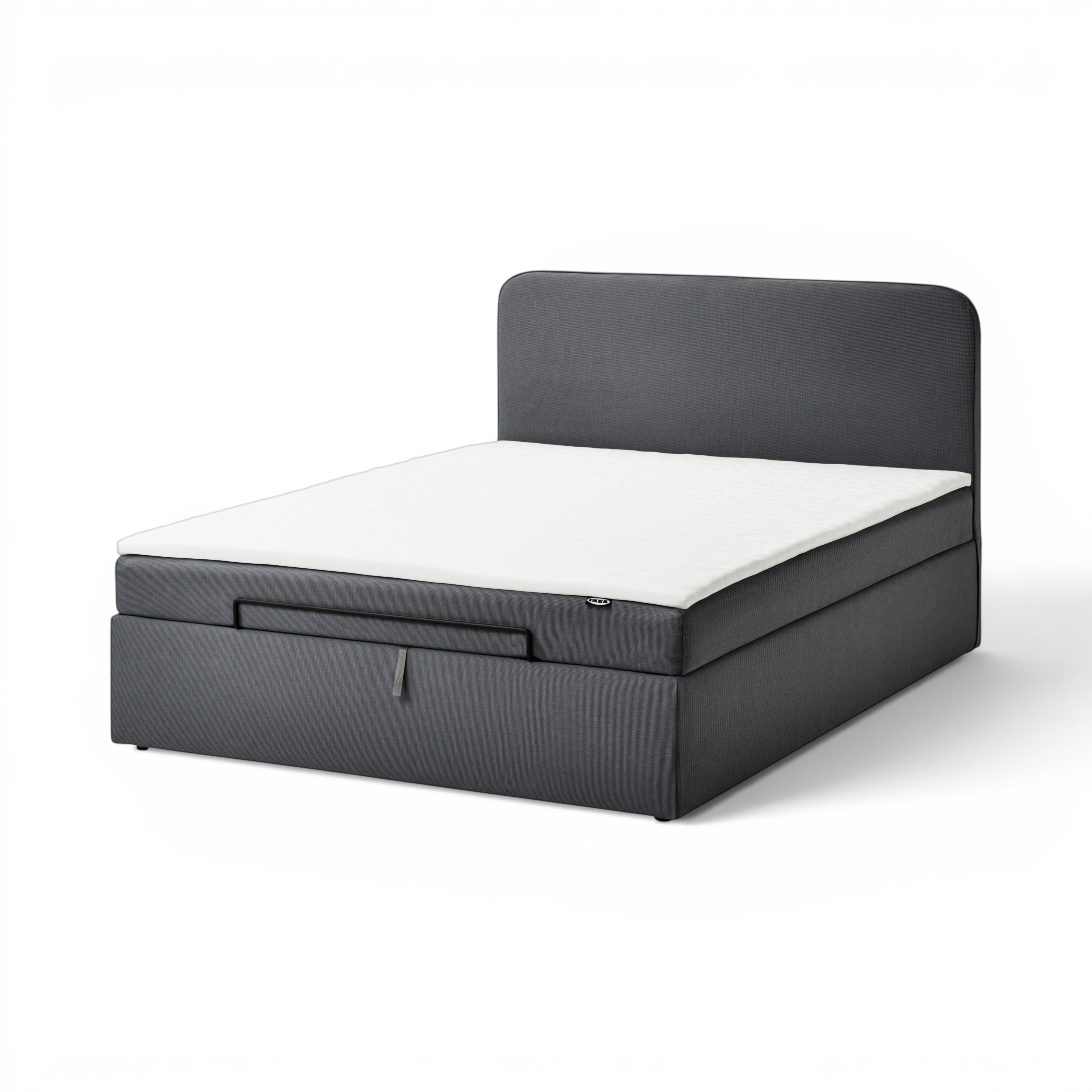
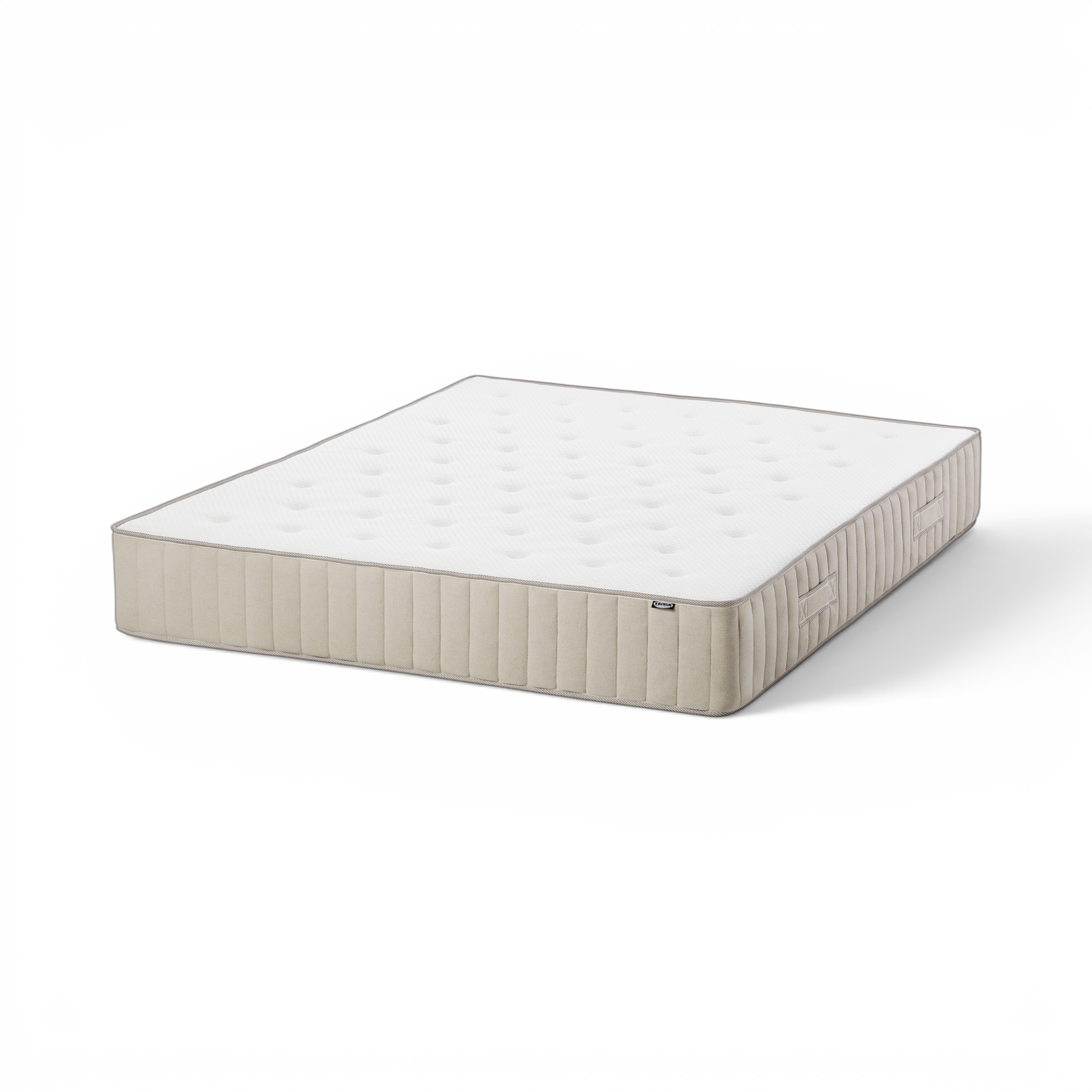
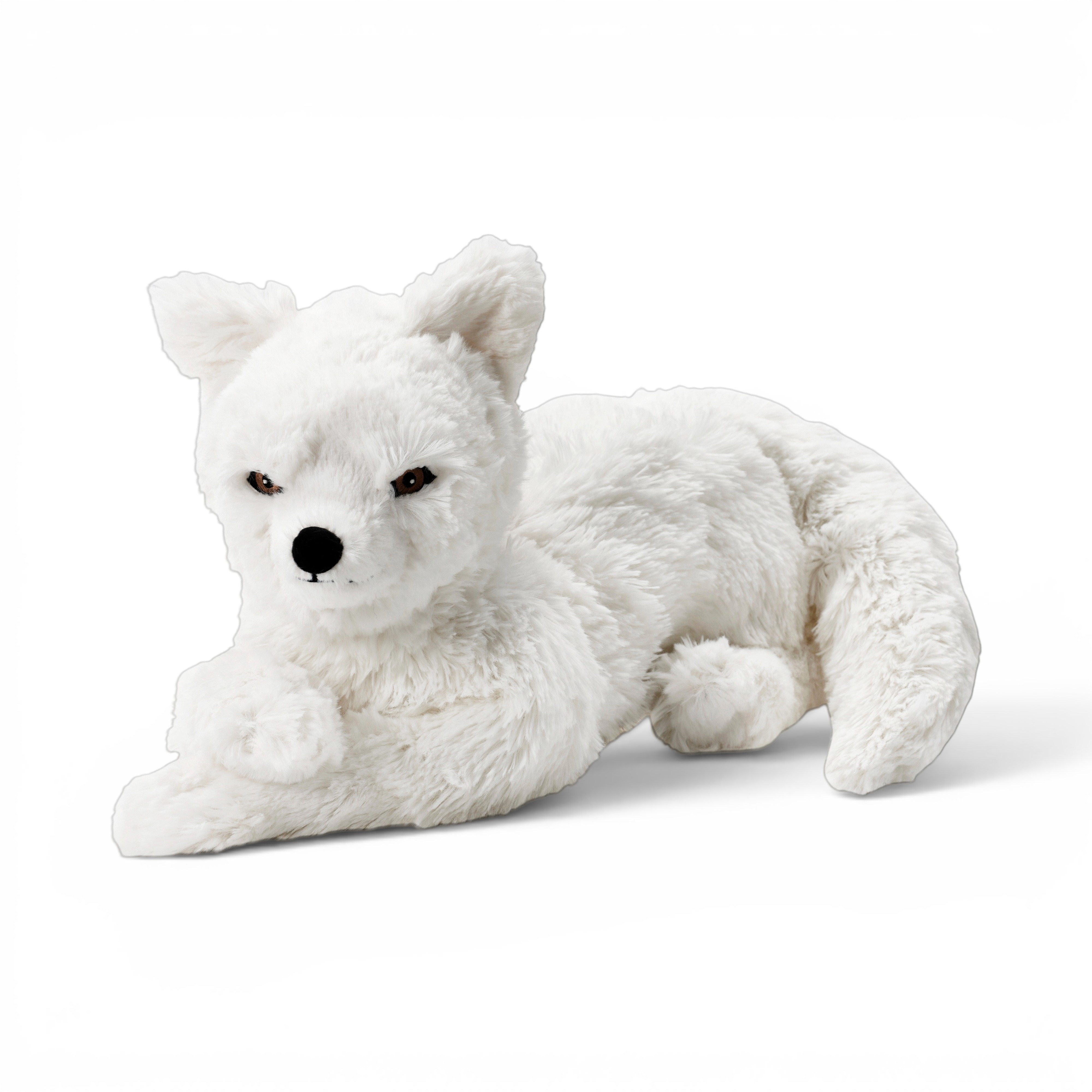
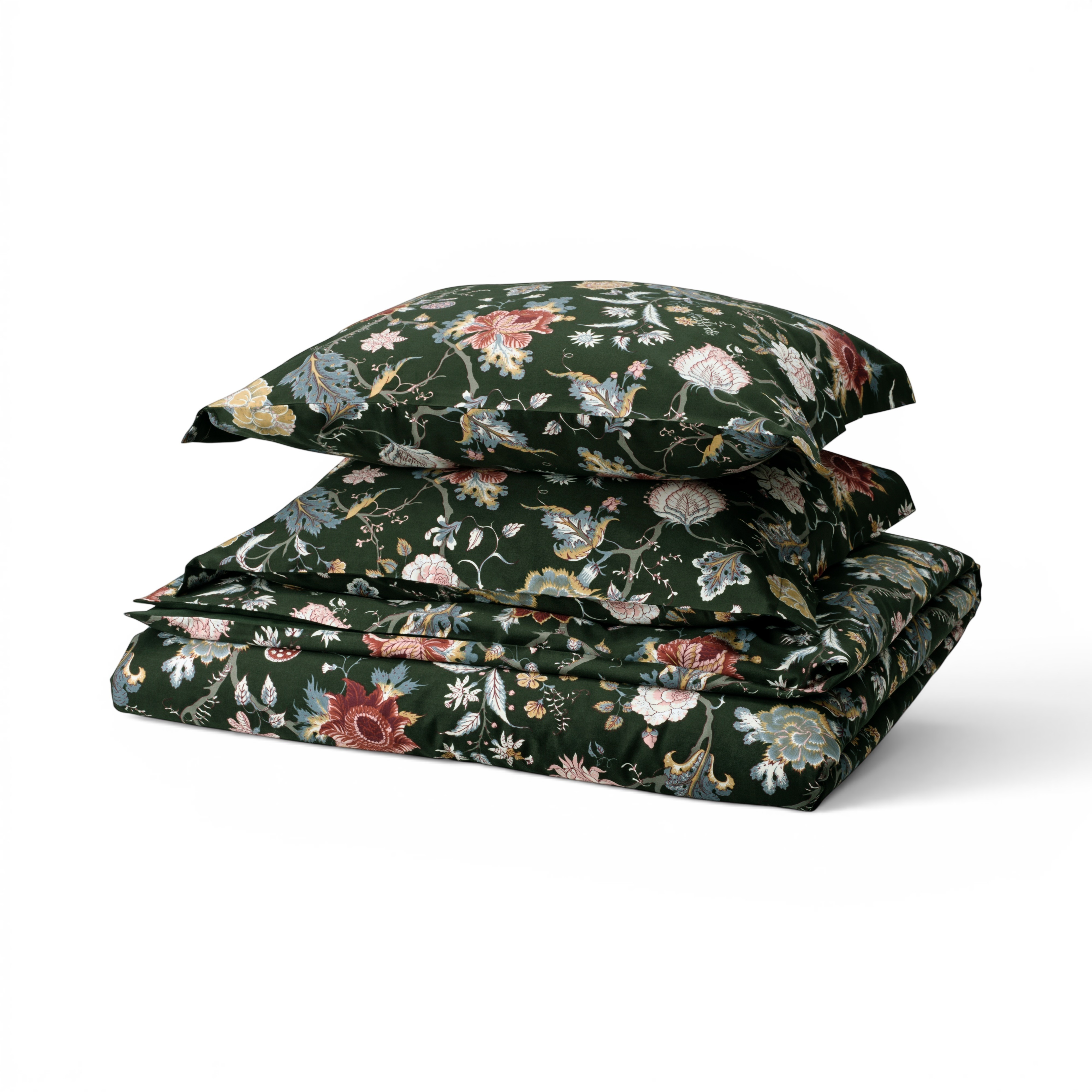
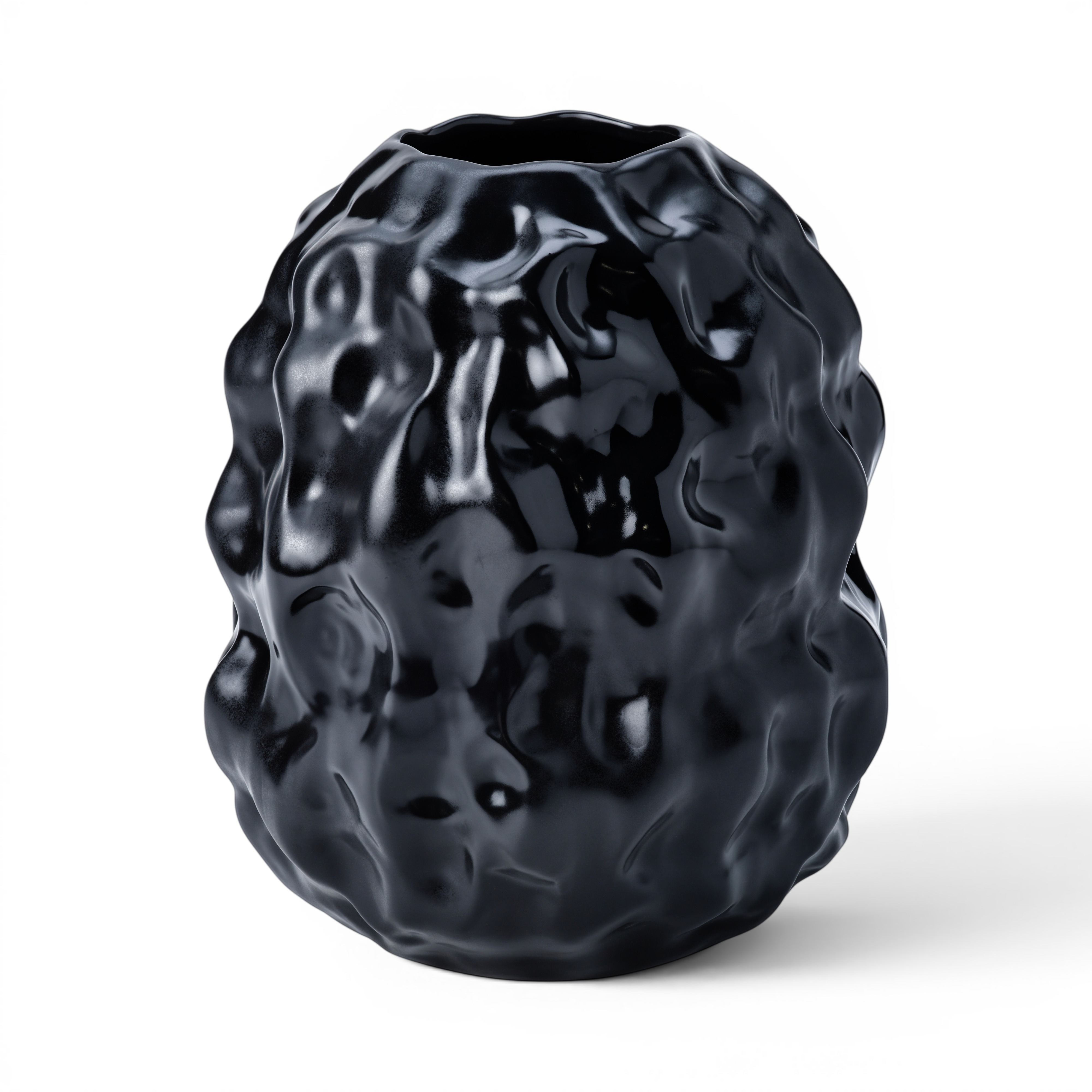
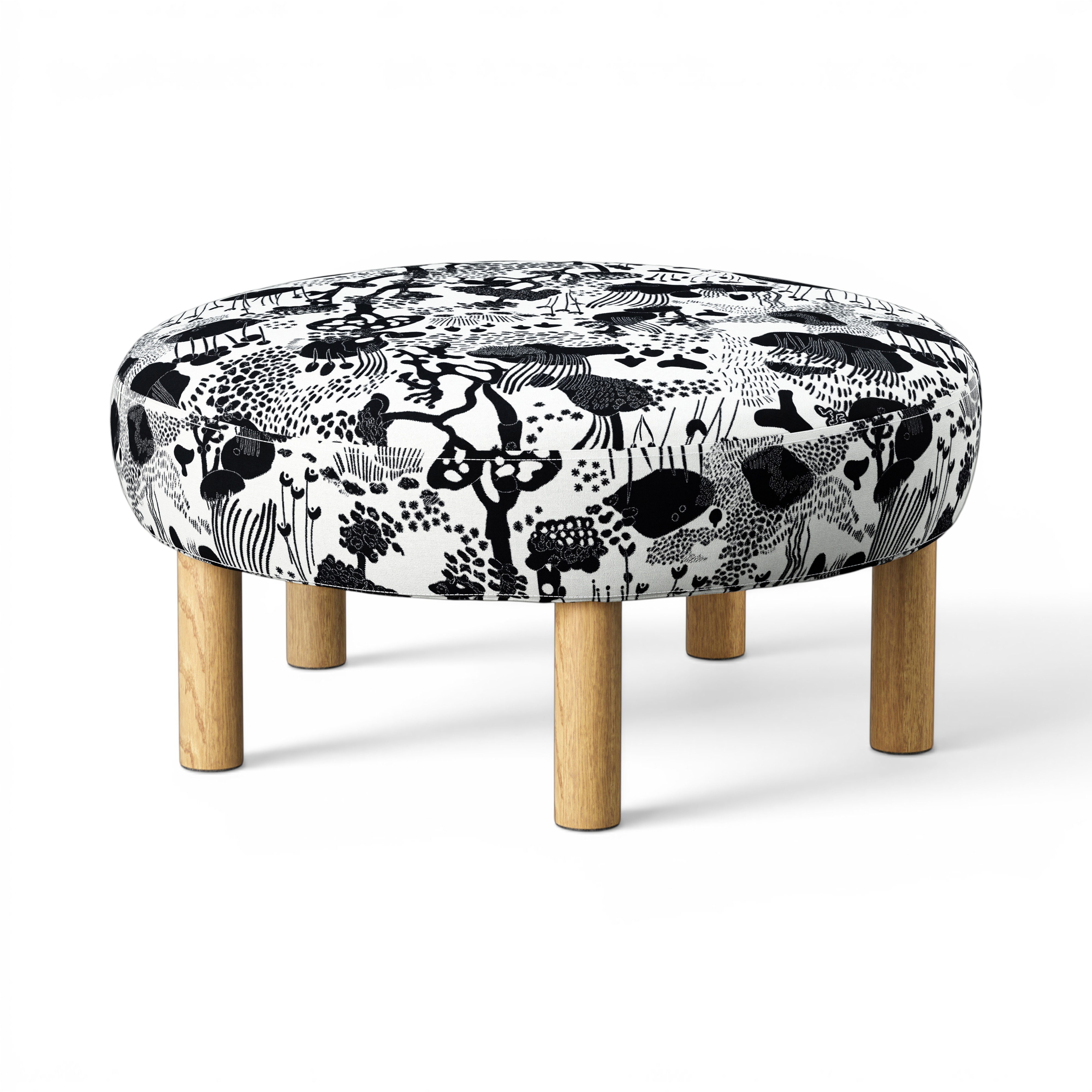
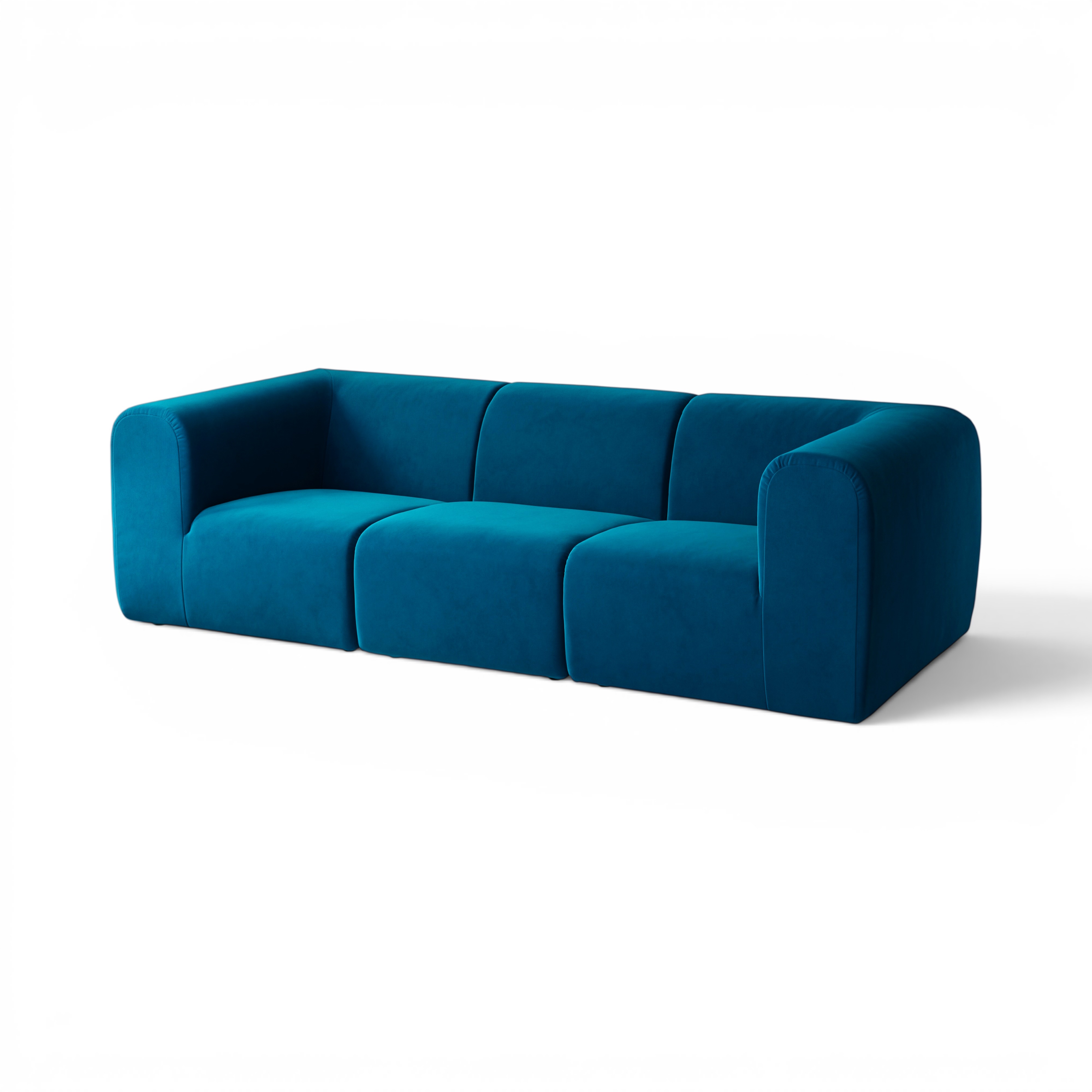
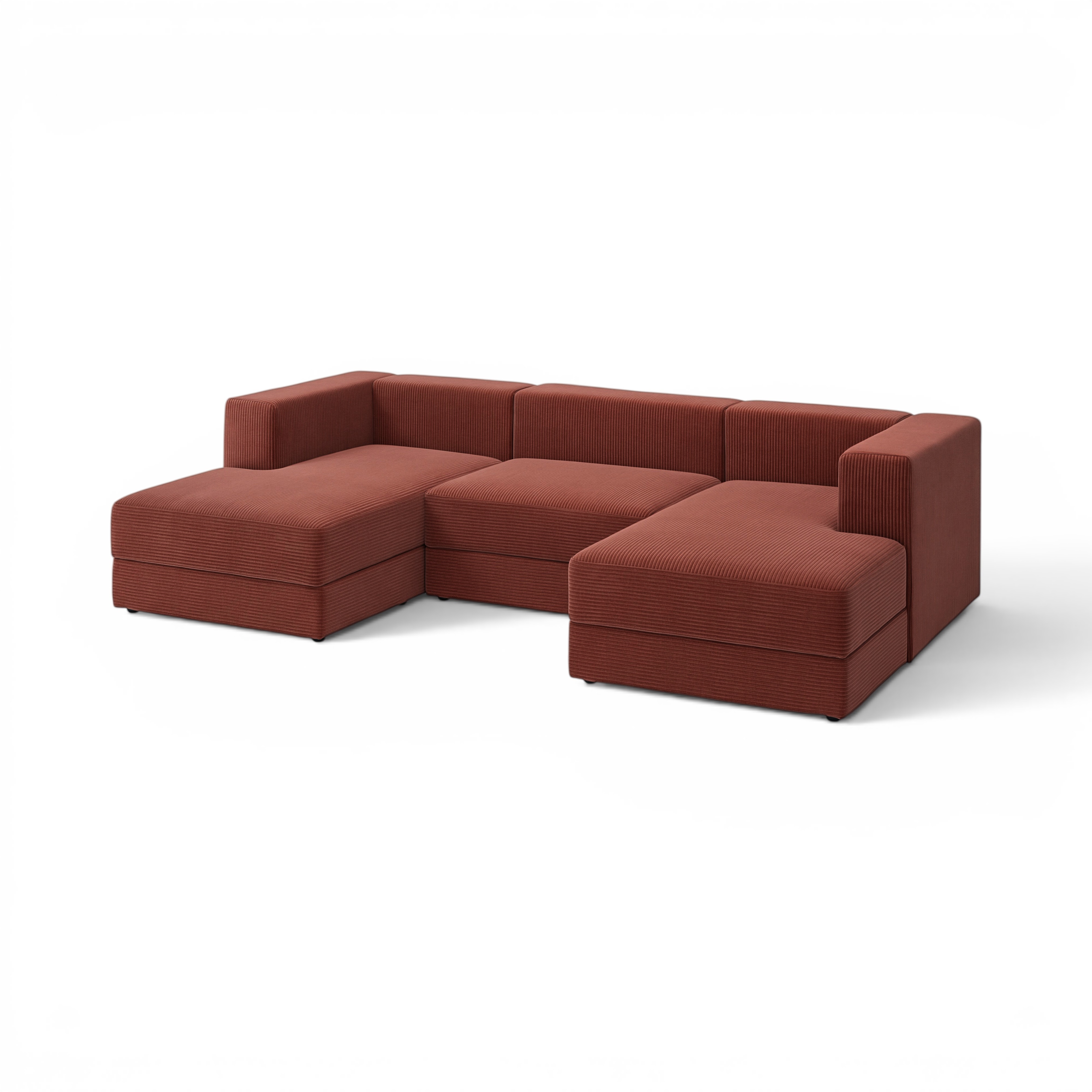
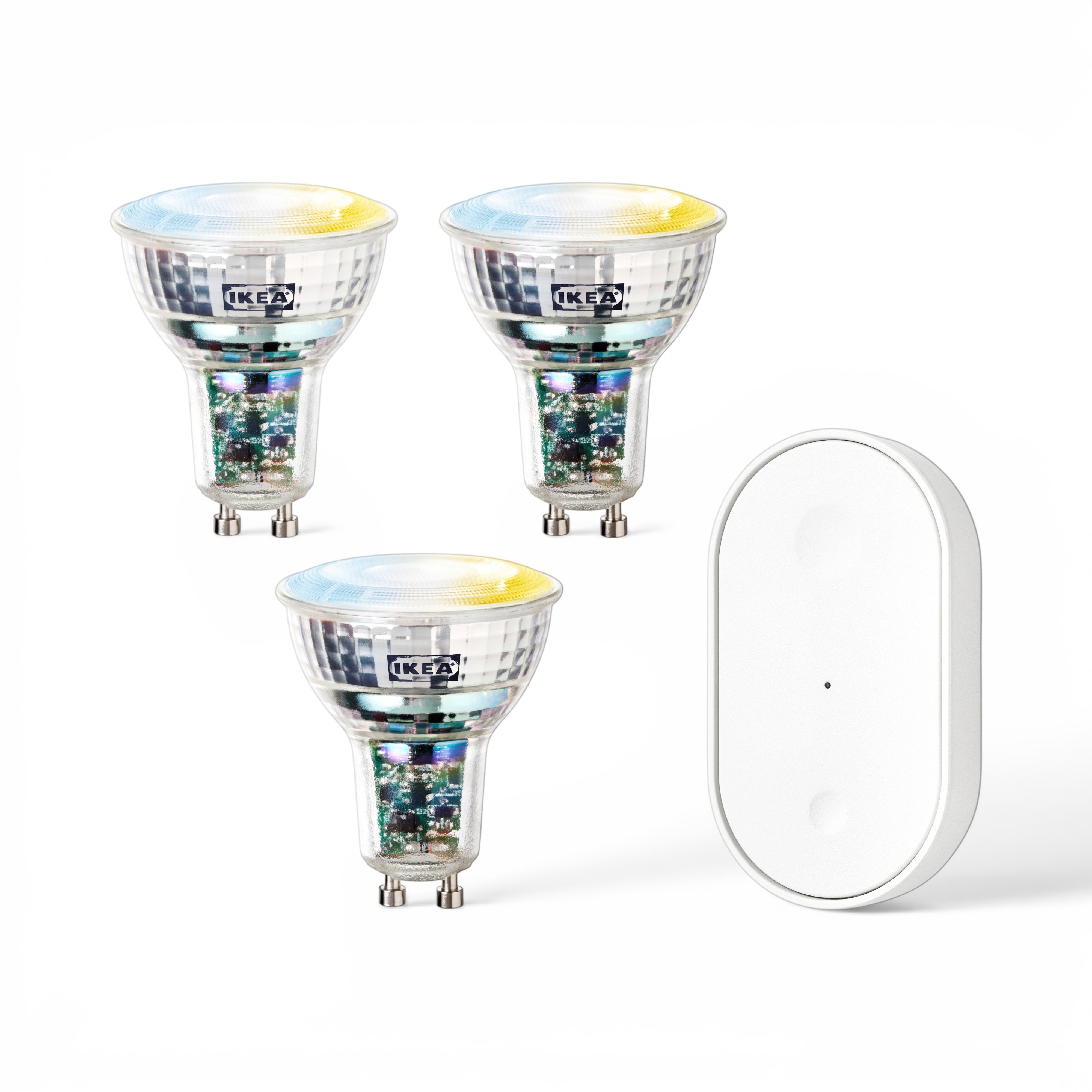
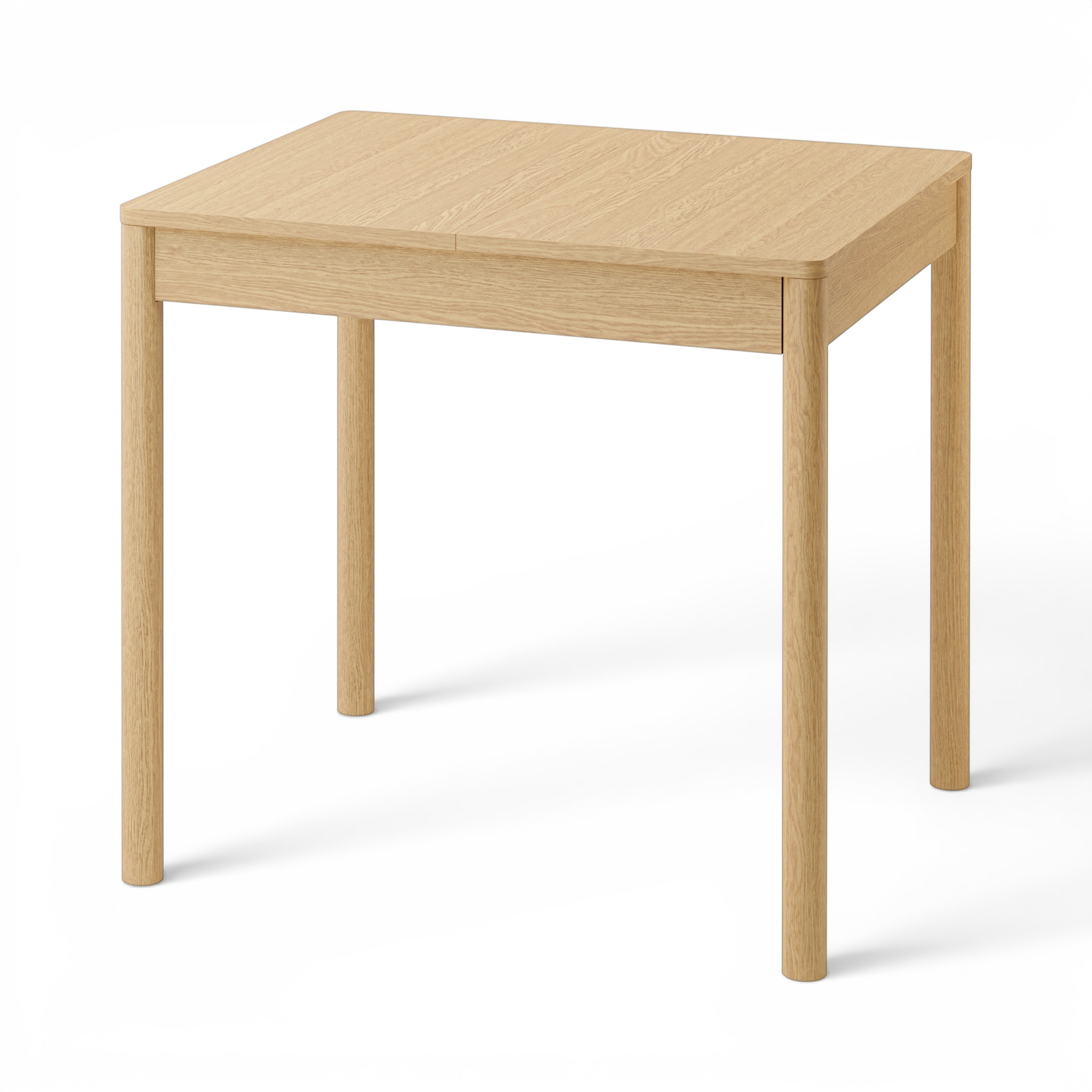
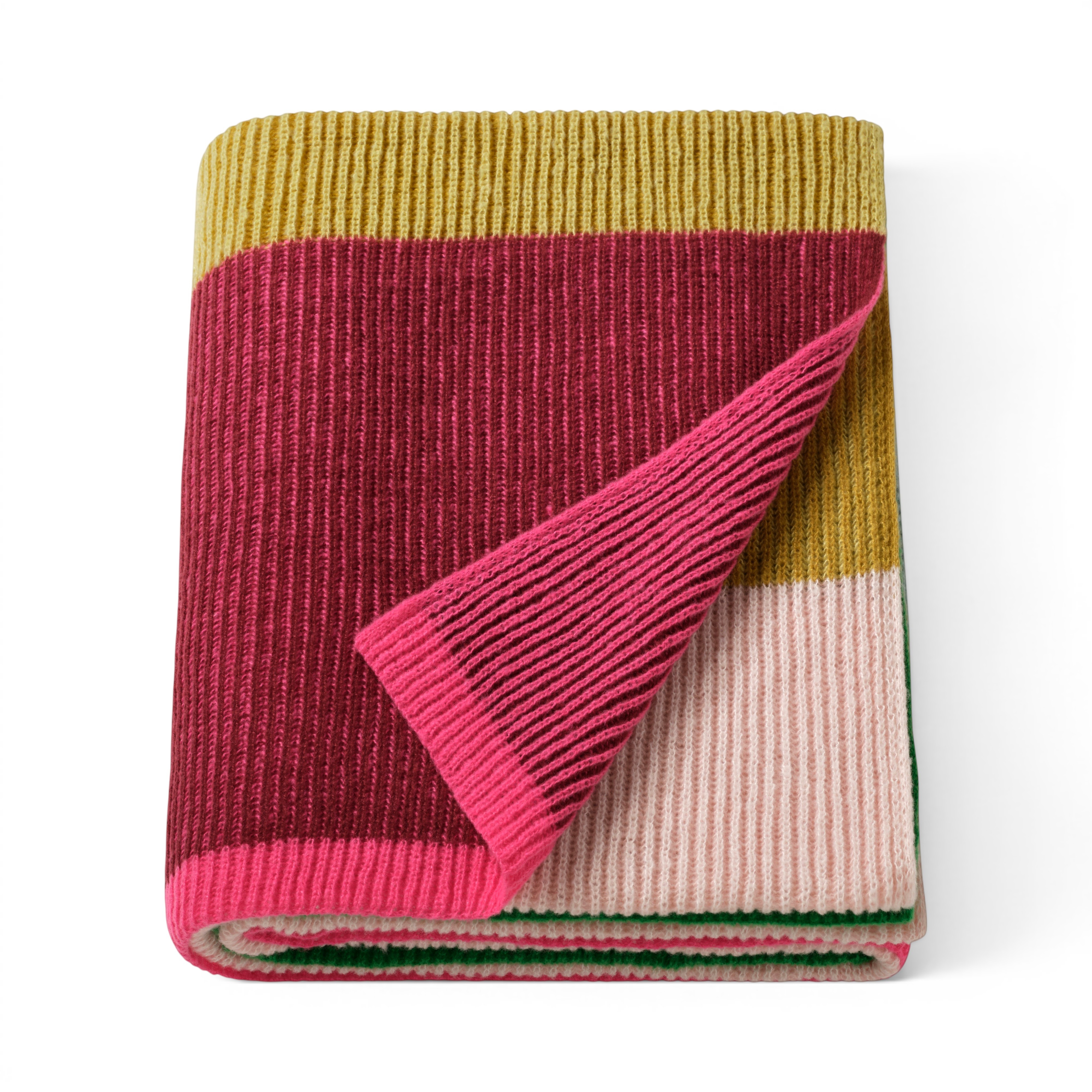
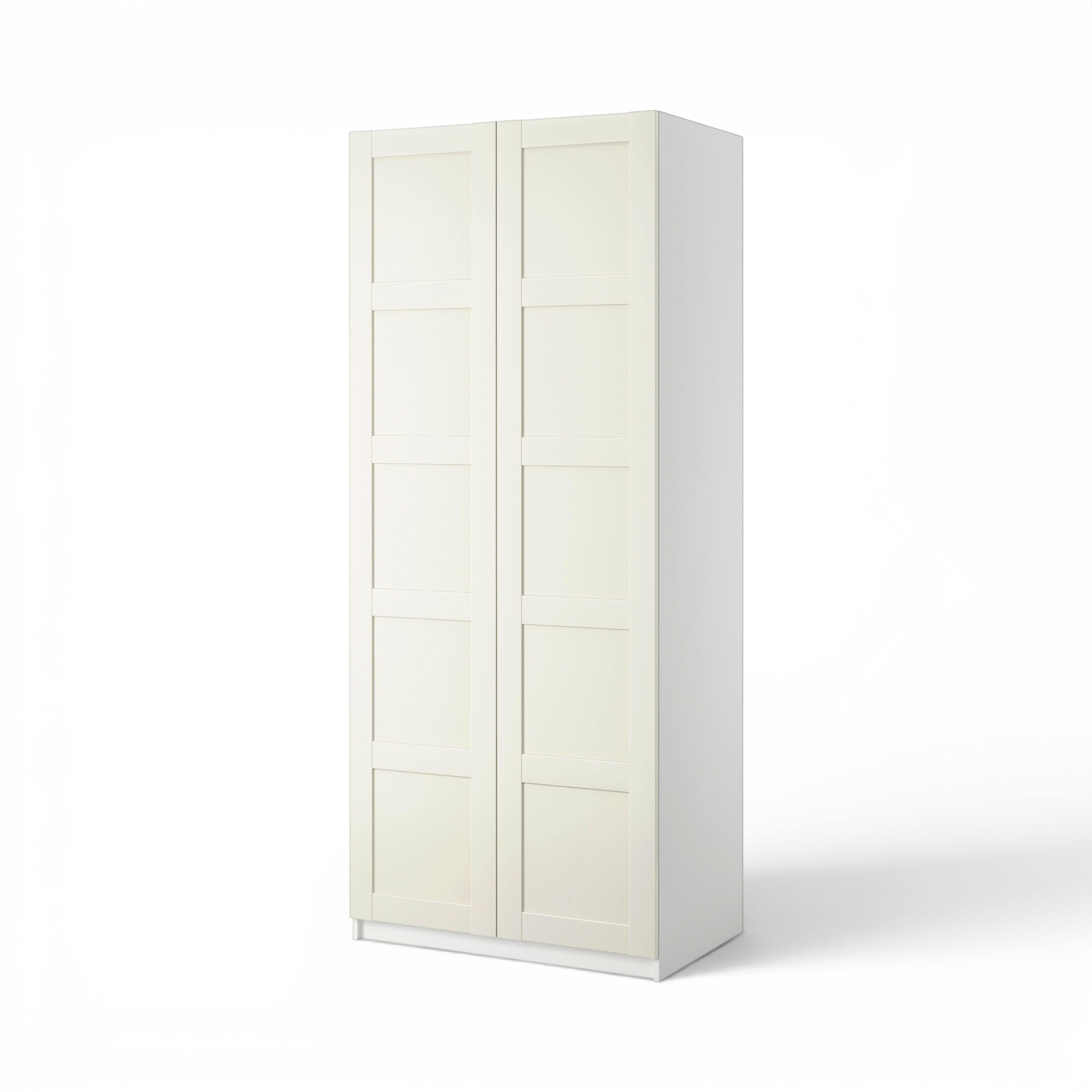
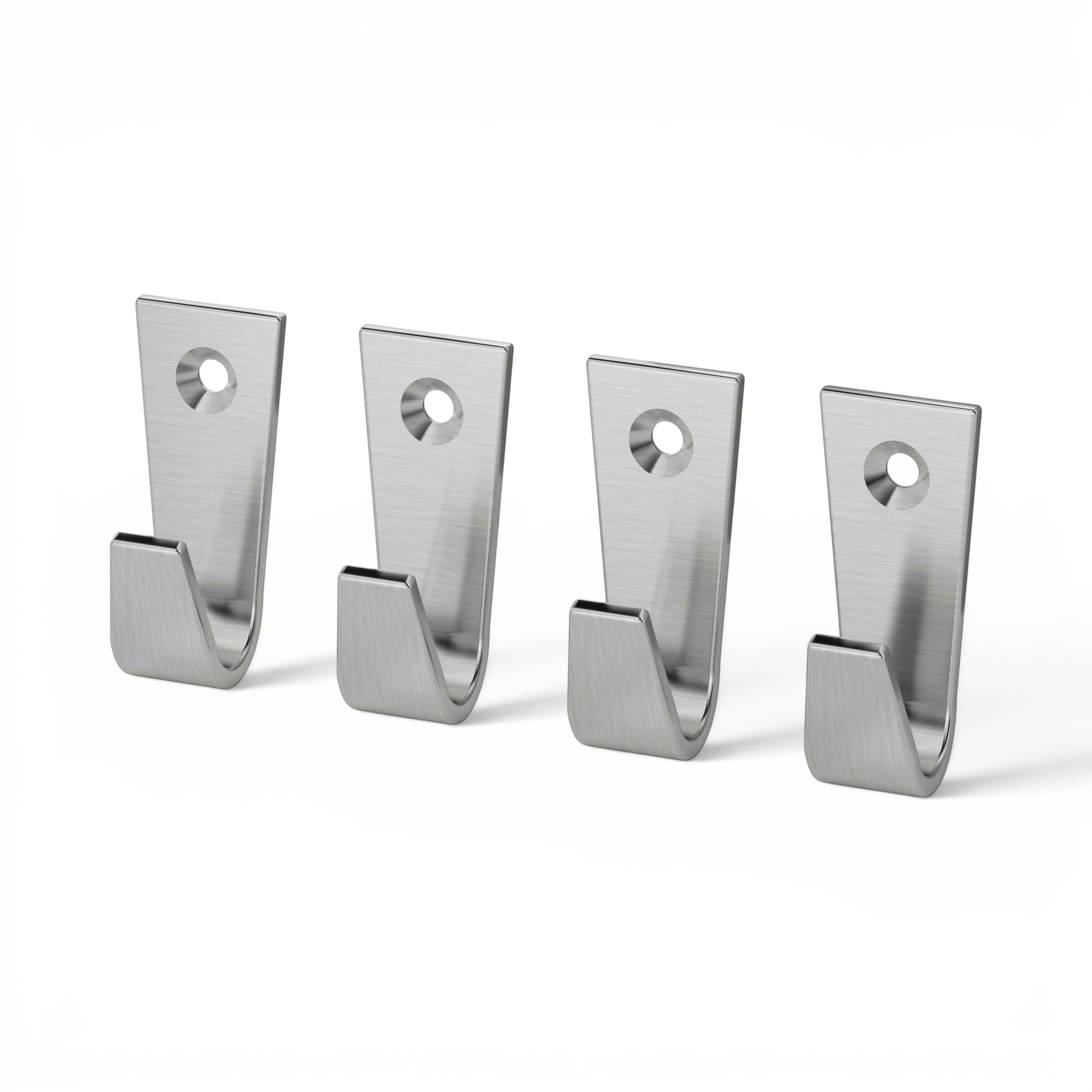
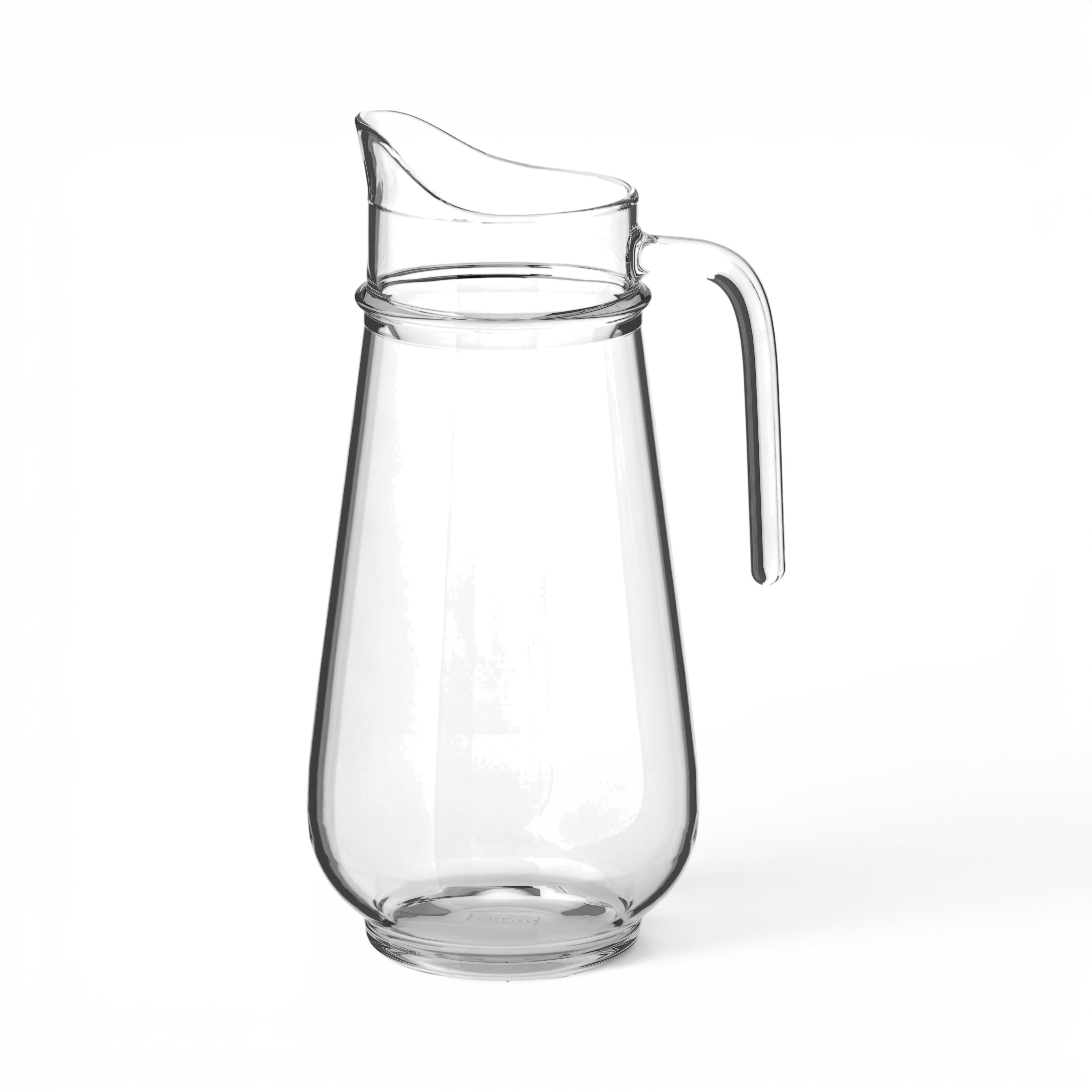
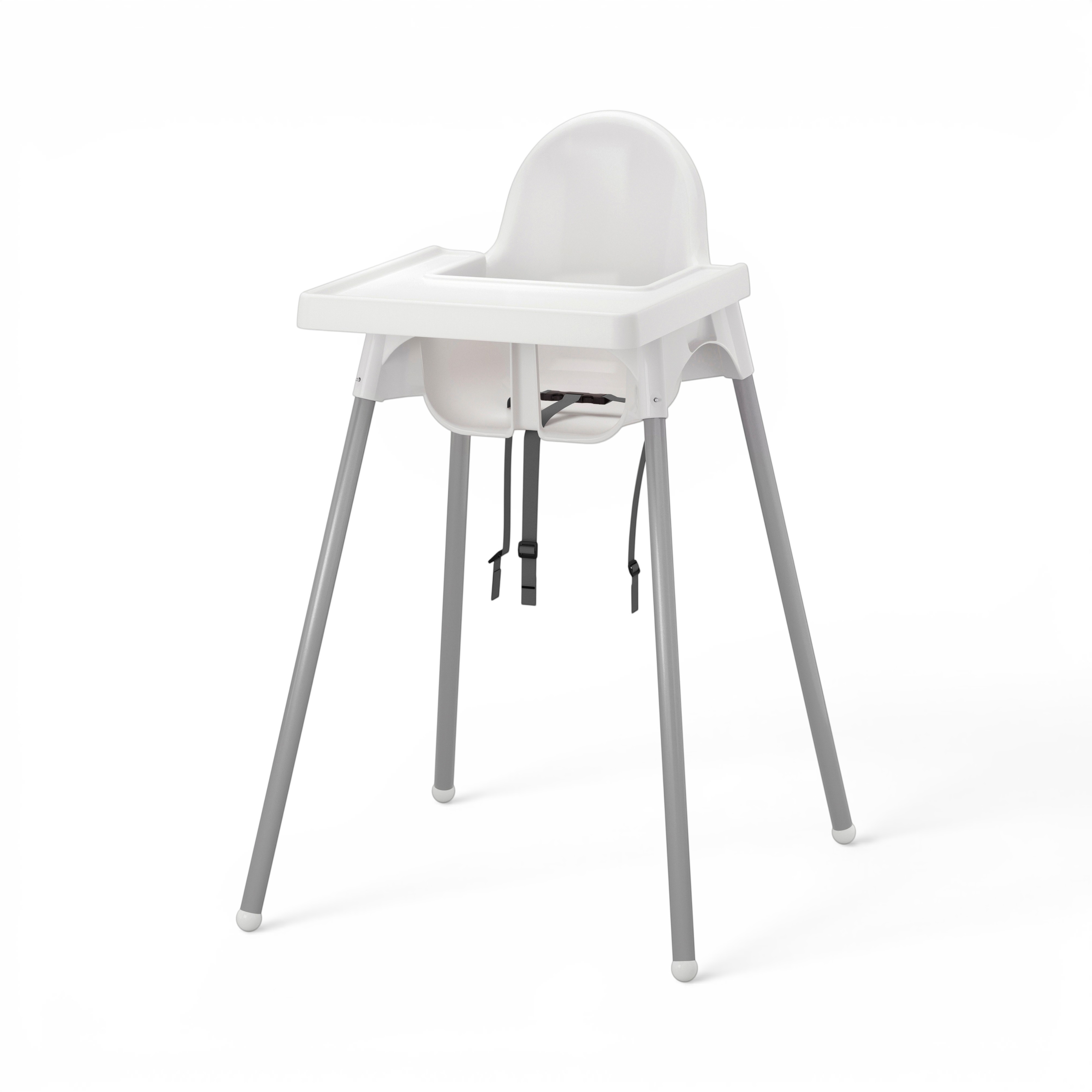
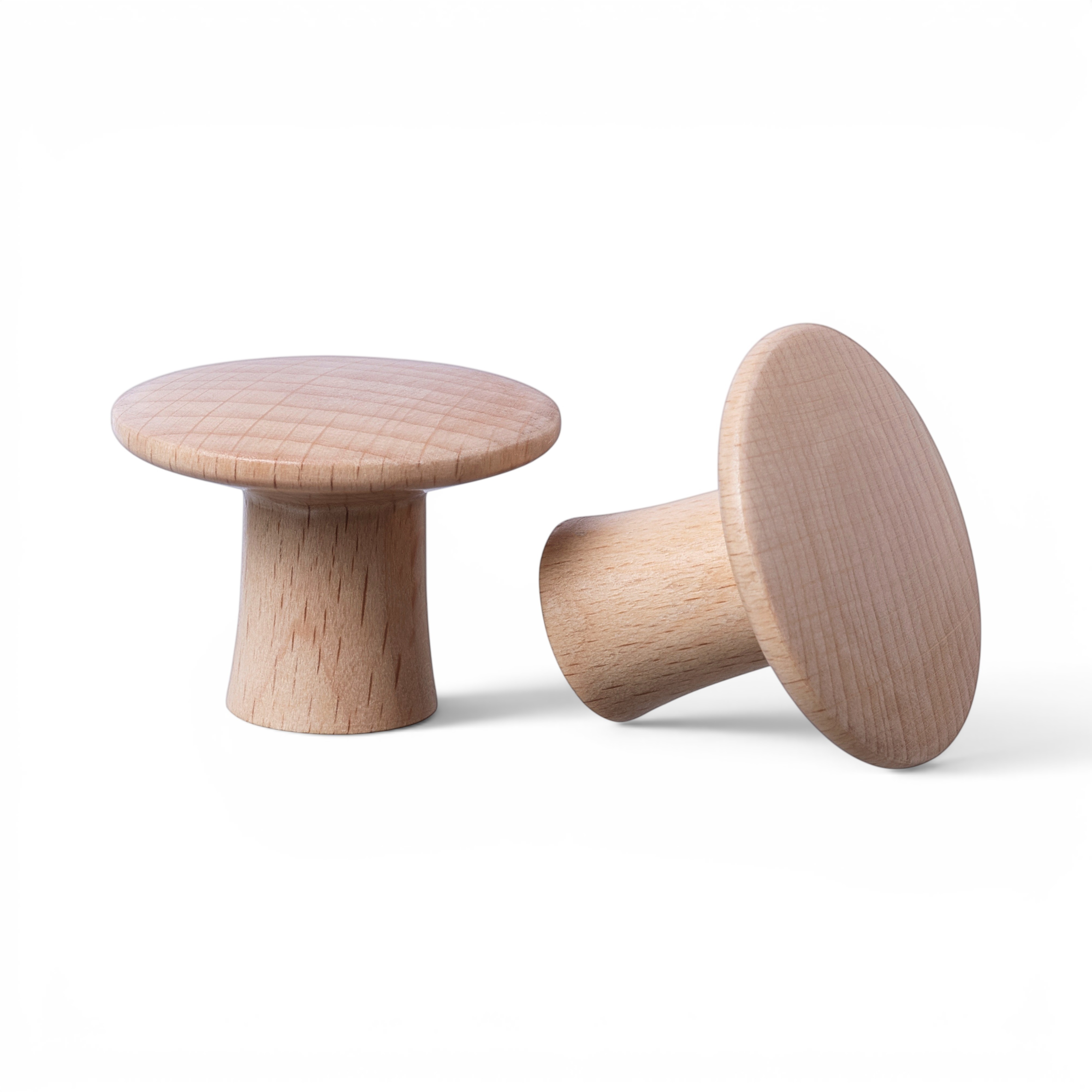
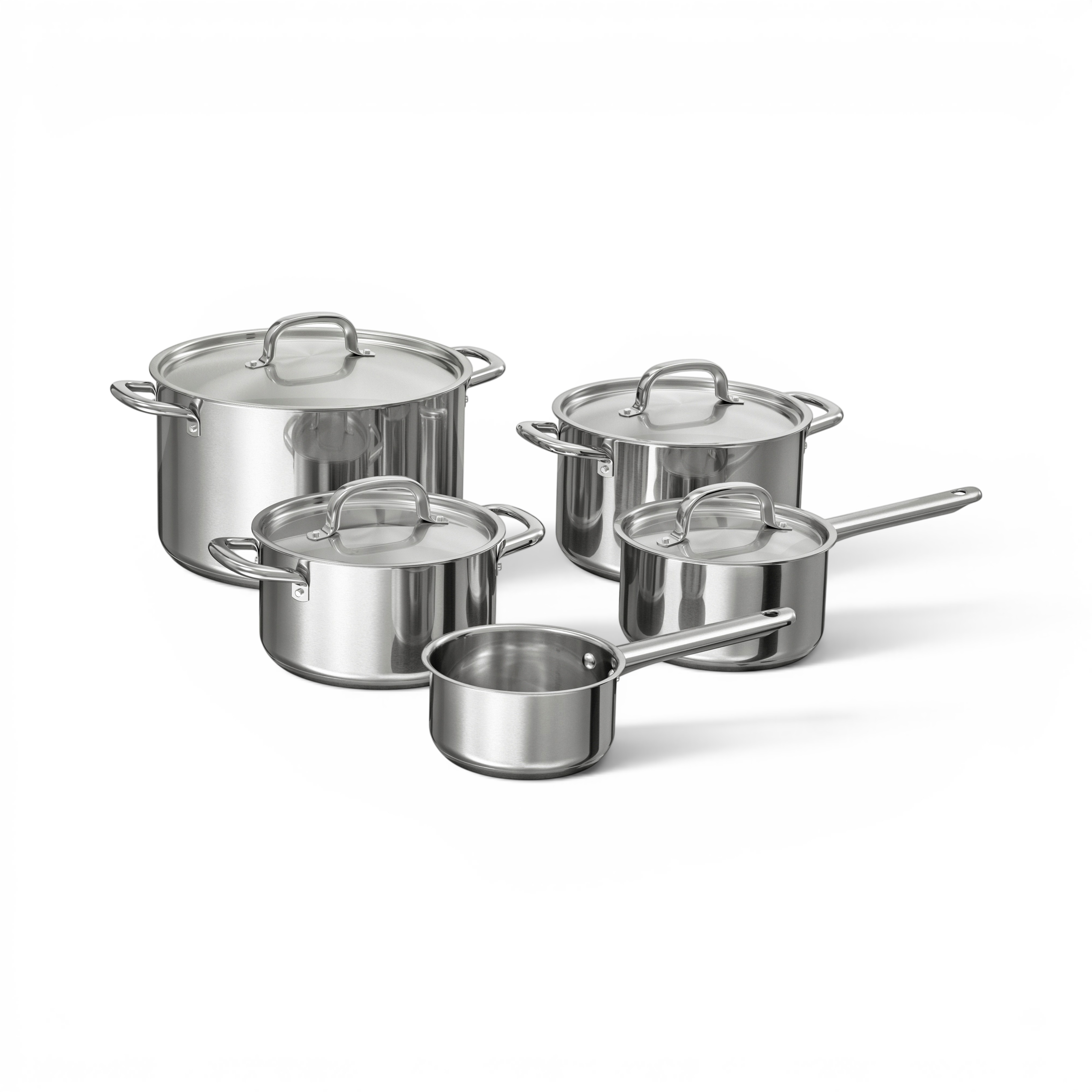
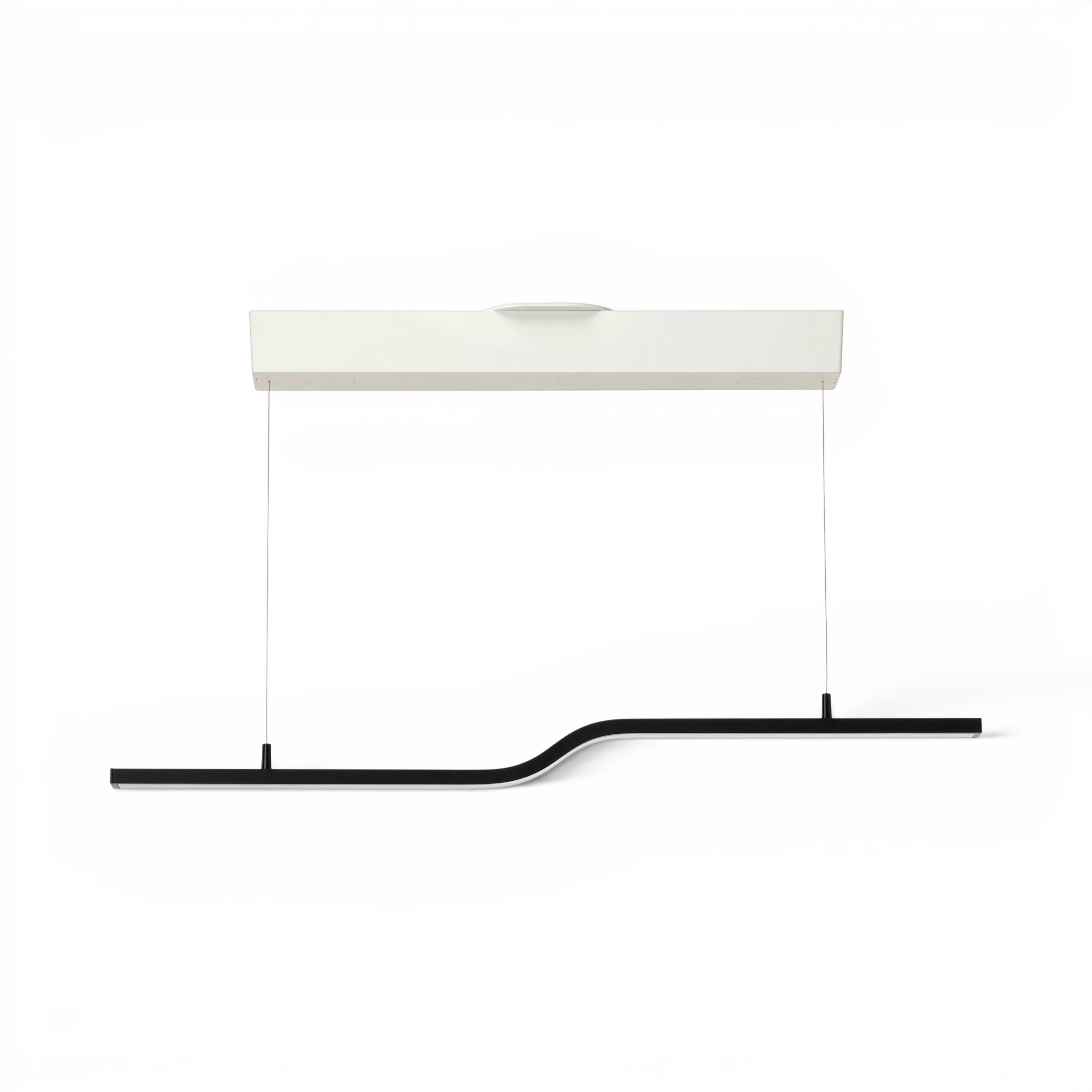
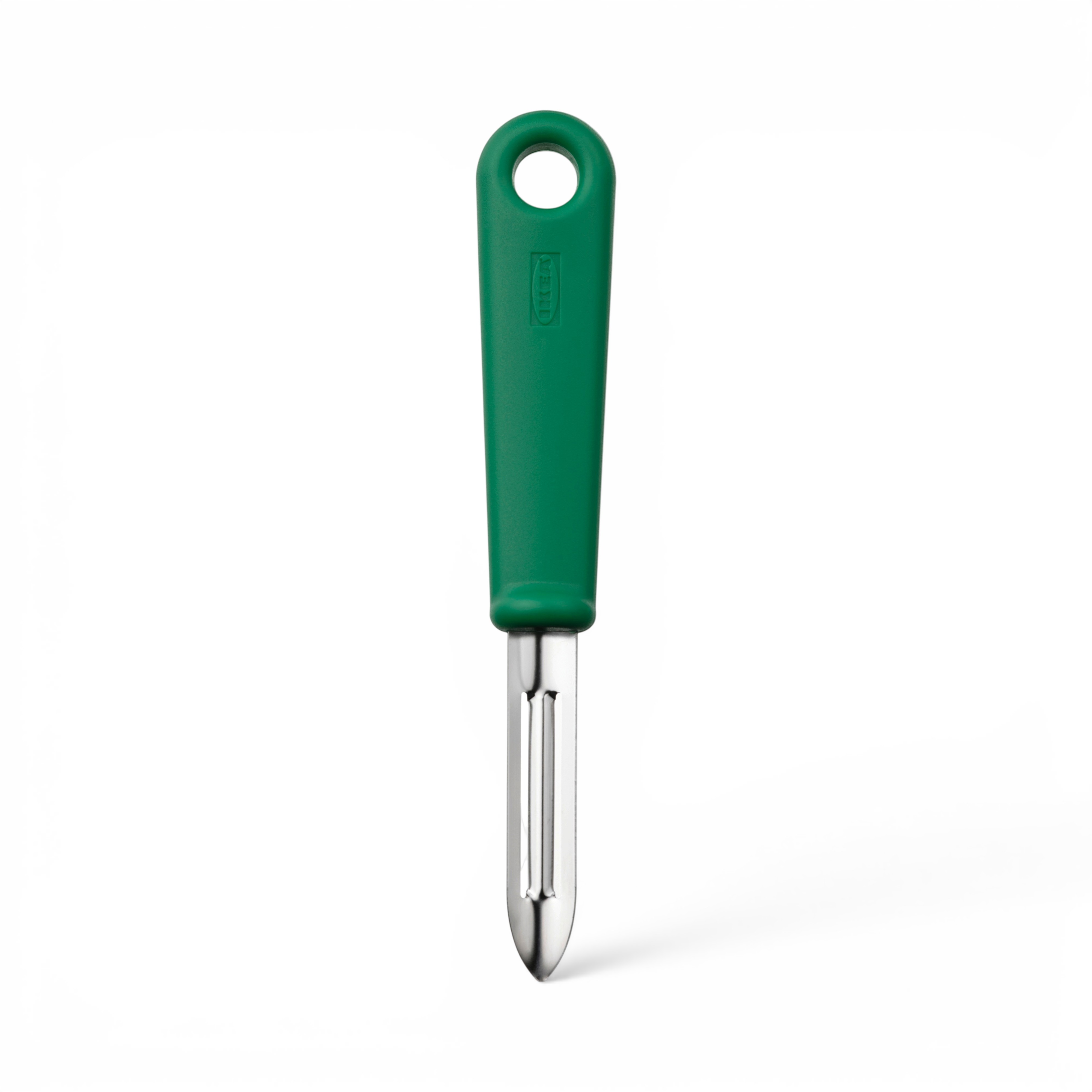
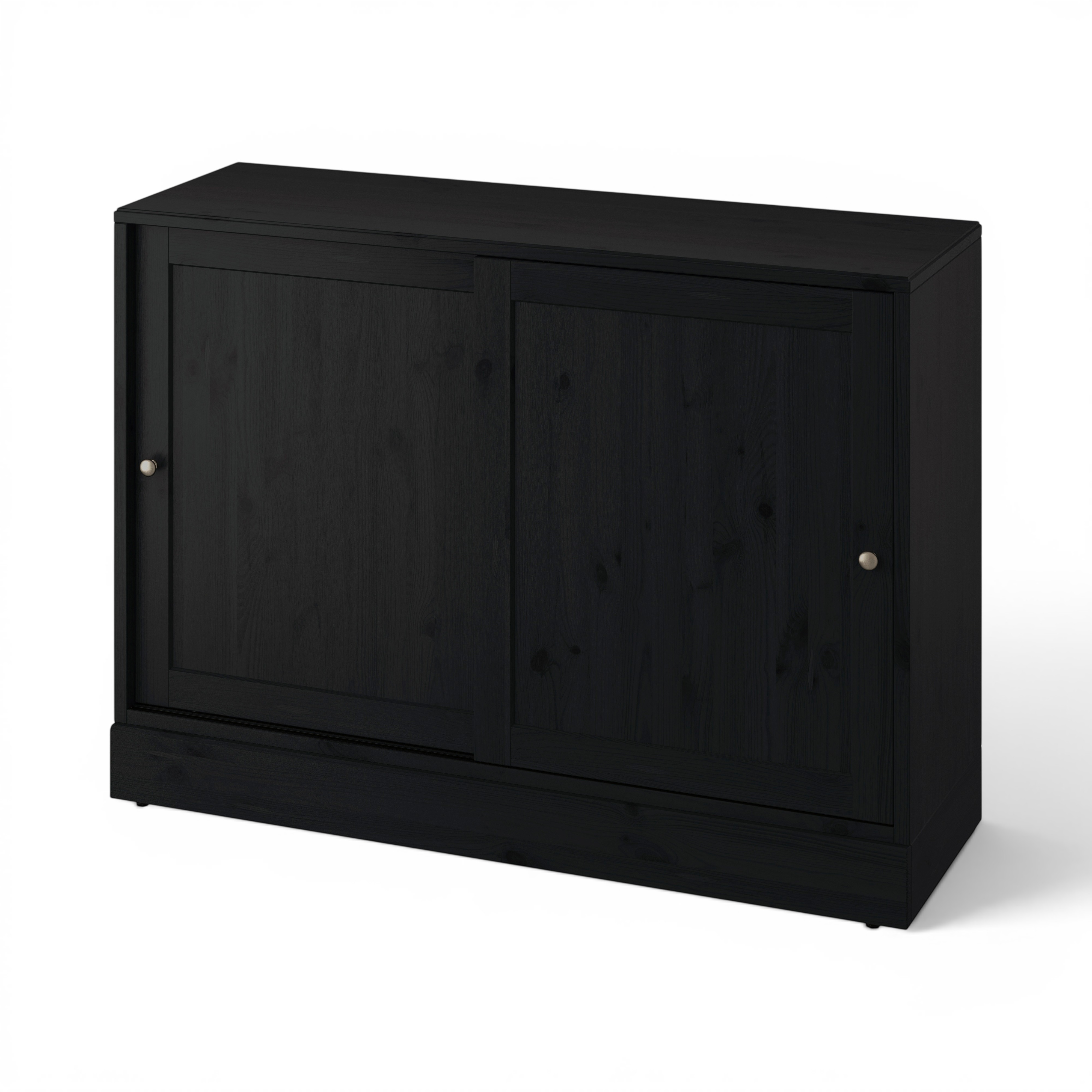
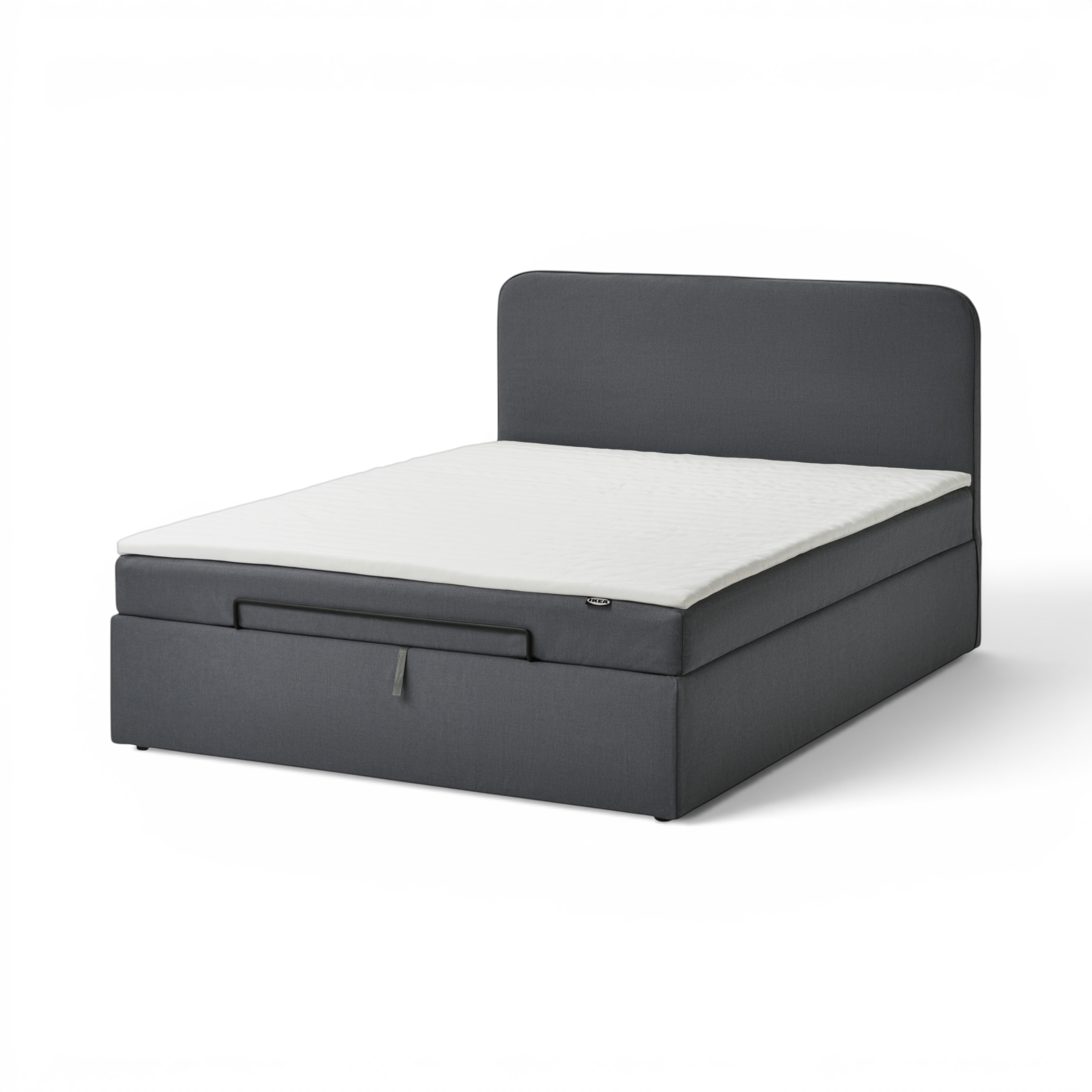
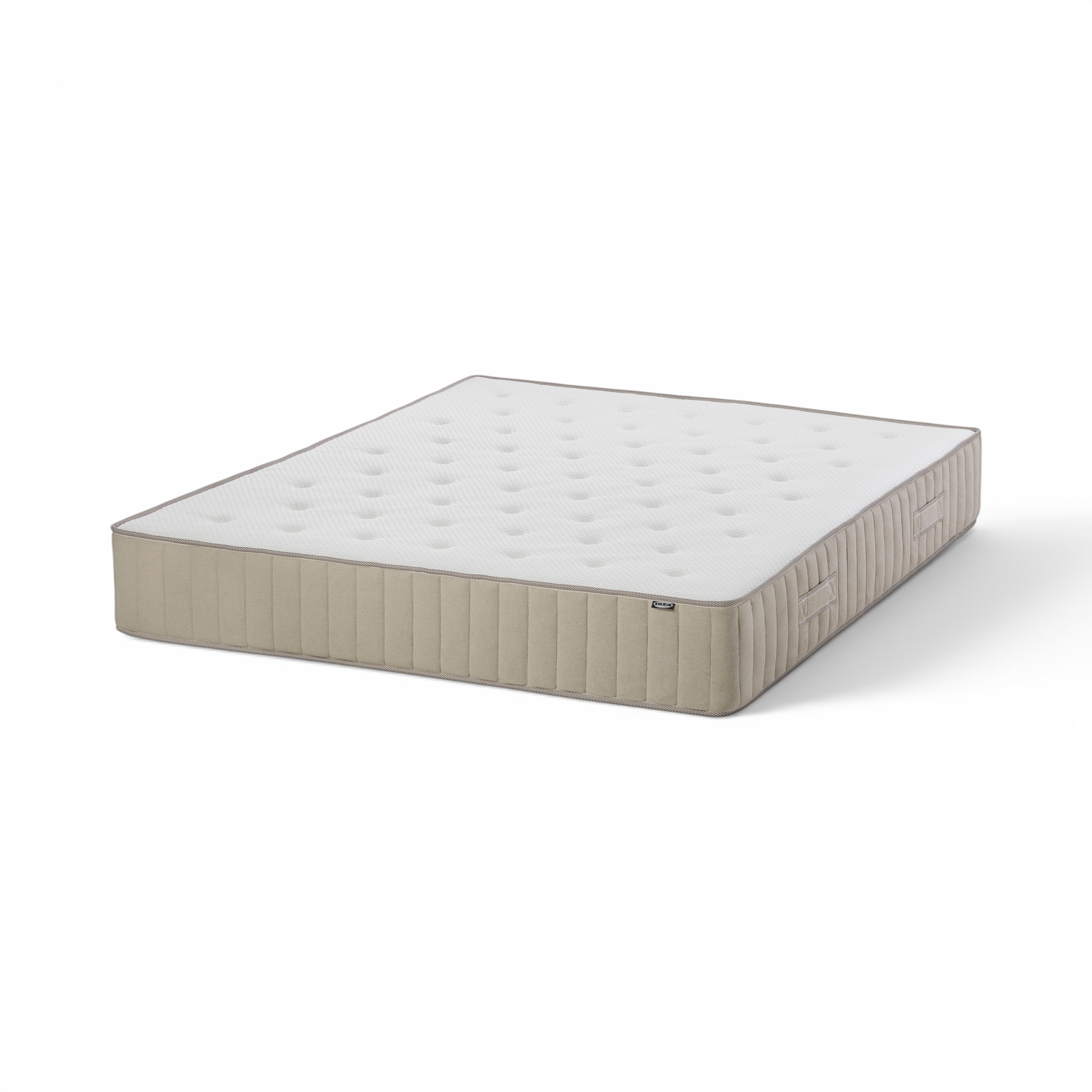
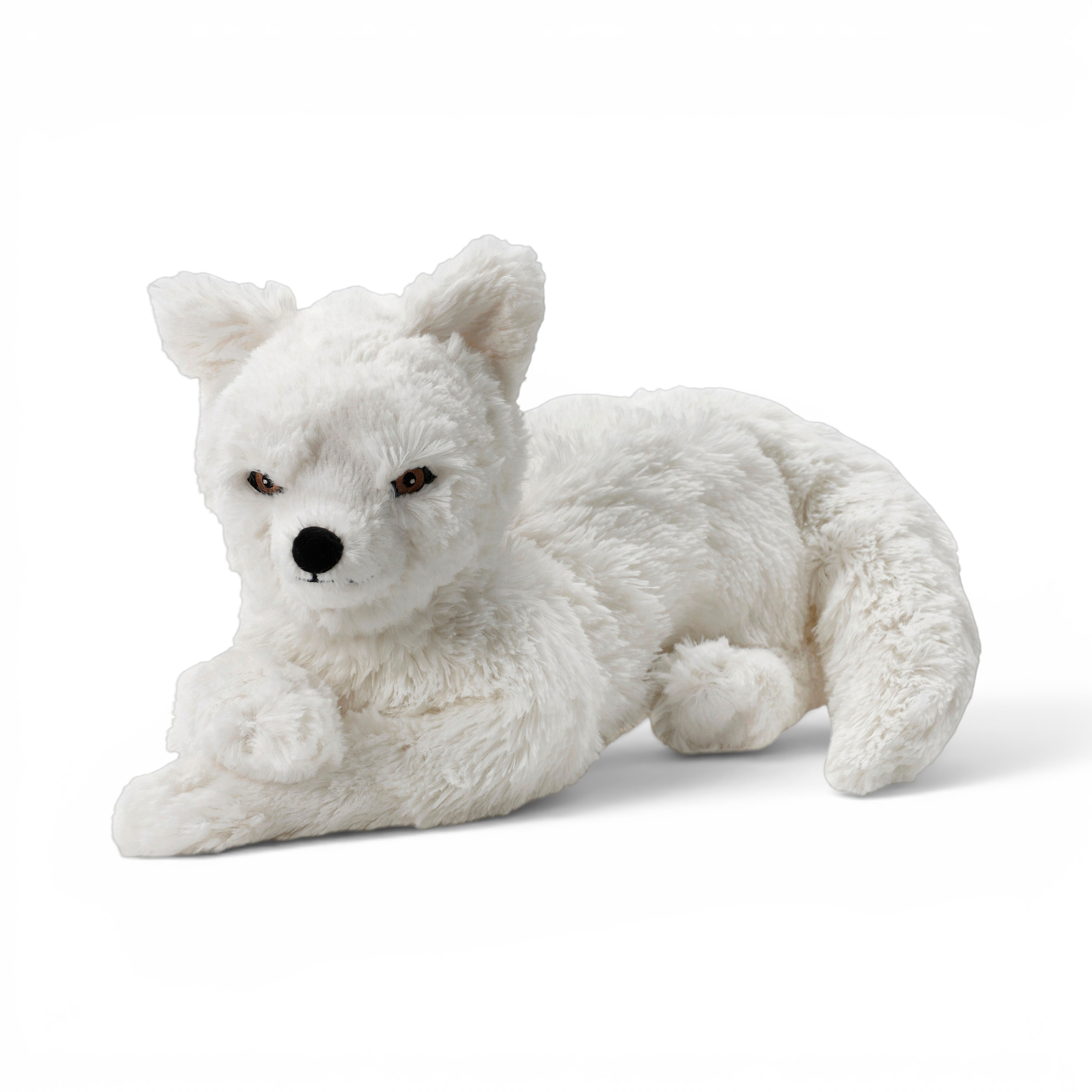
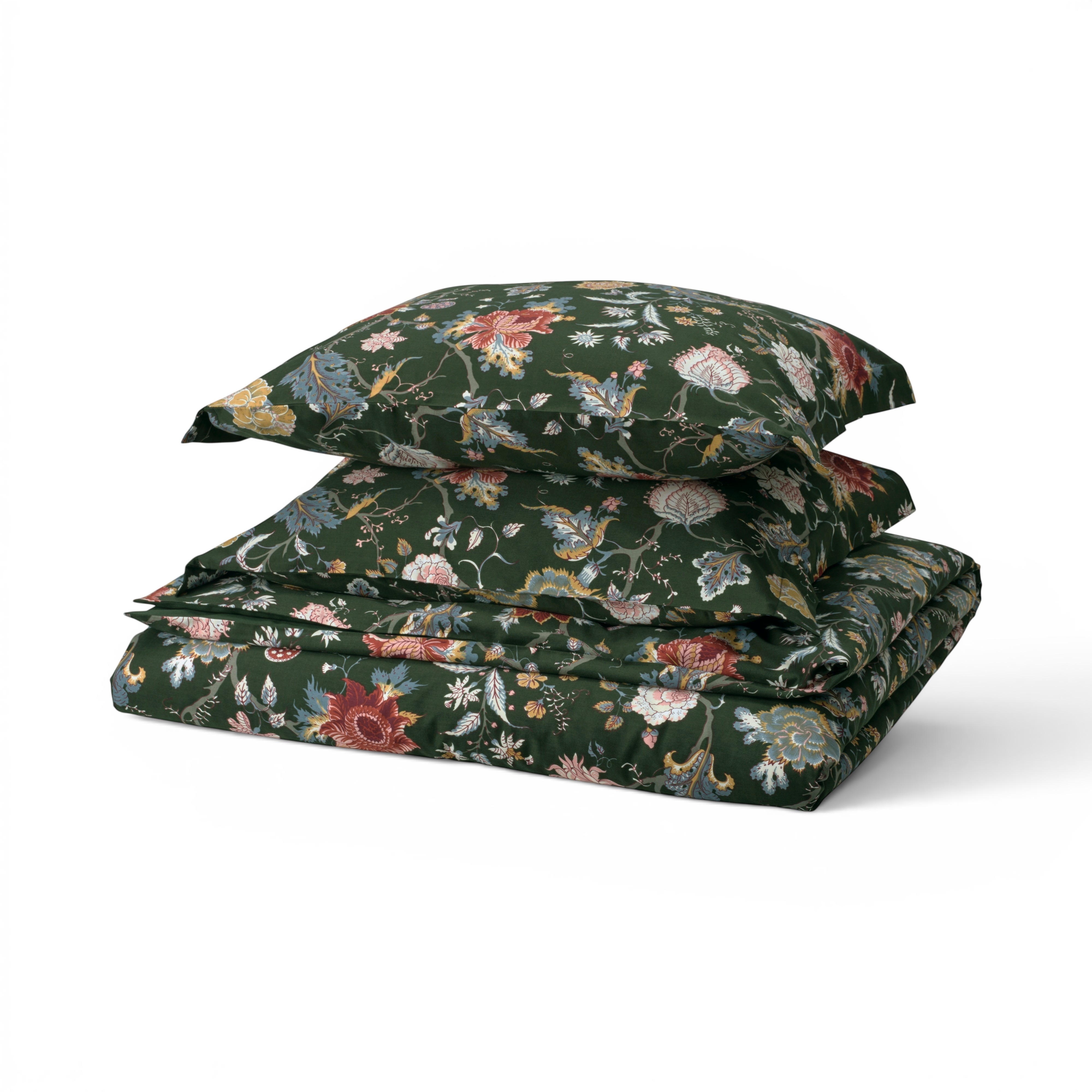
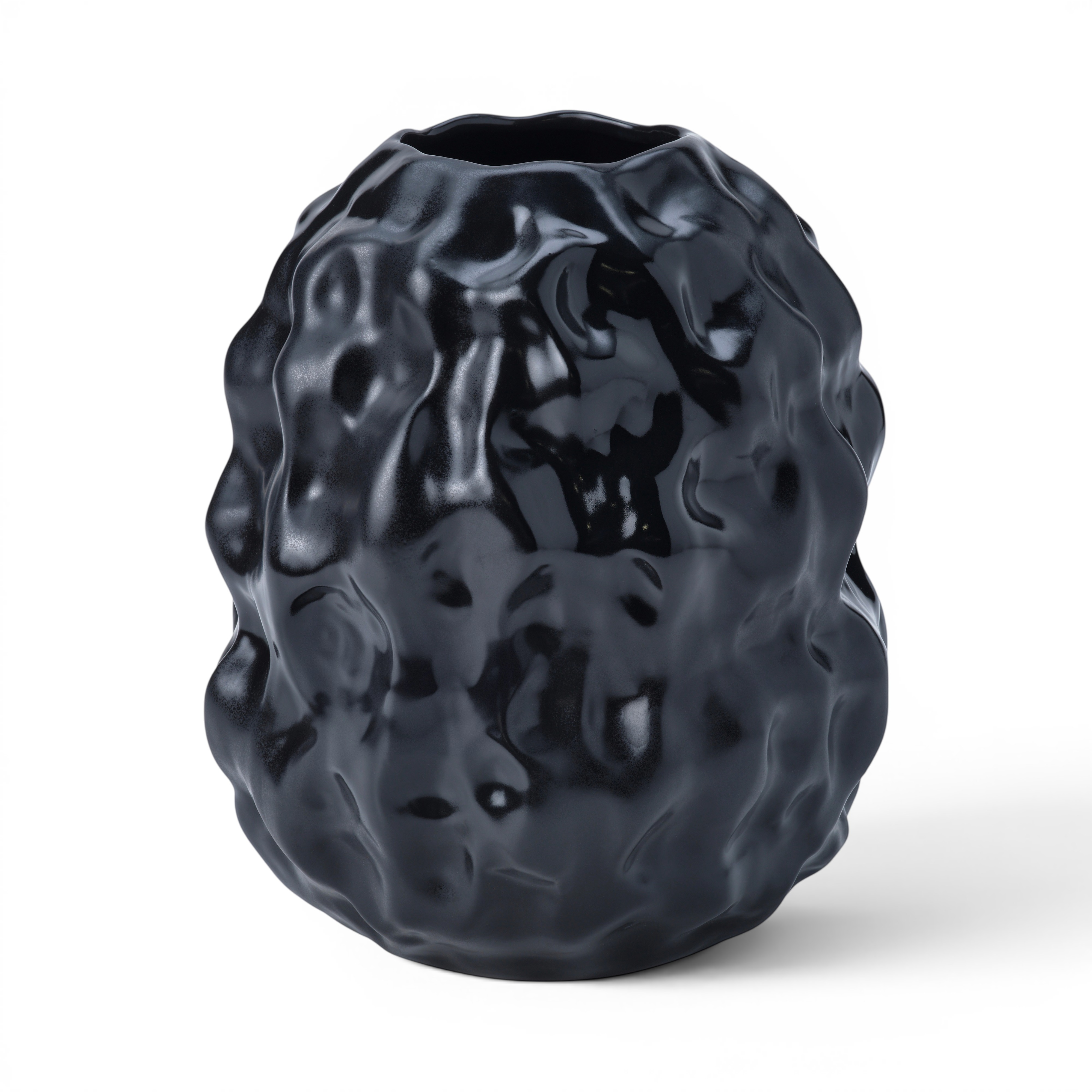
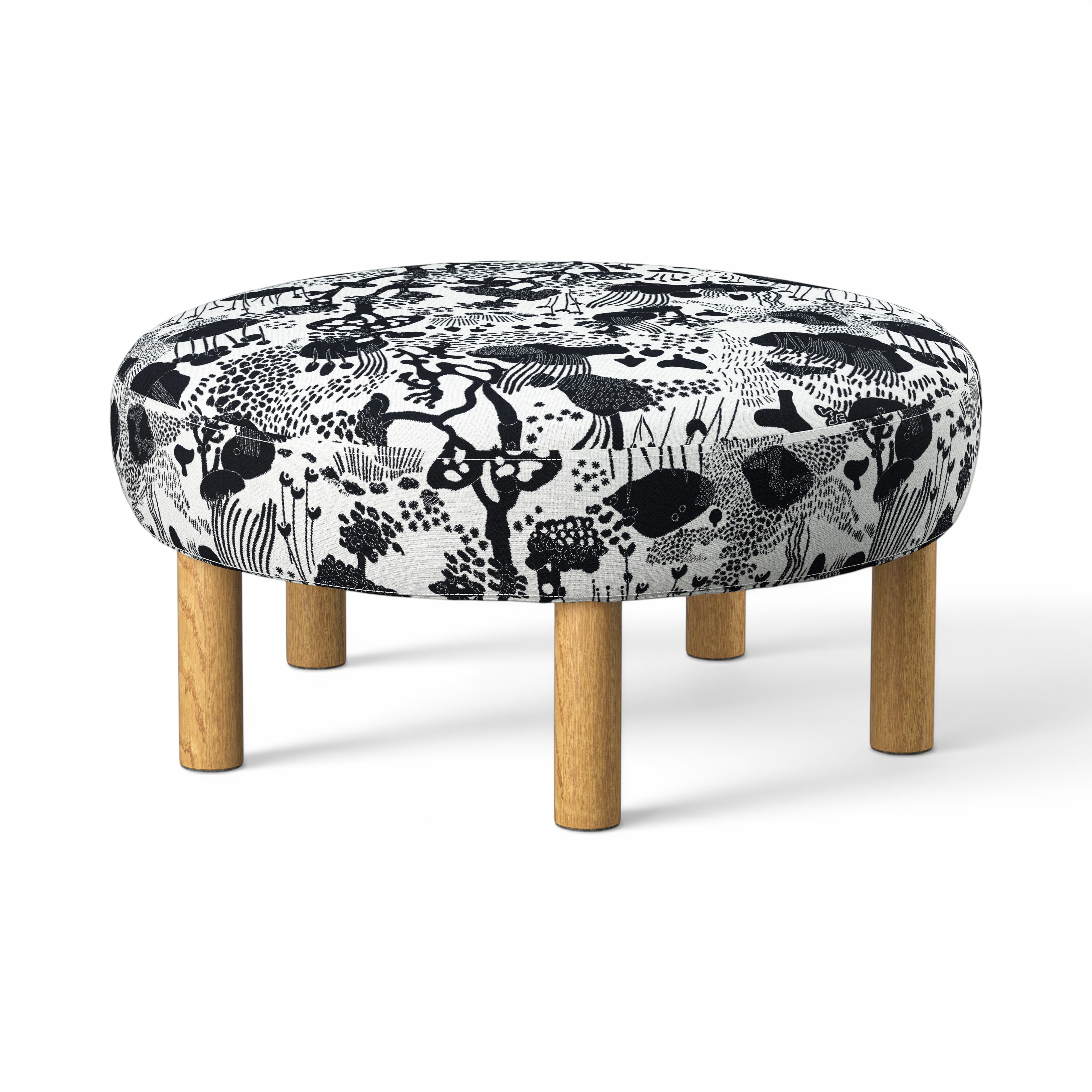
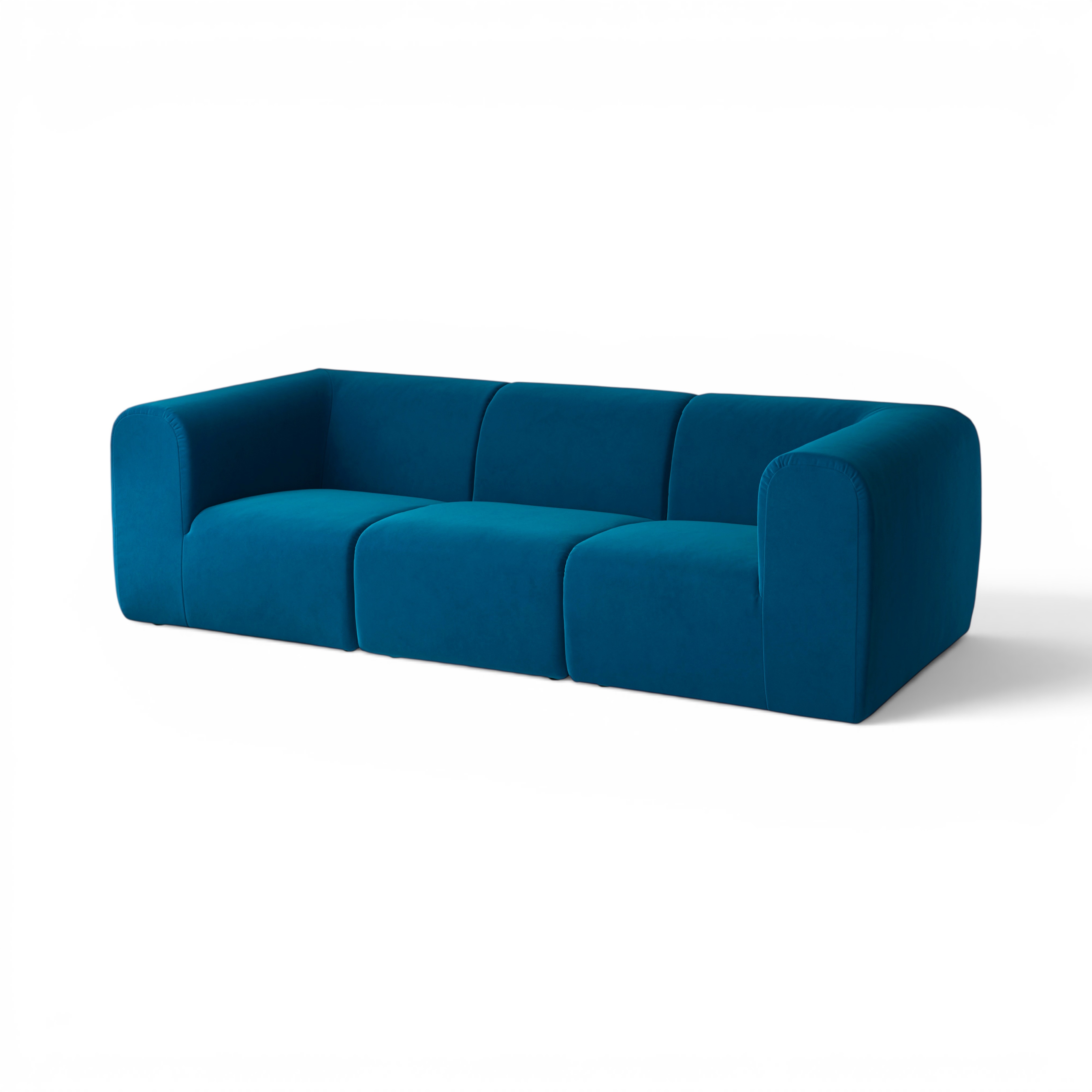
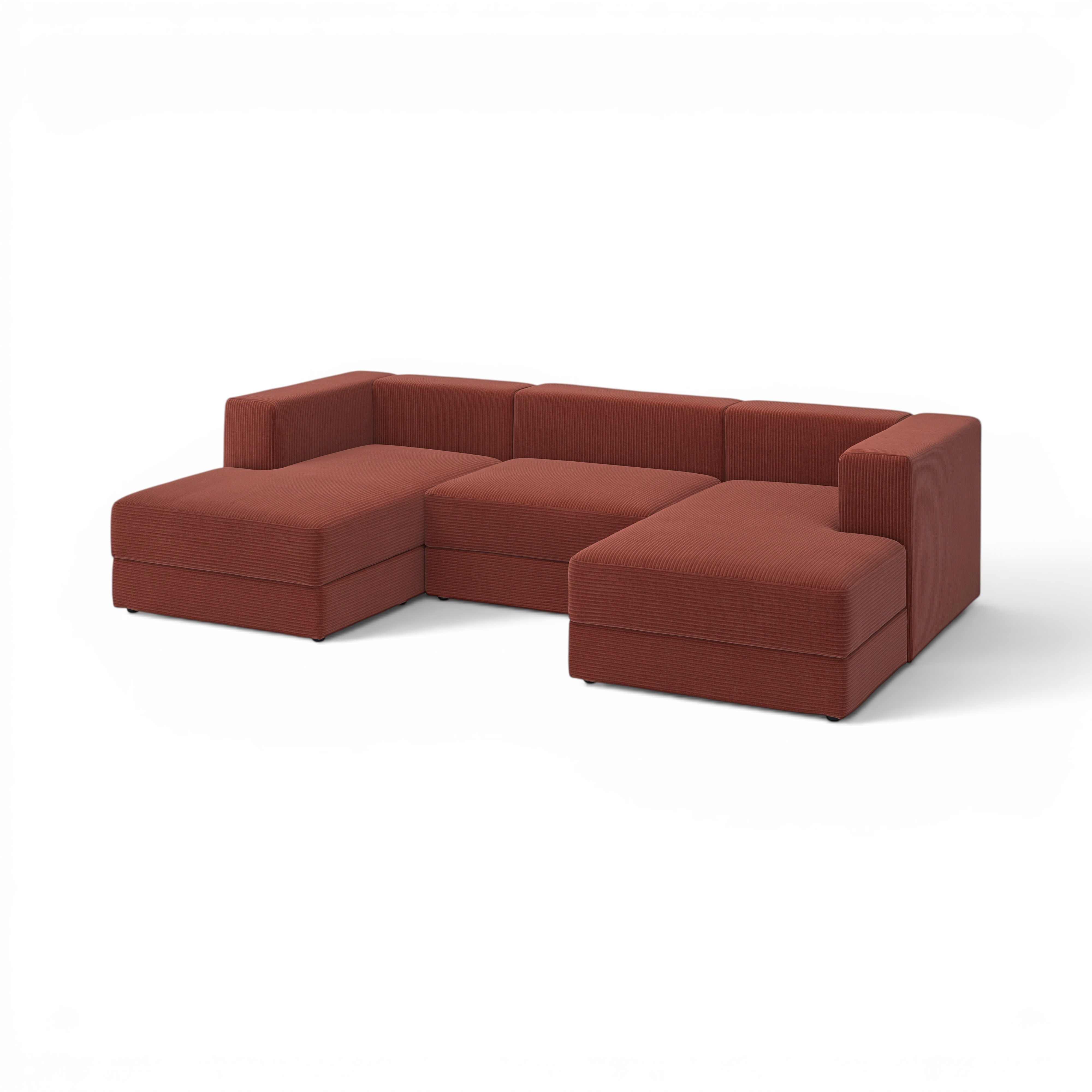
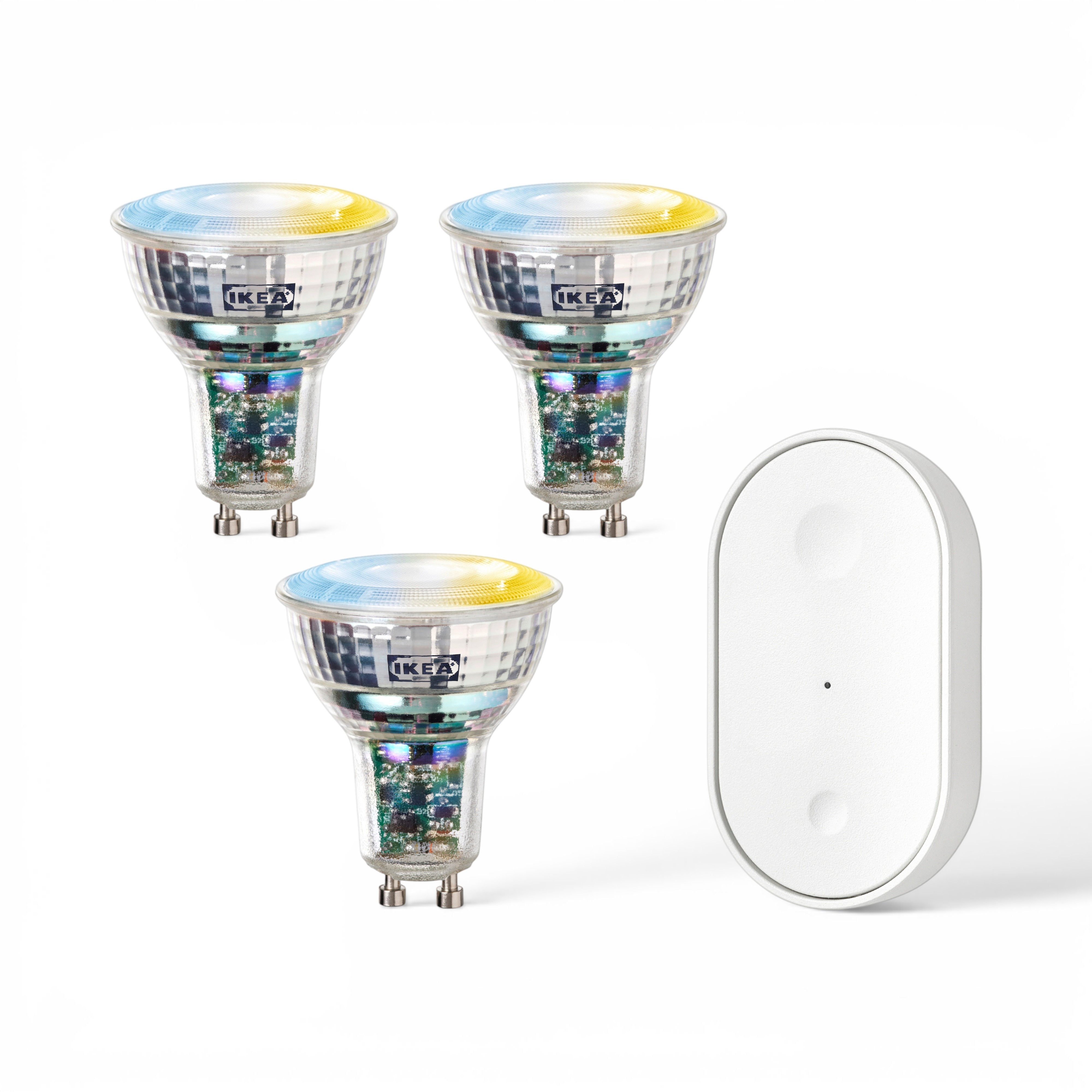
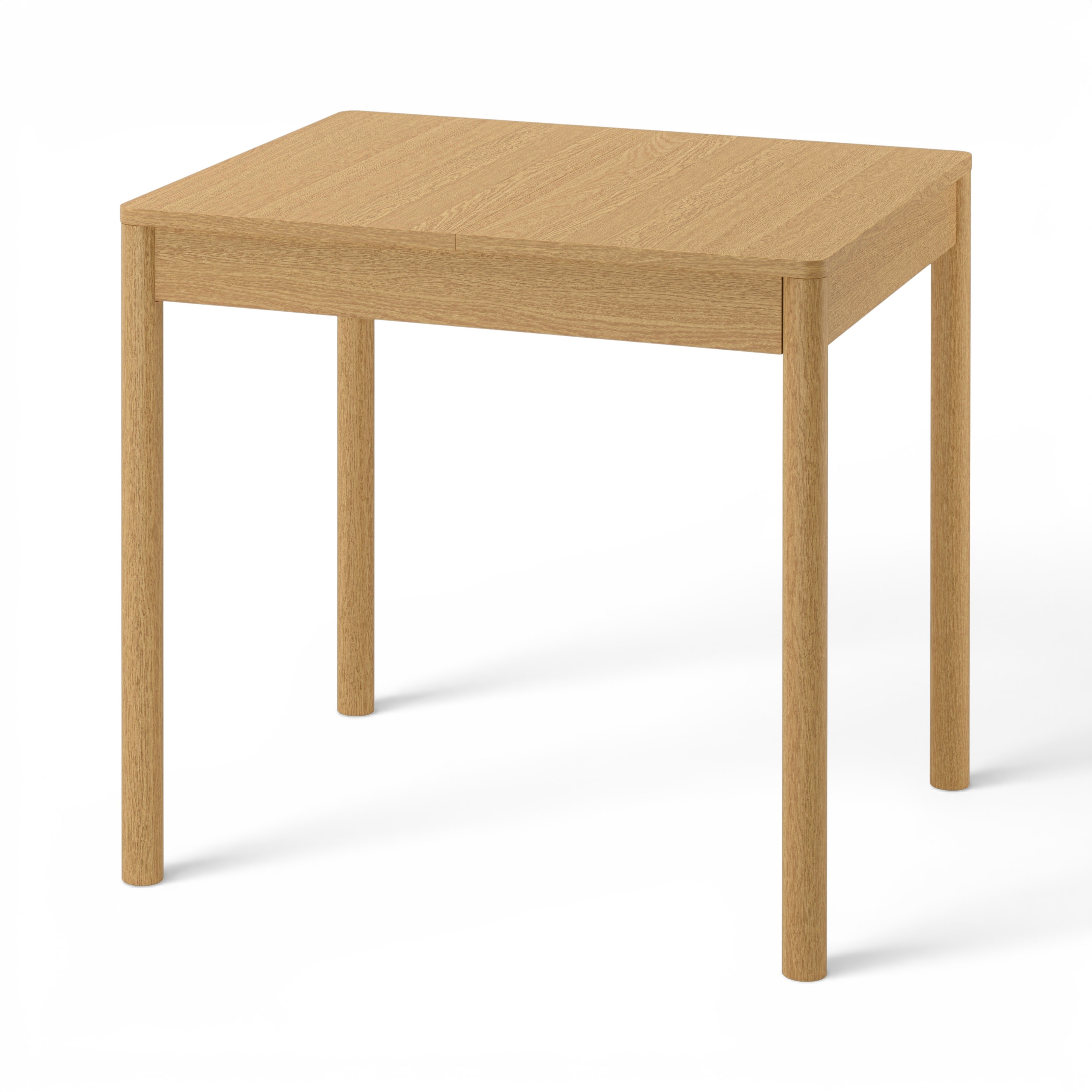
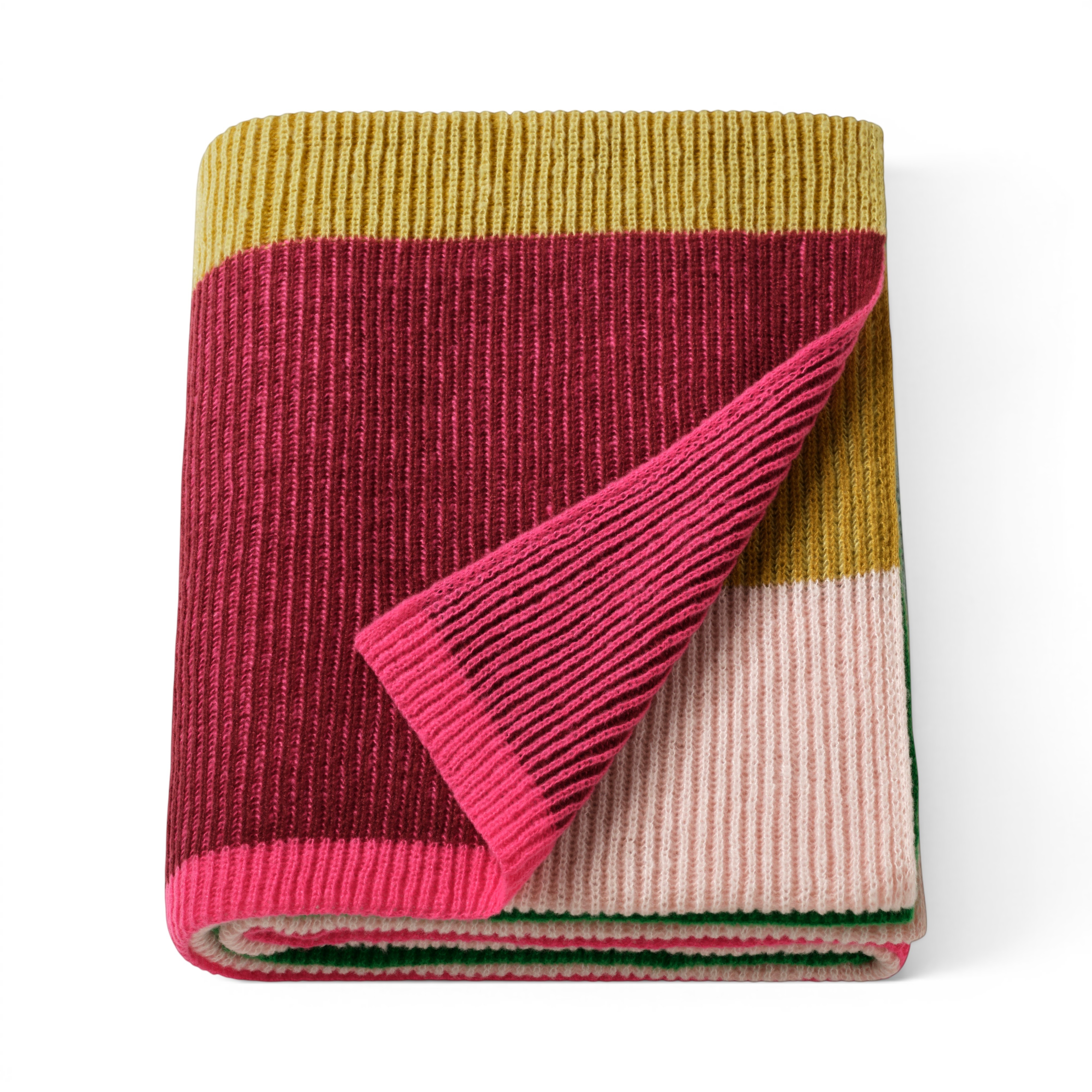
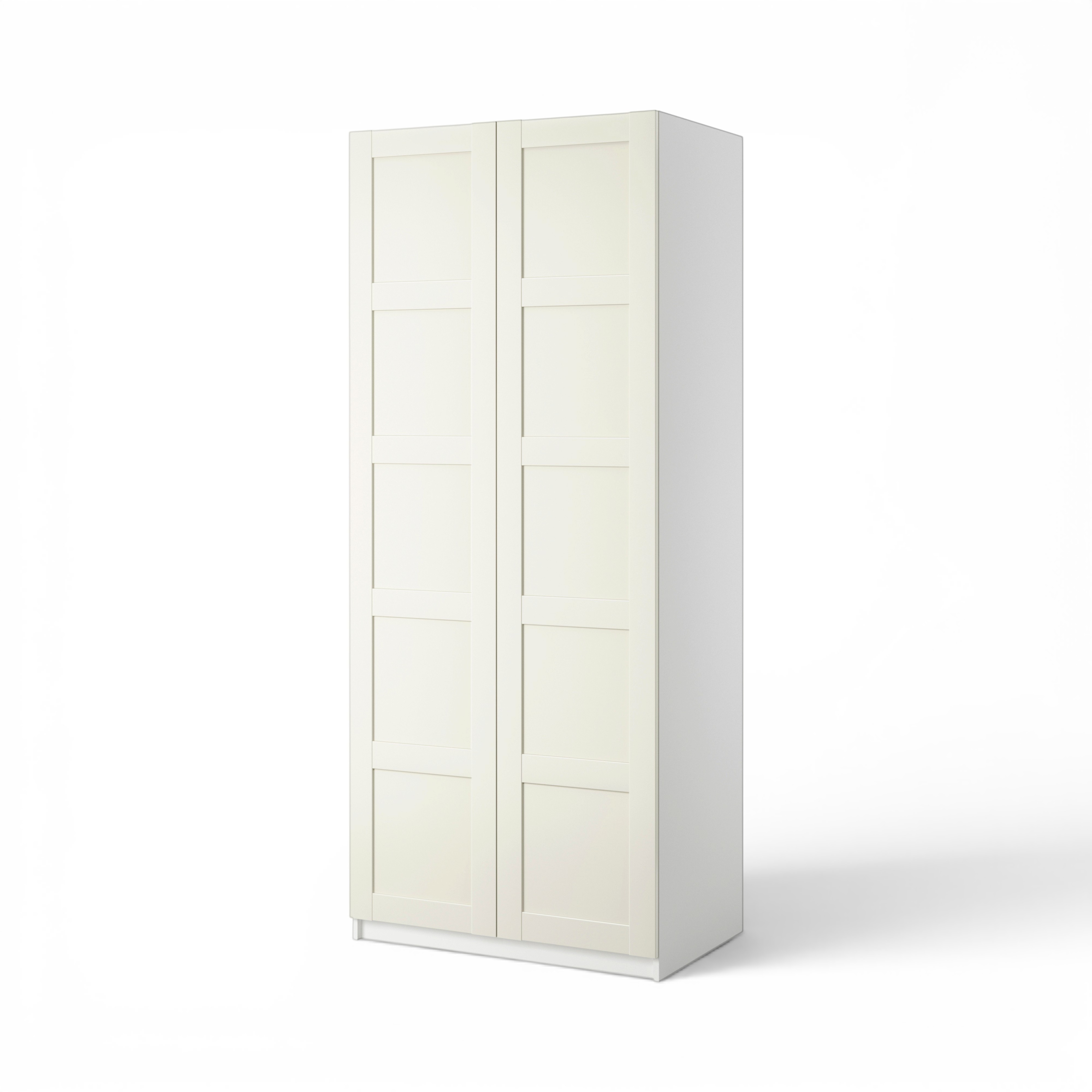
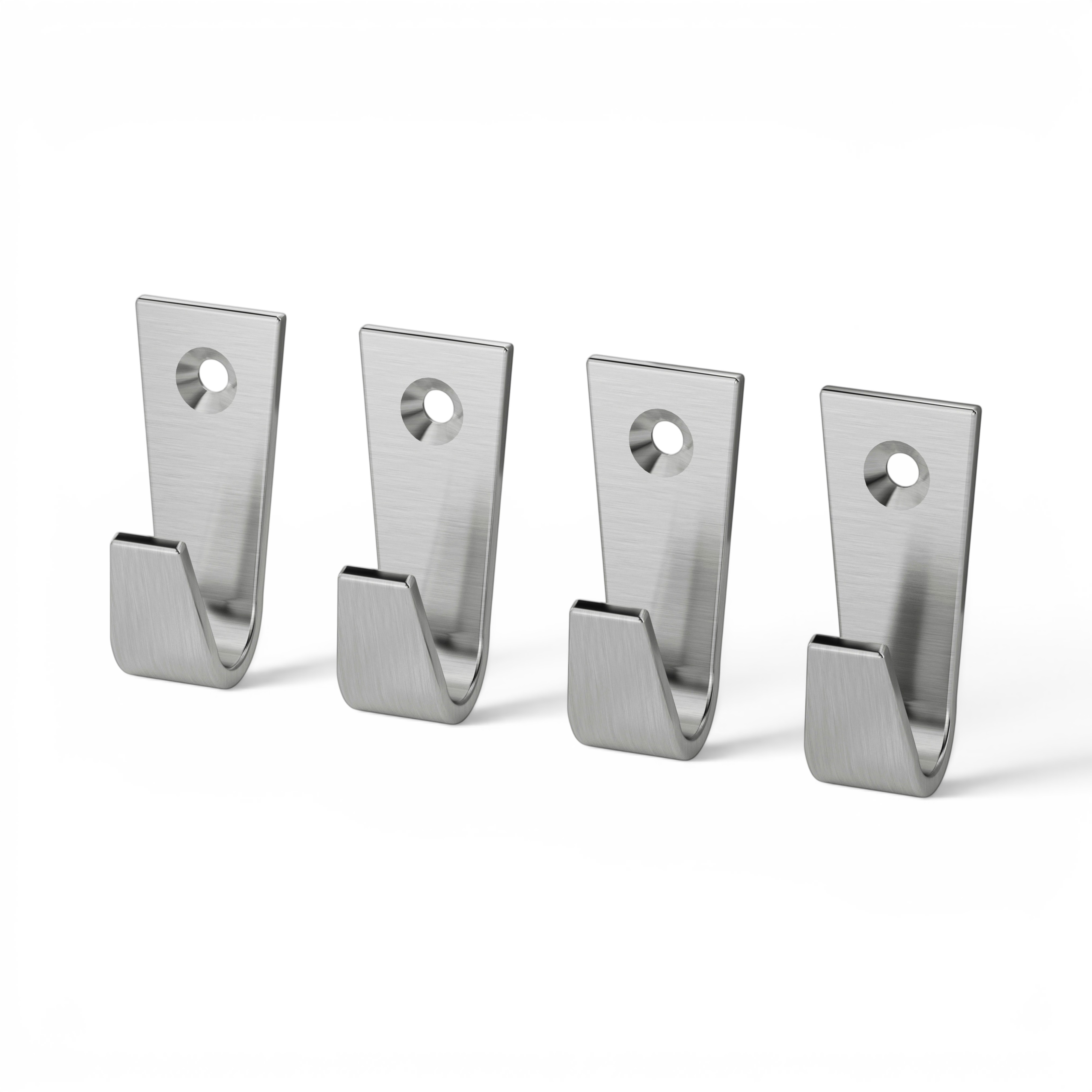
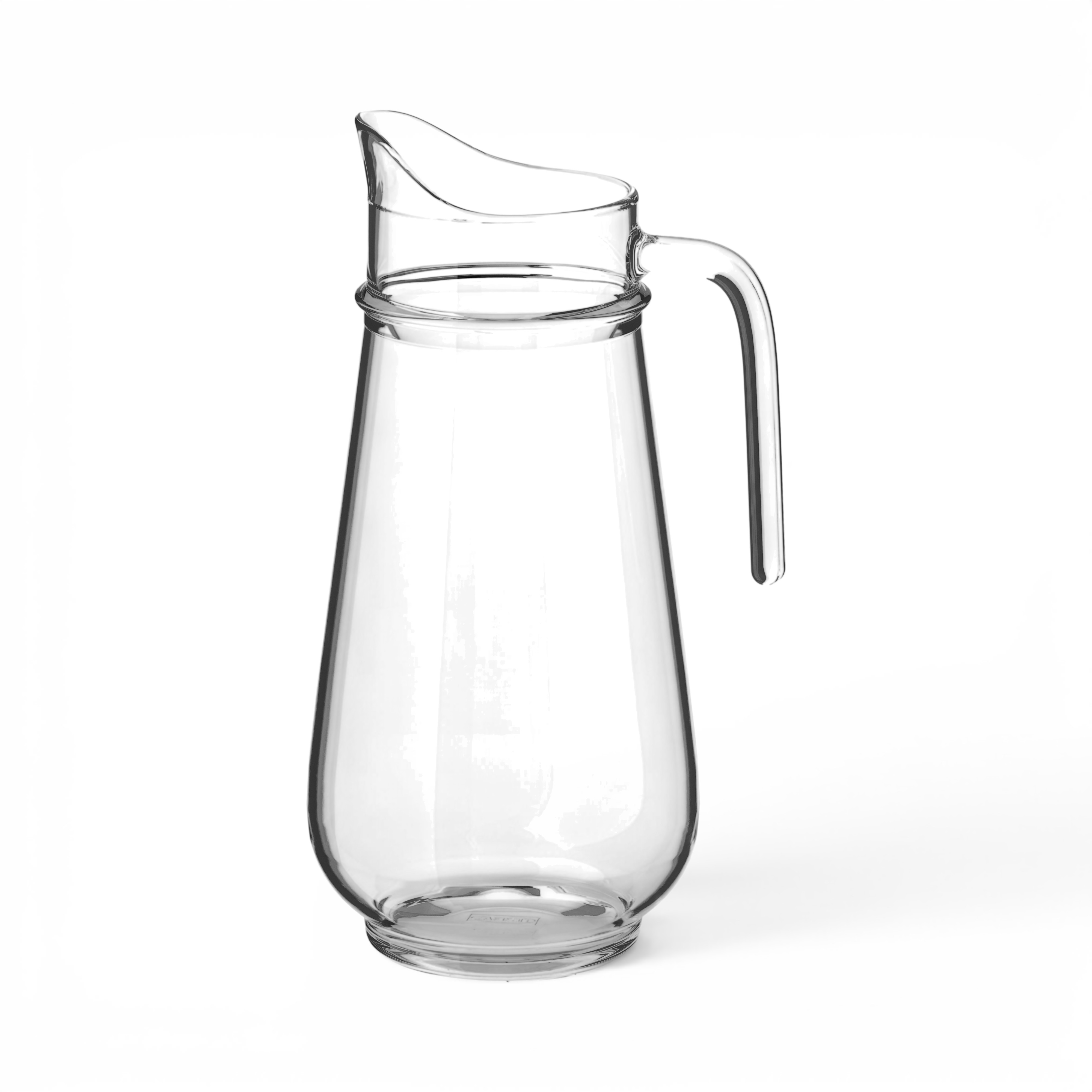
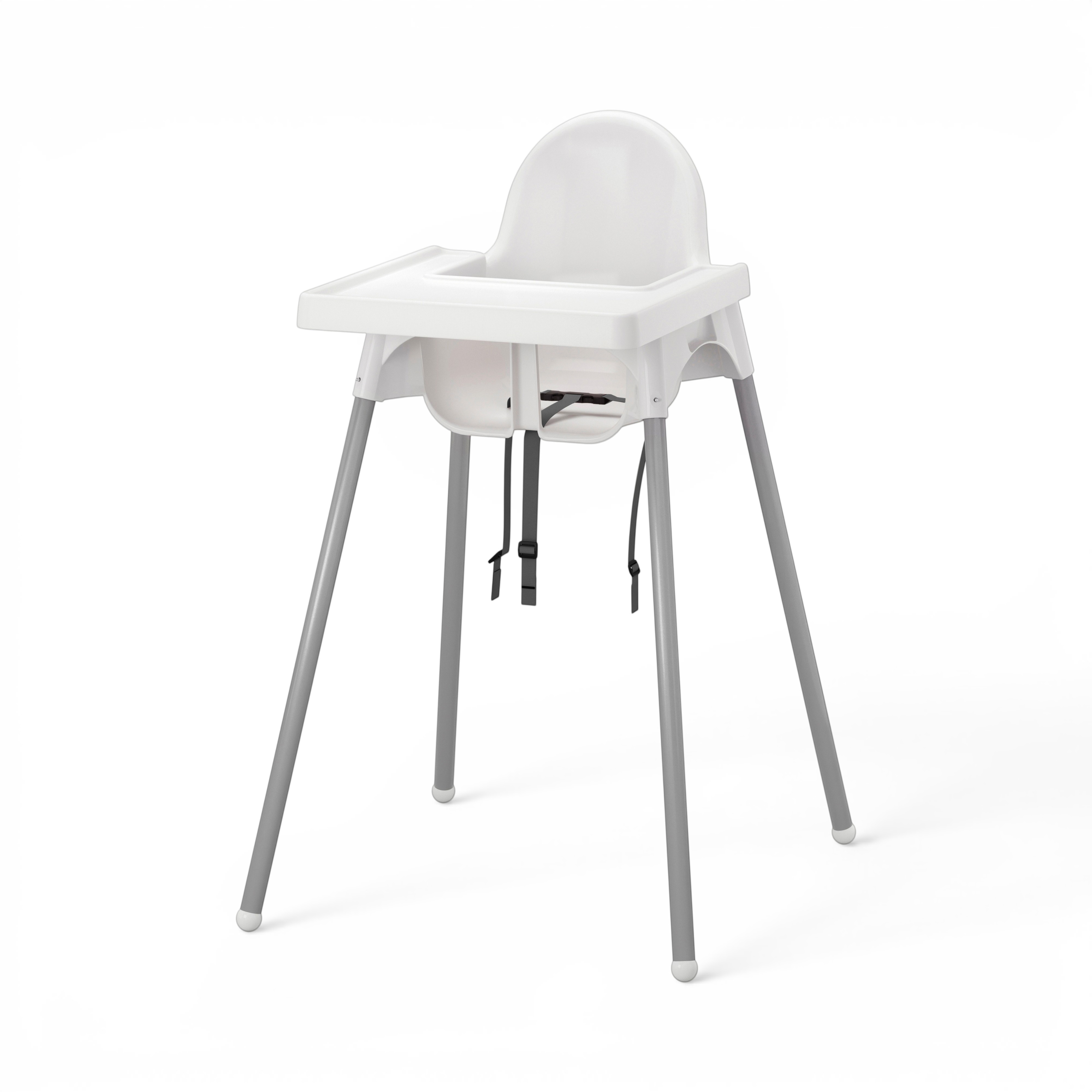
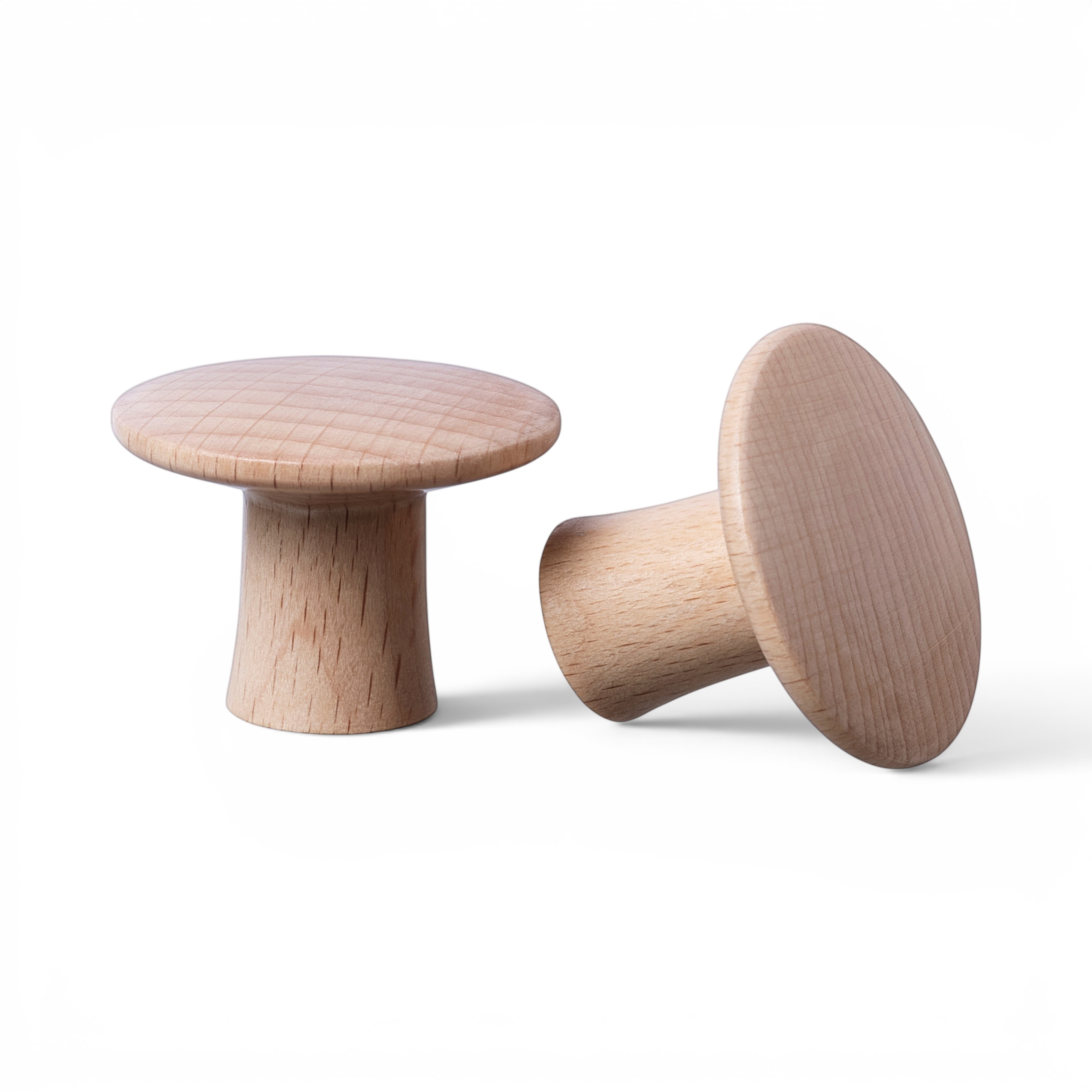
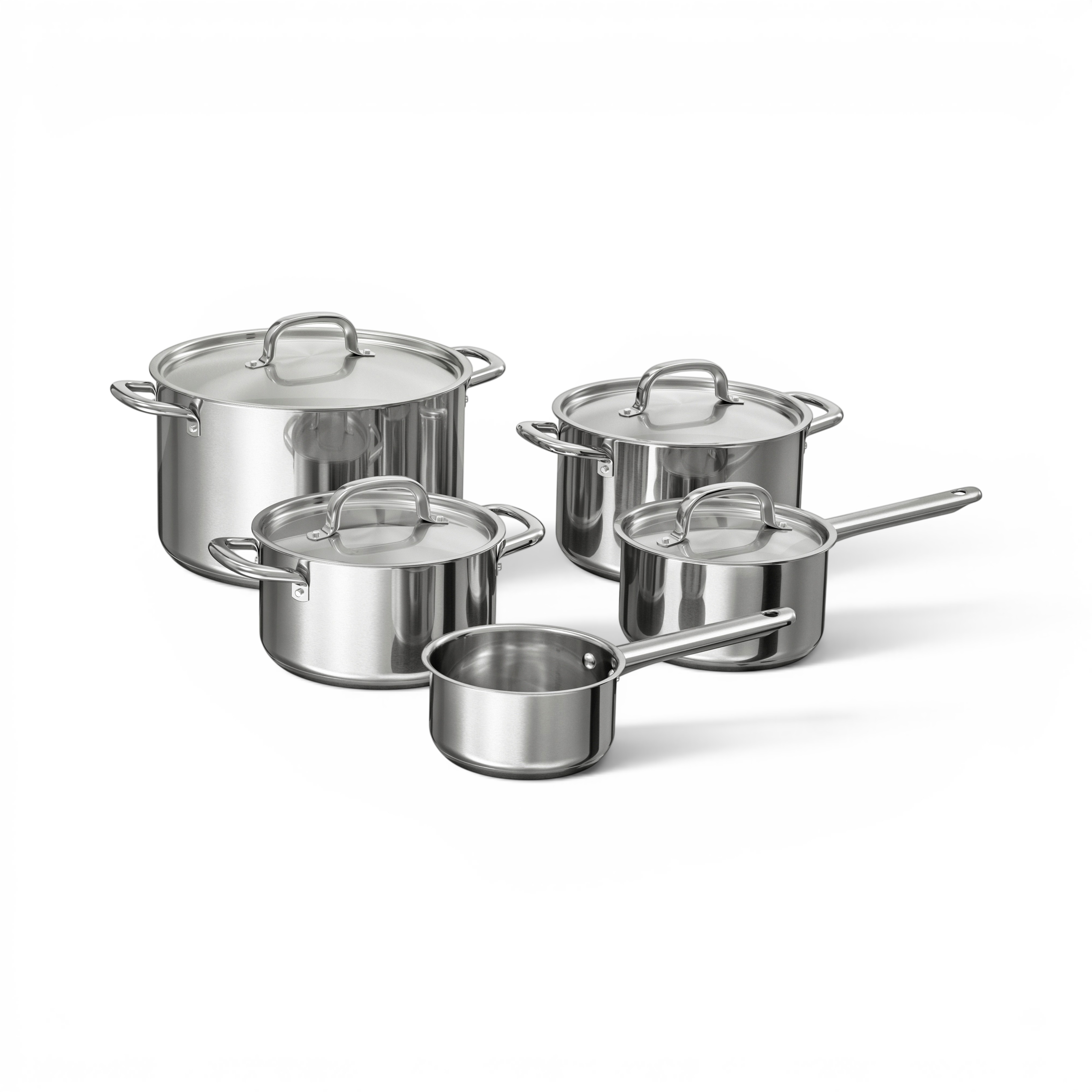
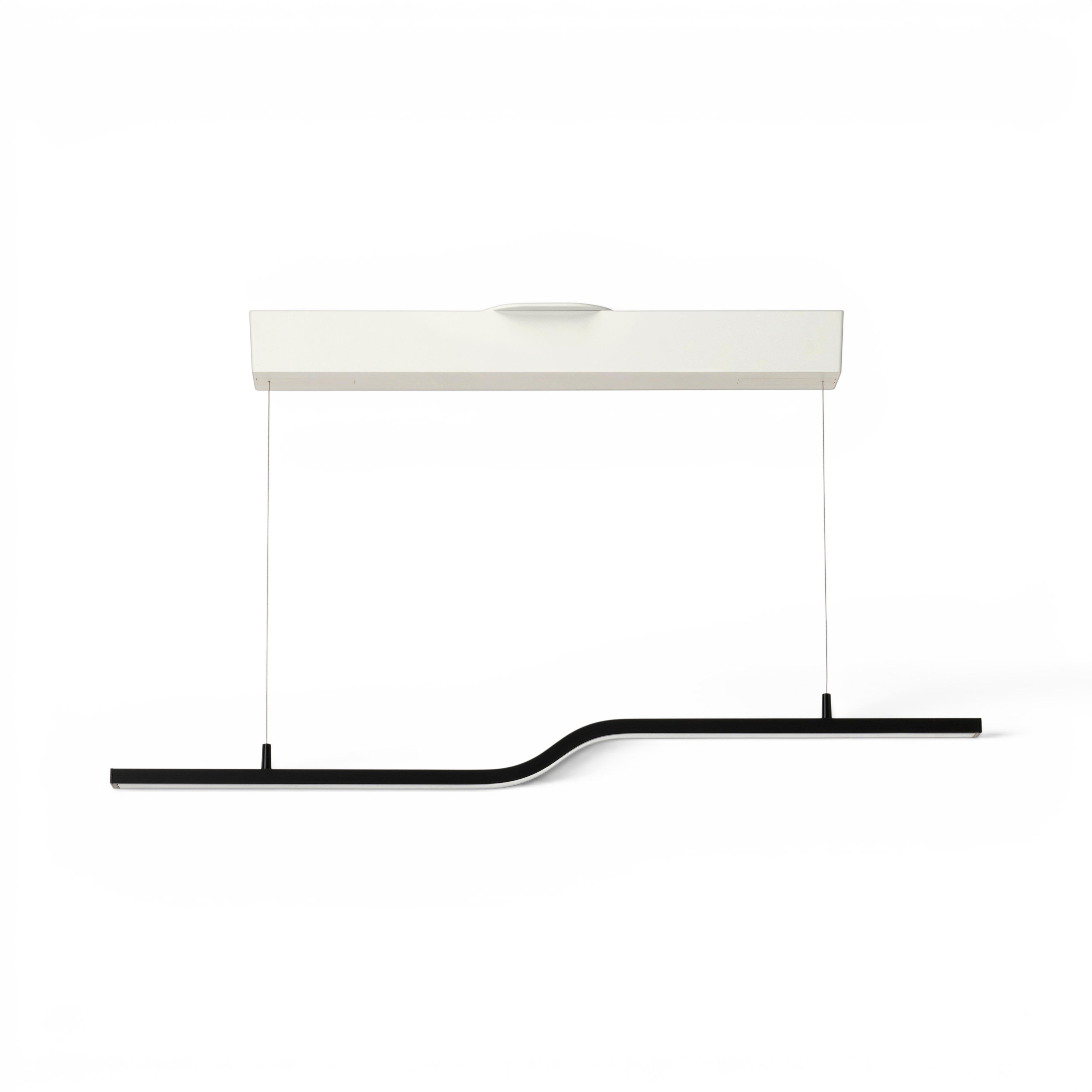
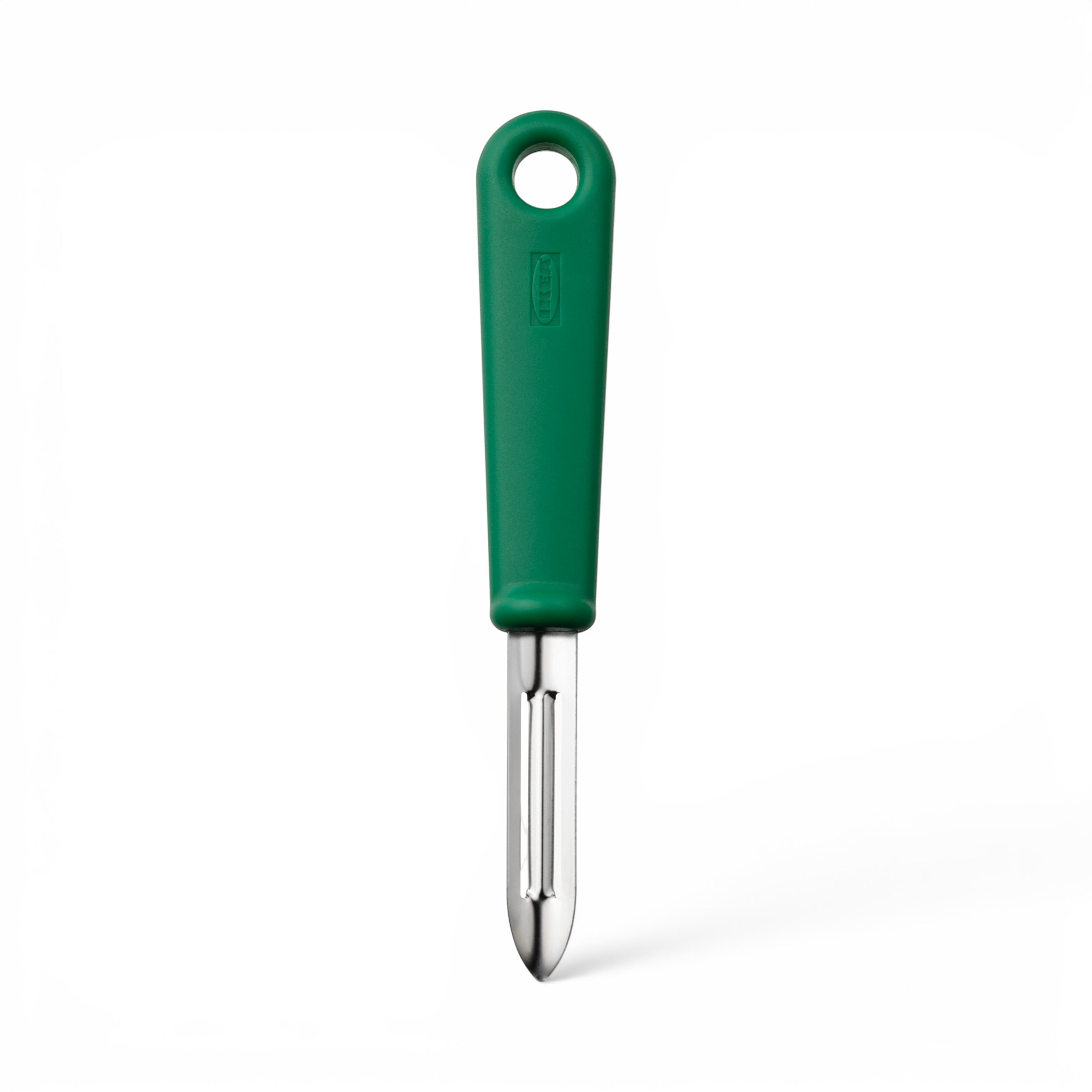
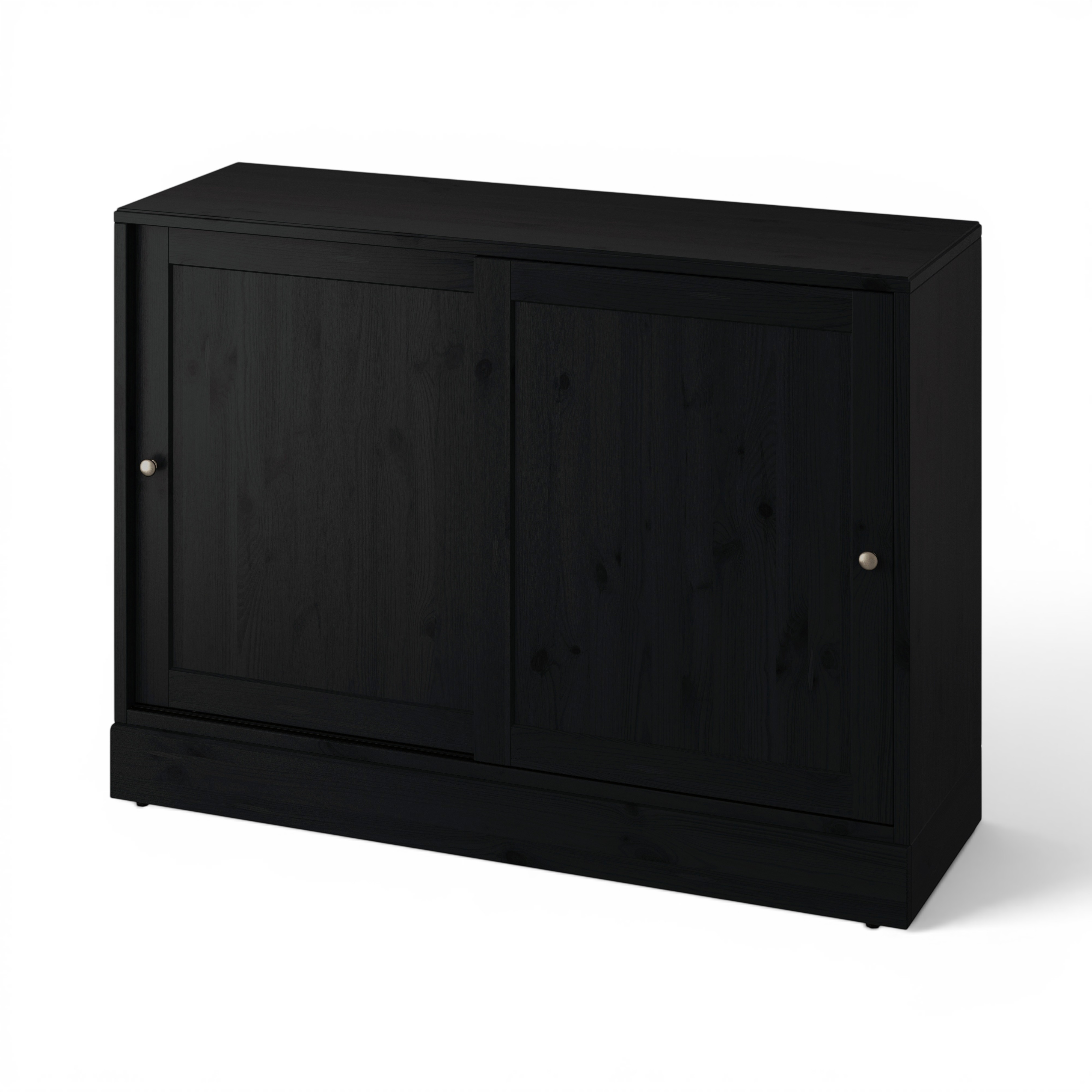
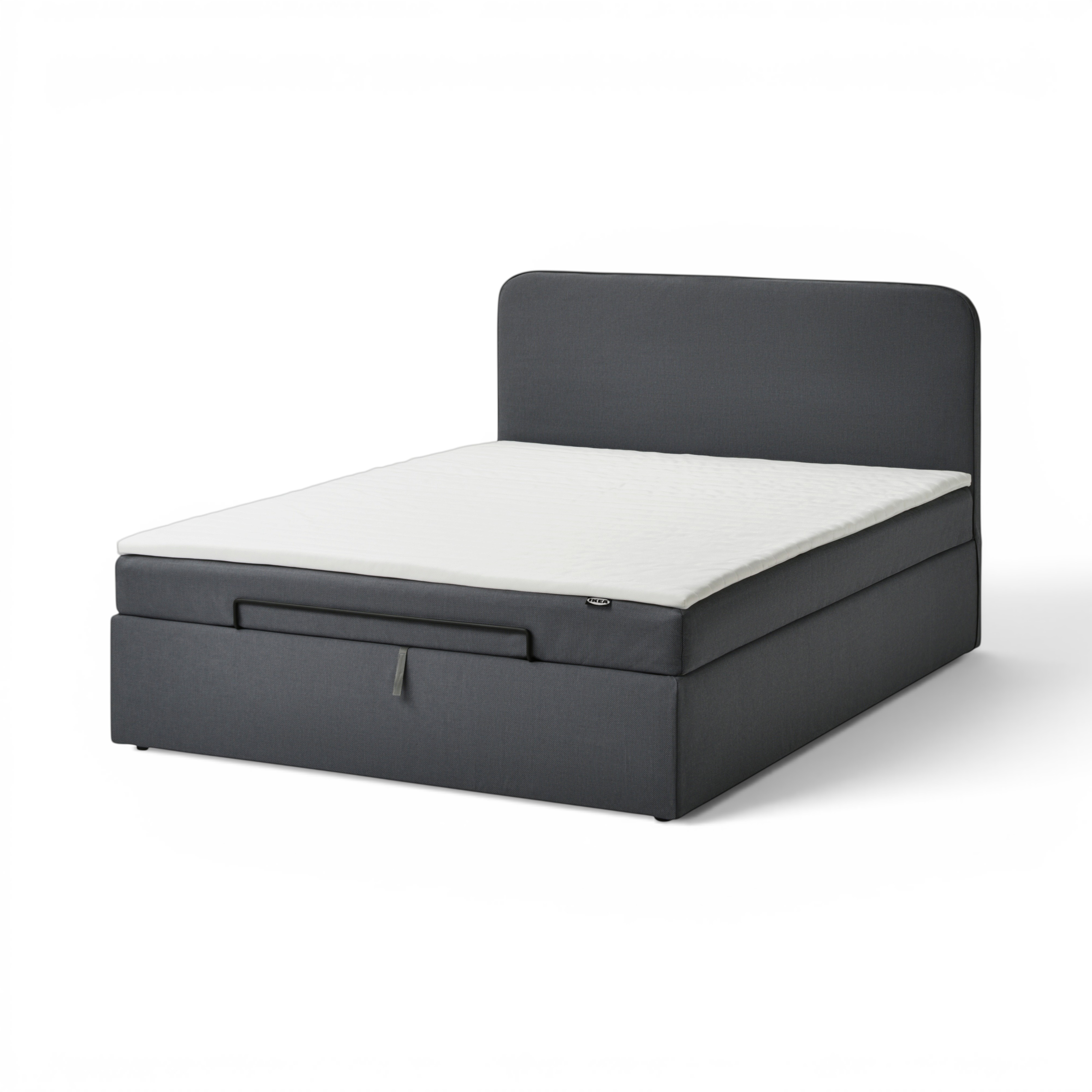
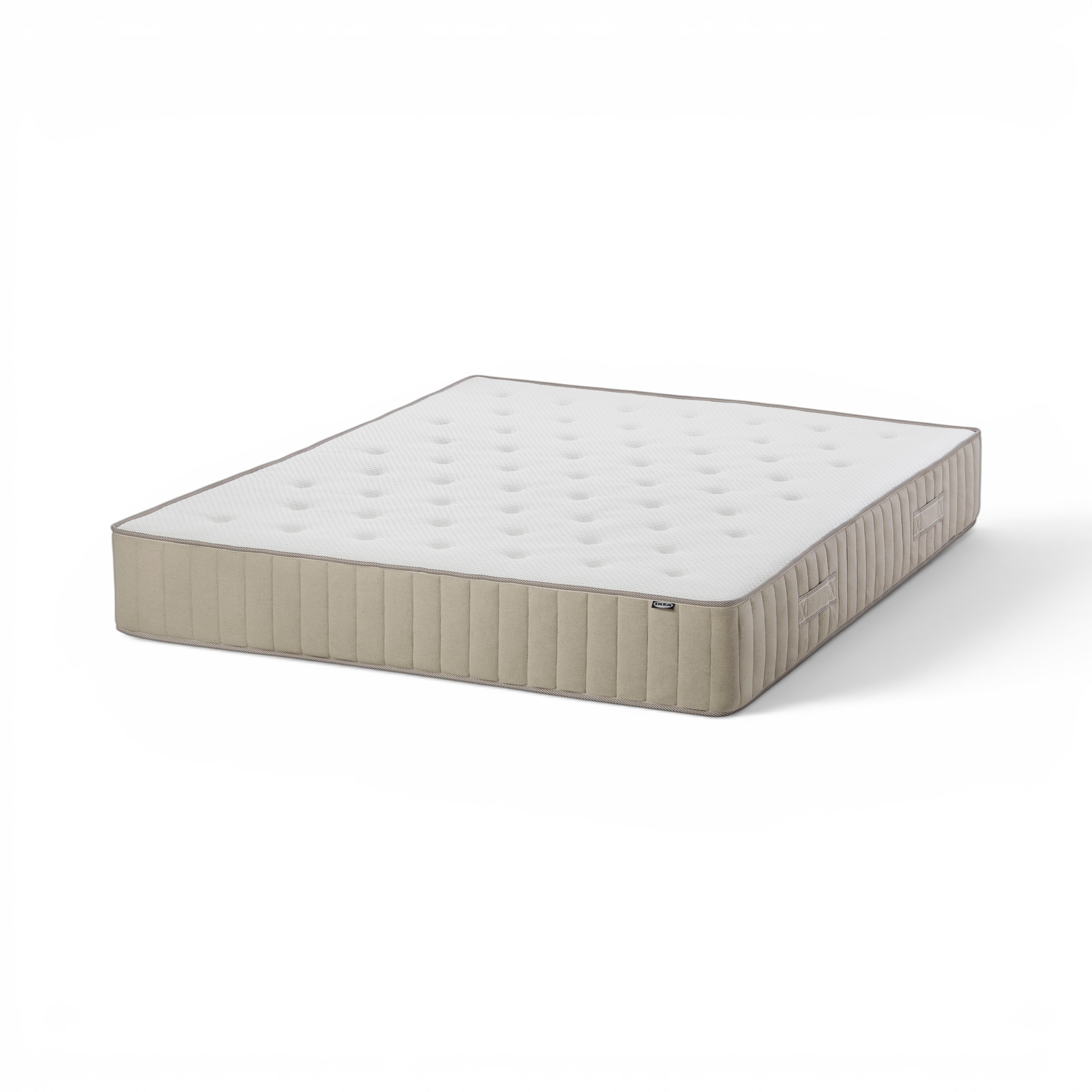
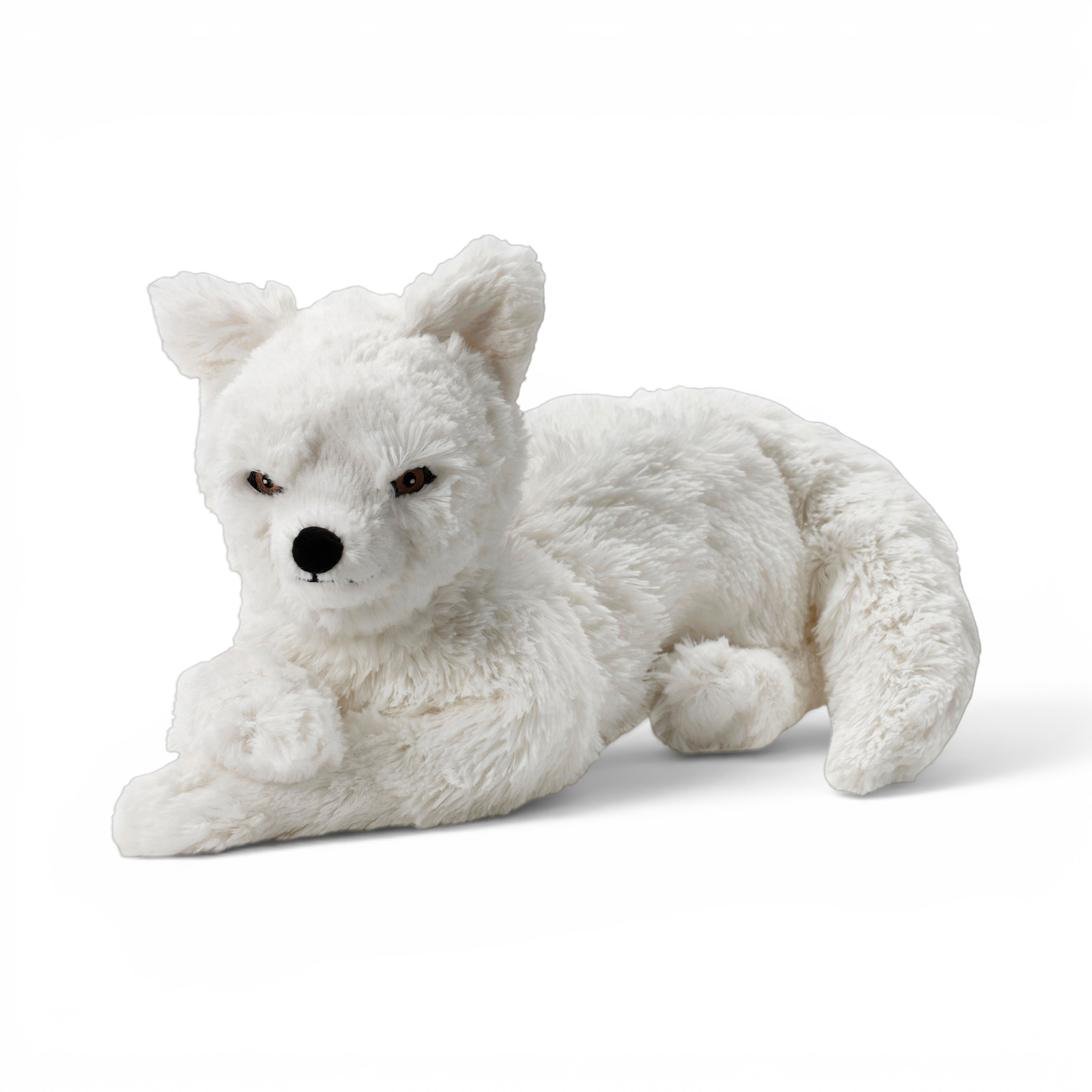
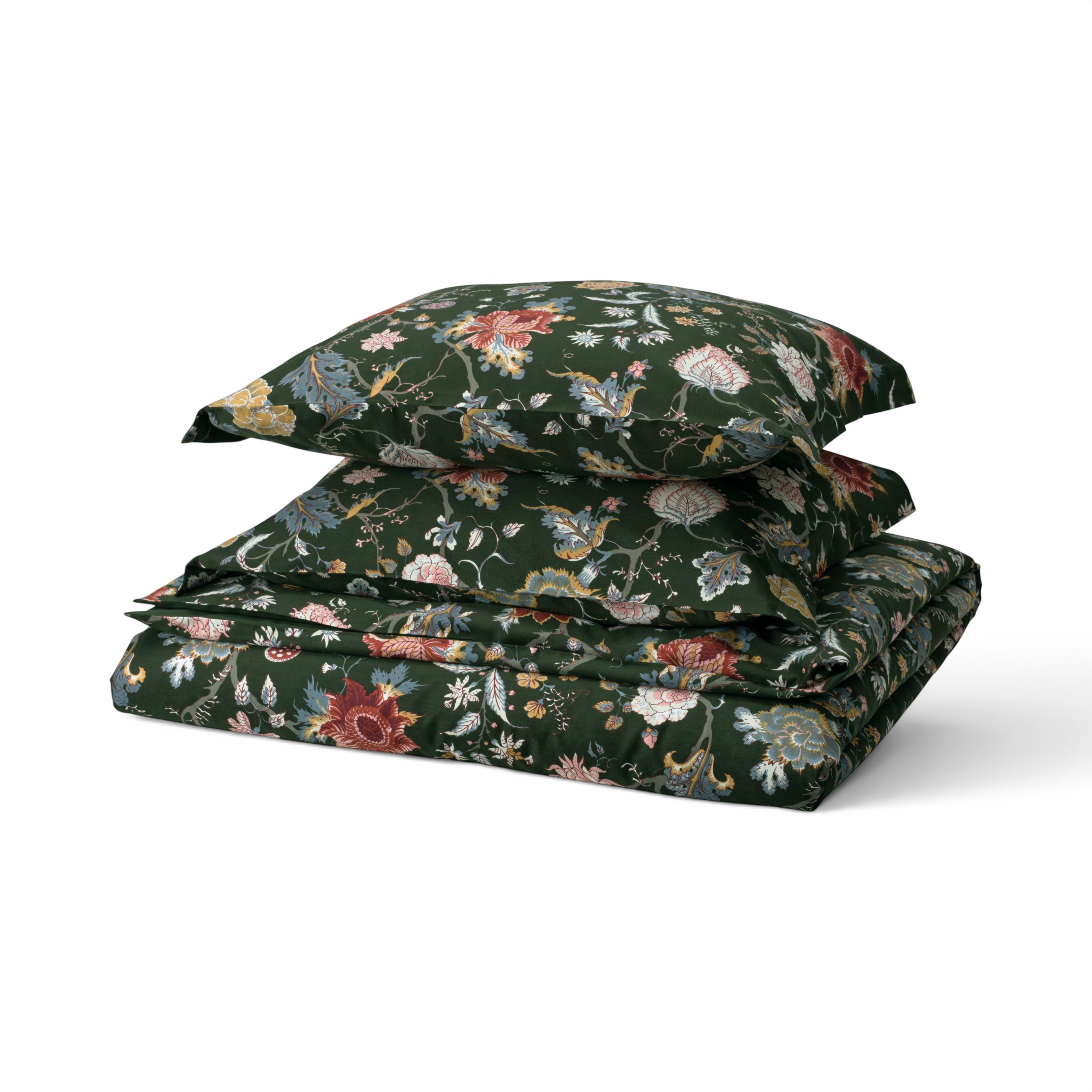
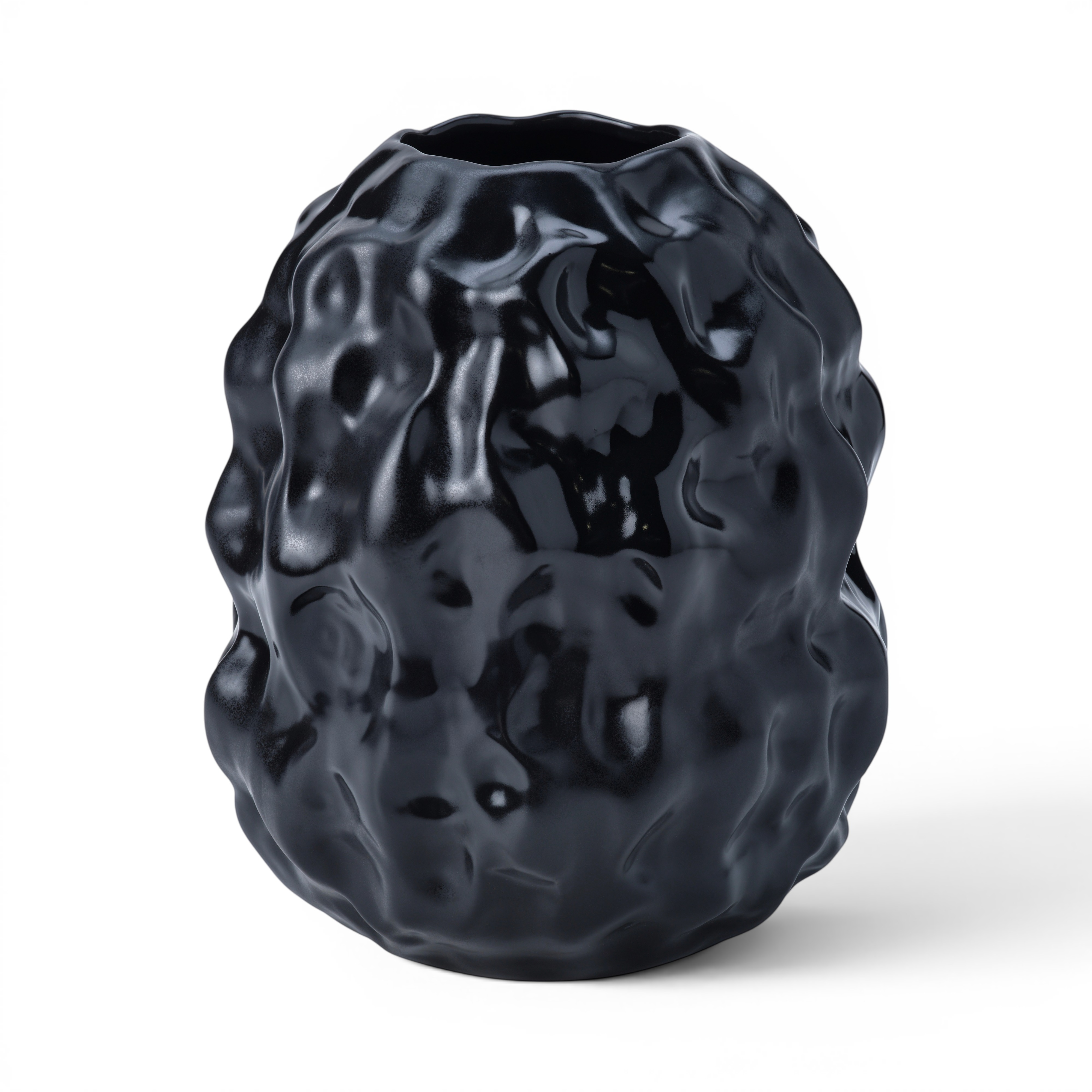
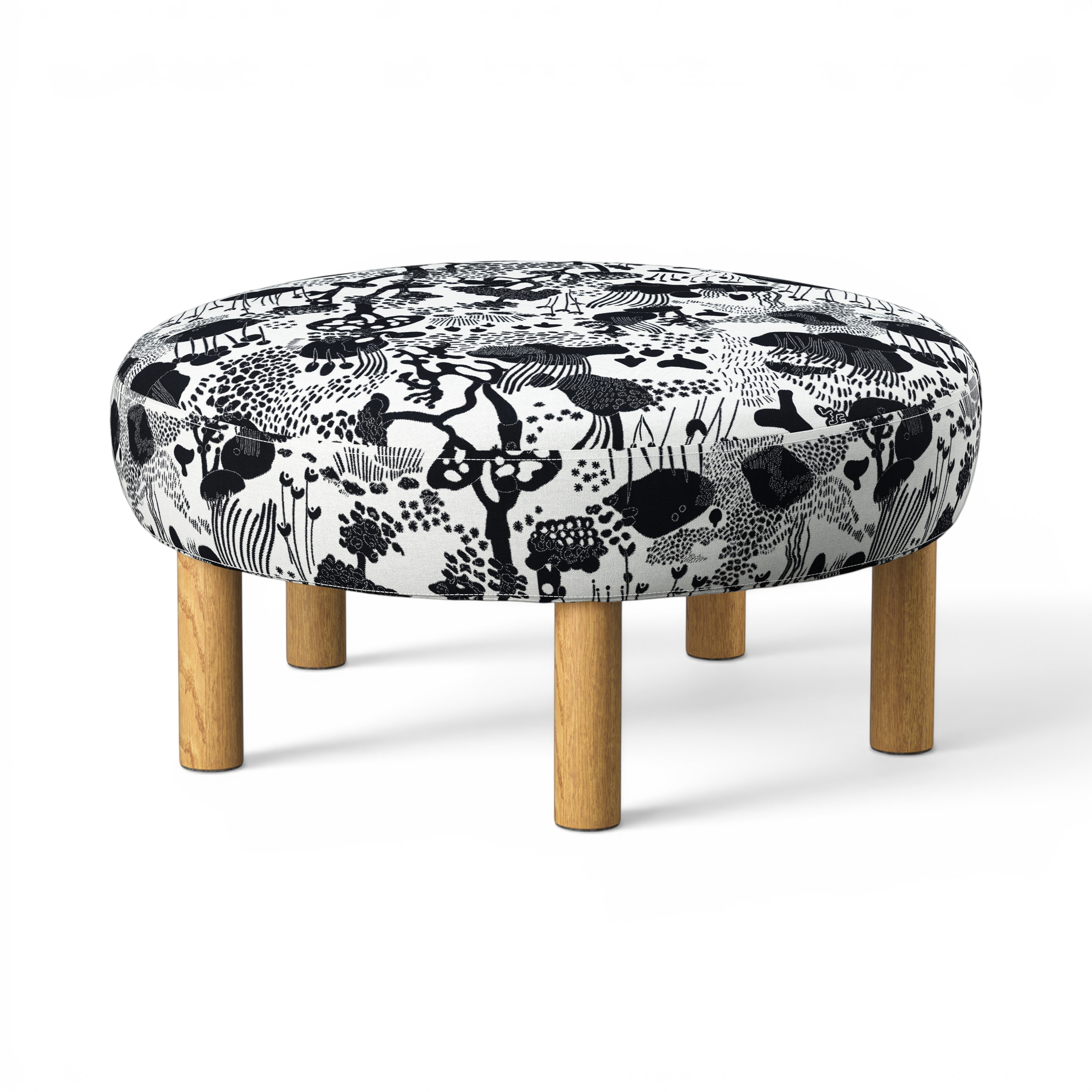
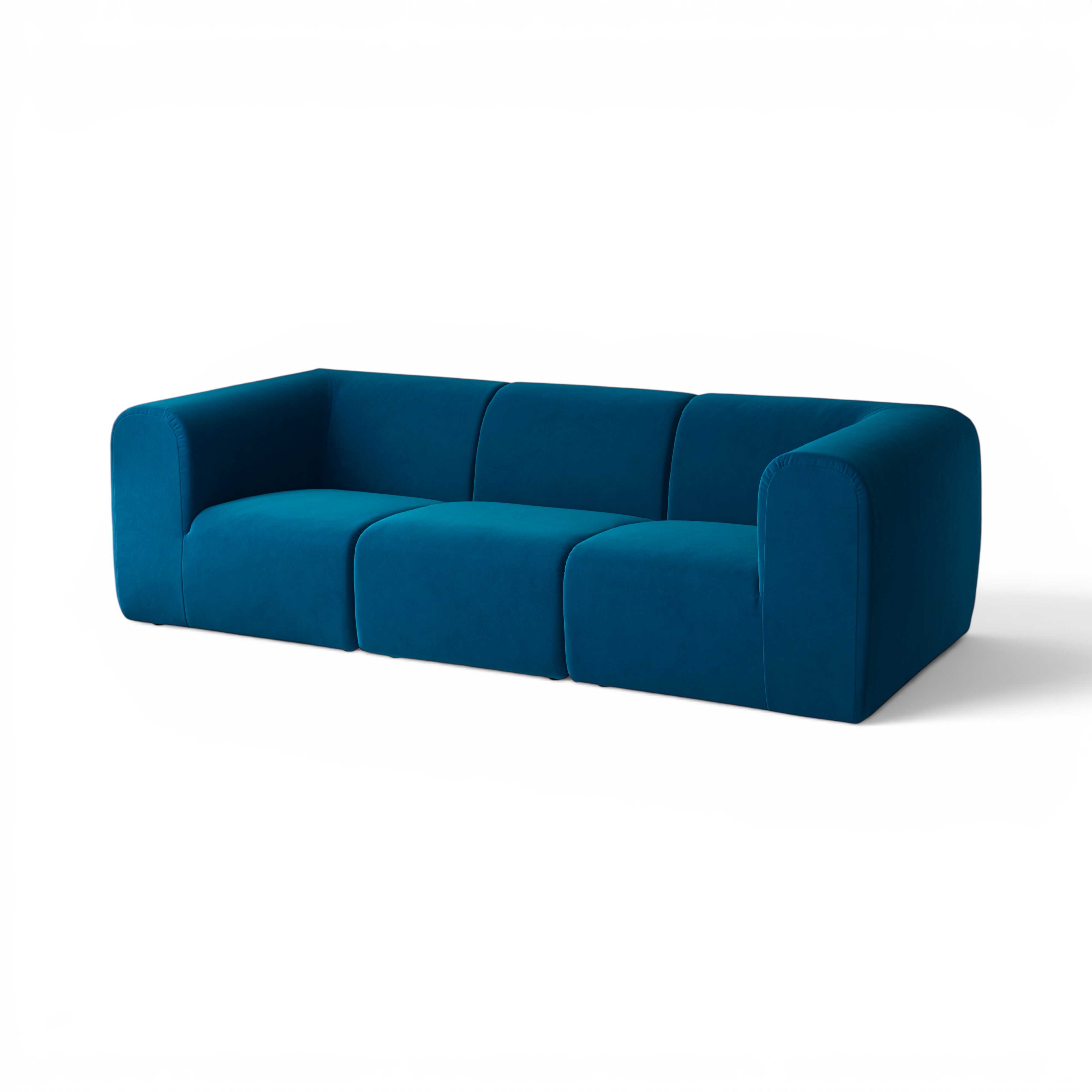
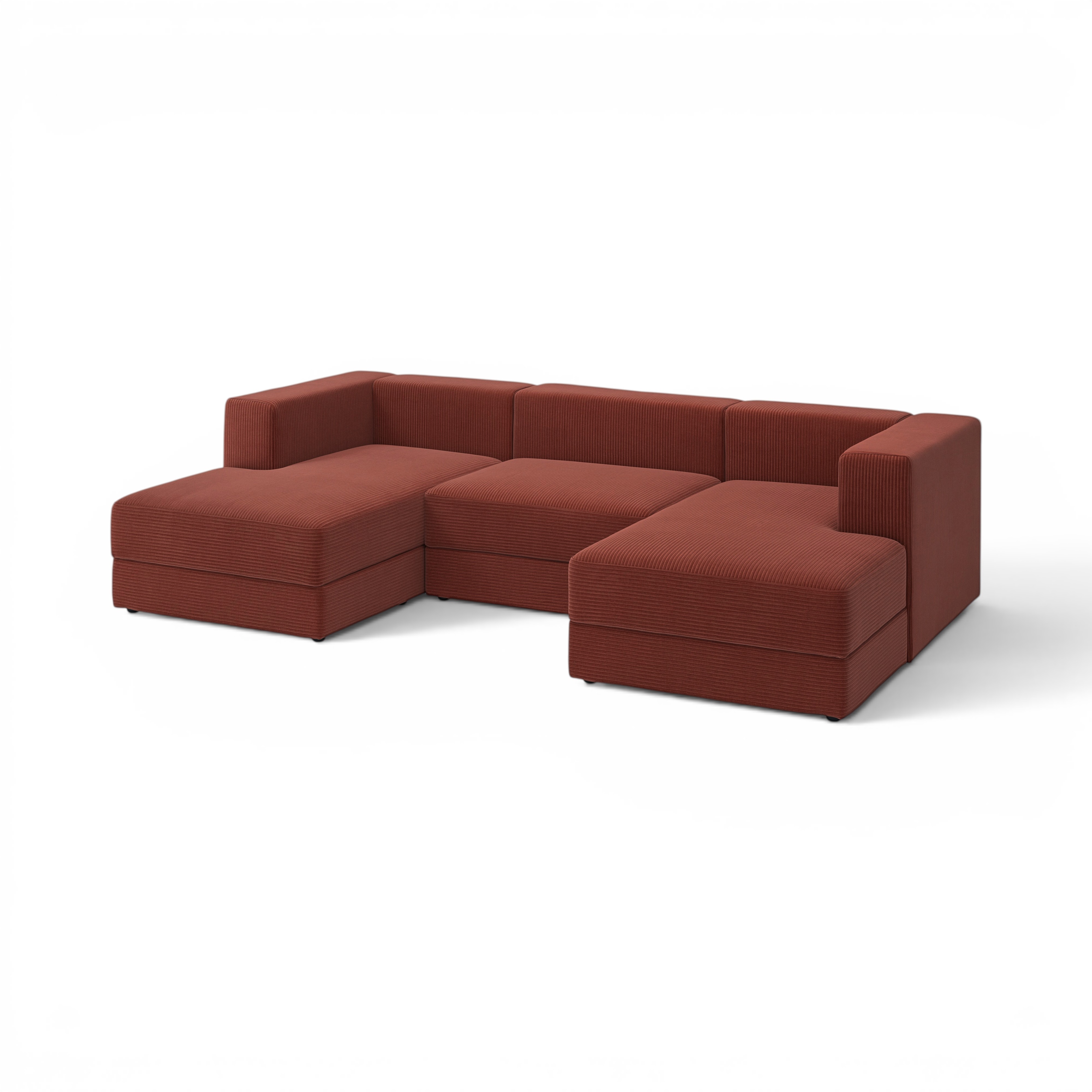
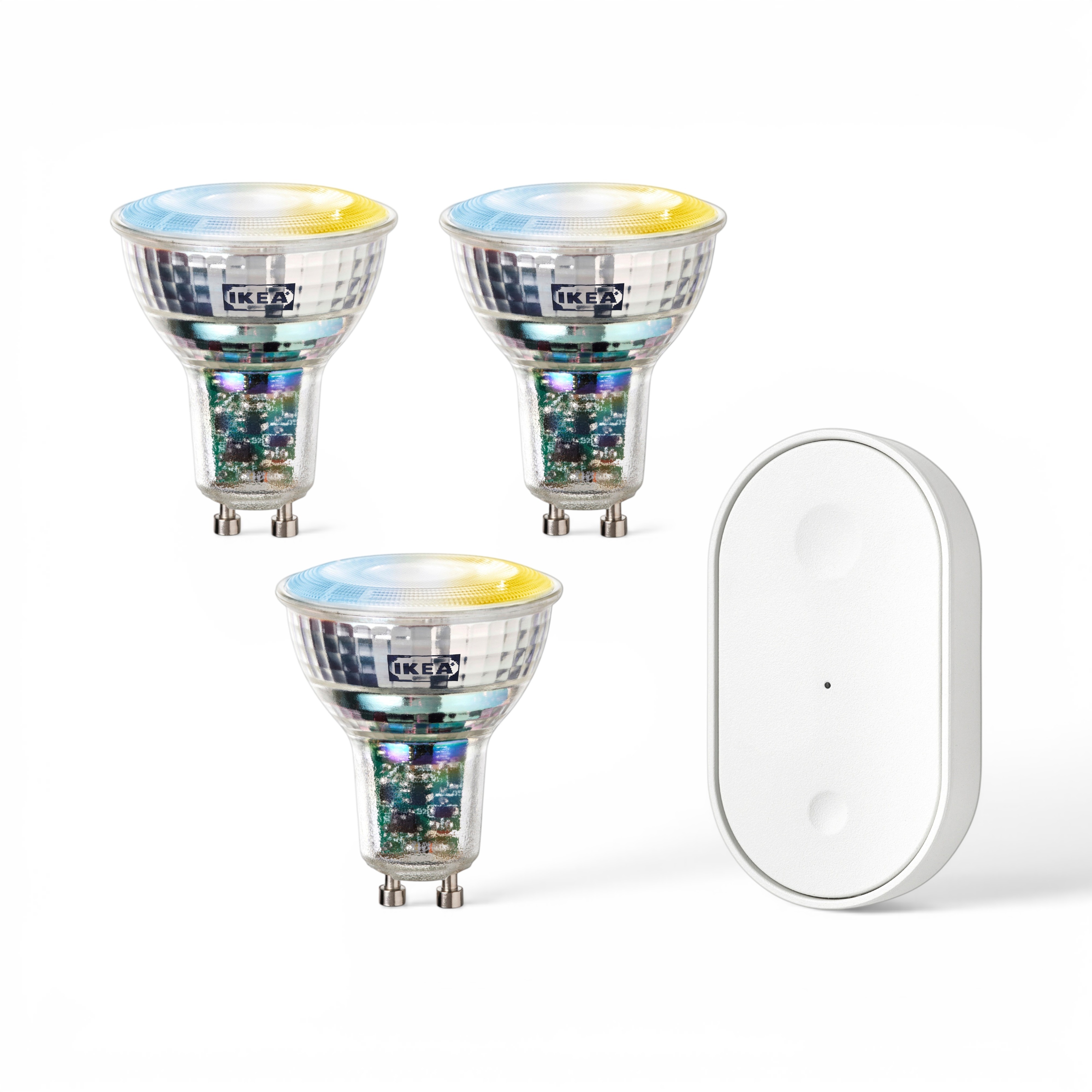
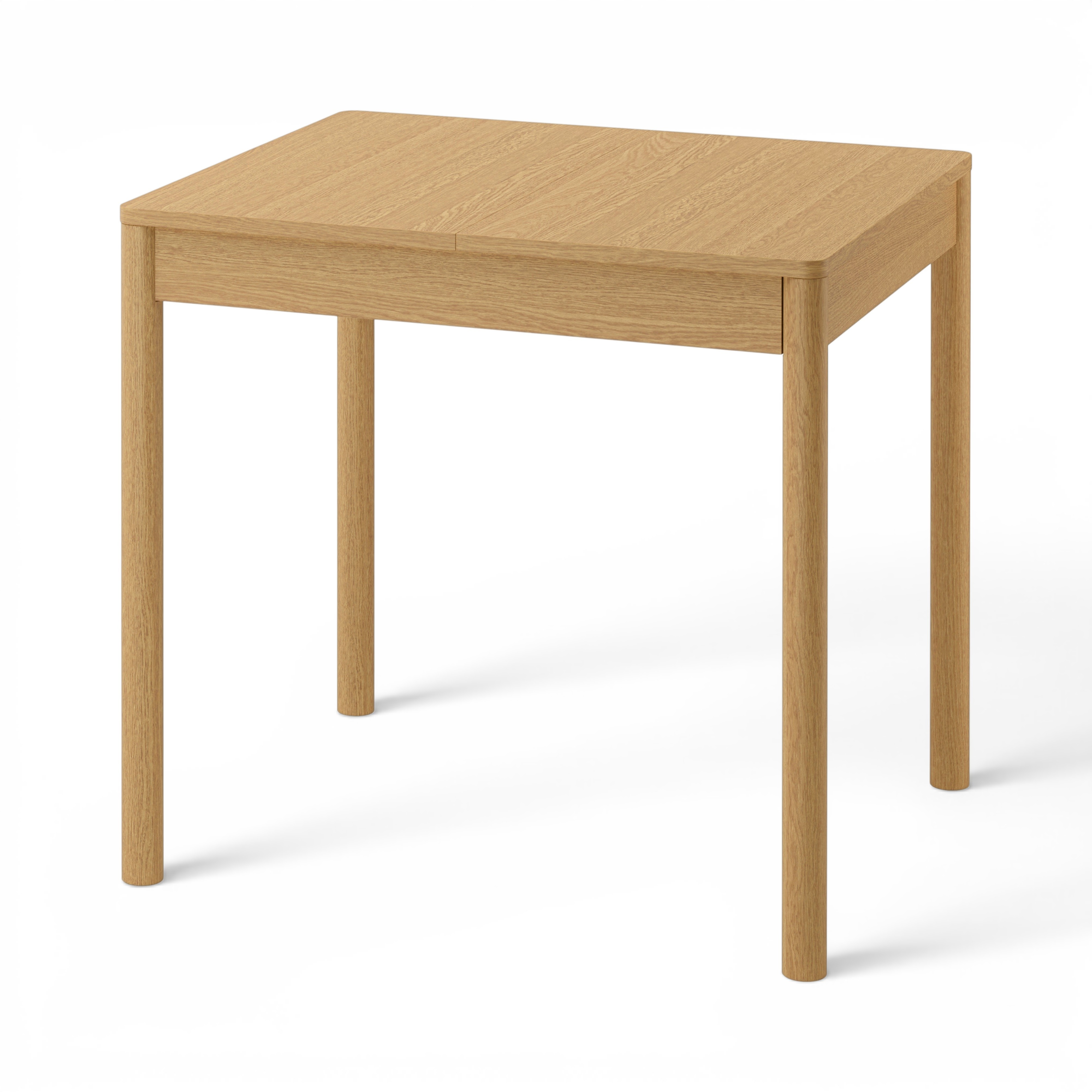
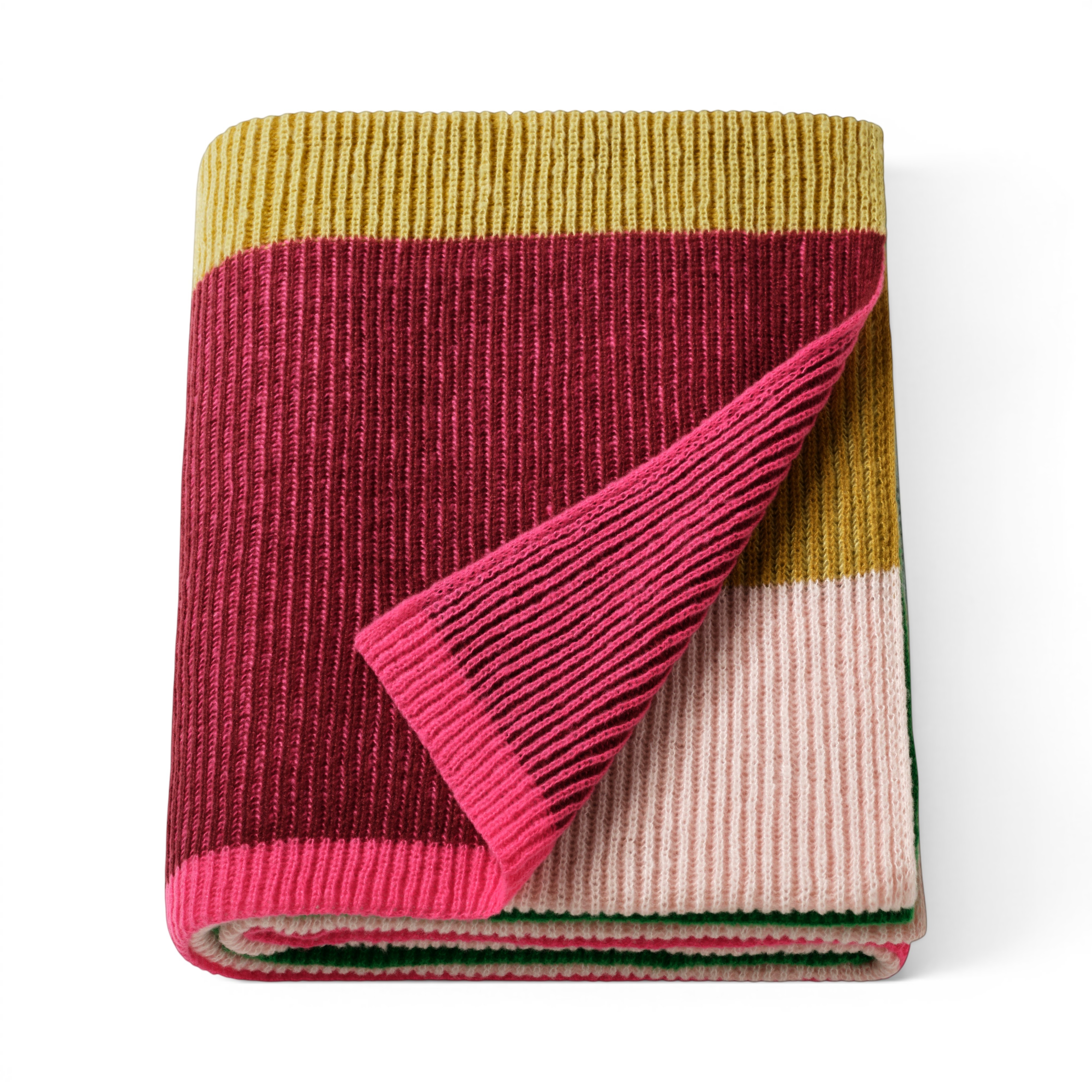
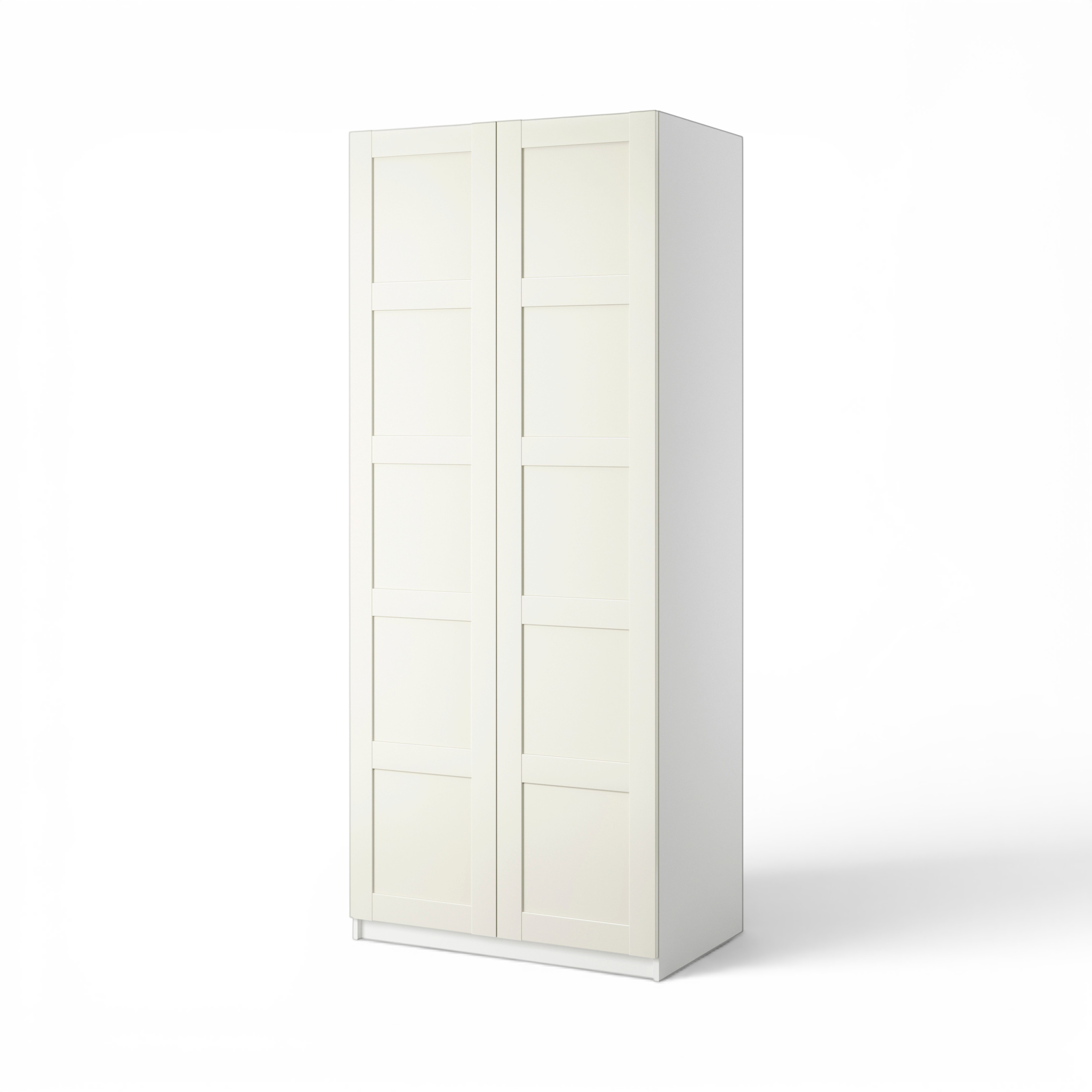
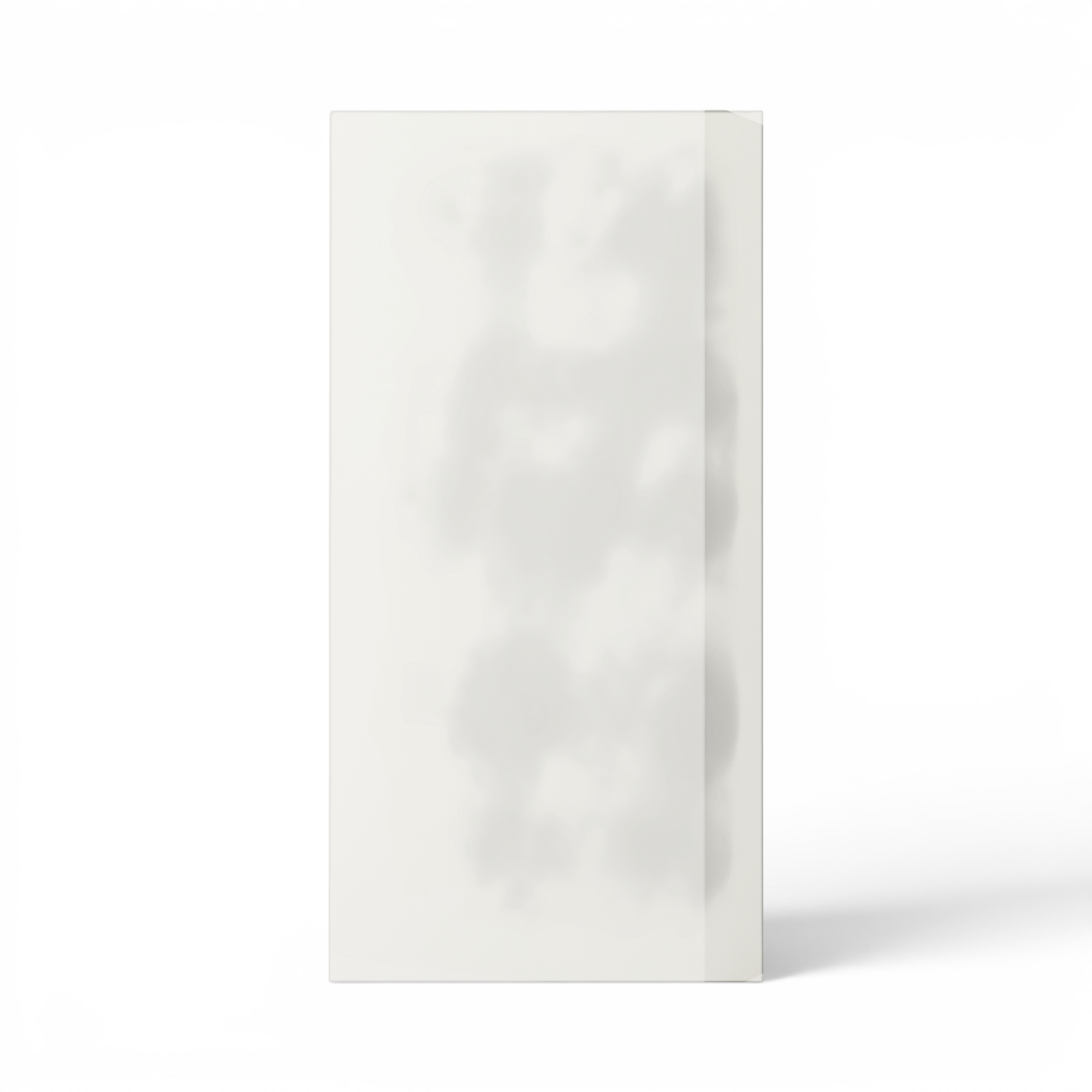
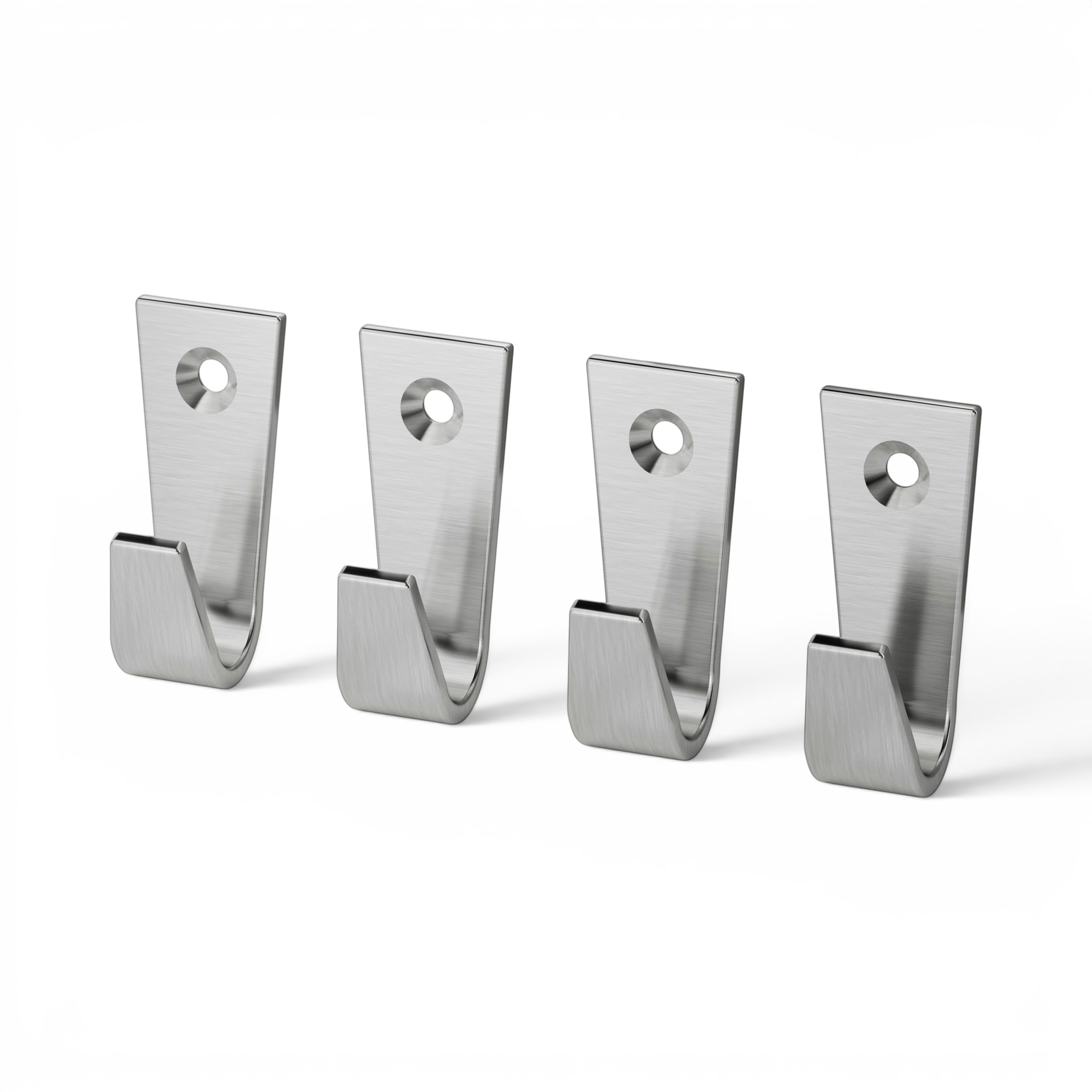
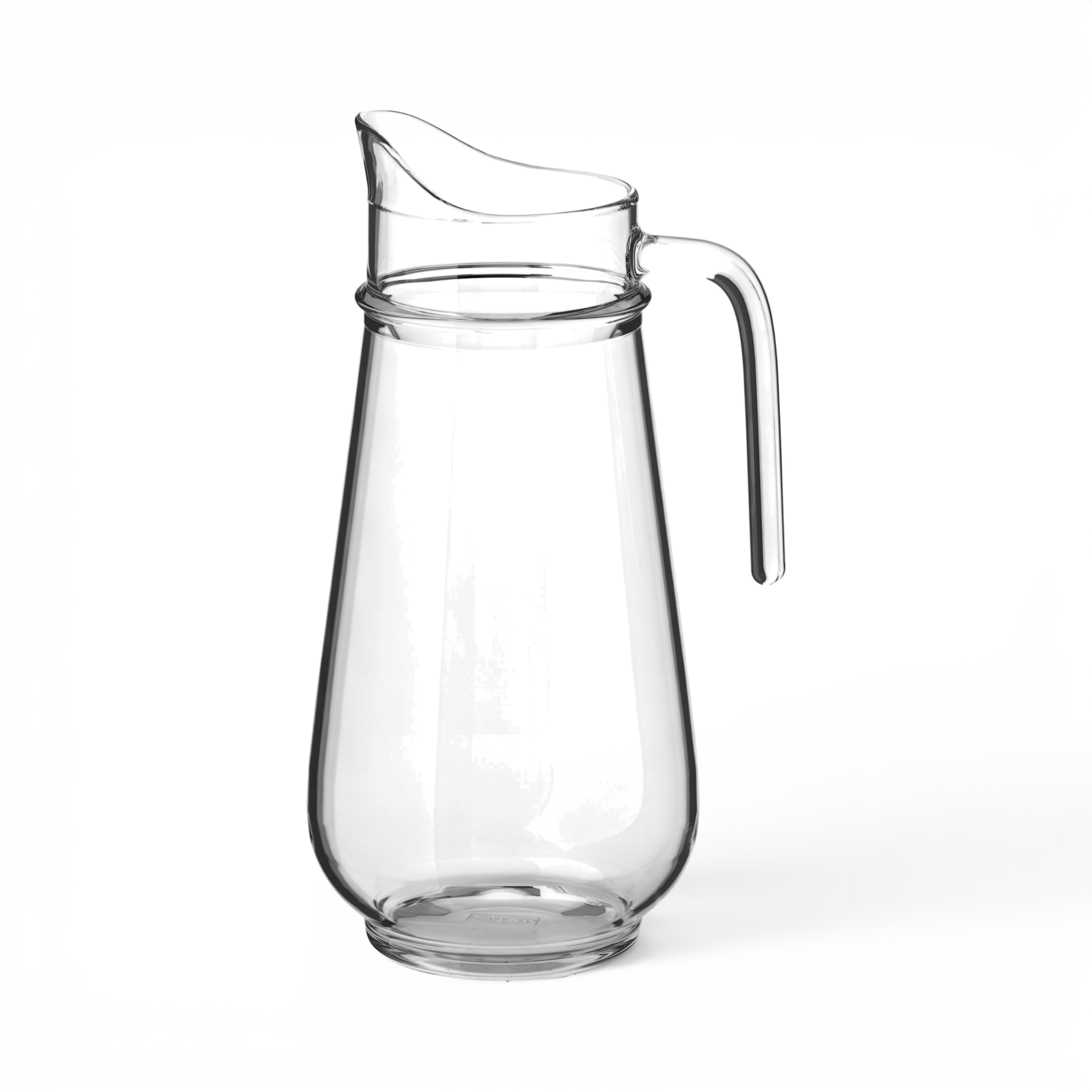
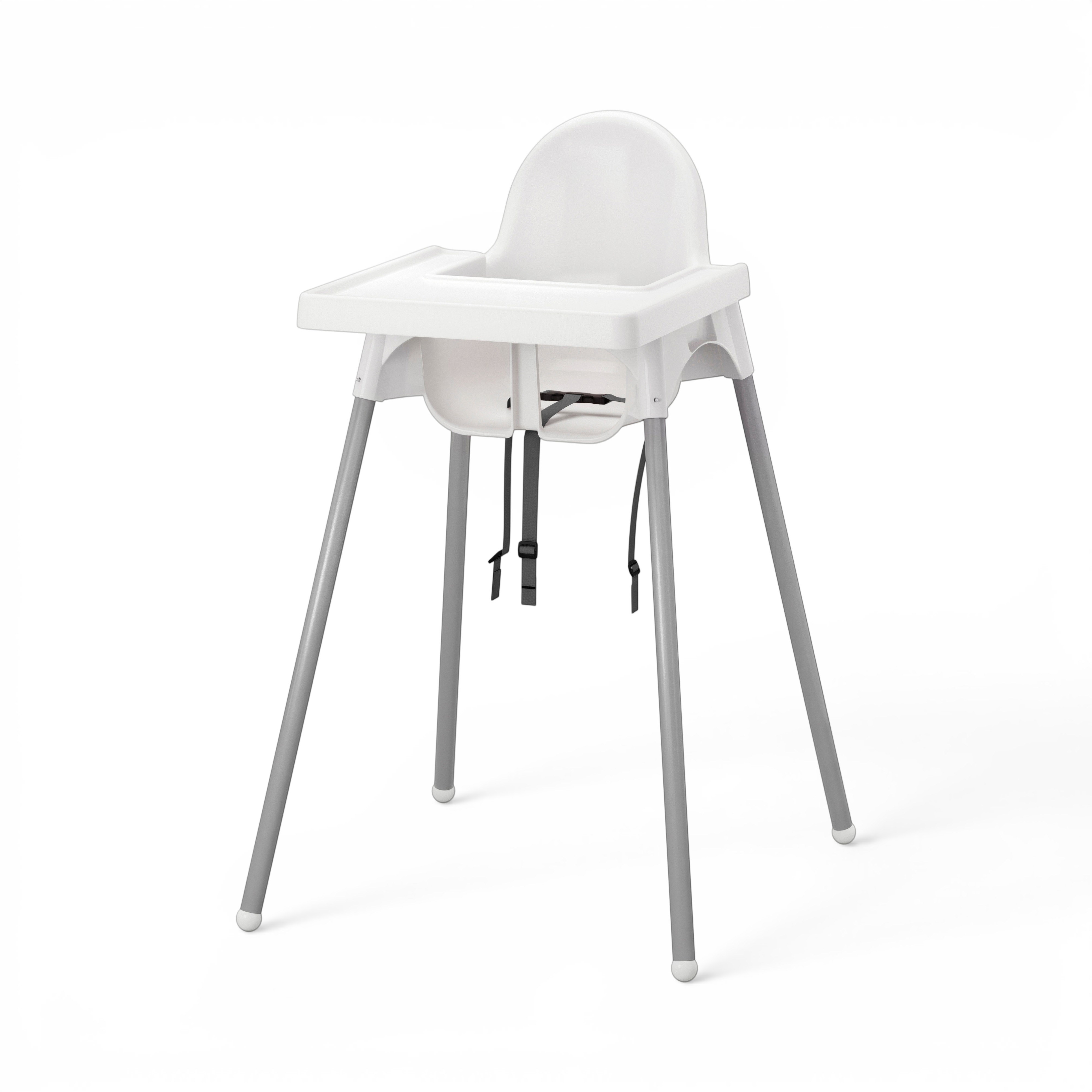
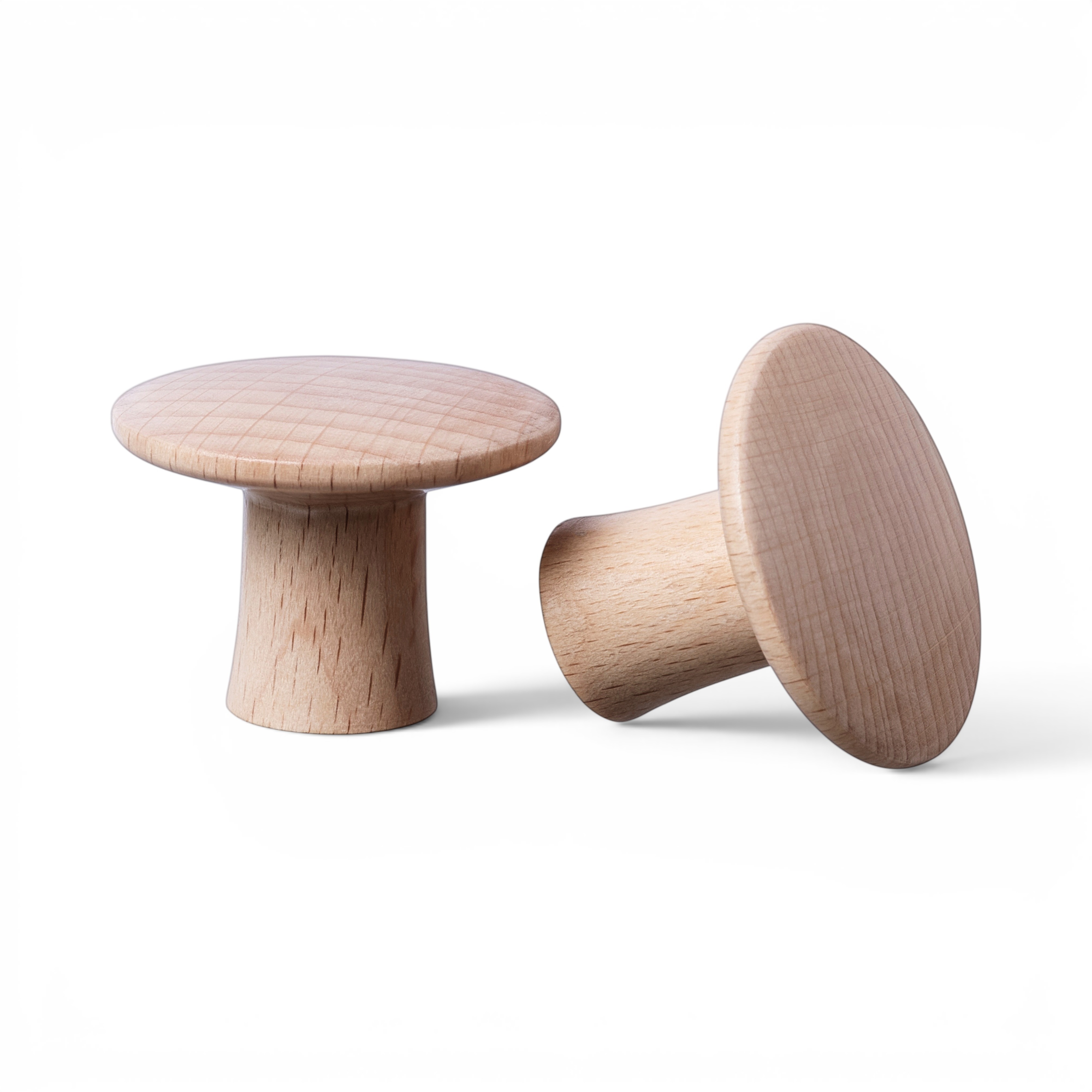
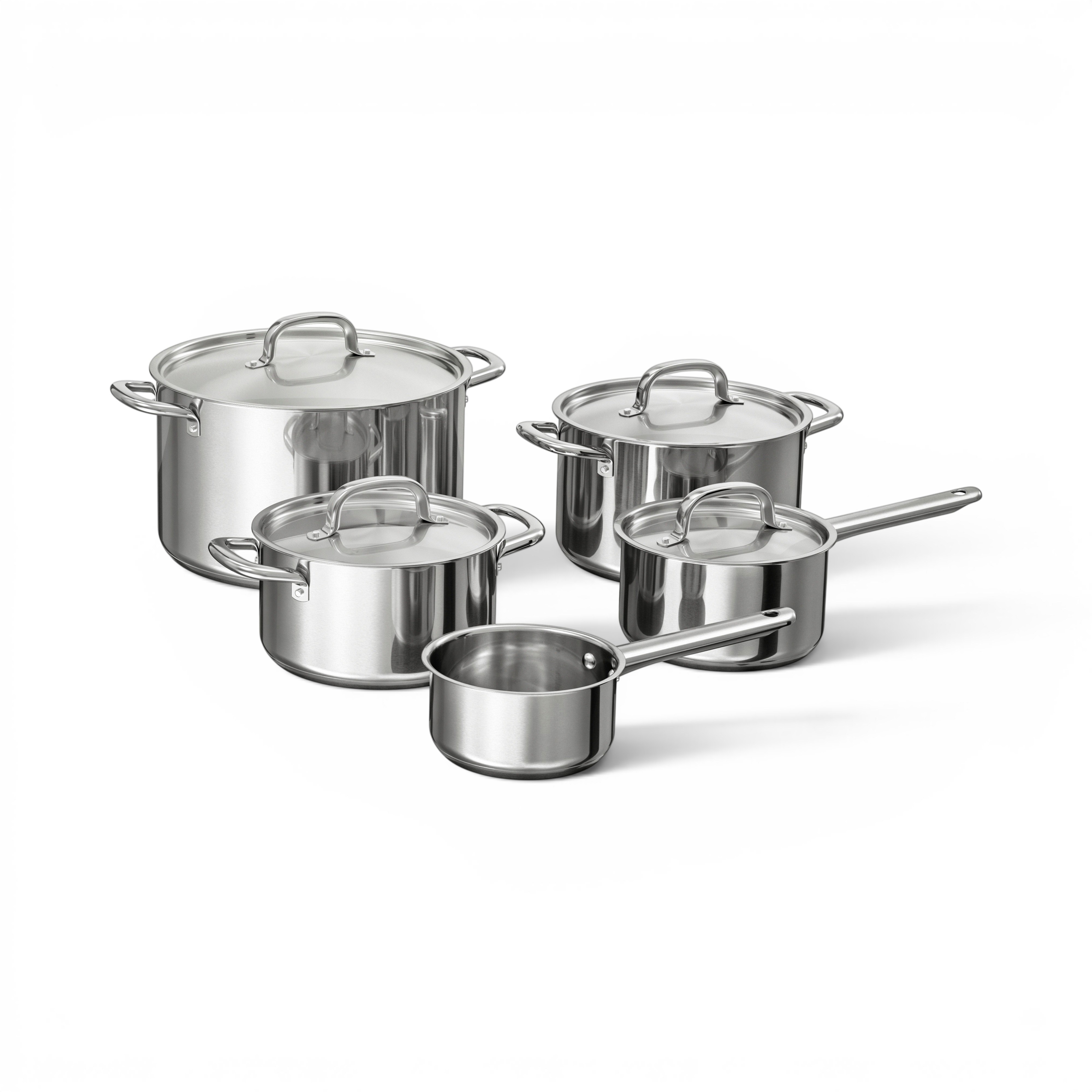
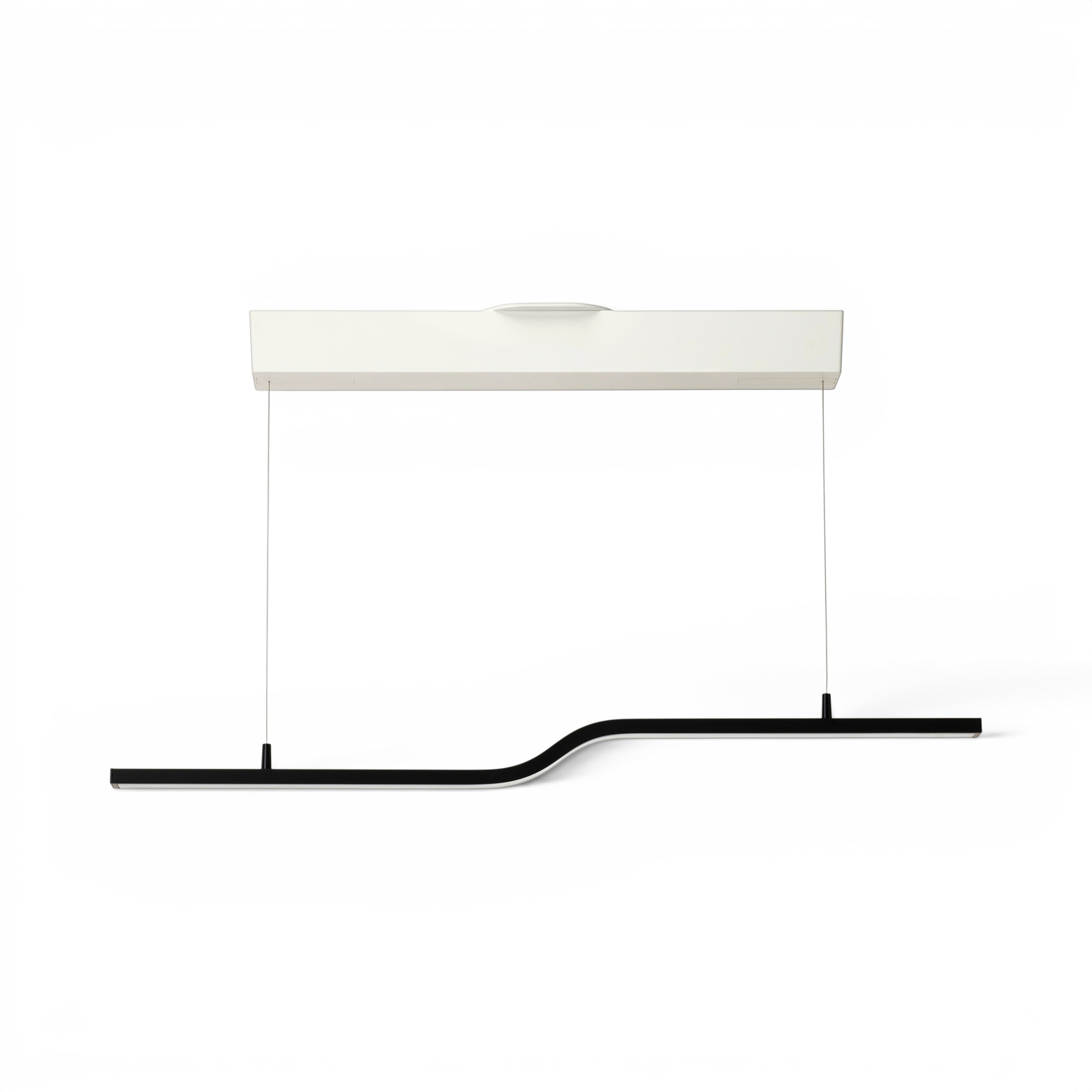
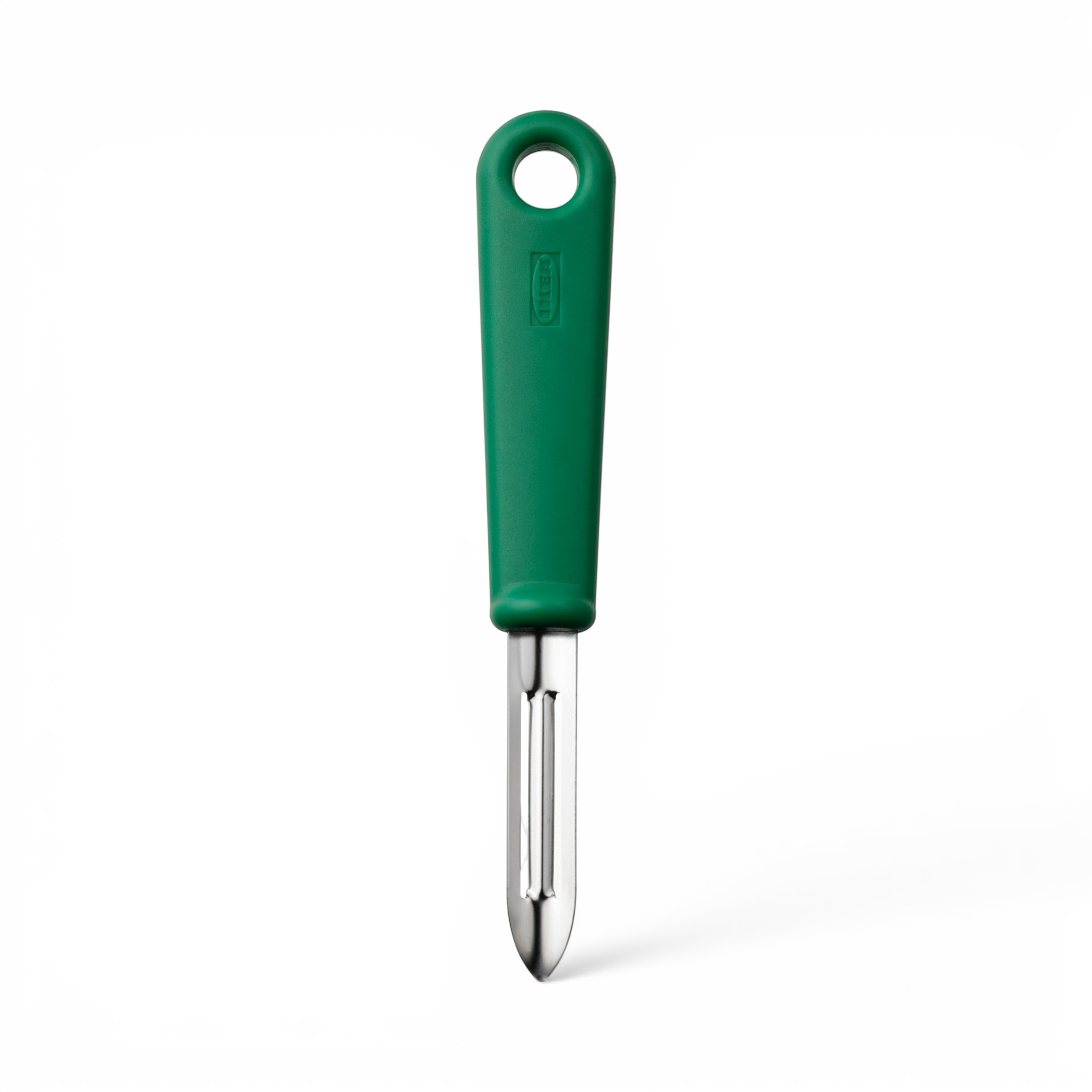
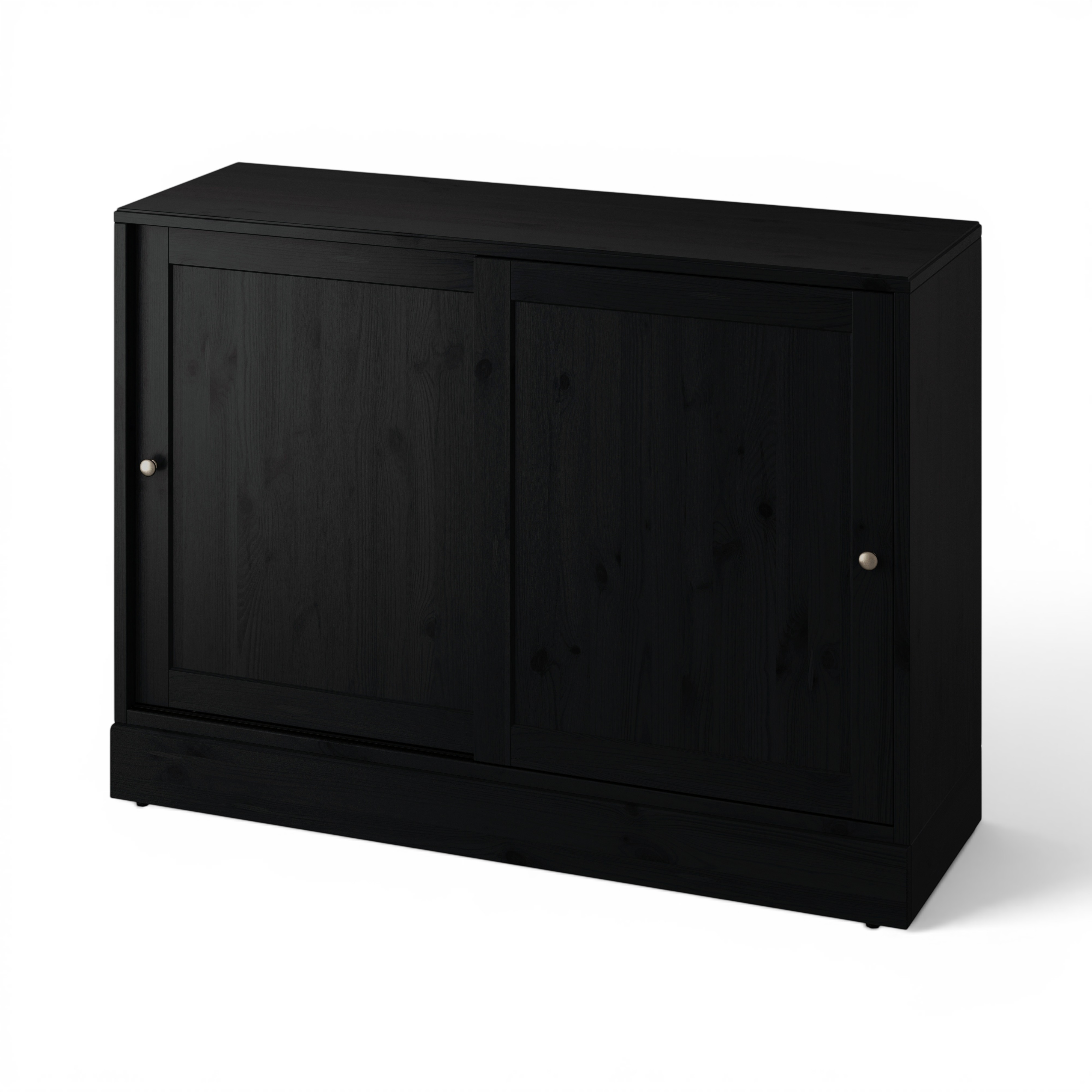
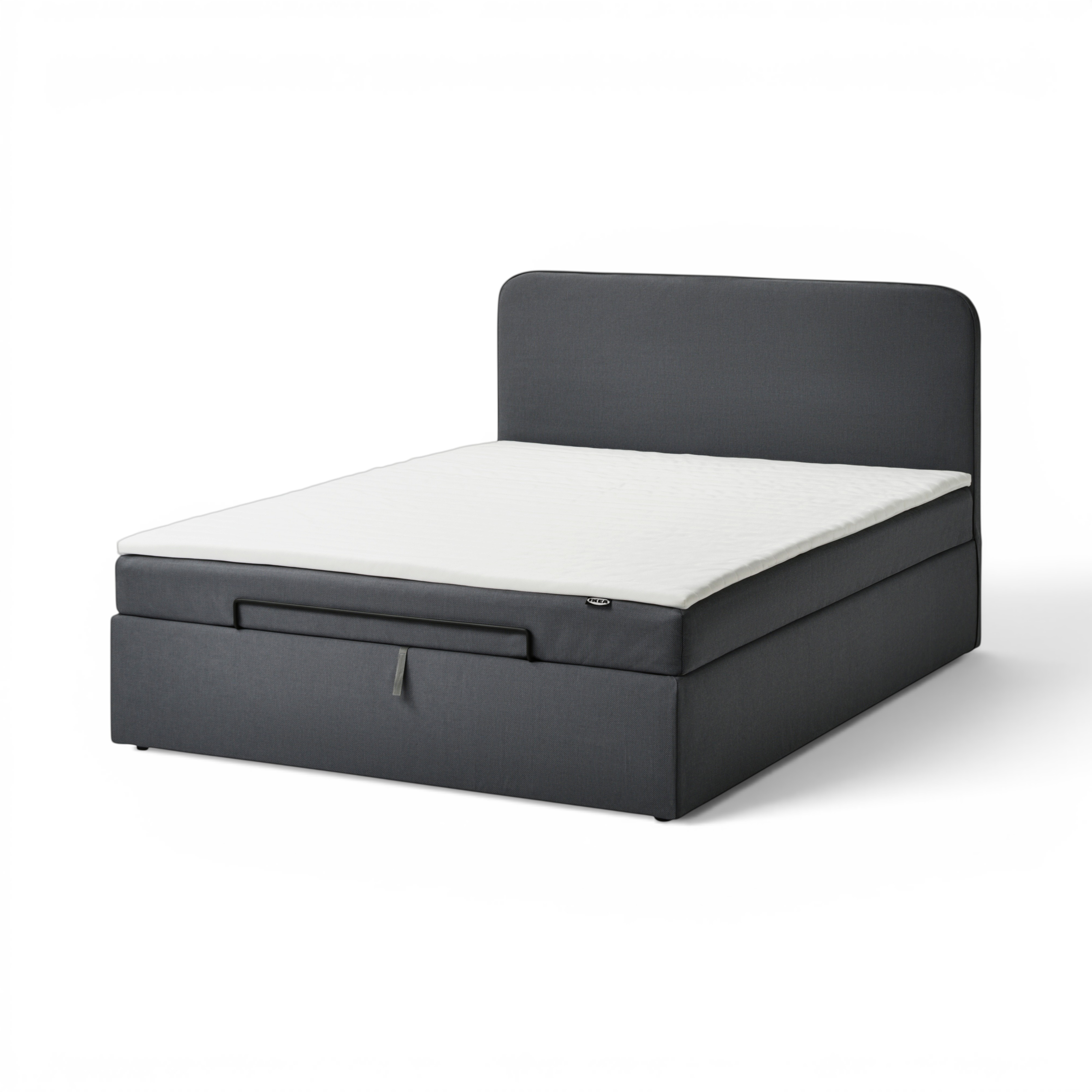
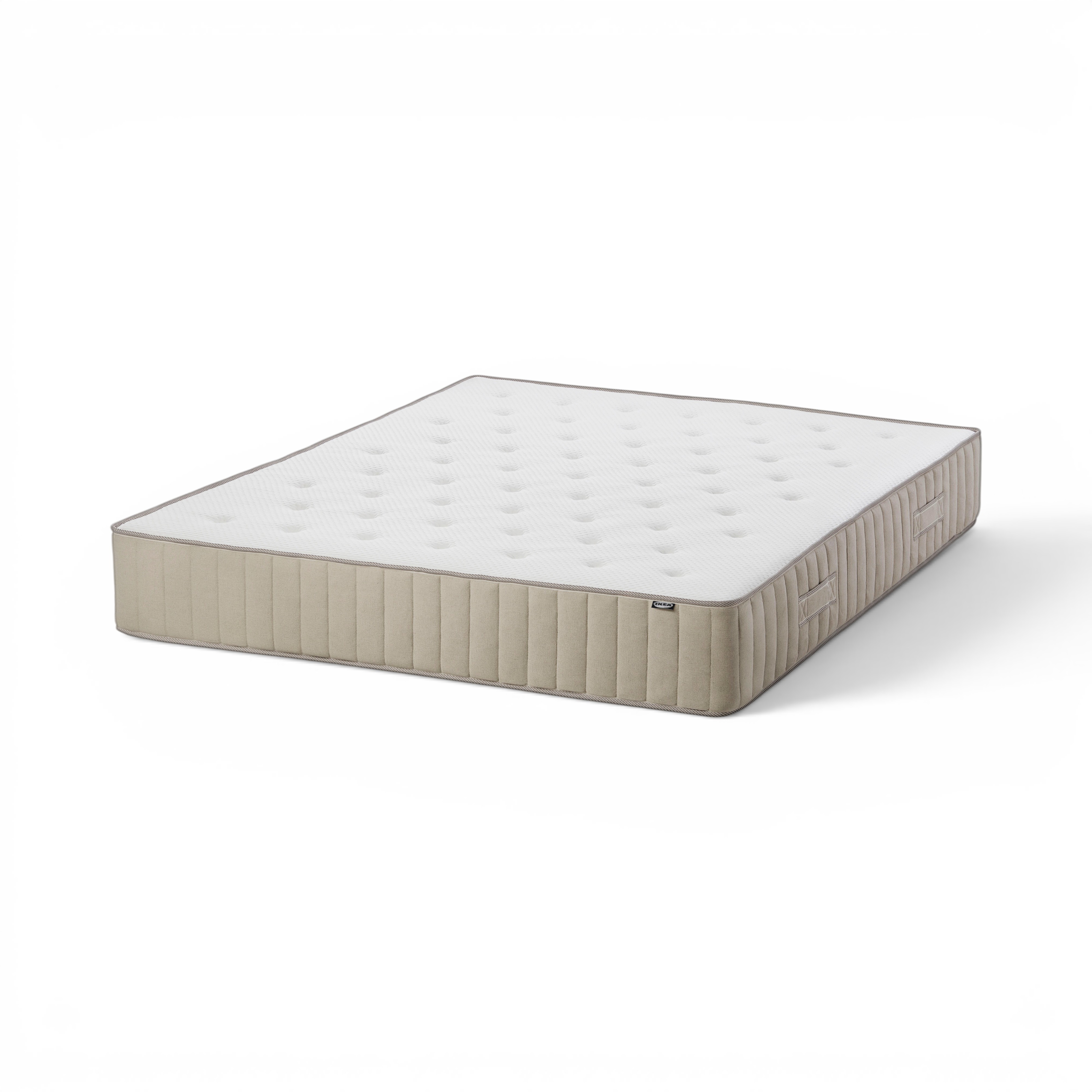
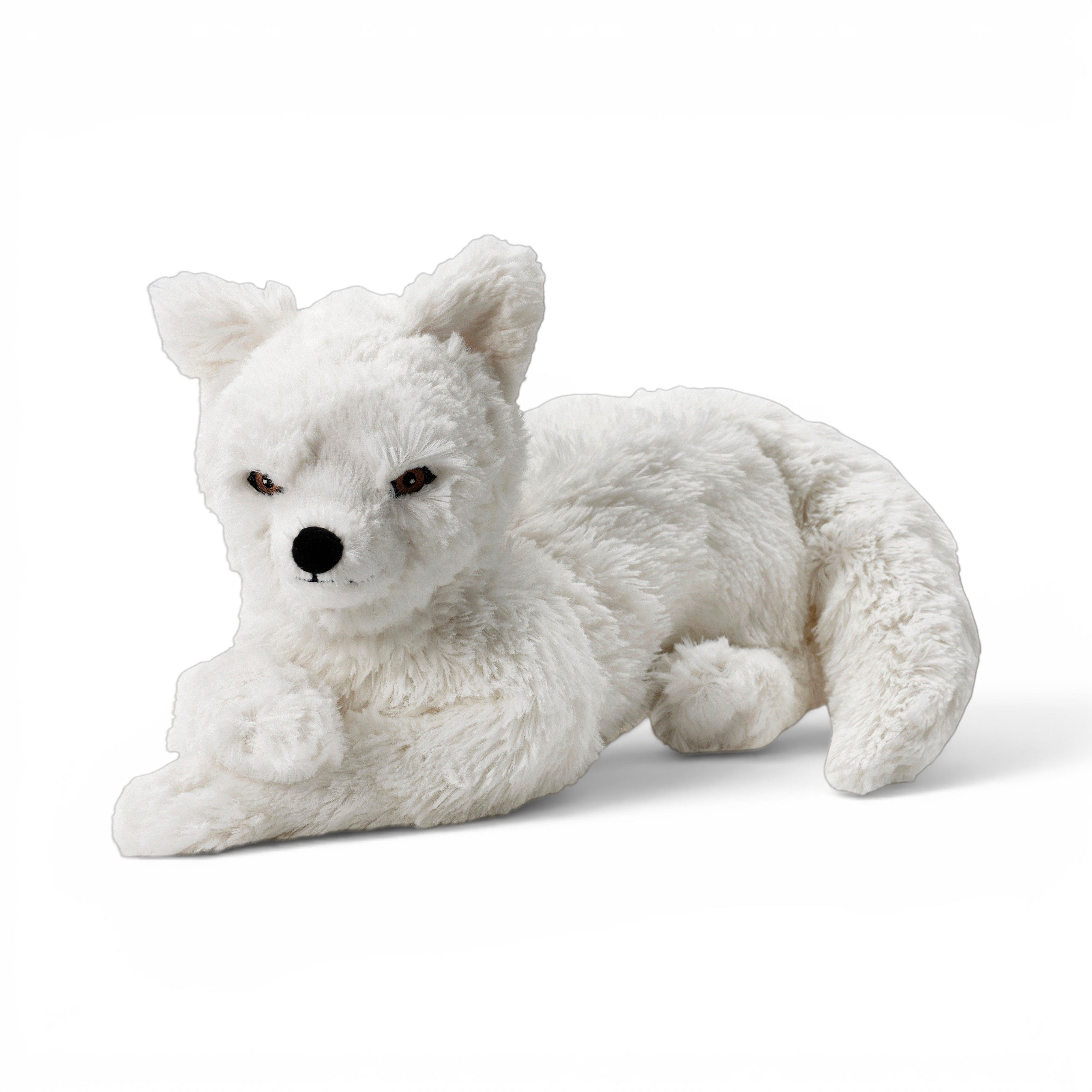
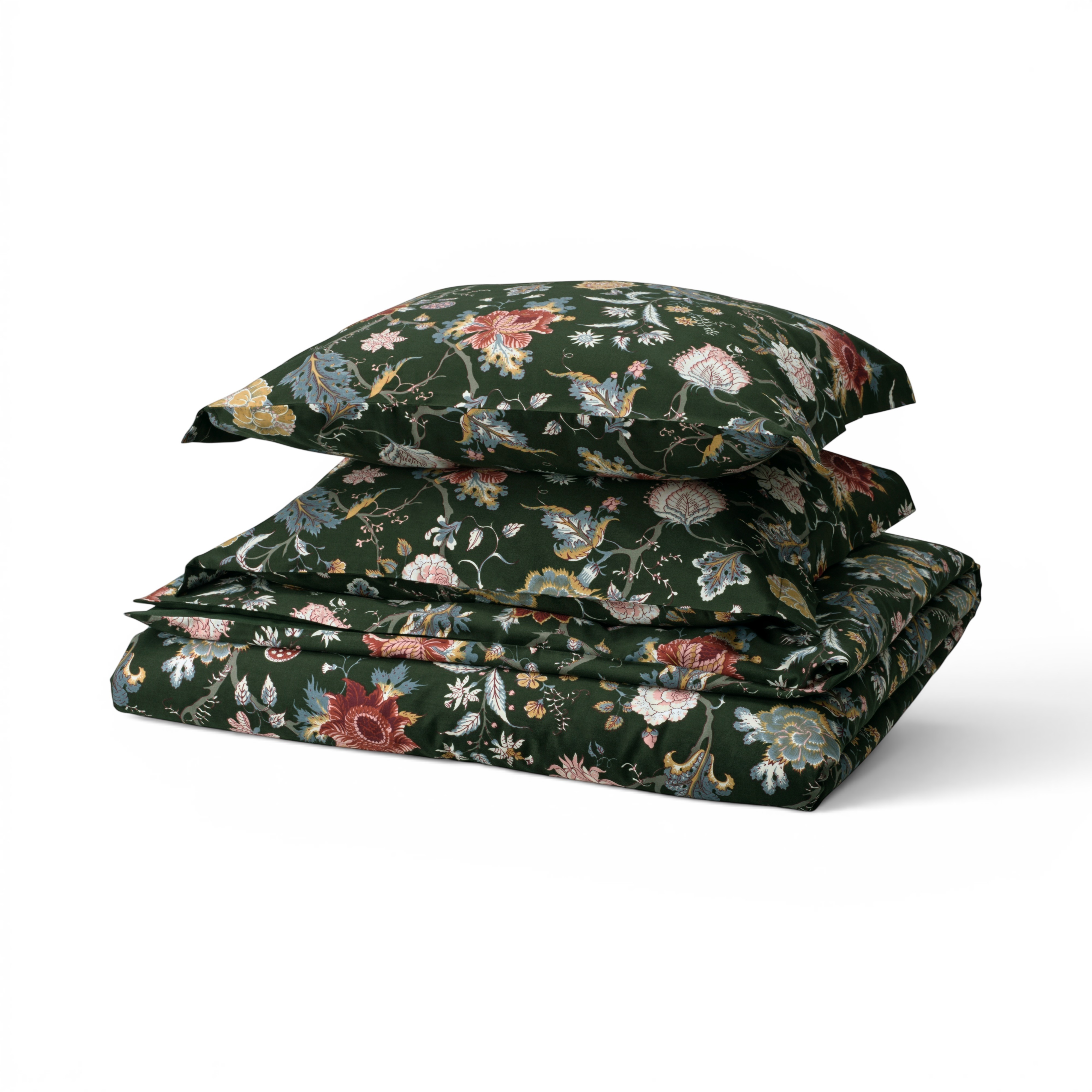
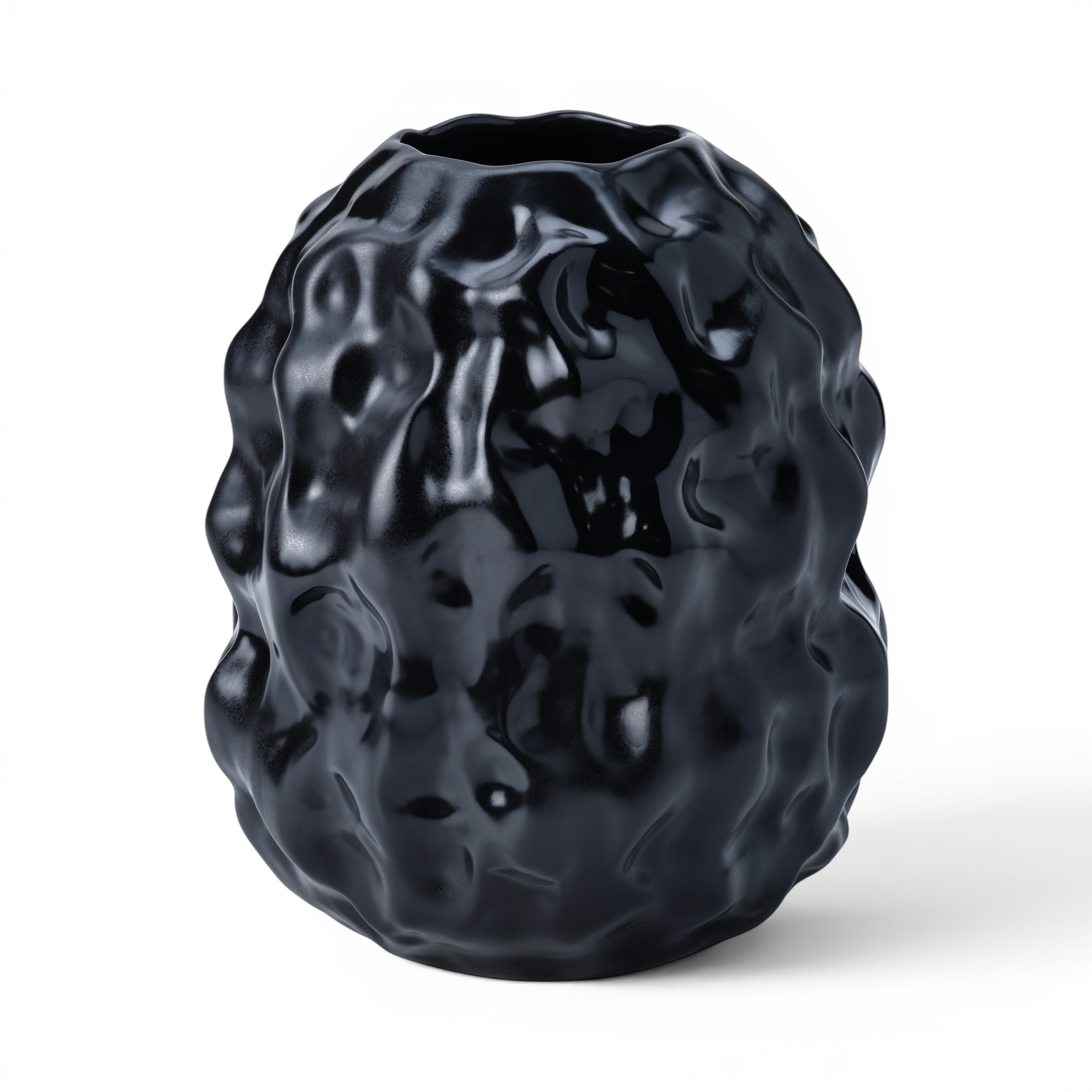
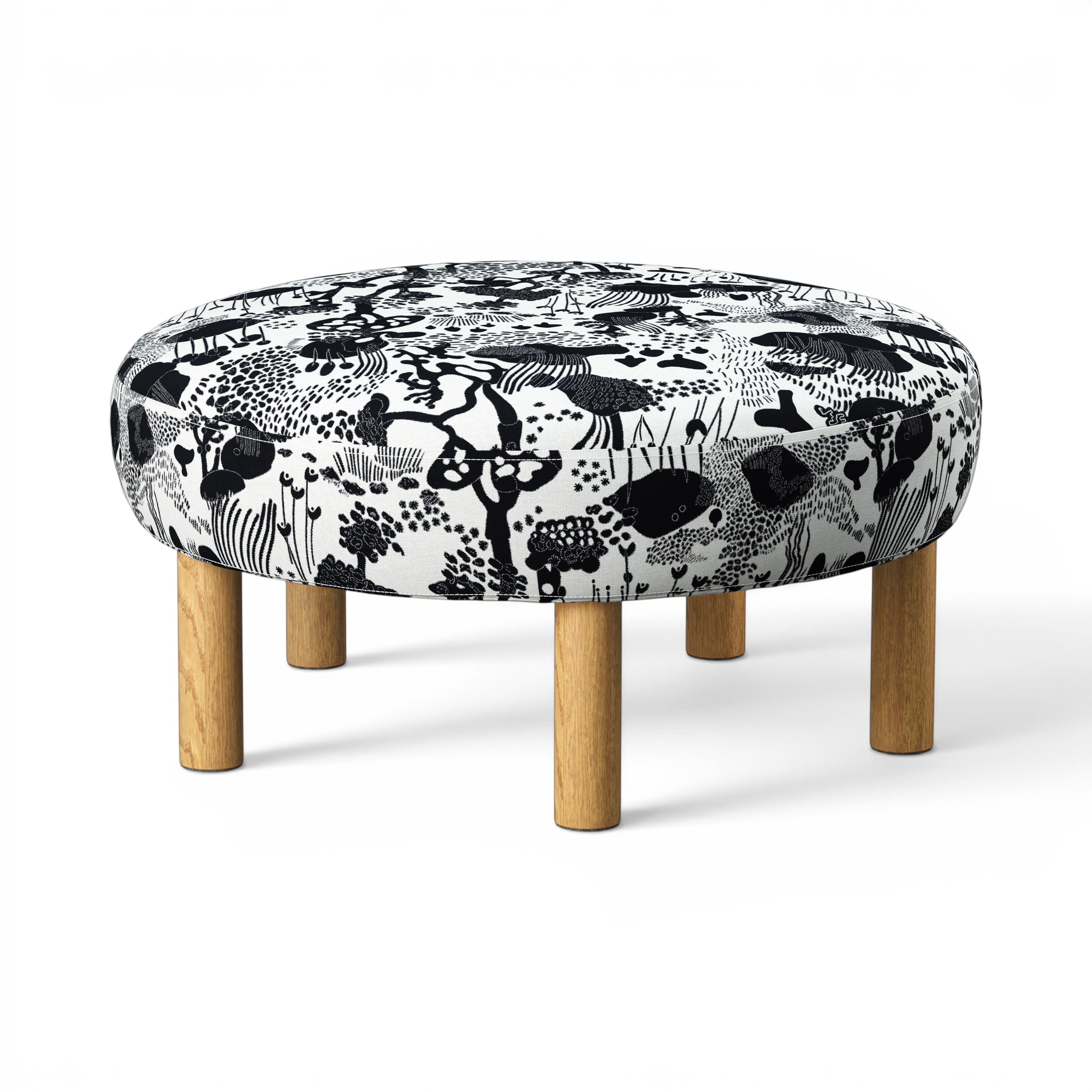
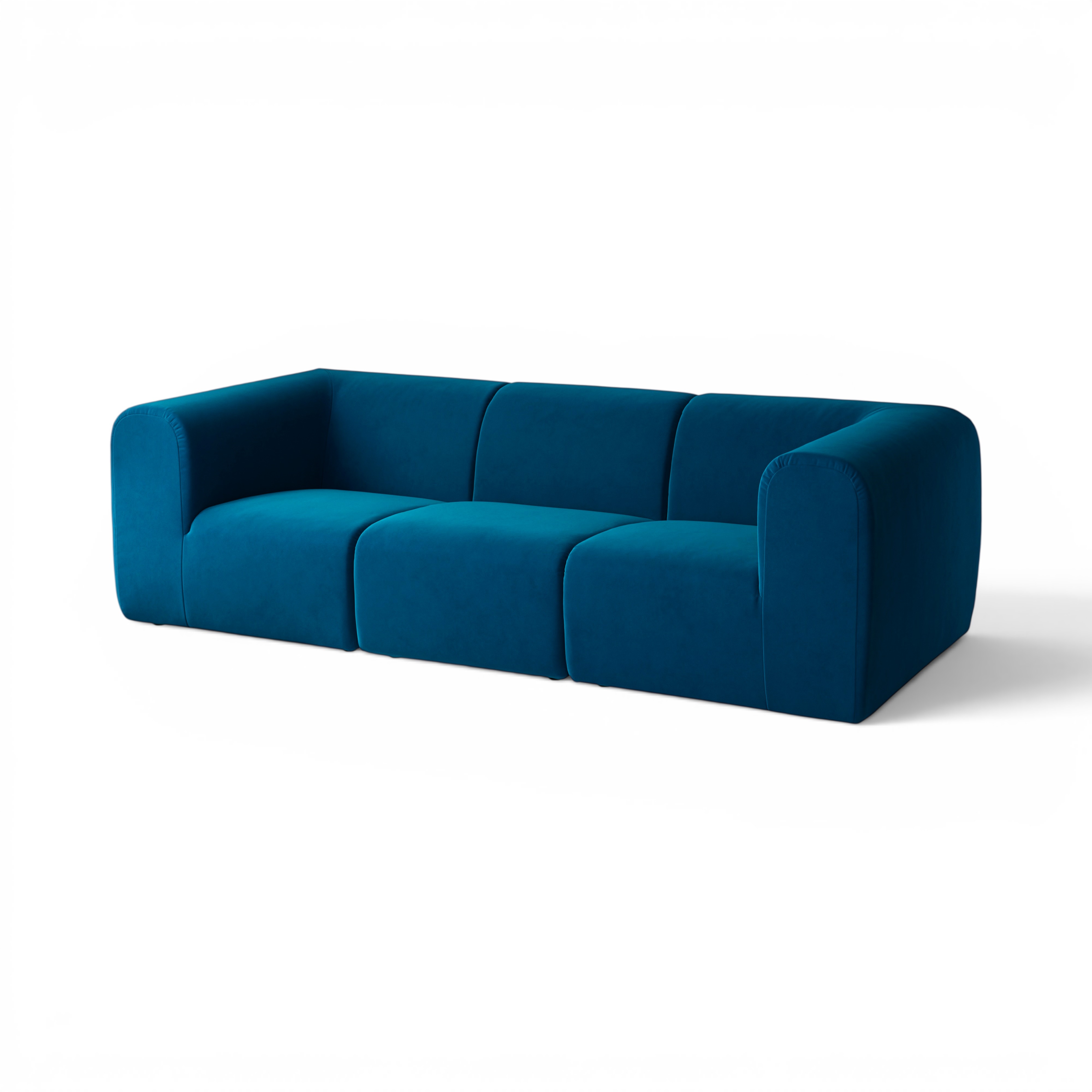
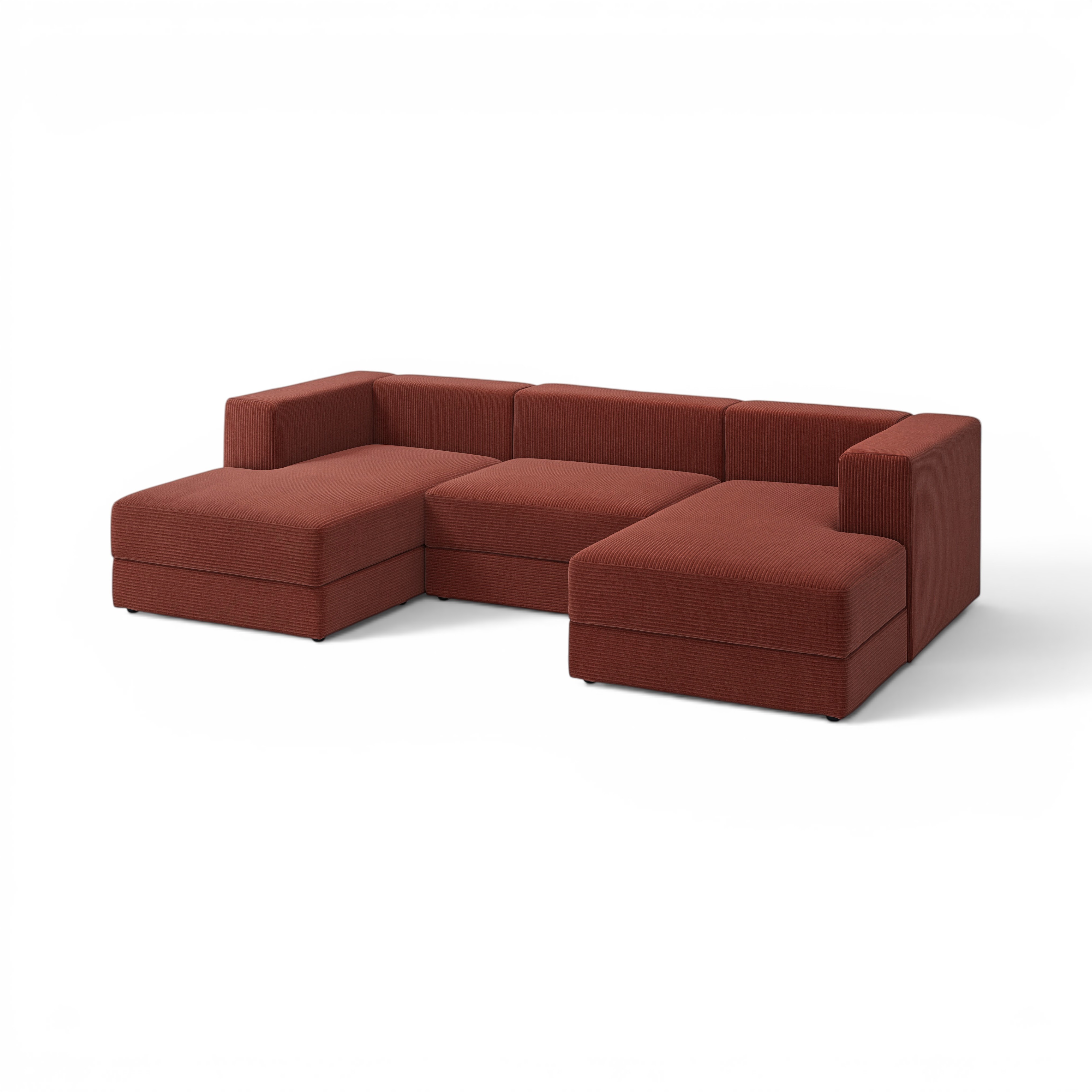
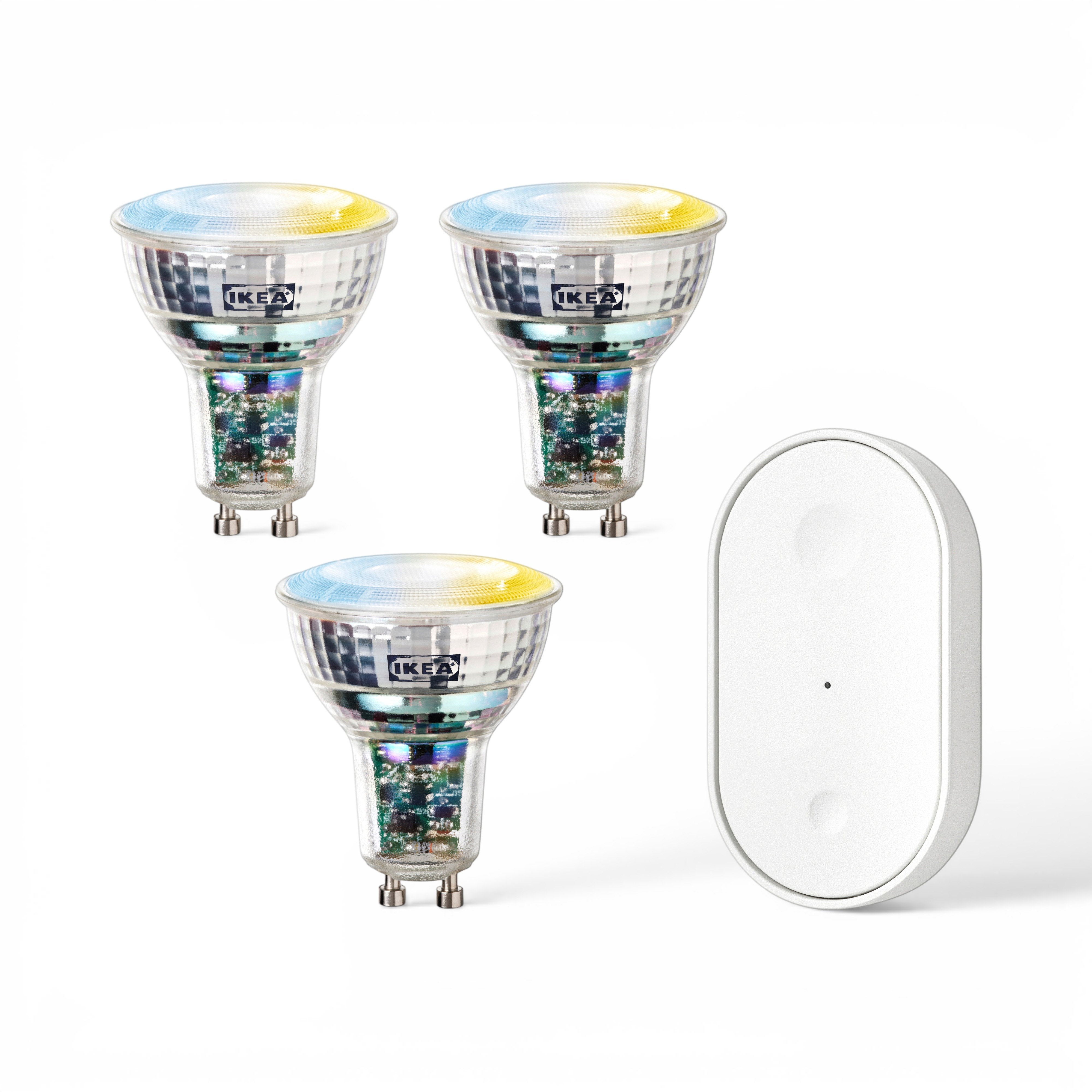
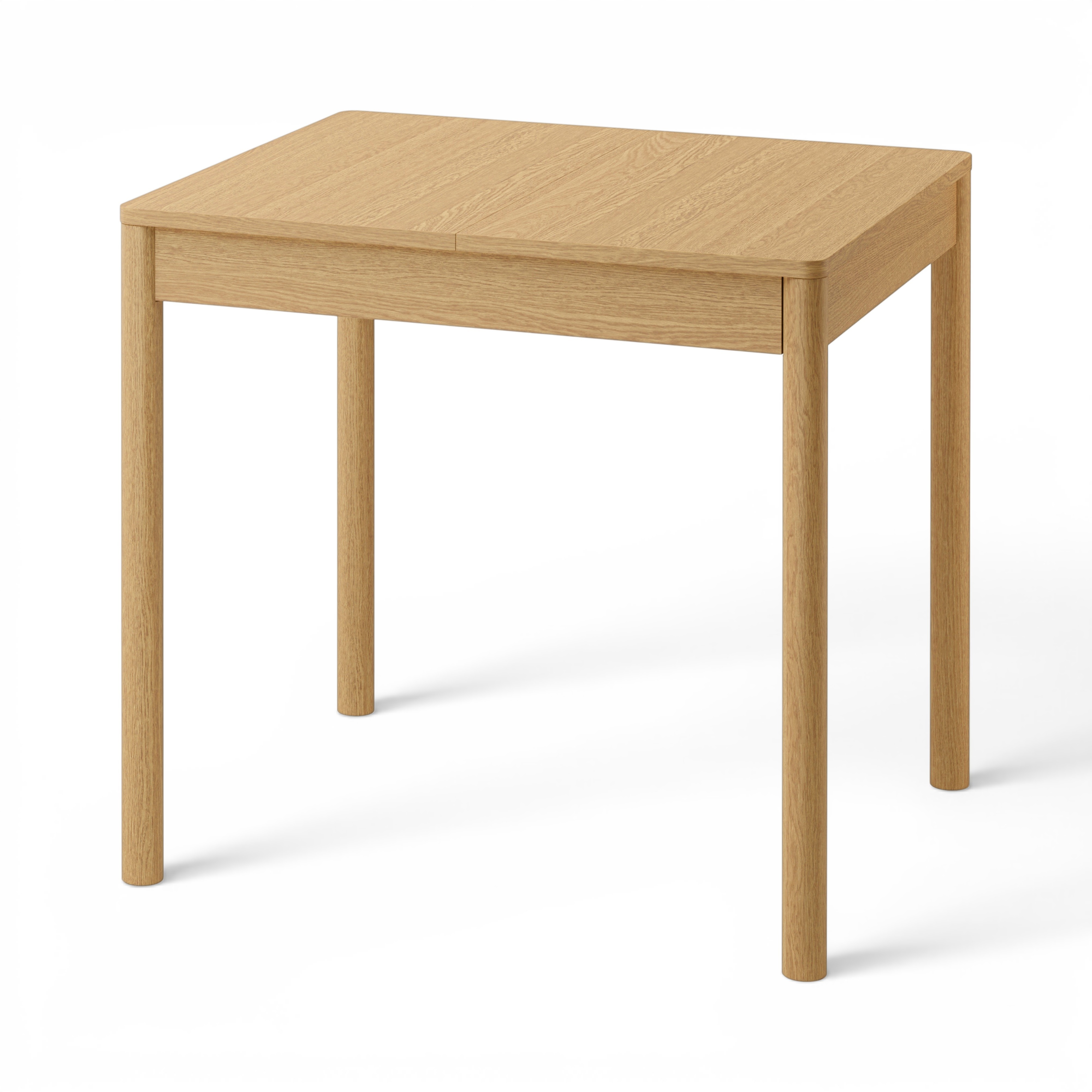
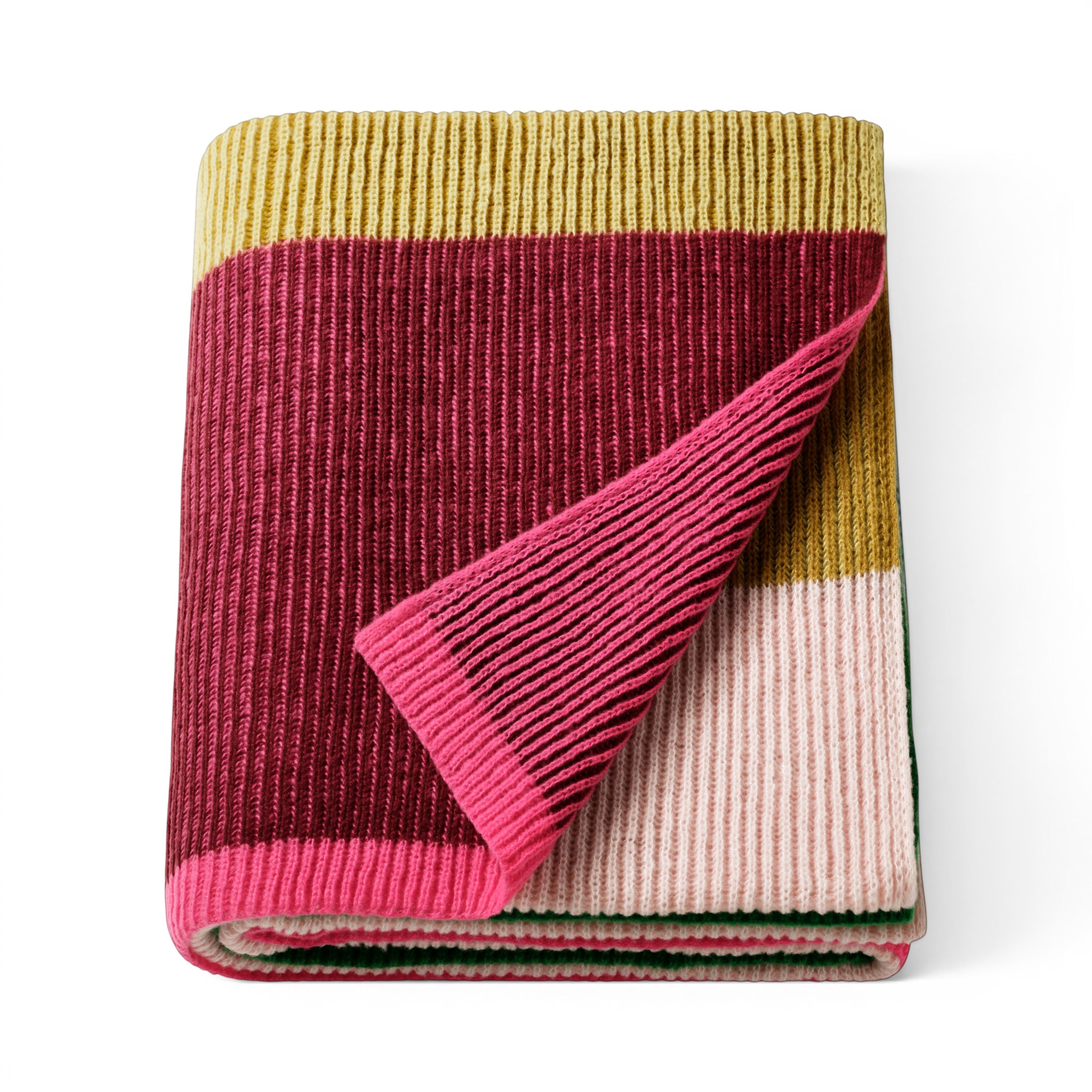
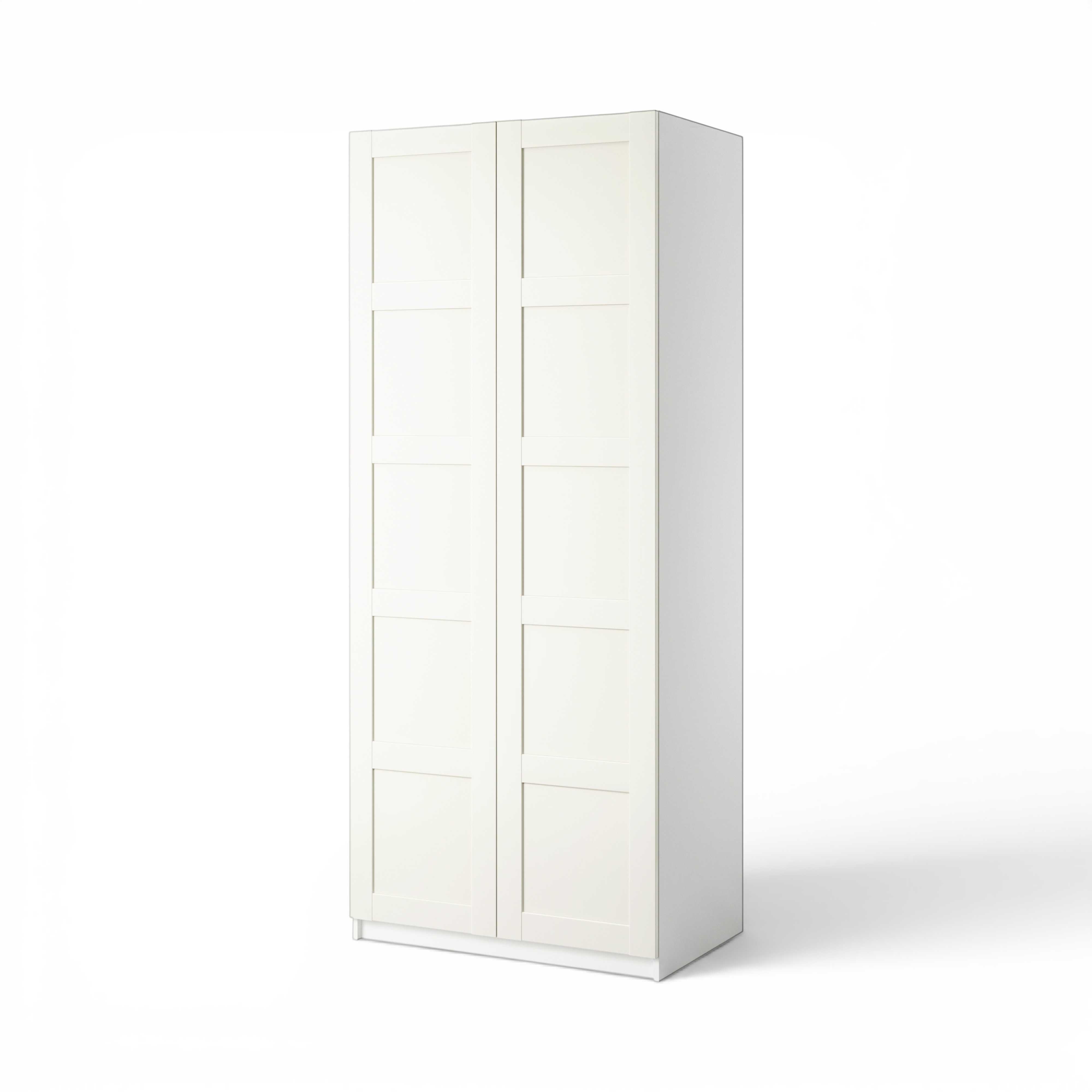
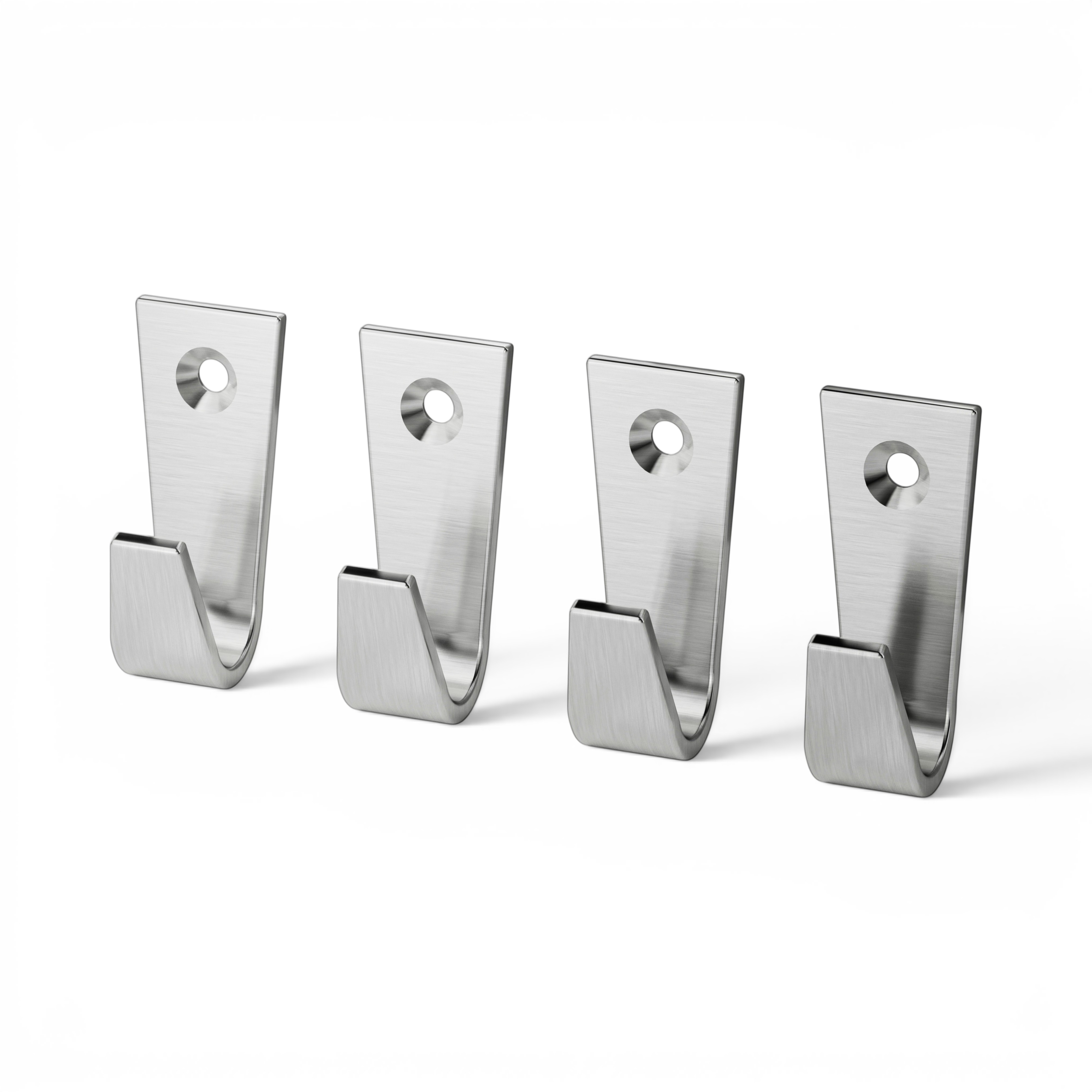
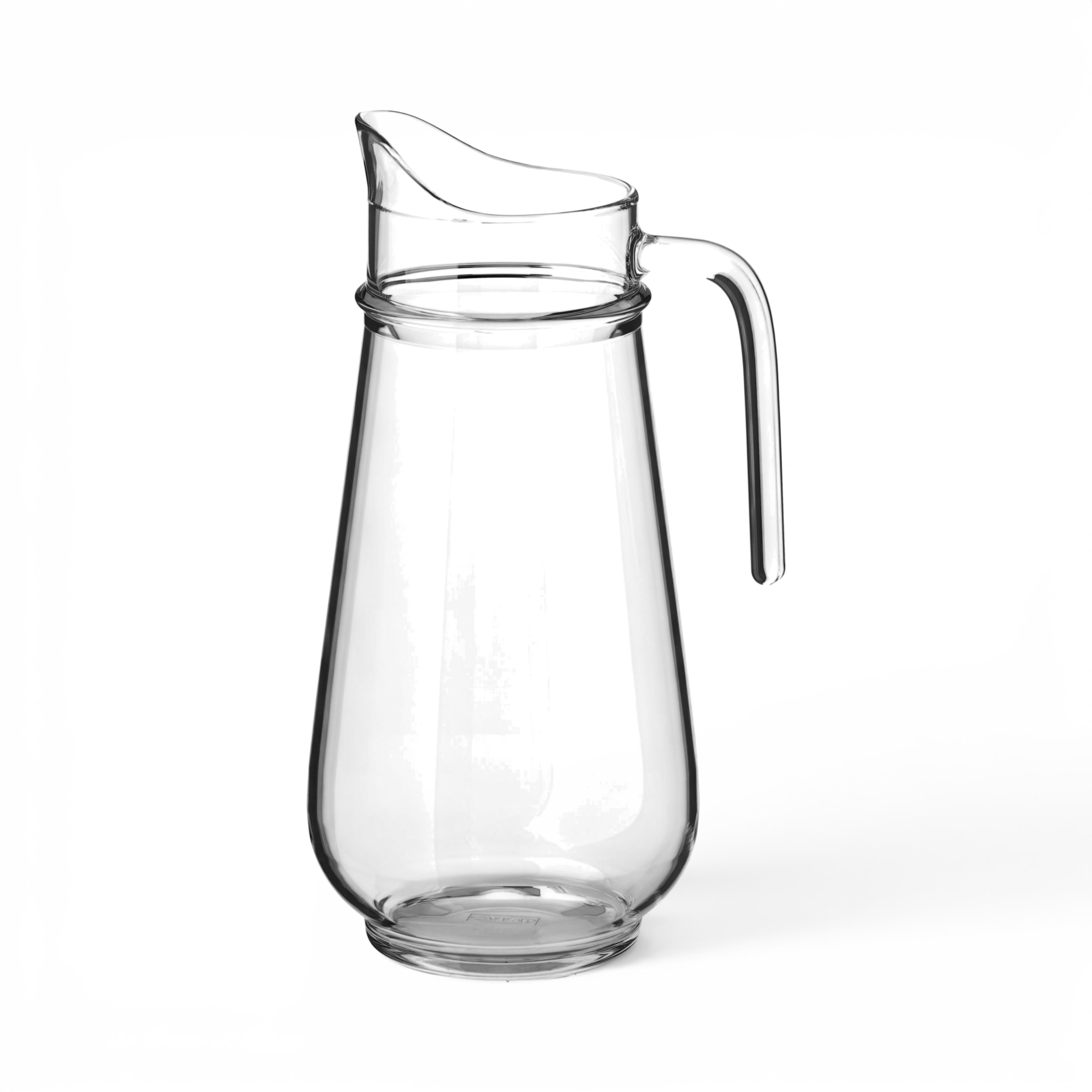
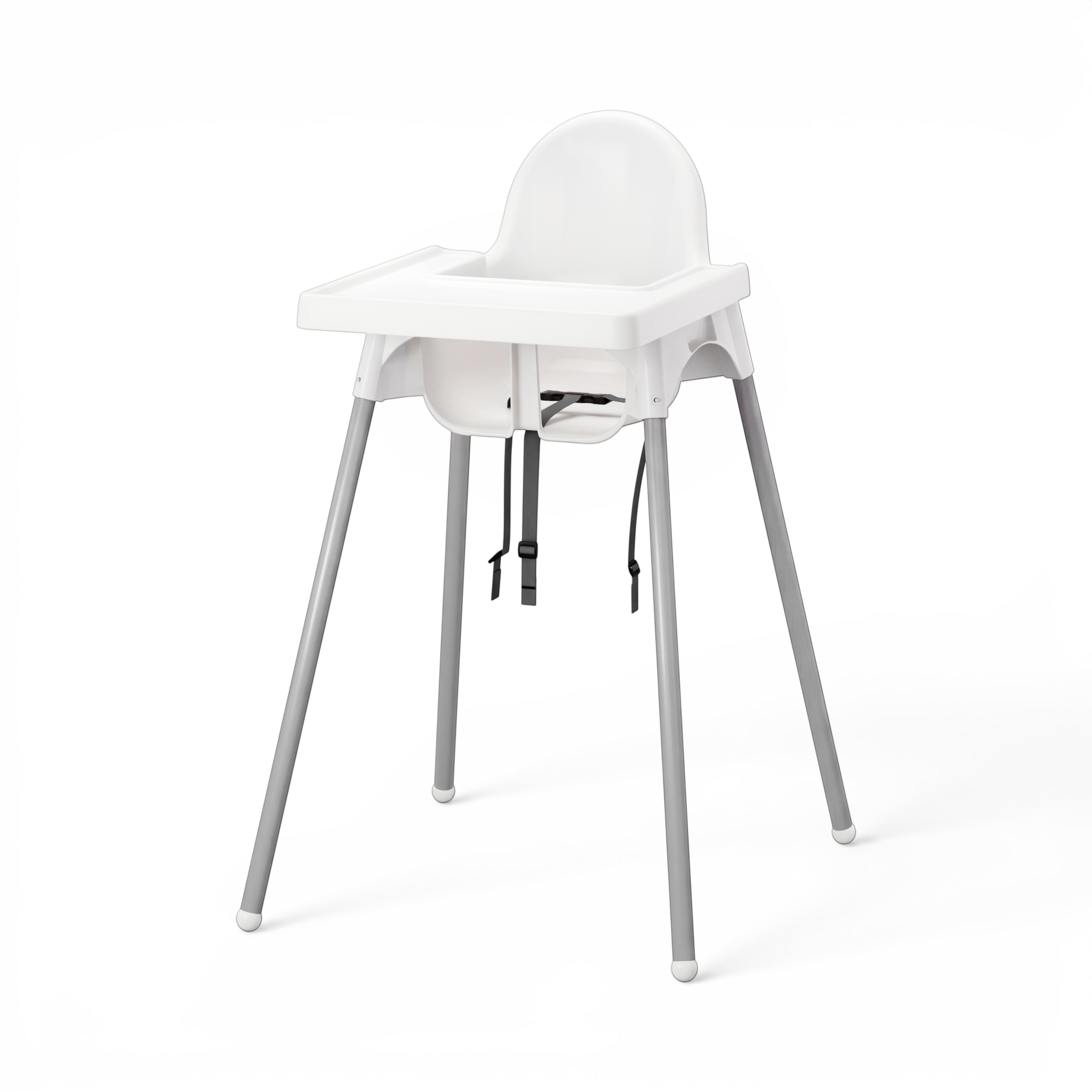
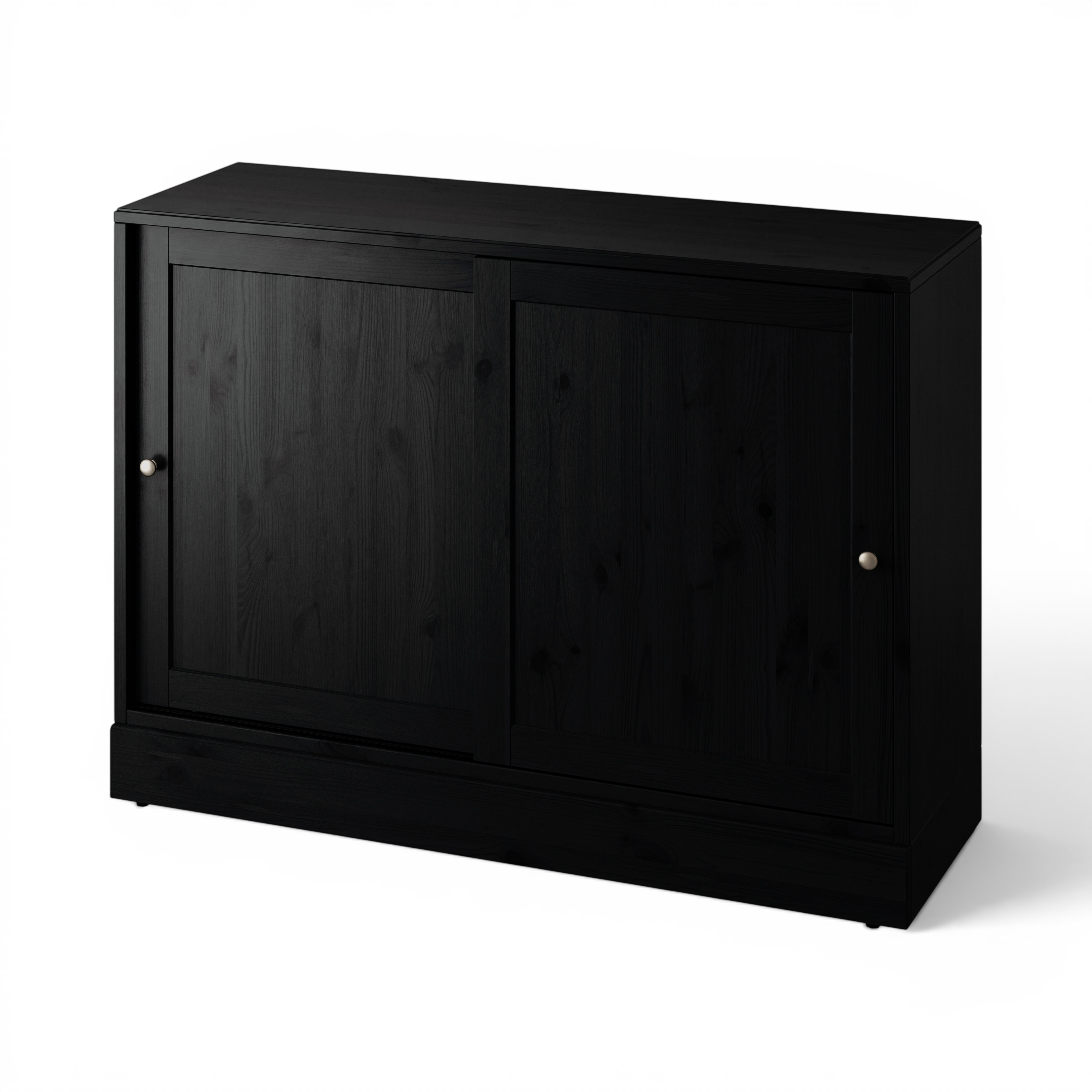
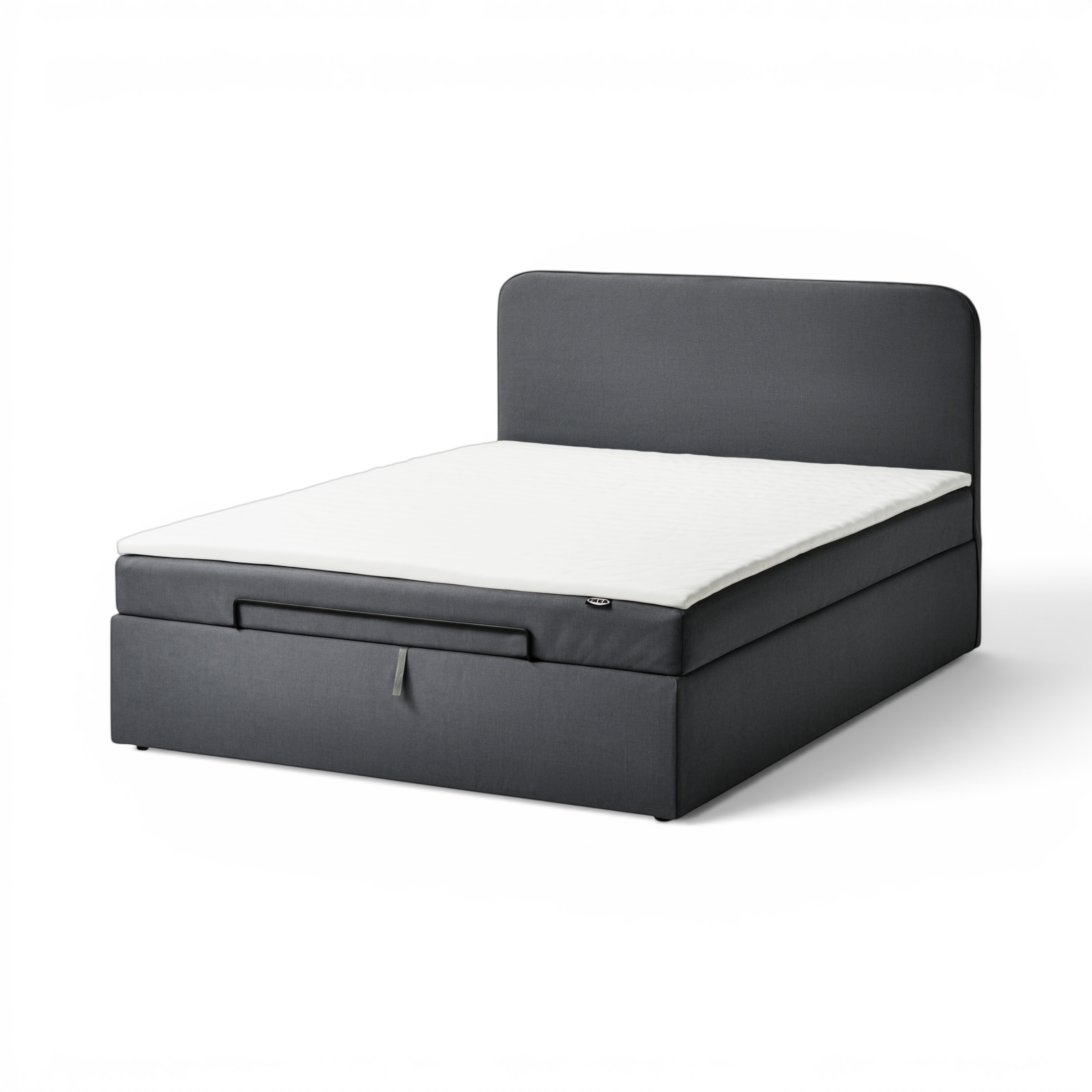
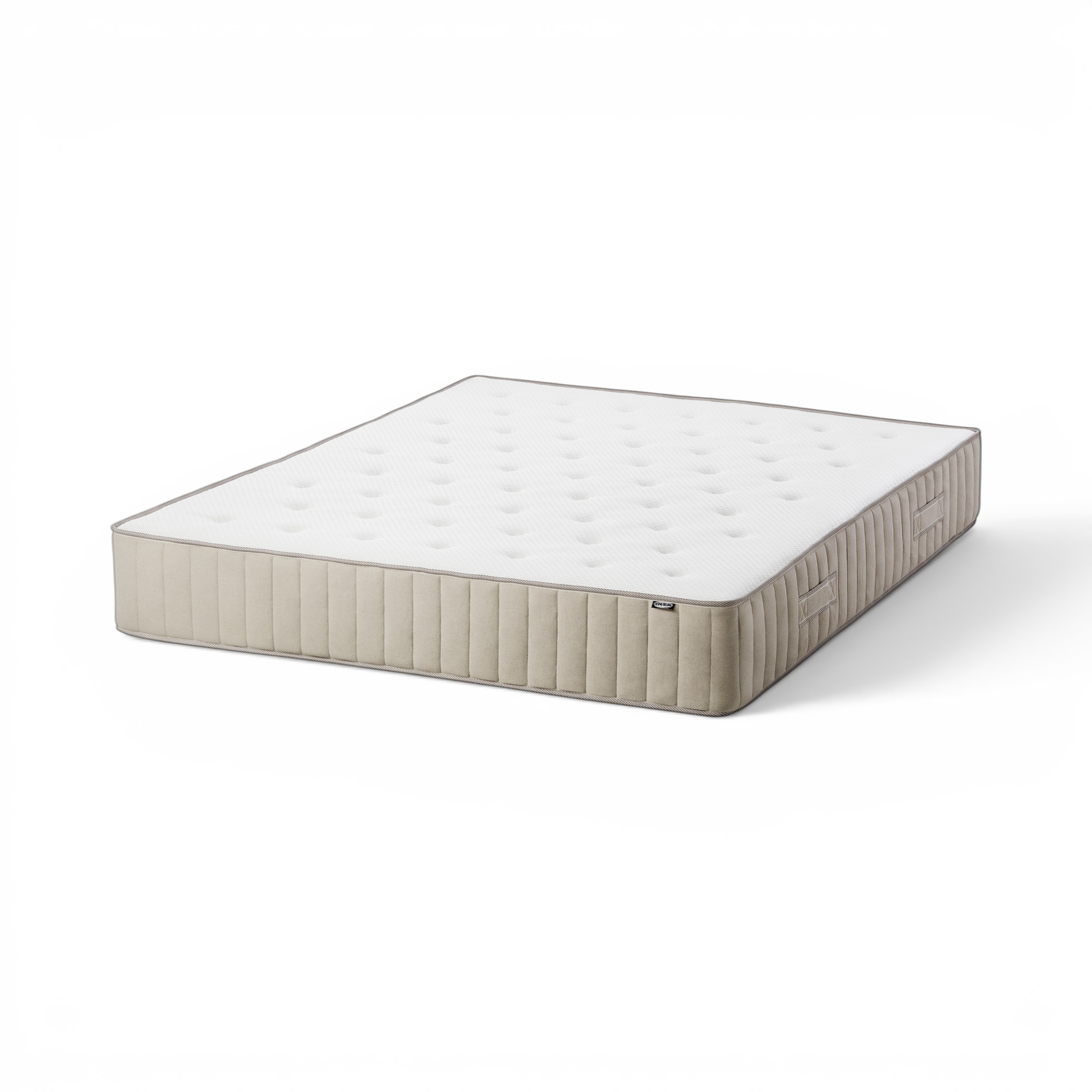
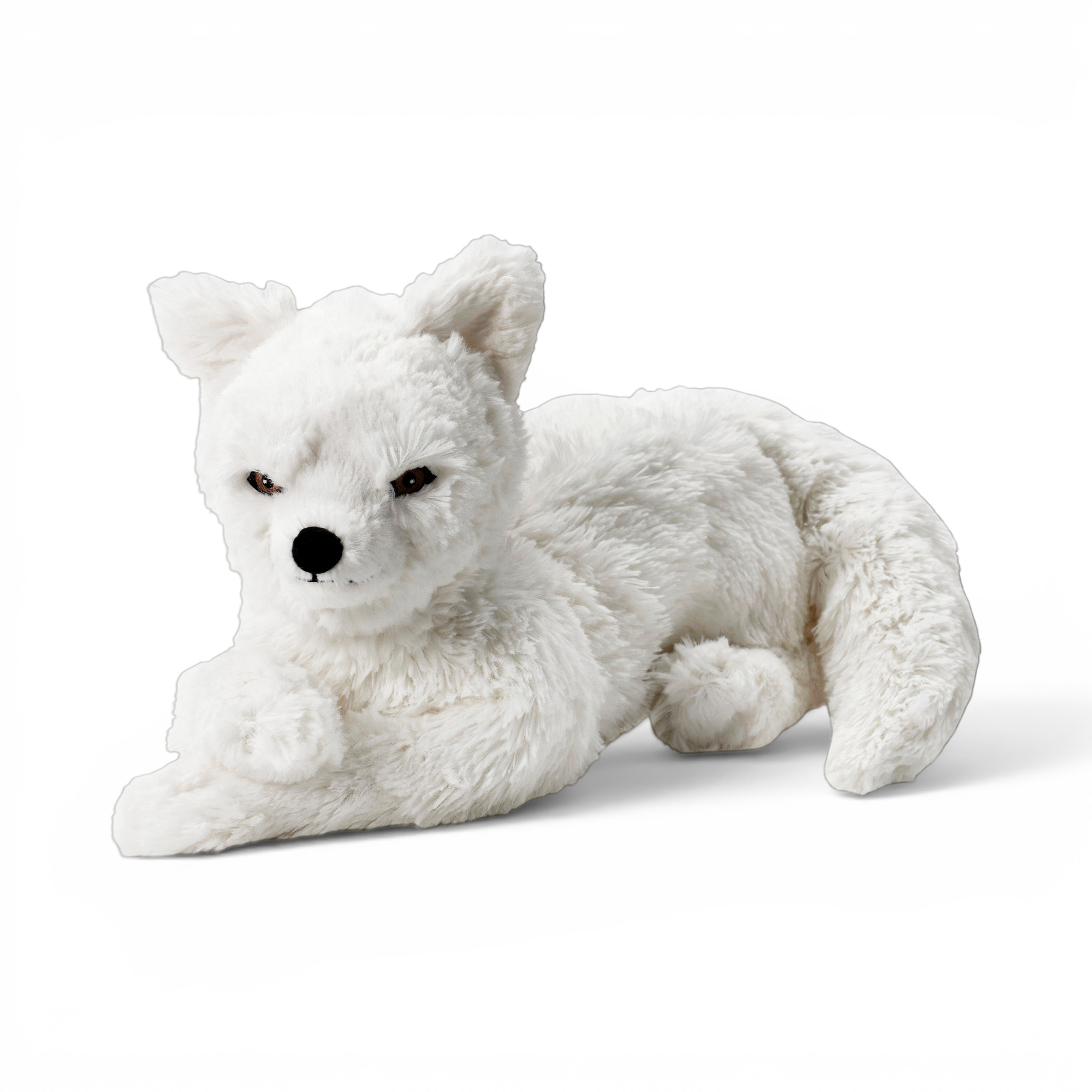
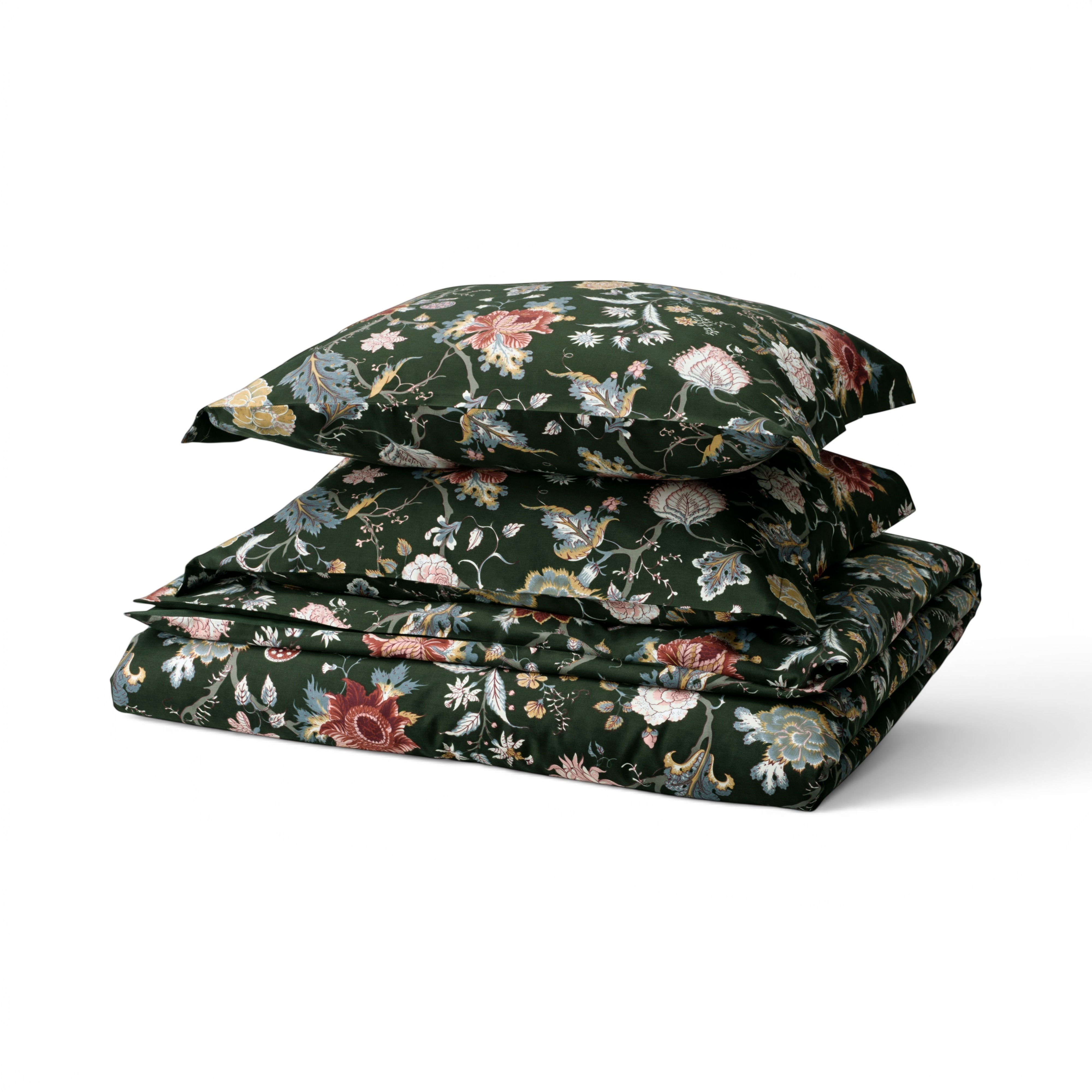
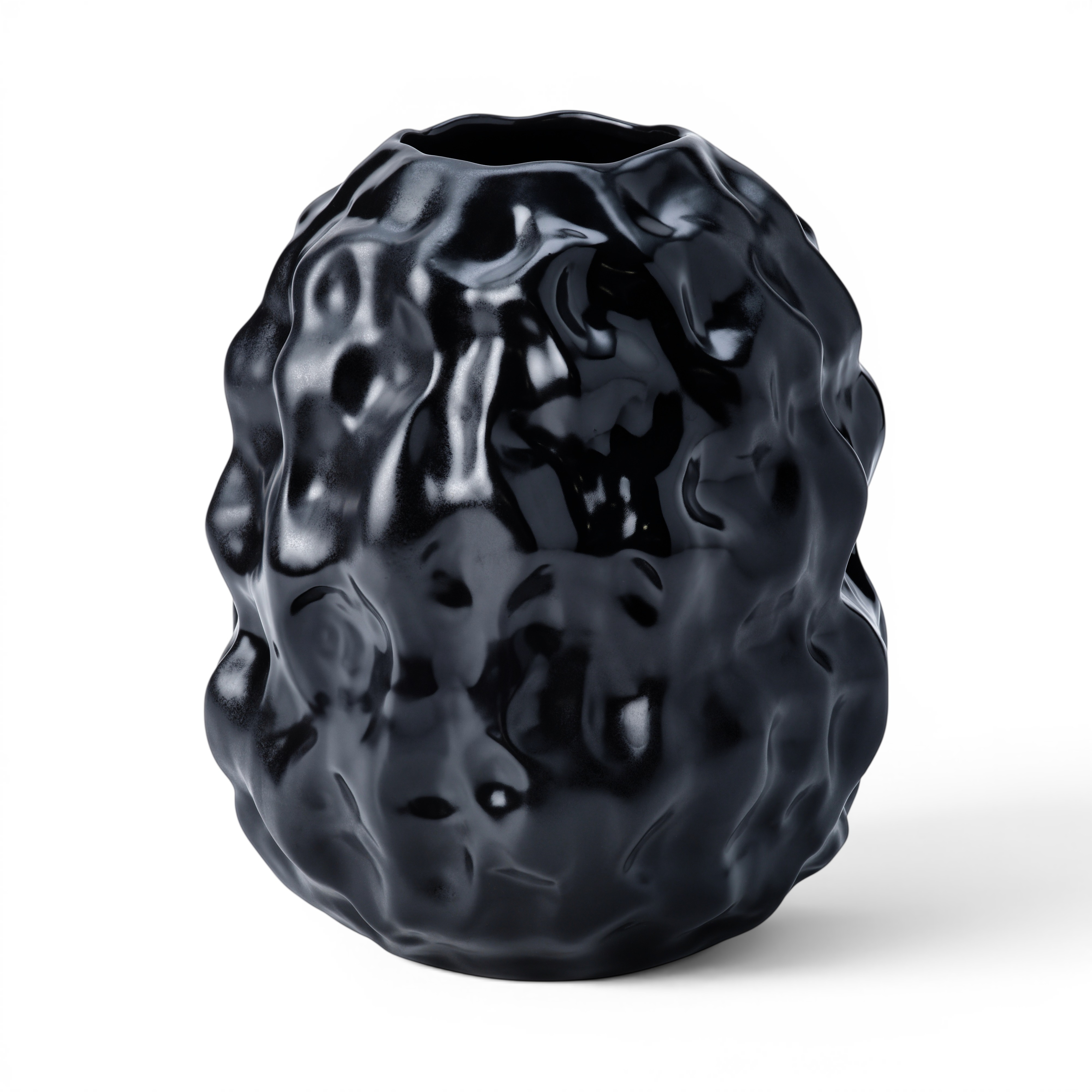
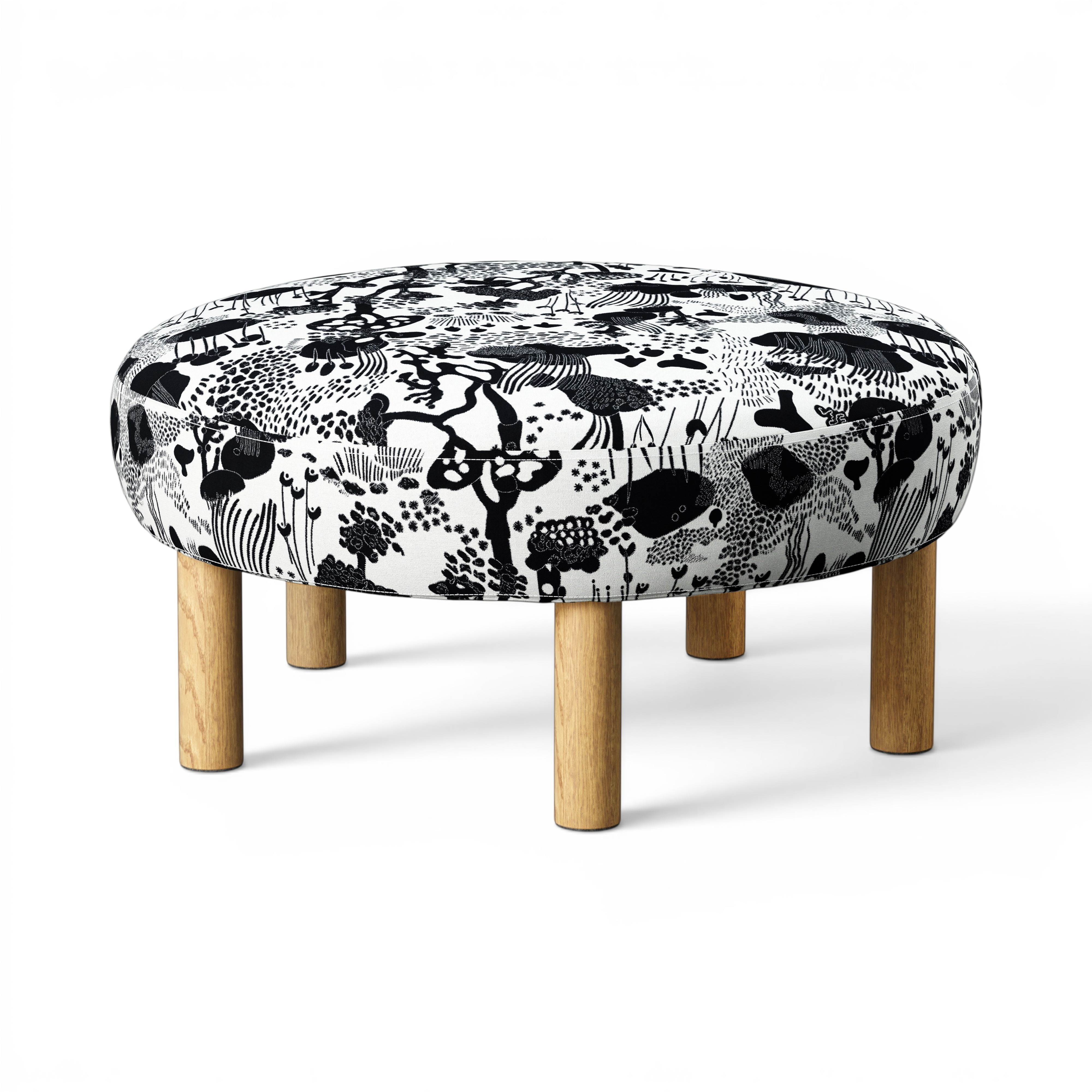
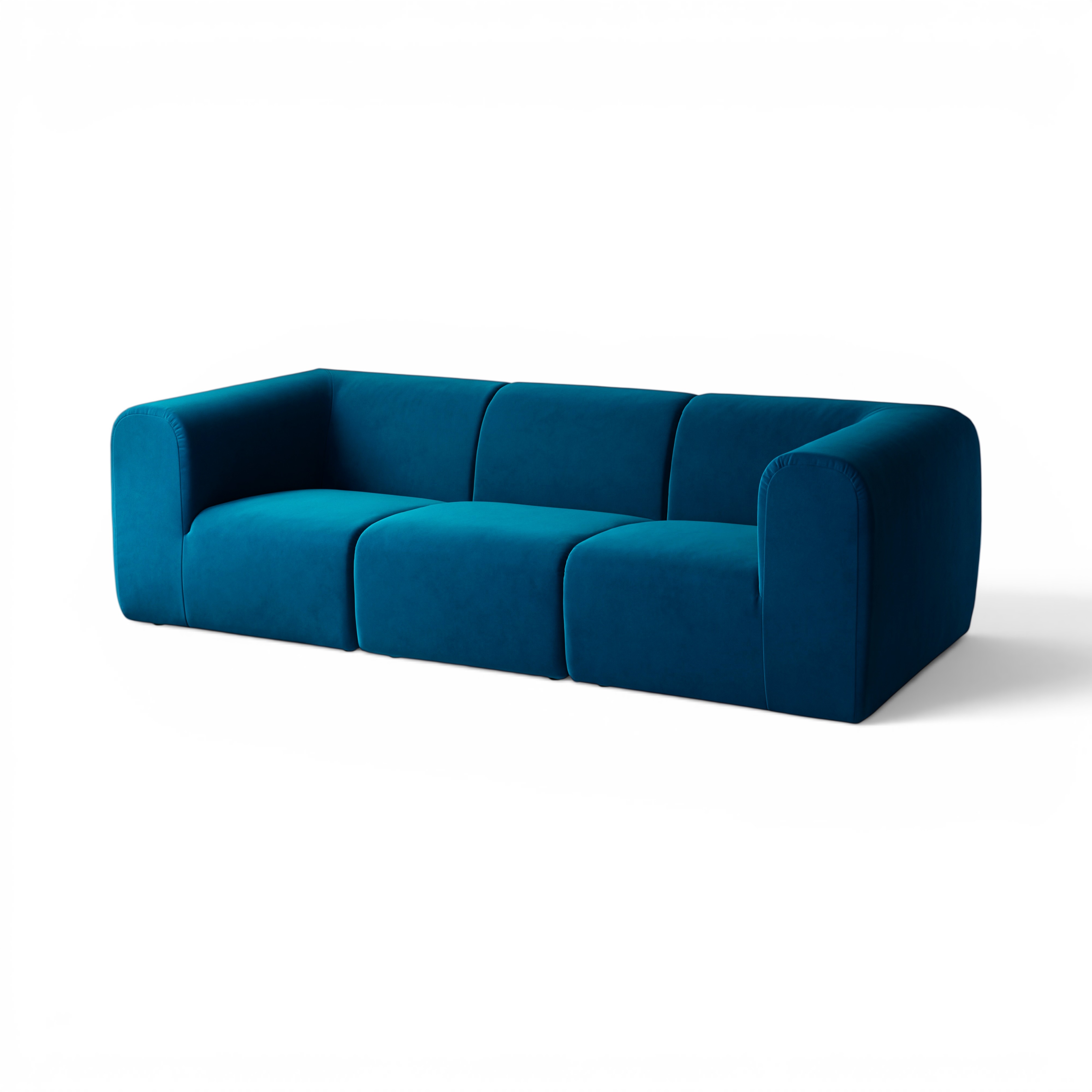
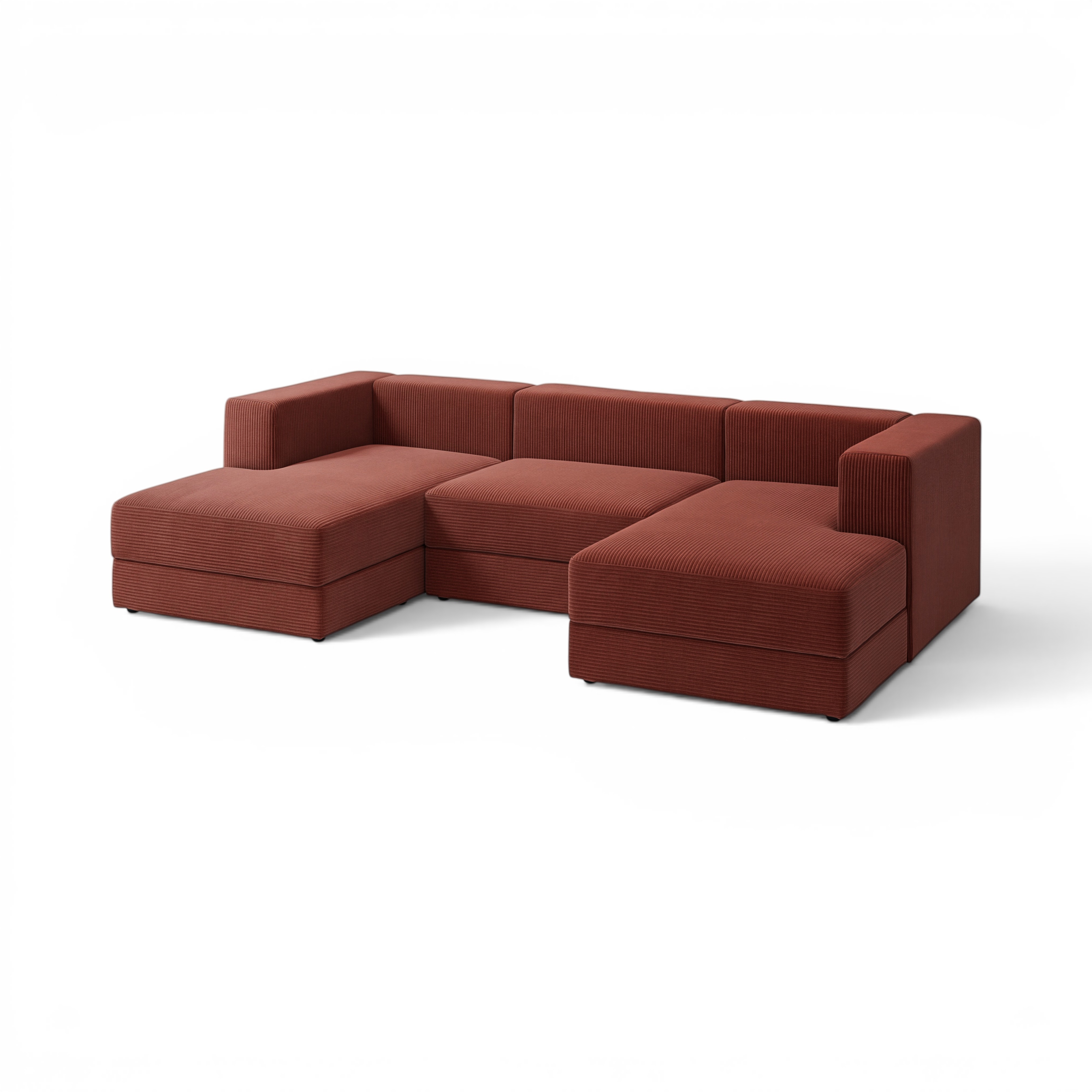
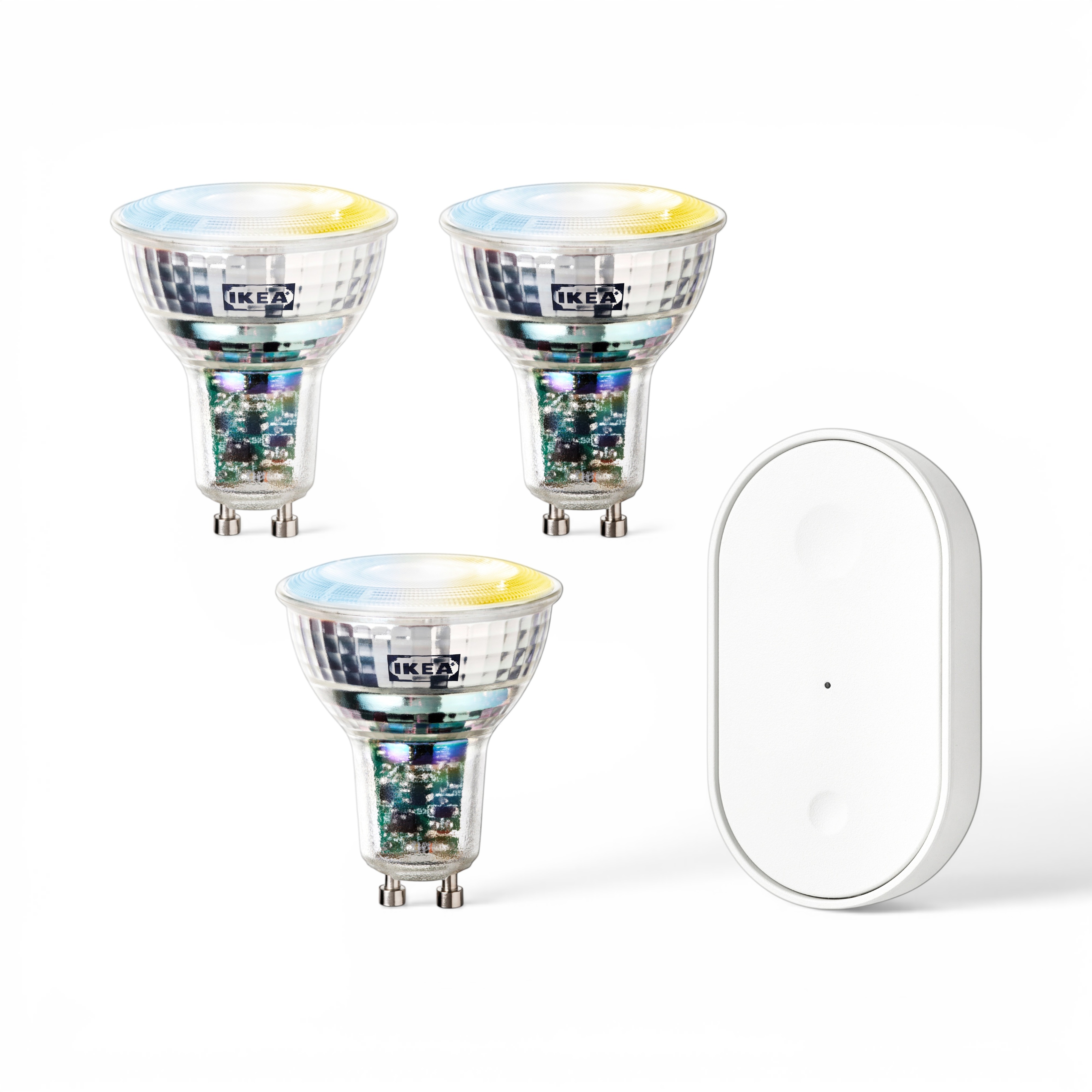
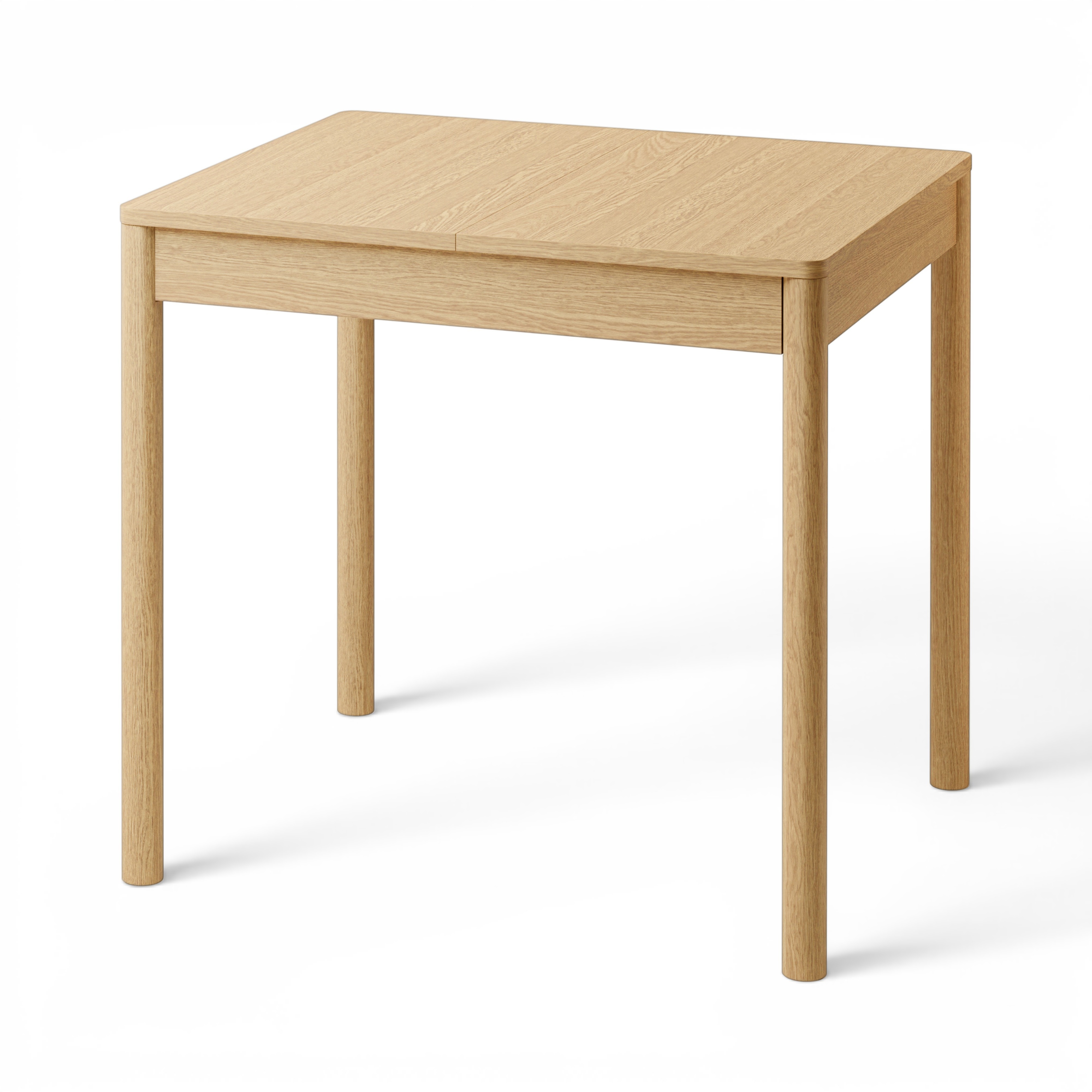
We also tried 3D from a Gaussian splat (Freepik)
We tested Freepik's Gaussian splat → 3D render path as an alternative to all of the above. The idea is to reconstruct the product as a 3D asset and re-render it under any lighting/camera setup we want. In principle that solves both shadow geometry and relighting in one stage.
In practice the detail loss is severe:
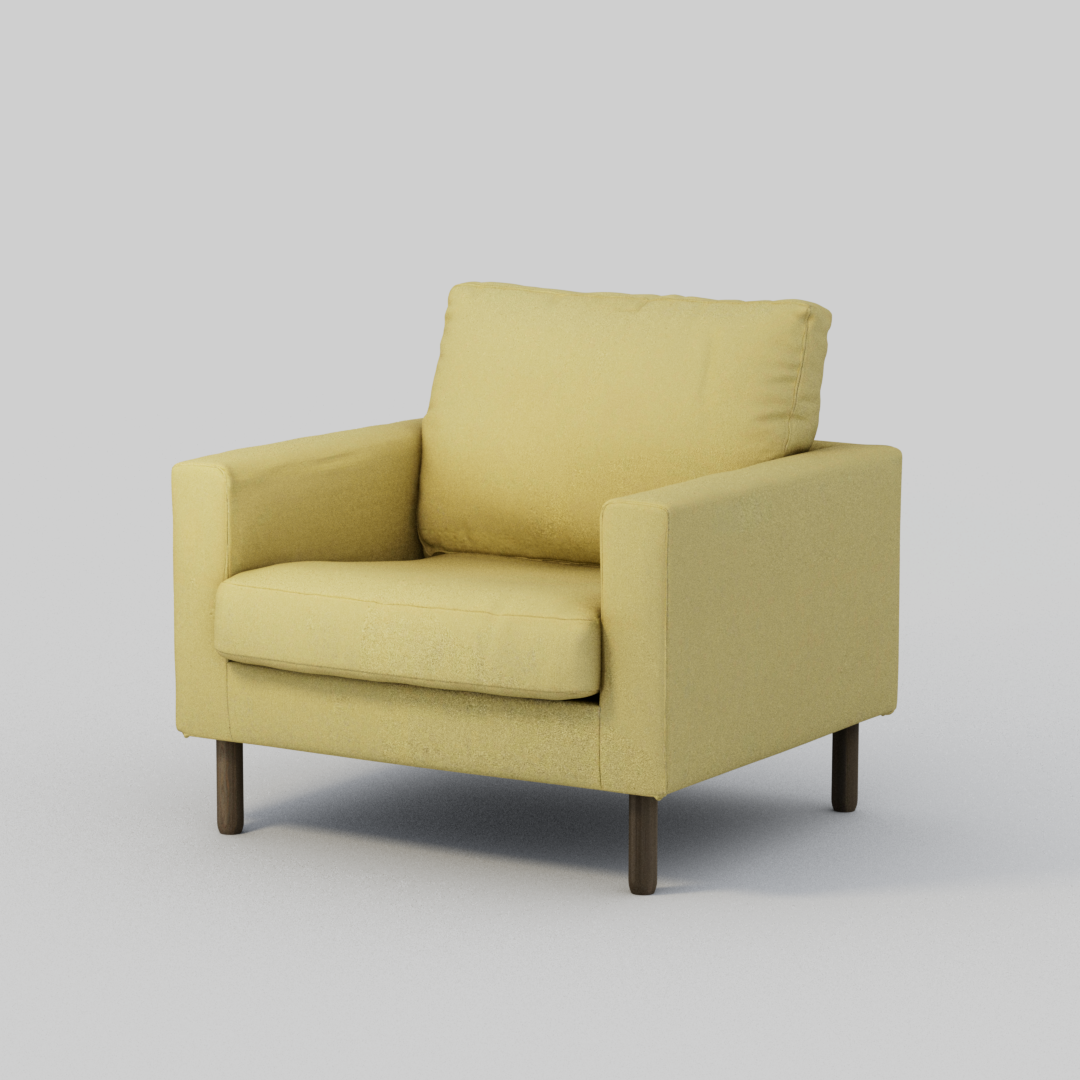
Compare to the original Photoroom shadow output for the same product:
The fabric weave, seam stitching, wood grain — the things the brief explicitly calls out as a hard fail when degraded — are smoothed away in the 3D render. The splat-derived geometry captures the silhouette and overall form but not surface detail.
Useful for: lighting/camera flexibility, hero shots where small detail loss is acceptable. Not useful for: the brief's catalog-fidelity bar. The 100% texture-preservation requirement rules this out as the primary pipeline.